Appliance.io Updates & Improvements
Settings
August 11, 2026
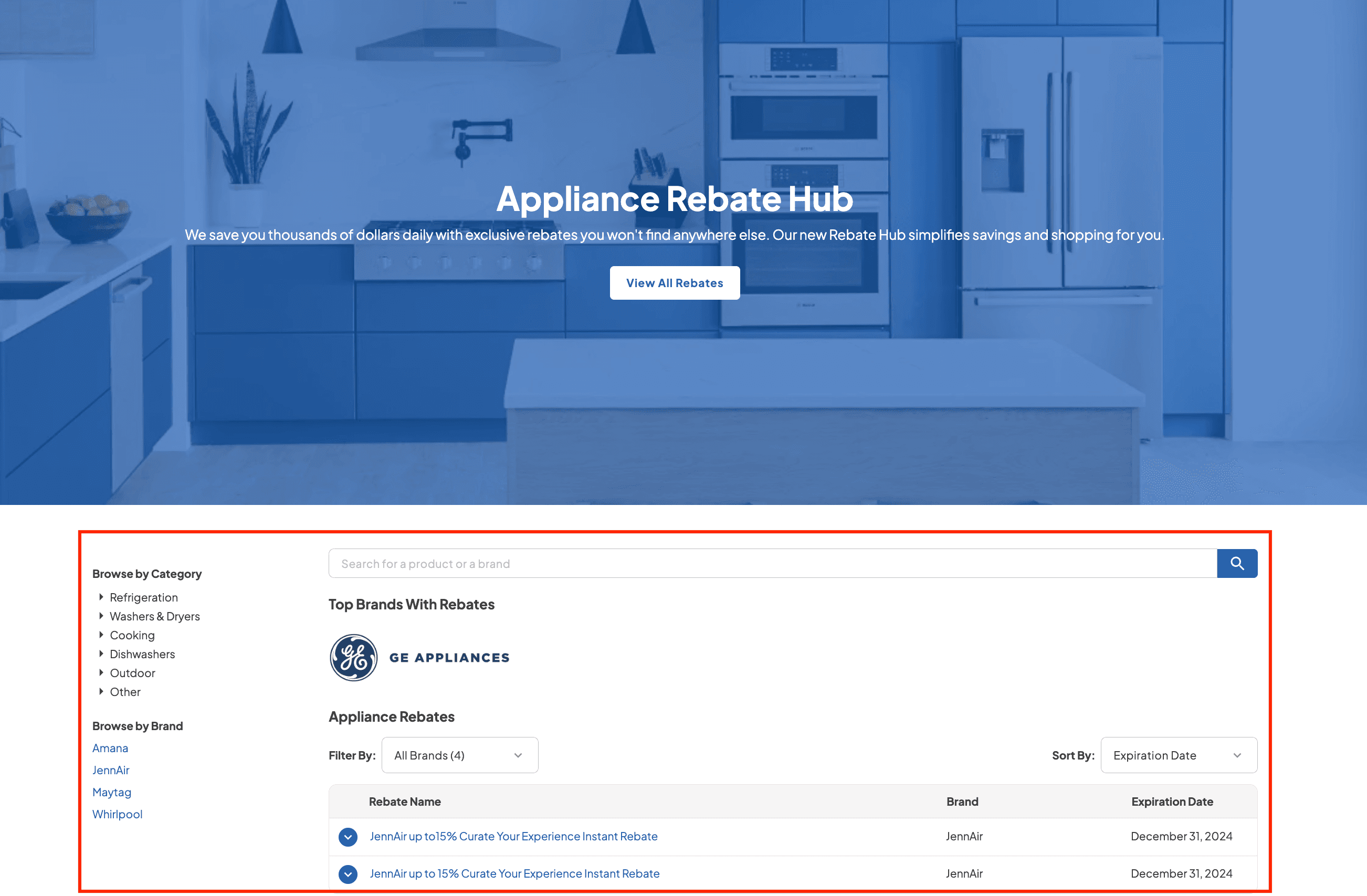
Rebate Home Page
Customers can browse and search products and brands with rebates from one dedicated page. This is the first phase of the Rebates feature.


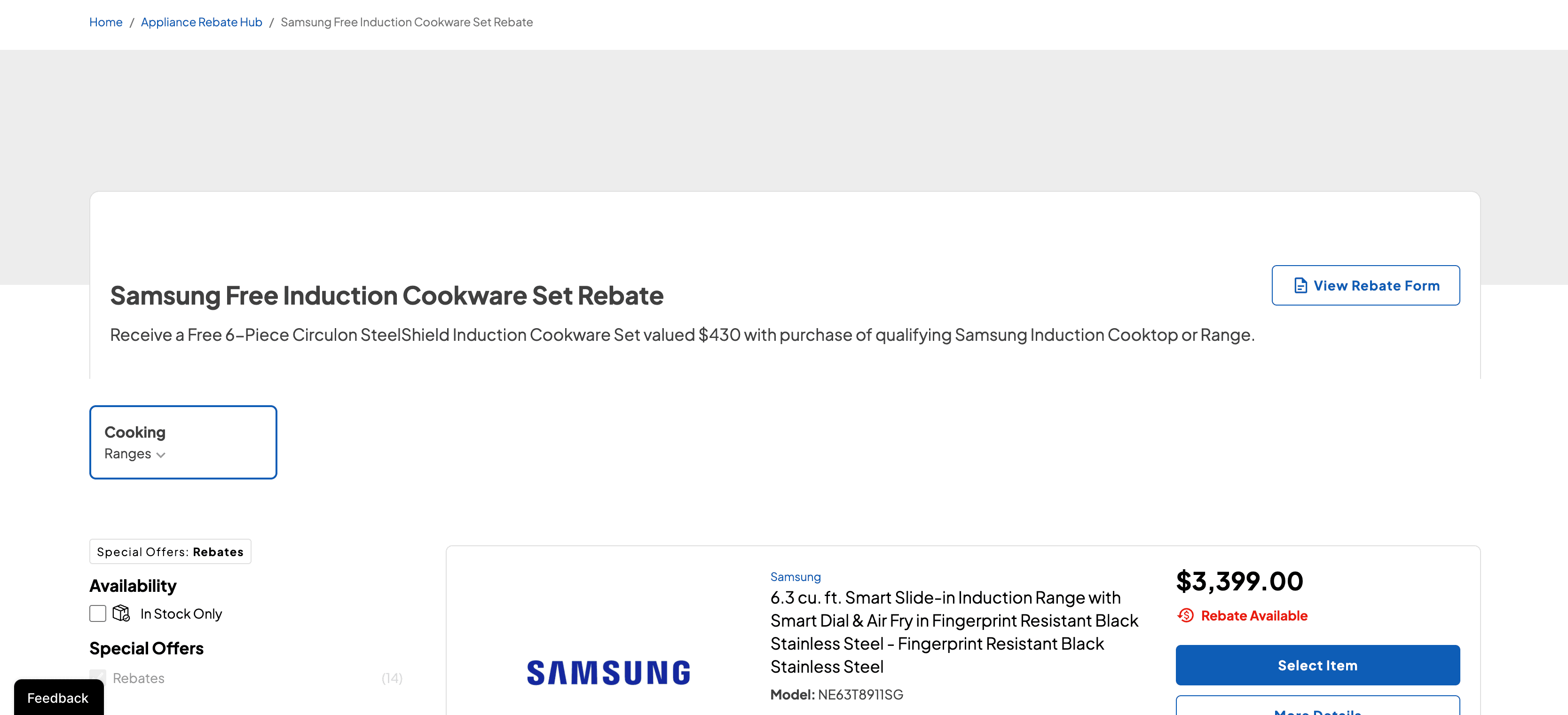
Rebate Package Builder
Customers can build a package from SKUs that meet rebate requirements and add it to the cart. Open it from the Rebate Homepage or from Current Rebates on a product page.
Starting a new package replaces the previous one that was not added to the cart, and switching categories resets filters.
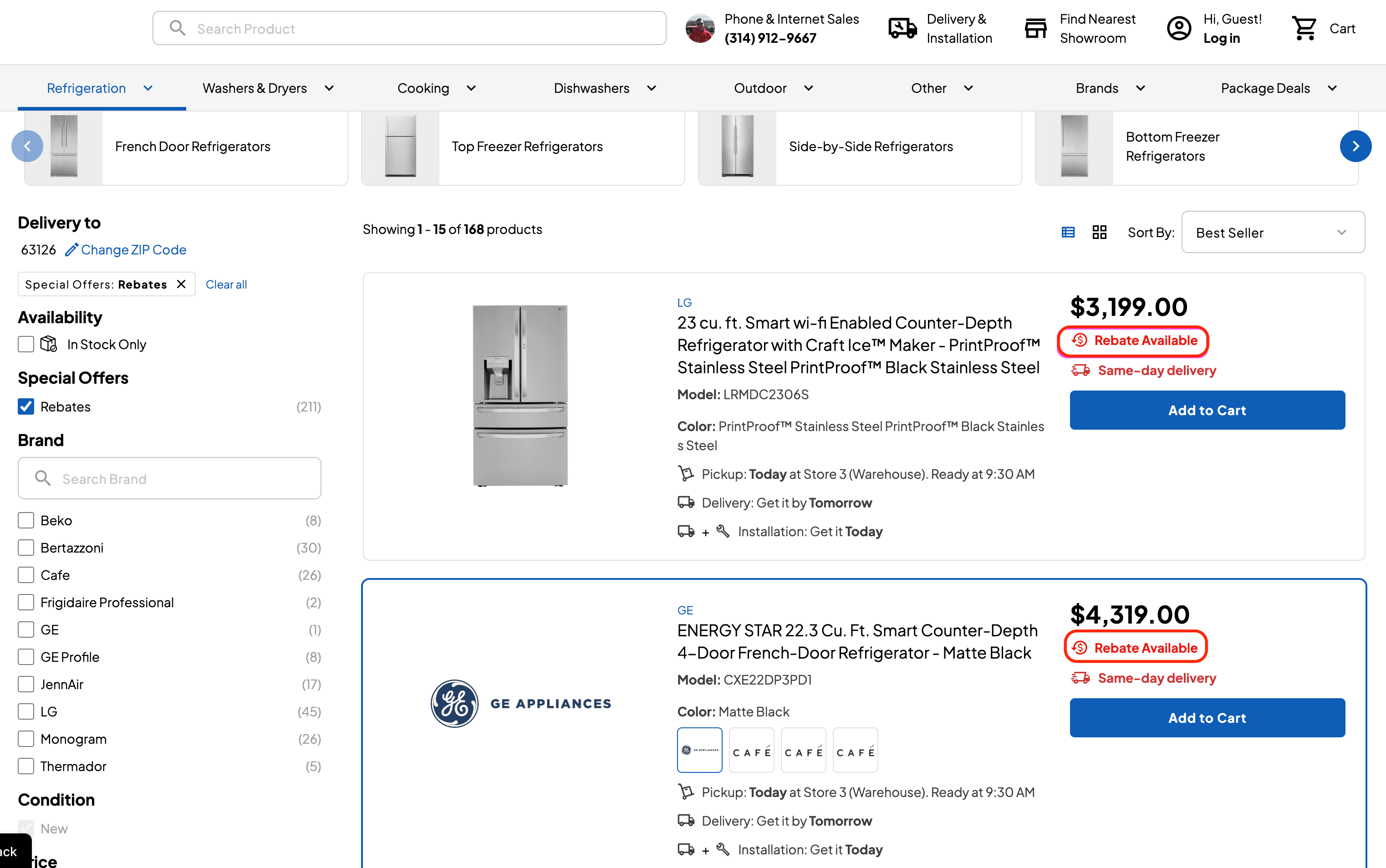
Rebates on the Product List
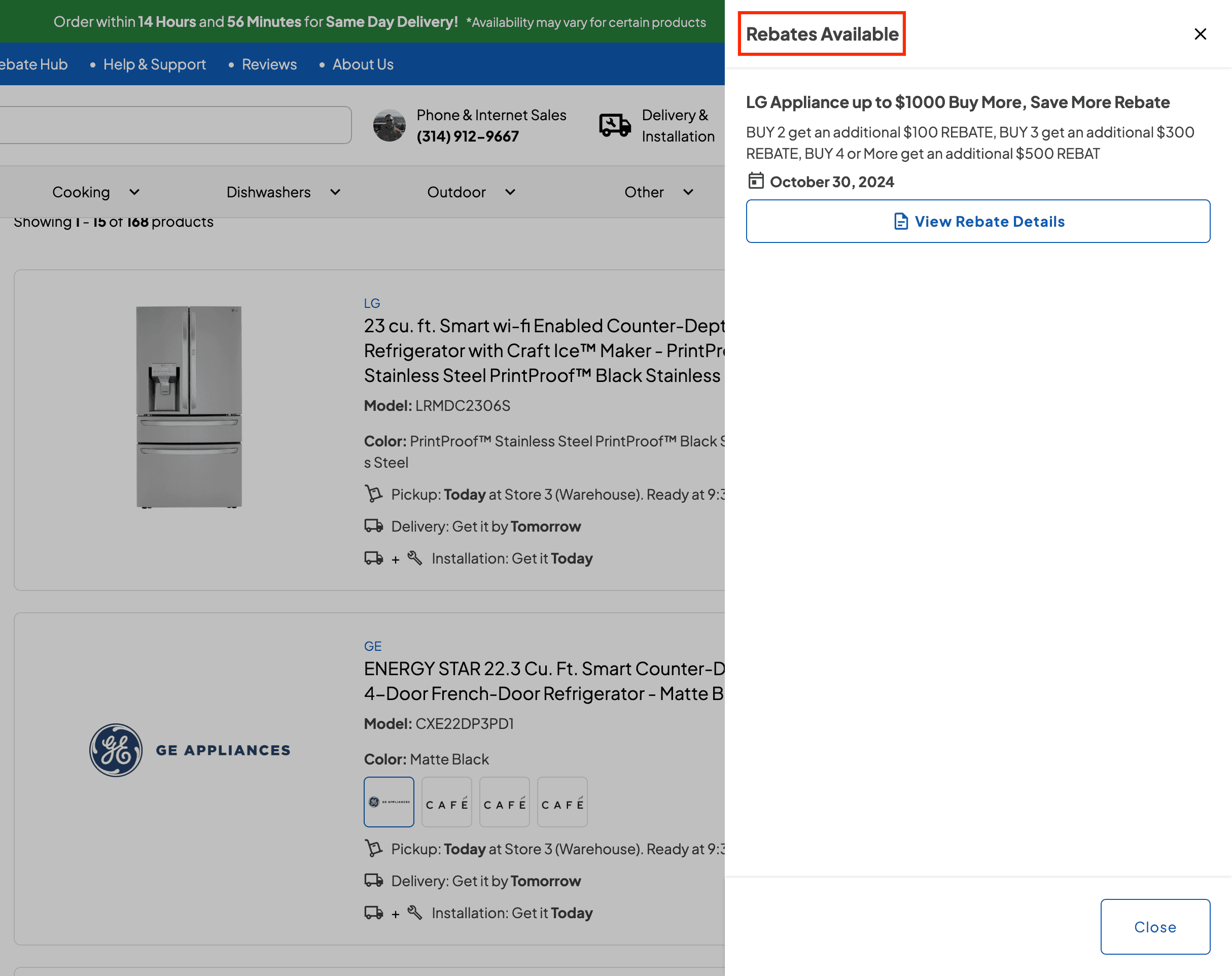
Products with active rebates show a clickable Rebates Available badge that opens the rebate details. A new Special Offers filter shows only products with active rebates.
Rebates on the Product Page
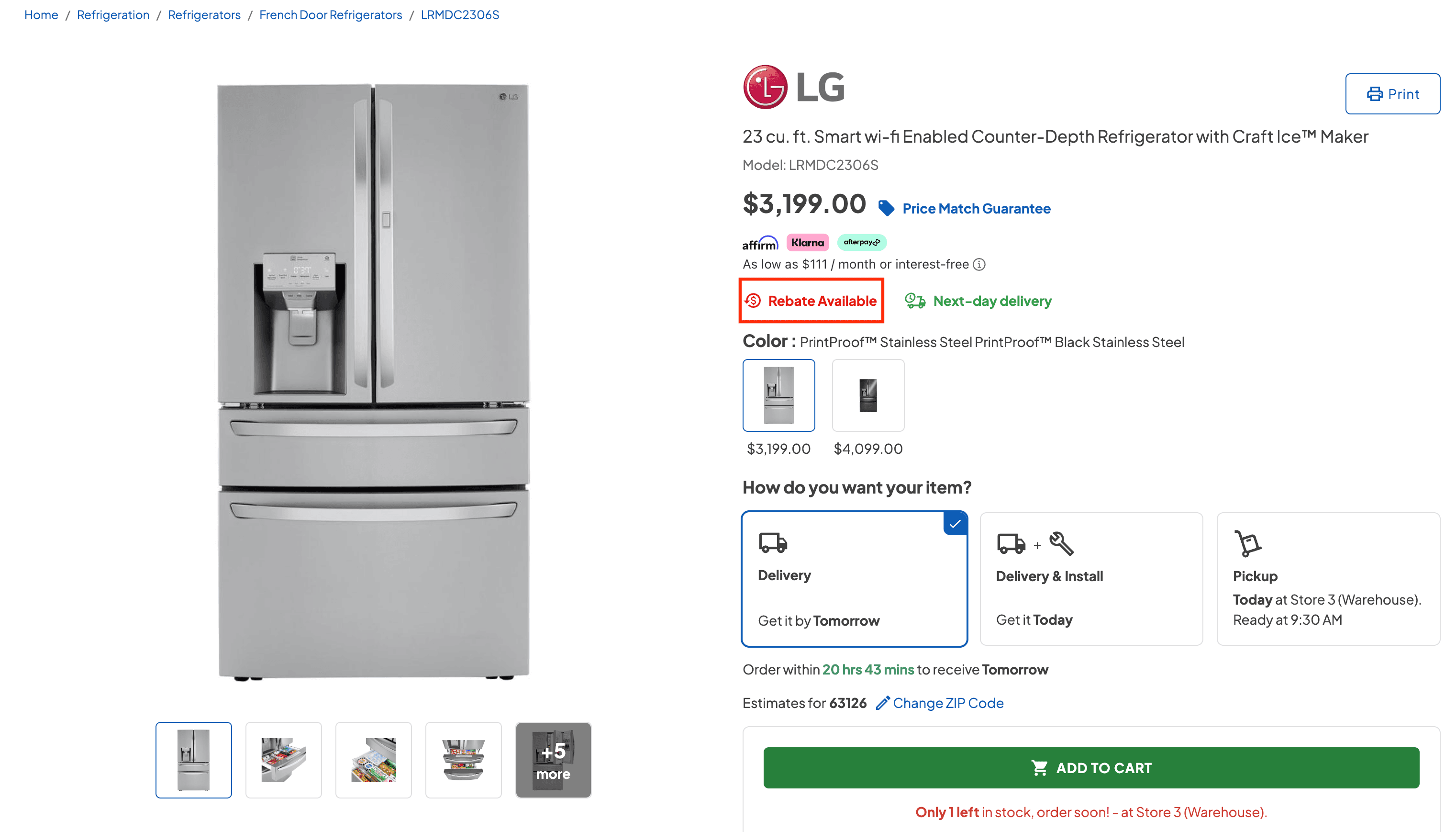
Product pages show the Rebates Available badge and a Current Rebates section with each rebate’s expiry date. Customers can view the rebate details PDF or start building a rebate package.
Expired rebates are removed automatically.