Why Connect PriMetrix with Appliance.io
PriMetrix links with your POS data to provide advanced sales reporting and analytics. When connected to Appliance.io, it transforms raw sales data into trends, performance insights, and historical context that help guide business decisions.
Complete Sales Visibility
PriMetrix captures full sales history, including returns and cancellations, to give you a complete picture of performance.
Trend and Pattern Analysis
Analyze sales trends, customer behavior, and delivery patterns over time for deeper insight into your business.
Dual Date Tracking
PriMetrix tracks both written sales and delivered sales to help you understand performance at each stage of the customer journey.
How PriMetrix Works Inside Appliance.io
Once enabled, PriMetrix receives sales datasets from Appliance.io’s POS. You switch the integration on and share credentials with your PriMetrix team to begin sending structured data for analysis.

What PriMetrix Integration Unlocks
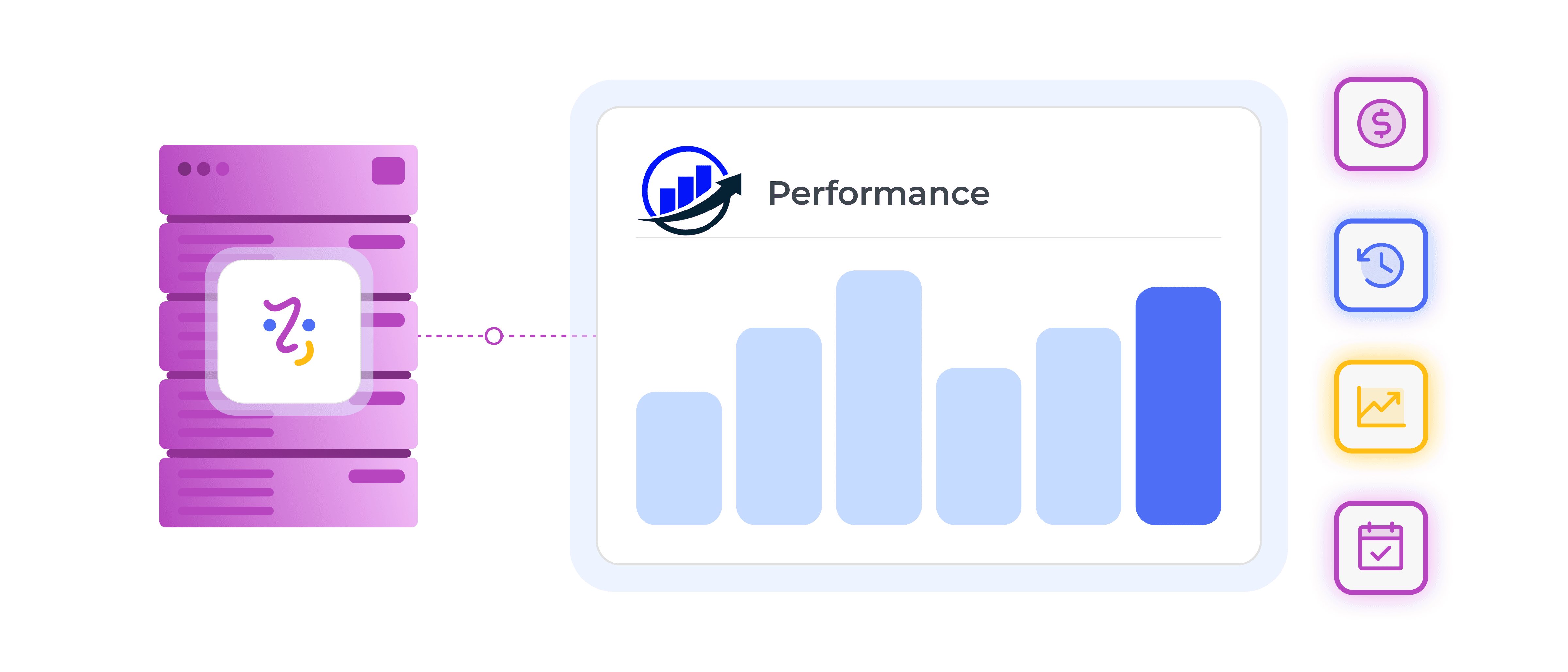
With PriMetrix connected, your Appliance.io sales data feeds into an advanced analytics platform that helps you analyze performance, spot patterns, and make data-backed decisions.
Dual Sales Views
PriMetrix tracks both written and delivered sales, giving flexible perspectives on performance.
Complete History Reporting
Every transaction, including returns and cancellations, is tracked to provide a complete performance record.
Trend and Pattern Insights
Spot customer behavior trends and delivery patterns to guide planning and strategy.
Precise Date Tracking
PriMetrix separates order dates from delivery dates to support more precise business analysis.