
What You Can Expect with
Appliance.io + ADC
Bring ADC product access, rebates, and buying tools directly into your Appliance.io workflows.
Expanded Product Access
Browse and purchase from ADC’s catalog directly within your connected workflows.
Smarter Buying Decisions
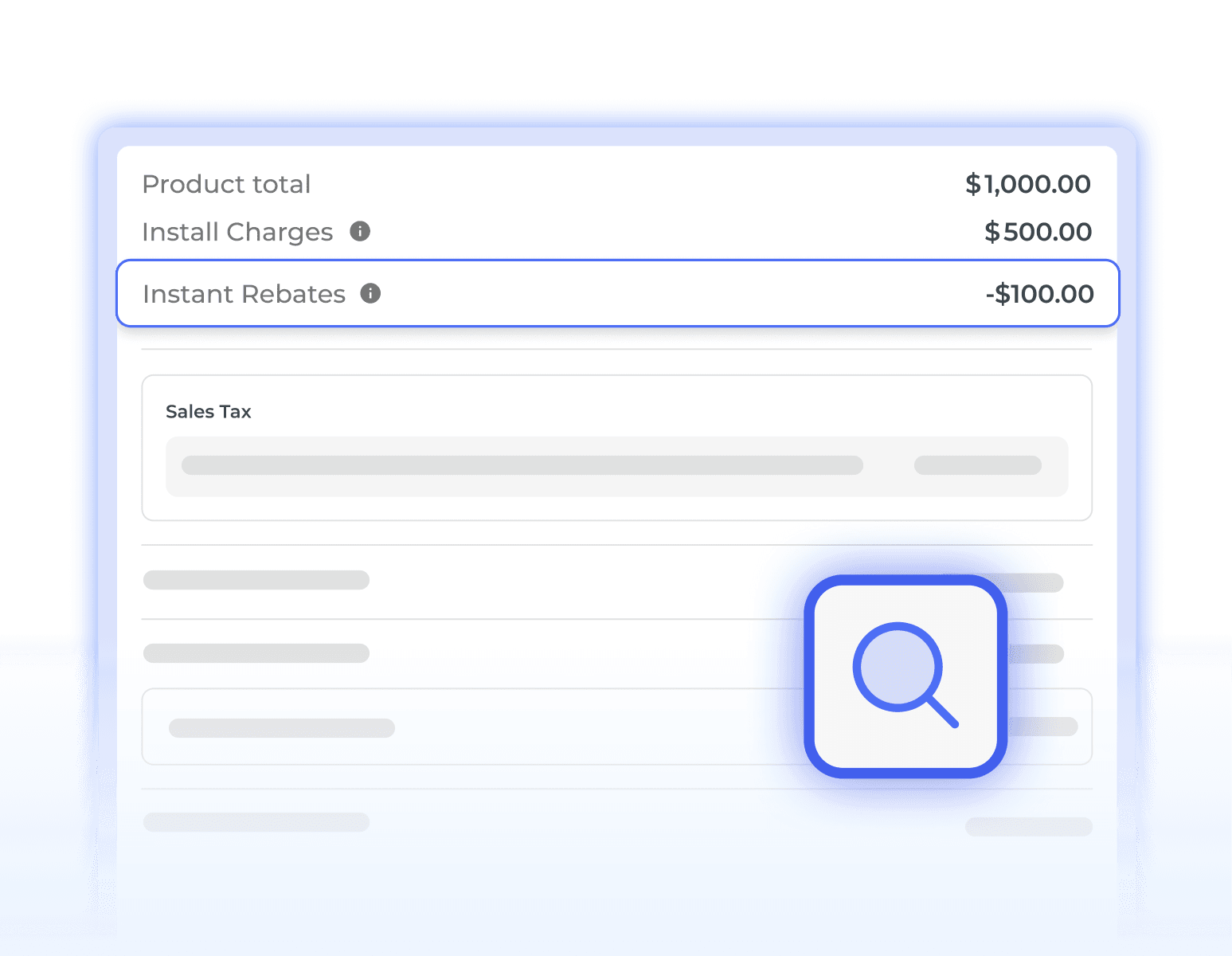
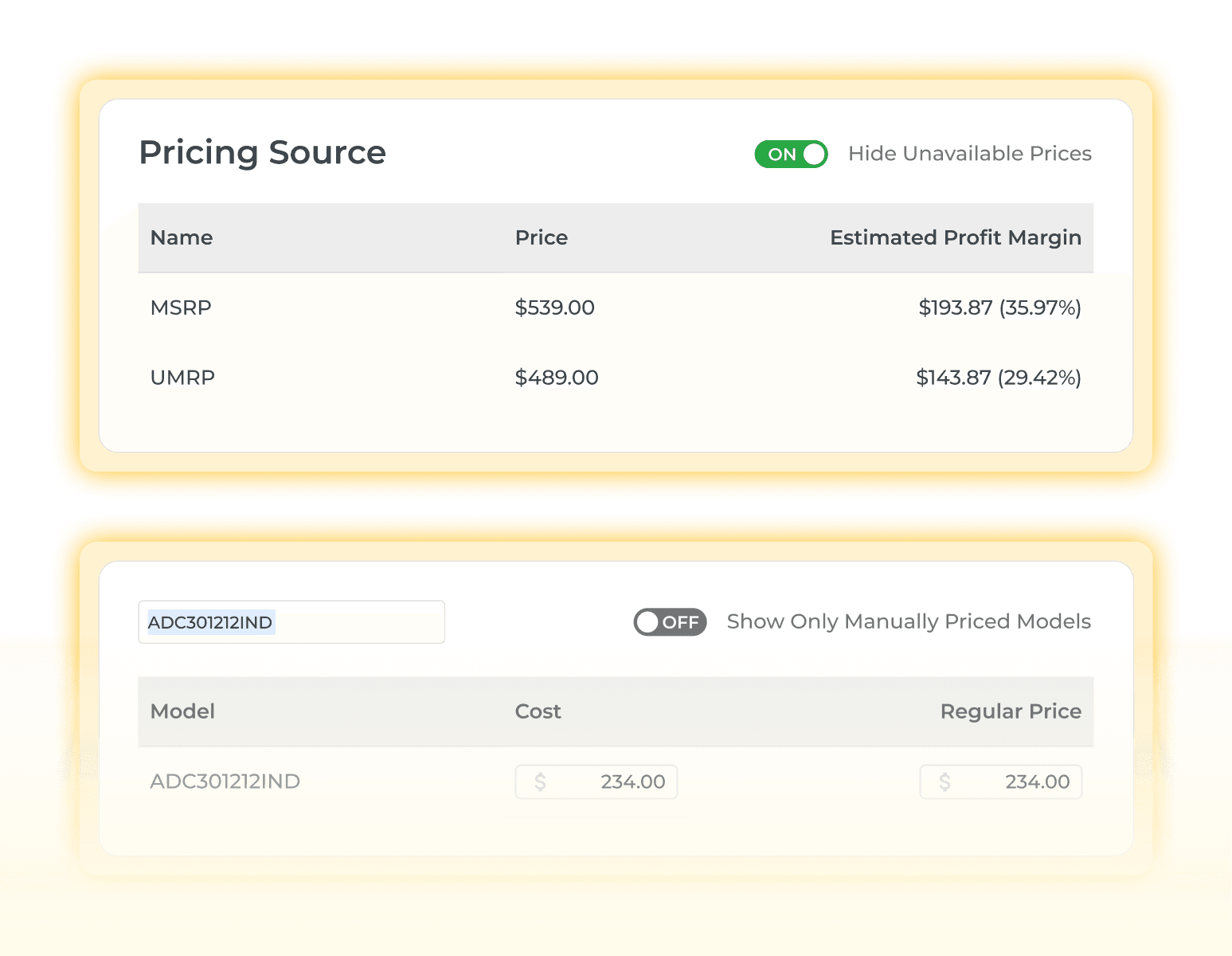
Access ADC’s exclusive rebate programs and pricing tools to support margin visibility and more informed purchasing.
Business Tools in One Place
Combine ADC’s dealer support programs with Appliance.io to streamline operational processes in a single platform
How ADC Works Inside Appliance.io
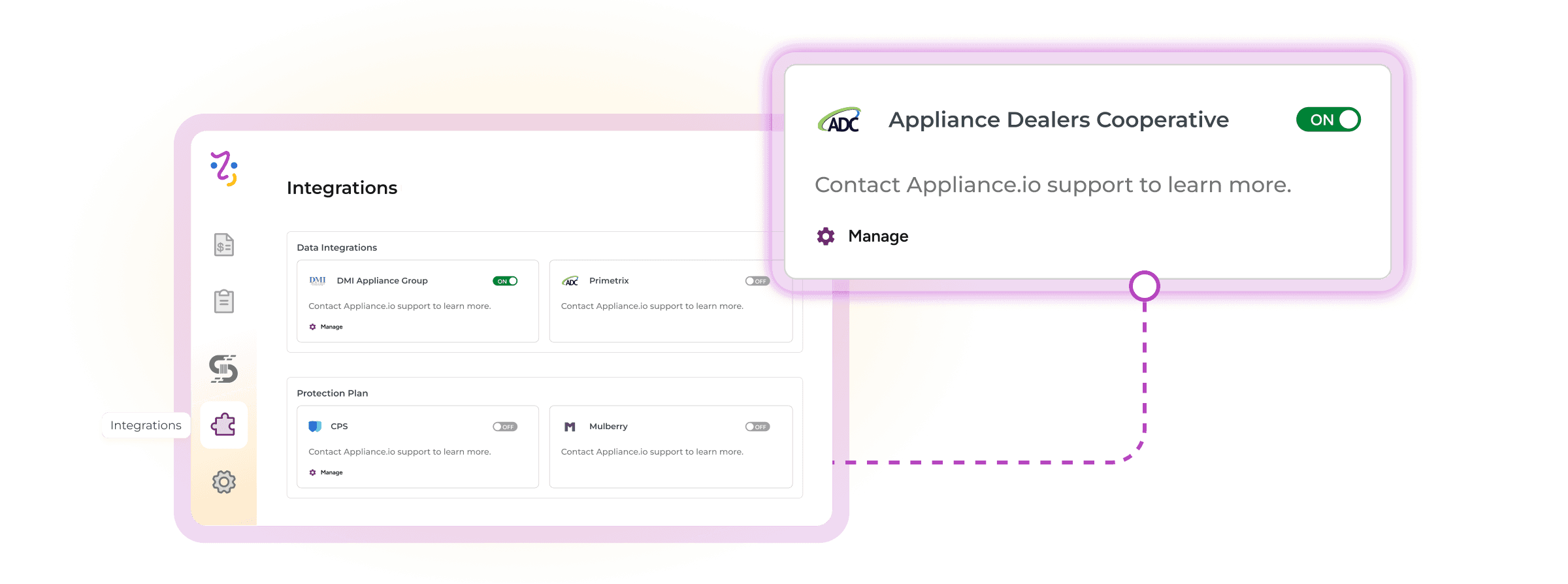
Once you enable ADC, your catalog stays synchronized with the latest product data and UPC standards.
What the ADC Integration Unlocks
ADC connects product access, rebate visibility, and dealer tools directly into Appliance.io workflows.

What You Need Before Connecting ADC
Make sure these requirements are in place before enabling the ADC integration.
Active ADC Membership
Only users with admin-level permissions can turn on ADC and manage catalog settings.
Integration Access in Appliance.io
Your Appliance.io workspace must include integration capabilities to connect with ADC.
Admin Permissions
Only users with admin-level permissions can turn on ADC and manage catalog settings.