Why Connect DMI with Appliance.io
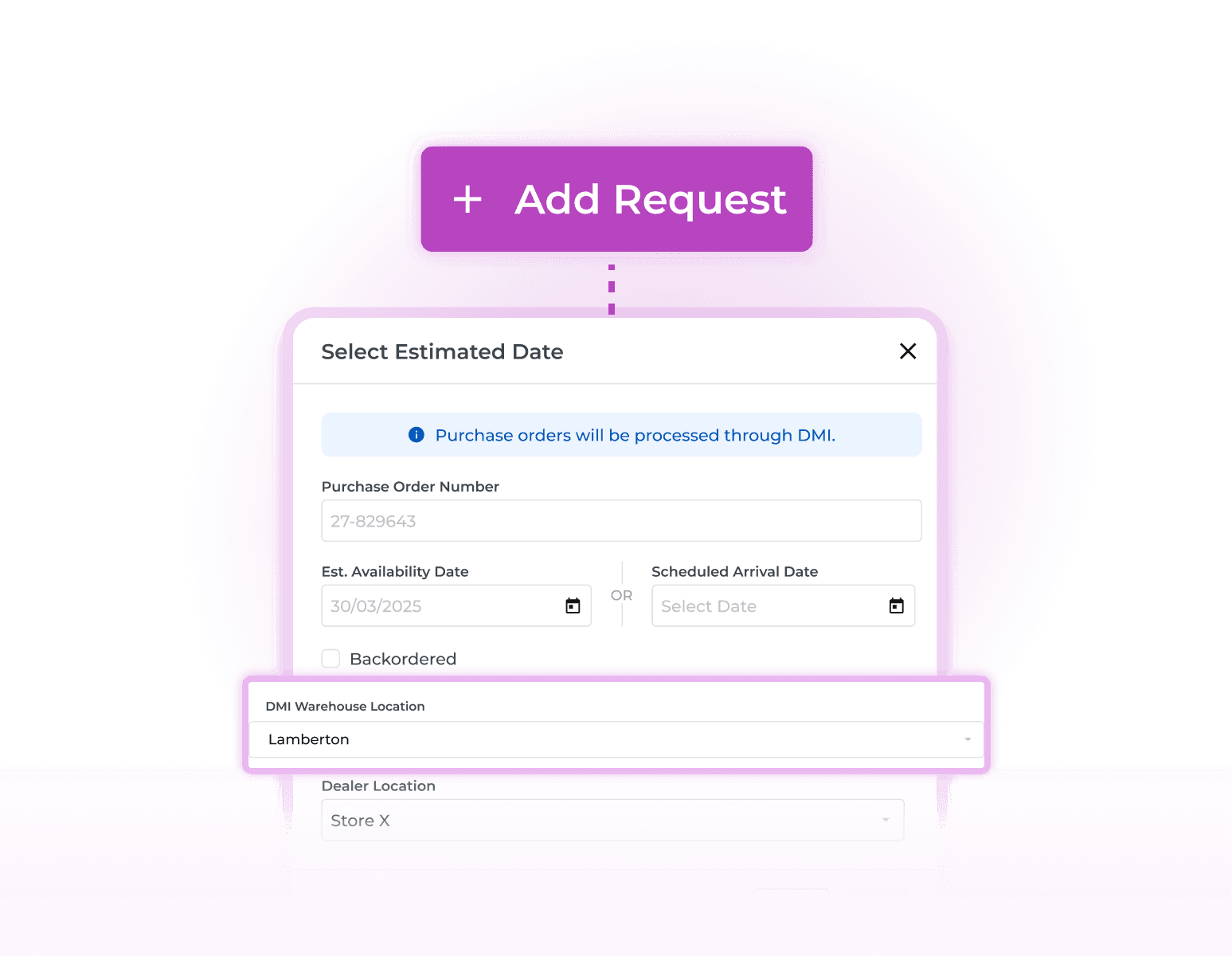
DMI extends sourcing beyond your local inventory. Access warehouse stock and create purchase orders inside Appliance.io, without switching systems. See how Appliance.io works for dealers who buy through distributors.
How DMI Works Inside Appliance.io
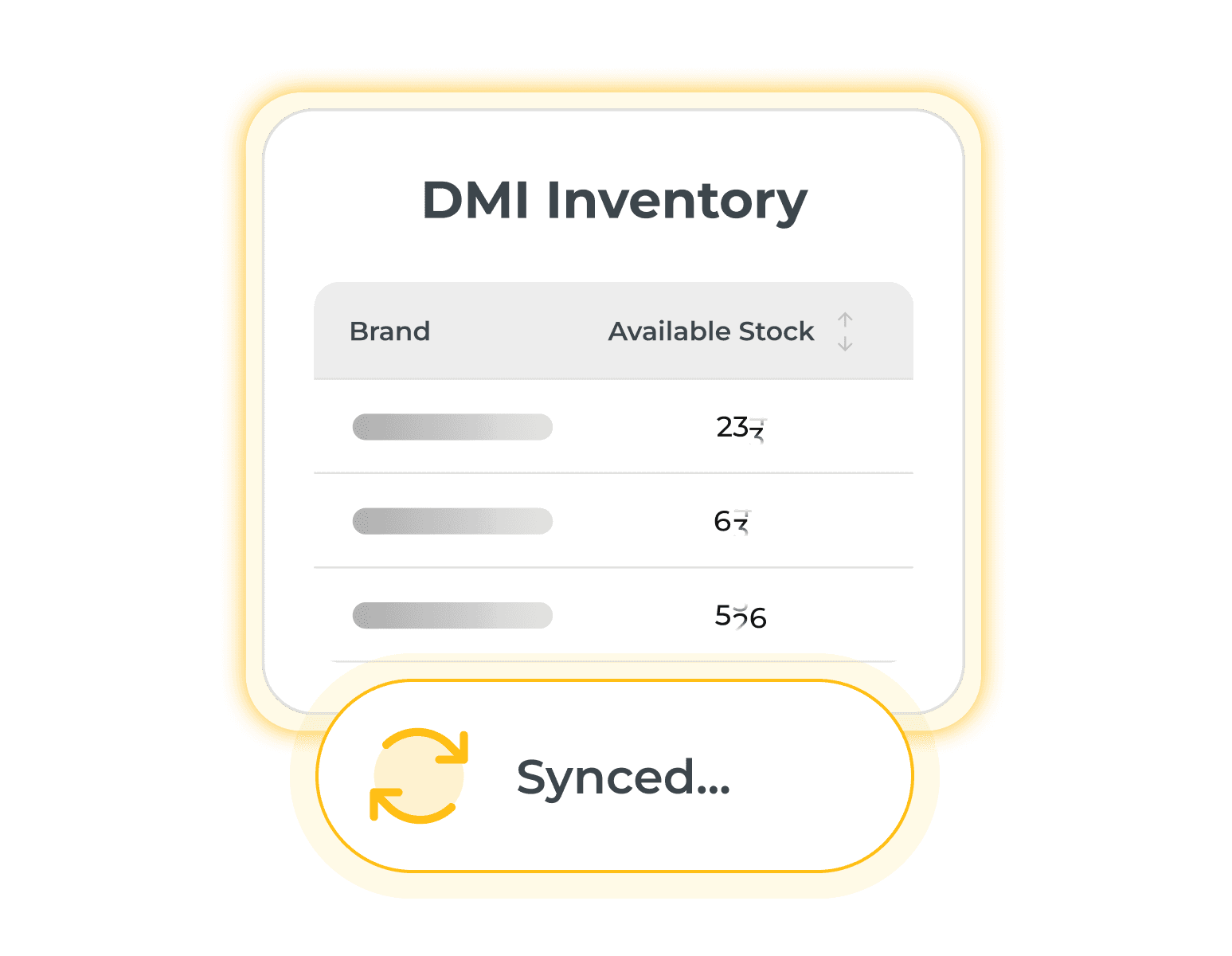
Enabling DMI creates a hybrid stock model by pairing the local stock in your appliance inventory software with external warehouse data. Stock syncs automatically, so availability stays up to date.

What DMI Integration Unlocks
DMI adds external warehouse inventory and sourcing capabilities directly into Appliance.io, supporting both selling and fulfillment workflows.