Changelog
New Updates and Improvements
From Appliance.io










New Feature
Payments
Customer Portal
E-Commerce
Payments: Billing ZIP Code Verification
We've introduced Address Verification System (AVS) to add an extra layer of security to online and phone-based credit card payments.
AVS checks whether the billing ZIP code entered during payment matches the information registered with the customer's card issuer.
When a confirmed mismatch occurs, the payment is declined, helping businesses reduce potentially fraudulent transactions.
Payments: Easier Billing Information Updates
Customers can now review and update their billing information before submitting a supported credit card payment.
On Website Checkout and the Customer Portal, billing information may be automatically filled using the delivery address. Customers can update it when their billing address is different.
If a payment is declined because of a confirmed ZIP code mismatch, a clear message explains the issue. Customers can correct their billing ZIP code and retry without restarting their order.
For POS Phone Payments, staff receive similar guidance to help customers verify their billing information.
Payments: Where Verification Applies
The new billing ZIP code verification applies to supported credit card payments through:
Website Checkout
Customer Portal
POS Phone Payments
Only confirmed billing ZIP code mismatches trigger the new AVS decline rule. Payments with unavailable verification results continue through existing security checks.
Other payment methods and payments made through physical card readers are not affected.
Orders
Inventory
Warehouse
Customer Portal
Reports
Notification
Orders: Schedule Custom Products Without Inventory Registration
You can now schedule custom line items directly from the POS without registering them in inventory first.
After completing inventory bypass, you can follow the normal scheduling process to select the quantity, delivery method, and delivery date.
Delivery methods are filtered based on the order's ZIP code, and the delivery status defaults to Scheduled.
This scheduling experience is available for both custom and regular line items using inventory bypass, helping salespeople arrange deliveries without additional back-office work.
Orders: Manage Custom Product Deliveries
Custom line items now appear in the appropriate delivery status sections, including Scheduled, In Transit, and Delivered.
A Custom label helps distinguish these products from regular inventory items.
You can also update delivery dates, delivery statuses, and serial numbers or reschedule custom items when needed.
Warehouse: Custom Products in Delivery Routing
Custom products are now included in delivery routing and scheduling, even when they are not registered in inventory.
They count toward delivery capacity and appear in the Routing Page, Deliveries Page, and Driver App.
Drivers can scan out custom products through the normal delivery process, with serial number entry required.
Customer Portal: Custom Product Visibility
Customers can now view custom products throughout their delivery experience in the Customer Portal.
Custom products display a standard placeholder image when a product image is unavailable, providing a more consistent experience across orders and delivery tracking.
Reports: Custom Product Delivery Tracking
Custom products are now included in applicable reports, including Quote/Order, Custom Item, Driver, Damage Allowance, and Reschedule Reports.
This makes it easier to track custom products across sales, delivery operations, and reporting.
Notifications: Delivery Updates for Custom Products
Custom products now support the same applicable delivery notifications as regular products.
Customers can receive updates about scheduled deliveries, reminders, delivery progress, successful deliveries, and rescheduling.
Internal teams also receive applicable delivery and rescheduling notifications, helping everyone stay informed throughout the process.
Feature Improvement
Website
Orders
Warehouse
Reports
Website: Smarter Product Filtering
Product catalog filters are being improved to prevent customers from selecting filter combinations that do not have matching products.
Filter counters are removed, and available filter options now dynamically reflect the products within the current results. This helps prevent zero-result pages and makes product browsing more accurate.
The updated filtering behavior applies across Subcategory, Detail Category, Package Deals, Rebate Hub, and Shop Non-New pages.
Home Visits: Warehouse Selection
Home Visits can now be assigned to the warehouse that will actually service the visit instead of automatically defaulting to the Main Warehouse.
When creating a Home Visit for a multi-warehouse business, the Warehouse is automatically prefilled based on the Quote or Order's location. The Delivery Method options are then filtered to methods available for that warehouse. Single-warehouse businesses continue to have their warehouse assigned automatically without an additional field. Pasted text
The selected warehouse determines which routing board receives the Home Visit and which warehouse address is used for delivery timeframe calculations. Pasted text
Home Visits: Improved Visibility and Reporting
Warehouse information is also available across Home Visit details, Order PDFs, routing print-outs, and the Home Visit & Surveys Report, including PDF, CSV, and Excel exports. Pasted text
The Delivery Schedule Dashboard widget also includes a Warehouse selector, allowing Delivery Methods and scheduling information to be filtered by warehouse. Pasted text
These improvements help multi-warehouse businesses route Home Visits to the correct location and keep warehouse information consistent across scheduling, routing, and reporting.
Feature Improvement
Website
E-Commerce
Hide Price Match Guarantee from Website Builder
Price Match Guarantee messaging is now hidden by default on Website Builder websites, ensuring that retailers only promote policies that align with their actual store practices.
Shoppers will no longer see Price Match Guarantee links or informational pop-ups on Product Detail and Package Detail pages. This prevents customer confusion for dealers that do not offer price matching programs, while keeping the underlying feature supported in the platform for future use.
What's New
Hidden by default: The Price Match Guarantee link and modal no longer appear on Website Builder Product Detail and Package Detail pages.
Policy consistency: Retailers that do not provide price matching will no longer show conflicting guarantee messaging to shoppers.
Unchanged pricing experience: Core pricing elements continue to display normally, including selling prices, instant savings callouts, discount percentages, and financing options.
Package details: Package Detail pages continue to show package pricing, included items, and financing details without displaying the guarantee badge.
Preserved functionality: The underlying Price Match Guarantee functionality remains in the system and can be restored when needed.
Important to Know
Website Builder only: This update applies exclusively to Website Builder websites. Custom websites are unaffected and continue using their existing behavior.
No merchant toggle yet: Individual toggle controls in Site Settings are not included in this phase. Retailers cannot manually enable or disable this setting themselves.
Requesting re-enablement: Retailers that actively honor price matching and want the guarantee badge displayed on their storefront can contact Customer Support for account assistance.
Non-new inventory: The browsing experience for open-box, scratch-and-dent, and refurbished products remains unchanged.
Pricing calculations: This update does not alter product pricing, promotional discounts, or MAP calculations.
New Feature
Settings
Onboarding
September 2nd, 2026
Brand Level ETA Now Available to All Clients
Brand Level ETA is now available to all clients, giving dealers more control over estimated delivery times based on their brand and distribution setup.
Clients can now access Distribution Locations and Freight & Surcharge Rules as part of the standard experience, without requiring account-specific feature enablement. This makes it easier for clients and onboarding teams to configure ETA settings independently while providing a consistent experience across accounts.
What’s New
Available to all clients: Brand Level ETA no longer requires account-specific enablement and can now be configured by all clients.
Distribution Locations: Users can configure Distribution Locations from Vendor Settings to better reflect their distribution setup when managing ETAs.
Freight & Surcharge Rules: All clients can configure Freight & Surcharge Rules to support ETA behavior for products with different freight or surcharge requirements.
Simplified onboarding: New clients that require Brand Level ETA can configure the feature during onboarding without waiting for manual feature enablement.
Consistent availability: Clients now have access to the same Brand Level ETA capabilities that were previously limited to specifically enabled accounts.
Important to Know
This update does not change the existing ETA calculation logic.
Clients already using Brand Level ETA should keep their existing configurations and ETA behavior.
Existing configurations for clients that previously had the feature enabled should remain unchanged.
Distribution Locations can be configured from Vendor Settings.
Freight & Surcharge Rules are now available to all clients as part of the Brand Level ETA setup.
If unexpected ETA behavior occurs after the rollout, review the client's Brand Level ETA, Distribution Location, and Freight & Surcharge configurations before escalating.
This update expands feature availability only and is not intended to change existing ETA calculations.
Feature Improvement
Settings
Warehouse
August 11th, 2026
Allow Tax Override on Line Items
Dealers can now manually control the taxable status of individual line items directly from Quotes and Orders.
A new Allow tax override on line items setting is available under Sales Tax Settings. When enabled, users can mark eligible standard catalog items as taxable or non-taxable, giving dealers more flexibility to handle tax requirements that may vary by product or customer situation.
What’s New
New account setting: Administrators can enable Allow tax override on line items under Sales Tax Settings.
Standard items: Once enabled, standard catalog items can be manually marked as taxable or non-taxable from the Quote or Order.
Custom items: Custom line items continue to support taxability selection as before.
Tax-exempt customers: Tax override is automatically disabled when the customer is marked as tax exempt.
Built-in appliances: The default taxability follows the existing Built-in Appliance Tax setting and can be overridden when applicable.
Related charges: Protection plans and fulfillment charges continue to follow the taxable status of their associated product based on the existing tax rules.
Important to Know
The feature is disabled by default. Administrators must enable it before standard line items can use tax override.
When disabled, the existing tax behavior remains unchanged.
Existing Quotes keep their previously saved taxability values if the account setting is later changed.
Tax override controls are hidden for existing line items after a Quote is converted to an Order or once an item has been paid. Newly added Order line items can still use the override when applicable.
This feature provides manual taxability control; it does not automatically determine state, county, or local tax requirements.
Feature Improvement
Warehouse
Protection Plan
July 23rd, 2026
Support OEM Warranty Fields (WarrantyParts & WarrantyLabor)
Orders created through the CPS integration now include manufacturer warranty duration information when valid warranty data is available.
What's New
Manufacturer warranty duration is automatically sent to CPS during order creation.
Warranty information is mapped to the WarrantyParts and WarrantyLabor fields.
Warranty data is validated before being sent to ensure compatibility with CPS.
Invalid or unsupported warranty values are skipped, allowing orders to continue processing without interruption.
Important Notes
This enhancement applies only to new CPS orders. Existing orders are not updated.
Only valid warranty durations in months are supported.
The same warranty duration is sent to both WarrantyParts and WarrantyLabor.
Missing or invalid warranty data will not prevent an order from being created.
Improve Dashboard Route Visibility for Multi-Warehouse Companies

We've improved the Dashboard Routing widget to support multi-warehouse companies by using the selected warehouse when retrieving route information. This ensures the Dashboard displays the correct routes and provides a more consistent experience with the Routing page.
What's New
Added warehouse support when retrieving route data from the Dashboard.
Multi-warehouse companies can now view routes for the selected warehouse directly from the Dashboard.
Route information is now retrieved using the same warehouse logic as the Routing page.
Single-warehouse companies continue to use the Dashboard without any changes to their existing workflow.
Important Notes
This enhancement primarily benefits multi-warehouse companies.
If no routes appear on the Dashboard, ensure the correct warehouse is selected.
The Dashboard and Routing page now use the same warehouse context when displaying route information.
No changes have been made to route planning or delivery workflows; this update only improves how route data is retrieved and displayed on the Dashboard.
Fix Order Totals Breakdown Mismatch When Returns Exist

We've improved how order totals are displayed for orders that include returns, item removals, customer credits, or other adjustments. Order summaries now present original order amounts separately from return activity, making it easier to understand how the final order balance is calculated.
What's New
Primary order totals now consistently display the original order amounts before returns are applied.
Added a dedicated Returns & Adjustments section to summarize return-related activity.
Product Total now includes a detailed breakdown showing all products that contributed to the original total.
Returned products are clearly identified within the Product Total breakdown.
Updated totals labels for improved consistency and readability.
Important Notes
This update changes how order totals are displayed, not how they are calculated.
The Returns & Adjustments section appears only for orders that contain return activity.
Orders without returns continue to display the existing totals layout.
Return processing, customer credits, tax calculations, payment processing, and accounting workflows are unchanged.
Update Product Links to Open SKUDeck™

Product links in Quotes, Orders, and Product Details now open directly in SKUDeck™ instead of the dealer's website, making it faster and easier to view product information.
What's New
Product links from Quotes, Orders, and Product Details now open the matching product in SKUDeck™.
SKUDeck™ automatically searches for the selected product using its model number and brand.
The Quote and Order link label has been updated from "View Website Page" to "View in SKUDeck™".
Dealers can access product information consistently, regardless of whether they have a website.
Important Notes
This update changes only where product links open. Quote, Order, and Product Details workflows remain unchanged.
SKUDeck™ uses both the product model number and brand to help identify the correct product.
If multiple brands share the same model number, the brand is used to open the appropriate product.
If no matching product exists in SKUDeck™, the product may not open as expected.
Feature Improvement
Settings
Add Sales Tax Support for Fulfillment Service Fees
Dealers can now include eligible fulfillment service fees in sales tax calculations using a single configuration setting.
What's New
Apply sales tax to supported fulfillment service fees, including:
Delivery charges
Trip charges
Pricing zone fees
Haul-away fees
Installation charges
Tax-exempt customers continue to remain tax exempt.
A single configuration setting controls taxation for all supported fulfillment service fees.
Important Notes
This feature only applies to new quotes created after the feature is enabled. Existing quotes are not affected.
Dealers may notice higher tax totals if fulfillment services are taxable in their jurisdiction.
Individual tax rules for different fulfillment fee types are not supported in this release.
Feature Improvement
Settings
Website
Update: Website Builder
What's New
Website Builder is now available as a dedicated experience for creating, managing, and publishing websites.
This release introduces a simplified website onboarding flow, direct content editing, page and section management, SEO controls, custom code support, and a Draft → Publish workflow that gives users greater control over how website changes are prepared and released.
In addition, the storefront experience has been refreshed with updated Hero and Best Seller sections to improve navigation, product discovery, and overall visual consistency.
New Features
Simplified Website Onboarding
Website setup has been streamlined into a guided onboarding experience where users can:
Select product conditions
Choose product categories
Configure initial brand identity settings
Once onboarding is completed, users are taken directly into Website Builder to begin customizing their website.
Dedicated Website Builder Experience
Website Builder is now the primary experience for managing website content.
Users can:
Edit content directly on pages
Manage website structure
Organize sections and layouts
Preview changes before publishing
Draft → Publish Workflow
Website changes now follow a Draft → Publish workflow.
Changes made in Website Builder are saved as Draft and remain invisible to website visitors until they are published.
This provides a safer way to review and prepare website updates before they go live.
Page & Section Management
Users can now manage website structure more easily by:
Creating custom pages
Renaming pages
Hiding pages
Deleting pages
Adding, editing, and reordering sections
Default pages such as Home, Brand, About Us, Contact Us, and Request a Quote are automatically created during onboarding.
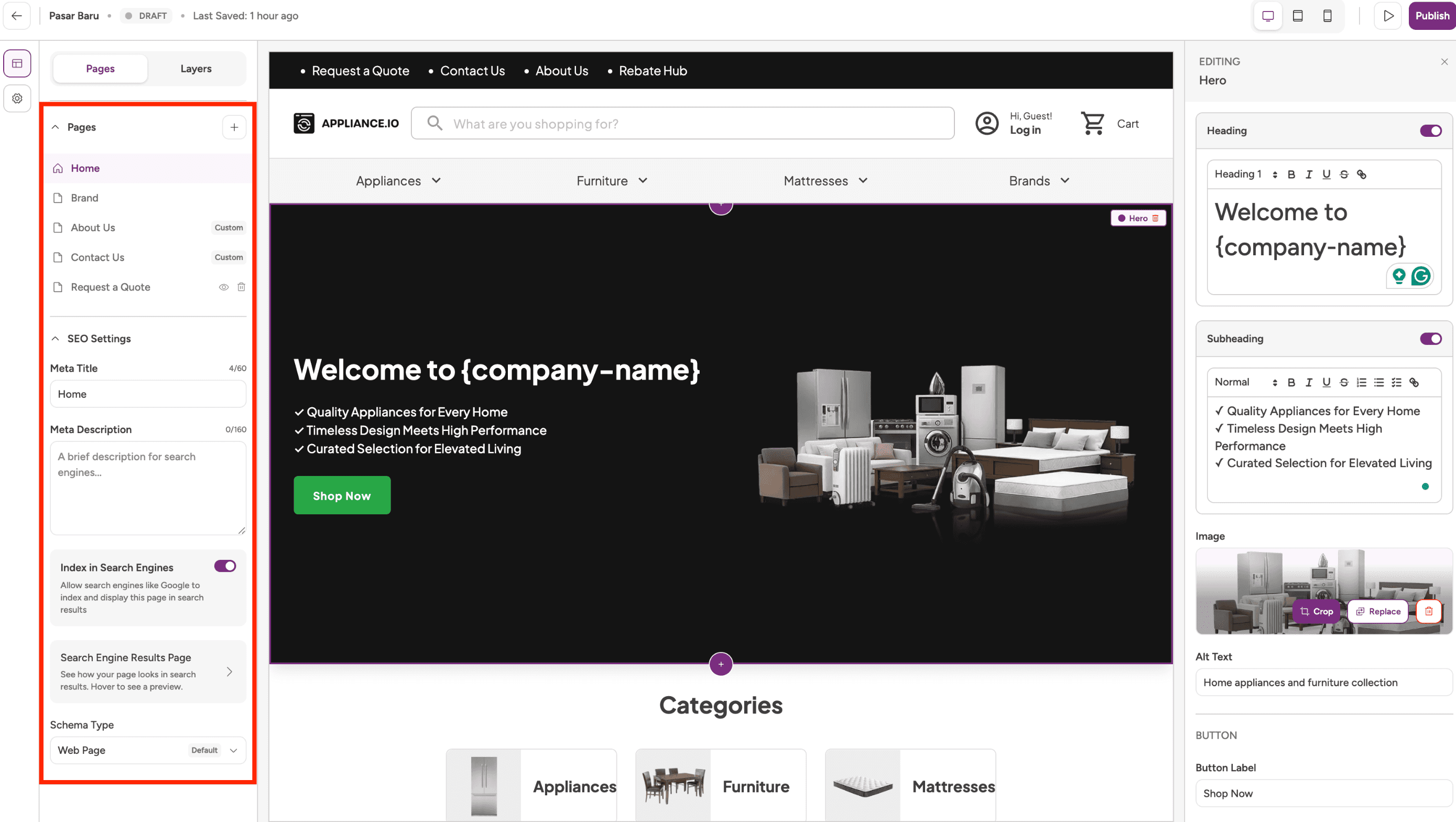
SEO Management
Page-level SEO settings are now available, including:
Meta Title
Meta Description
URL configuration
Index visibility
Schema type selection
Website Configuration Enhancements
Users can now manage key website settings directly through Website Builder and Site Settings, including:
Website branding
Product categories
Domains
Checkout configuration
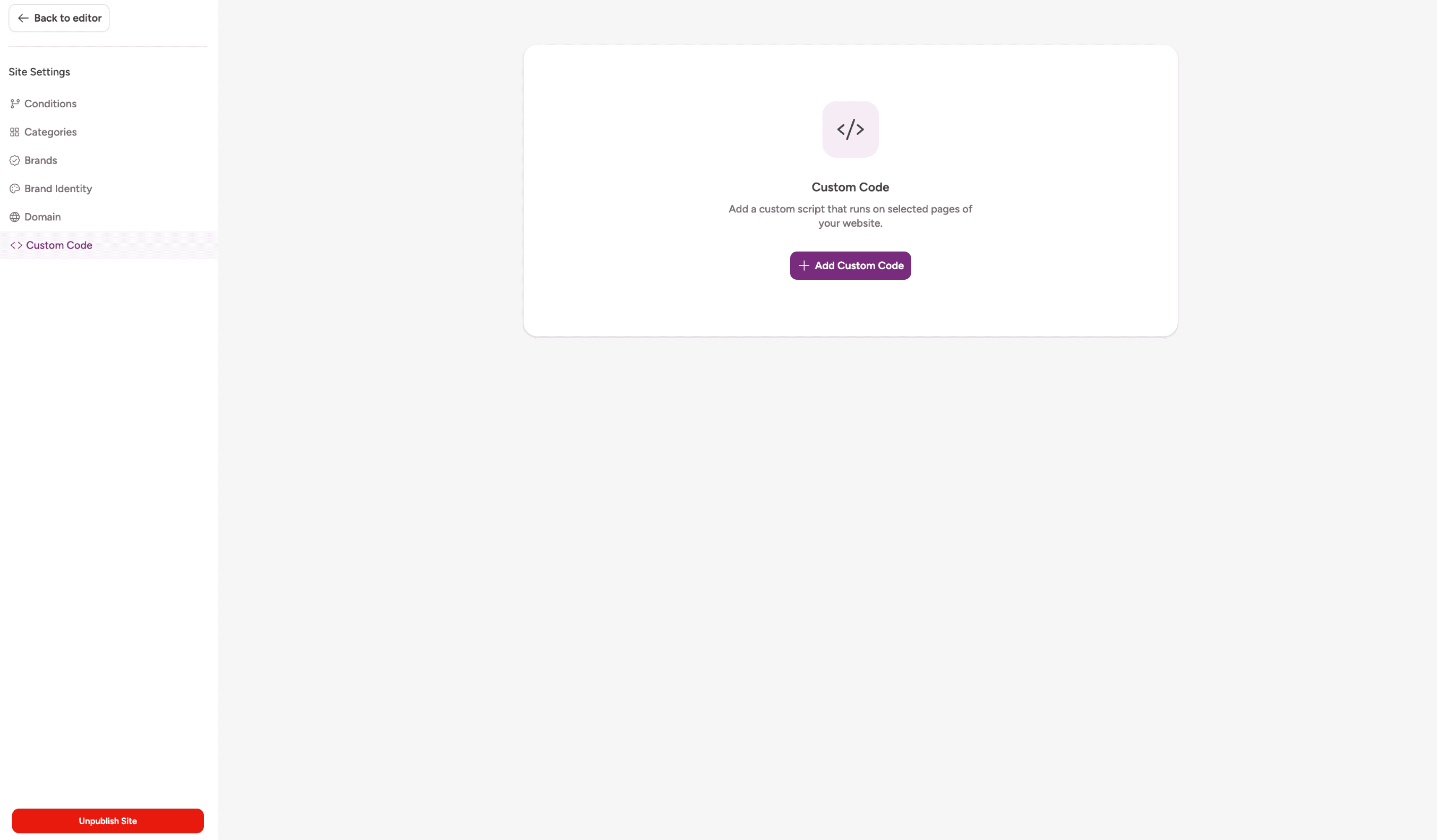
Custom Code
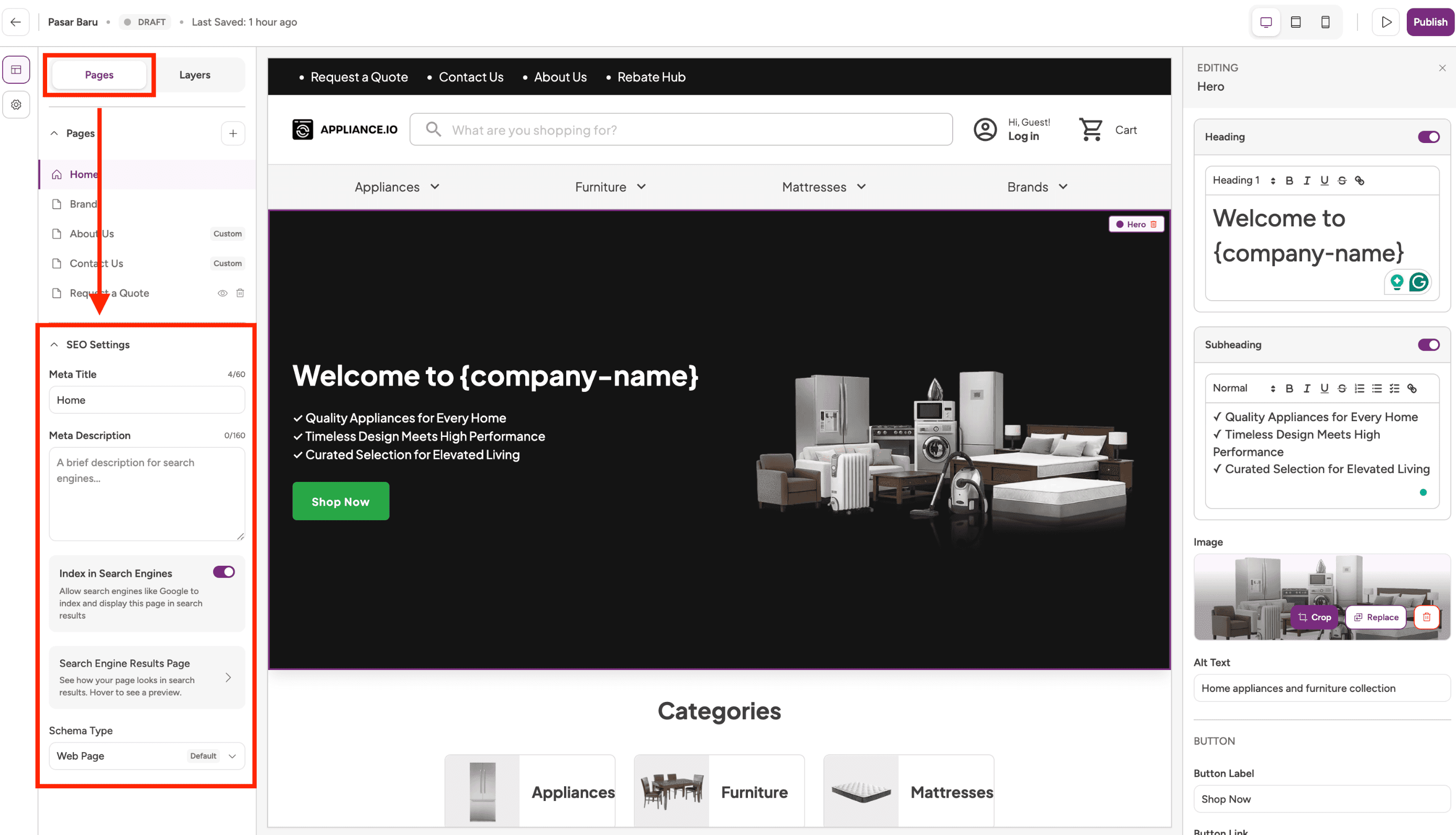
Custom Code Support
Website Admins and Super Admins can now add custom:
JavaScript
CSS
HTML
Analytics tools
Marketing pixels
Third-party widgets and integrations
Custom Code follows the same Draft → Publish workflow as other website updates.
Website Experience Improvements
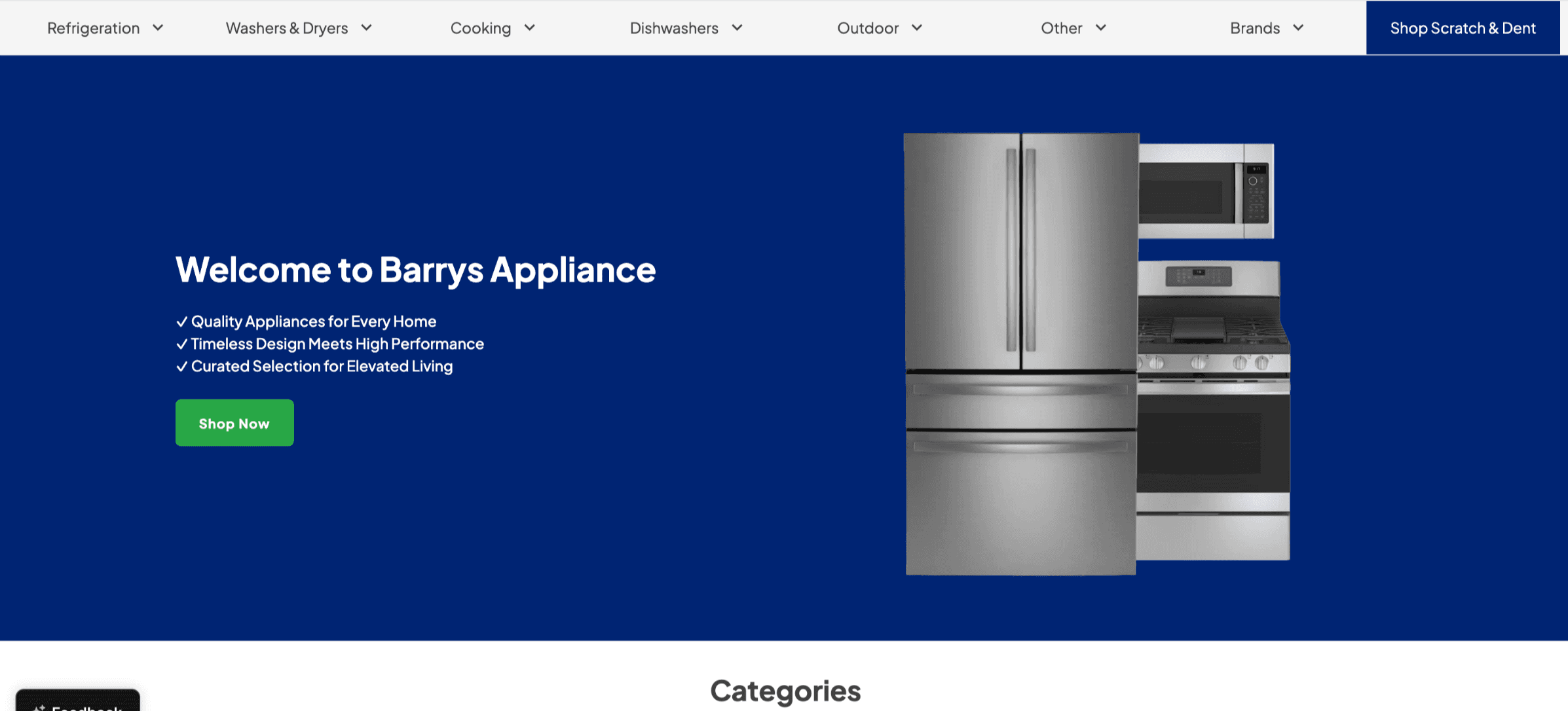
Hero Section Refresh
The Hero section has been redesigned to create a clearer visual hierarchy and improve readability.
Changes include:
Left-aligned copy and CTA placement
Updated image positioning
Improved content-to-image balance
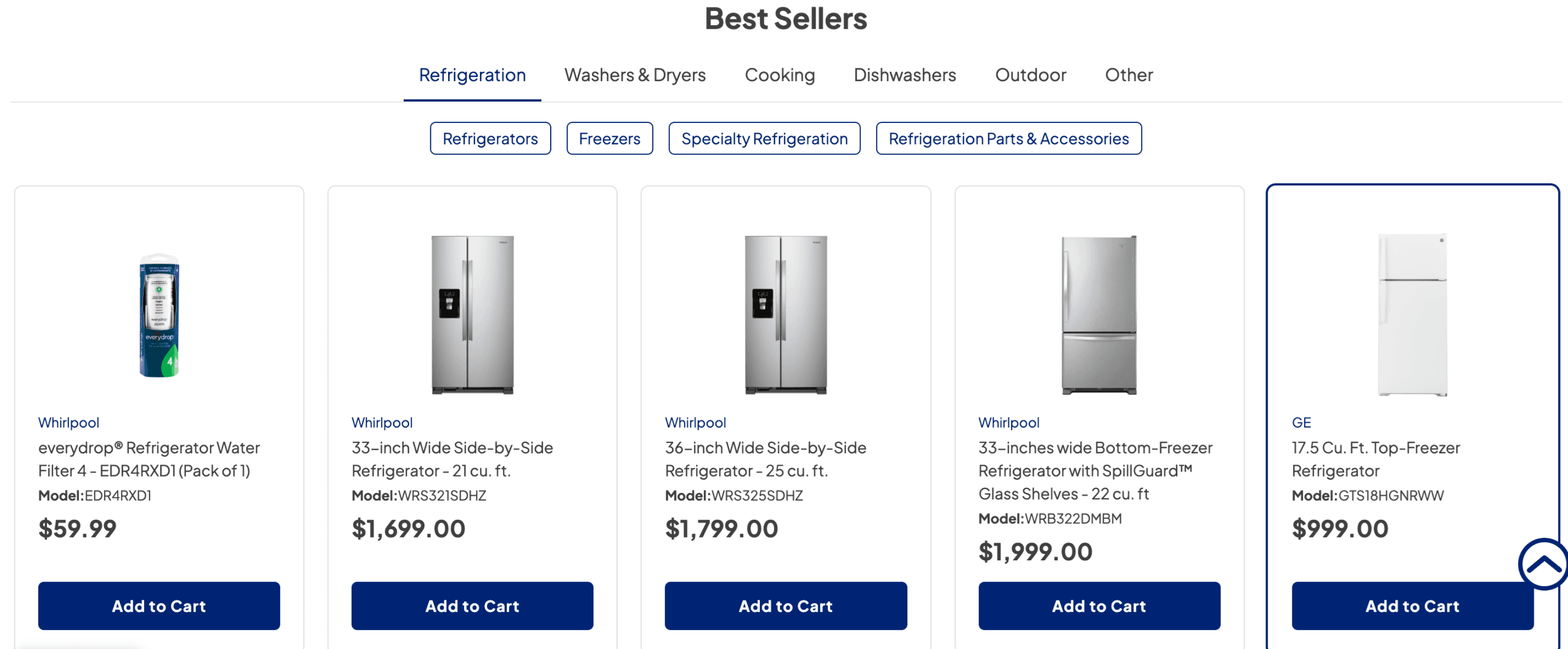
Best Sellers Improvements
The Best Sellers section has been enhanced to improve product discovery and browsing.
Changes include:
Category navigation tabs
Sub-category filters
Cleaner product card layouts
Improved product image consistency
Standardized brand styling
Updated Add to Cart button styling
Promotional elements such as discount badges, strike-through pricing, Scratch & Dent labels, and countdown timers have been removed to create a cleaner shopping experience.
Workflow Improvements
Additional improvements include:
Saved onboarding progress across eligible users
Protection against conflicting onboarding sessions
Website preview before publishing
Clear separation between content management and website configuration
Improved publishing controls for website updates
Why This Matters
This update makes it easier to launch, manage, and grow a website by providing:
Faster website setup
More flexible content management
Better control over publishing changes
Stronger SEO capabilities
Expanded website customization options
Improved storefront navigation and product discovery
A more modern website management experience overall
Feature Improvement
Quotes
Orders
Website
Customer Portal
Update: Improved T&C Signing Flow with Fulfillment Validation
What’s New
Added fulfillment validation before Terms & Conditions (T&C) signing in the Customer Portal
Customers can only access the T&C signing step when all order items have fulfillment configured
Introduced automatic transition from T&C signing to payment for a continuous order completion experience
Added Customer Portal stepper with T&C as the first step
Improved T&C presentation and document organization across Customer Portal and Website
Added safeguards to prevent sending payment links before orders are fulfillment-ready
Behavior Updates
Customer Portal access for T&C signing is now gated by fulfillment readiness
If one or more items are missing fulfillment:
Customer Portal access is restricted
Customers will see the message:
“Set fulfillment for all items to enable portal access”“Send Email with Paylink” changes to “Send Invoice without Paylink.”
Hover tooltip explains why payment access is unavailable
After successful T&C signing:
Customers are automatically guided into payment
No additional navigation or manual follow-up is required
T&C display behavior has been improved:
General T&C appears in a cleaner, scrollable layout
Brand-specific and condition-based T&C include product count indicators
Duplicate T&C documents are automatically prevented
Website T&C behavior now follows the same experience as the Customer Portal across desktop and mobile
Why This Matters
Prevents customers from progressing through incomplete orders
Eliminates dead-end experiences after T&C signing
Reduces manual follow-up from Sales teams
Creates a more connected and predictable order completion journey
Improves visibility and clarity of applicable Terms & Conditions
Feature Improvement
Orders
Website
Customer Portal
Quotes
Update: Prevent Duplicate Payments Across POS, Customer Portal, and Website
What’s New
Added duplicate payment protection across:
POS
Customer Portal
Website checkout
The system now blocks additional payment attempts when:
A payment is already processing
An order has already been paid for
Added clearer “payment is processing” handling during checkout and payment submission
Behavior Updates
Payment buttons are temporarily disabled while payment is processing
Users attempting a second payment during processing will see:
“Payment is being processed in another session.”
Duplicate payment protection now works across:
Multiple browser tabs
Different devices
Different payment channels (POS, Customer Portal, Website)
Users can retry payment immediately if the previous attempt fails, is canceled, or returns an error
Refreshing or retrying will not create duplicate successful charges for the same order
Payment Flow Improvements
Reduces accidental duplicate payments caused by:
Multiple tabs
Repeated clicks
Simultaneous payment attempts across channels
Improves clarity when payments are actively processing
Creates more predictable payment behavior across all supported payment experiences
Why This Matters
Helps prevent duplicate charges for customers
Reduces refund handling and reconciliation work
Improves payment reliability and customer confidence
Creates a more consistent payment experience across POS, Website, and Customer Portal
Additional Notes
Most payments are complete within a few seconds
If payment remains in processing for more than 1 minute, users can refresh the page and retry if needed
This release does not introduce new payment methods or pricing changes
Feature Improvement
Website
AIO Pay
Payments
Notification
Update: ACH Payments Re-enabled with AIO Pay by Bank + Plaid
ACH payments are now available again through AIO Pay by Bank, powered by Plaid, providing a lower-cost alternative to card payments with improved bank verification and payment reliability.
Previously, ACH Direct Debit was disabled due to validation gaps that could allow invalid bank details to pass through and occasionally appear as successful transactions. This update introduces secure bank authentication through Plaid before payment authorization across Website Checkout and Customer Portal flows.
What’s New
Re-enabled ACH / Pay by Bank payments
Secure bank authentication and verification via Plaid
ACH visibility controls for:
Website Checkout
Customer Portal / Payment Links
Configurable maximum ACH transaction amount
Improved payment accuracy and reduced ACH failures
Why It Matters
This update helps businesses:
Reduce payment processing costs compared to card payments
Minimize ACH returns and failed payments
Reduce fraud and manual reconciliation work
Gain more control over ACH availability by transaction size and checkout surface
Admin Controls
From Settings → Payments, users can:
Enable or disable ACH payments
Control where ACH appears
Set a maximum ACH payment amount
If an order exceeds the configured limit, ACH will automatically be hidden during checkout.
Updated Customer Experience
Customers selecting ACH during checkout will:
Choose ACH / Pay by Bank
Authenticate their bank account through Plaid
Complete payment using a verified bank account
Changes from Previous ACH Experience
Before | Now |
Manual bank entry | Verified bank authentication via Plaid |
Validation gaps could cause false-success payments | Improved payment validation and reliability |
ACH disabled | ACH re-enabled |
ACH fee: 0.8% | ACH fee: 1% |
Not Included in This Release
Enabling ACH per client from the AIO Pay Dashboard
Click here to read more.
Update: Internal Notifications for Terminal & Phone Payments
What’s New
Added internal payment notification emails for in-showroom terminal payments
Added internal payment notification emails for phone payment transactions
Enabled automatic notification delivery to configured recipients after successful payment capture
Standardize payment notification behavior across supported AIO Pay payment methods
Behavior Updates
Terminal and phone payments now trigger the same internal notification workflow as online card payments
Salespeople and configured internal team members automatically receive payment confirmation emails after successful payment capture
Existing notification settings now apply consistently across supported payment channels without additional setup
Payment capture through terminals and phone flows now immediately updates internal team visibility
Why This Matters
Reduces manual follow-up required to confirm successful payments
Improves communication between sales, accounting, and logistics teams
Helps teams continue order fulfillment faster after payment completion
Creates a more reliable and consistent payment notification experience across supported payment methods
Reduces operational gaps caused by missing payment confirmation emails
Update: Structured Experience for Discontinued Product Pages
What’s New
Added structured fallback experiences for discontinued Product Detail Pages (PDPs)
Added clear discontinued product messaging directly on PDPs
Added “Replaced by” product recommendations for discontinued items with known replacements
Added curated similar product recommendations when no direct replacement exists
Removed discontinued products from sitemap promotion while keeping pages accessible
Behavior Updates
Discontinued PDPs no longer display empty or broken page experiences
Users are now guided toward either replacement products or similar alternatives
Only one primary recommendation section is shown to reduce confusion and competing suggestions
Fallback recommendation content now loads immediately above the fold for faster engagement
Only actionable products with valid purchase options or pricing CTAs are displayed in recommendation sections
Why This Matters
Eliminates dead-end product browsing experiences
Improves customer confidence and product discovery
Helps users continue shopping instead of leaving the site
Creates a cleaner and more consistent PDP experience
Prevents outdated, discontinued pages from negatively impacting SEO
Improves usability for customers, support teams, merchandising teams, and growth teams
Feature Improvement
Quotes
Orders
Website
Customer Portal
Update: Payment Protection & Processing Experience
What’s New
Added safeguards to prevent duplicate payments across POS, Customer Portal, and Website
Improved payment flow to clearly indicate when a transaction is in progress
Enabled safe retry for failed payments without risk of duplicate charges
Standardized payment behavior across all channels
Behavior Updates
Users can no longer submit multiple payments for the same order while a payment is in progress or already completed
Payment actions (e.g., “Pay” button) are temporarily disabled during processing
Users receive clearer feedback when a payment is underway
Failed payments can be retried safely without creating duplicate successful charges
Why This Matters
Reduces risk of double charges and associated refunds
Minimizes operational overhead for reconciliation and support
Improves accuracy in payment reporting
Creates a more reliable and predictable payment experience across all touchpoints
Feature Improvement
Settings
Website
Update: Signature Flow – Terms & Conditions Display
What’s New
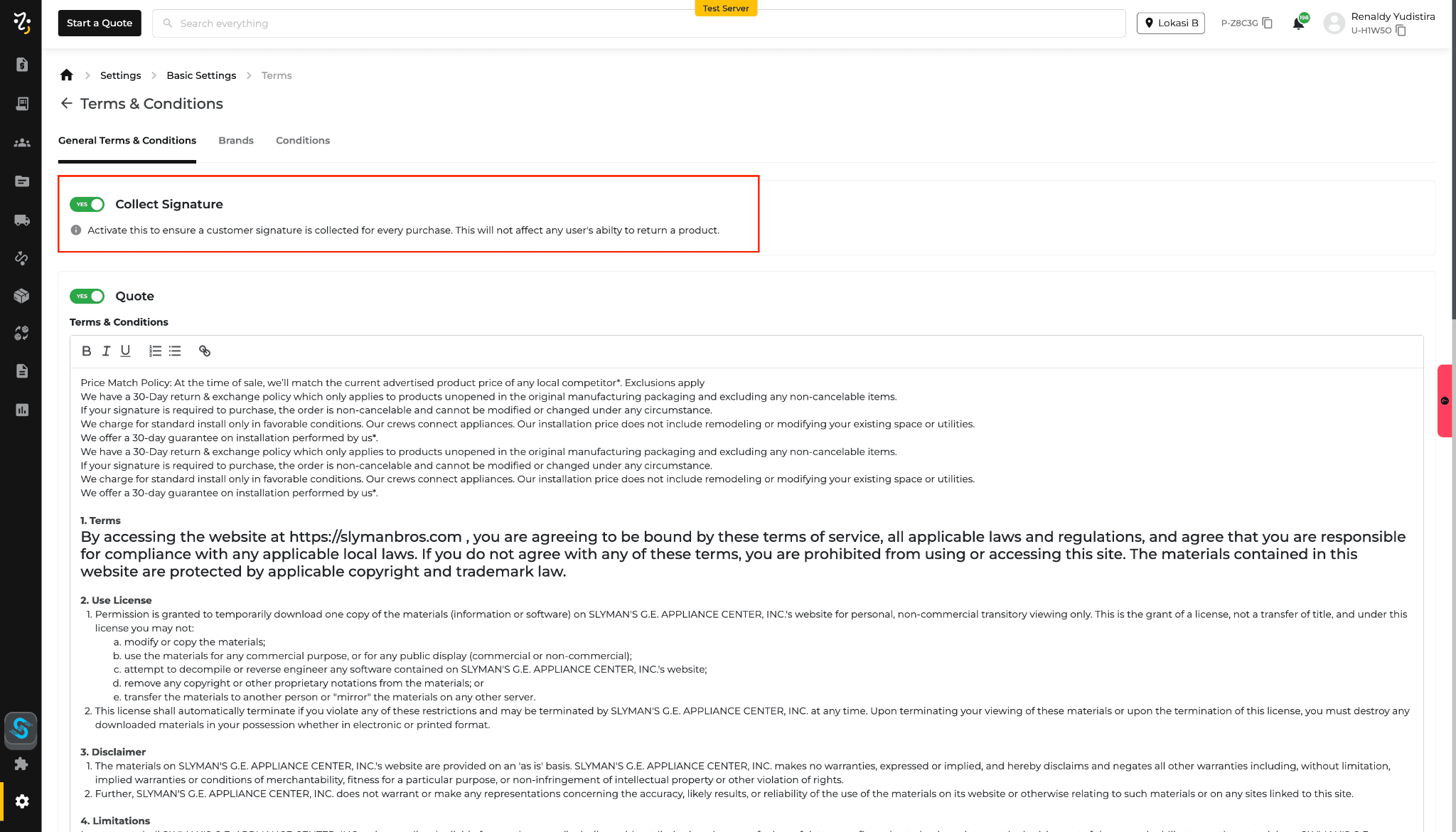
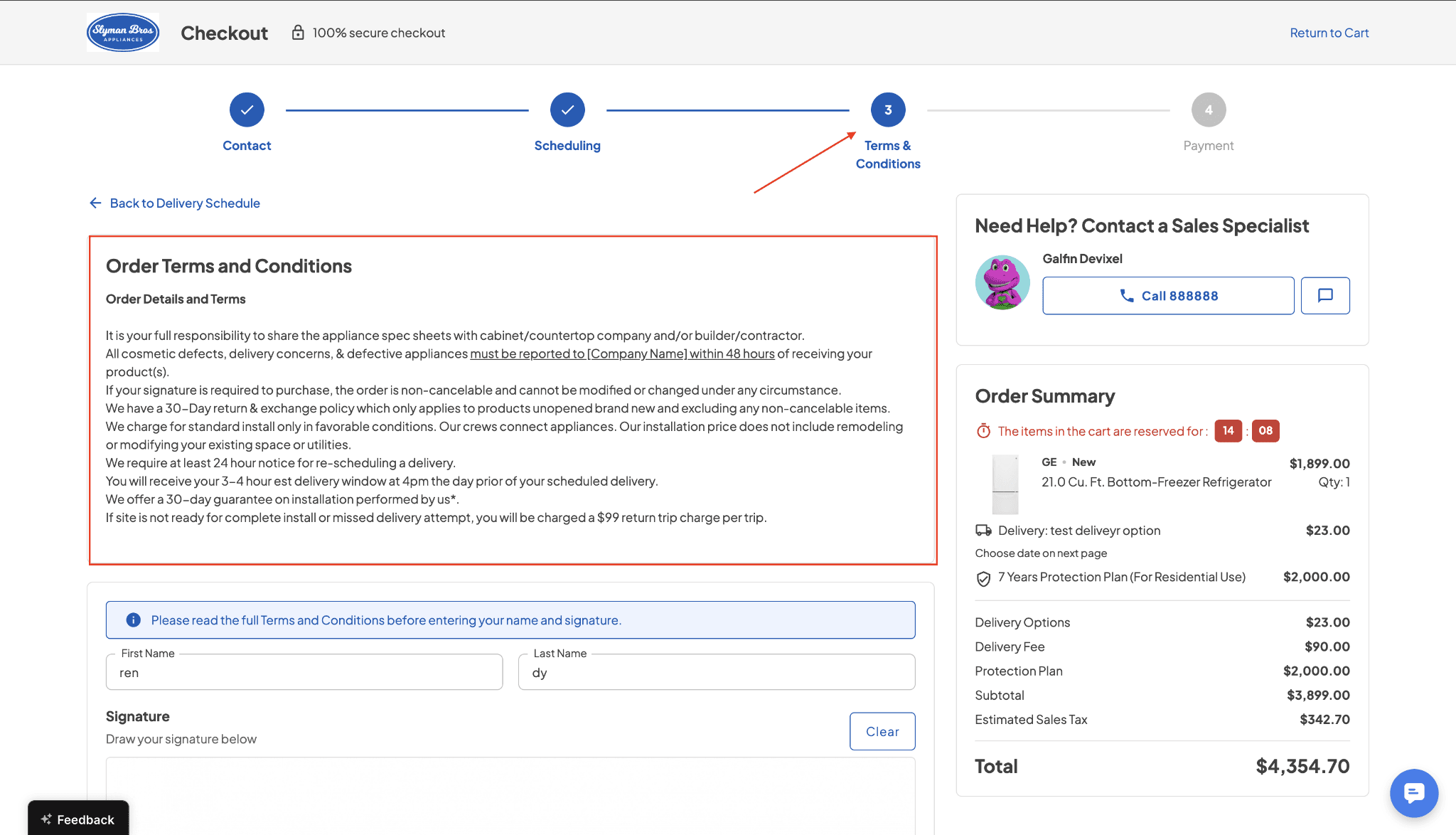
Terms & Conditions (T&C) are now displayed before the signature step in the website checkout flow
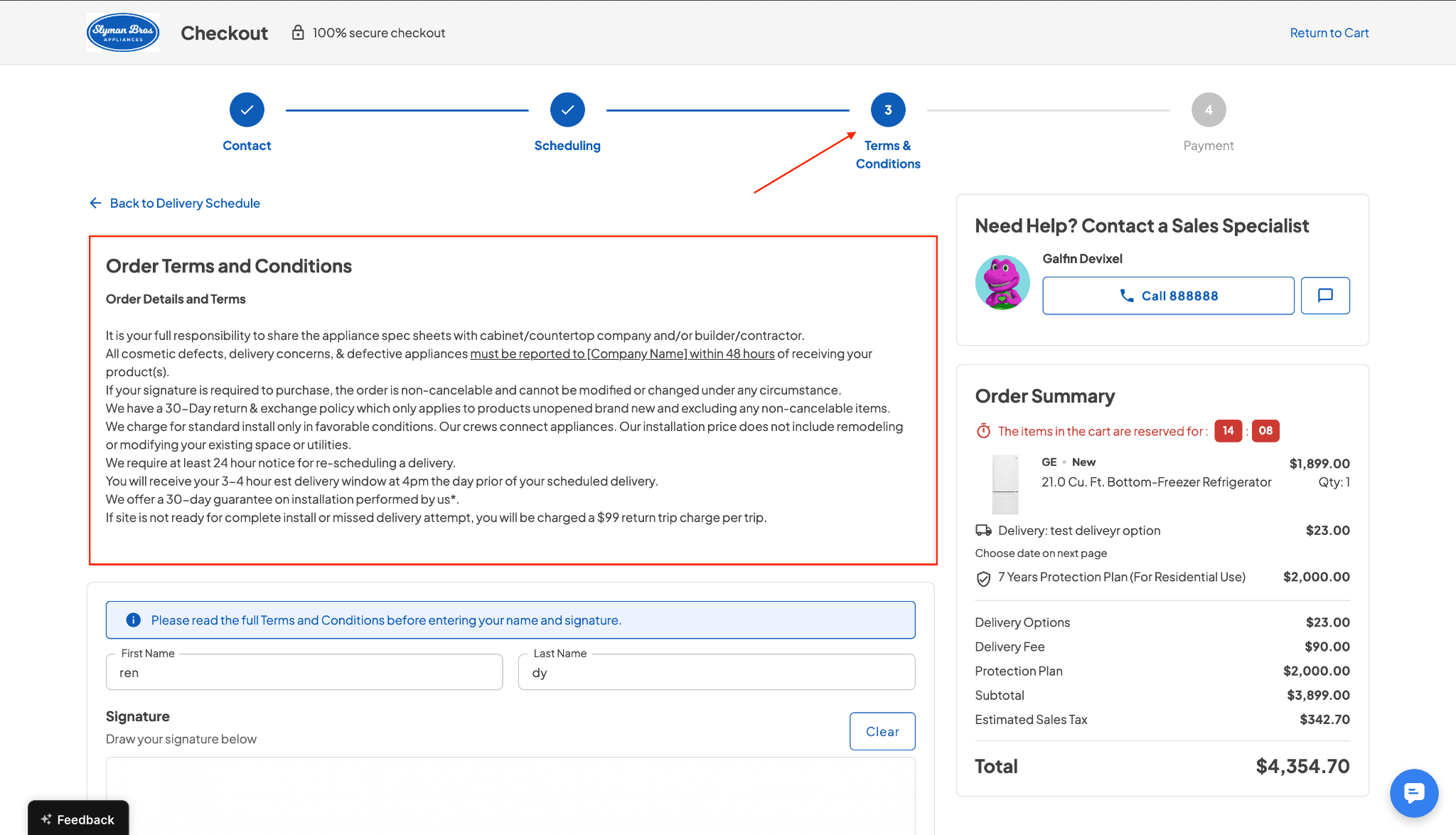
Applies when “Collect Signature” is enabled in POS settings
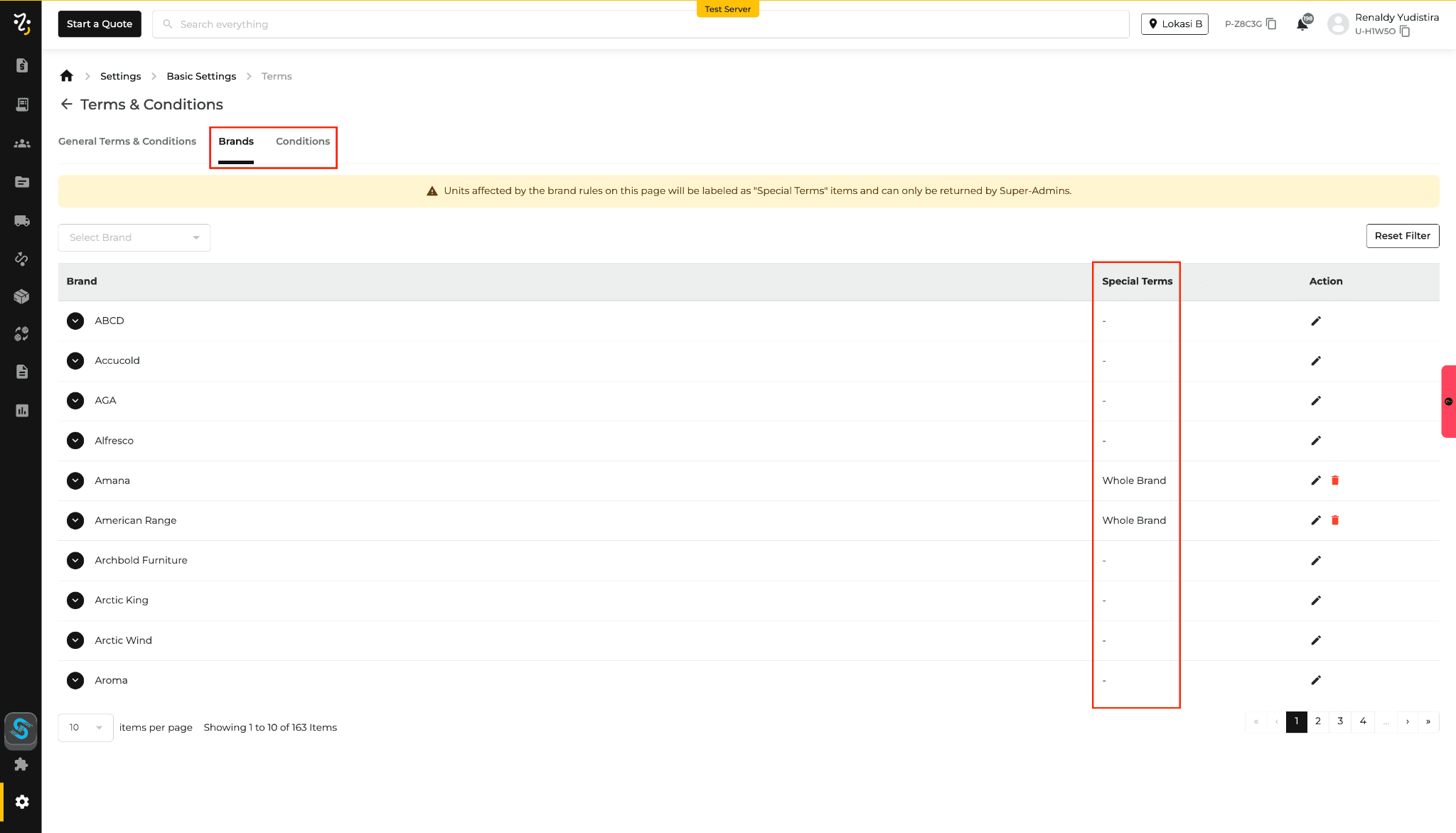
Support for Special Terms (brand or condition-based) with priority over General Terms
Behavior Updates
T&C are dynamically determined based on cart contents:
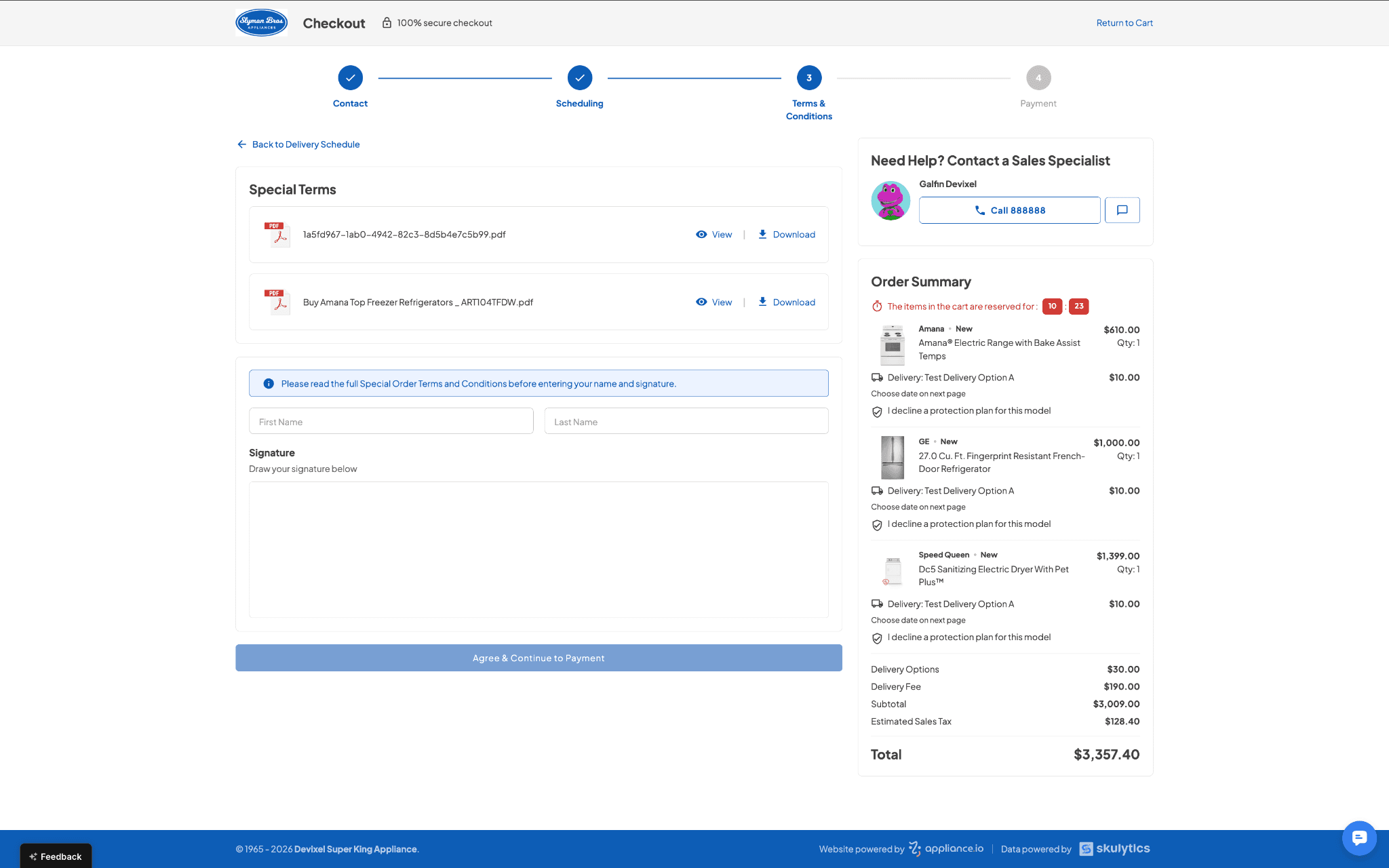
If any product has Special Terms → Special Terms will be shown
If multiple products have Special Terms → all relevant Terms will be displayed
General Terms are used only when no Special Terms are available
T&C are applied per product/brand scope, even within the same order
Duplicate T&C documents are automatically prevented from being displayed
Why This Matters
Ensures customers review the correct agreement before signing
Reduces inconsistency in multi-product scenarios
Improves alignment between checkout flow and applied purchase conditions
Feature Improvement
Settings
Website
Update: Brand Lead ETA (Freight Rules + Surcharges)
What’s New
Improved ETA calculation across the website and POS using:
Stock availability
Vendor lead time
Freight ETA
Delivery zone (local vs non-local)
Freight-related delivery fees are now applied and displayed more accurately during ordering
New vendor configuration: “Ship Directly to Customer” to control fulfillment flow
Behavior Updates
ETA is now calculated consistently across:
In-stock vs vendor-fulfilled items
Local vs non-local deliveries
Vendor fulfillment path impacts ETA:
Direct shipping → excludes warehouse inbound time
Warehouse routing → includes inbound handling time
Freight fees are applied for qualifying scenarios (e.g., non-local delivery) and shown in both the Website and the POS
Multi-item / multi-vendor orders may include combined vendor-based surcharge calculations
Reporting reflects the same ETA and delivery fee logic used during checkout and order creation
Why This Matters
Improves consistency and predictability of delivery timelines
Ensures delivery fees are applied more accurately
Aligns checkout, POS, and reporting with the same fulfillment logic
Feature Improvement
Quotes
Orders
AIO Pay
Payments
Feature Update
Safer Payments with 3D Secure (3DS)
We’ve added an extra layer of security to card payments with 3D Secure (3DS) across all platforms, helping protect transactions and reduce fraud.
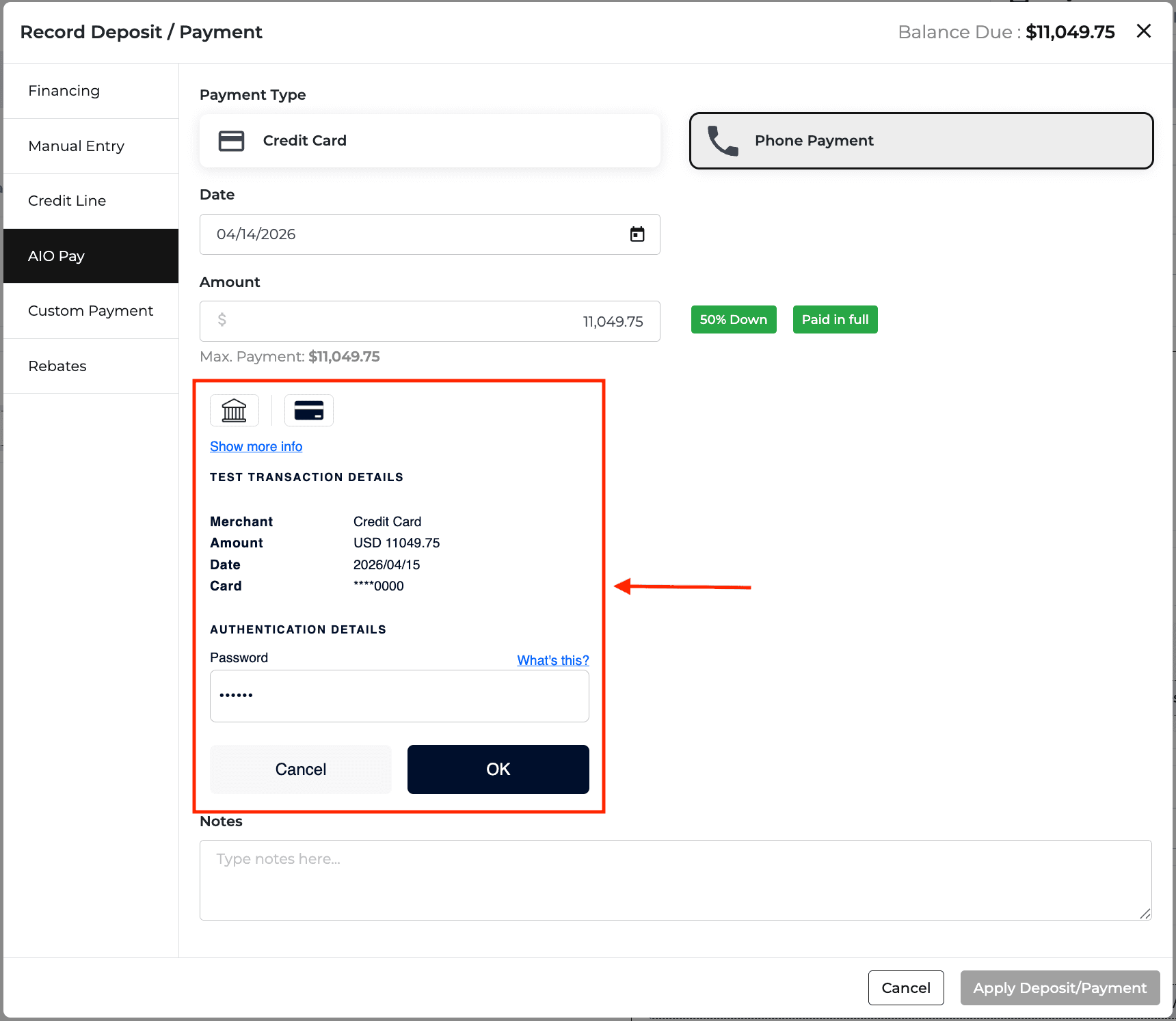
What this means for you:
More secure card payments with an added verification step
Reduced risk of fraudulent transactions and chargebacks
Better protection through bank verification (when applicable)
Applies across Website, Customer Portal, and POS transactions
Customers may now see a quick verification step (such as OTP or banking app approval) during checkout. Once completed, payments will continue as usual.
A safer way to pay, with minimal impact on the checkout experience.
Important Notes
This update is automatically applied to all clients
The verification step may not appear on every transaction (depends on bank/card rules)
If verification fails, the payment may be declined or require a retry
Current Limitations
3DS cannot be enabled/disabled per client at this stage
No configuration available yet via the dashboard
Per-client control is planned for a future update
Feature Improvement
Data Improvement
Product Catalog
Feature Update
Google Pay is Here
Customers can now pay with Google Pay on both your website checkout and Customer Portal — making checkout faster and more convenient.
What this means for you:
A new easy payment option for customers
Orders and payments are saved correctly in your system
A smooth checkout experience on desktop and mobile
Clear reporting to see how Google Pay is performing
A quicker way to pay, with everything running smoothly behind the scenes.
Pricing Updates
We’ve updated the pricing for several appliance brands. Below is the consolidated summary
Brand | Price Update | Promo Period |
Amana | MAP, MSRP, PMAP | 03/05/2026 - 03/11/2026 |
Electrolux | PMAP | 03/05/2026 - 03/11/2026 |
Frigidaire | PMAP | 03/05/2026 - 03/11/2026 |
Frigidaire Gallery | PMAP | 03/05/2026 - 03/11/2026 |
Frigidaire Professional | PMAP | 03/05/2026 - 03/11/2026 |
KitchenAid | MAP, MSRP, PMAP | 03/05/2026 - 03/11/2026 |
Kucht | MAP, PMAP | 03/03/2026 - 04/03/2026 |
Maytag | MAP, MSRP, PMAP | 03/05/2026 - 03/11/2026 |
Miele | UMRP | — |
Unique Appliances | MAP | — |
Whirlpool | MAP, MSRP, PMAP | 03/05/2026 - 03/11/2026 |
Feature Improvement
Settings
Feature Updates
Settings – Bulk Actions for Install, Promos & Protection Plans
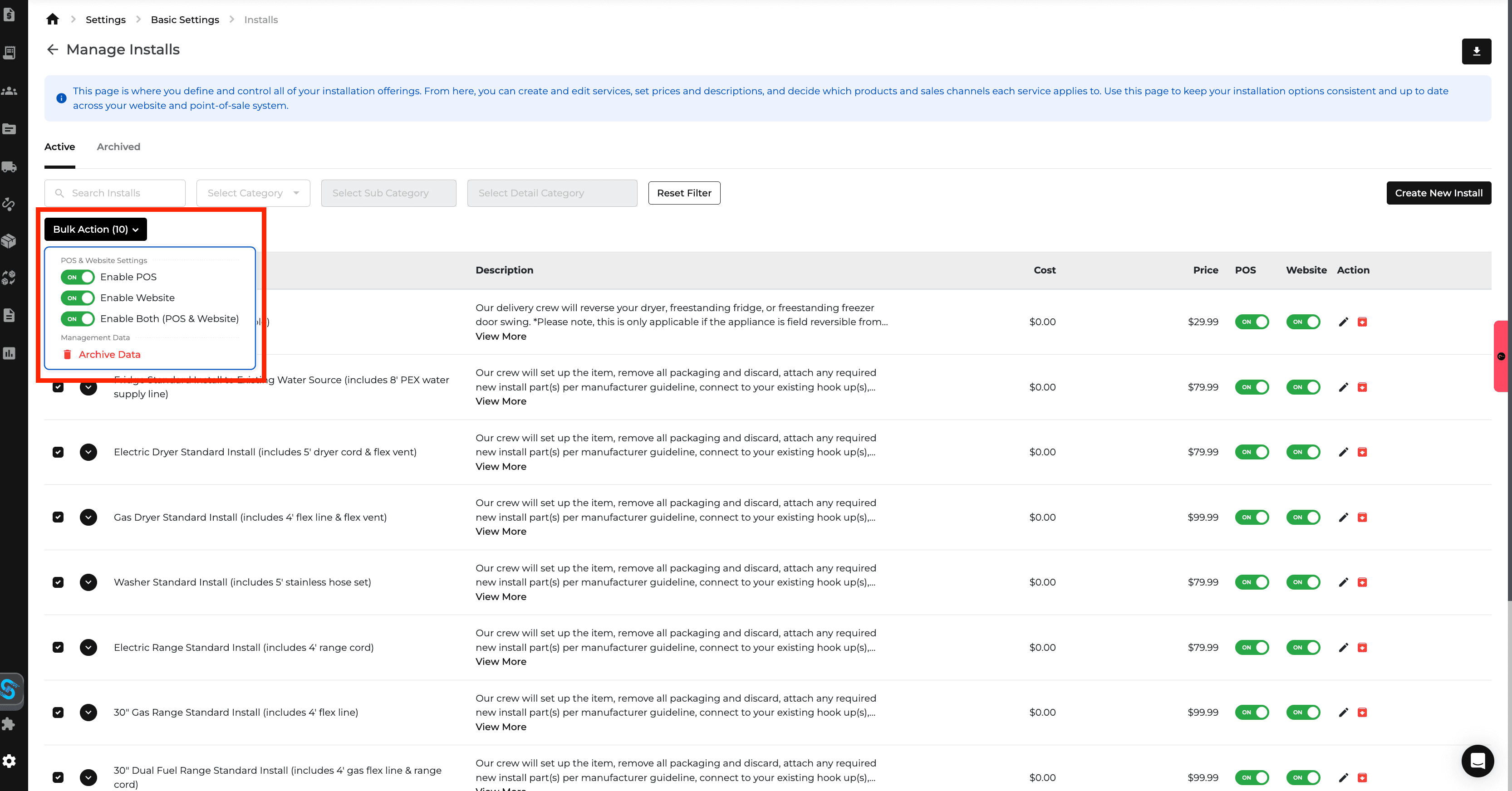
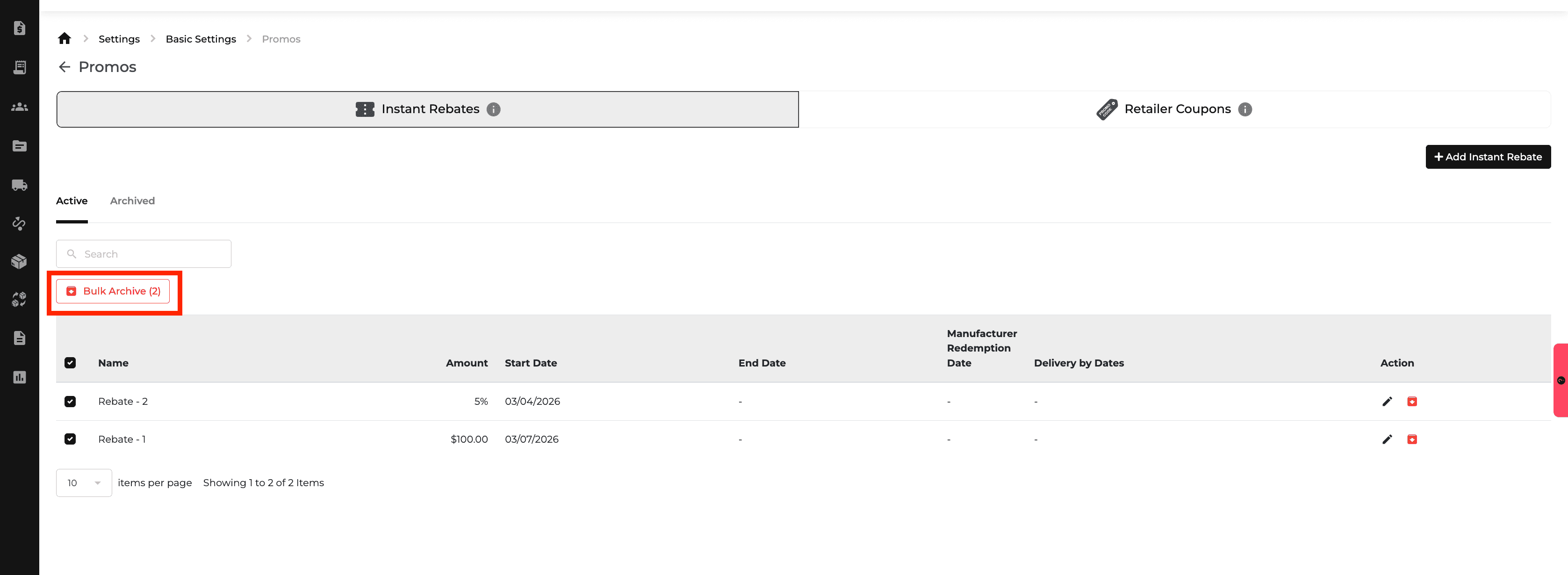
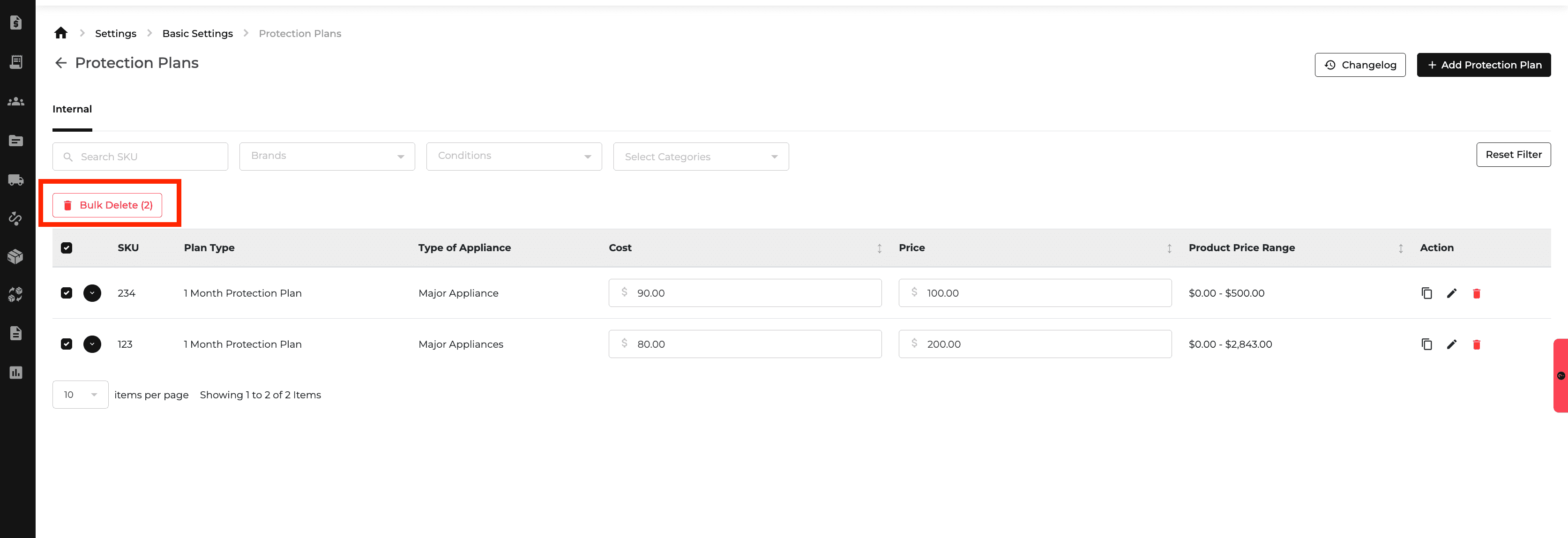
We’ve added bulk actions on the Install settings page, letting users archive/unarchive, and toggle Website or POS visibility for multiple items at once, streamlining onboarding and reducing repetitive work. Bulk archive is now available for Promos, and bulk delete is supported for Protection Plans.
Click here to learn more about Bulk Action for Install, Promos & Protection Plans.
Data Update
Pricing Updates
We’ve updated the pricing for several appliance brands. Below is the consolidated summary
Brand | Price Update | Promo Period |
Amana | MAP, MSRP, PMAP | 02/26/2026 – 03/04/2026 |
Anova Culinary | PMAP | 02/26/2026 – 03/04/2026 |
Aspire by Hestan | UMRP | — |
Cafe | MAP, MSRP, PMAP | 02/26/2026 – 03/18/2026 |
Electrolux | PMAP | 02/26/2026 – 03/04/2026 |
Frigidaire | PMAP | 02/26/2026 – 03/04/2026 |
Frigidaire Gallery | PMAP | 02/26/2026 – 03/04/2026 |
Frigidaire Professional | PMAP | 02/26/2026 – 03/04/2026 |
GE | MAP, MSRP, PMAP | 02/26/2026 – 03/18/2026 |
GE Profile | MAP, MSRP, PMAP | 02/26/2026 – 03/18/2026 |
Haier | MAP, MSRP, PMAP | 02/26/2026 – 03/18/2026 |
Hauslane | PMAP | 03/02/2026 – 03/29/2026 |
Hestan | UMRP | — |
Hotpoint | MAP, MSRP, PMAP | 02/26/2026 – 03/18/2026 |
JennAir | UMRP | — |
KitchenAid | MAP, MSRP, PMAP | 02/26/2026 – 03/04/2026 |
LG | PMAP | 02/26/2026 – 04/08/2026 |
LG Signature | MAP, MSRP, PMAP | 02/26/2026 – 04/08/2026 |
LG Studio | MAP, MSRP, PMAP | 02/26/2026 – 04/08/2026 |
Maytag | MAP, MSRP, PMAP | 02/26/2026 – 03/04/2026 |
Sharp | MAP, MSRP, PMAP | 02/26/2026 – 03/25/2026 |
Smeg | UMRP | — |
Tulip Cooking | UMRP | — |
Whirlpool | MAP, MSRP, PMAP | 02/26/2026 – 03/04/2026 |
Wolf | UMRP | — |
ZLINE | MAP, PMAP | 02/26/2026 – 03/31/2026 |
Feature Improvement
Product Catalog
Data Improvement
Feature Updates
Accounting – Flexible Sales Tax Rules for Built-In Appliances
Sales tax controls for built-in appliances have been split into two independent toggles, allowing businesses to configure appliance tax and installation service tax separately. This gives retailers more flexibility to match state-specific tax rules and avoid incorrect exemptions, while keeping the interface simple with built-in tooltip guidance.
Click here to learn more about Accounting Settings.
Data Update
Price Update
We’ve updated the pricing for several appliance brands. Below is the consolidated summary.
Brand | Pricing Update | Promo Period |
Amana | MSRP, MAP, PMAP | 02/12/2026 – 02/18/2026 |
Electrolux | PMAP | 02/12/2026 – 02/25/2026 |
Frigidaire | PMAP | 02/12/2026 – 02/18/2026 |
Frigidaire Gallery | PMAP | 02/12/2026 – 02/25/2026 |
Frigidaire Professional | PMAP | 02/12/2026 – 02/25/2026 |
Hauslane | MAP | — |
JennAir | UMRP | — |
KitchenAid | MSRP, MAP, PMAP | 02/12/2026 – 02/18/2026 |
Kucht | MAP | — |
LG | MAP, MSRP, PMAP | 02/12/2026 – 02/25/2026 |
LG Signature | MAP, MSRP, PMAP | 02/12/2026 – 02/25/2026 |
LG Studio | MAP, MSRP, PMAP | 02/12/2026 – 02/25/2026 |
Maytag | MSRP, MAP, PMAP | 02/12/2026 – 02/18/2026 |
Thor Kitchen | MAP, PMAP | 02/13/2026 – 03/05/2026 |
Whirlpool | MSRP, MAP, PMAP | 02/12/2026 – 02/18/2026 |
Stability Improvements
POS & Search – Endless Loading and Performance Lag
We’ve fixed an issue that could cause endless loading and slow performance when searching by name, invoice number, or address. The POS and search experience are now significantly more responsive, eliminating spinning loaders and reducing lag during everyday use.
Data Improvement
Product Catalog
Data Update
New Brand: Caliber & Anova Culinary
Caliber and Anova Culinary are now available in the catalog, expanding our home furnishing coverage with newly added products across key categories. All SKUs have been reviewed and categorized to align with current catalog standards.
Learn more about each brand:
Caliber : View category breakdown and download SKU details
Anova Culinary : View category breakdown and download SKU details
Price Update
We’ve updated the pricing for several appliance brands. Below is the consolidated summary.
Brand | Pricing Update | Promo Period |
Dacor | UMRP | — |
Kucht | PMAP | 02/03/2026 – 03/03/2026 |
Element Appliance | MSRP | — |
Vent-A-Hood | MAP | — |
Azure | MAP | — |
Fulgor Milano | UMRP | — |
Speed Queen | MAP, MSRP | — |
Miele | UMRP | — |
Coyote | MAP | — |
Caliber | UMRP | — |
Café | MAP, MSRP, PMAP | 02/05/2026 – 02/25/2026 |
GE | MAP, MSRP, PMAP | 02/05/2026 – 02/25/2026 |
GE Profile | MAP, MSRP, PMAP | 02/05/2026 – 02/25/2026 |
Haier | MAP, MSRP, PMAP | 02/05/2026 – 02/25/2026 |
Hotpoint | MAP, MSRP, PMAP | 02/05/2026 – 02/25/2026 |
Amana | PMAP | 02/05/2026 – 02/11/2026 |
KitchenAid | PMAP | 02/05/2026 – 02/11/2026 |
Maytag | PMAP | 02/05/2026 – 02/11/2026 |
Whirlpool | PMAP | 02/05/2026 – 02/11/2026 |
Anova Culinary | PMAP | 02/05/2026 – 02/25/2026 |
Samsung | MAP, PMAP | 02/05/2026 – 02/25/2026 |
Bosch | MAP, PMAP | 02/05/2026 – 02/25/2026 |
Frigidaire | PMAP | 02/05/2026 – 02/11/2026 |
Electrolux | PMAP | 02/05/2026 – 02/11/2026 |
Frigidaire Gallery | PMAP | 02/05/2026 – 02/25/2026 |
Frigidaire Professional | PMAP | 02/05/2026 – 02/25/2026 |
LG | MAP, MSRP, PMAP | 02/05/2026 – 02/11/2026 |
LG Signature | MAP, MSRP, PMAP | 02/05/2026 – 02/11/2026 |
LG Studio | MAP, MSRP, PMAP | 02/05/2026 – 02/11/2026 |
ZLINE | MAP, PMAP | 02/05/2026 – 02/25/2026 |
Sharp | MAP, MSRP, PMAP | 02/05/2026 – 02/25/2026 |
Smeg | UMRP, PUMRP | 02/07/2026 – 02/21/2026 |
Hauslane | MAP, PMAP | 02/09/2026 – 03/01/2026 |
True Residential | UMRP | — |
Inventory
Feature Updates
Inventory – Serialized Scan-In & Per-Unit Tracking
You can now enable Serialized Inventory to capture serial numbers during receiving, not just when scanning items out. When turned on, each unit can be tracked individually with its own received date and cost, improving inventory aging, accuracy, and reporting. The workflow supports both scanner guns and manual entry, with clear validation to ensure required serials are captured giving warehouse teams a faster, more reliable receiving process.
Click here to learn more about Inventory Scan-In.
Data Update
Price Update
We’ve updated the pricing for several appliance brands. Below is the consolidated summary.
Brand | Pricing Update | Promo Period |
Electrolux | PMAP | 01/29/2026 – 02/04/2026 |
Frigidaire | PMAP | 01/29/2026 – 02/04/2026 |
Frigidaire Gallery | PMAP | 01/29/2026 – 02/04/2026 |
Frigidaire Professional | PMAP | 01/29/2026 – 02/04/2026 |
Samsung | MAP, PMAP | 01/29/2026 – 02/04/2026 |
SMEG | UMRP | — |
BEST Range Hoods | UMRP, MSRP | — |
Sub-Zero | UMRP, MSRP | — |
Wolf | UMRP, MSRP | — |
Cove | UMRP, MSRP | — |
Miele | UMRP | — |
Brisas | MAP, MSRP | — |
Amana | MAP, MSRP, PMAP | 01/29/2026 – 02/04/2026 |
KitchenAid | MAP, MSRP, PMAP | 01/29/2026 – 02/04/2026 |
Maytag | MAP, MSRP, PMAP | 01/29/2026 – 02/04/2026 |
Whirlpool | MAP, MSRP, PMAP | 01/29/2026 – 02/04/2026 |
Zephyr | MAP, MSRP, UMRP | — |
Feature Improvement
Settings
Inventory
Data Improvement
Reports
Product Catalog
Feature Updates
User Settings – Clear Role Info During User Creation
Role details are now available directly in the Add New User flow. Admins can view clear, scannable role descriptions with “Best for” and “Access” sections without leaving the modal, making user setup faster and more confident.
Click here to learn more about User Settings.
Receive Inventory – Clear Error for Unselected Model
When receiving inventory by a single item, the system now shows a clear message if a model is typed but not selected from the dropdown. This helps users quickly understand what’s missing and prevents confusion during inventory entry.
Click here to learn more about Receive Inventory.
Brand Cleanup – Merge Parts Brands into Main Brands (Phase 4: Samsung)
All SKUs from “Parts” brands (Phase 4: Samsung) are being migrated into their main brand counterparts to remove duplication and align AIO with the updated Skulytics hierarchy, preserving all product data and ensuring cleaner, unified brand organization.
Data Update
New Brand: Hughes Furniture
New Brand Added: Hughes Furniture
Total SKUs: 1,065
Hughes Furniture is now available in the catalog, expanding our selection of home furnishing products. All SKUs have been reviewed and categorized for consistent catalog alignment.
Product Categories:
Home Décor
Living Room
Tables
Learn more about Hughes Furniture
Price Update
We’ve updated the pricing for several appliance brands. Below is the consolidated summary.
Brand | Pricing Update | Promo Period |
Amana | MSRP, MAP, PMAP | 01/22/2026 – 01/28/2026 |
Bertazzoni | MSRP, UMRP | — |
Broan | MSRP, MAP | — |
Electrolux | PMAP | 01/22/2026 – 01/28/2026 |
Forno | MSRP, MAP, PMAP | 01/23/2026 – 03/31/2026 |
Frigidaire | PMAP | 01/22/2026 – 01/28/2026 |
Frigidaire Gallery | PMAP | 01/22/2026 – 01/28/2026 |
Frigidaire Professional | PMAP | 01/22/2026 – 01/28/2026 |
Gaggenau | MSRP, UMRP | — |
KitchenAid | MSRP, MAP, PMAP | 01/22/2026 – 01/28/2026 |
Maytag | MSRP, MAP, PMAP | 01/22/2026 – 01/28/2026 |
Sharp | MSRP, MAP, PMAP | 01/22/2026 – 02/04/2026 |
Sub-Zero | MSRP, UMRP | — |
Whirlpool | MSRP, MAP, PMAP | 01/22/2026 – 01/28/2026 |
⚙️ Stability Improvements
📊 Reports – Quote Report Salesperson Filter Persistence
We’ve fixed an issue where the Salesperson filter in the Quote Report would reset to “All” after the data finished loading. The selected filter is now retained consistently, ensuring the report remains correctly filtered based on the user’s selection.
Feature Improvement
Purchase Order
Quotes
Orders
Website
Data Improvement
Product Catalog
Feature Updates
Purchase Orders – Create Storage Locations During Receiving
You can now create new storage locations directly from the PO receiving workflow. If a needed bin or location doesn’t exist, add it on the spot without leaving the PO—keeping receiving fast, focused, and aligned with real warehouse operations.
Purchase Orders – Improved CSV Import Guidance
CSV imports for receiving inventory are now clearer and more error-proof. The import flow includes visible instructions, direct access to the correct template, specific inline error messages, and clear success confirmations to help users get it right the first time.
Click here to learn more about Purchase Orders.
Orders & Quotes – Show Company Name in Lists
Company Name is now available in Orders and Quotes list views, making it easier to identify accounts at a glance without opening each record. Views are configurable, so teams can tailor what they see.
Click here to learn more about My Quote Page.
Website – Promotional Badges for Sale Products
Products with active promotional pricing now automatically display a Sale badge on the catalog. When promos are close to ending, a real-time countdown appears to create urgency and help shoppers spot time-sensitive deals faster.
Brand Cleanup – Merge Parts Brands into Main Brands (Phase 3: Frigidaire)
All SKUs from “Parts” brands (Phase 3: Frigidaire) are being migrated into their main brand counterparts to remove duplication and align AIO with the updated Skulytics hierarchy, preserving all product data and ensuring cleaner, unified brand organization.
Data Update
Price Update
We’ve updated the pricing for several appliance brands. Below is the consolidated summary.
Brand | Pricing Updated | Promo Period |
Thor Kitchen | PMAP | 01/16/2026 – 02/04/2026 |
Brisas | MAP, PMAP | 01/15/2026 – 04/16/2026 |
Amana | PMAP | 01/15/2026 – 01/21/2026 |
Gladiator | PMAP | 01/15/2026 – 01/21/2026 |
KitchenAid | PMAP | 01/15/2026 – 01/21/2026 |
Maytag | PMAP | 01/15/2026 – 01/21/2026 |
Whirlpool | PMAP | 01/15/2026 – 01/21/2026 |
Electrolux | PMAP | 01/15/2026 – 01/21/2026 |
Broan | MAP | — |
Stability Improvements
Payments – Return & Refund Processing (AIO Pay)
We’ve fixed an issue that prevented refunds from being processed correctly, primarily affecting AIO Pay. Return and refund flows are now functioning as expected, allowing payments to be refunded smoothly and reliably.
Feature Improvement
Data Improvement
Product Catalog
Notification
Data Update
New Detail Category Added: Pizza Ovens
We’re excited to introduce a new Pizza Ovens detail category, making it easier to find and better organize pizza oven products.
New category locations:
Cooking > Ovens > Pizza Ovens
Outdoor > Outdoor Kitchen > Pizza Ovens
This update improves navigation, accuracy, and overall product discovery
Learn more about Pizza Oven categories
Price Update
We’ve updated the pricing for several appliance brands. Below is the consolidated summary.
Brand | Pricing Updated | Promo Period |
Kucht | PMAP | 01/06/2026 – 02/03/2026 |
ZLINE | PMAP | 01/06/2026 – 02/05/2026 |
Amana | PMAP | 01/08/2026 – 01/14/2026 |
Gladiator | PMAP | 01/08/2026 – 01/14/2026 |
KitchenAid | PMAP | 01/08/2026 – 01/14/2026 |
Maytag | PMAP | 01/08/2026 – 01/14/2026 |
Whirlpool | PMAP | 01/08/2026 – 01/14/2026 |
Electrolux | PMAP | 01/08/2026 – 01/14/2026 |
Frigidaire | PMAP | 01/08/2026 – 01/21/2026 |
Frigidaire Gallery | PMAP | 01/08/2026 – 01/21/2026 |
Frigidaire Professional | PMAP | 01/08/2026 – 01/28/2026 |
Bosch | MAP, PMAP | 01/08/2026 – 01/28/2026 |
Samsung | MAP, PMAP | 01/08/2026 – 01/28/2026 |
Best Range | MAP, MSRP | — |
Thor Kitchen | MAP | — |
Sharp | MAP, MSRP, PMAP | 01/08/2026 – 01/21/2026 |
Stability Improvements
Notifications – Share Your Purchase Experience Trigger Timing
We’ve fixed an issue where the Share Your Purchase Experience notification was sent after all items in an order were marked as Delivered. The notification now triggers as soon as a fully paid quote is converted into an order. We also updated the Send Time description to clearly reflect this behavior, ensuring accurate timing and clearer messaging.
Feature Improvement
SKUDeck™
Product Catalog
Data Improvement
Data Update
Price Update
We’ve refreshed the price settings for several appliance brands with updated MAP, MSRP, and PMAP schedules. Below is the consolidated pricing update summary
Brand | Price Update Type | Promo Active Period |
Monogram | MSRP, UMRP | — |
Bosch | MSRP, MAP | — |
Liebherr | MAP | — |
Samsung | PMAP | Jan 1 – Jan 7, 2026 |
Monolith by Liebherr | UMRP | — |
ZLINE | PMAP | Dec 31, 2025 – Jan 5, 2026 |
Café | MAP, MSRP, PMAP | Jan 1 – Jan 28, 2026 |
GE | MAP, MSRP, PMAP | Jan 1 – Jan 28, 2026 |
GE Profile | MAP, MSRP, PMAP | Jan 1 – Jan 28, 2026 |
Haier | MAP, MSRP, PMAP | Jan 1 – Jan 28, 2026 |
Hotpoint | MSRP, PMAP | Jan 1 – Jan 28, 2026 |
LG | MAP, MSRP, PMAP | Jan 1 – Feb 4, 2026 |
LG Signature | MAP, MSRP, PMAP | Jan 1 – Feb 4, 2026 |
LG Studio | MAP, MSRP, PMAP | Jan 1 – Feb 4, 2026 |
True Residential | UMRP | — |
Frigidaire Professional | PMAP | Jan 1 – Jan 7, 2026 |
Electrolux | PMAP | Jan 1 – Jan 7, 2026 |
Frigidaire Gallery | PMAP | Jan 1 – Jan 7, 2026 |
Frigidaire | PMAP | Jan 1 – Jan 7, 2026 |
Amana | MSRP, MAP, PMAP | Jan 1 – Jan 7, 2026 |
Gladiator | MSRP, PMAP | Jan 1 – Jan 7, 2026 |
KitchenAid | MSRP, MAP, PMAP | Jan 1 – Jan 7, 2026 |
Maytag | MSRP, MAP, PMAP | Jan 1 – Jan 7, 2026 |
Whirlpool | MSRP, MAP, PMAP | Jan 1 – Jan 7, 2026 |
Hauslane | MAP, PMAP | Jan 5 – Feb 1, 2026 |
Trade-Wind | MAP | — |
Stability Improvements
SKUDeck™ – Product Status Sorting & Default Display
We’ve fixed an issue where the SKUDeck™ page could initially display Discontinued or Inactive products instead of prioritizing Active items. We also resolved a server error that occurred when sorting by the Product Status column. The page now loads with Active products shown by default, and sorting by Product Status works reliably without errors.
Feature Improvement
SEO
Settings
Onboarding
Website
Product Catalog
Data Improvement
Feature Updates
Website – Product Content & SEO Enhancements
You now have greater control over product page content and SEO. Manage product titles, descriptions, images, features, and metadata in one place, override Skulytics content when needed, track updates, and preview basic schema changes—without developer involvement.
Click here to learn more about Product Content & SEO Settings.
SEO Settings – Simplified & Modernized
SEO settings have been streamlined to better reflect modern best practices. The deprecated meta keywords field has been removed, and new robots meta tag controls are now available to manage site indexing with clear guidance and built-in validation—making SEO setup cleaner, more precise, and more trustworthy.
Click here to learn more about SEO Settings.
Onboarding – Simplified Setup Flow
The onboarding experience has been streamlined by removing the Protection Plans step and the Delivery Provider selection. New users now move through a faster, more focused setup that highlights supported, profitable features and reduces unnecessary decisions.
Click here to learn more about POS Onboarding.
Multi-Client Websites – Localized SEO Content for Shared Pages
We’ve added a new location-aware content layer that helps each client website stand out in search results—even when sharing the same products and categories. Websites now automatically display localized, crawlable text across category pages, product pages, and the footer using a configurable Service Area setting. This introduces meaningful local context (city or state) without changing product titles or disrupting the shopping experience, improving local SEO visibility and reducing duplicate content across domains.
Click here to learn more about Website E-Commerce Settings.
Data Update
Price Update
We’ve refreshed the price settings for several appliance brands with updated MAP, MSRP, and PMAP schedules. Below is the consolidated pricing update summary
Brand | Price Update Type | Promo Active Period |
KitchenAid | PMAP | Dec 25, 2025 – Dec 31, 2025 |
Maytag | PMAP | Dec 25, 2025 – Dec 31, 2025 |
Whirlpool | PMAP | Dec 25, 2025 – Dec 31, 2025 |
Frigidaire | PMAP | Dec 25, 2025 – Dec 31, 2025 |
Amana | MSRP, MAP, PMAP | Dec 29, 2025 – Dec 31, 2025 |
Gladiator | MSRP, PMAP | Dec 29, 2025 – Dec 31, 2025 |
Stability Improvements
Orders – Balance Due Calculation Accuracy
We’ve resolved an issue where the Balance Due could incorrectly go negative when line items were added, edited, or removed from an order. Calculations are now stable and accurate, ensuring balances update correctly with no unexpected negative values.
Feature Improvement
Product Catalog
SKUDeck™
Feature Update
SKUDeck™ – Unified Product Catalog (Phase 1)
A new SKUDeck™ catalog is now available in Appliance.io, giving dealers a single, standardized view of products with pricing, status, and key details in one grid. Users can search, filter, customize visible columns, open quick product views, and compare multiple models side by side to support faster sales and merchandising decisions.
Click here to learn more about SKUDeck™.
Data Update
Price Update
We’ve refreshed the price settings for several appliance brands with updated MAP, MSRP, and PMAP schedules.
Below is the consolidated pricing update summary
Brand | Price Update Type | Promo Active Period (PMAP) |
Electrolux | PMAP | 12/18/2025 – 12/31/2025 |
Frigidaire | PMAP | 12/18/2025 – 12/31/2025 |
Frigidaire Professional | PMAP | 12/18/2025 – 12/31/2025 |
Frigidaire Gallery | PMAP | 12/18/2025 – 12/31/2025 |
Falmec | MAP, UMRP | — |
Thor Kitchen | MAP, PMAP | 12/19/2025 – 01/09/2026 |
ZLINE | PMAP | 12/19/2025 – 01/05/2026 |
Amana | MAP, MSRP, PMAP | 12/18/2025 – 12/24/2025 |
Gladiator | MSRP, PMAP | 12/18/2025 – 12/24/2025 |
Maytag | MAP, MSRP, PMAP | 12/18/2025 – 12/24/2025 |
KitchenAid | MAP, MSRP, PMAP | 12/18/2025 – 12/24/2025 |
Whirlpool | MAP, MSRP, PMAP | 12/18/2025 – 12/24/2025 |
New Products Added
We’ve added new items across several appliance categories. Below is the full breakdown of newly added product counts.
Cooking
Cooking Parts & Accessories
Chimney Extensions: 1 new product added.
Microwaves
Countertop Microwaves: 1 new product added.
Refrigeration
Refrigerators
Top Freezer Refrigerators: 2 new products added.
Washers & Dryers
Dryers
Top Load Matching Dryers: 1 new product added.
Other
Other Parts & Accessories
Other: 1 new product added.
Discontinued Products
We’ve removed several products across multiple categories as part of our regular catalog cleanup. Below is the breakdown of discontinued items by category.
Cooking
Cooking Parts & Accessories
Backsplashes: 15 products discontinued.
Blowers: 1 product discontinued.
Chimney Extensions: 14 products discontinued.
Filters: 59 products discontinued.
Grates: 39 products discontinued.
Griddles: 17 products discontinued.
Handle and Knob Kits: 64 products discontinued.
LP Conversion Kits: 3 products discontinued.
Range Cords: 9 products discontinued.
Trim Kits: 117 products discontinued.
Other: 791 products discontinued.
Cooktops
Electric Cooktops: 234 products discontinued.
Gas Cooktops: 188 products discontinued.
Induction Cooktops: 10 products discontinued.
Rangetops: 10 products discontinued.
Microwaves
Built-in Microwaves: 43 products discontinued.
Countertop Microwaves: 283 products discontinued.
Over-the-Range Microwaves: 493 products discontinued.
Ovens
Double Wall Ovens: 212 products discontinued.
Microwave Oven Combinations: 52 products discontinued.
Single Wall Ovens: 226 products discontinued.
Warming Drawers: 36 products discontinued.
Ranges
Drop-In Ranges: 72 products discontinued.
Freestanding Ranges: 1,705 products discontinued.
Slide-In Ranges: 256 products discontinued.
Vent Hoods
Downdraft Hoods: 28 products discontinued.
Hood Inserts: 5 products discontinued.
Island Hoods: 3 products discontinued.
Under Cabinet Hoods: 89 products discontinued.
Wall & Chimney Hoods: 37 products discontinued.
Dishwashers
Dishwasher Parts & Accessories
Hoses: 13 products discontinued.
Power Cords: 8 products discontinued.
Trim Kits: 50 products discontinued.
Other: 256 products discontinued.
Dishwashers
Built-In Dishwashers: 1,082 products discontinued.
Portable Dishwashers: 30 products discontinued.
Other
Air Conditioner Parts & Accessories
Trim Kits: 3 products discontinued.
Other: 236 products discontinued.
Air Conditioners
Mini Split Air Conditioners: 59 products discontinued.
Portable Air Conditioners: 41 products discontinued.
PTAC Air Conditioners: 22 products discontinued.
VTAC Air Conditioners: 82 products discontinued.
Wall Mount Air Conditioners: 849 products discontinued.
Window Mount Air Conditioners: 953 products discontinued.
Coffee Systems
Countertop Coffeemakers: 1 product discontinued.
Dehumidifiers
Dehumidifiers: 133 products discontinued.
Disposal
Food Disposers: 9 products discontinued.
Trash Compactors: 18 products discontinued.
Other Parts & Accessories
Other: 240 products discontinued.
Small Appliances
Small Appliances: 40 products discontinued.
Water Heaters
RV Water Heaters: 9 products discontinued.
Tank Water Heaters: 217 products discontinued.
Tankless Water Heaters: 6 products discontinued.
Outdoor
Outdoor Kitchen
Grills: 9 products discontinued.
Outdoor Parts & Accessories
Other: 4 products discontinued.
Outdoor Refrigeration
Beverage Centers: 2 products discontinued.
Refrigeration
Freezers
Chest Freezers: 65 products discontinued.
Upright Freezers: 70 products discontinued.
Refrigeration Parts & Accessories
Door Panels: 3 products discontinued.
Drain Pumps: 1 product discontinued.
Handle Kits: 1 product discontinued.
Ice Makers: 11 products discontinued.
Trim Kits: 37 products discontinued.
Water Filters: 100 products discontinued.
Other: 396 products discontinued.
Refrigerators
Bottom Freezer Refrigerators: 310 products discontinued.
French Door Refrigerators: 273 products discontinued.
Side-by-Side Refrigerators: 1,465 products discontinued.
Top Freezer Refrigerators: 1,138 products discontinued.
Specialty Refrigeration
Beer Dispensers & Coolers: 2 products discontinued.
Beverage Centers: 2 products discontinued.
Ice Machines: 13 products discontinued.
Mini Refrigerators: 72 products discontinued.
Wine Coolers: 5 products discontinued.
Other Specialty Refrigerators: 12 products discontinued.
Washers & Dryers
Dryers
Front Load Matching Dryers: 576 products discontinued.
Portable Dryers: 5 products discontinued.
Top Load Matching Dryers: 80 products discontinued.
Laundry Parts & Accessories
LP Conversion Kits: 5 products discontinued.
Pedestals: 24 products discontinued.
Stacking Kits: 3 products discontinued.
Venting Kits: 11 products discontinued.
Other: 232 products discontinued.
Specialty Laundry
Laundry Centers: 28 products discontinued.
Washers
Front Load Washers: 151 products discontinued.
Portable Washers: 19 products discontinued.
Top Load Washers: 294 products discontinued.
Feature Improvement
Settings
Website
Warehouse
SEO
Data Improvement
SEO Settings Update — Meta Keywords Column Removal
We would like to inform you that the Meta Keywords column will be removed from the SEO settings across the platform.
As modern search engines no longer use meta keywords for ranking, this update helps reduce confusion, eliminate unnecessary effort, and align our SEO tools with current best practices. The result is a cleaner, more reliable, and more trustworthy SEO interface.
Go-live date: December 29
No action is required from your side.
Feature Update
Location Settings – Assign Warehouses to Locations
Locations can now be explicitly linked to one or more assigned warehouses, ensuring orders only pull inventory from the correct locations. Admins can manage these assignments directly in Location Settings, preventing cross-location inventory mix-ups, improving reporting accuracy, and enforcing clear fulfillment rules like “this store pulls only from this warehouse.”
Click here to learn more about Location Settings.
Brand Cleanup – Merge Parts Brands into Main Brands (Phase 2: GE)
All SKUs from “Parts” brands (Phase 2: GE) are being migrated into their main brand counterparts to remove duplication and align AIO with the updated Skulytics hierarchy, preserving all product data and ensuring cleaner, unified brand organization.
Marketing Settings – Customizable “How Did You Hear About Us?” Options
A new Marketing Settings tab lets admins fully customize the “How did you hear about us?” dropdown by adding, reordering, archiving, and restoring lead sources. Each lead source can include up to three conditional custom fields that appear dynamically during customer creation, improving lead attribution without losing historical data.
Click here to learn more about Marketing Settings.
Website ETA – Standardized DMI & ADC Display Logic
Delivery ETAs for DMI and ADC products are now shown using a single exact-date format for consistency. When a product has never been sold by DMI or ADC, its stock data is ignored entirely, ensuring ETAs fall back correctly to the company’s own warehouse rules.
Data Update
Data Improvements
Brand Merge Update for GE Parts
We’ve merged all GE Parts SKUs into the main GE brand. This update removes the separate GE Parts brand and ensures a cleaner, more consistent brand structure across Skulytics.
Syncing System Reliability & Performance Improvement
We’ve redesigned the syncing system to improve speed, stability, and reliability, ensuring product data and images/documents stay accurate and up to date. The syncing process is now centralized and optimized to reduce delays and prevent disruptions to other processes.
Brand Scraping Reliability & Monitoring Improvement
We’ve enhanced the brand scraping system to improve reliability, visibility, and automatic issue detection across supported brands. This update introduces improved scheduling, execution-time tracking, health checks, and automated alerts to quickly identify scraping failures and missing data, providing better transparency and faster response when issues occur.
Product Link Accuracy Fix
Product links for the listed brands have been cleaned and validated across scraping and live systems. This update removes outdated or mismatched URLs and ensures each SKU now correctly points to its official product page.
Category Specs Standardized:
Specifications across selected categories have been standardized using AJM as the reference model, with AI-assisted.
Filter Coverage Improvement (Whirlpool)
We’ve improved filter coverage for Whirlpool products through an enhanced process to ensure accuracy and consistency. Filters are now more complete and reliable across Whirlpool listings, making it easier to find and compare products.
Price Update
We’ve refreshed the price settings for several appliance brands with updated MAP, MSRP, and PMAP schedules.
Brand | Price Update Type | Promo Active Period (PMAP) |
AGA | UMRP, MSRP | — |
Amana | PMAP | Dec 11, 2025 – Dec 17, 2025 |
Gladiator | PMAP | Dec 11, 2025 – Dec 17, 2025 |
KitchenAid | PMAP | Dec 11, 2025 – Dec 17, 2025 |
Maytag | PMAP | Dec 11, 2025 – Dec 17, 2025 |
Whirlpool | PMAP | Dec 11, 2025 – Dec 17, 2025 |
Samsung | PMAP | Dec 11, 2025 – Dec 31, 2025 |
Samsung Parts | MAP, PMAP | Dec 11, 2025 – Dec 31, 2025 |
Frigidaire | PMAP | Dec 11, 2025 – Dec 17, 2025 |
Hotpoint | MAP, MSRP, PMAP | Dec 11, 2025 – Dec 24, 2025 |
Haier | MAP, MSRP, PMAP | Dec 11, 2025 – Dec 24, 2025 |
GE Profile | MAP, MSRP, PMAP | Dec 11, 2025 – Dec 24, 2025 |
GE | MAP, MSRP, PMAP | Dec 11, 2025 – Dec 24, 2025 |
Cafe | MAP, MSRP, PMAP | Dec 11, 2025 – Dec 24, 2025 |
New Products Added
We’ve added new items across several appliance categories. Below is the full breakdown of newly added product counts.
Cooking
Cooking Parts & Accessories
Other — 2 new products added.
Ovens
Single Wall Ovens — 1 new product added.
Dishwashers
Dishwashers
Built-In Dishwashers — 3 new products added.
Other
Air Conditioners
Mini Split Air Conditioners — 4 new products added.
Wall Mount Air Conditioners — 4 new products added.
Refrigeration
Refrigeration Parts & Accessories
Other — 1 new product added.
Refrigerators
Top Freezer Refrigerators — 1 new product added.
Discontinued Products
We’ve removed several products across multiple categories as part of our regular catalog cleanup. Below is the breakdown of discontinued items per category and detail category.
Cooking
Cooking Parts & Accessories
Backsplashes — 8 products discontinued.
Blowers — 17 products discontinued.
Chimney Extensions — 8 products discontinued.
Filters — 72 products discontinued.
Grates — 44 products discontinued.
Griddles — 19 products discontinued.
Handle and Knob Kits — 165 products discontinued.
LP Conversion Kits — 22 products discontinued.
Other — 1,912 products discontinued.
Range Cords — 10 products discontinued.
Trim Kits — 59 products discontinued.
Cooktops
Electric Cooktops — 25 products discontinued.
Gas Cooktops — 15 products discontinued.
Induction Cooktops — 10 products discontinued.
Rangetops — 8 products discontinued.
Microwaves
Built-In Microwaves — 13 products discontinued.
Countertop Microwaves — 35 products discontinued.
Over-the-Range Microwaves — 30 products discontinued.
Ovens
Double Wall Ovens — 18 products discontinued.
Microwave Oven Combinations — 11 products discontinued.
Single Wall Ovens — 27 products discontinued.
Warming Drawers — 6 products discontinued.
Ranges
Drop-In Ranges — 1 product discontinued.
Freestanding Ranges — 55 products discontinued.
Professional Ranges — 22 products discontinued.
Slide-In Ranges — 14 products discontinued.
Vent Hoods
Downdraft Hoods — 3 products discontinued.
Hood Inserts — 2 products discontinued.
Under Cabinet Hoods — 16 products discontinued.
Wall & Chimney Hoods — 16 products discontinued.
Dishwashers
Dishwasher Parts & Accessories
Hoses — 19 products discontinued.
Other — 530 products discontinued.
Power Cords — 3 products discontinued.
Trim Kits — 41 products discontinued.
Dishwashers
Built-In Dishwashers — 73 products discontinued.
Portable Dishwashers — 1 product discontinued.
Other
Air Conditioner Parts & Accessories
Other — 462 products discontinued.
Air Conditioners
Mini Split Air Conditioners — 5 products discontinued.
Portable Air Conditioners — 11 products discontinued.
PTAC Air Conditioners — 1 product discontinued.
VTAC Air Conditioners — 5 products discontinued.
Wall Mount Air Conditioners — 98 products discontinued.
Window Mount Air Conditioners — 50 products discontinued.
Coffee Systems
Coffee System Parts & Accessories — 1 product discontinued.
Countertop Coffeemakers — 36 products discontinued.
Dehumidifiers
Dehumidifiers — 10 products discontinued.
Disposal
Food Disposers — 7 products discontinued.
Other Categories
Other — 1 product discontinued.
Other Parts & Accessories — 1,898 products discontinued.
Small Appliances — 763 products discontinued.
Water Heaters
RV Water Heaters — 9 products discontinued.
Tank Water Heaters — 203 products discontinued.
Tankless Water Heaters — 6 products discontinued.
Outdoor
Outdoor Kitchen
Carts — 15 products discontinued.
Grills — 92 products discontinued.
Side Burners — 8 products discontinued.
Outdoor Parts & Accessories
Other — 75 products discontinued.
Trim Kits — 5 products discontinued.
Outdoor Refrigeration
Beer Dispensers & Coolers — 1 product discontinued.
Beverage Centers — 8 products discontinued.
Ice Machines — 1 product discontinued.
Refrigeration
Freezers
Chest Freezers — 3 products discontinued.
Upright Freezers — 5 products discontinued.
Refrigeration Parts & Accessories
Door Panels — 17 products discontinued.
Drain Pumps — 2 products discontinued.
Handle Kits — 46 products discontinued.
Ice Makers — 38 products discontinued.
Other — 1,627 products discontinued.
Trim Kits — 39 products discontinued.
Water Filters — 112 products discontinued.
Refrigerators
Bottom Freezer Refrigerators — 7 products discontinued.
Column Refrigerators — 1 product discontinued.
French Door Refrigerators — 55 products discontinued.
Side-by-Side Refrigerators — 95 products discontinued.
Top Freezer Refrigerators — 69 products discontinued.
Specialty Refrigeration
Beverage Centers — 10 products discontinued.
Drawer Refrigerators — 4 products discontinued.
Ice Machines — 20 products discontinued.
Mini Refrigerators — 14 products discontinued.
Wine Coolers — 9 products discontinued.
Sinks & Faucets
Sink & Faucet Parts & Accessories
Other — 9 products discontinued.
Washers & Dryers
Dryers
Front Load Matching Dryers — 25 products discontinued.
Top Load Matching Dryers — 19 products discontinued.
Laundry Parts & Accessories
LP Conversion Kits — 2 products discontinued.
Other — 1,116 products discontinued.
Pedestals — 5 products discontinued.
Stacking Kits — 2 products discontinued.
Venting Kits — 9 products discontinued.
Specialty Laundry
Laundry Centers — 2 products discontinued.
Washers
Front Load Washers — 9 products discontinued.
Top Load Washers — 7 products discontinued.
Feature Improvement
Product Catalog
Data Improvement
System Migration Update: Image Migration in Progress
We’re currently migrating our system to a new server to improve stability and performance.
During this transition, you may notice temporarily missing or broken images on some pages.
No worries our team is actively working on it, and everything will be restored shortly.
We appreciate your patience!
Data Update
We’ve updated pricing rules across multiple appliance brands to reflect the latest MAP, MSRP, and PMAP schedules.
Only PMAP entries include promo periods, while MAP/MSRP updates reflect rule changes without date ranges.
Price Update
Brand | Price Update Type(s) | PMAP Promo Period |
Bosch | MAP | — |
Silhouette | MSRP | — |
Danby | MSRP | — |
Sharp | MAP, MSRP, PMAP | 12/04/2025 – 01/07/2026 |
Midea | PMAP | 12/04/2025 – 12/31/2025 |
Cafe | MAP, MSRP, PMAP | 12/04/2025 – 12/10/2025 |
GE | MAP, MSRP, PMAP | 12/04/2025 – 12/10/2025 |
GE Profile | MAP, MSRP, PMAP | 12/04/2025 – 12/10/2025 |
Haier | MAP, MSRP, PMAP | 12/04/2025 – 12/10/2025 |
Hotpoint | MAP, MSRP, PMAP | 12/04/2025 – 12/10/2025 |
LG | MAP, MSRP, PMAP | 12/04/2025 – 12/31/2025 |
LG Signature | MAP, MSRP, PMAP | 12/04/2025 – 12/31/2025 |
LG Studio | MAP, MSRP, PMAP | 12/04/2025 – 12/31/2025 |
ZLINE | MAP, PMAP | 12/04/2025 – 12/18/2025 |
Avanti | MAP | — |
Electrolux | PMAP | 12/04/2025 – 12/17/2025 |
Frigidaire | PMAP | 12/04/2025 – 12/10/2025 |
Frigidaire Gallery | PMAP | 12/04/2025 – 12/17/2025 |
Frigidaire Professional | PMAP | 12/04/2025 – 12/17/2025 |
Amana | MAP, MSRP, PMAP | 12/04/2025 – 12/10/2025 |
Gladiator | MAP, MSRP, PMAP | 12/04/2025 – 12/10/2025 |
KitchenAid | MAP, MSRP, PMAP | 12/04/2025 – 12/10/2025 |
Maytag | MAP, MSRP, PMAP | 12/04/2025 – 12/10/2025 |
Kucht | PMAP | 12/03/2025 – 01/05/2026 |
Whirlpool | MAP, MSRP, PMAP | 12/05/2025 – 12/10/2025 |
Thor Kitchen | MAP | — |
Samsung | MAP, PMAP | 12/05/2025 – 12/10/2025 |
Hauslane | MAP, PMAP | 12/08/2025 – 12/31/2025 |
New Product Added
We’ve added new appliance items across several categories to enrich product coverage and ensure more complete data availability.
Cooking
Trim Kits — 2 new products added
Hood Inserts — 1 new product added
Under Cabinet Hoods — 1 new product added
Dishwashers
Built-In Dishwashers — 1 new product added
Refrigeration
Upright Freezers — 2 new products added
Washers & Dryers
Front Load Matching Dryers — 2 new products added
Laundry Parts & Accessories
Other — 2 new products added
Pedestals — 3 new products added
Stacking Kits — 2 new products added
Venting Kits — 1 new product added
Specialty Laundry
Laundry Centers — 2 new products added
Washers
Front Load Washers — 1 new product added
Discontinued Products
We’ve removed several products across multiple appliance and home categories as part of a data cleanup to ensure more accurate product classifications and a better browsing experience.
Cooking
Bar Equipment
Drip & Drain Pans — 1 item discontinued
Bar Furniture & Storage
Tools & Hardware — 4 items discontinued
Tubing & Fittings — 4 items discontinued
Ice Chests & Bins — 1 item discontinued
Cooking Parts & Accessories
Backsplashes — 62 items discontinued
Blowers — 29 items discontinued
Chimney Extensions — 1672 items discontinued
Filters — 51 items discontinued
Grates — 1 item discontinued
Griddles — 55 items discontinued
Handle & Knob Kits — 103 items discontinued
LP Conversion Kits — 23 items discontinued
Other — 1341 items discontinued
Range Cords — 1 item discontinued
Trim Kits — 140 items discontinued
Cooktops
Electric Cooktops — 69 items discontinued
Gas Cooktops — 162 items discontinued
Induction Cooktops — 85 items discontinued
Rangetops — 228 items discontinued
Microwaves
Built-in Microwaves — 33 items discontinued
Countertop Microwaves — 153 items discontinued
Microwave Drawers — 13 items discontinued
Over-the-Range Microwaves — 134 items discontinued
Ovens
Double Wall Ovens — 121 items discontinued
Microwave Oven Combinations — 68 items discontinued
Single Wall Ovens — 196 items discontinued
Warming Drawers — 34 items discontinued
Ranges
Freestanding Ranges — 835 items discontinued
Professional Ranges — 691 items discontinued
Slide-In Ranges — 108 items discontinued
Vent Hoods
Downdraft Hoods — 7 items discontinued
Hood Inserts — 284 items discontinued
Island Hoods — 607 items discontinued
Under Cabinet Hoods — 420 items discontinued
Wall & Chimney Hoods — 3538 items discontinued
Door Panels — 42 items discontinued
Handle Kits — 47 items discontinued
Hoses — 16 items discontinued
Other — 47 items discontinued
Power Cords — 6 items discontinued
Trim Kits — 1 item discontinued
Dishwashers
Built-In Dishwashers — 511 items discontinued
Drawer Dishwashers — 1 item discontinued
Trim Kits — 1 item discontinued
Home Essentials
Cookware
Cookware Set — 3 items discontinued
Knife Sets — 1 item discontinued
Air Conditioners
Other — 24 items discontinued
Mini Split AC — 8 items discontinued
Portable AC — 84 items discontinued
PTAC — 18 items discontinued
VTAC — 3 items discontinued
Wall Mount AC — 29 items discontinued
Window AC — 131 items discontinued
Coffee Systems
Built-In Coffeemakers — 3 items discontinued
Countertop Coffeemakers — 16 items discontinued
Other Home Products
Dehumidifiers — 73 items discontinued
Food Disposers — 16 items discontinued
Door Handle Kits — 1 item discontinued
Stacking Kits — 2 items discontinued
Other — 416 items discontinued
Outdoor
Outdoor Kitchen
Carts — 12 items discontinued
Cooktops — 4 items discontinued
Grills — 358 items discontinued
Kitchen Islands — 15 items discontinued
Other — 1 item discontinued
Ovens — 32 items discontinued
Side Burners — 12 items discontinued
Ventilation — 7 items discontinued
Outdoor Parts & Accessories
Other — 659 items discontinued
Trim Kits — 2 items discontinued
Outdoor Refrigeration
Beer Dispensers & Coolers — 6 items discontinued
Beverage Centers — 51 items discontinued
Freezers — 14 items discontinued
Ice Machines — 8 items discontinued
Wine Coolers — 3 items discontinued
Refrigeration
Freezers
Built-In Freezers — 237 items discontinued
Chest Freezers — 81 items discontinued
Column Freezers — 756 items discontinued
Upright Freezers — 178 items discontinued
Refrigeration Parts & Accessories
Door Panels — 107 items discontinued
Handle Kits — 127 items discontinued
Ice Makers — 24 items discontinued
Other — 413 items discontinued
Trim Kits — 15 items discontinued
Water Filters — 104 items discontinued
Refrigerators
Bottom Freezer — 623 items discontinued
Column Refrigerators — 787 items discontinued
French Door — 396 items discontinued
Refrigerator Only — 79 items discontinued
Side-by-Side — 196 items discontinued
Top Freezer — 120 items discontinued
Specialty Refrigeration
Beer Dispensers — 434 items discontinued
Beverage Centers — 1084 items discontinued
Drawer Refrigerators — 226 items discontinued
Ice Machines — 782 items discontinued
Mini Refrigerators — 1556 items discontinued
Other Specialty Refrigerators — 276 items discontinued
Wine Coolers — 1262 items discontinued
Sinks & Faucets
Faucets
Bar Faucets — 28 items discontinued
Bathroom Faucets — 43 items discontinued
Kitchen Faucets — 486 items discontinued
Sink & Faucet Accessories
Bottom Grids — 44 items discontinued
Cutting Boards — 3 items discontinued
Dishwasher Air Gaps — 2 items discontinued
Drink Faucets — 4 items discontinued
Other — 183 items discontinued
Sink Strainers — 7 items discontinued
Soap Dispensers — 26 items discontinued
Bathroom Sinks — 28 items discontinued
Kitchen Sinks — 34 items discontinued
Washers & Dryers
Dryers
Front Load Matching Dryers — 274 items discontinued
Portable Dryers — 3 items discontinued
Top Load Matching Dryers — 84 items discontinued
Other — 74 items discontinued
Pedestals — 28 items discontinued
Stacking Kits — 10 items discontinued
Venting Kits — 8 items discontinued
Specialty Laundry
All-in-One Washer/Dryer — 7 items discontinued
Laundry Centers — 36 items discontinued
Washers
Front Load Washers — 118 items discontinued
Portable Washers — 1 item discontinued
Top Load Washers — 105 items discontinued
Product Catalog
Orders
Quotes
Customer Portal
Promos
Website
Data Improvement
Feature Update
Product Pricing – UMRP Compliance Logic
Brands with UMRP data now show a dedicated UMRP Compliance toggle that works just like MAP Compliance, ensuring Sale Prices strictly follow UMRP with no overrides or fallback pricing. Only one compliance toggle appears per brand (UMRP or MAP), and tooltips clearly explain the rule. If a model lacks UMRP data, it follows the regular price rule instead.
Click here to learn more about Product Pricing.
Product Details – Display Average Cost
The Product Details page now shows each product’s Average Cost, giving sales, finance, and operations teams immediate visibility into cost and margin context without having to navigate to additional reports.
Invoices – Add Email Attachments
Users can now attach up to 5–10 supporting files (max 10MB each) when emailing invoices, allowing receipts, terms, and documents to be sent together in one message for clearer customer communication.
Click here to learn more about Invoices.
Quotes & Orders – International Billing Addresses
Billing address forms now support all countries instead of locking users to the United States; selecting a different country updates address fields and validation automatically. Customer Hub now includes a Country filter, and users cannot set delivery addresses to match billing when billing is outside the U.S.
Click here to learn more about Billing Addresses.
Orders – Customer Portal Link During SMS Outages
When SMS is unavailable, the system now displays a copy-ready customer portal link directly on the Order page for special orders, ensuring customers can still review and sign the terms without losing agreements or disrupting workflows.
Brand Cleanup – Merge Parts Brands into Main Brands (Phase 1: Whirlpool)
All SKUs from “Parts” brands (Phase 1: Whirlpool) are being migrated into their main brand counterparts to remove duplication and align AIO with the updated Skulytics hierarchy, preserving all product data and ensuring cleaner, unified brand organization.
My Orders Page – Financial & Delivery Visibility Enhancements
The Orders page now provides clearer operational insight with new columns for Payment Status, Payment Method breakdowns, Cost visibility, and item-level ETA, helping teams quickly assess profitability, payments, and fulfillment timelines at a glance.
Click here to learn more about My Orders Page.
My Orders Page – Customizable Columns
Users can now tailor the Orders page to their workflow with an “Edit Columns” modal that lets them show, hide, reorder, and search for columns, with settings saved per user and an option to reset to defaults at any time.
Click here to learn more about My Orders Page.
Rebate Hub – Show Multiple Brands per Rebate
Rebates can now display multiple brands in one entry (e.g., “Amana, Whirlpool”), improving accuracy for shoppers and staff and ensuring rebates appear correctly when filtering by brand.
Rebate Management – Buying Group–Based Filtering
Rebates now automatically filter by the store’s buying group—NECO, Nationwide, or fallback—so only eligible rebates appear in the system. This prevents compliance mistakes and removes the need for manual cleanup.
Website – Show Stock Only When Low (Below 5 Units)
Product Details Pages now display stock counts only when fewer than 5 units remain, showing a red urgency message like “Only 3 left in stock!” For 5 or more units, no stock quantity is displayed, reducing confusion and boosting conversion.
Data Update
Price Update
We’ve refreshed the price settings for several appliance brands with updated MAP, MSRP, and PMAP schedules.
Below is the consolidated pricing update summary
Brand | Price Update Type | Promo Active Period (PMAP only) |
Sharp | MAP, MSRP | — |
Amana | PMAP | 11/27/2025 – 12/03/2025 |
Gladiator | PMAP | 11/27/2025 – 12/03/2025 |
KitchenAid | PMAP | 11/27/2025 – 12/03/2025 |
Maytag | PMAP | 11/27/2025 – 12/03/2025 |
Whirlpool | PMAP | 11/27/2025 – 12/03/2025 |
Electrolux | PMAP | 11/27/2025 – 12/03/2025 |
Frigidaire | PMAP | 11/27/2025 – 12/03/2025 |
Frigidaire Gallery | PMAP | 11/27/2025 – 12/03/2025 |
Midea | PMAP | 11/27/2025 – 12/01/2025 |
Cafe | MAP, MSRP, PMAP | 11/27/2025 – 12/03/2025 |
GE | MAP, MSRP, PMAP | 11/27/2025 – 12/03/2025 |
GE Profile | MAP, MSRP, PMAP | 11/27/2025 – 12/03/2025 |
Haier | MAP, MSRP, PMAP | 11/27/2025 – 12/03/2025 |
Hotpoint | MAP, MSRP, PMAP | 11/27/2025 – 12/03/2025 |
Scotsman | MSRP | — |
Kucht | MAP, MSRP | — |
ZLINE | MAP | — |
New Products Added
We’ve added new items across several appliance categories. Below is the full breakdown of newly added product counts.
Cooking
Backsplashes — 9 new products added.
Chimney Extensions — 29 new products added.
Filters — 1 new product added.
Griddles — 1 new product added.
Handle and Knob Kits — 18 new products added.
LP Conversion Kits — 1 new product added.
Other (Parts & Accessories) — 55 new products added.
Freestanding Ranges — 26 new products added.
Professional Ranges — 36 new products added.
Wall & Chimney Hoods — 1 new product added.
Dishwashers
Dishwasher Parts & Accessories — Other — 8 new products added.
Built-In Dishwashers — 3 new products added.
Refrigeration
Door Panels — 24 new products added.
Handle Kits — 6 new products added.
Other (Refrigeration Parts & Accessories) — 7 new products added.
Water Filters — 1 new product added.
French Door Refrigerators — 1 new product added.
Washers & Dryers
Top Load Matching Dryers — 1 new product added.
Other
Other Parts & Accessories — 8 new products added.
Discontinued Products
We’ve removed several products across multiple categories as part of our regular catalog cleanup. Below is the breakdown of discontinued items per category and detail category.
Bar Equipment
Drip & Drain Pans — 1 product discontinued
Ice Chests & Bins — 1 product discontinued
Cooking
Cooking Parts & Accessories
Backsplashes — 57 discontinued
Blowers — 21 discontinued
Chimney Extensions — 1000 discontinued
Filters — 51 discontinued
Griddles — 52 discontinued
Handle and Knob Kits — 81 discontinued
LP Conversion Kits — 23 discontinued
Other — 617 discontinued
Cooktops
Electric Cooktops — 79 discontinued
Gas Cooktops — 177 discontinued
Induction Cooktops — 85 discontinued
Rangetops — 102 discontinued
Microwaves
Built-in Microwaves — 26 discontinued
Countertop Microwaves — 86 discontinued
Microwave Drawers — 10 discontinued
Over-the-Range Microwaves — 126 discontinued
Ovens
Double Wall Ovens — 132 discontinued
Microwave Oven Combinations — 74 discontinued
Single Wall Ovens — 190 discontinued
Warming Drawers — 33 discontinued
Ranges
Freestanding Ranges — 610 discontinued
Gas Ranges — 1 discontinued
Professional Ranges — 312 discontinued
Slide-In Ranges — 98 discontinued
Specialty Cooking
Deep Fryers — 3 discontinued
Vent Hoods
Downdraft Hoods — 7 discontinued
Hood Inserts — 229 discontinued
Island Hoods — 325 discontinued
Under Cabinet Hoods — 332 discontinued
Wall & Chimney Hoods — 2520 discontinued
Dishwashers
Dishwasher Parts & Accessories
Door Panels — 19 discontinued
Handle Kits — 8 discontinued
Hoses — 5 discontinued
Other — 29 discontinued
Power Cords — 3 discontinued
Dishwashers
Built-In Dishwashers — 484 discontinued
Drawer Dishwashers — 1 discontinued
Portable Dishwashers — 3 discontinued
Other — 4 discontinued
Home Essentials
Cookware
Cookware Set — 4 discontinued
Air Conditioners
Air Conditioner Parts & Accessories
Other — 148 discontinued
Trim Kits — 3 discontinued
Air Conditioners
Mini Split Air Conditioners — 6 discontinued
Portable Air Conditioners — 72 discontinued
PTAC Air Conditioners — 13 discontinued
VTAC Air Conditioners — 2 discontinued
Wall Mount Air Conditioners — 50 discontinued
Window Mount Air Conditioners — 162 discontinued
Coffee Systems
Built-In Coffeemakers — 4 discontinued
Countertop Coffeemakers — 29 discontinued
Dehumidifiers
Dehumidifiers — 63 discontinued
Disposal
Food Disposers — 11 discontinued
Trash Compactors — 5 discontinued
Other
Blowers — 1 discontinued
Other Small Appliances — 20 discontinued
Small Appliances — 1 discontinued
Other Parts & Accessories (General) — 692 discontinued
Outdoor
Outdoor Kitchen
Carts — 13 discontinued
Grills — 392 discontinued
Kitchen Islands — 32 discontinued
Ovens — 19 discontinued
Side Burners — 45 discontinued
Ventilation — 31 discontinued
Outdoor Parts & Accessories
Other — 503 discontinued
Trim Kits — 6 discontinued
Outdoor Refrigeration
Beer Dispensers & Coolers — 6 discontinued
Beverage Centers — 45 discontinued
Freezers — 10 discontinued
Ice Machines — 3 discontinued
Wine Coolers — 3 discontinued
Built-in Freezers — 82 discontinued
Chest Freezers — 76 discontinued
Column Freezers — 24 discontinued
Upright Freezers — 146 discontinued
Refrigeration
Refrigeration Parts & Accessories
Door Panels — 75 discontinued
Handle Kits — 134 discontinued
Ice Makers — 10 discontinued
Other — 353 discontinued
Trim Kits — 10 discontinued
Water Filters — 28 discontinued
Refrigerators
Bottom Freezer Refrigerators — 110 discontinued
Column Refrigerators — 46 discontinued
French Door Refrigerators — 299 discontinued
Refrigerator Only — 82 discontinued
Side-by-Side Refrigerators — 131 discontinued
Top Freezer Refrigerators — 154 discontinued
Specialty Refrigeration
Beer Dispensers & Coolers — 102 discontinued
Beverage Centers — 114 discontinued
Drawer Refrigerators — 41 discontinued
Ice Machines — 215 discontinued
Mini Refrigerators — 310 discontinued
Other Specialty Refrigerators — 77 discontinued
Wine Coolers — 108 discontinued
Sinks & Faucets
Kitchen Faucets — 11 discontinued
Bottom Grids — 17 discontinued
Cutting Boards — 1 discontinued
Other — 7 discontinued
Sink Strainers — 2 discontinued
Kitchen Sinks — 20 discontinued
Washers & Dryers
Dryers
Front Load Matching Dryers — 268 discontinued
Portable Dryers — 3 discontinued
Top Load Matching Dryers — 66 discontinued
Laundry Parts & Accessories
LP Conversion Kits — 3 discontinued
Other — 69 discontinued
Pedestals — 29 discontinued
Stacking Kits — 13 discontinued
Venting Kits — 3 discontinued
Specialty Laundry
All-in-One Washer/Dryer — 8 discontinued
Garment Steamers — 1 discontinued
Laundry Centers — 35 discontinued
Washers
Front Load Washers — 104 discontinued
Portable Washers — 2 discontinued
Top Load Washers — 88 discontinued
Coming Soon Data Point
Official Website Price for LAP
We’re adding official_website_price to LAP to improve pricing accuracy using brand-verified website data. Click here for details.
New GE Inventory Availability
A new Real-Time GE Inventory endpoint is coming to enhance GE stock visibility. Click here for details.
API Adjustment — Standardized Date & Time Format
All API timestamps will adopt the US short date format and 12-hour AM/PM clock for consistency. Click here for details.
Inventory
Purchase Order
Data Improvement
Website
Feature Update
Inventory Transfers: Auto-Lock Items While In Transit
Inventory items being transferred between locations are now automatically locked while they are in transit. This prevents the items from being reserved, edited, deleted, scanned out, reconciled, or transferred again before they arrive at their destination. Helpful notices throughout Appliance.io make it clear when an item is currently in transit.
Click here to learn more about Transfer Inventory.
Purchase Orders: Bulk Add Requests
The Add Request window on the Purchase Orders page now supports Manual Entry and CSV Upload.
You can:
Add multiple products at once.
Include storage locations when needed.
Upload a CSV containing model numbers and quantities.
This makes creating larger purchase requests faster and easier.
Click here to learn more about Purchase Orders.
Data Update
Price Update
We’ve refreshed price settings for several appliance brands to reflect the latest PMAP, MSRP, MAP, and UMRP schedules for this month.
Check out the active periods below
Brand | Price Update Type | Promo Active Period |
ZLINE | MAP, PMAP | 11/19/2025 – 11/23/2025 |
Amana | MSRP, MAP, PMAP | 11/20/2025 – 11/26/2025 |
Gladiator | MSRP, MAP, PMAP | 11/20/2025 – 11/26/2025 |
KitchenAid | MSRP, MAP, PMAP | 11/20/2025 – 11/26/2025 |
Maytag | MSRP, MAP, PMAP | 11/20/2025 – 11/26/2025 |
Whirlpool | MSRP, MAP, PMAP | 11/20/2025 – 11/26/2025 |
LG | MSRP, MAP, PMAP | 11/20/2025 – 12/03/2025 |
LG Signature | MSRP, MAP, PMAP | 11/20/2025 – 12/03/2025 |
LG Studio | MSRP, MAP, PMAP | 11/20/2025 – 12/03/2025 |
Electrolux | PMAP | 11/20/2025 – 11/26/2025 |
Frigidaire | PMAP | 11/20/2025 – 11/26/2025 |
Frigidaire Gallery | PMAP | 11/21/2025 – 11/26/2025 |
Danby | MSRP, MAP | - |
Silhouette | MSRP, MAP | - |
ZLINE | PMAP | 11/24/2025 - 11/30/2025 |
New Products
New product data was added across several categories:
Refrigeration: 17 products
Washers & Dryers: 2 products
Cooking: 1 product
Other: 4 products
This expands the catalog with the latest available product information.
Discontinued Product
Products that are no longer available from manufacturer sources have been marked as Discontinued.
This update covers products across Cooking, Dishwashers, Laundry, Outdoor, Refrigeration, Sinks & Faucets, Home Essentials, and other appliance categories.
This regular catalog cleanup helps keep product searches and selections current.
Stability Improvements
Website: Accurate Multi-Warehouse Stock Display
We fixed an issue affecting inventory availability shown on websites using multiple warehouses.
Stock availability now reflects the appropriate warehouse based on the customer's ZIP code, providing customers with more accurate availability when shopping online.
Feature Improvement
Inventory
Website
Integration
Purchase Order
Warehouse
Product Catalog
Protection Plan
Orders
Payments
Data Improvement
Update: Home Depot Pricing Data Issue
We are notifying you of a recent issue impacting Home Depot pricing data within Skulytics.
Home Depot has added new website protections, which currently prevent us from retrieving their pricing in real time. As a result, Skulytics temporarily sets the price to $0 until updated data is available.
Actions Taken by Skulytics
We’re also actively working on retrieving LAP and LCP data from Home Depot again. We will keep exploring every possible solution.
No action is required on your end.
-The Skulytics Team
Feature Update
CSV Import: Smarter Model # Recognition
Inventory and Brand Cost CSV imports can now better recognize model numbers that contain extra spaces, separators, or characters. Recognized models are clearly identified during the import, helping reduce failed uploads and manual cleanup.
Click here to learn more about CSV Import.
Website Delivery ETA: Show Exact Dates
Websites can now show customers a specific estimated delivery date instead of a general delivery range. For example, customers may see “Estimated Delivery Thu, Oct 30” instead of “5–10 days.”
Marketing Feed: Automated Product Data Feed (JSON)
Stores with an active e-commerce website now have access to a product data feed that updates daily. This makes it easier to keep product information used by marketing tools current without manually exporting data.
Purchase Orders: Needed By Date Range Filter
The Requested PO page now includes a date range filter. You can filter purchase orders by a specific week or month, making it easier to plan and prioritize upcoming requests.
Click here to learn more about Purchase Order.
Purchase Orders: Bulk Edit Requested Date
You can now select multiple purchase order items and update their Requested Dates at the same time. This reduces the need to update each item individually.
Click here to learn more about Purchase Order.
Multi-Warehouse: Unified Website & Platform Logic
Warehouse selection and inventory availability now work more consistently across Appliance.io and your website. Stock is shown from the nearest applicable warehouse, and delivery estimates update when the customer's address changes.
Click here to learn more about Warehouse.
Product Pricing: Suggested Price Rule Guidance
The Edit Price Rule window now provides suggested pricing guidance based on whether a brand uses MSRP, MAP, or UMRP. This makes it easier to choose the appropriate pricing rule for each brand.
Click here to learn more about Product Pricing.
CPS Protection Plans: Filter by Product Category
CPS Protection Plans can now be assigned to specific product categories, such as Appliances, Furniture, or Electronics. This helps ensure customers and staff only see protection plans that apply to the selected product.
Click here to learn more about Protection Plans.
Order Page: Reschedule Deliveries While In-Transit
In-Transit orders can now be rescheduled directly from the Order Page, either individually or in bulk. Drivers receive an in-app notification when an active stop is rescheduled, helping teams keep delivery changes communicated.
Click here to learn more about Orders.
Payments: Add Custom Payment Methods
You can now create custom payment methods under Settings → Payments → Payment Methods. Custom methods can include a name, description, icon, and optional fields such as a reference number or account ID. They are available for POS payments and are tracked separately in reporting.
Click here to learn more about Payments.
Data Improvement
New Brands
Product data has been expanded for Evo America and InSinkErator, adding products across Cooking, Outdoor, Refrigeration, Sinks & Faucets, Disposal, and Water Dispensers.
Price Update
We’ve refreshed price settings for several appliance brands to reflect the latest PMAP, MSRP, MAP, and UMRP schedules for this month.
Check out the active periods below
Brand | Price Update Type | Promo Active Period |
Amana | MSRP, MAP, PMAP | 11/5/2025 – 11/12/2025 |
Gladiator | MSRP, MAP, PMAP | 11/5/2025 – 11/12/2025 |
KitchenAid | MSRP, MAP, PMAP | 11/5/2025 – 11/12/2025 |
Maytag | MSRP, MAP, PMAP | 11/5/2025 – 11/12/2025 |
Whirlpool | MSRP, MAP, PMAP | 11/5/2025 – 11/12/2025 |
Vezeni | MAP, PMAP | 11/7/2025 – 1/1/2026 |
LOFRA | MSRP & UMRP | — |
Verona | MSRP & UMRP | — |
Zephyr | PMAP | 11/6/2025 – 12/23/2025 |
Brisas | PMAP | 11/6/2025 – 12/23/2025 |
Amana | PMAP | 11/13/2025 – 11/19/2025 |
Gladiator | PMAP | 11/13/2025 – 11/19/2025 |
KitchenAid | PMAP | 11/13/2025 – 11/19/2025 |
Maytag | PMAP | 11/13/2025 – 11/19/2025 |
Whirlpool | PMAP | 11/13/2025 – 11/19/2025 |
Smeg | UMRP, PUMRP | 11/4/2025 – 12/1/2025 |
New Product Added
New products have been added across multiple categories, including Cooking, Refrigeration, Outdoor, Dishwashers, Sinks & Faucets, Disposal, and Water Dispensers.
Discontinued Product
Products no longer available from manufacturer sources have been marked as Discontinued, including selected Cooking and Refrigeration products.
Stability Improvements
Purchase Order: Faster Inventory Import
Inventory file imports are now faster and provide quicker feedback when uploaded information needs attention. This makes the inventory import process smoother and reduces waiting during file validation.
Feature Improvement
Customer Portal
Protection Plan
Reports
Data Improvement
Website
Purchase Order
Feature Update
Customer Portal: Add Protection Plan Options in Checkout
Customers can now add or change Protection Plans directly from the AIO Pay Link checkout. A new Review Add-ons step lets customers review their protection plan before paying, with totals updating automatically. Any changes are also reflected on the related quote or order.
Click here to learn more about Customer Portal.
Balance Sheet Report: Inventory Details
The Balance Sheet Report now provides a detailed view of the inventory behind its totals. Select Total Inventory or an inventory condition, such as Floor Model, to view information including:
Model and brand
Category and condition
Location and quantity
Total cost
You can also filter the results and export them to CSV, making inventory reconciliation and reporting easier.
Click here to learn more about the Balance Sheet Report.
Data Improvements
Price Update
We’ve refreshed price settings for several appliance brands to reflect the latest PMAP, MSRP, MAP, and UMRP schedules for this month.
Check out the active periods below
Brand | Price Update Type | Active Period |
Hauslane | PMAP | 11/3 – 12/7 |
Asko | UMRP, MSRP | — |
Sharp | MSRP, MAP, PMAP | 11/6 – 12/3 |
Electrolux | PMAP | 11/6 – 11/19 |
Frigidaire | PMAP | 11/5 – 11/19 |
Frigidaire Gallery | PMAP | 10/30 – 11/19 |
Frigidaire Professional | PMAP | 10/30 – 12/3 |
Amana | MSRP, MAP, PMAP | 11/5 – 11/12 |
Gladiator | MSRP, MAP, PMAP | 11/5 – 11/12 |
KitchenAid | MSRP, MAP, PMAP | 11/5 – 11/12 |
Maytag | MSRP, MAP, PMAP | 11/5 – 11/12 |
Whirlpool | MSRP, MAP, PMAP | 11/5 – 11/12 |
Thor Kitchen | PMAP | 11/5 – 12/3 |
Avanti | MSRP | — |
Zephyr | MAP, PMAP | 11/6 – 12/7 |
Brisas | MAP, PMAP | 11/6 – 12/7 |
Unique Appliance | MAP, PMAP | 11/5 – 12/9 |
Midea | PMAP | 11/6 – 11/26 |
Café | MAP, MSRP, PMAP | 11/5 – 11/26 |
GE | MAP, MSRP, PMAP | 11/5 – 11/26 |
GE Profile | MAP, MSRP, PMAP | 11/5 – 11/26 |
Haier | MAP, MSRP, PMAP | 11/5 – 11/26 |
Hotpoint | MAP, MSRP, PMAP | 11/5 – 11/26 |
Samsung | PMAP | 11/5 – 12/3 |
LG | MAP, MSRP, PMAP | 11/5 – 11/19 |
LG Studio | MAP, MSRP, PMAP | 11/5 – 11/19 |
LG Signature | MAP, MSRP, PMAP | 11/5 – 11/19 |
New Products
New product data has been added across several categories:
Cooking: 27 products
Dishwashers: 2 products
Outdoor: 30 products
Refrigeration: 31 products
Sinks & Faucets: 17 products
This expands the catalog with the latest available product information.
Stability Improvements
Website: Improved Load Speed
Retail and wholesale websites now load and respond faster. This provides a smoother browsing and shopping experience for customers.
Purchase Order: Import Inventory Validation
Inventory file uploads now provide immediate feedback when something in the file needs attention. This helps catch problems earlier and makes the inventory import process easier to complete.
Feature Improvement
Settings
Product Catalog
E-Commerce
Feature Updates
Customer Call Support Button
A new Call Support button is available in the header next to the location selector. You can view the support number 844-565-1637 and support hours 9 AM–5 PM CST. On mobile devices, simply tap the button to call. This makes it easier to contact the support team directly from Appliance.io.
Product Catalog & E-Commerce: Changelog for Brand, Category & Condition Management
A new Changelog is now available in Product Catalog and Website E-Commerce settings. You can see who made a change, what was changed, and when it happened for updates such as brands, categories, and conditions. This provides better visibility into account changes and makes it easier to review previous updates.
Click here to learn more about Product Catalog Settings and here for E-Commerce Settings.
Feature Improvement
Wholesale
Dashboard
Inventory
Feature Updates
Dashboard: Changelog Widget
The Changelog is now displayed at the top of the Dashboard, making product updates and announcements easier to find.
You can expand or collapse the widget anytime, and new updates are highlighted so important changes are easier to notice.
Wholesale: Tiered Pricing Display on Website
Approved wholesale customers can now see their assigned tiered pricing throughout the website after signing in.
Wholesale pricing is applied across product listings, product details, carts, and quotes. A badge also identifies the customer's assigned pricing tier.
A new Wholesale Settings option lets you control whether wholesale pricing is available on the website. Retail and guest customers continue to see standard retail pricing.
Click here to learn more about Wholesale.
Stability Improvements
Inventory – Write-Offs & Recoveries Rule Update
Inventory reconciliation now calculates write-offs and recoveries more accurately.
Write-offs include Available or Reserved products removed during reconciliation, while recoveries include Available products added during reconciliation.
This provides more accurate inventory reconciliation and reporting.
Feature Improvement
Orders
Notification
Product Catalog
Reports
Feature Updates
My Orders & Order Report: Custom Views & In-Transit Orders
The My Orders page now includes an In Transit tab for orders that are ready for delivery or currently being delivered.
You can also create Custom Views to display specific order statuses and columns based on your workflow. Custom views can be renamed, edited, or deleted and are also available on the Order Report page.
Click here to learn more about My Orders.
Notifications: AIO Pay Dispute Alerts
New Dispute Alerts notify your team when a chargeback, fraud alert, or dispute status update occurs in AIO Pay.
Notifications are available in-app and by email and include important details such as the amount, reason, response deadline, and related order.
You can also choose the priority and recipient roles for these notifications.
Click here to learn more about Notification.
Product Pricing: PMAP Toggle & MSRP Defaults
When MAP is used as the Sale Price Rule, a new Include PMAPs option lets you choose whether promotional MAP pricing should also be included.
The Regular Price Rule now defaults to MSRP when available, with a confirmation before changing the rule.
Click here to learn more about Pricing Rule.
Product Pricing: Competitor-Based Pricing
You can now use a specific competitor's price as a brand's Sale Price Rule.
Choose to match, mark down, or mark up the competitor price. Existing MAP compliance and fallback pricing rules continue to apply when applicable.
Click here to learn more about Pricing Rule.
Balance Sheet: Deferred Revenue History
Selecting a Deferred Revenue amount on the Balance Sheet now opens a historical view showing information for the selected reporting date.
You can filter the results by date, order number, location, or category and export them to CSV or XLSX.
This makes it easier to review and reconcile historical deferred revenue.
Click here to learn more about Deferred Revenue Report.
Stability Improvements
Sales Tax Report: Calculation Accuracy
We fixed an issue that could cause Sales Tax Report values to differ from order details when orders included mixed payment methods, partial returns, or add-ons.
Sales tax calculations now remain consistent with the related order information for more reliable reporting and reconciliation.
Inventory
Feature Improvement
Feature Updates
Inventory Transfer with In-Transit Tracking
Inventory transfers now provide better visibility when moving products between locations.
Items have an In-Transit status while being transferred, and the Transfer page includes dedicated In-Transit and Transfer Log tabs.
You can also view item costs, choose the appropriate inventory cost when transferring, use filters and barcode lookup, and review previous transfer activity.
This makes it easier to track inventory between locations while keeping inventory and cost records accurate.
Click here to learn more about Transfer Inventory.
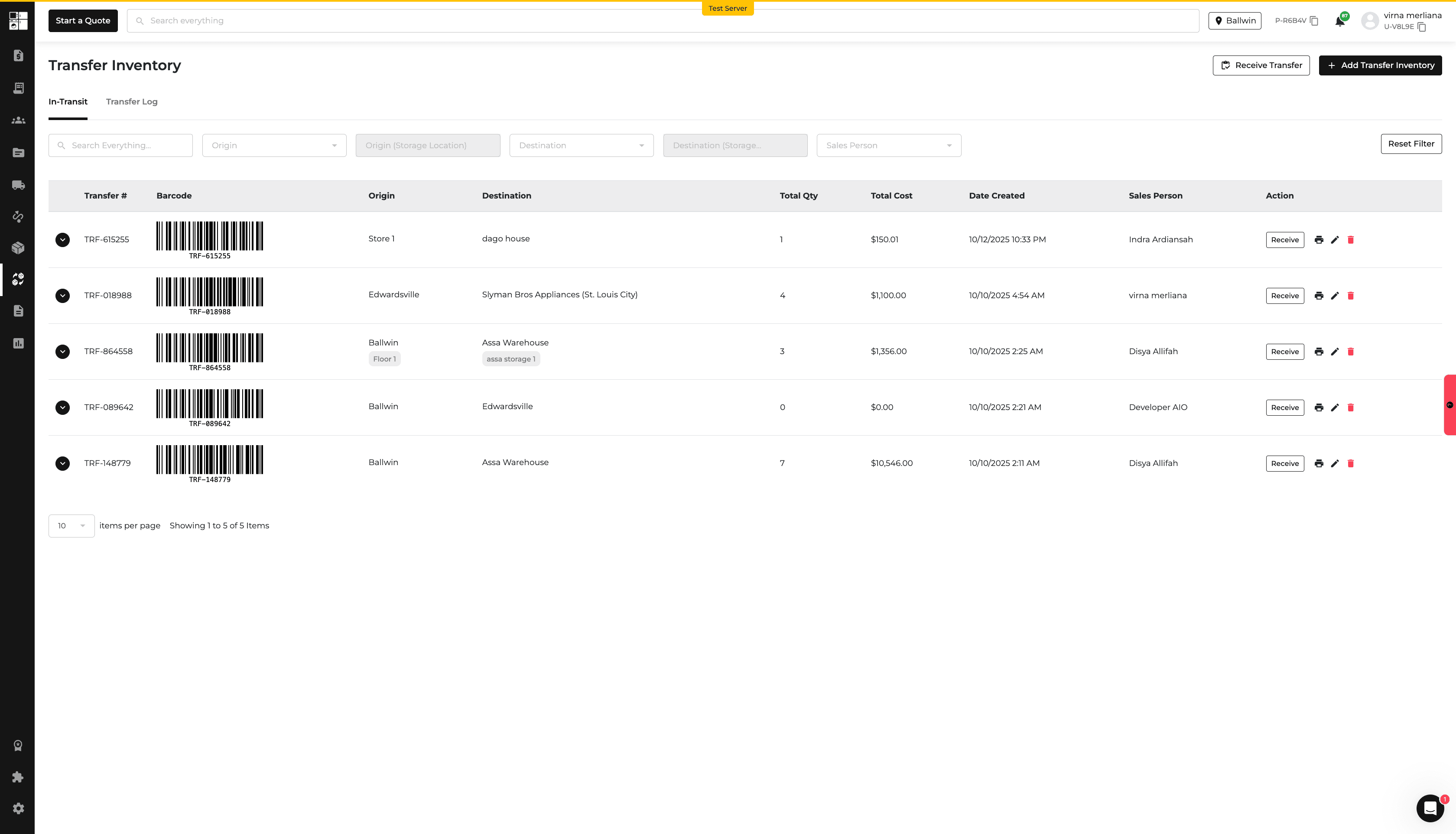
New Feature
Wholesale
Website
Quotes
Feature Updates
Wholesale: Login & Account Approval
Wholesale customers can now apply for access directly from the website, upload verification documents, and check their application status.
Admins can review applications, approve or reject accounts, assign pricing tiers, and manage related notifications.
This provides a simpler and more secure way to manage wholesale customer access and pricing.
Click here to learn more about Wholesale.
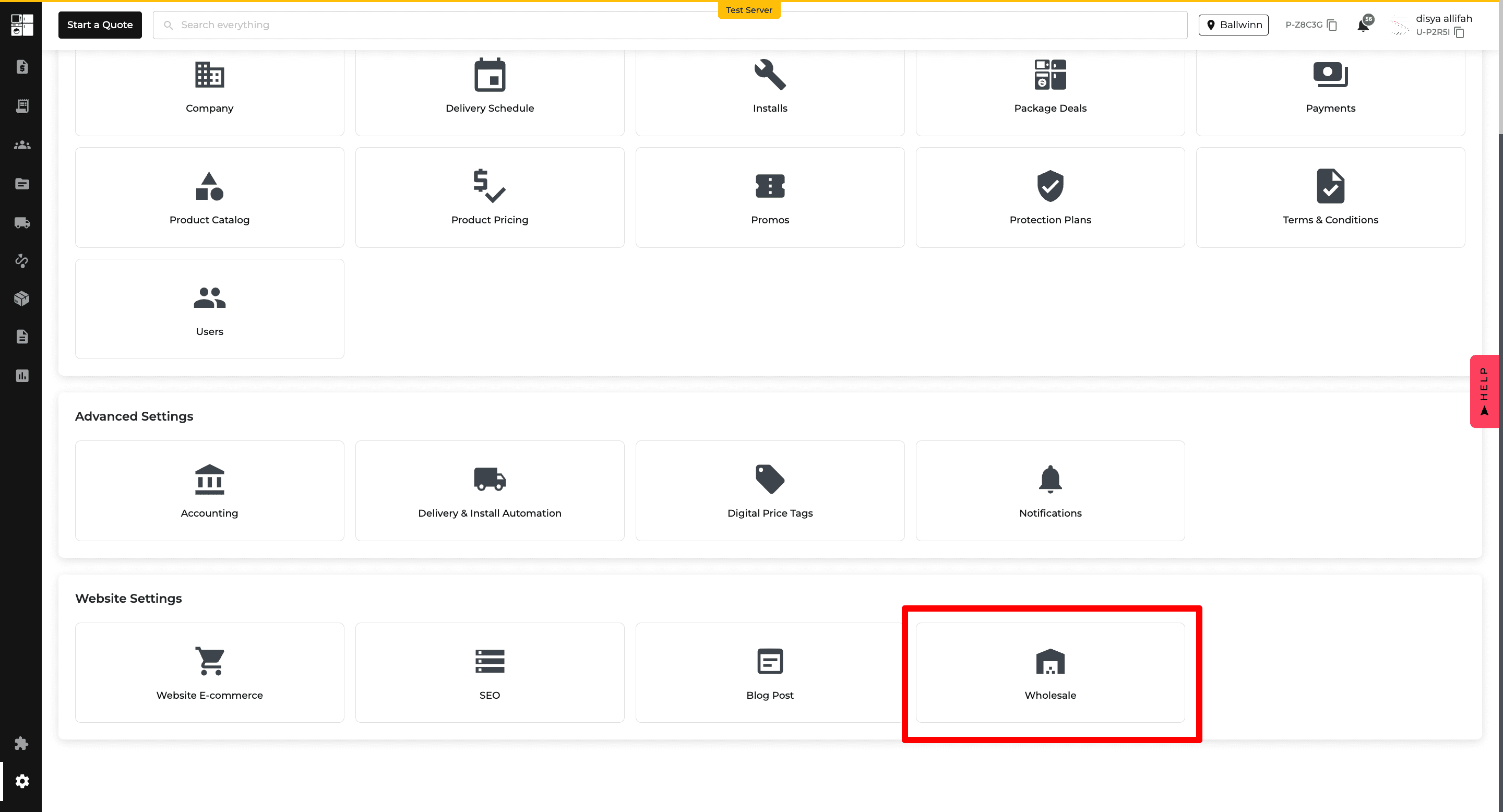
Website: Built-In Blog
You can now create and publish blog posts directly through WebsiteOS.
The Blog includes featured posts, customizable headings, post editing, and built-in tools for URLs, image alt text, and heading structure.
This makes it easier to publish search-friendly website content without developer assistance.
Click here to learn more about Blog Post.
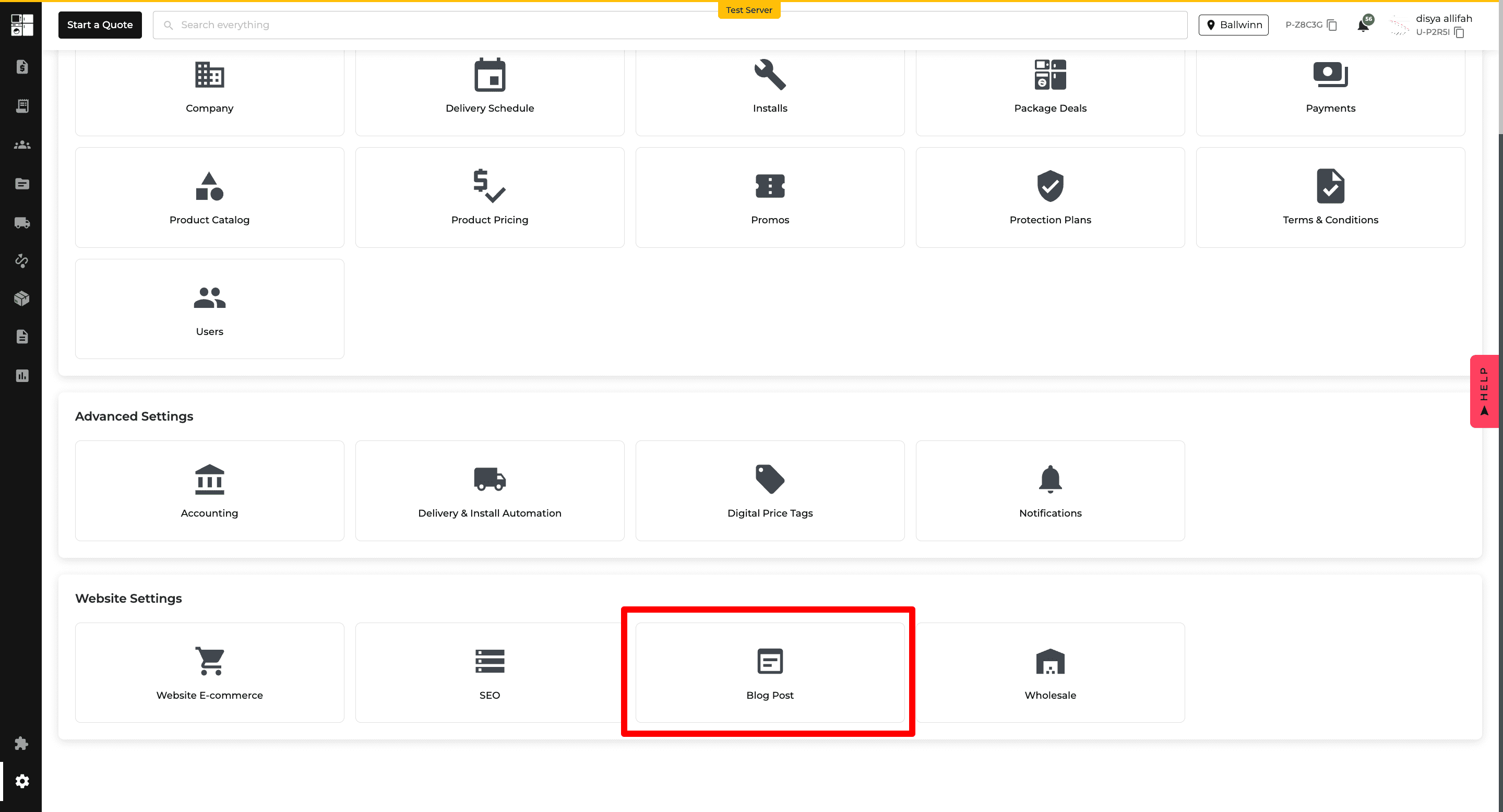
Quote: Website Quote Request
Customers can now request a formal quote directly from the website or their shopping cart.
Submitted requests are sent to Appliance.io, where your sales team can review the request, adjust pricing, and approve the quote.
This makes it easier to manage quote requests for bulk purchases and products that do not display pricing online.
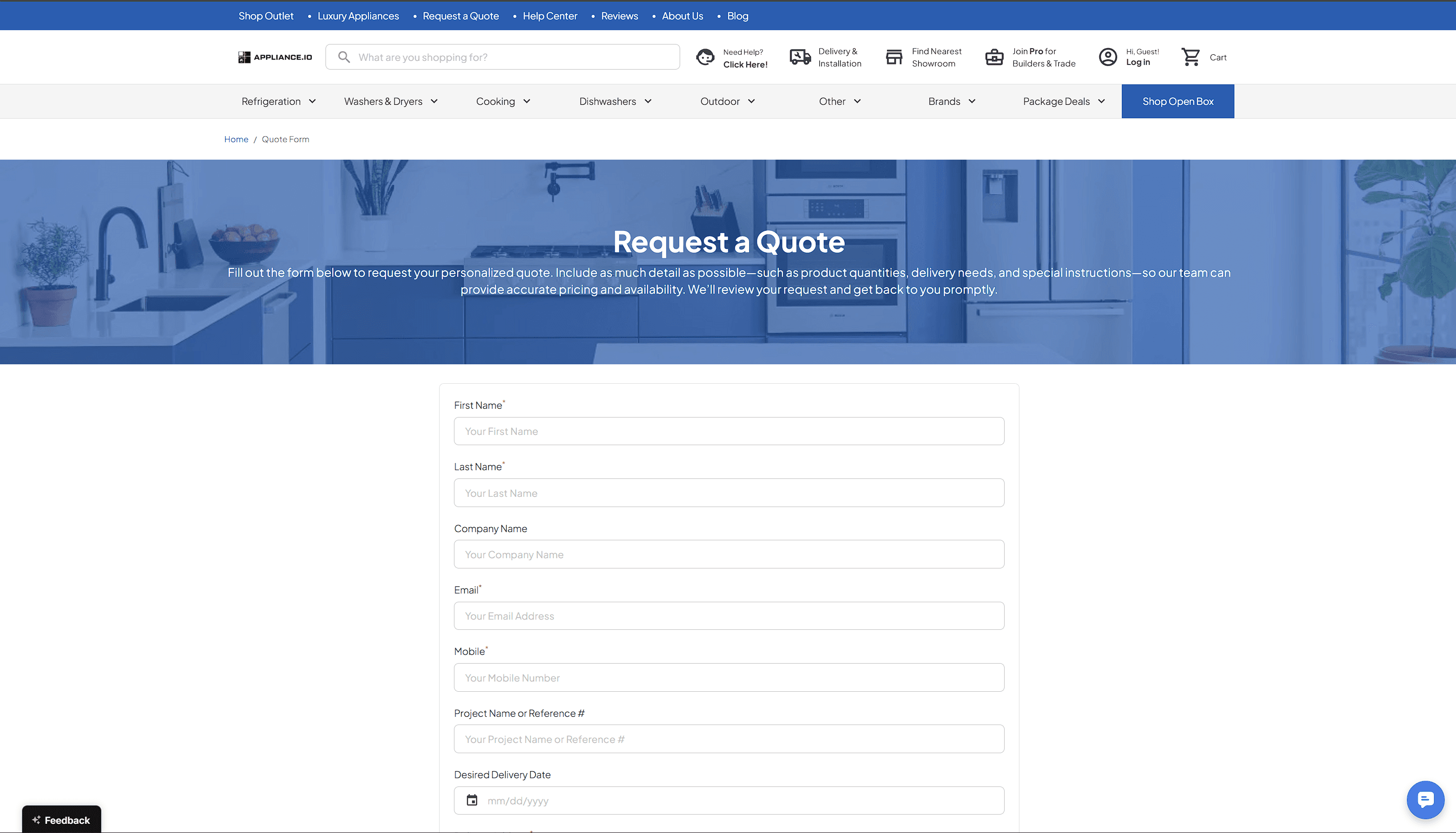
Feature Improvement
Settings
Reports
Inventory
Payments
Feature Updates
Sales Tax Settings: Changelog & Audit Trail
Sales Tax settings now include a Changelog that shows who made a change, when it was made, and what was updated.
This makes it easier to review previous Sales Tax setting changes and troubleshoot unexpected updates.
Click here to learn more about Sales Tax.
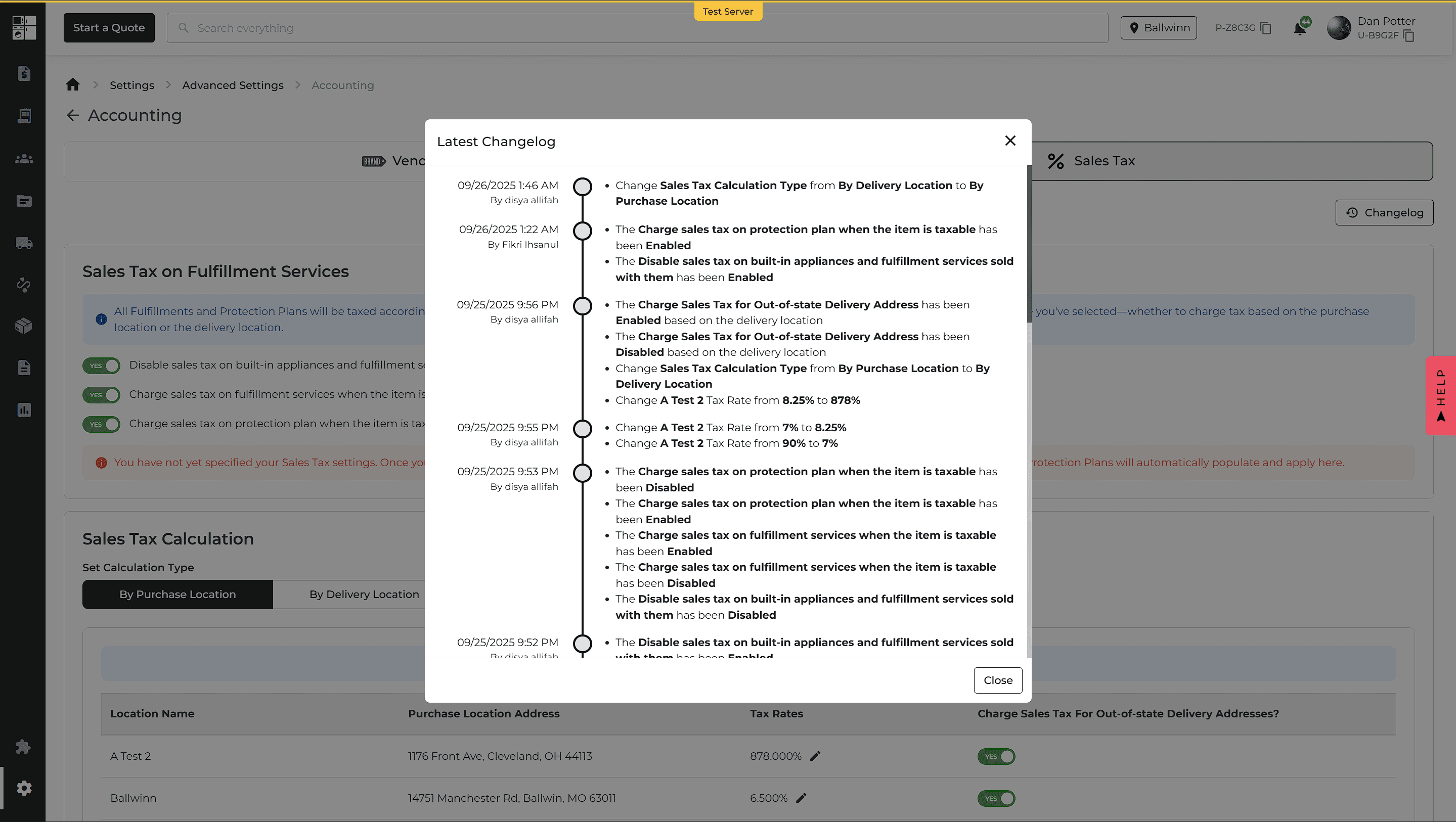
Reports: Separate Parts & Products
Financial reports now separate Parts and Products for clearer reporting.
The Income Statement provides separate Revenue, COGS, and Refund lines for Parts and Products. The Balance Sheet also includes a separate Part Sales line under Deferred Revenue.
This provides better visibility into costs, revenue, and margins for parts and finished products.
Income Statement Report: Inventory Adjustments
The Income Statement Report now includes a dedicated Inventory Adjustments line.
Write-offs are recorded as expenses, while recoveries are recorded as income. You can select the line to review the related inventory transactions.
This makes inventory changes and their financial impact easier to understand and reconcile.
Reports: Multi-Location & Customer Class Comparison
Income Statements and Balance Sheets can now include up to 5 locations and customer classes in a single report.
Reports display results side by side for easier comparison and can be exported as an Overview or Accountant View in CSV, XLSX, or PDF.
This makes comparing financial performance across locations and customer classes easier.
Stability Improvements
Accounts Receivable Report: Zero Balance Accuracy
We fixed an issue where fully paid orders could continue appearing in the Accounts Receivable Report with a $0 balance.
Entries now clear when the balance reaches $0, while partial returns and mixed payment methods are reflected appropriately.
Sales Tax Report: Return & Tax Accuracy
We fixed mismatched amounts between the Sales Tax Report and Order page.
Return information is now recorded correctly so refunded amounts and related customer credits are accurately reflected.
Payment Breakdown: Repayments & Fees
We fixed reporting issues affecting Payment Breakdown.
Credit Line repayments now appear correctly, and fee calculations are aligned between the AIO Pay Report, Payment Breakdown, and Order page.
Feature Improvement
Orders
Product Catalog
Feature Updates
Orders: Edit with Strict Rules
You can now make eligible changes to existing orders without recreating them.
Order editing includes safeguards around refunds, delivered items, and special orders, while changes are recorded for easier tracking.
This helps reduce duplicate orders while keeping order and payment information accurate.
Click here to learn how to change a product/model on an order.
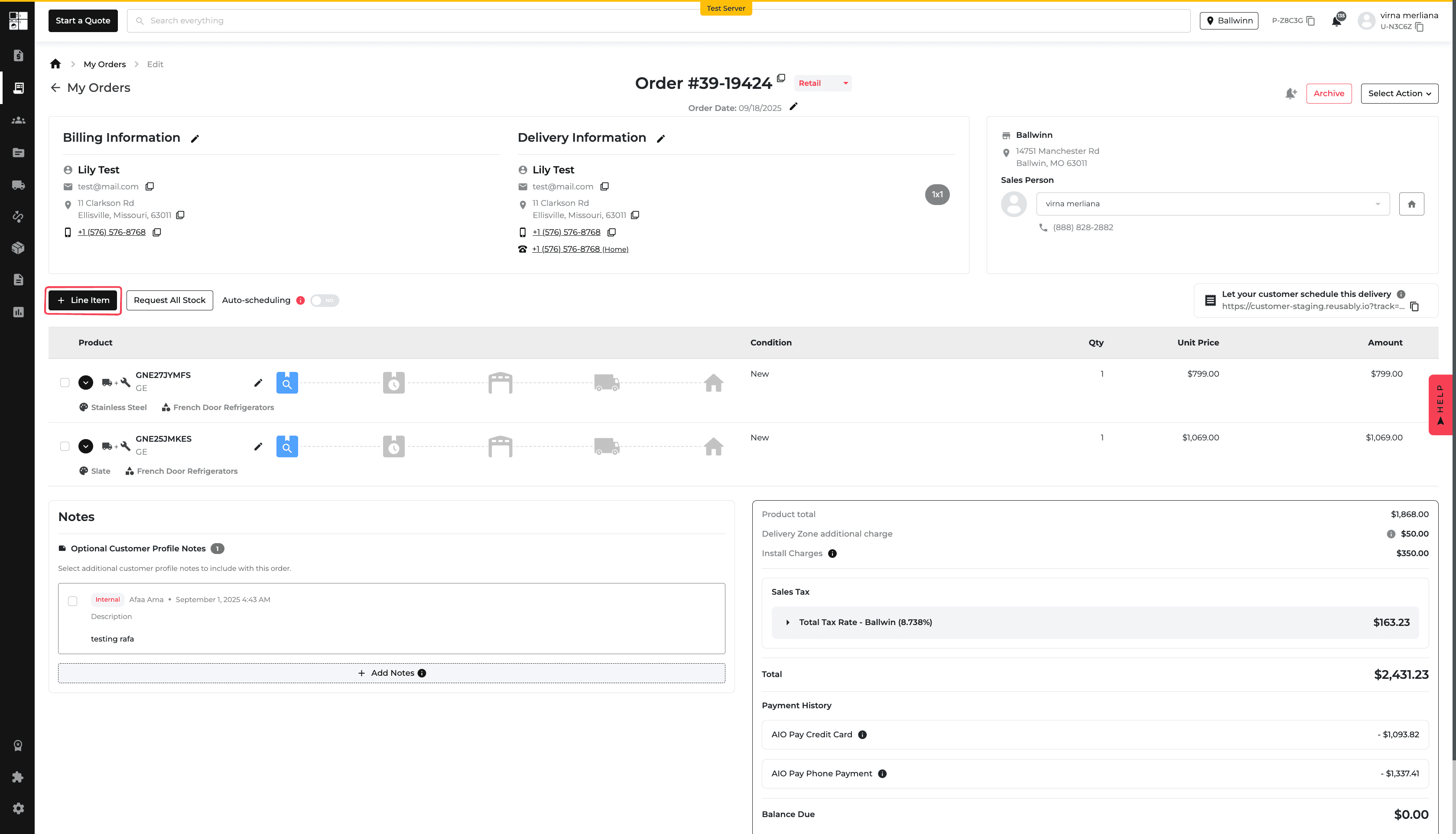
Stability Improvements
Sales Tax: Built-In Product Exemptions
We fixed an issue where some built-in products were not recognized as tax-exempt when the appropriate setting was enabled.
Products identified as built-in now follow the configured sales tax exemption correctly, providing more consistent tax calculations.
Feature Improvement
Customer Portal
Payments
Orders
Purchase Order
Feature Updates
Customer Portal: Credit Line & Add-On Payments
Customers can now pay Credit Line balances and Add-ons directly through the Customer Portal.
When sending a payment link, Super Admins can choose whether customers can pay their Credit Line, Add-ons, or both.
Credit Line payments use ACH, while Add-ons support all available payment methods.
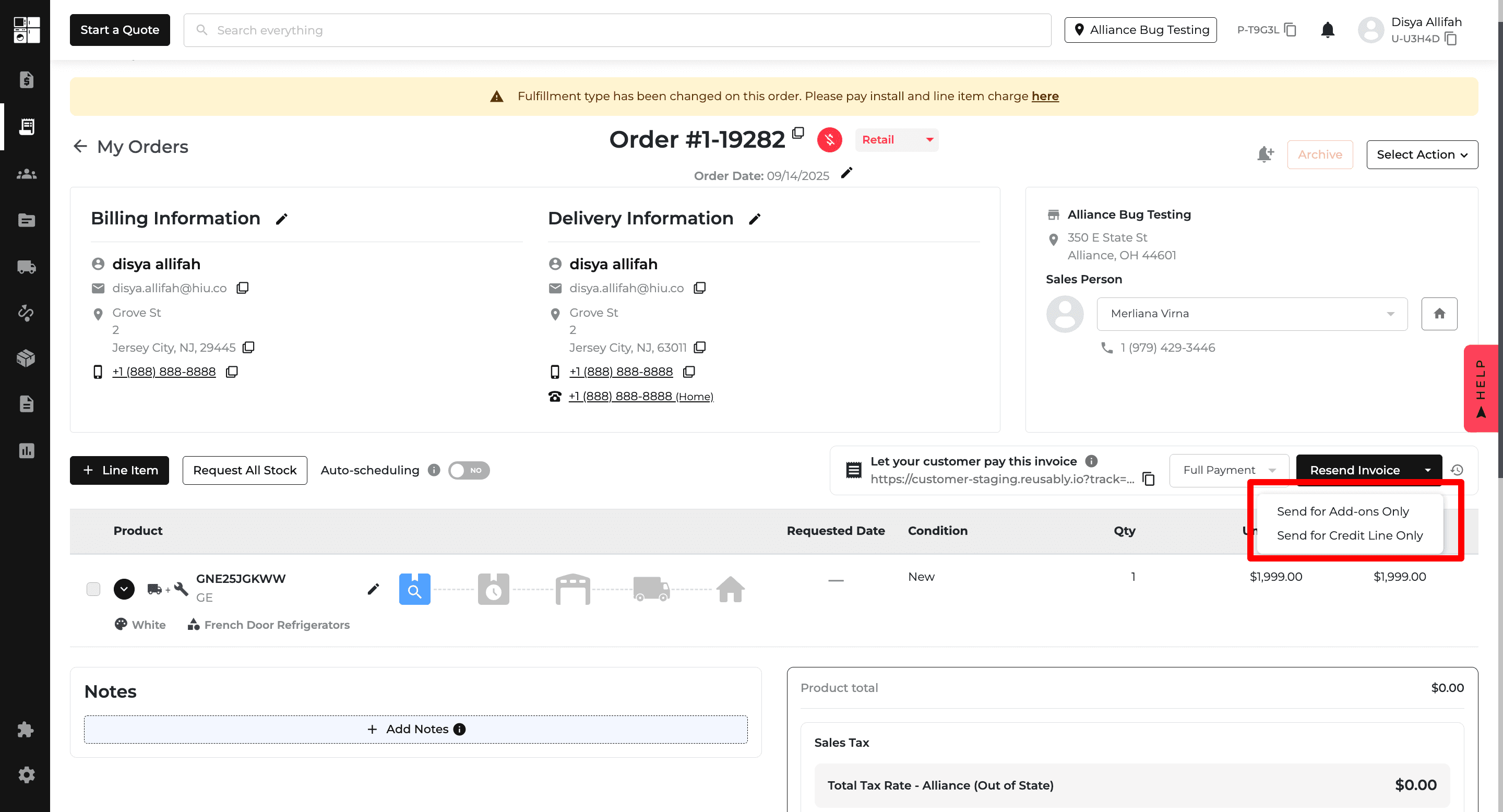
Pay Credit Line via Customer Portal
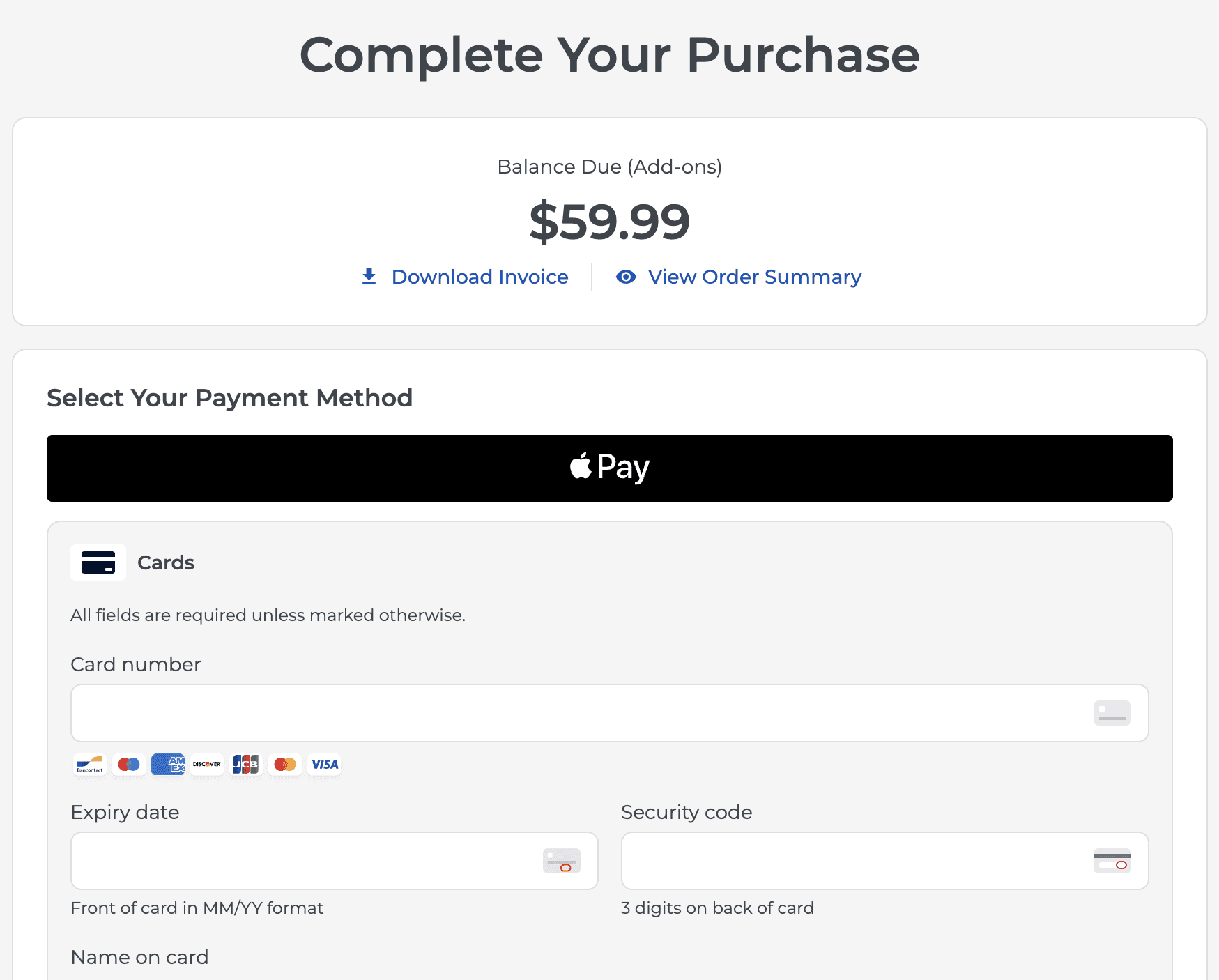
Add-ons Payments (All Payment Methods)
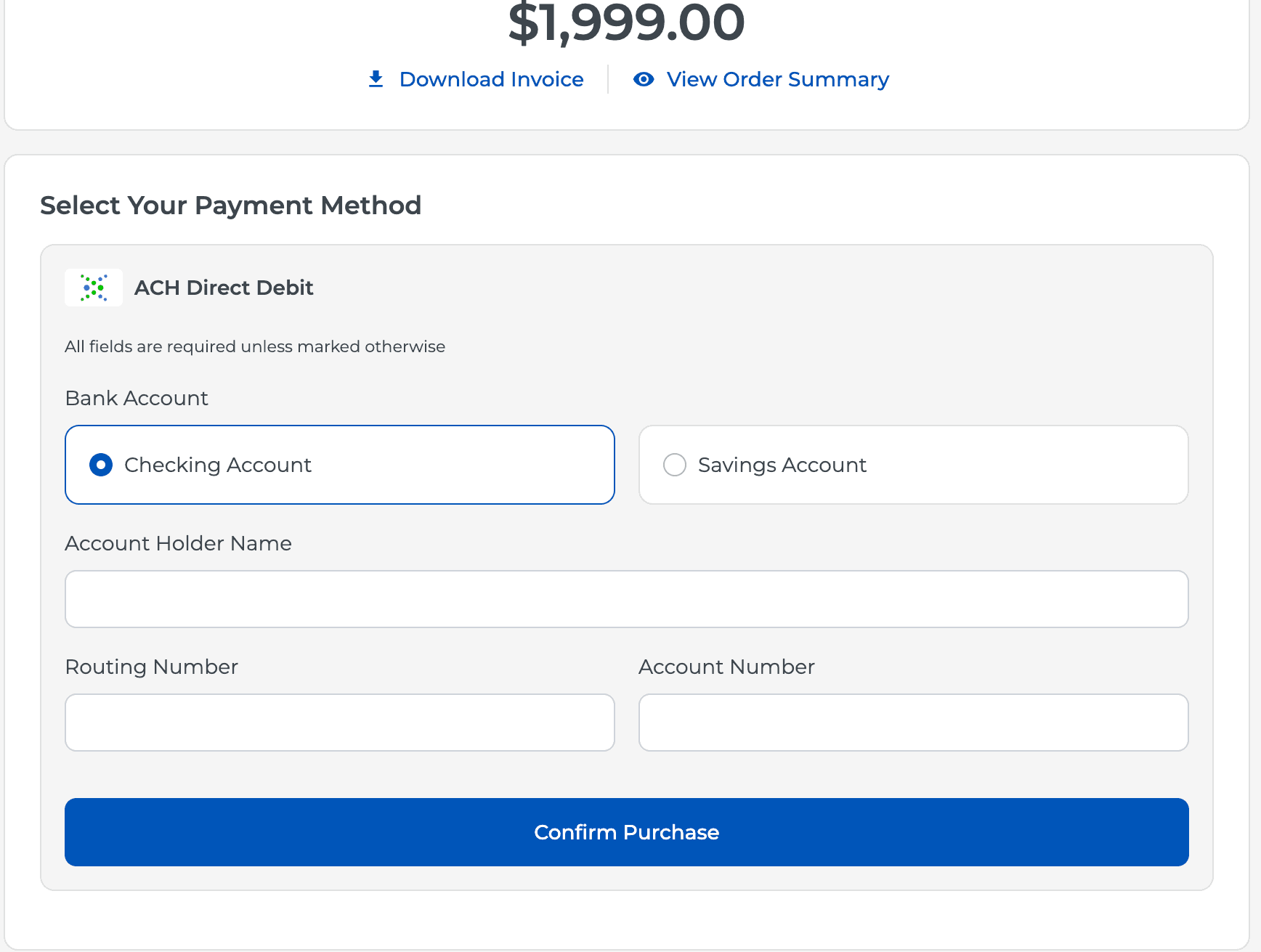
Credit Line Payment (ACH only)
Orders: Refund & Return Notes
Refund and return notes are now displayed on both the Order page and Customer Details page.
This keeps important return and refund information easier to find and provides better context when reviewing customer activity.
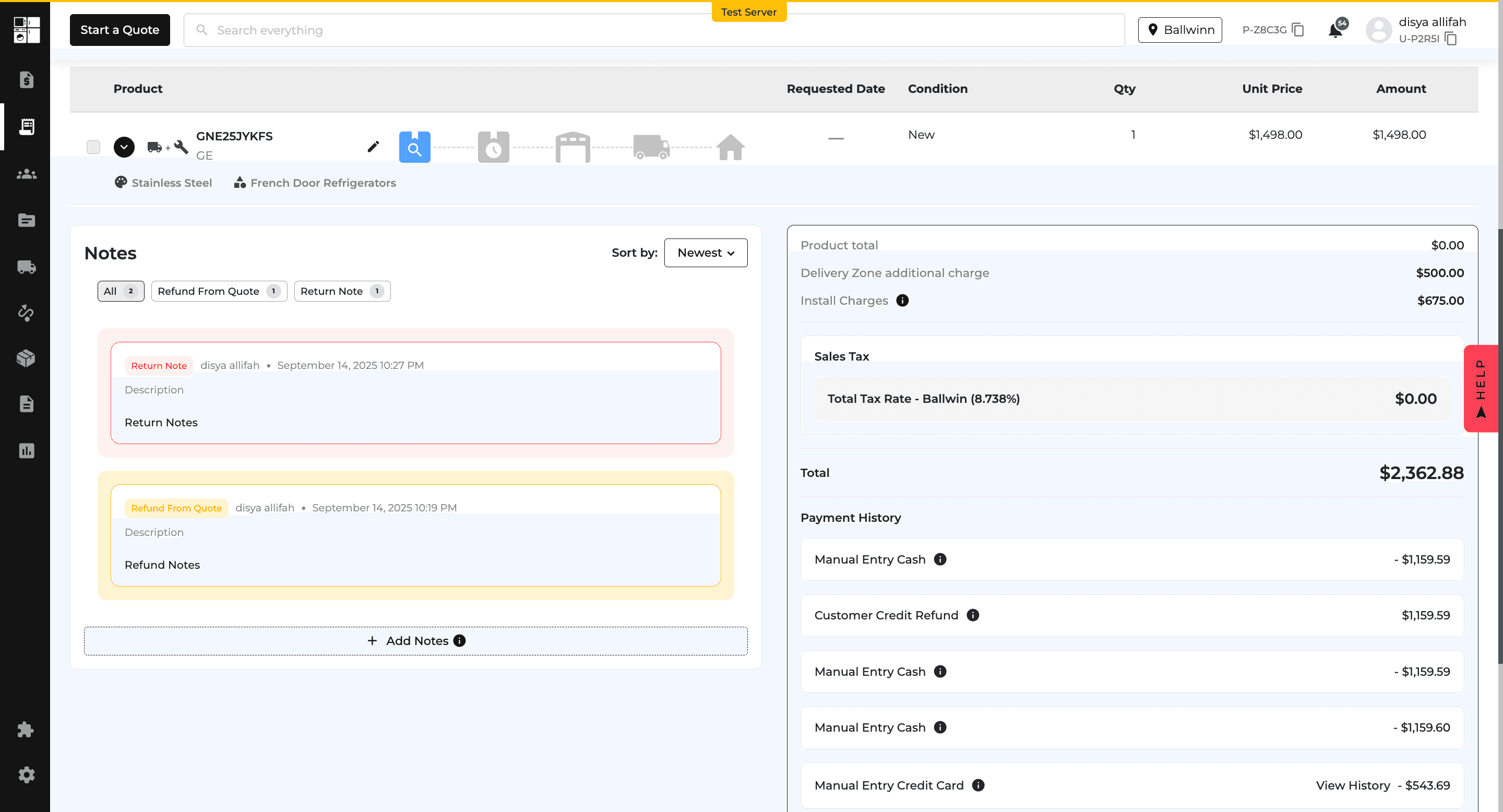
Refund and Return Notes (Order page)

Refund and Return Notes (Customer Details page)
Bug Fixes
Purchase Orders: Requested Date Visibility
We fixed an issue where the Requested Date column could appear when there was no requested stock.
The column now appears only when items are in a requested state, keeping the page cleaner and showing the information only when it is relevant.
Feature Improvement
Product Catalog
Settings
Orders
Reports
Feature Updates
Product Pricing: Lowest Retail Price (LRP) Rule
A new Lowest Retail Price (LRP) option is available as a Sale Price Rule.
LRP uses brand-provided retail pricing and automatically follows available fallback pricing when an LRP is unavailable.
Pricing activity is also tracked across the POS, website, and product preview for easier review.
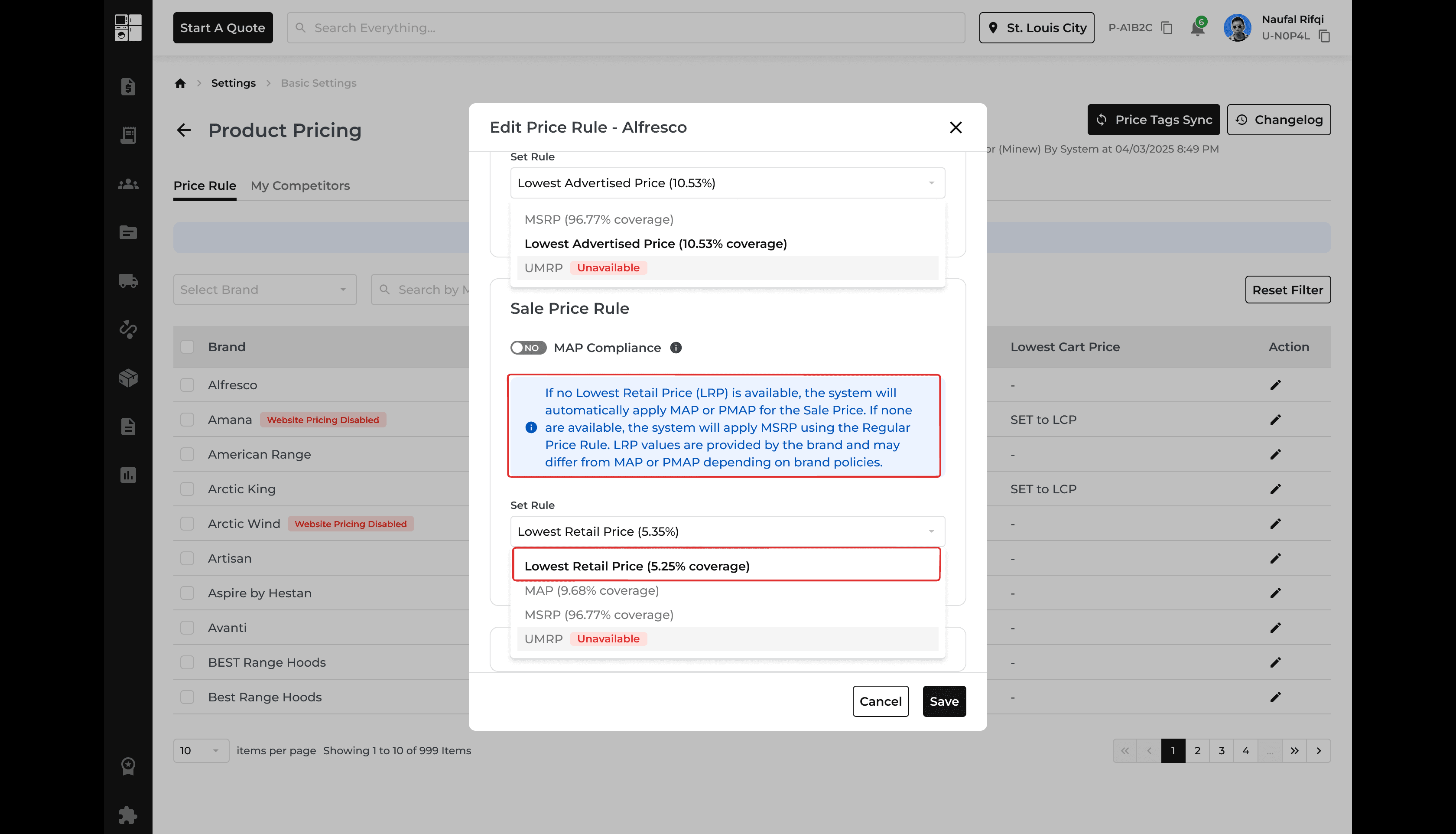
Settings: Company Timezone
You can now set your company's timezone under Company Settings → Timezone.
Orders, reports, and schedules will display dates and times based on the selected timezone, reducing the need for manual time conversions.
The default timezone is America/Chicago until another timezone is selected.
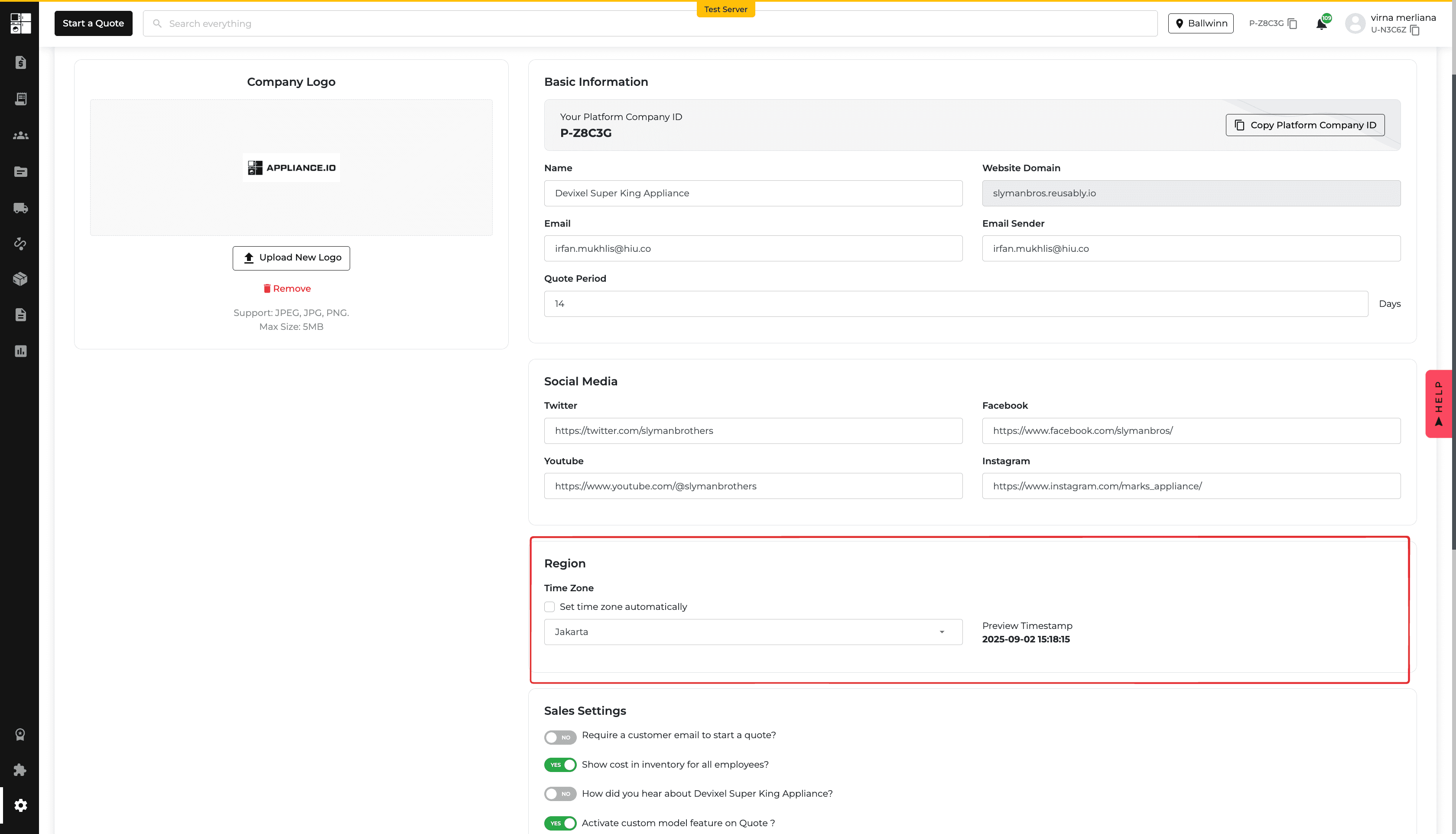
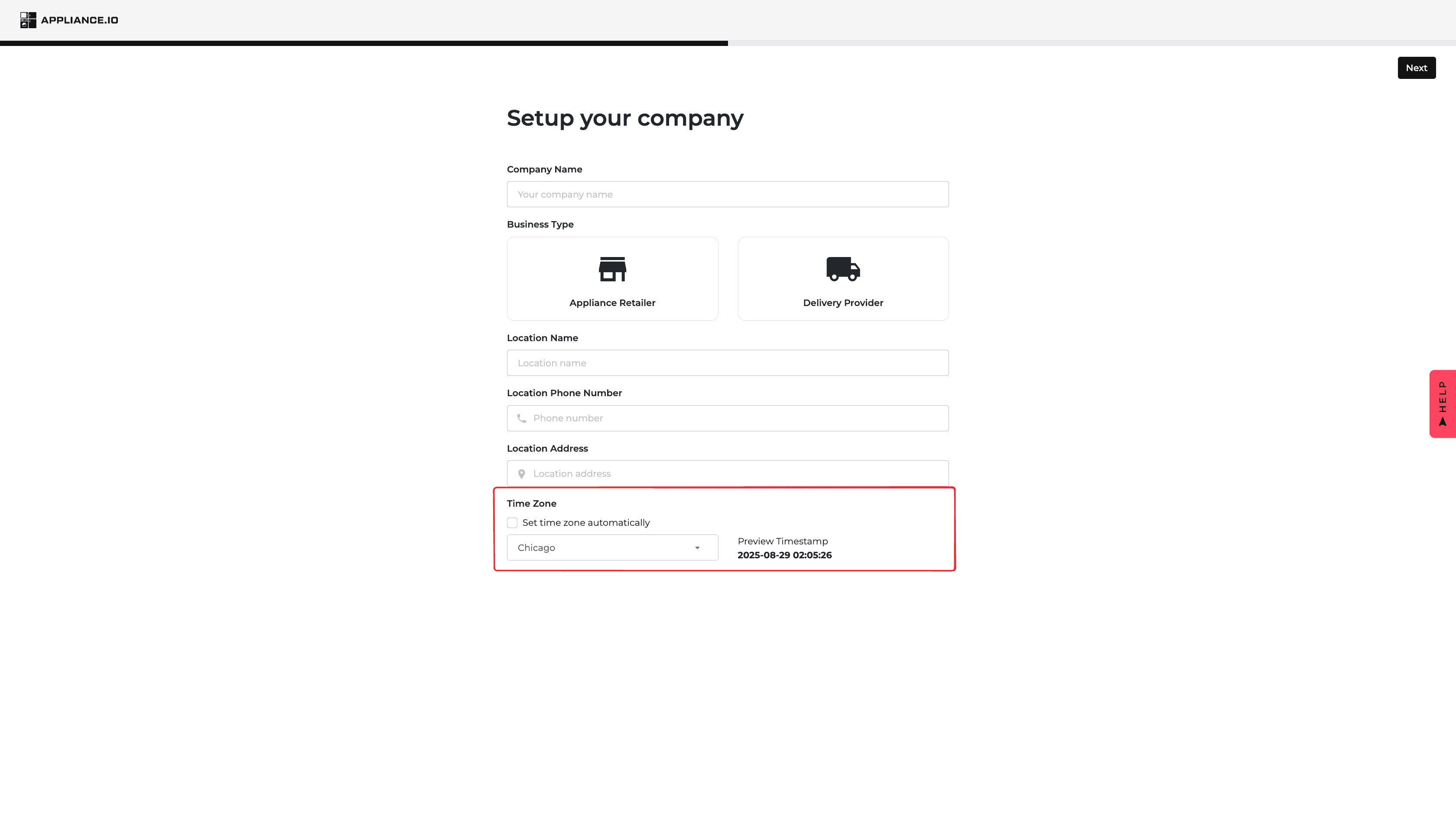
Orders: Delivery Notes Are Internal
Delivery Notes are now kept internal and are available from the Notes section of the Quote or Order.
They are no longer displayed to customers on quotes or printed invoices, helping keep internal delivery instructions private.
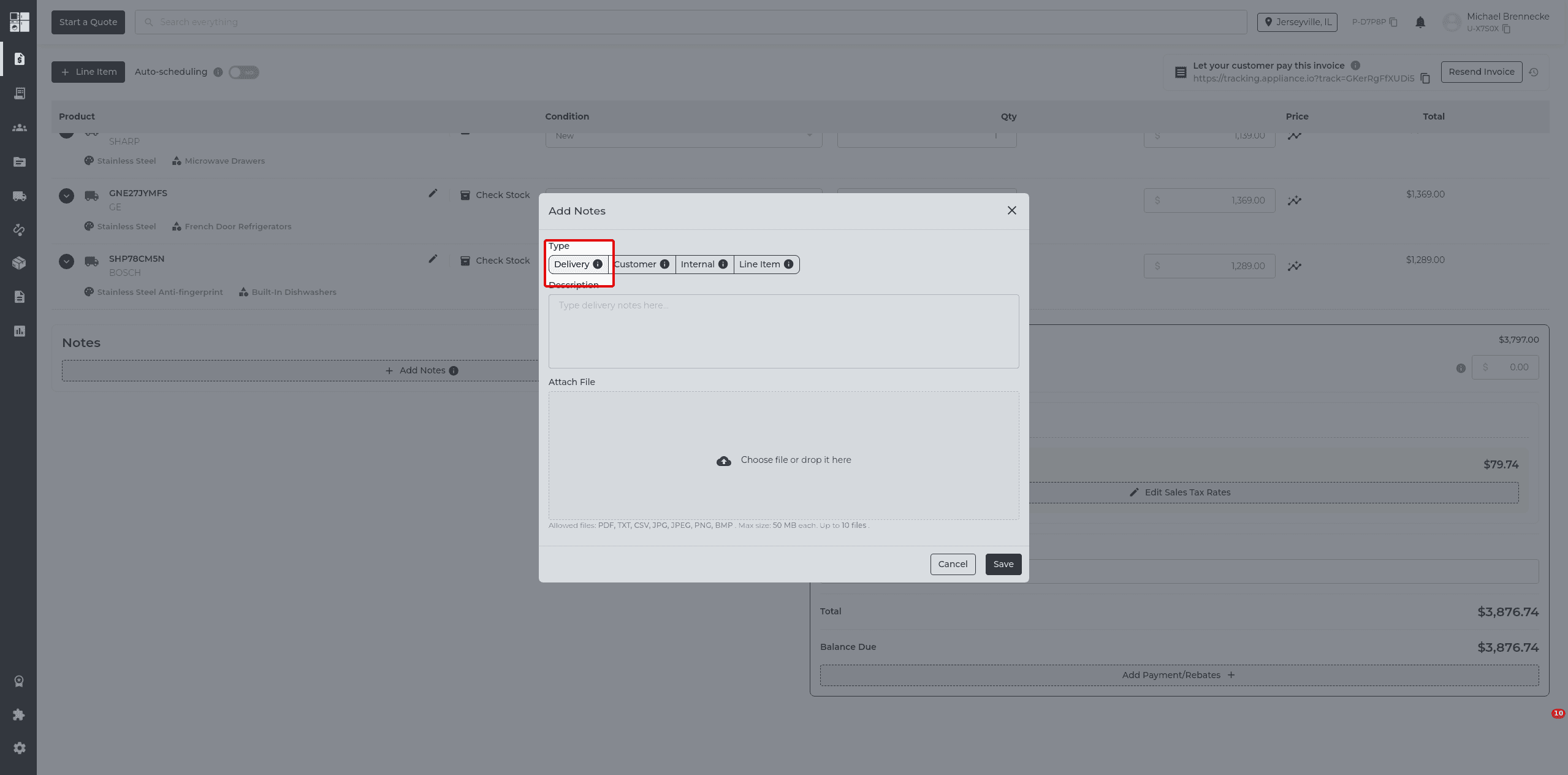
Timezone: Date Accuracy
We fixed several timezone-related issues that could cause dates to appear one day earlier or later.
Dates now display more consistently across Delivery Routing, Inventory, Orders, and Reports.
Accounts Receivable: Balance Accuracy
We fixed several issues affecting the Accounts Receivable Report.
Zero balances now clear correctly, partial returns are reflected accurately, and orders using multiple payment methods are adjusted appropriately.
Feature Improvement
Protection Plan
Orders
Product Catalog
Protection Plans: Free & Discounted Products
Protection plans can now be added to products priced at $0 or heavily discounted when a valid reference price is available in Protection Plan Settings.
If no pricing is available, Managers and Super Admins can still manually select a protection plan.
This makes it easier to protect appliances included in bundles, packages, and other discounted sales.
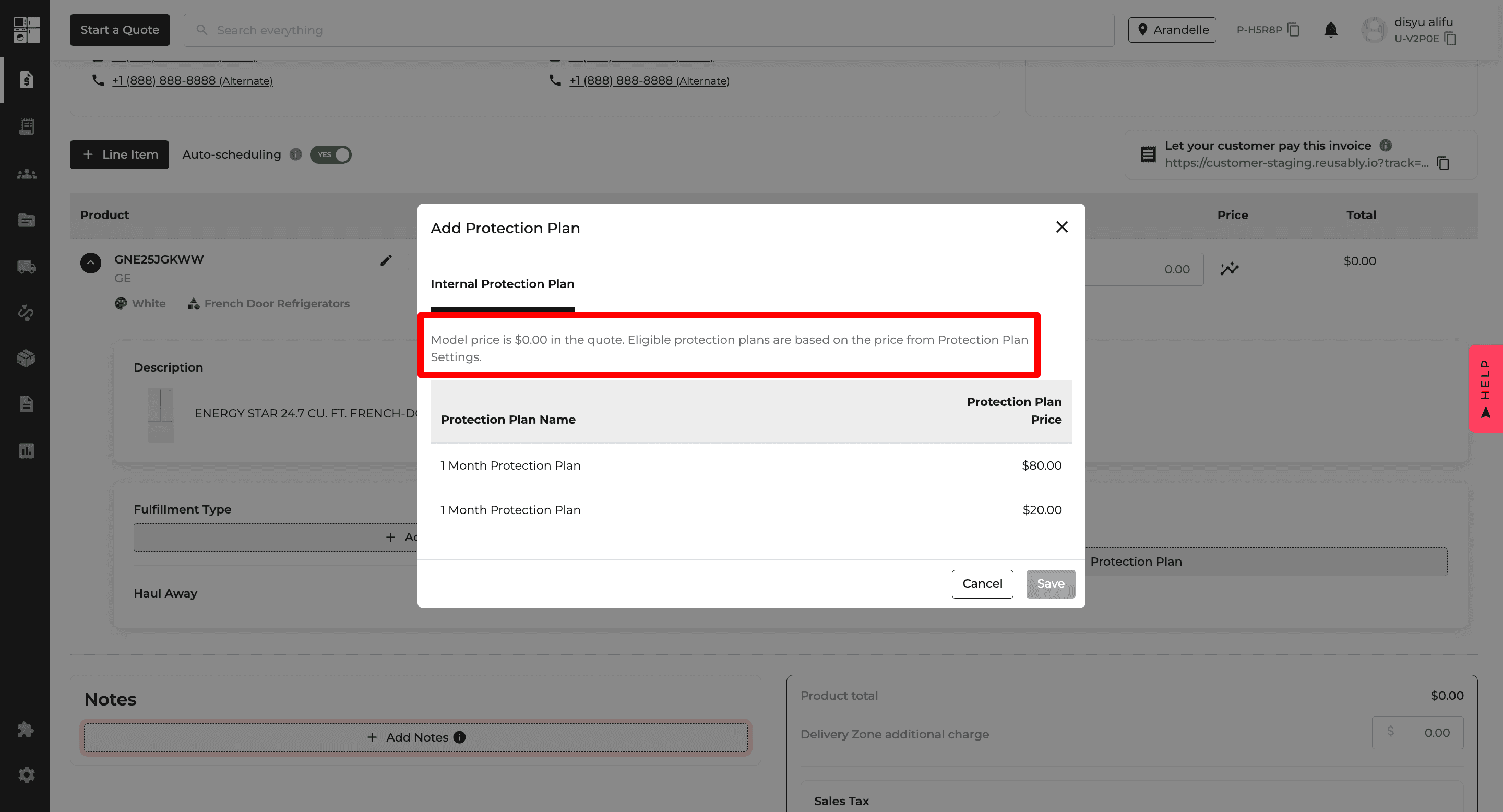
Case 1
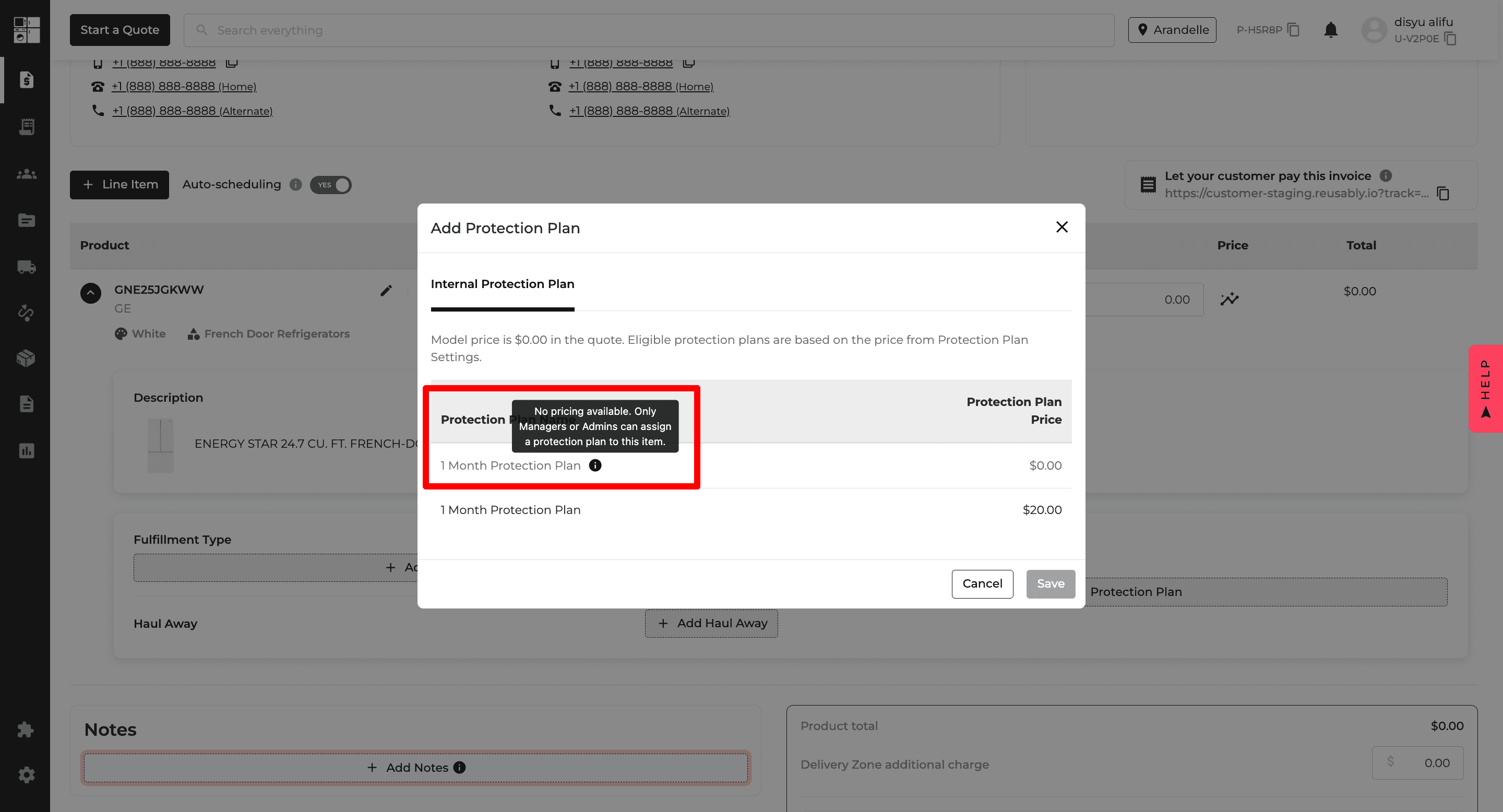
Case 2 Tooltip (Sales)
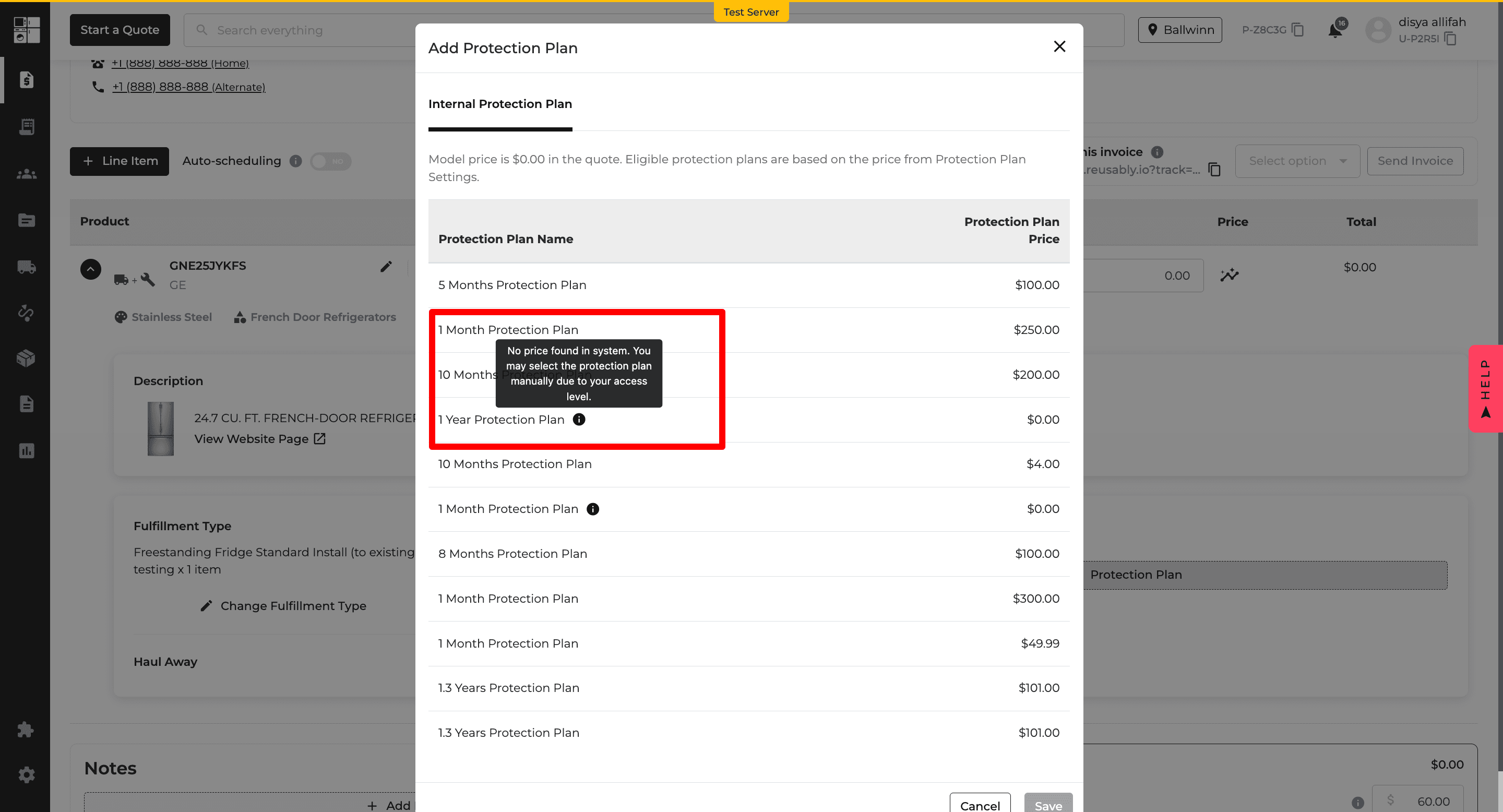
Case 2 Tooltip (Manager/Admin)
Orders: Notes Sorted by Time
Notes on Quotes and Orders are now displayed together in a single timeline, with the newest notes appearing first.
Delivery, Customer, and Company notes remain clearly identified by their type and color.
This makes it easier to find the latest information without checking separate note sections.
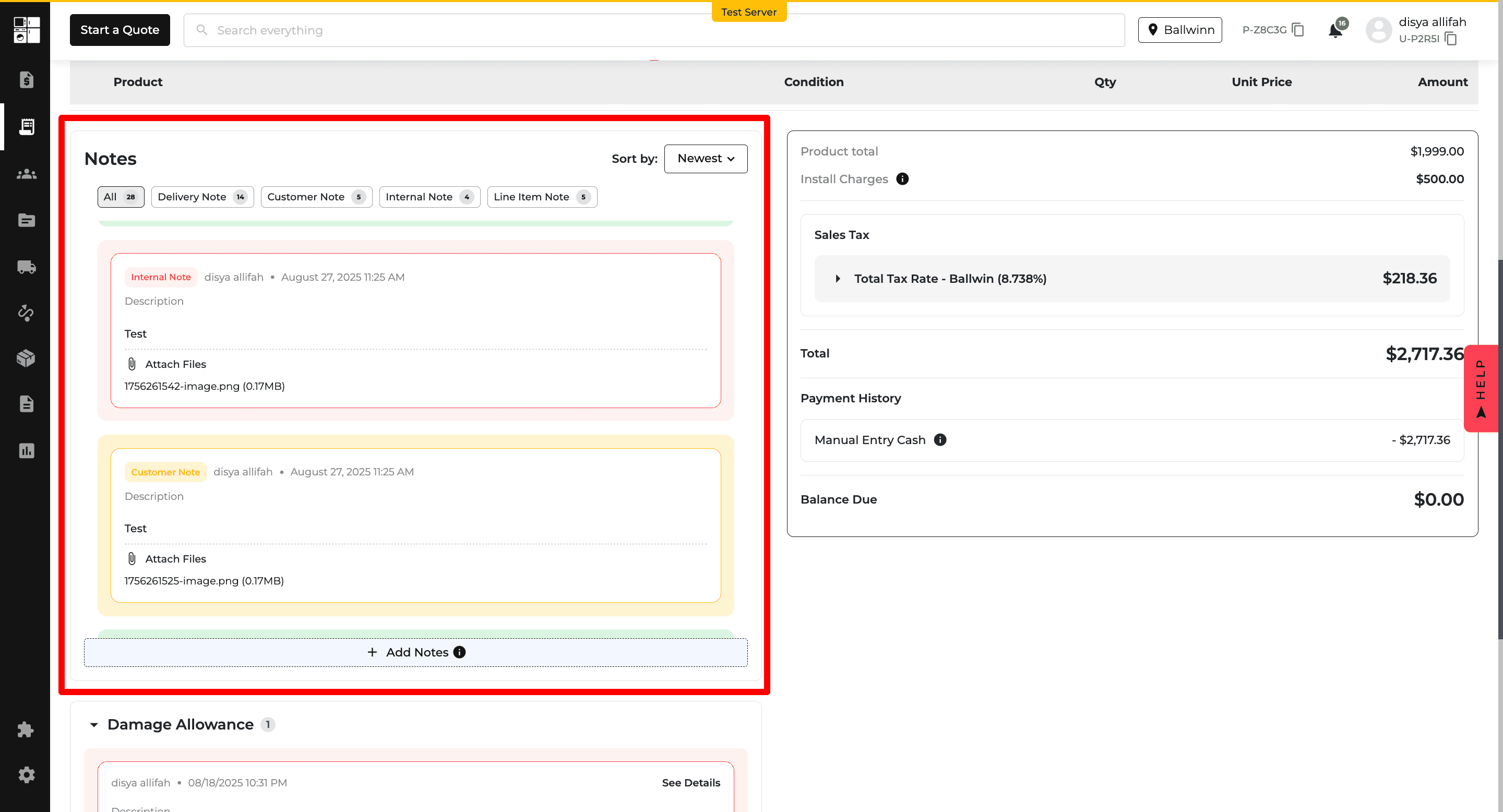
Invoices: Damage Allowance Details
Damage allowances now automatically appear on invoices when applicable.
Invoices can include details such as the affected product, damage description, refund or credit amount, driver, and acceptance date.
This provides clearer records of damage allowances without requiring a separate print option.
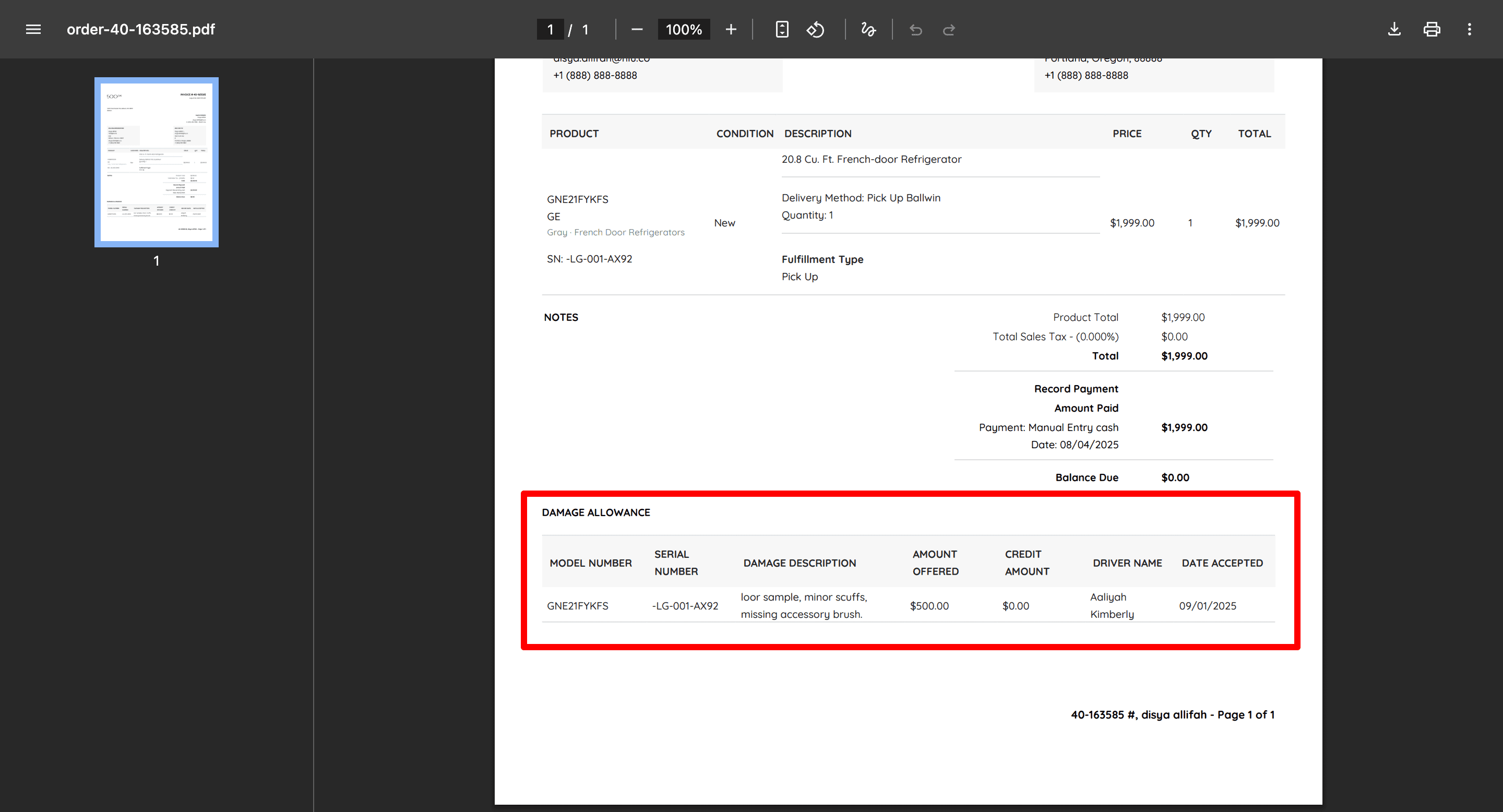
Reports: Home Visit & Surveys
A new Home Visit & Surveys Report is available under Reports.
The report brings Home Visit information into one place, including customer details, visit type and status, scheduled dates, salesperson, and surveyor information.
This makes it easier for sales and customer service teams to track visits and follow up with customers.
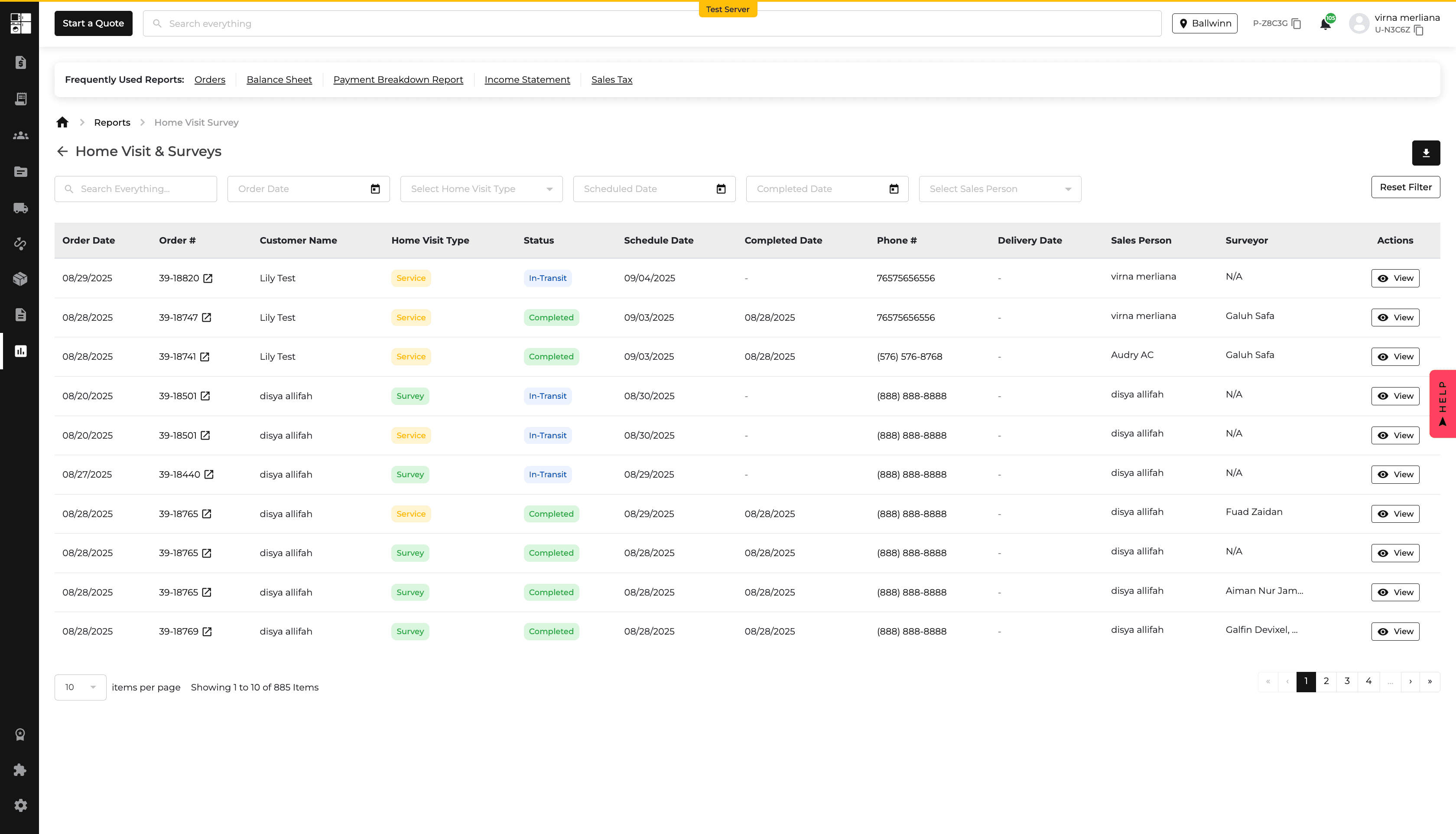
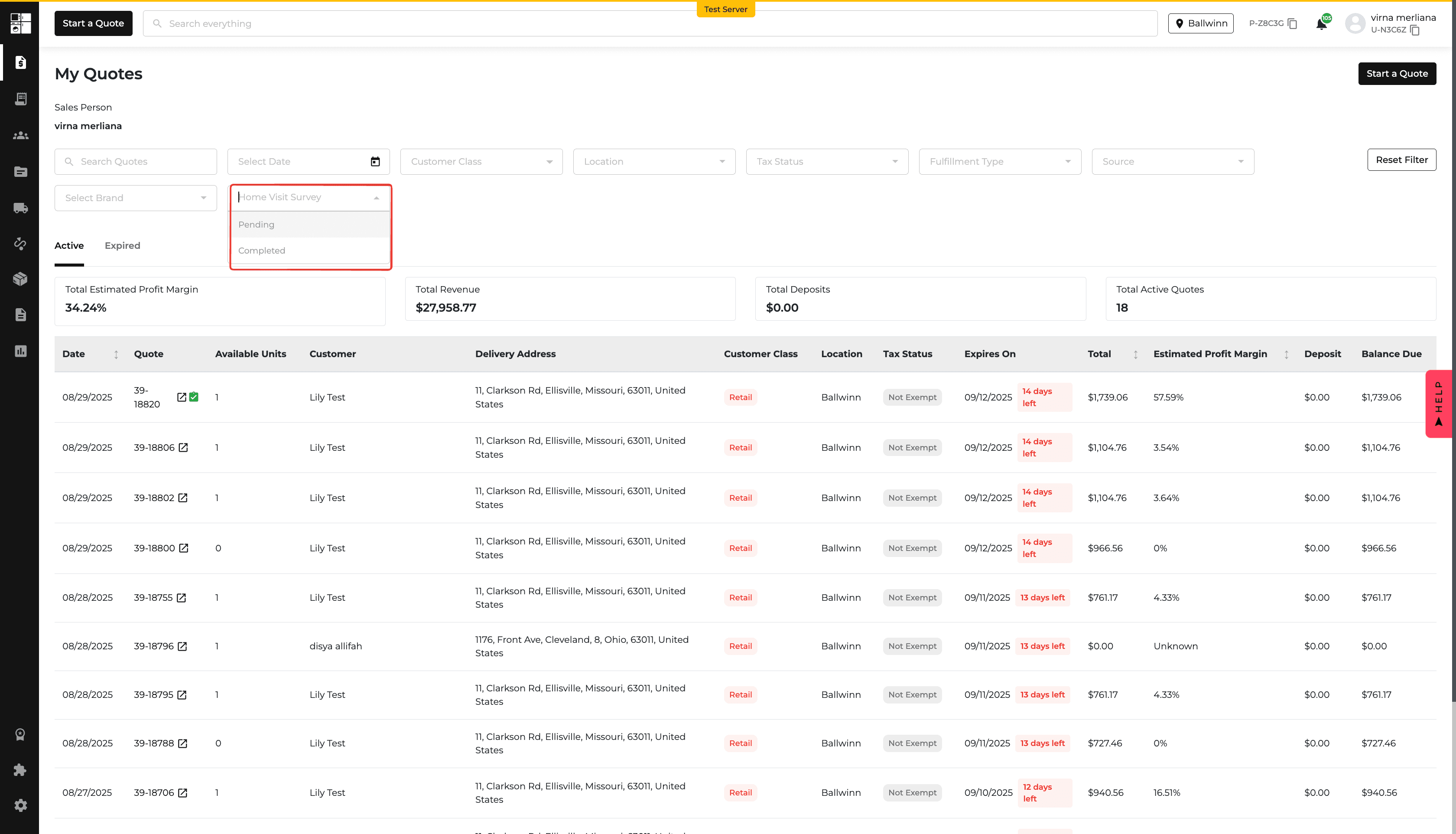
Orders: Customer Unsure
Orders can now be marked as Customer Unsure during fulfillment.
Selecting this option requires a note explaining the situation. The information is saved with the order and is available in reporting and on the invoice.
This gives teams a clearer way to track orders that require additional customer follow-up.
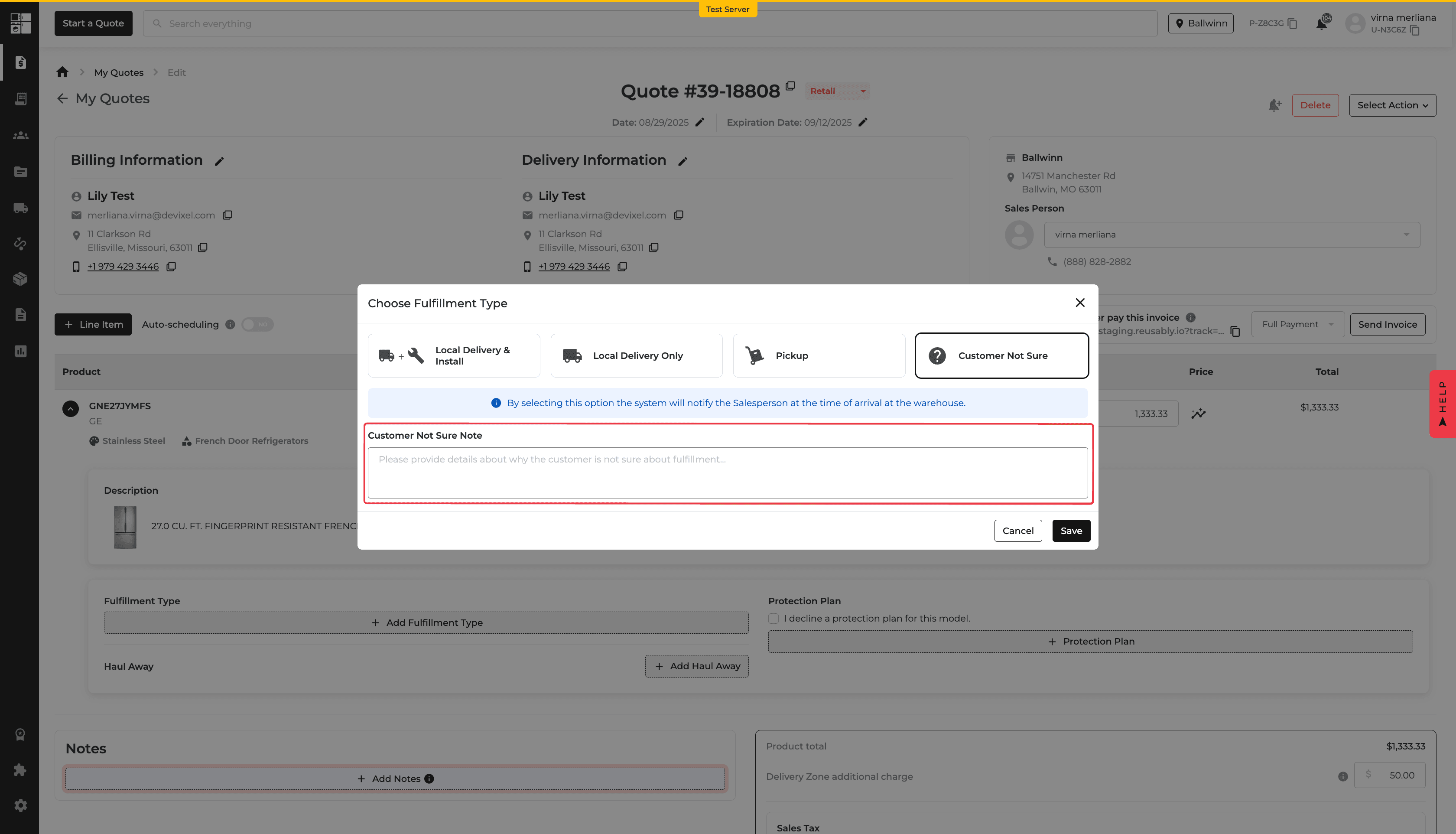
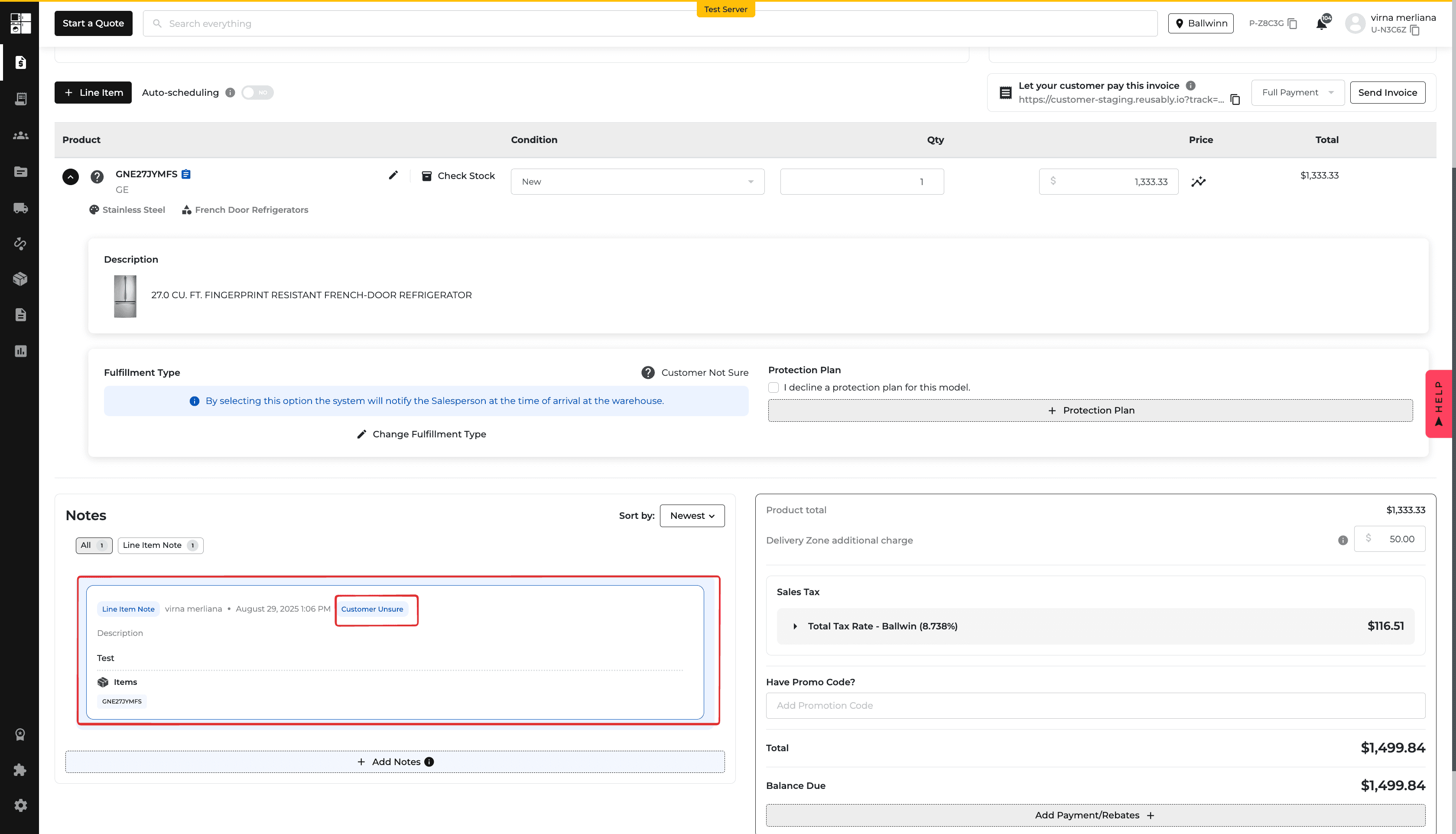
Product Pricing: Flexible Fallback Rules
You can now add up to five fallback rules for a brand's Sale Price Rule.
Available pricing sources include MAP, PMAP, LAP, LRP, UMRP, MSRP, and Competitor Price. You can reorder the rules to control which price source should be checked first.
If the primary price is unavailable, Appliance.io uses the first valid price from your configured fallback rules.
This gives you more control over how sale prices are determined when your preferred pricing source is unavailable.
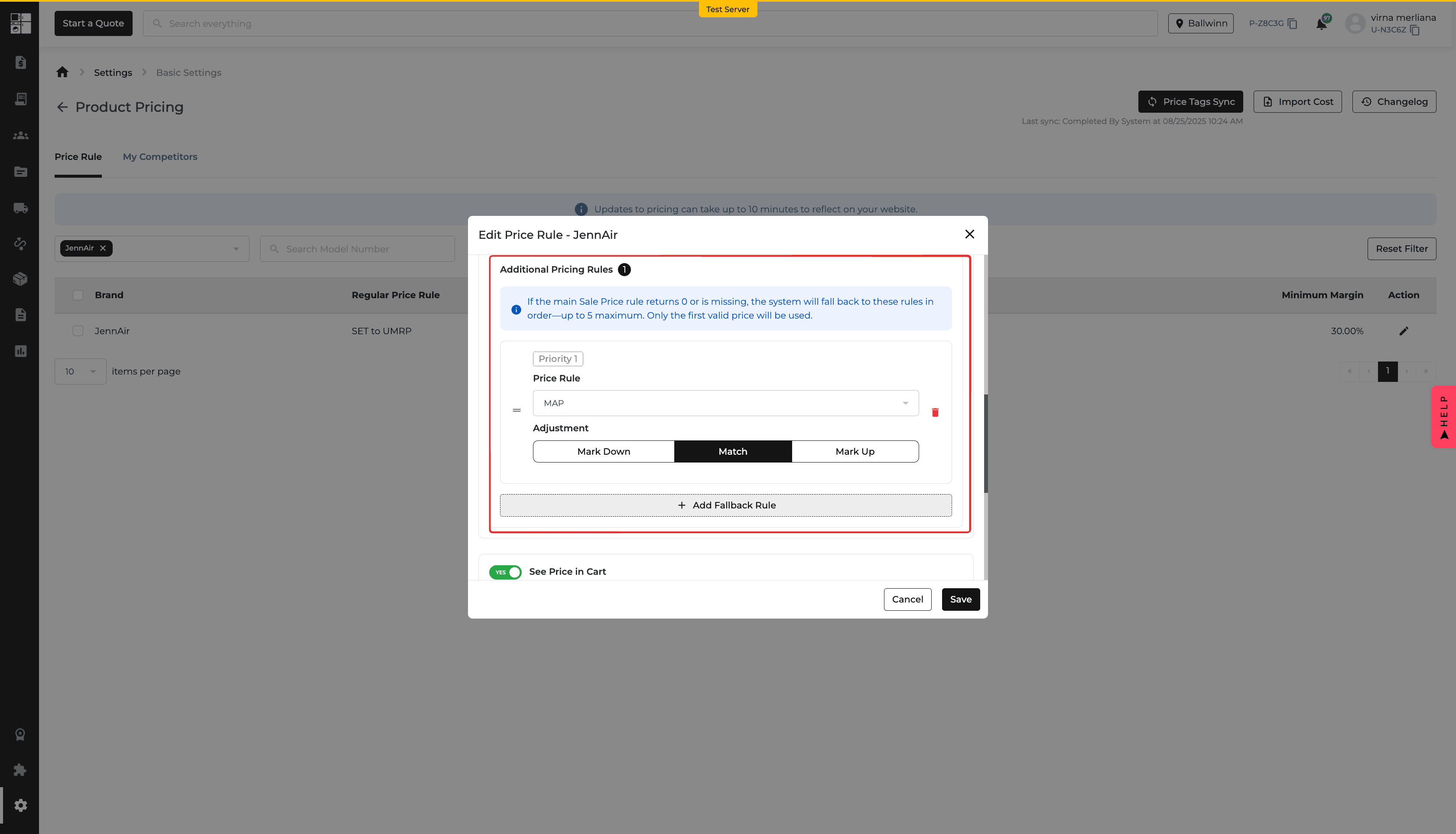
New Feature
Reports
Reports: Date Run
Downloaded accounting reports now include a Date Run field showing when the report was generated.
The timestamp appears in the report header and is included across PDF, Excel, CSV, and printed reports.
This makes it easier to identify report versions, share the correct report, and maintain clear records for accounting and audits.
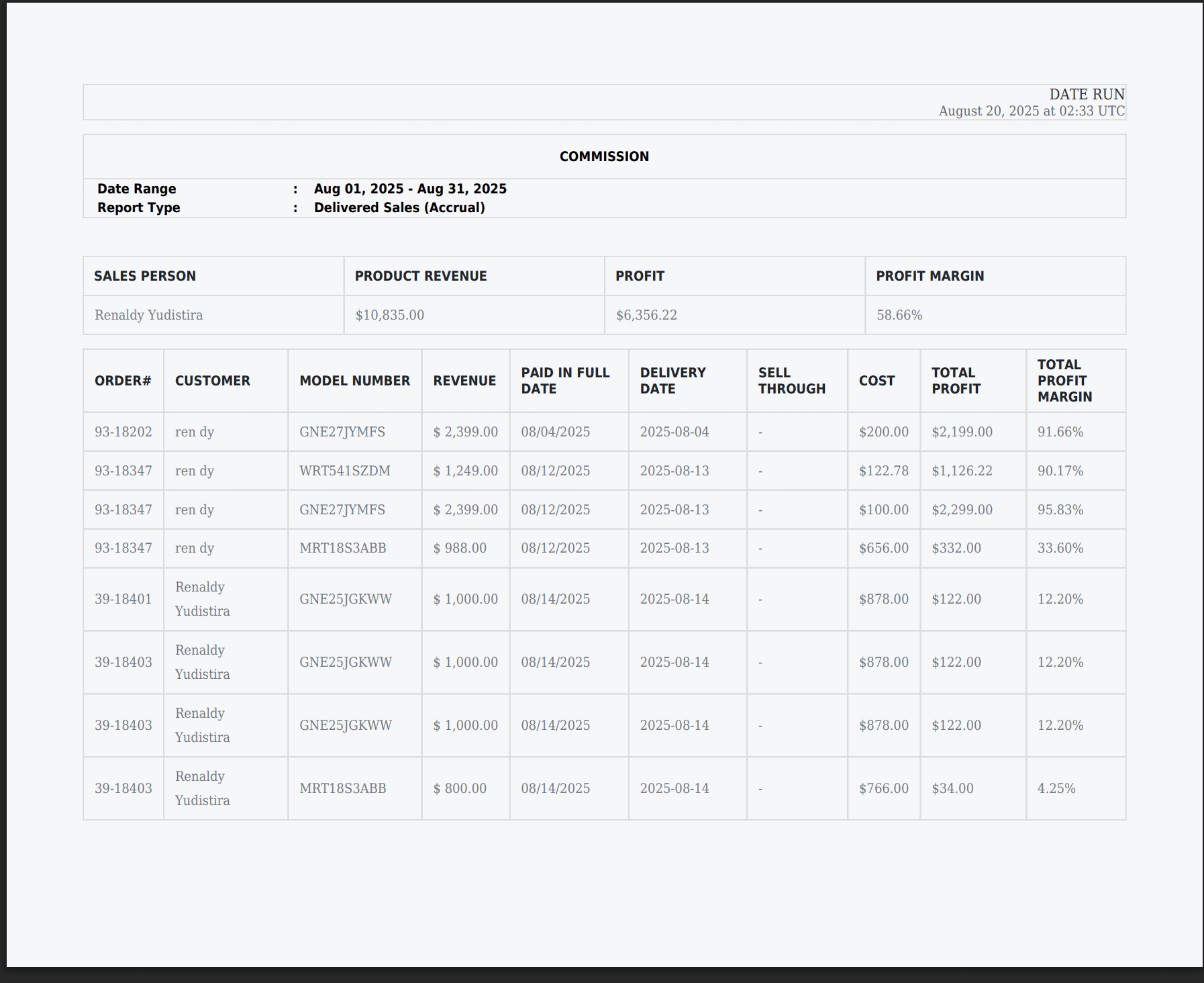
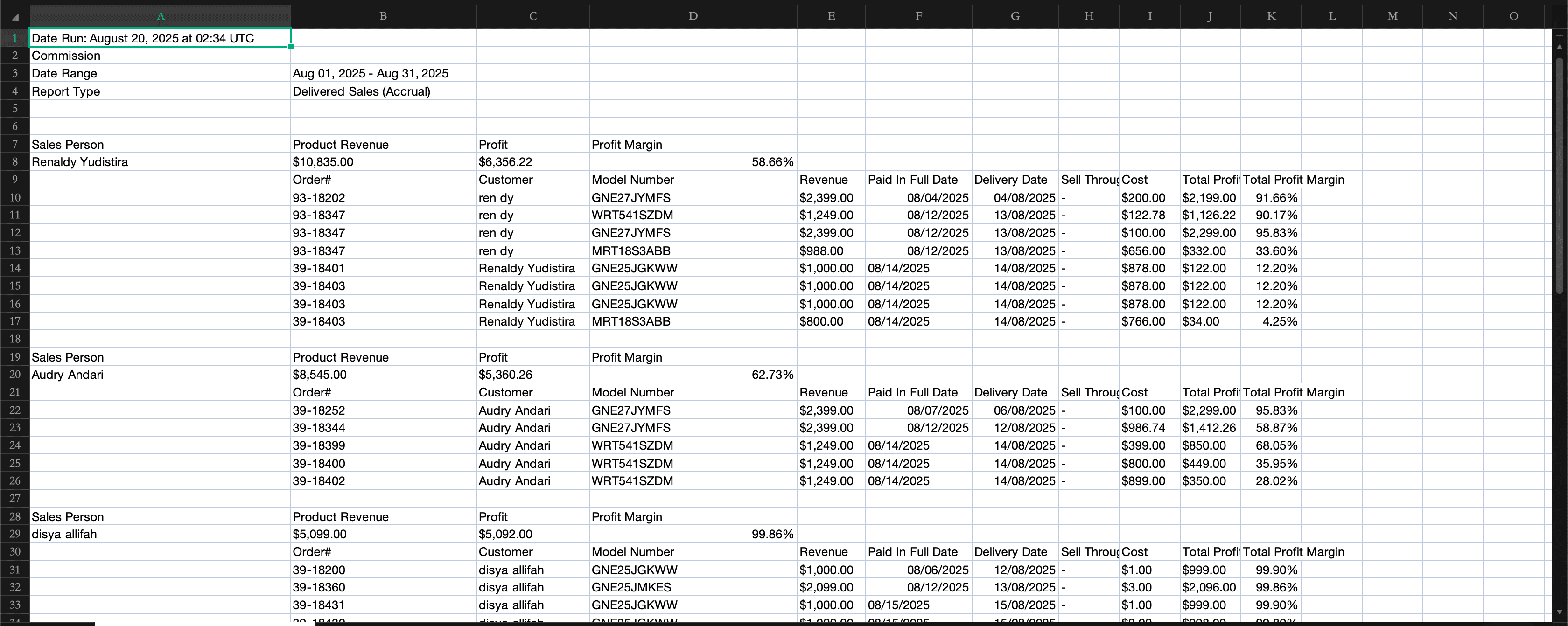
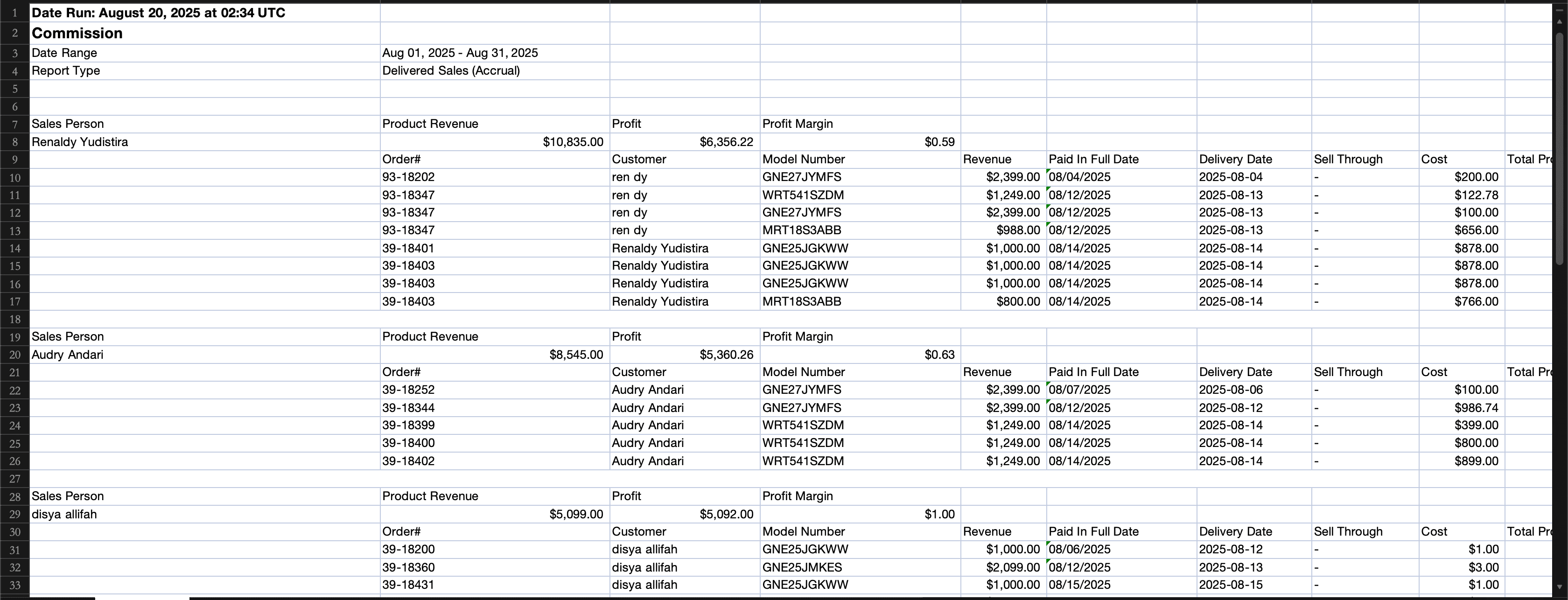
New Feature
Payments
Orders
Website
Integration
Product Catalog
Reports
Customer Hub
Notification
Payments: Control Payment Method Visibility & Limits
You can now control where ACH, Affirm, and Klarna appear and set a maximum payment amount for each method.
Payment methods can be enabled or disabled separately for AIO Pay Links and Website Checkout.
This gives you more control over which payment options customers see based on the order amount and checkout type.
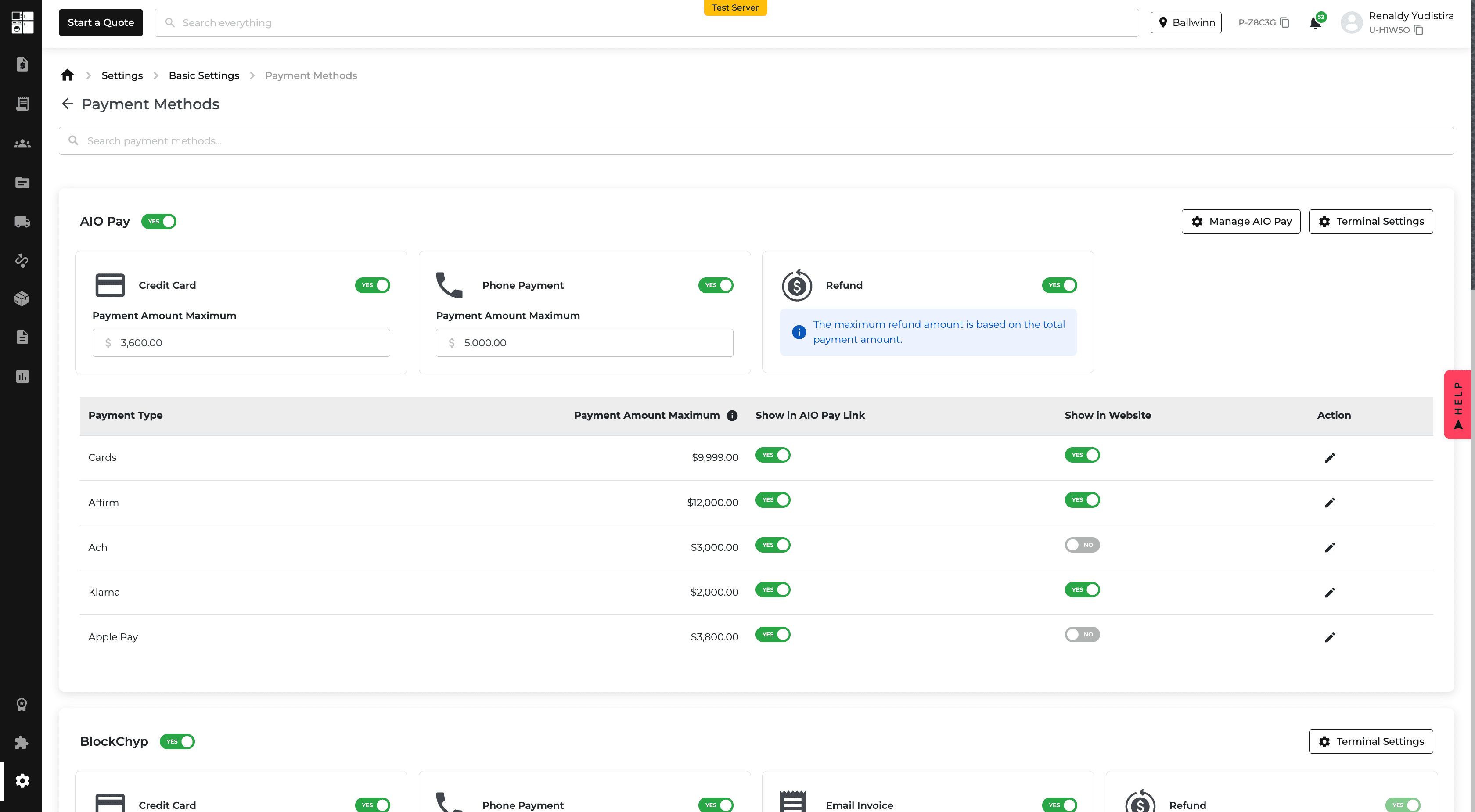
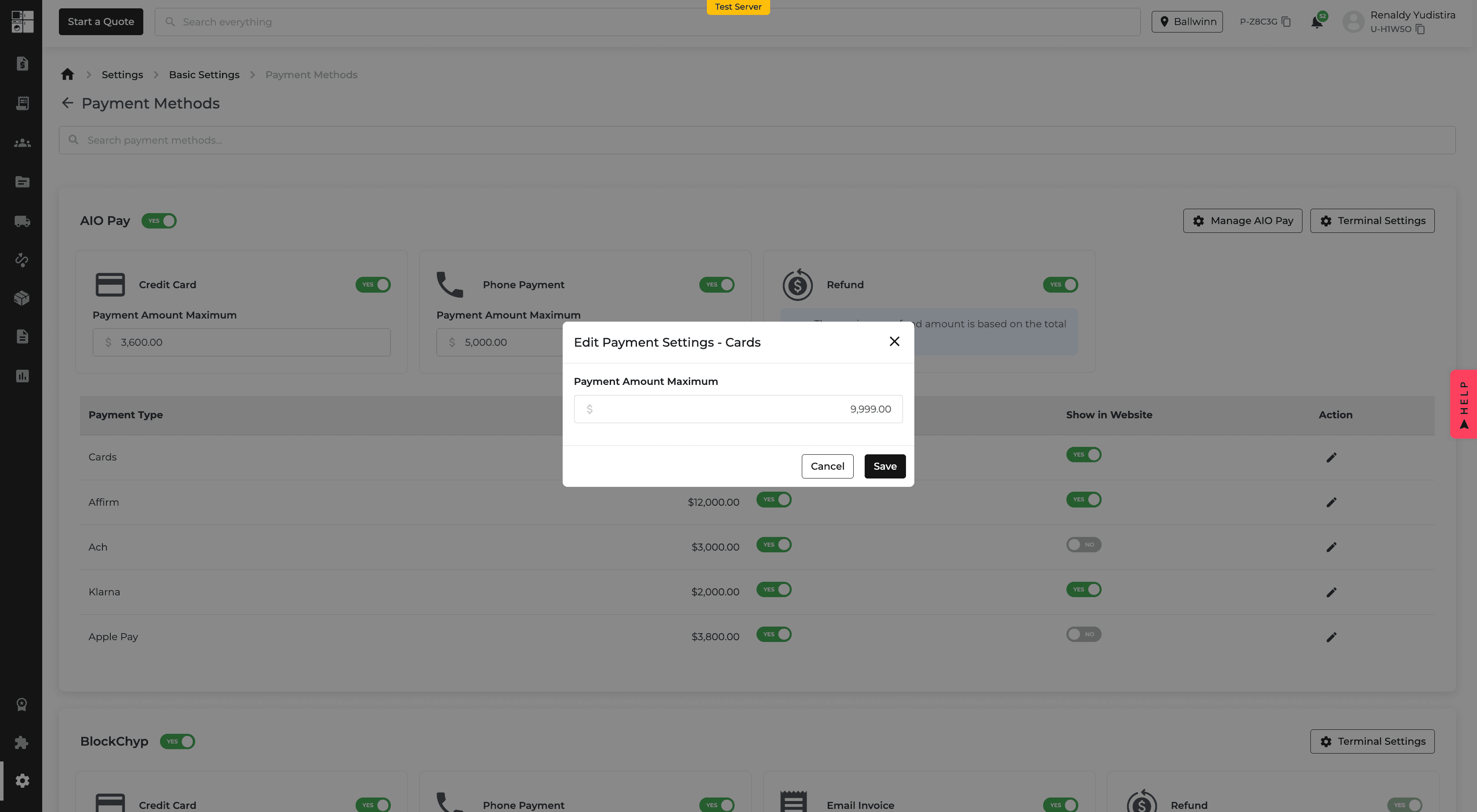
Quotes & Orders: Send Without a Pay Link
Quotes and invoices can now be emailed without including a payment link.
Choose Send without Pay Link from the Send Invoice menu when you want to share order details without requesting payment.
This is useful when pricing or order details still need to be reviewed before collecting payment.
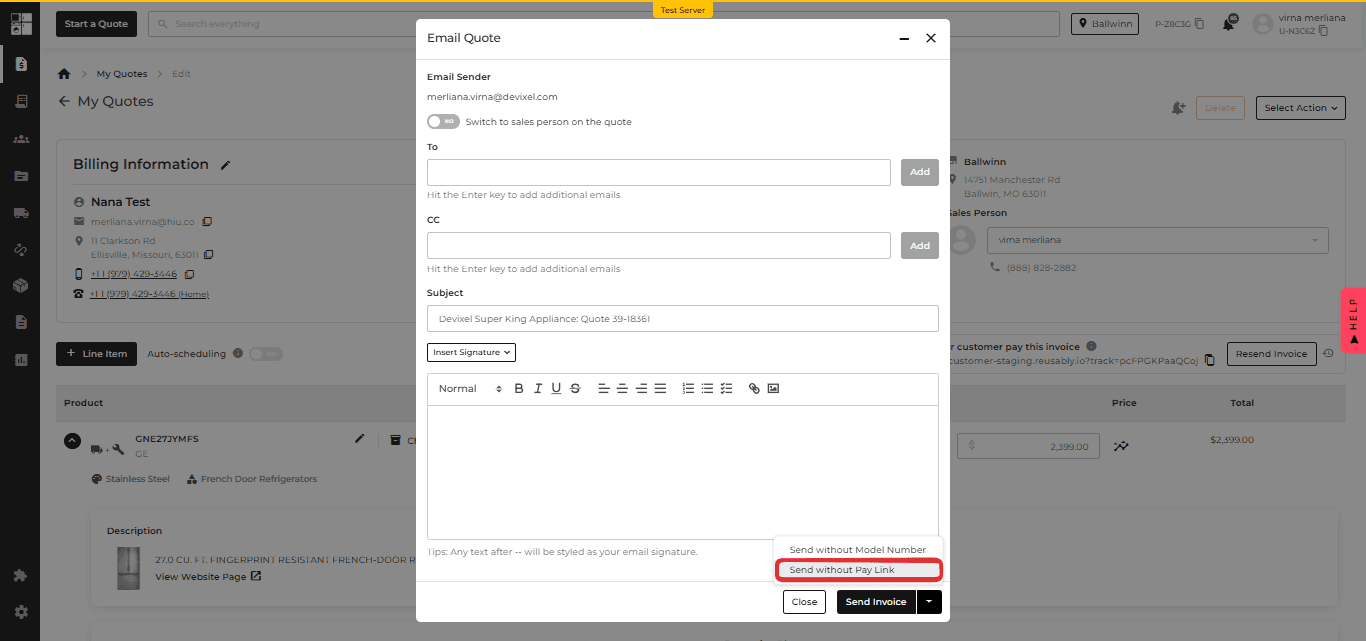
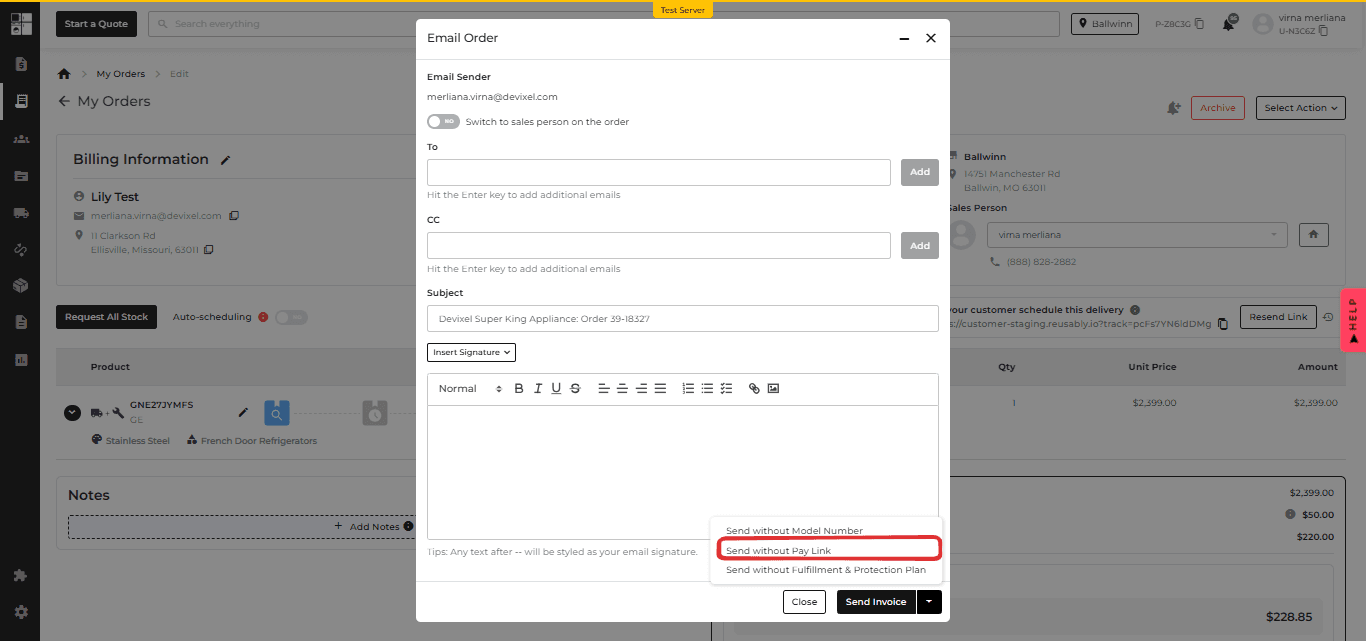
My Orders: Partially Delivered Orders
The My Orders and Order Report pages now separate partially delivered orders from fully delivered orders.
The new Partially Delivered tab shows orders where some items have been delivered while others are still pending.
The existing Delivered view is now used for orders where all items have been delivered.
ADC Integration: Real-Time Website Delivery ETAs
ADC members can now use distributor inventory to determine website delivery estimates.
From the ADC integration settings, you can choose the warehouse, set a minimum in-stock quantity, and define delivery estimates for in-stock and out-of-stock products.
These estimates are reflected across product pages, cart, and checkout.
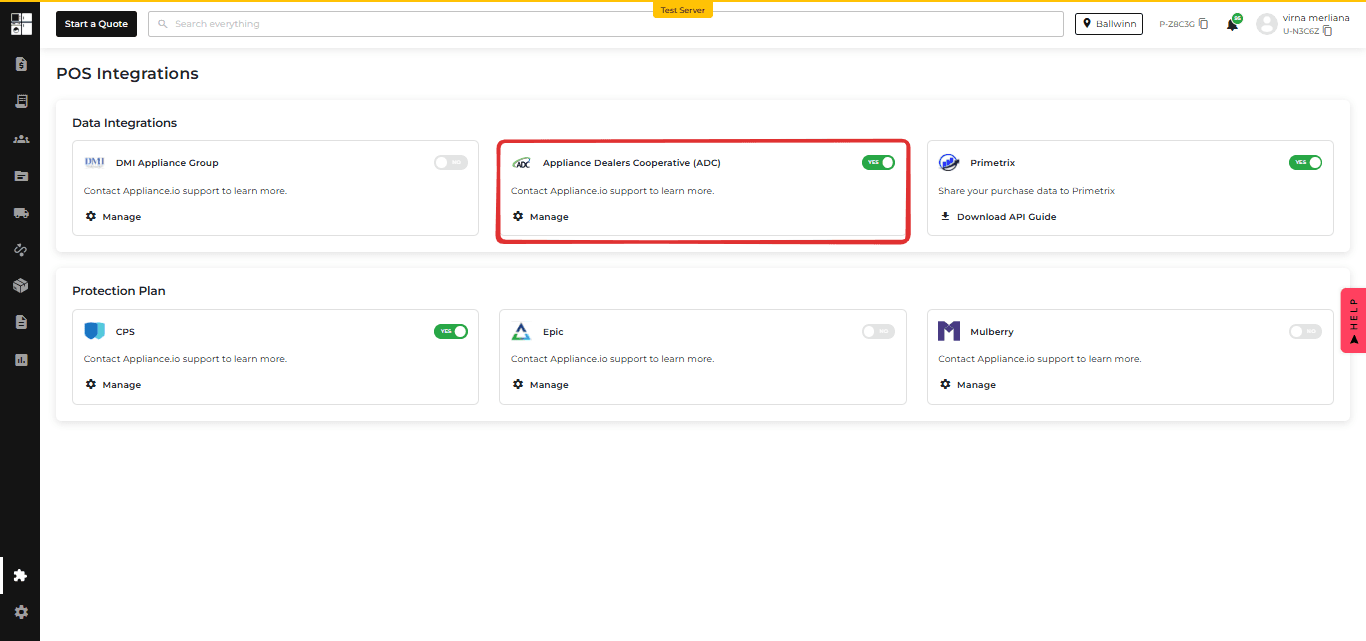
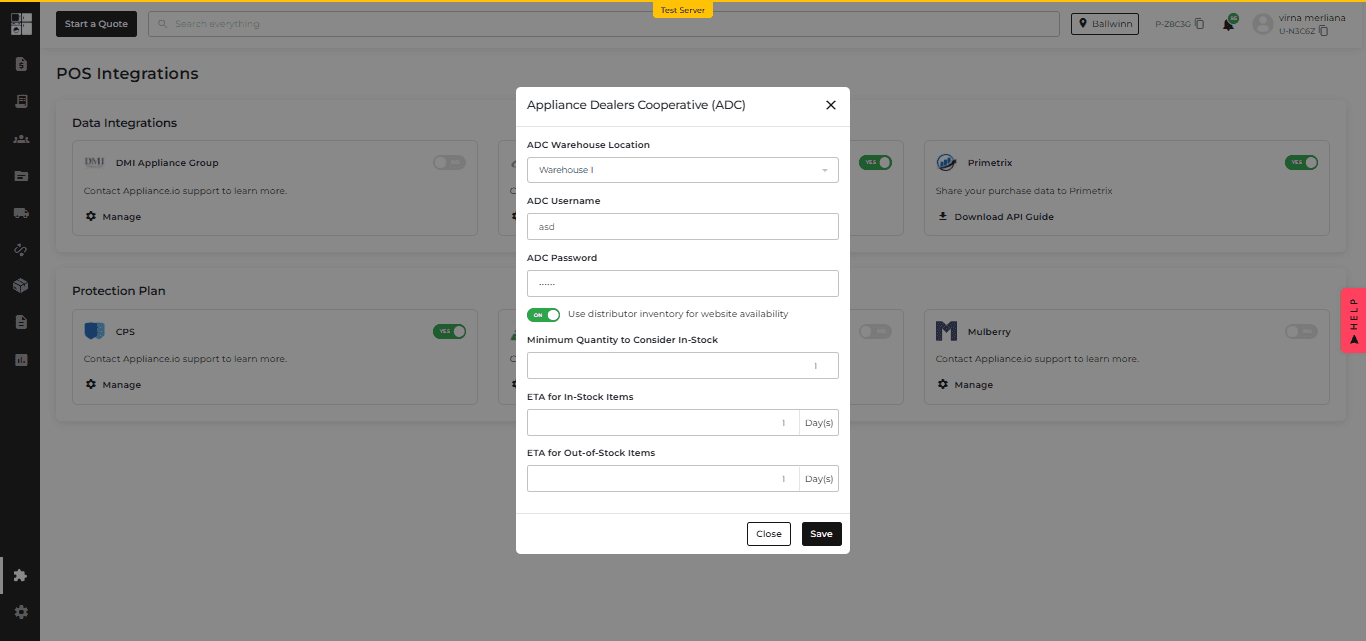
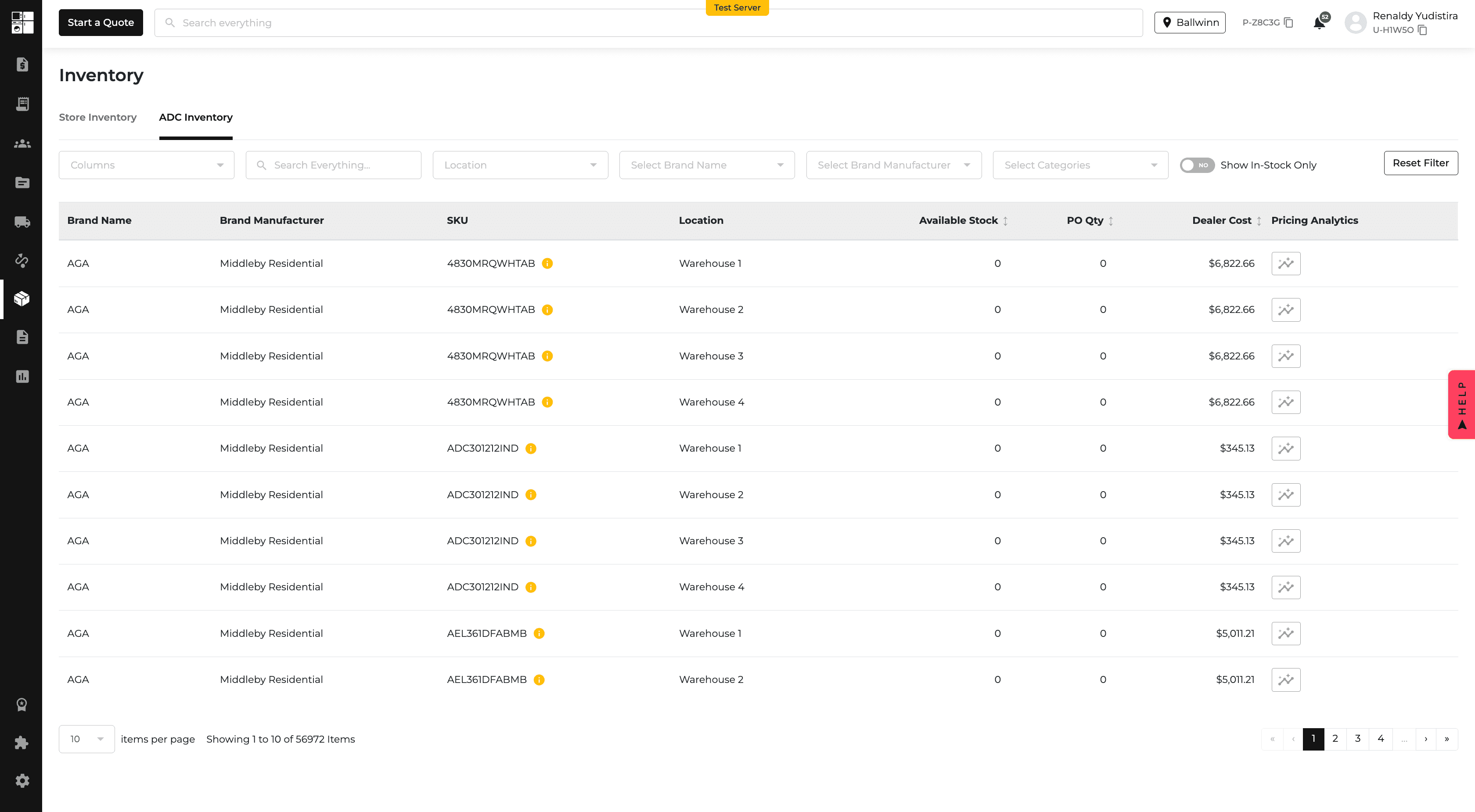
DMI Integration: Real-Time Website Delivery ETAs
DMI members can now use distributor inventory when displaying delivery estimates on their website.
You can define the minimum quantity considered in stock and set separate delivery estimates for available and unavailable products.
This provides customers with delivery expectations based on current distributor inventory.
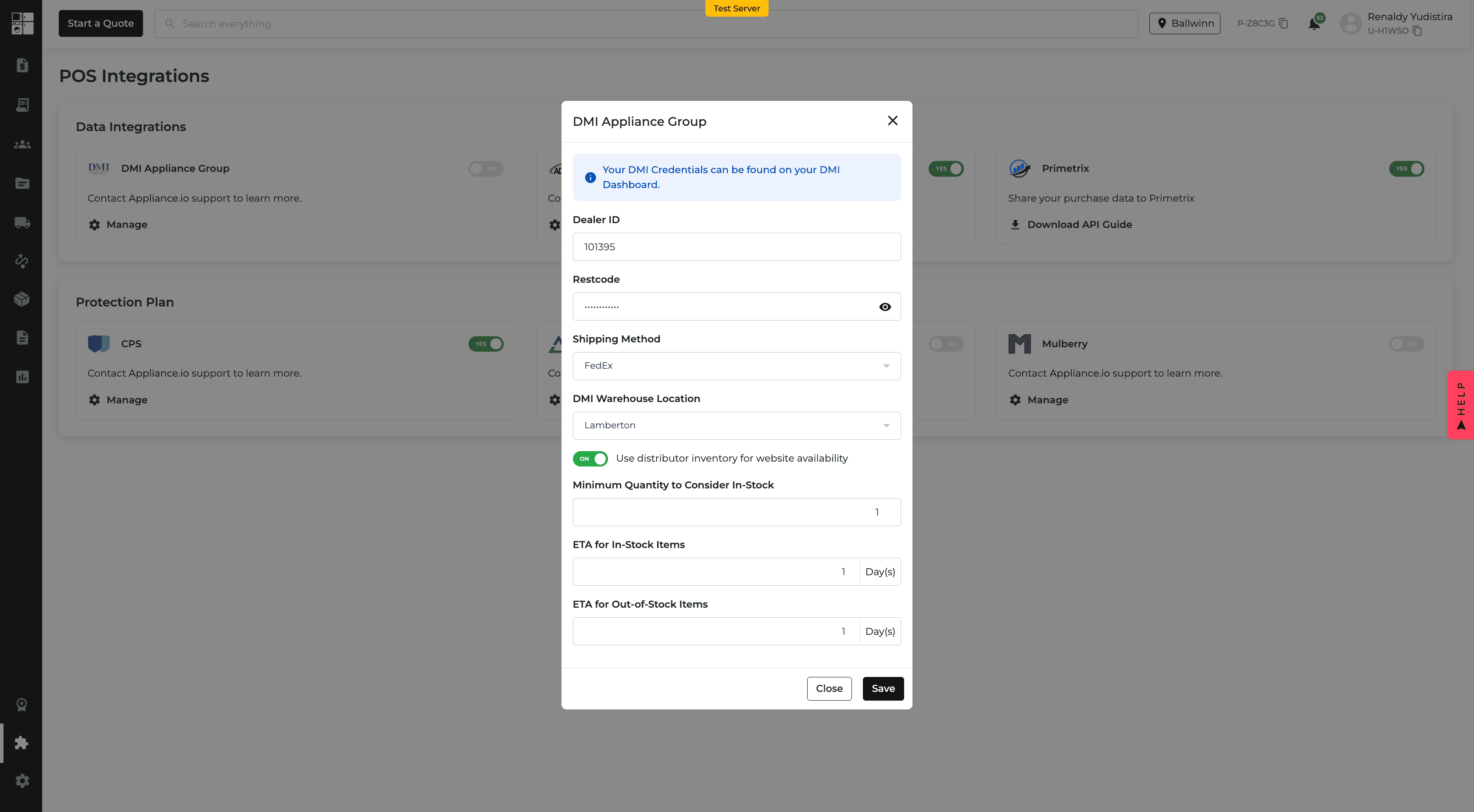
Payments: Apple Pay
Customers can now use Apple Pay when paying through the Customer Portal or website checkout on supported devices.
This provides another quick payment option alongside existing payment methods.
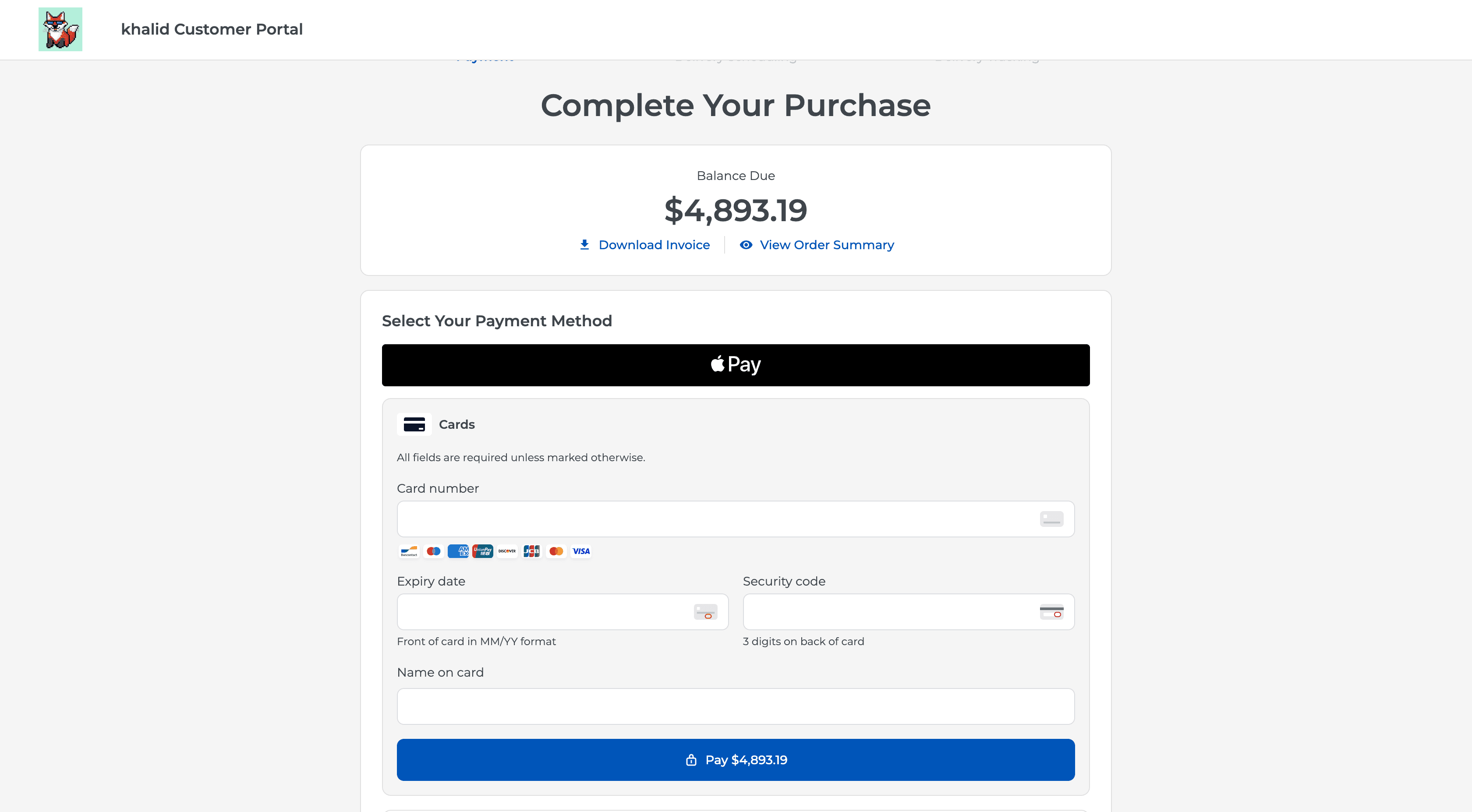
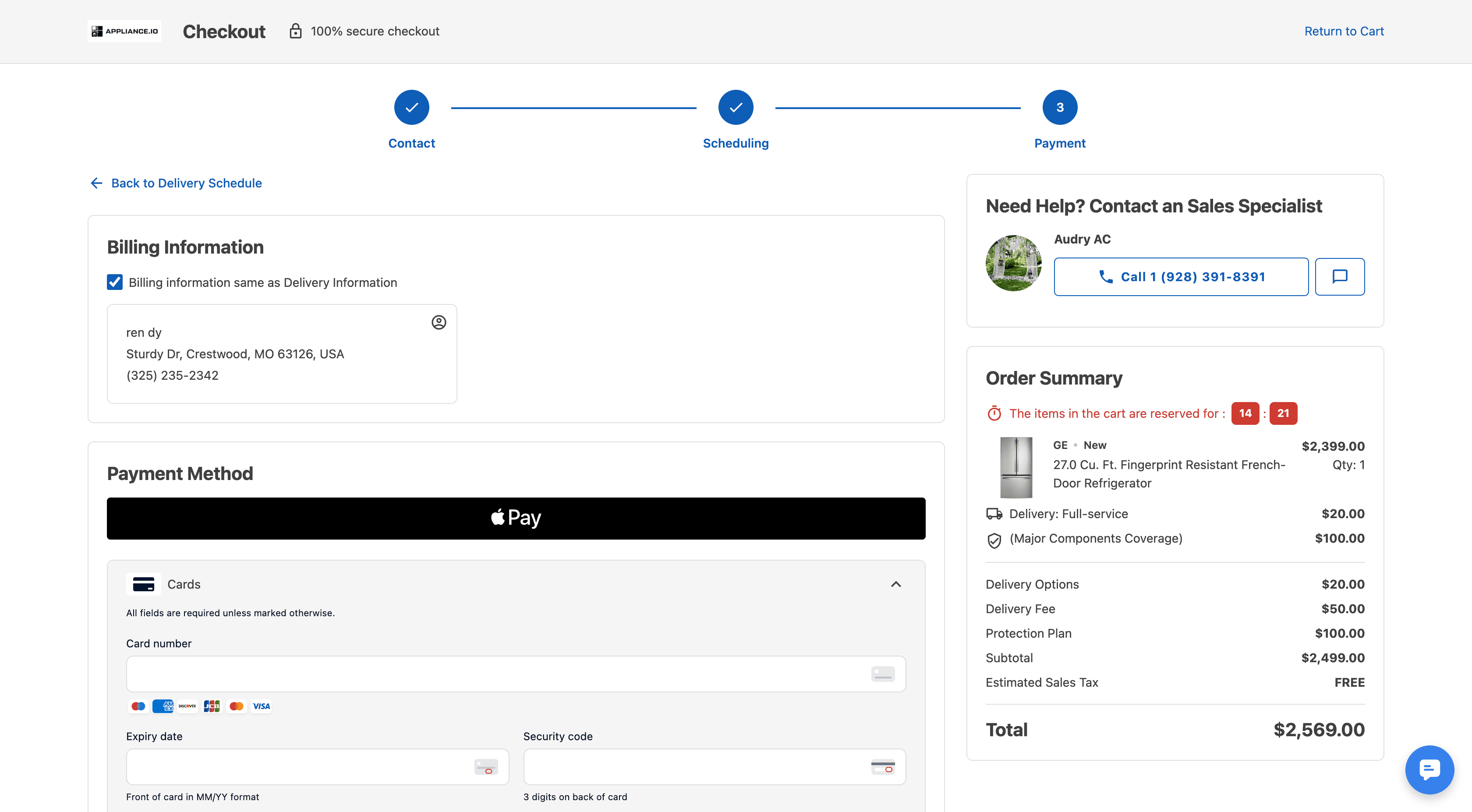
Product Pricing: Upload Product Costs
Product costs can now be uploaded by CSV from the pricing settings.
Uploaded costs can be used when inventory cost information is unavailable, and the Product Pricing page now shows cost information with its source.
You can also edit product costs directly from the pricing table.
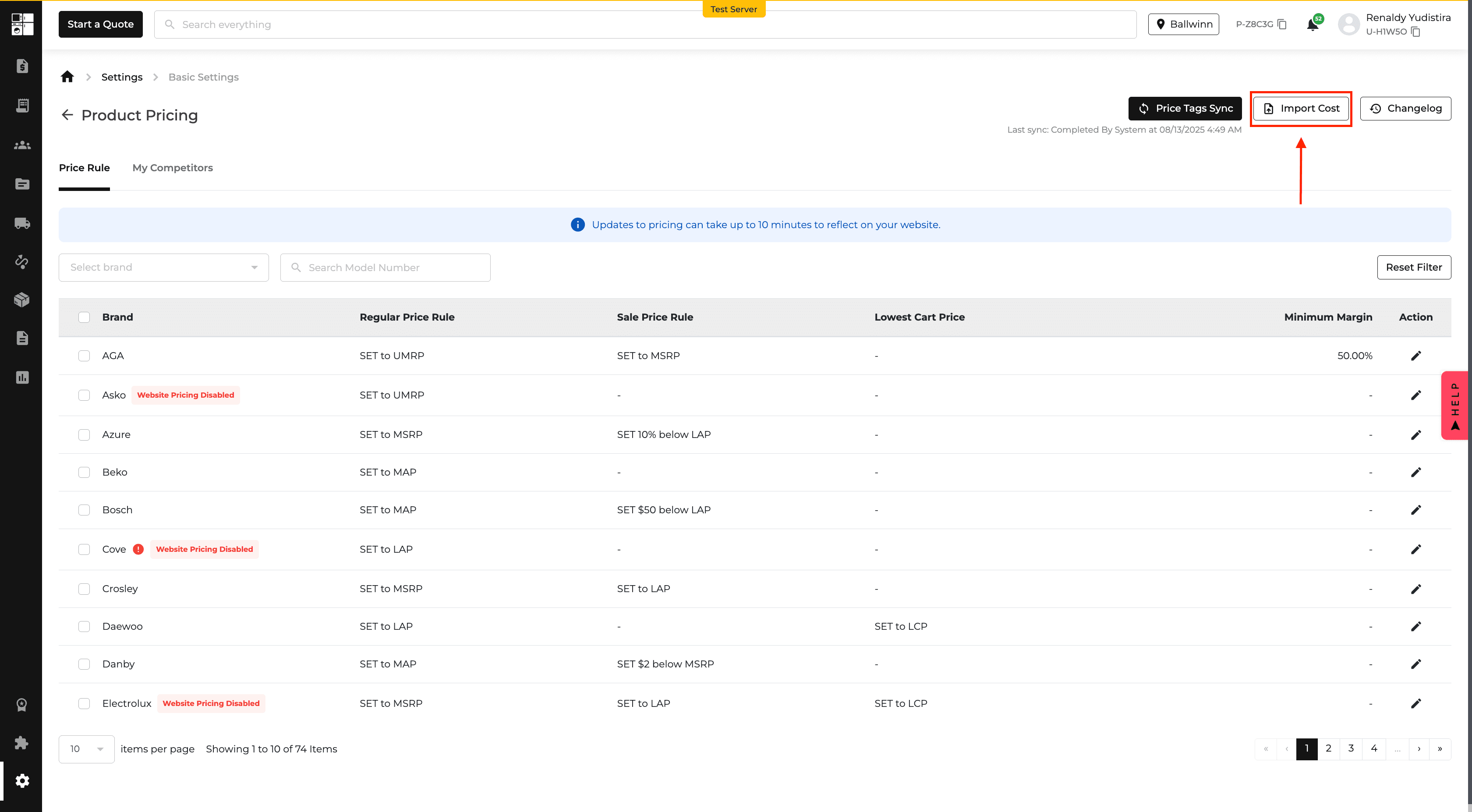
Product Pricing: Minimum Margin Enforcement
You can now set a Minimum Margin for product pricing.
When enabled, Appliance.io prevents sale prices from falling below the configured margin based on the available product cost.
The Product Pricing page also shows margin status and lets you filter for products that are below the minimum.
Reports: Sales KPI Comparison
The Sales KPI Report now lets you compare between two and five salespeople side by side.
Selected salespeople are displayed together in a comparison view, and the results can be exported to PDF, Excel, or CSV.
This makes it easier to review salesperson performance from a single report.
Income Statement Report: AIO Pay Processing Fee
The Income Statement now includes a separate AIO Pay Processing Fee line.
This makes AIO Pay fees easier to identify and review during financial reporting.
Accounts Receivable Report: Due Date
The Accounts Receivable Report, email statements, and printed statements now include a Due Date.
The date is calculated using the first delivered item and the customer's configured payment terms.
This provides clearer payment deadlines for both staff and customers.
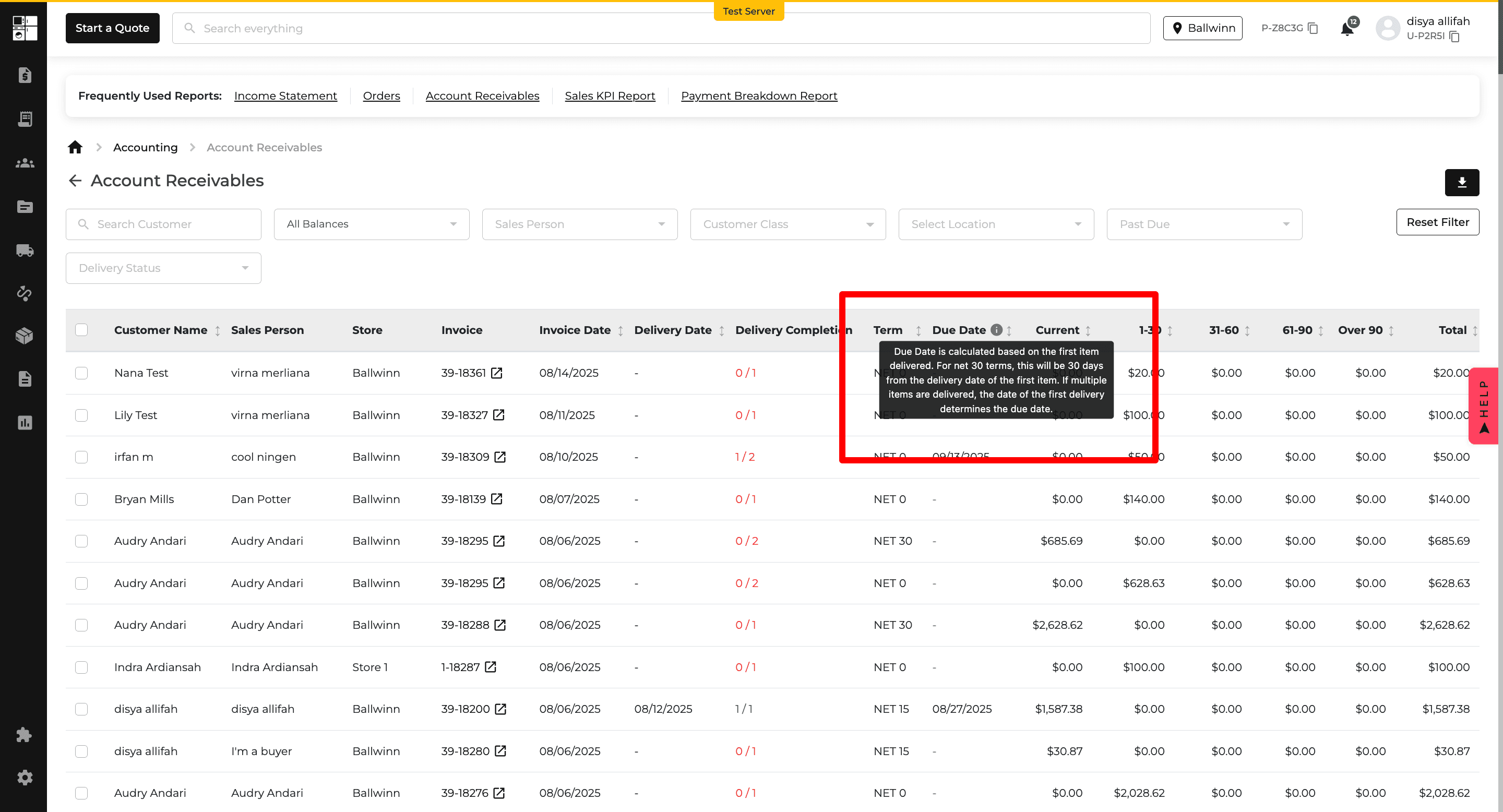
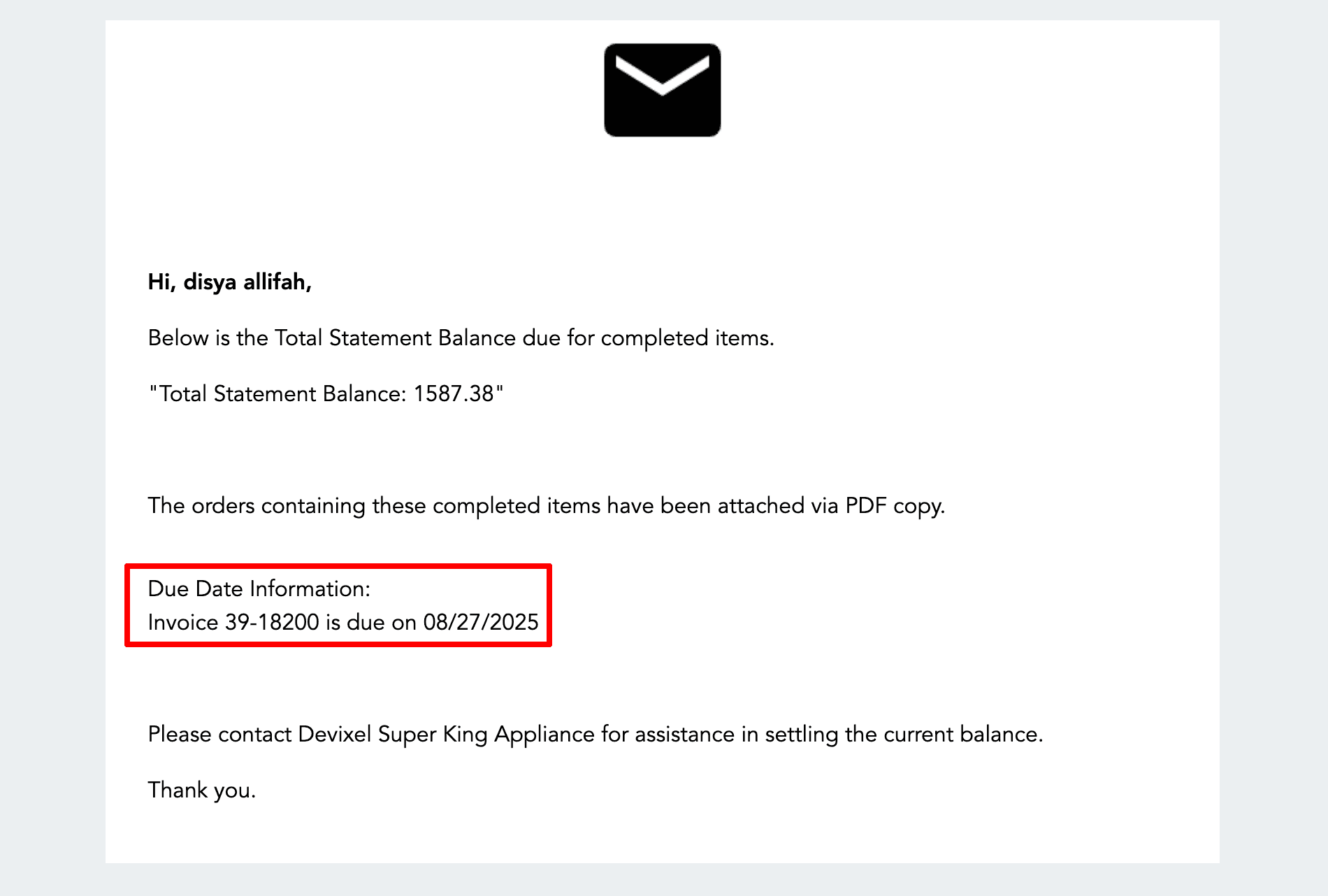
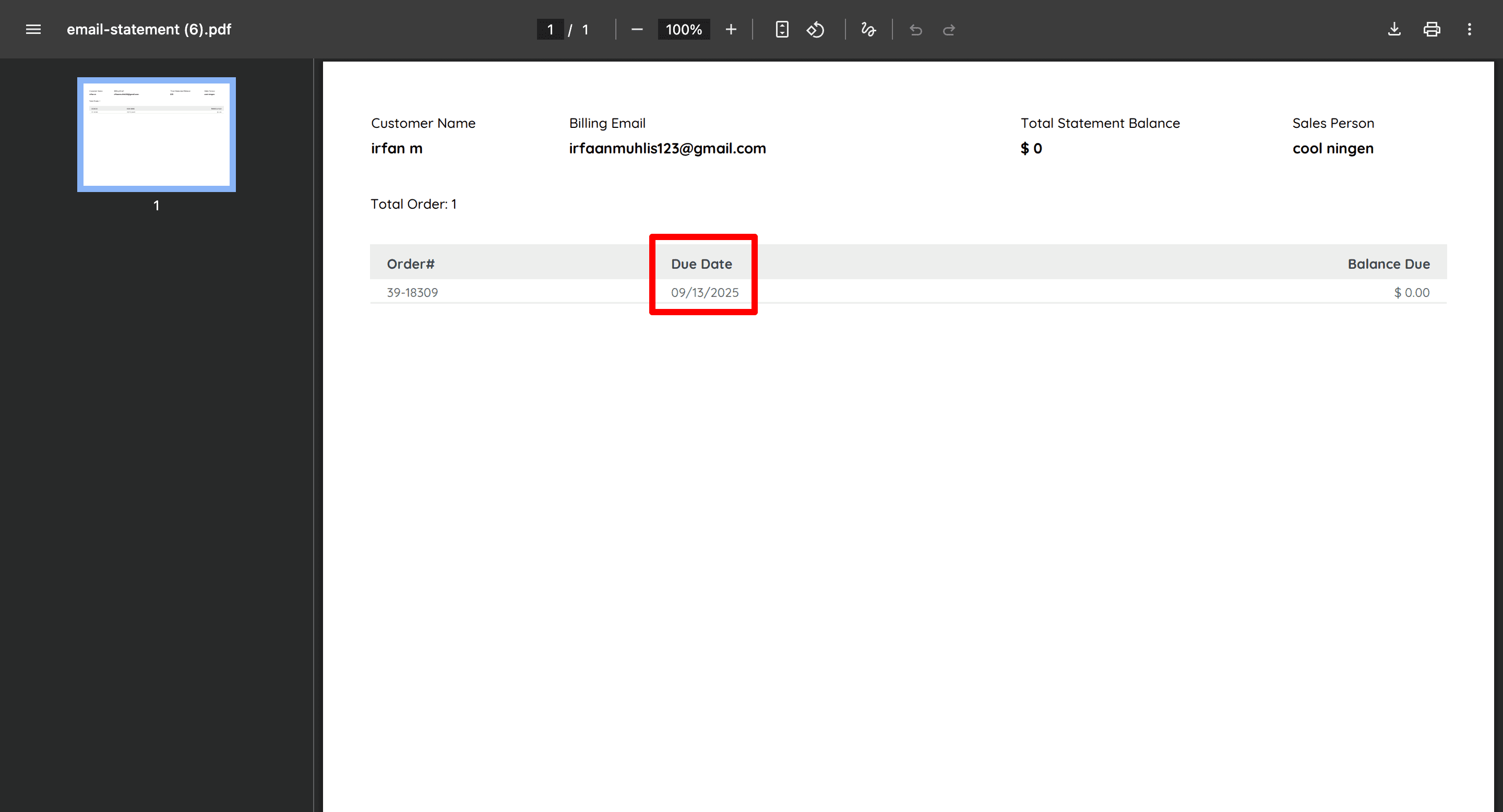
Retailer Coupon Report: Qualified Order Amount
The Retailer Coupon Report now separates the full order value from the amount that qualified for a coupon.
The previous Order Amount column is now Total Order Amount, and a new Qualified Order Amount column shows the portion of the order where the coupon applied.
This makes coupon reporting easier to understand.

Floor Model Planner: Additional Performance Details
The Floor Model Planner Report now includes:
Average Profit Margin
Average Sold Price
Average Inventory Aging
These values are also included in report exports, giving you additional insight into floor model performance and inventory movement.
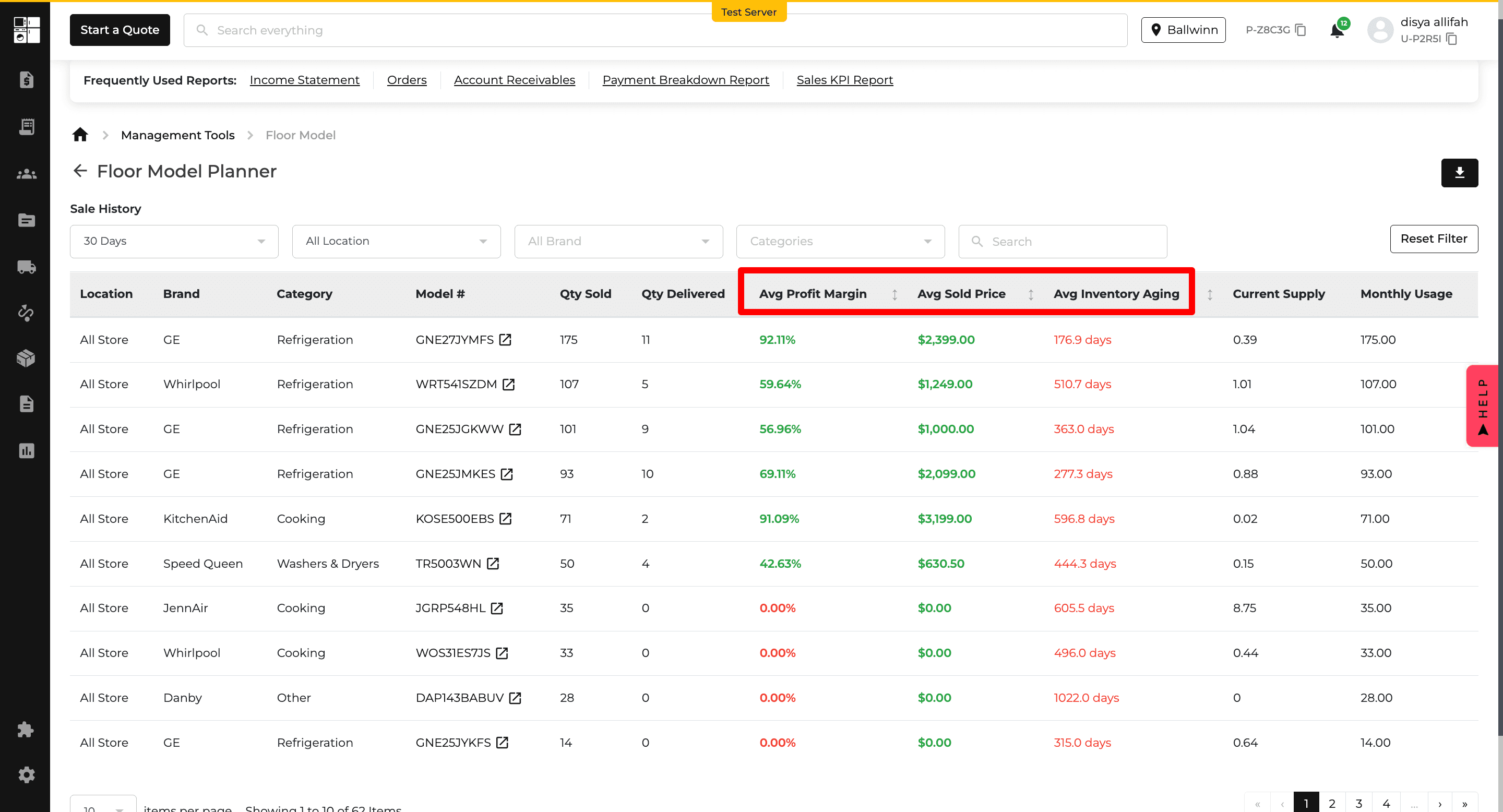
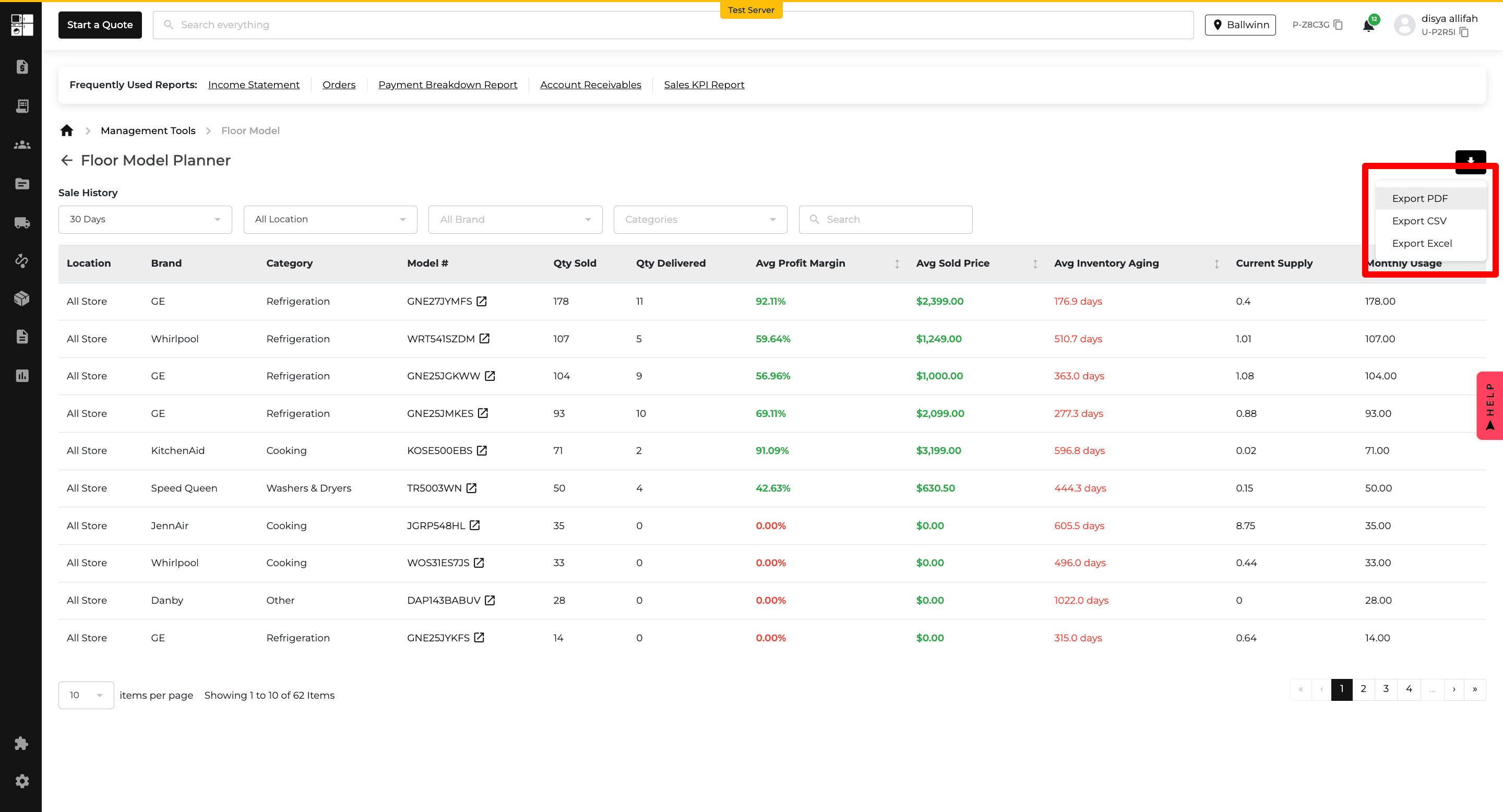
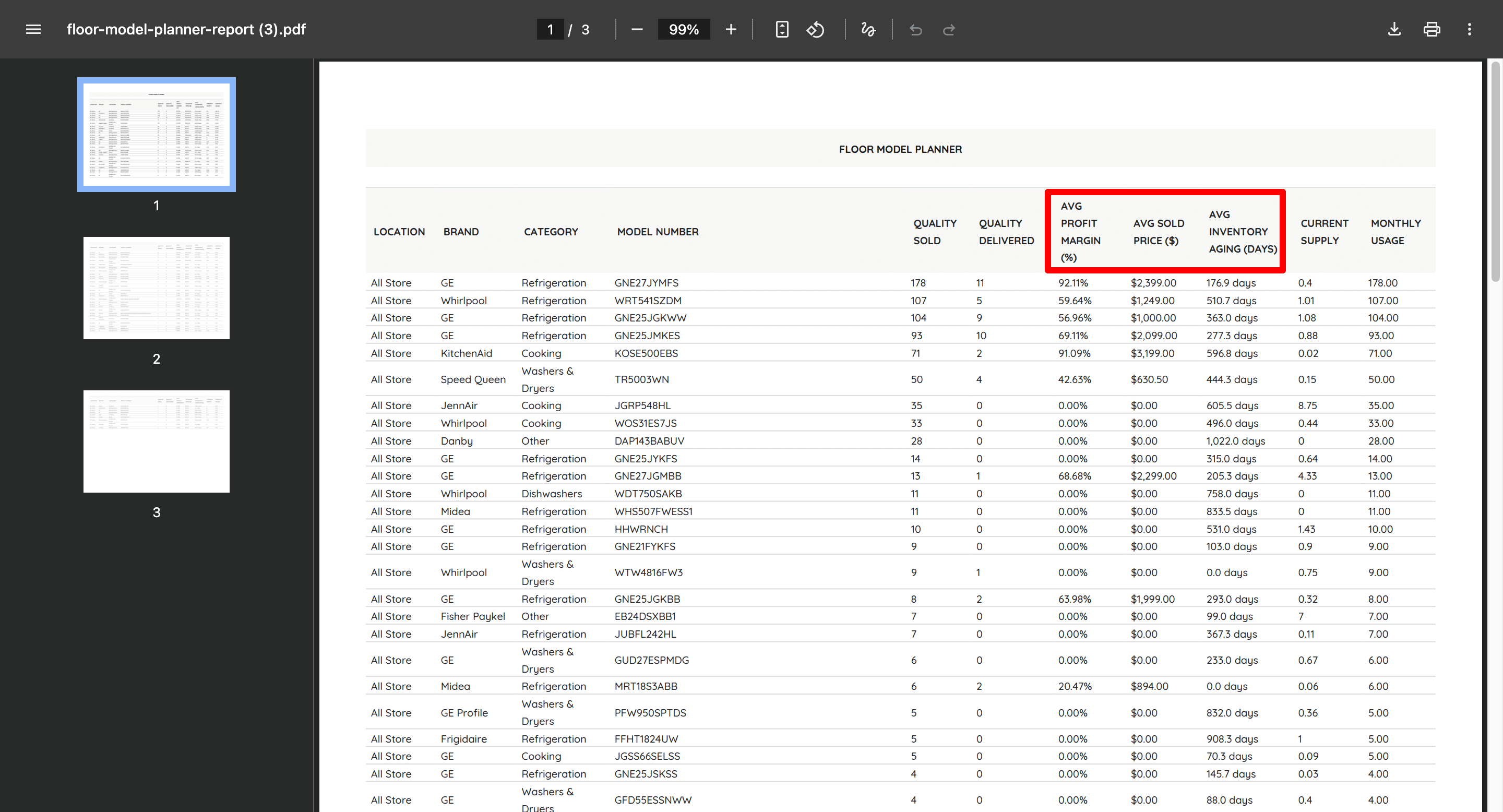
Customer Profile: Customer Notes
You can now create Customer Profile Notes that can carry into future Quotes and Orders.
Notes can be set as Persistent or Optional and identified as Delivery, Internal, or Customer notes.
Persistent notes are automatically included when applicable, while Optional notes can be selected during the Quote or Order process.
This helps teams keep important customer instructions available throughout the sales and delivery workflow.
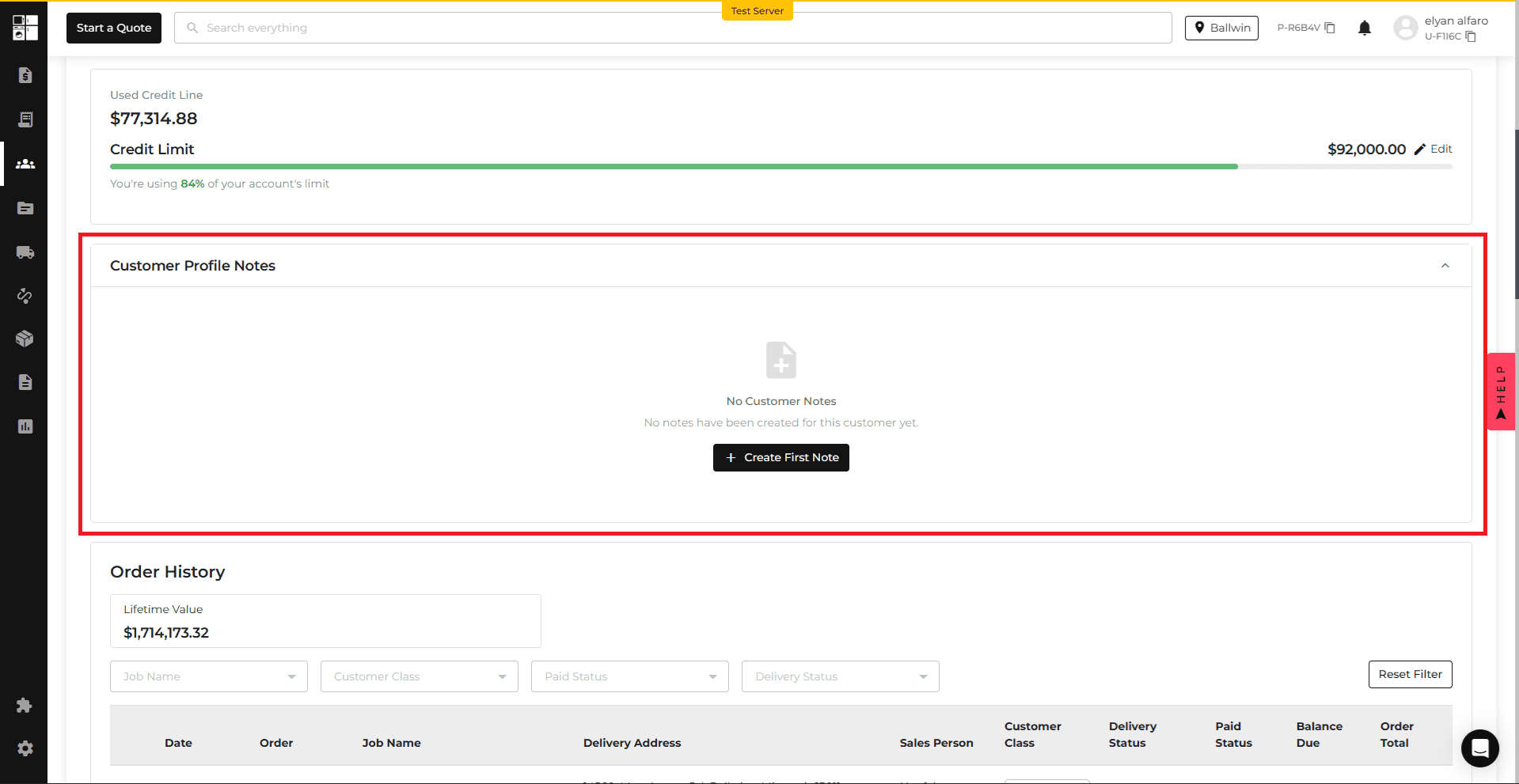
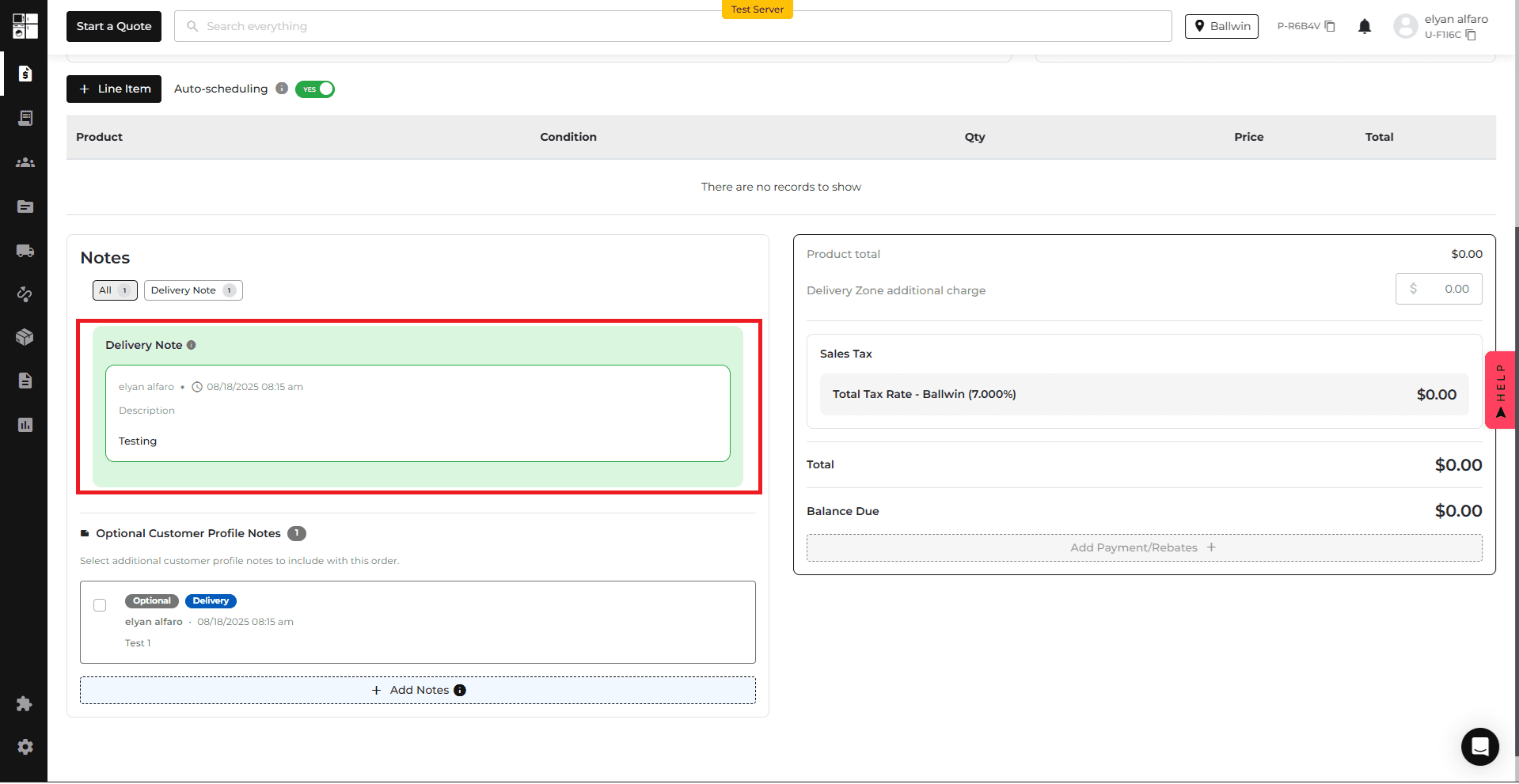
Notifications: SMS Outage Alert
Appliance.io now displays an alert when the SMS service is unavailable.
During an outage, the alert explains how Special Orders are affected. Once SMS service is restored, the notification disappears automatically and normal Special Order behavior resumes.
This gives users clearer information when SMS-related functionality is temporarily unavailable.
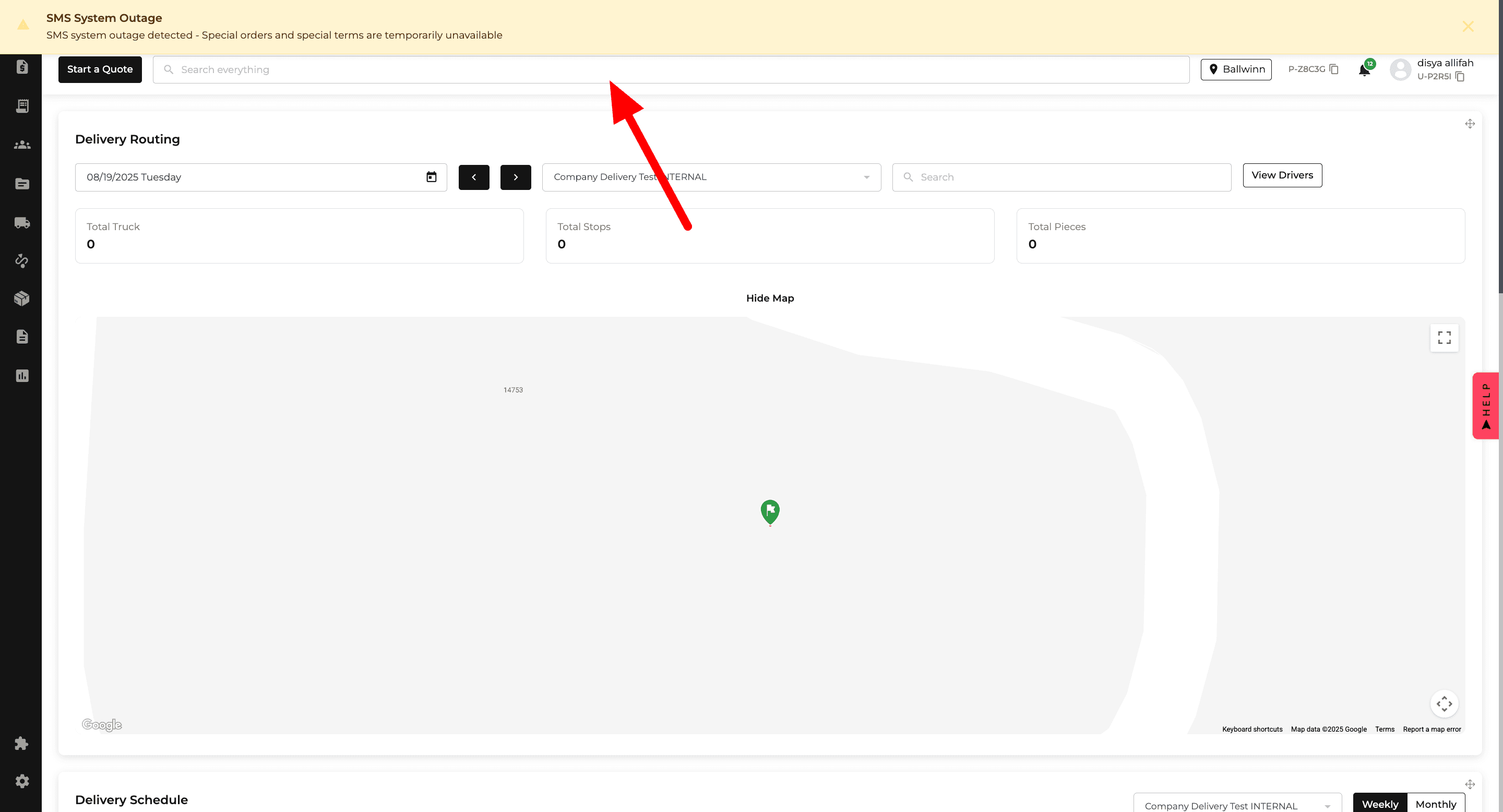
New Feature
Orders
Purchase Order
Payments
Reports
Inventory
Warehouse
Delivery and Routing
Website
Orders: Request All Stock
A new Request All Stock option lets you request all eligible unrequested items on an order at once.
You can request them immediately or choose a date and apply it to all eligible items, reducing repetitive stock requests on larger orders.
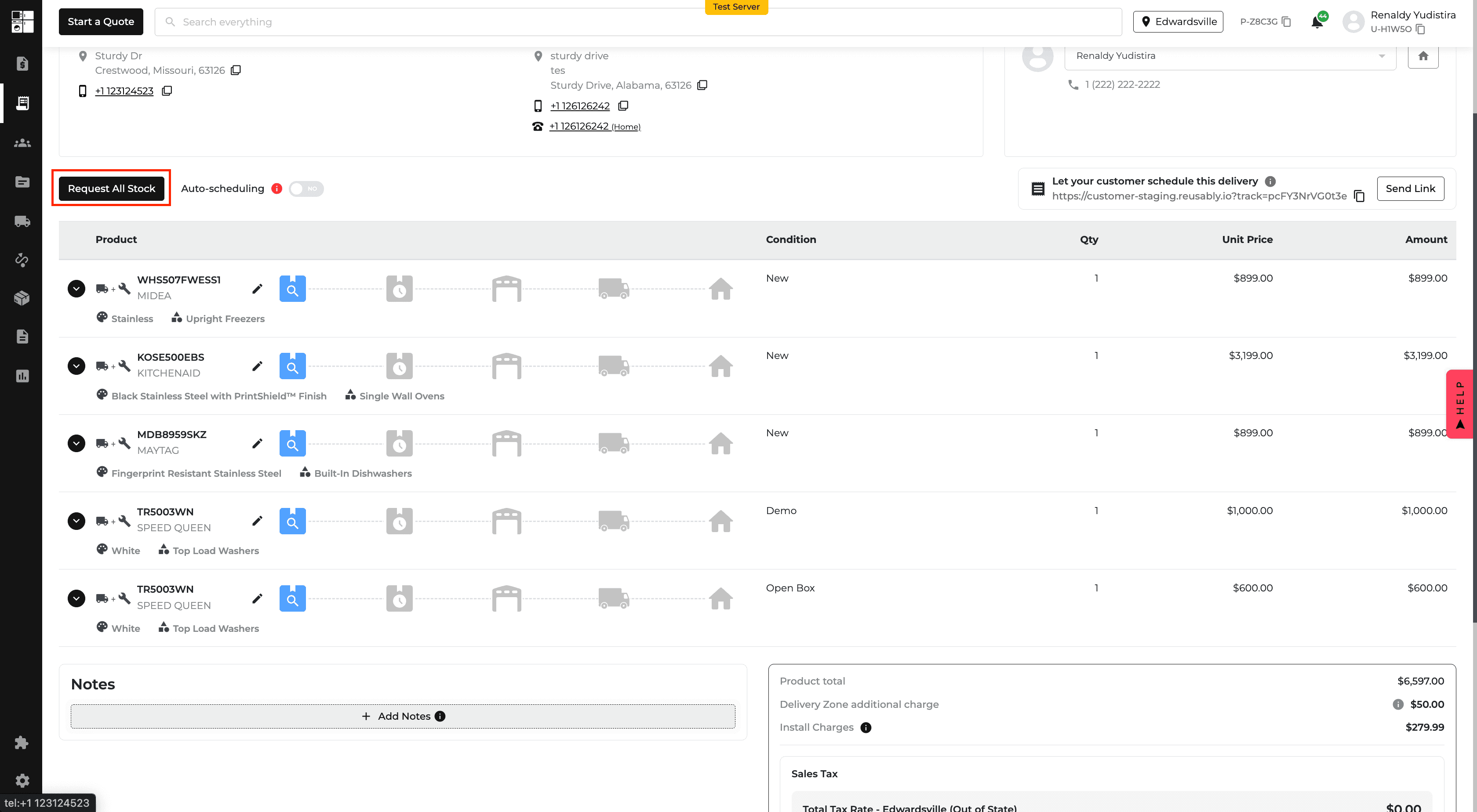
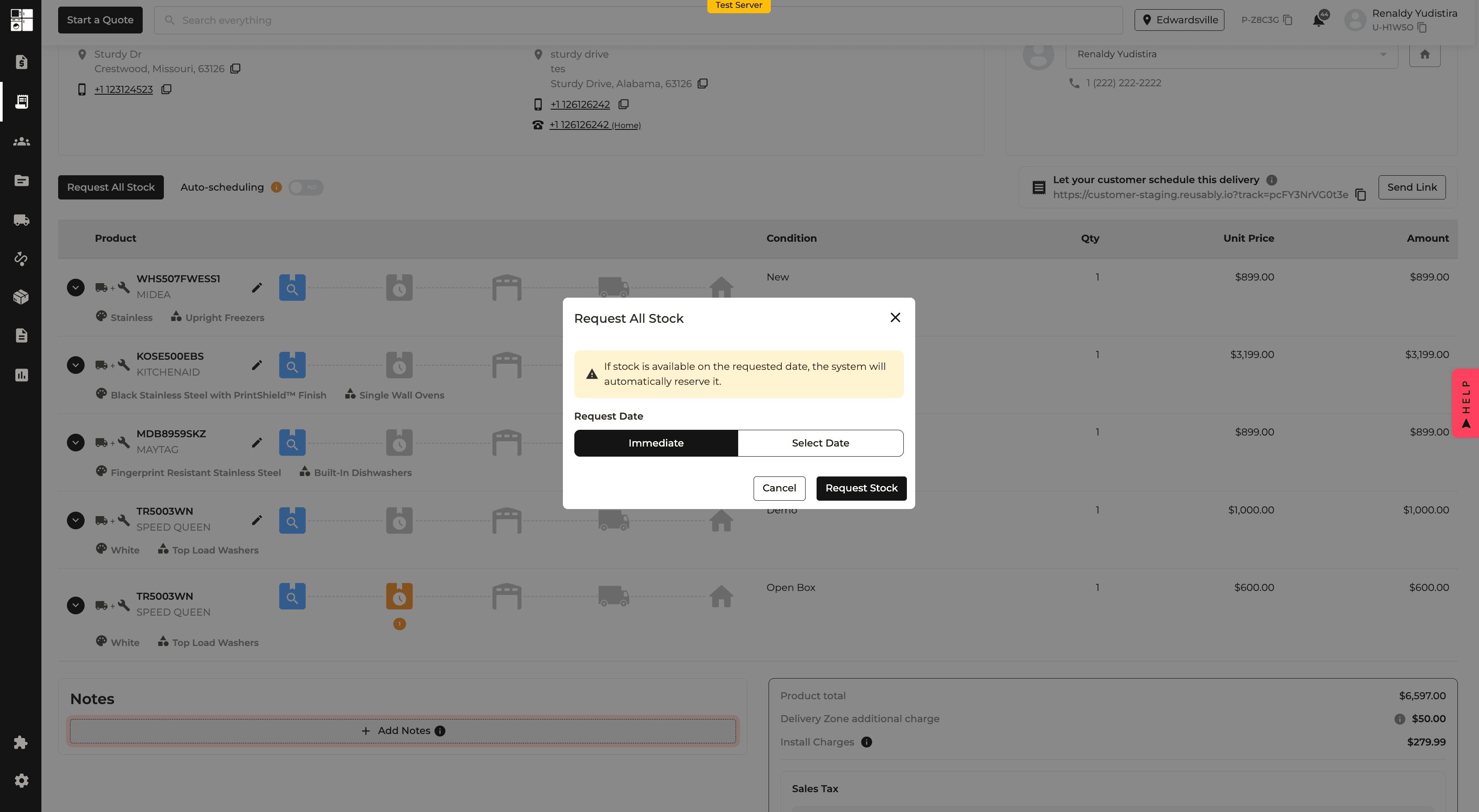
Purchase Orders: Location & Storage Location
Purchase Orders and Receiving now support Location and optional Storage Location fields for each item.
These fields are also available as columns and filters, making it easier to track where inventory is being sent and stored.
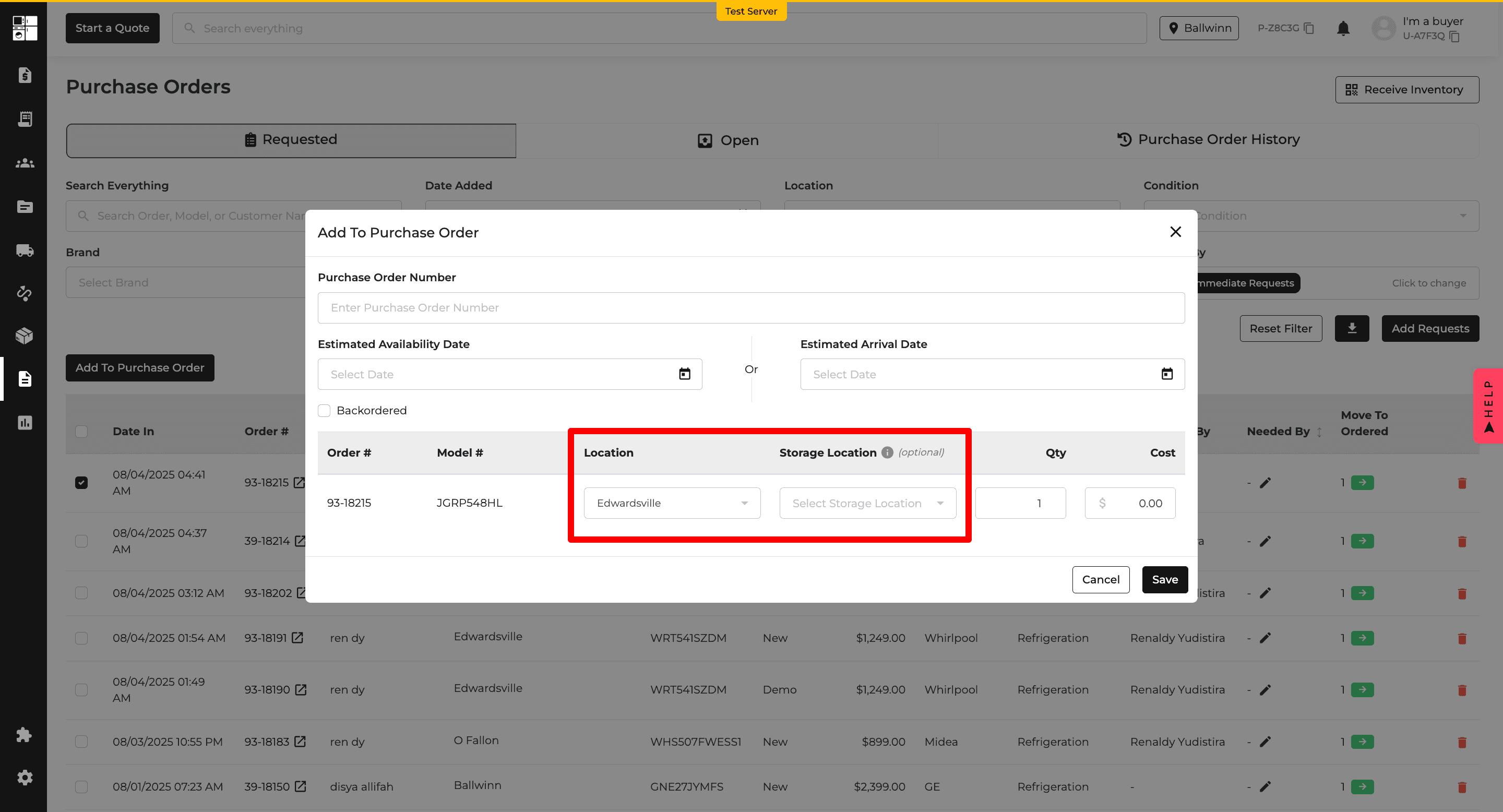
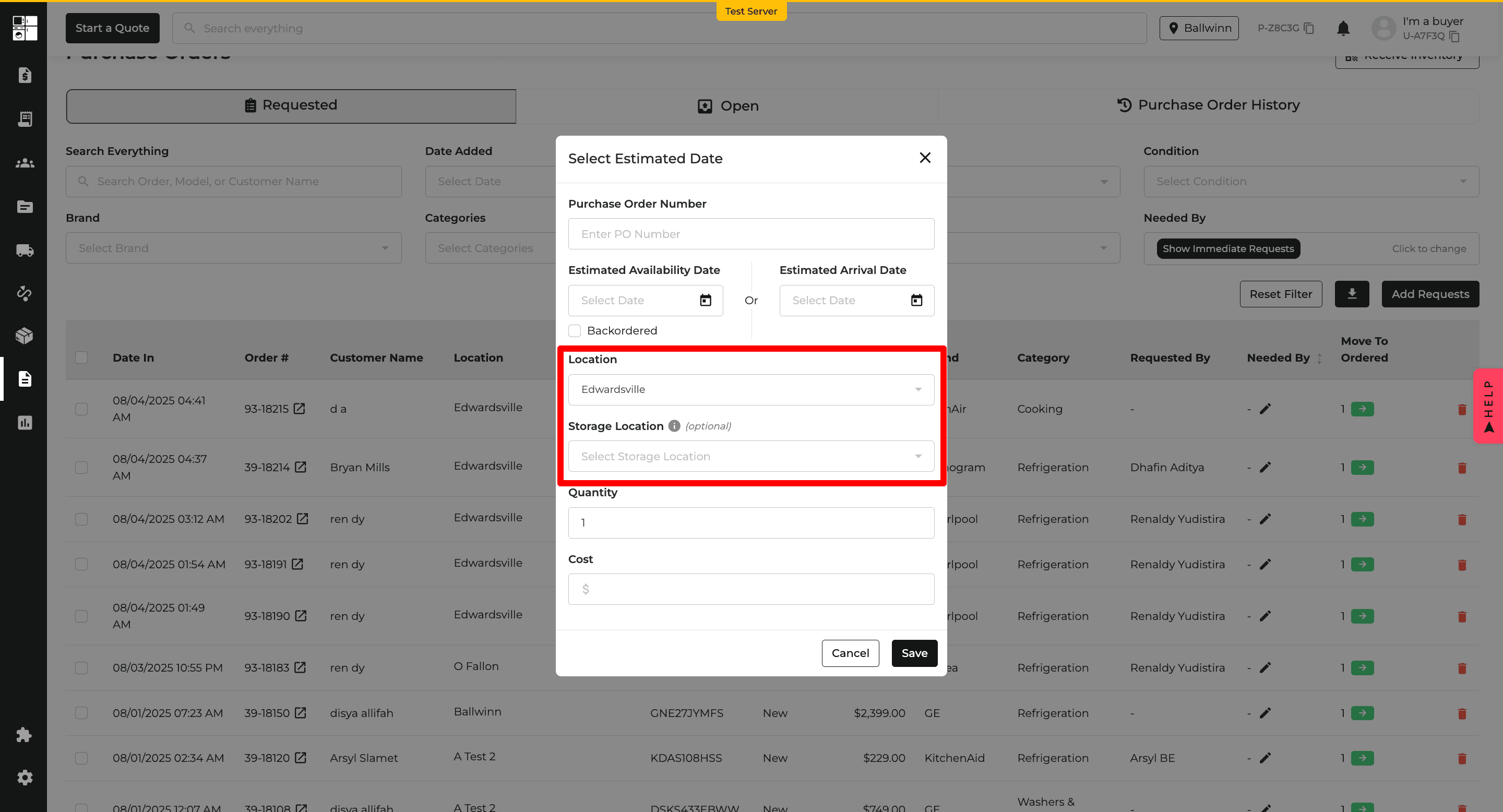
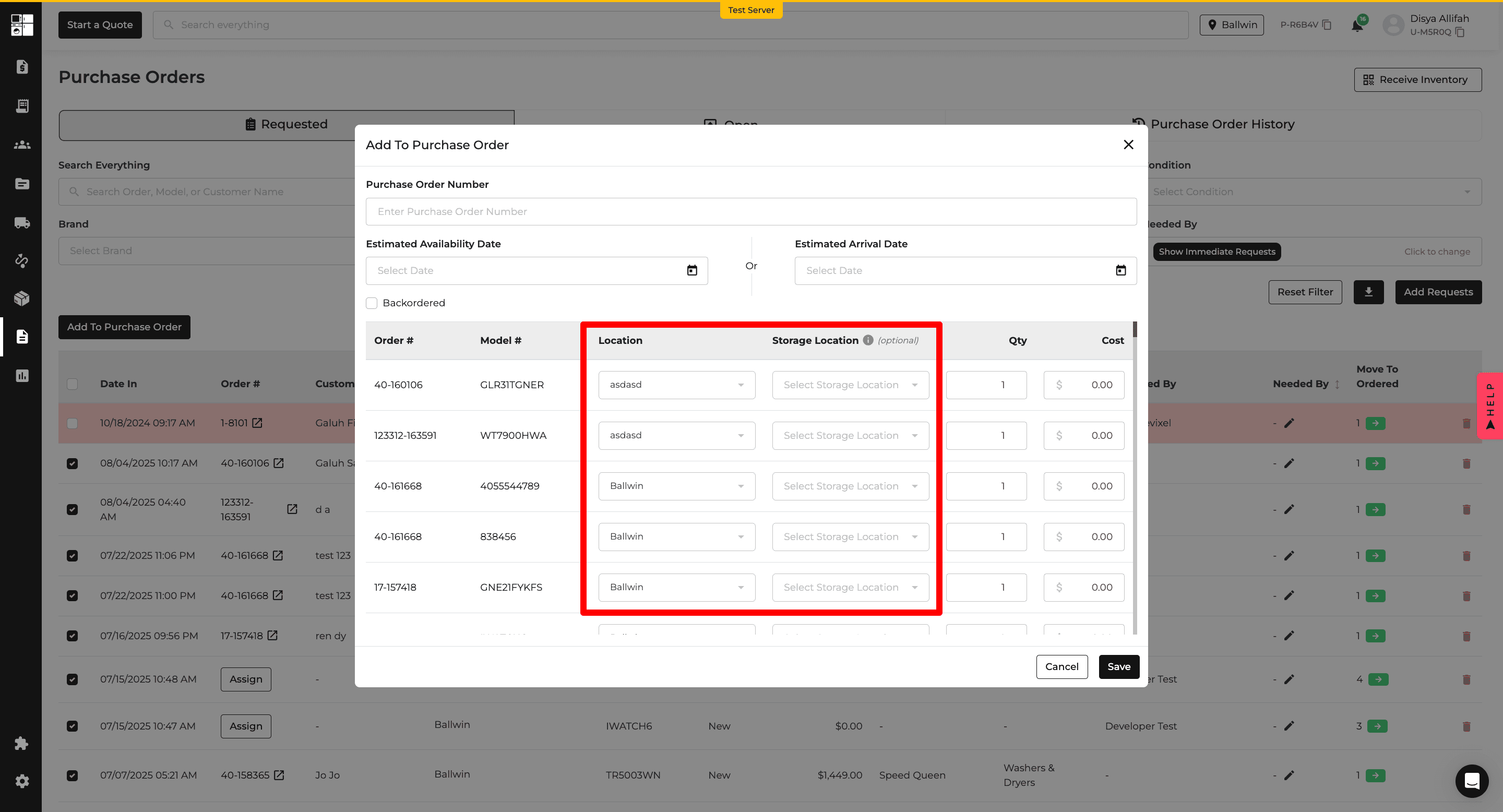
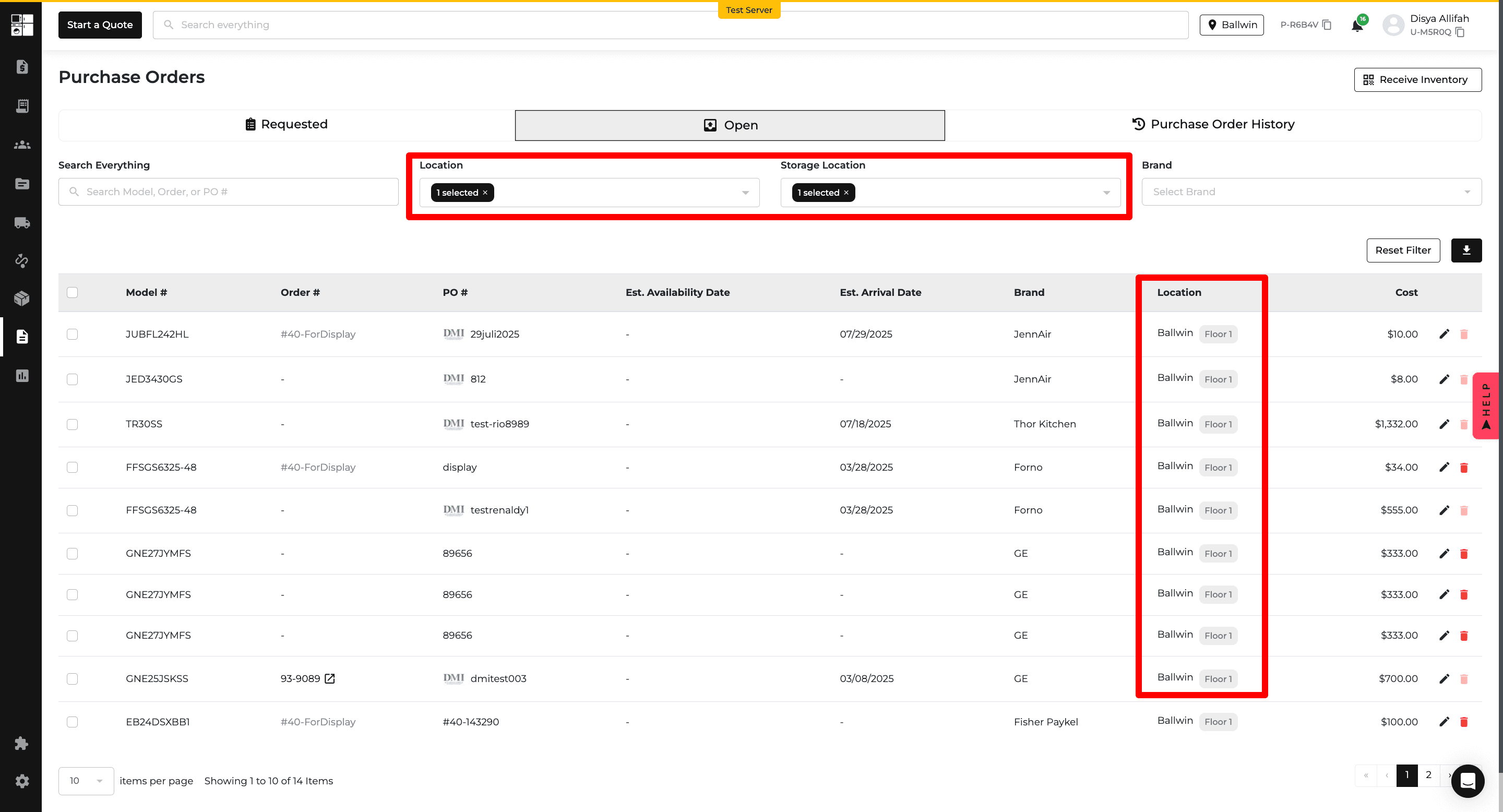
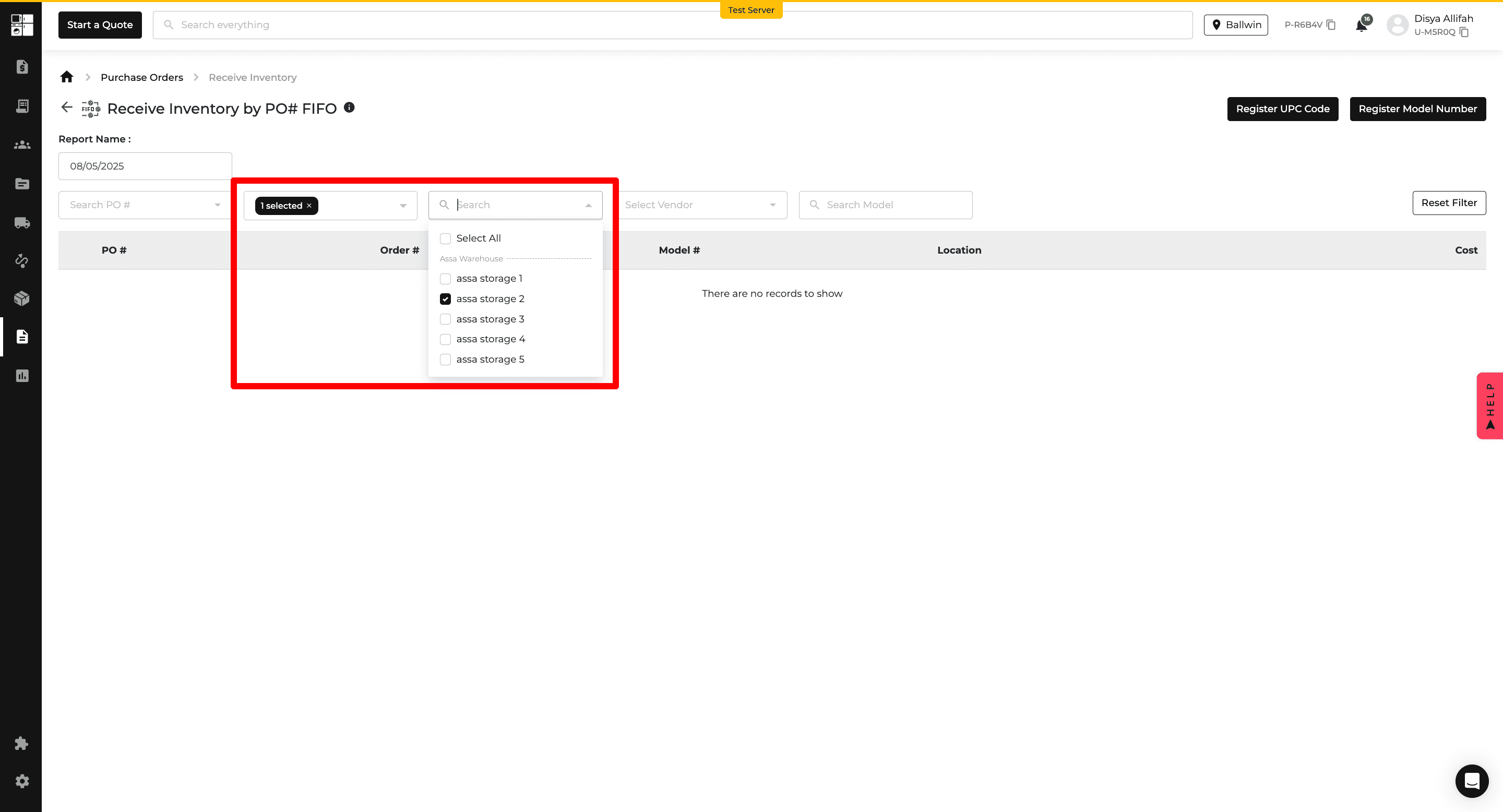
Orders: Customer Class
Quotes and Orders can now be assigned a Customer Class, such as Retail, Web, Trade, or Project.
Customer Class is also available across order history and reporting, making it easier to organize, filter, and compare different types of sales.
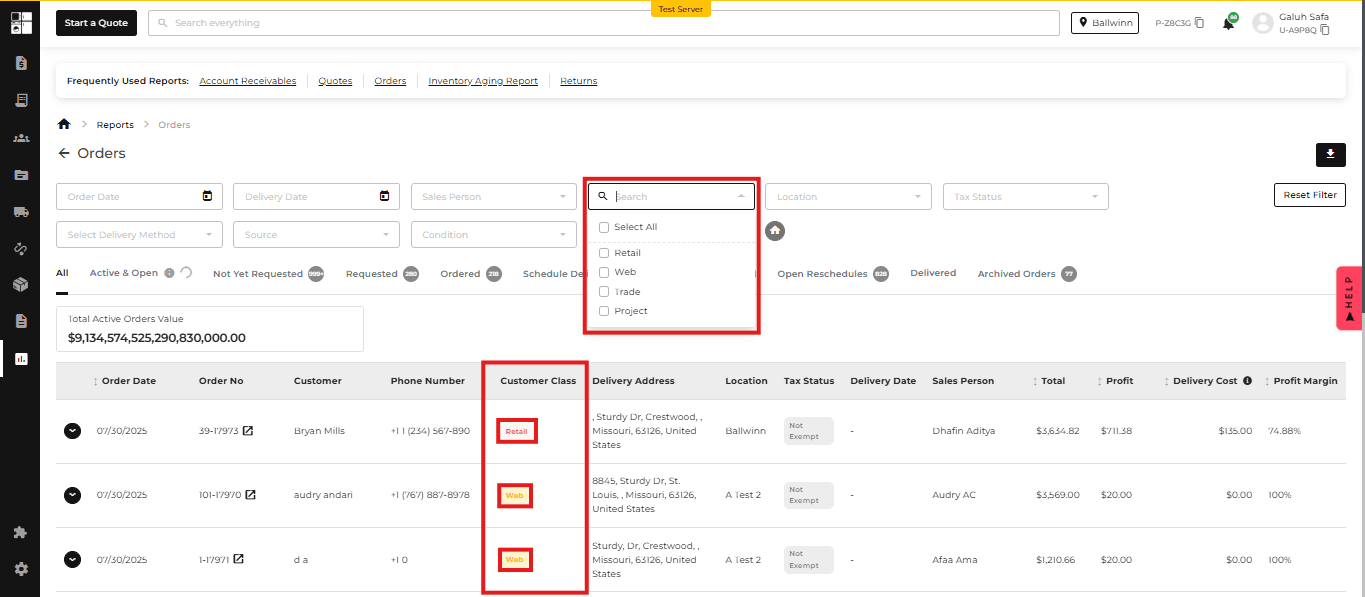
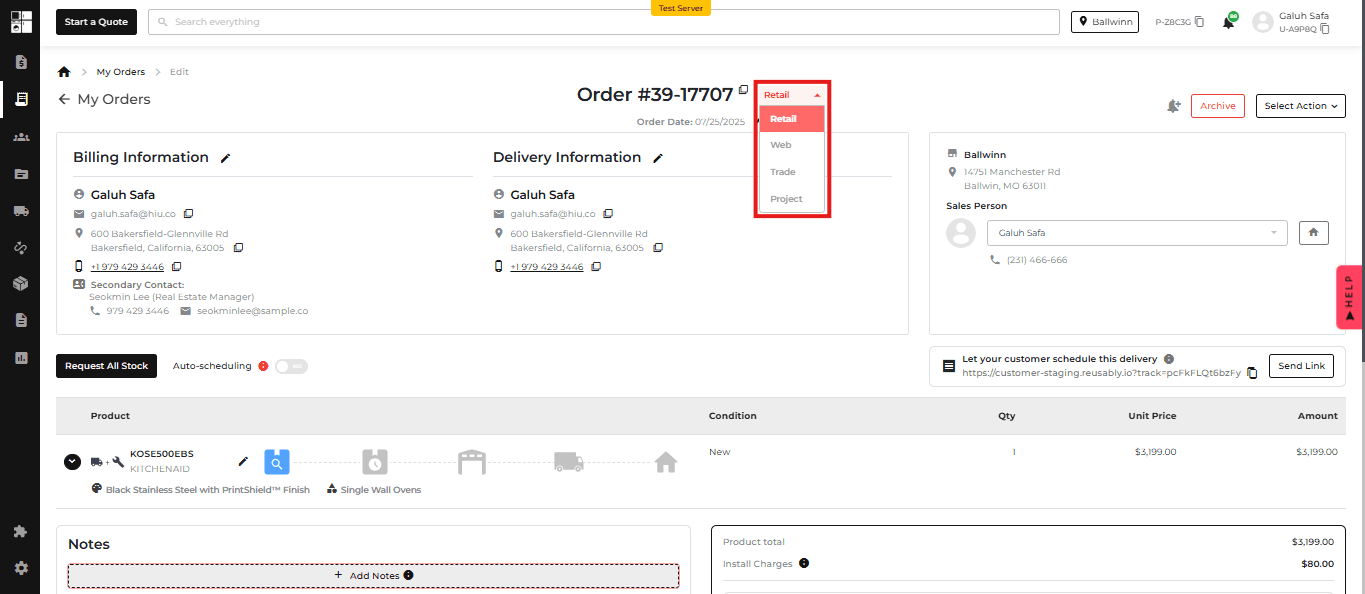
Payments: Flexible Credit Line Payments
Credit Line payments can now be applied, adjusted, or removed more flexibly during Quotes and Orders.
Returns can also be distributed between Credit Line and other payment methods when applicable, while financial reports reflect the appropriate payment portions.
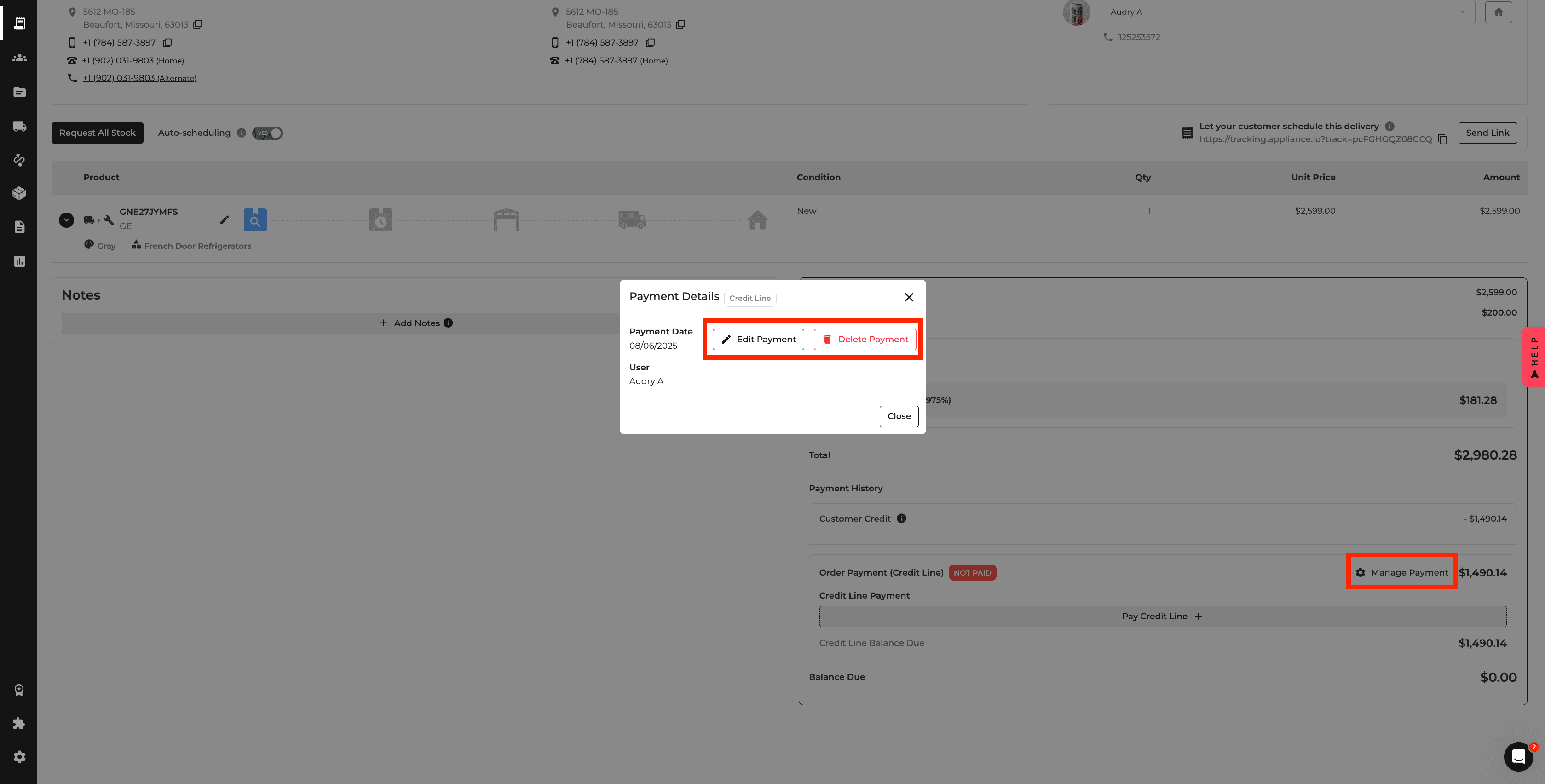
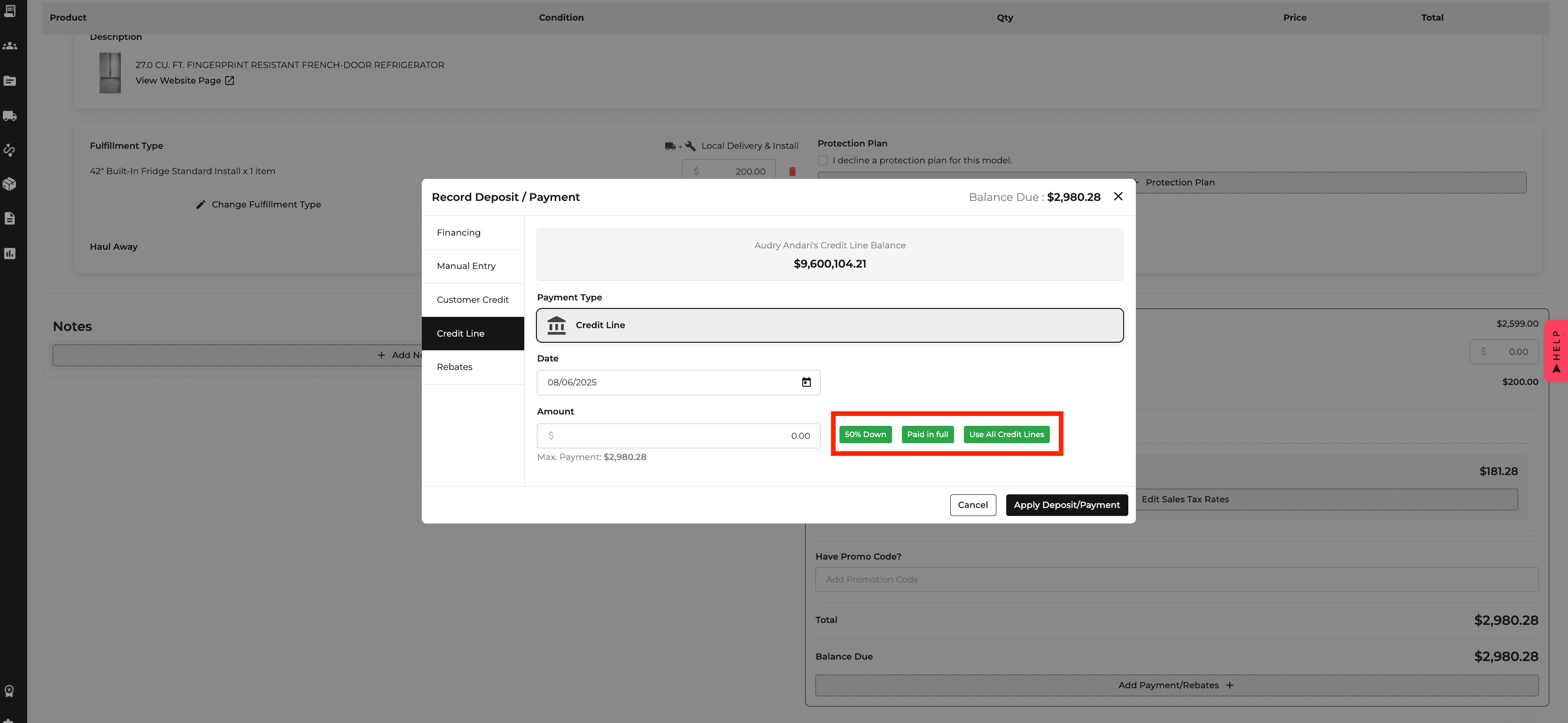
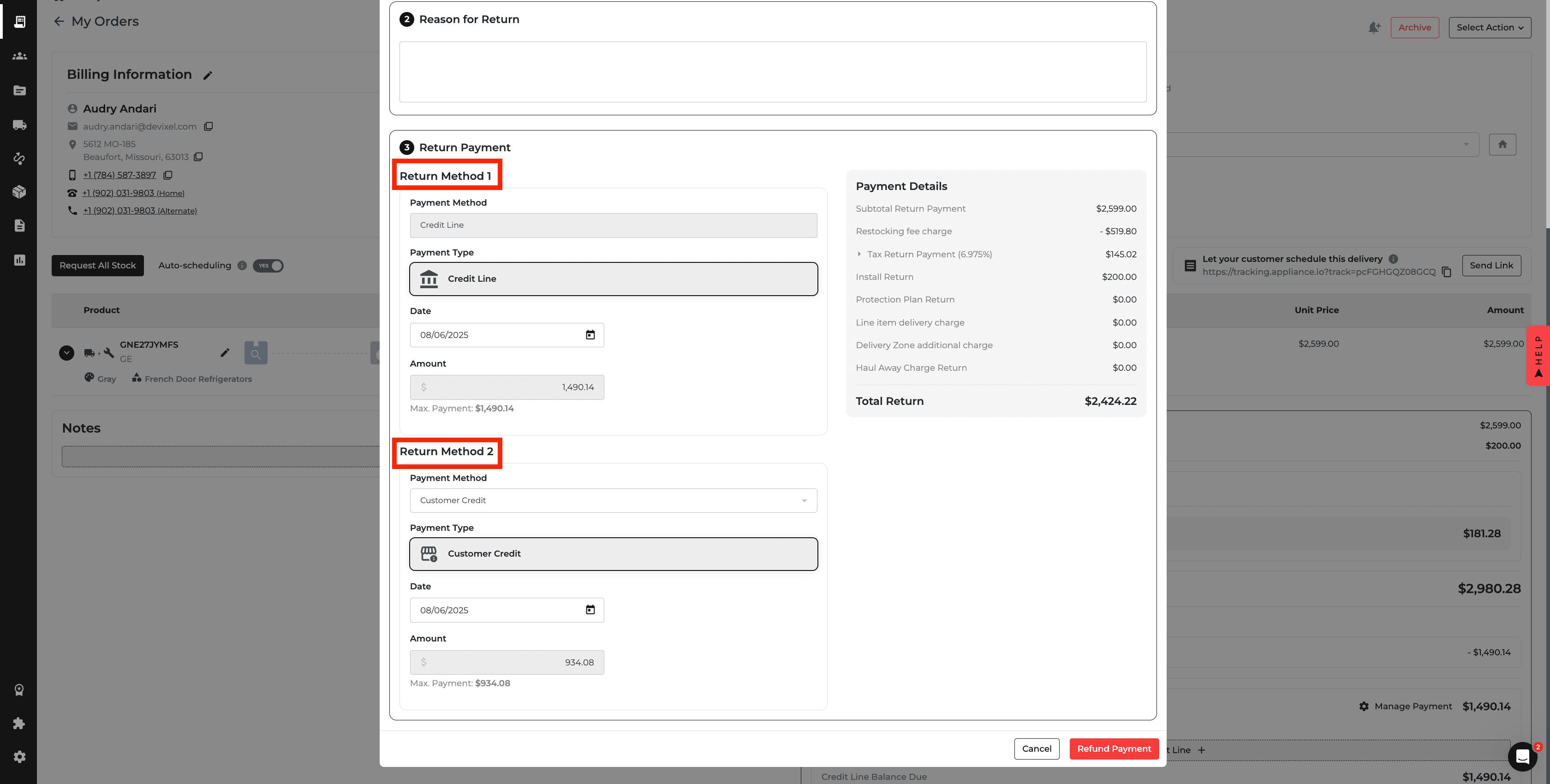
Reports: Installation Costs
Install types can now include a Cost that is reflected in the Income Statement, Fulfillment Report, and Order Profitability.
This provides a clearer view of installation expenses and their effect on overall profitability.
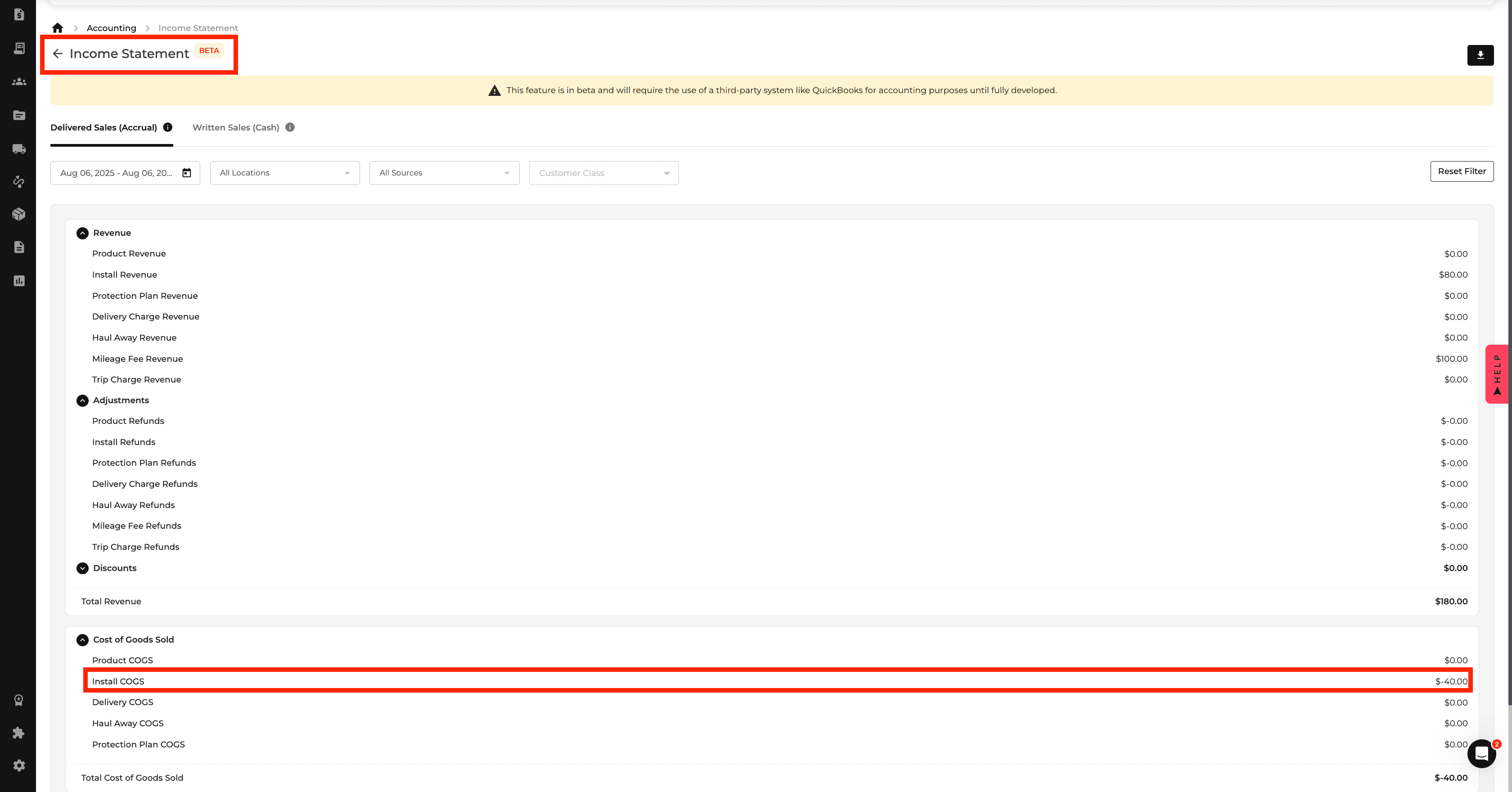
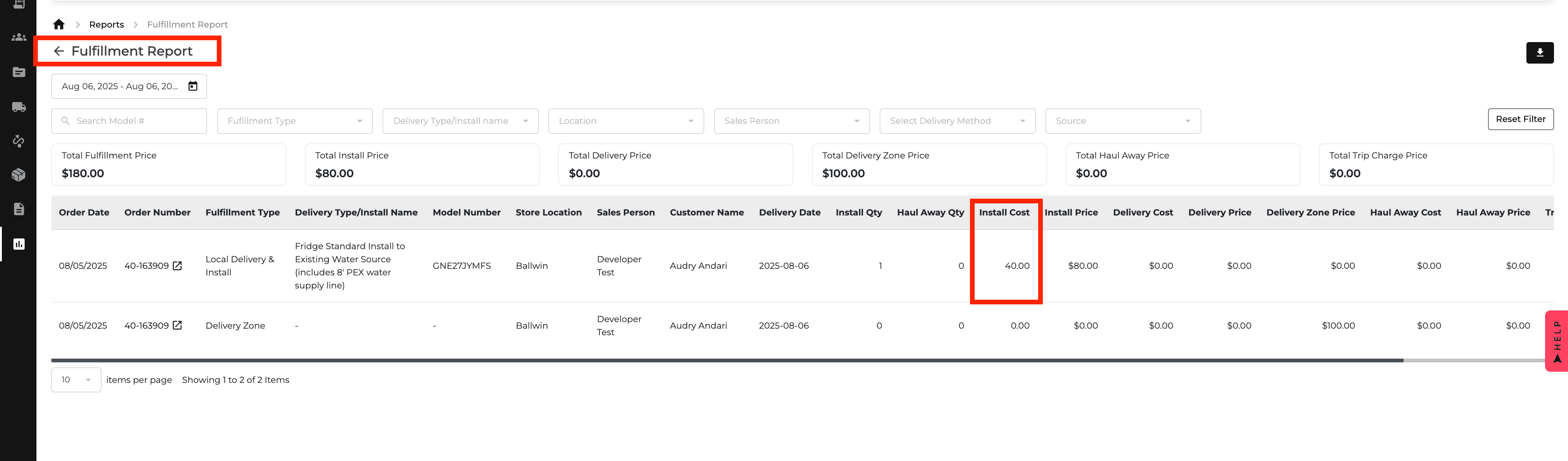
Reports: Delivery & Haul Away Costs
Delivery and haul away services can now include their own costs.
These values appear in delivery settings and financial reports, helping you track fulfillment expenses and profitability more accurately.
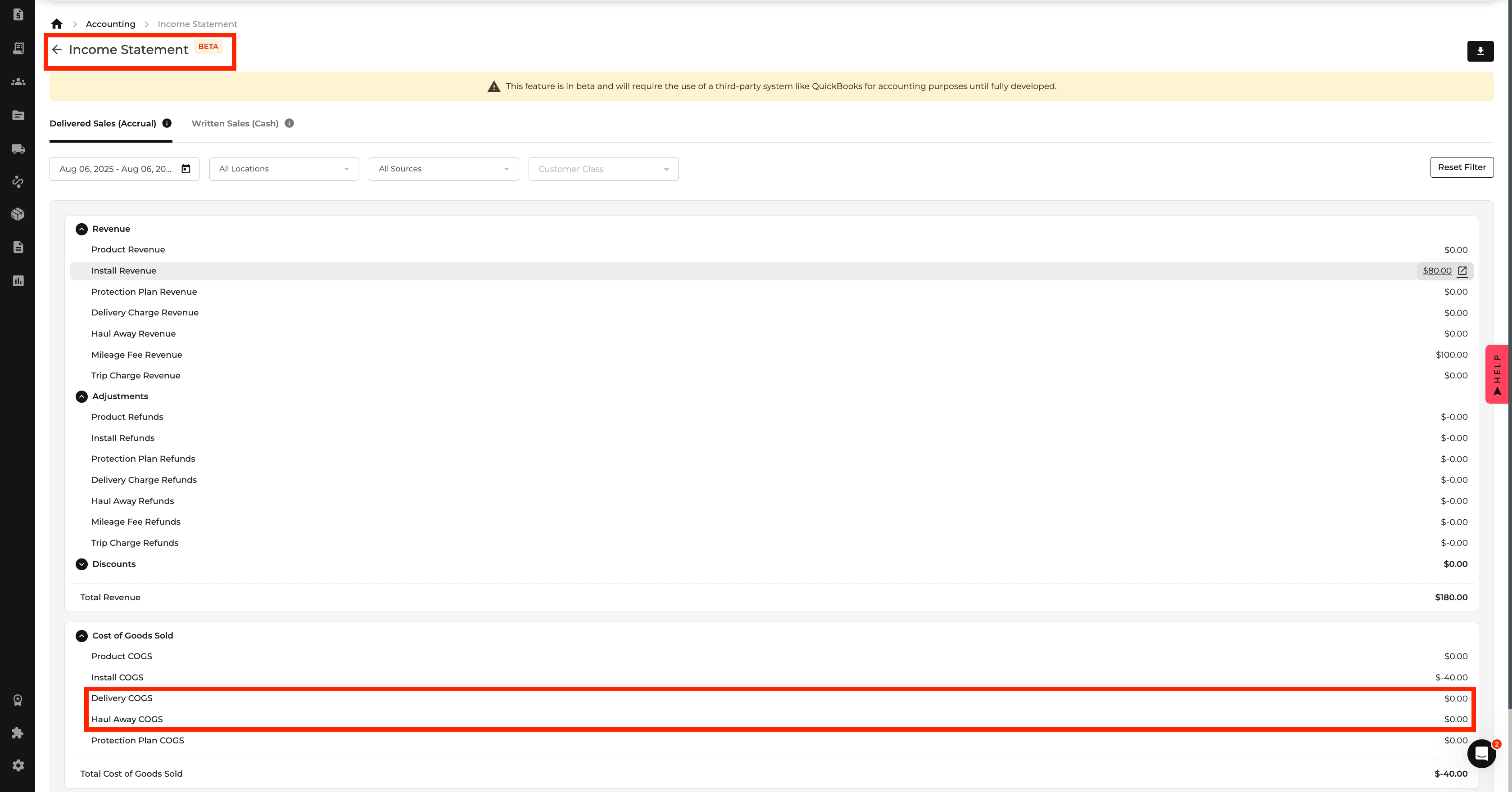
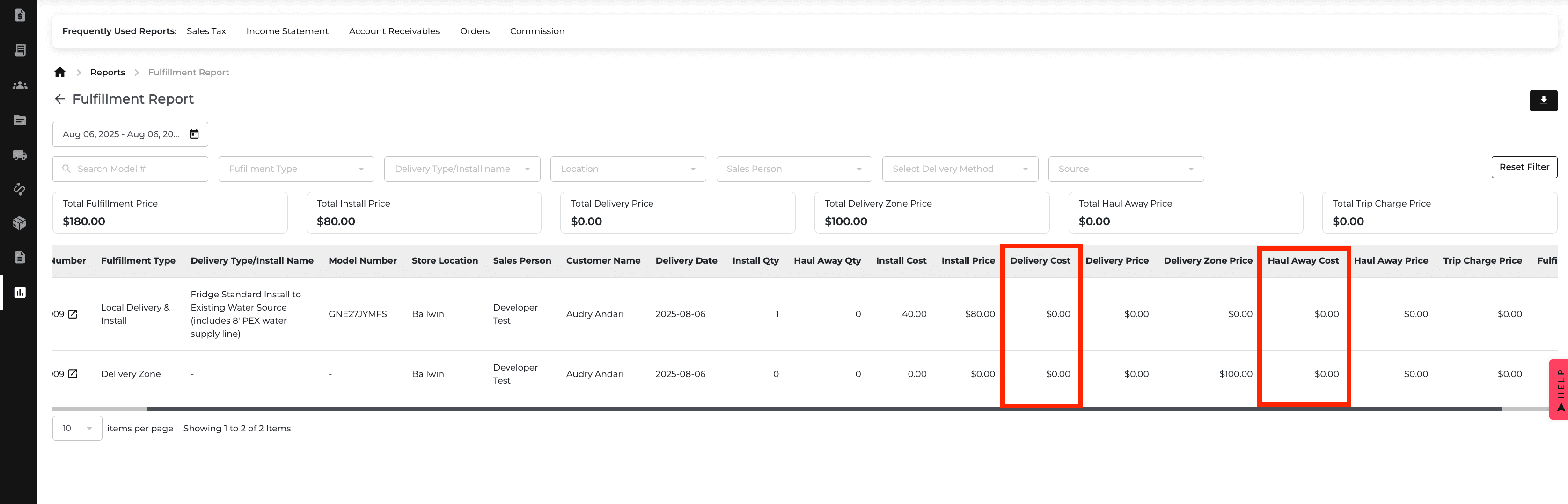
Orders: Unpaid Credit Line Warning
When scheduling delivery for an order with an outstanding Credit Line balance, Appliance.io now displays a confirmation warning.
If the user proceeds, the confirmation is recorded in the Changelog for easier tracking.
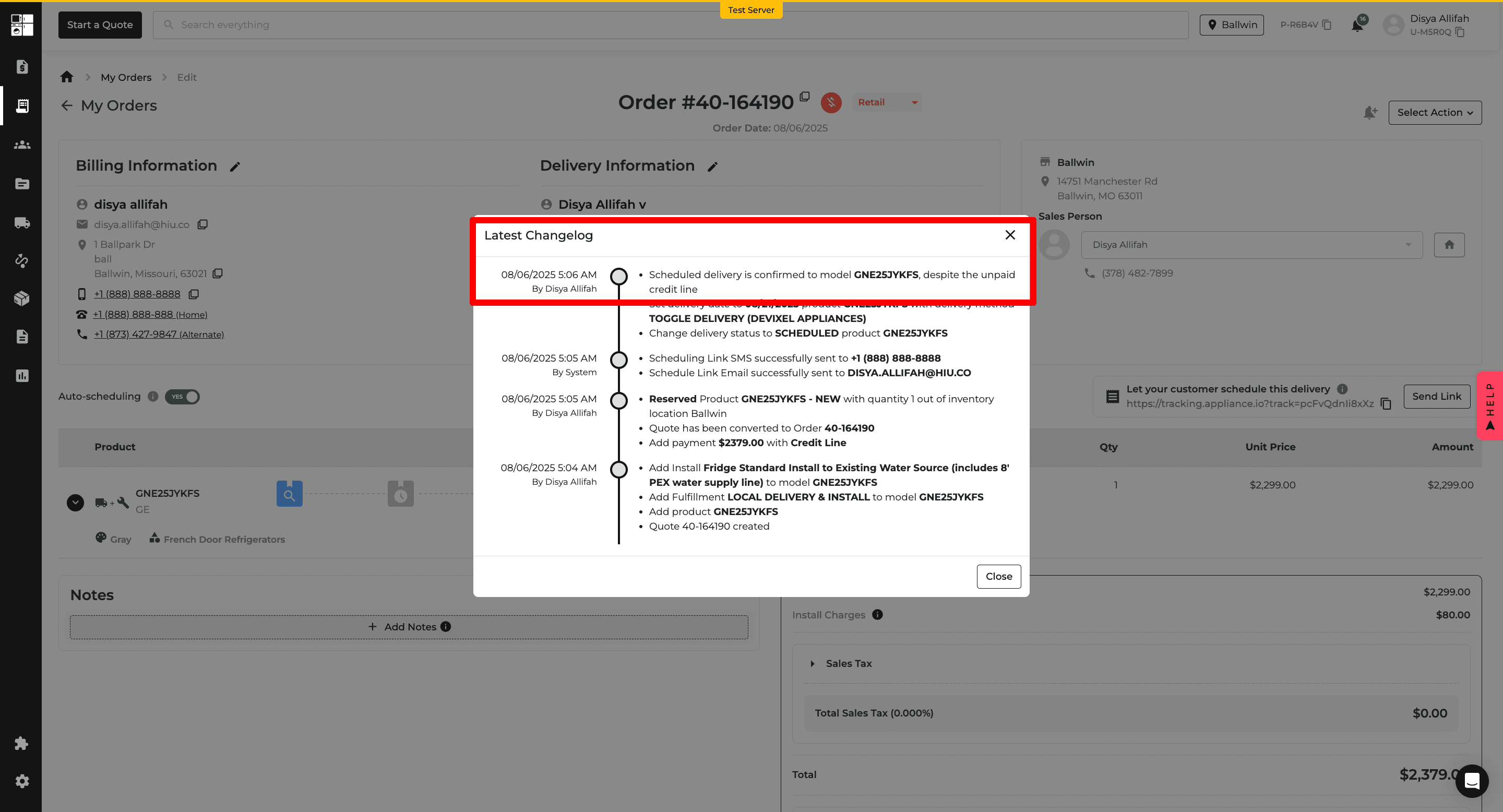
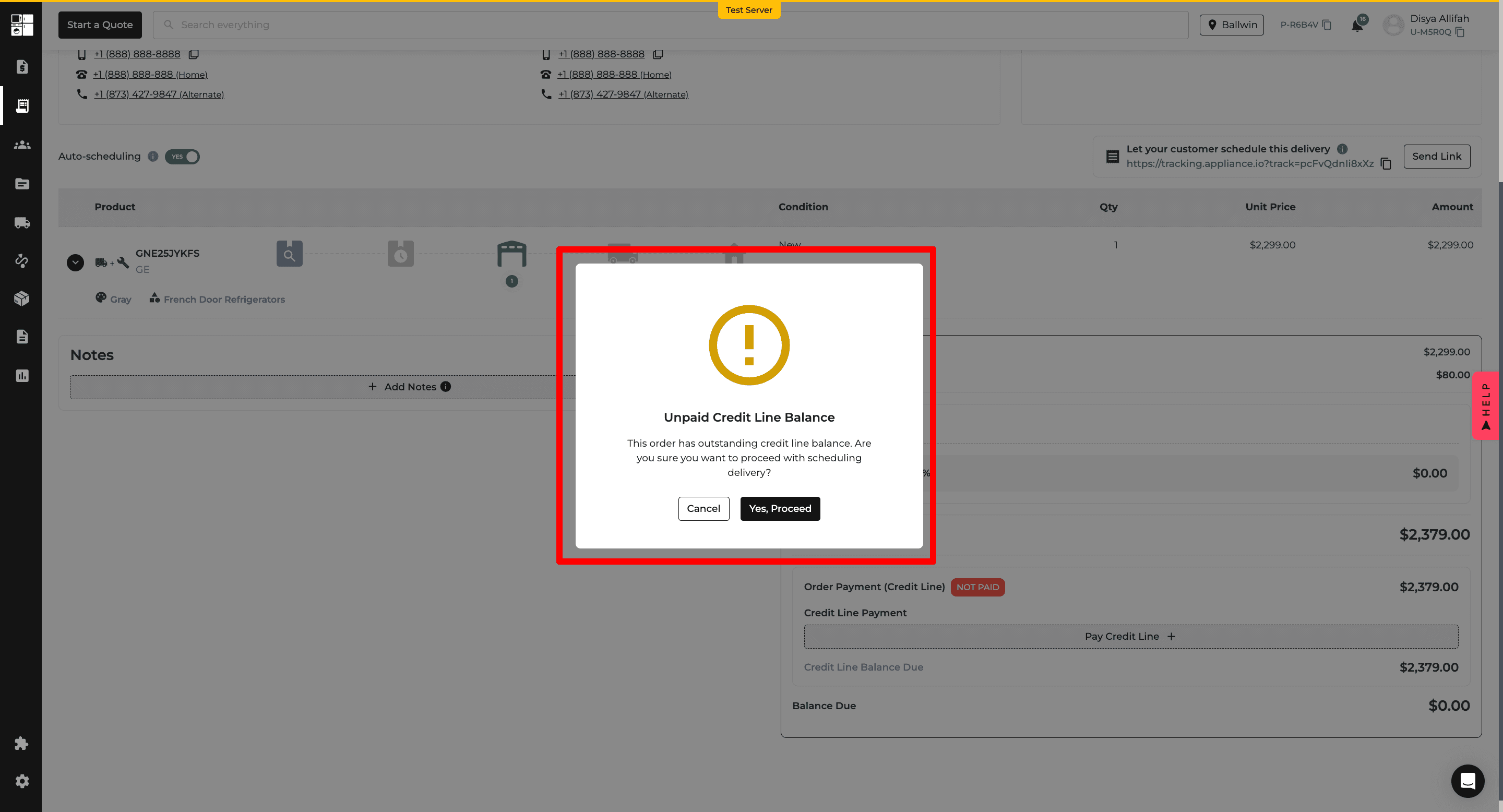
Deliveries: Shipment Value Summary
The Deliveries page now provides additional filters and shipment value information.
You can review Product Value, Delivery Value, and total Order Value, with updated PDF and CSV exports reflecting the selected information.
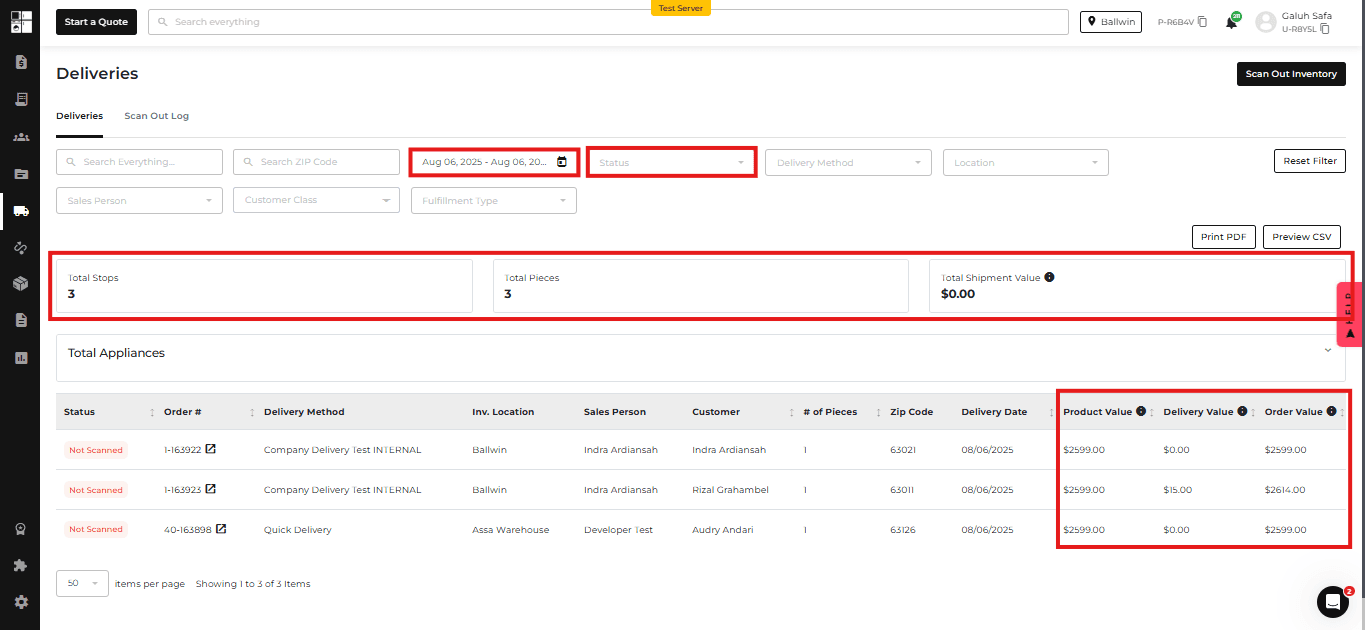
Warehouse: Multi-Warehouse Location Settings
Multiple locations can now be configured as warehouses.
You can select a default warehouse and control whether other warehouses can be used when stock needs to be reassigned.
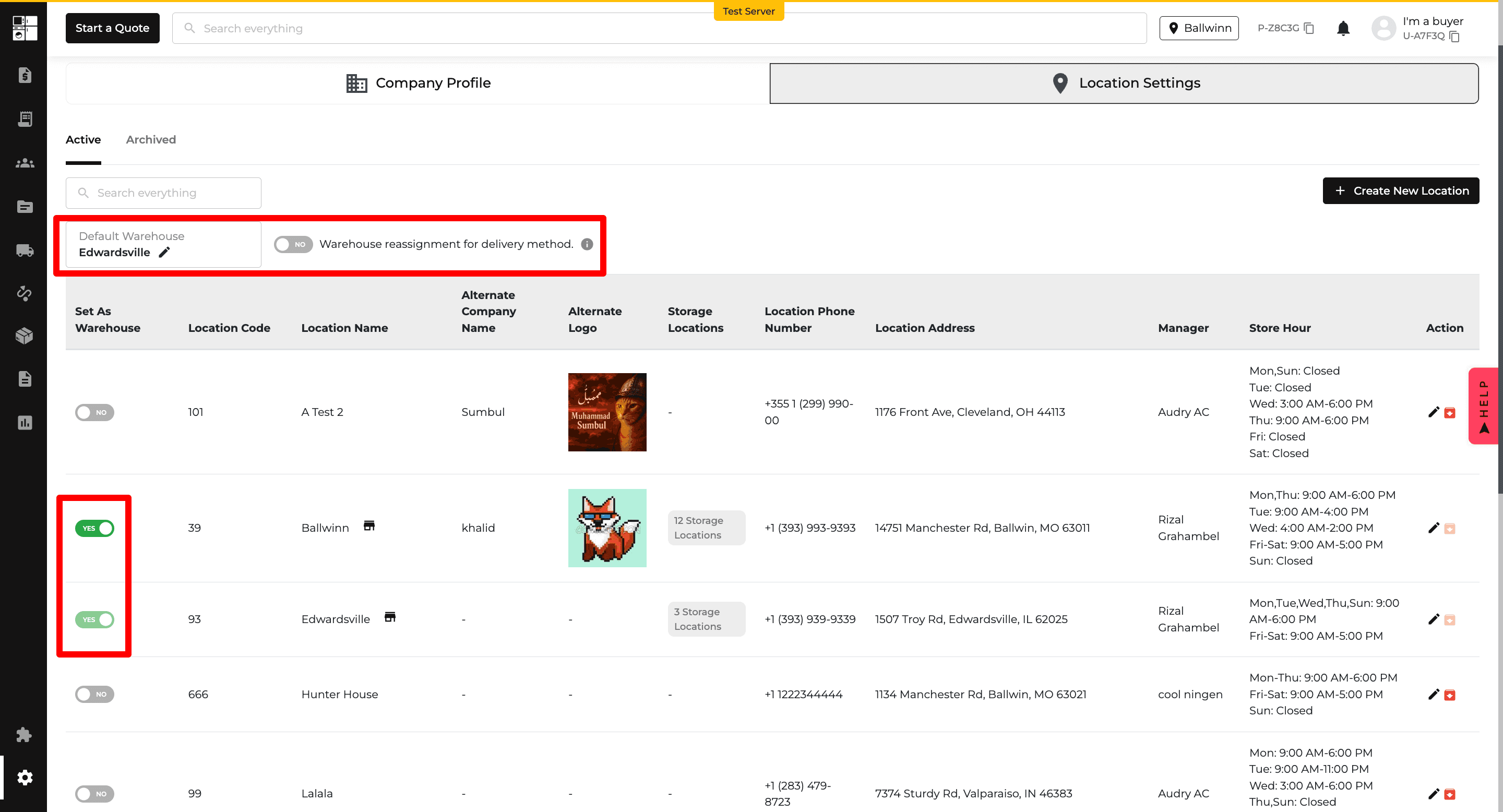
Delivery: Assign Methods by Warehouse
Delivery methods can now be assigned to specific warehouses.
This helps ensure users only see delivery options that apply to the warehouse fulfilling the order.
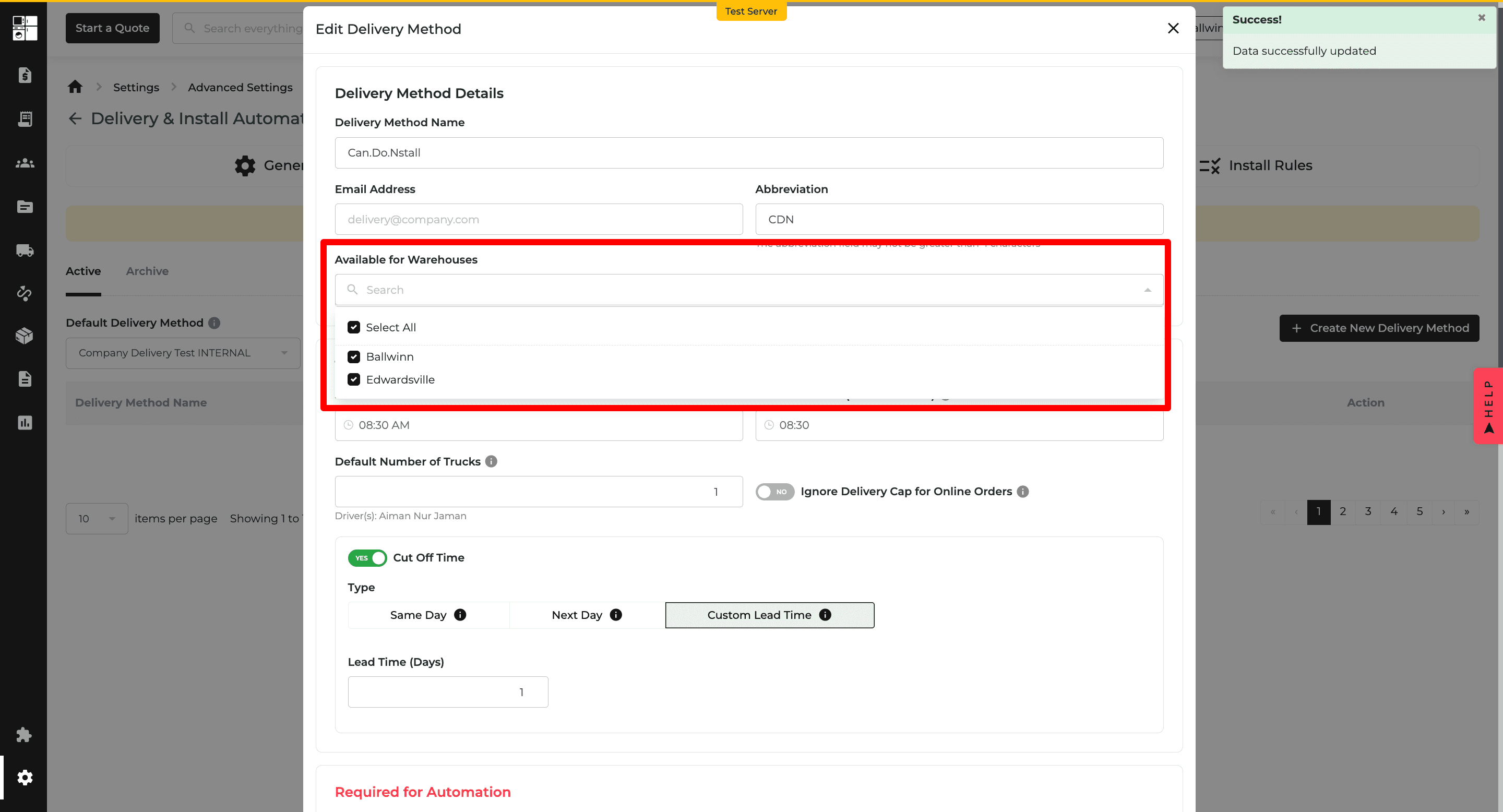
Delivery: Smarter Order Routing
The routing process now considers the selected source warehouse before displaying available delivery methods.
This provides more relevant delivery options when working across multiple warehouses.
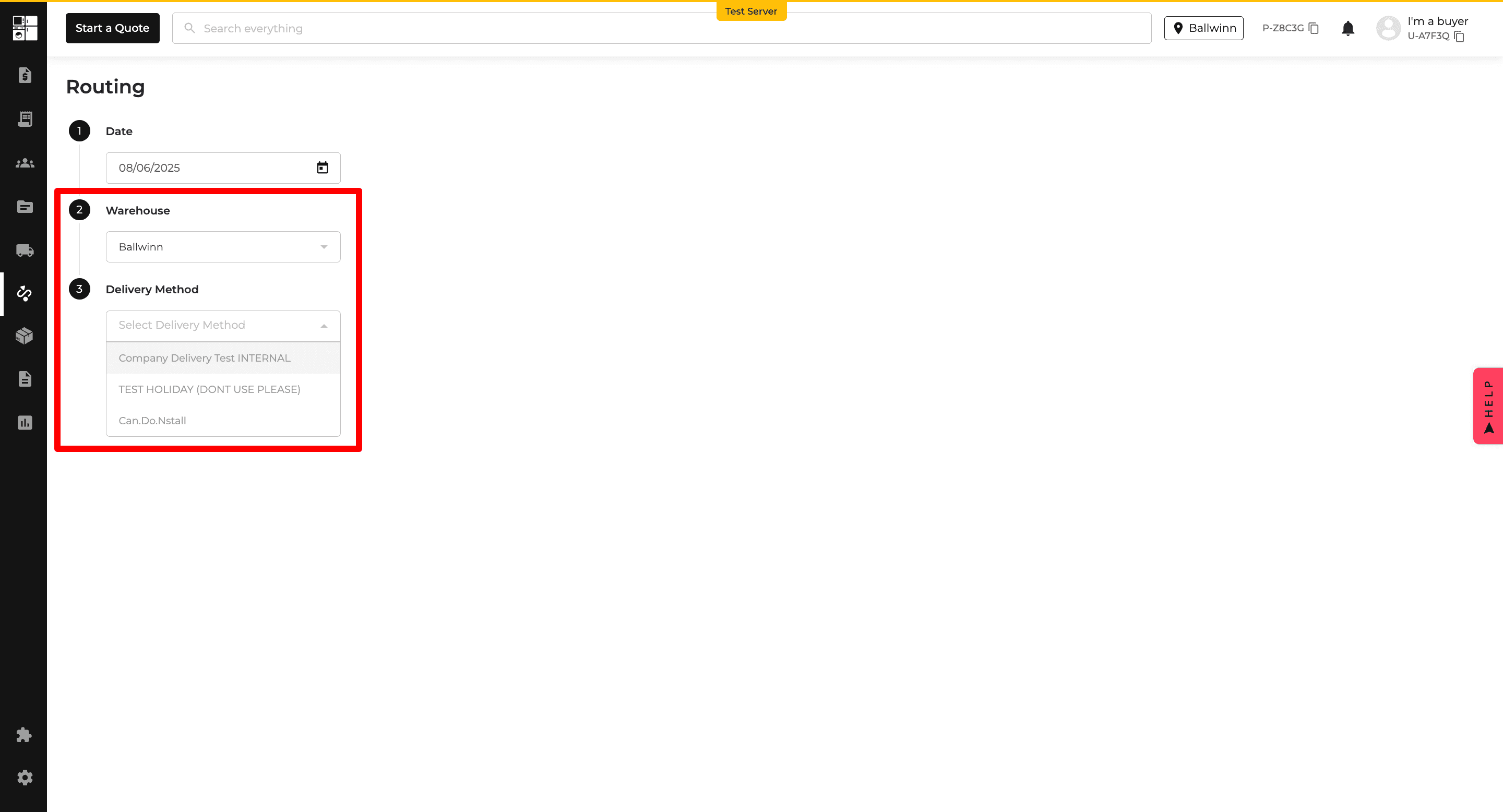
Inventory: Stock Reservation by Role
Stock reservation now follows warehouse settings and user roles when multiple warehouses are enabled.
Super Admins and Delivery Managers have broader reservation access, while other users follow the configured default warehouse and reassignment rules.
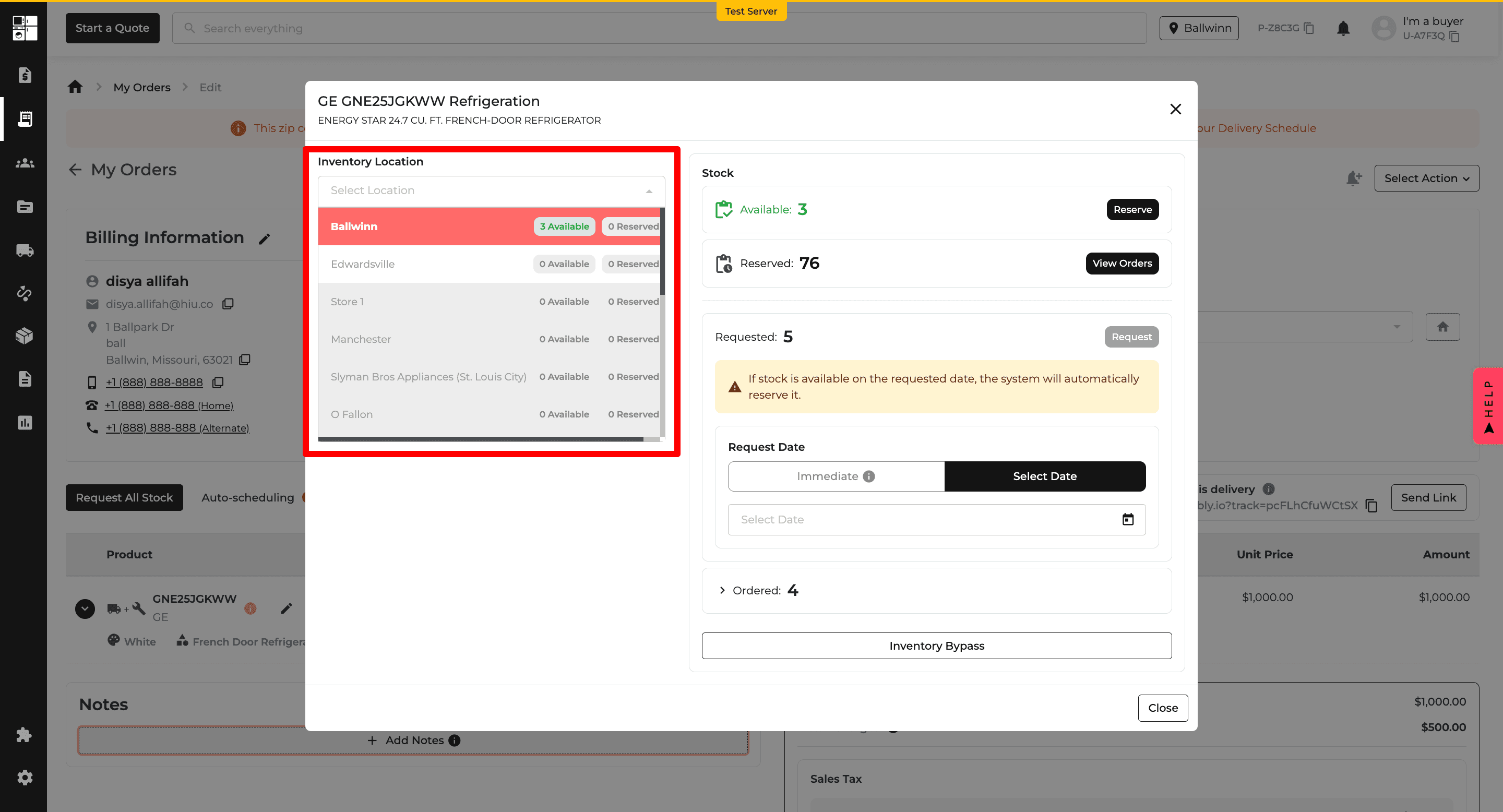
Orders: Delivery Method Visibility
Delivery methods on Orders now appear based on the warehouse used for inventory reservation and the customer's delivery ZIP code.
This helps ensure users only select delivery options that are available for the order.
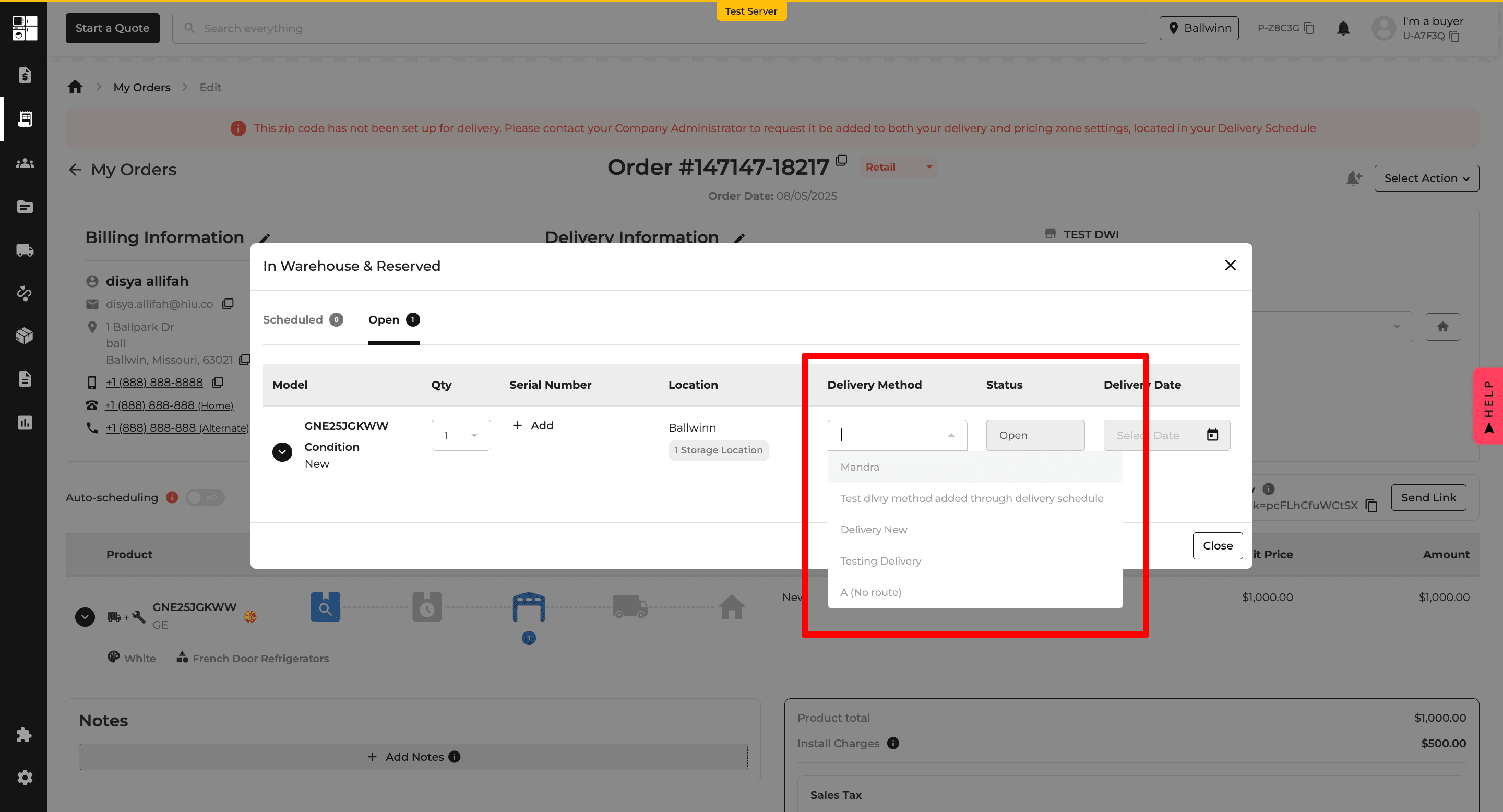
Website: Smarter Location Selection
Website checkout now uses inventory availability and customer proximity to help determine the best fulfillment location.
Delivery orders automatically use an appropriate warehouse, while pickup locations are organized based on stock and proximity. The selected fulfillment warehouse is also shown on the order confirmation.
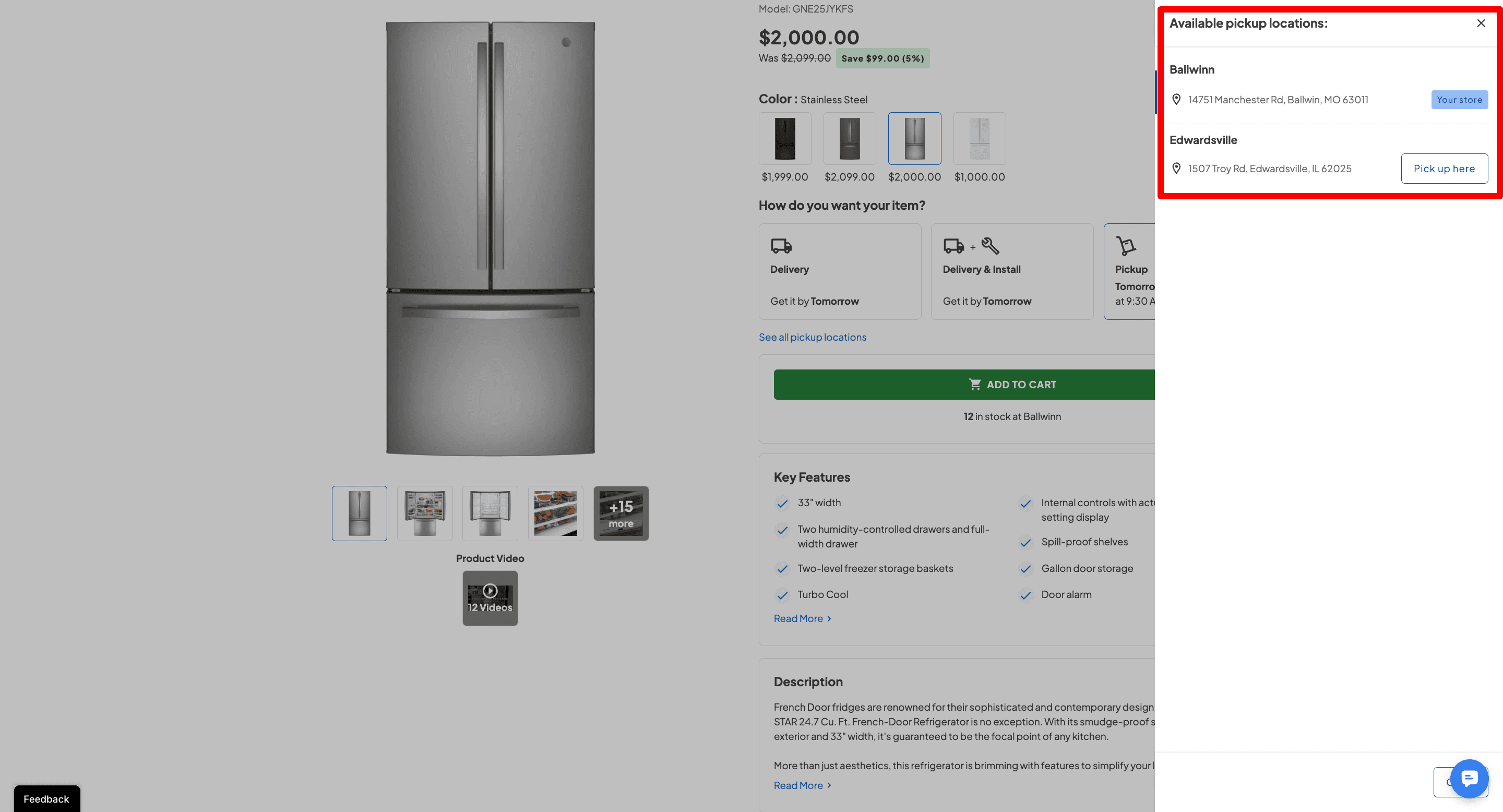
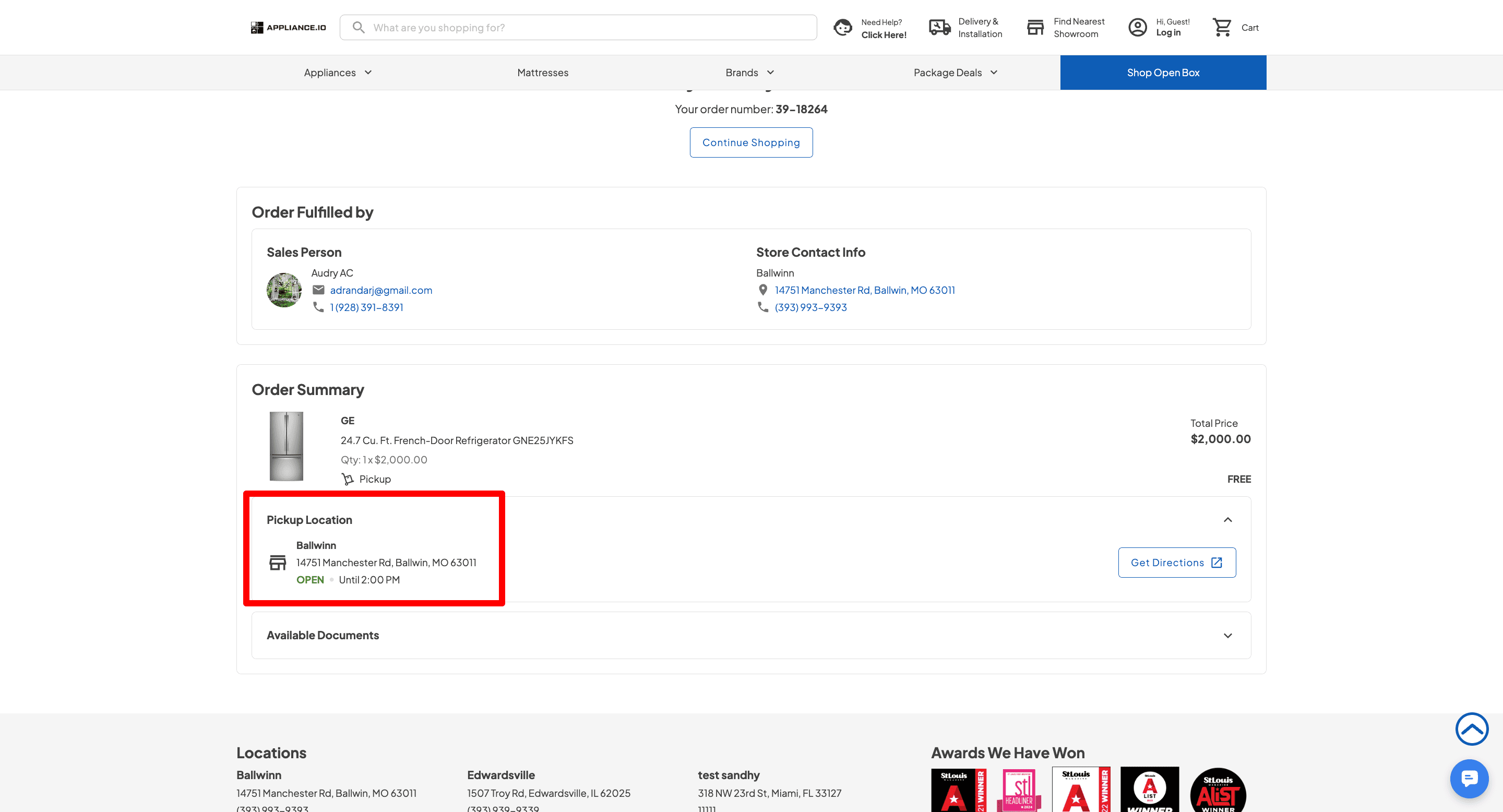
Feature Improvement
Orders
Customer Portal
Inventory
Protection Plan
Reports
Orders: Mark In Transit Orders as Delivered
Superadmins, Buyers, and Store Managers can now mark eligible In Transit orders as Delivered directly from the Order Page without using the Driver App.
For Delivery Routing orders at least one day past their scheduled delivery date, authorized users can confirm the delivery, select the delivery details, and enter required serial numbers.
Completing the delivery also updates the related delivery stop on the Routing Page.
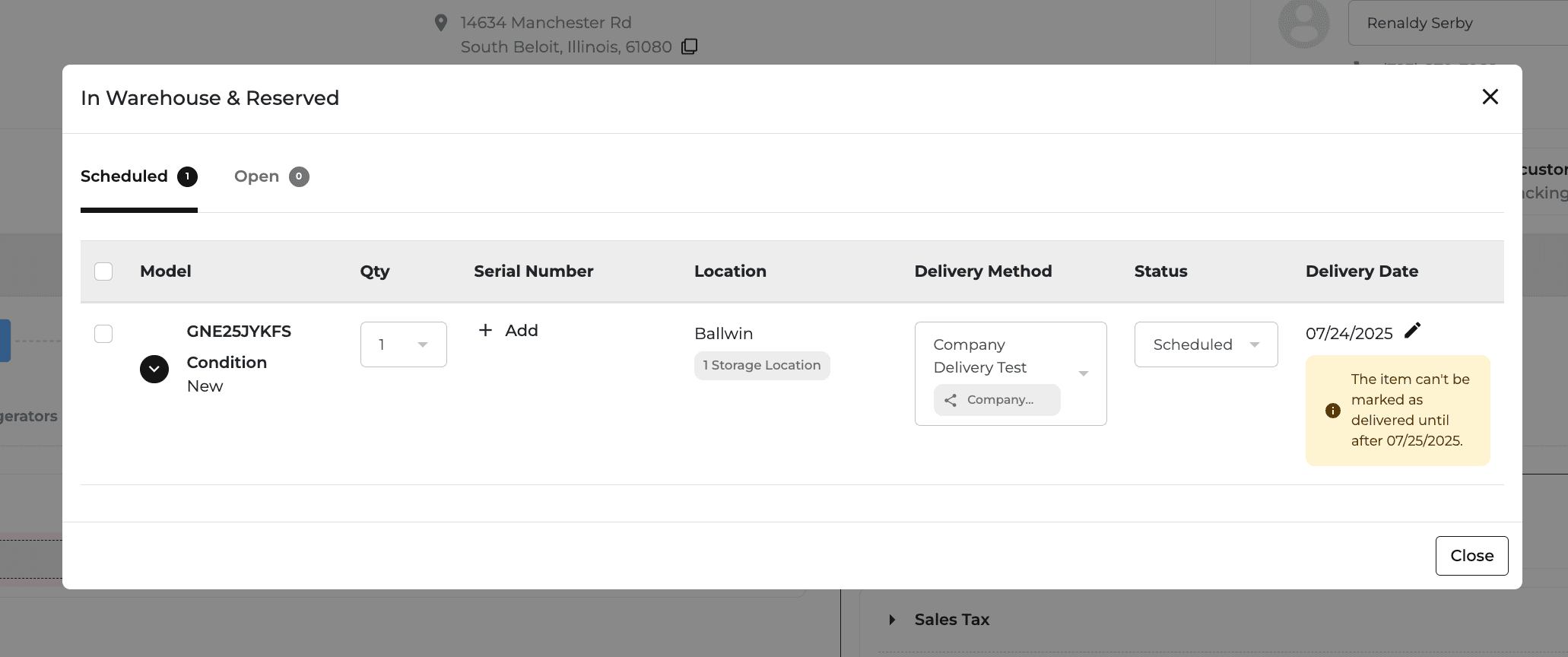
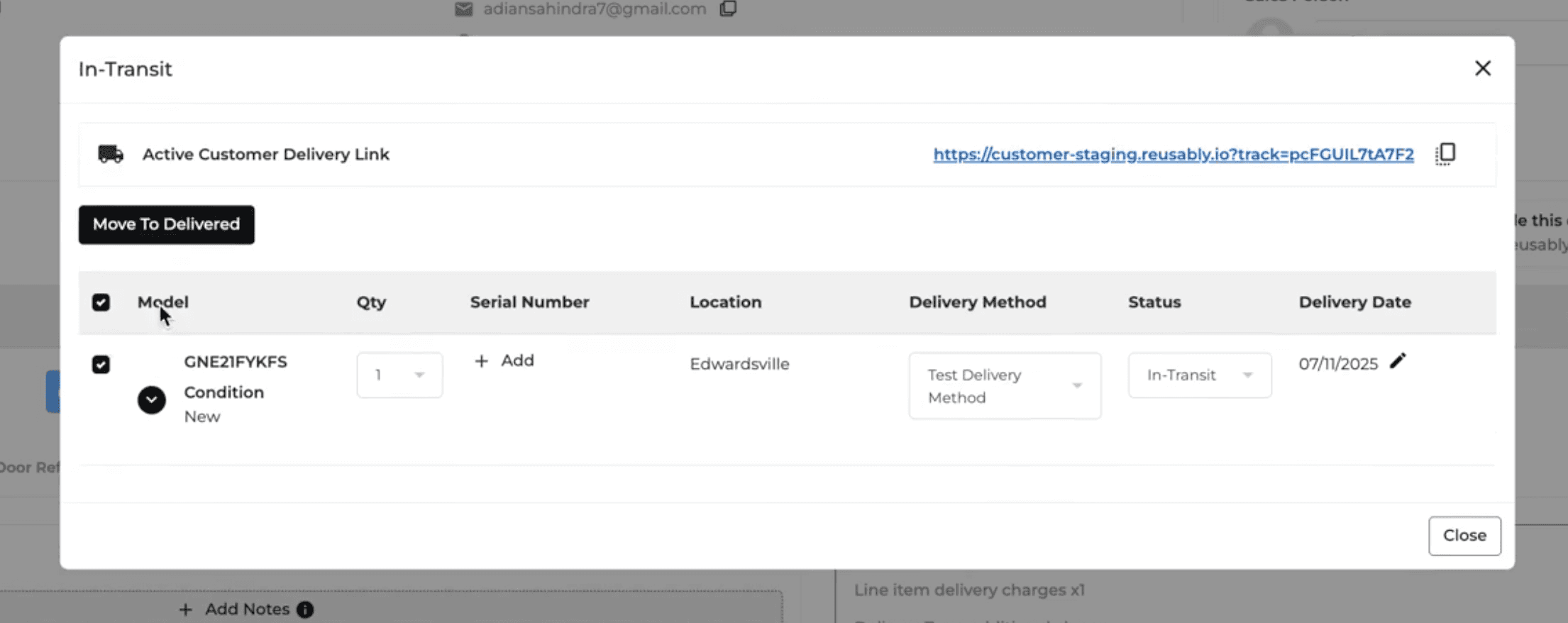
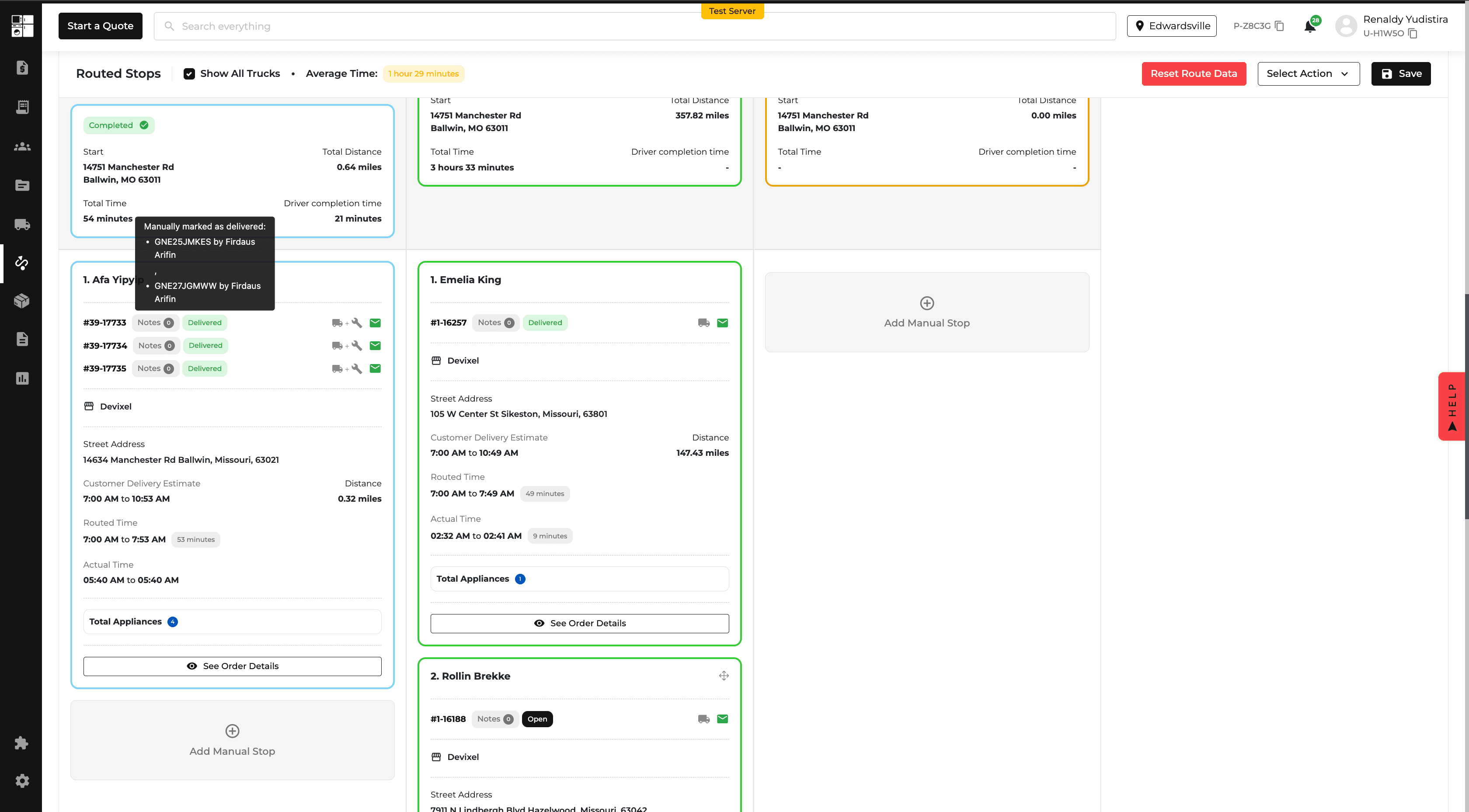
Customer Profiles: Secondary Contacts
You can now add a Secondary Contact to customer profiles, including their name, relationship, phone number, and email.
Secondary contacts are available across Customer Profiles, Quotes, Orders, and the Driver App. Contact information can also be updated for an individual Quote or Order without changing the main customer profile.
Changes to secondary contacts are tracked for easier reference.

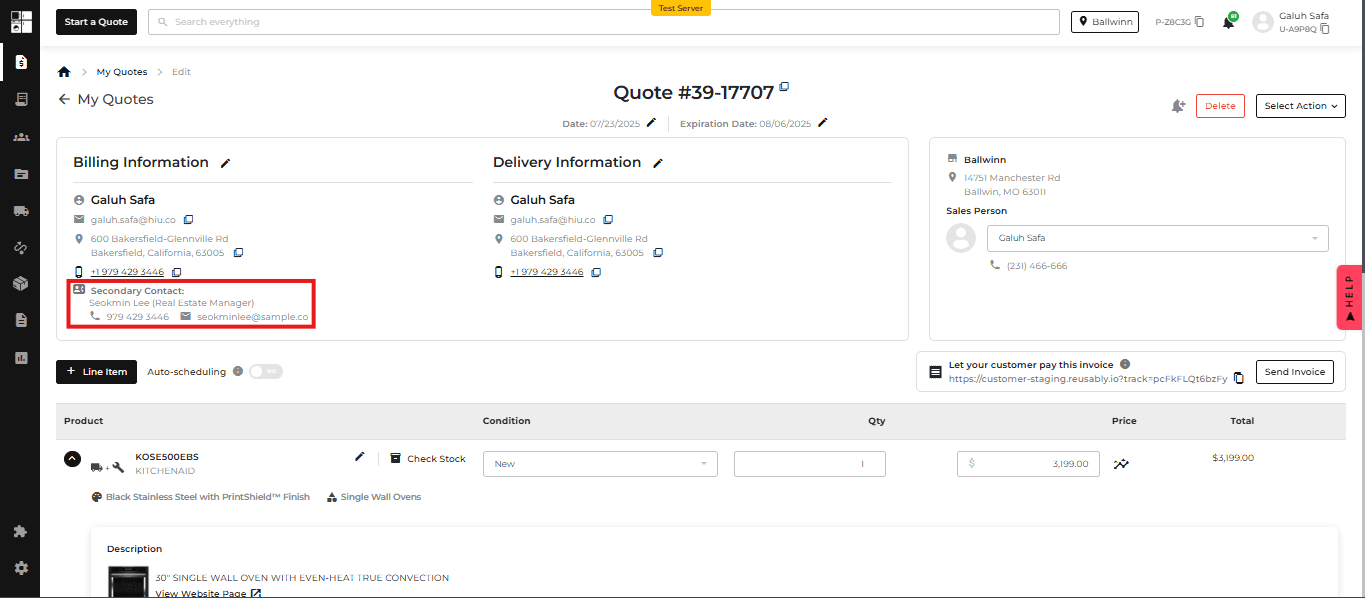
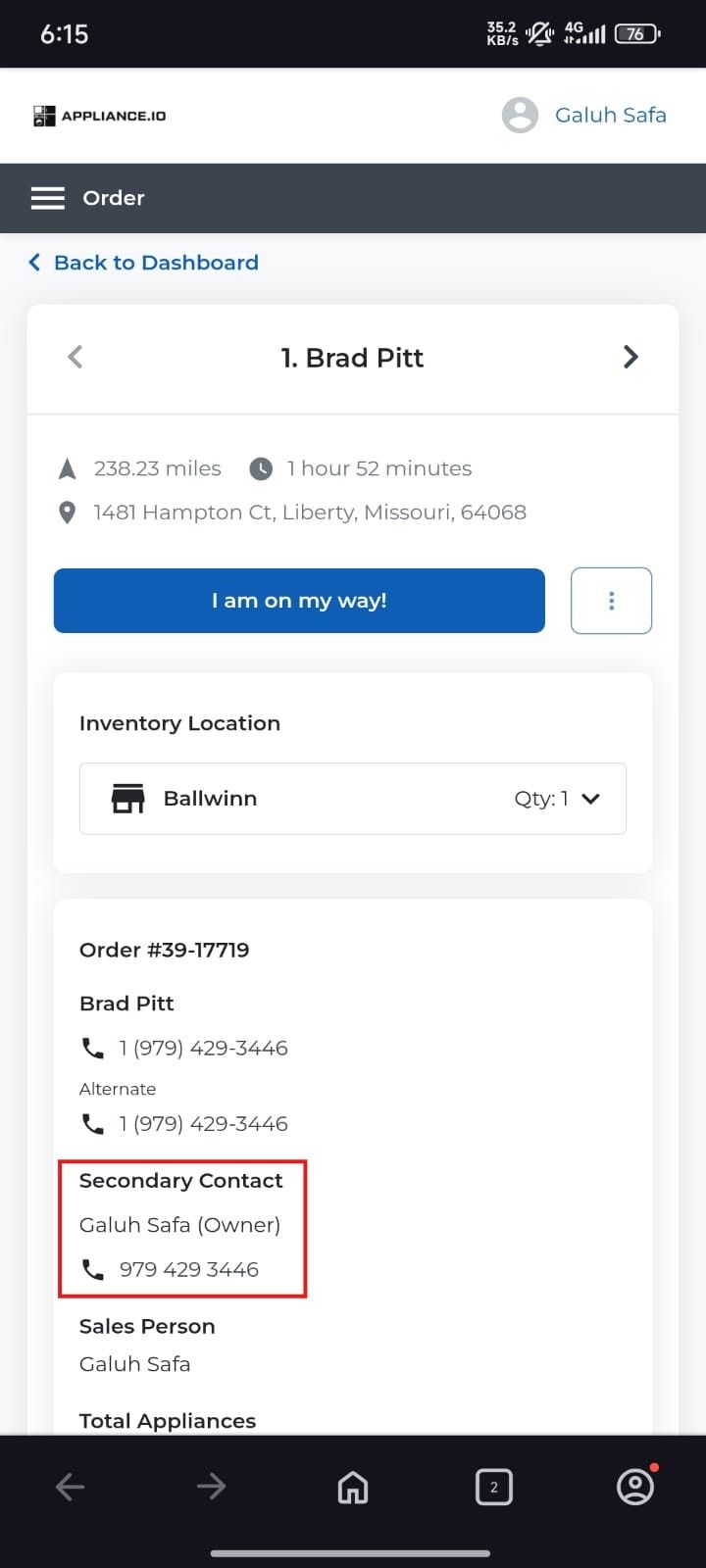
Customer Portal: Delivery Tracking
The Delivery Tracking page has been updated to provide customers with a clearer view of their delivery.
Customers can now more easily see the warehouse, stop number, delivery details, and fulfillment information. Live tracking appears when the driver is on the way to the customer's stop.
Inventory: Bulk Edit Storage Locations
You can now update the Storage Location for multiple inventory items at once.
Select the products from the Inventory page, choose Bulk Edit, update the Storage Location, and save your changes.
This makes it faster to organize and maintain inventory across storage locations.
Protection Plan Report: Exclude Older Orders
The Protection Plan Report now includes an Exclude Order Dates Before filter.
Enter a date to exclude orders placed before that date, making it easier to focus the report on relevant orders without removing historical information.
Feature Improvement
Orders
Settings
Notification
Reports
Product Catalog
Orders: Add Fulfillment Services After Delivery
You can now add new fulfillment services, including installation, to an order after it has been delivered.
Existing fulfillment charges do not need to be removed or refunded. The additional service is added as a new charge and is reflected in the Fulfillment and Orders Reports.
When installation is added, the system also provides a reminder to schedule a Home Visit when needed.
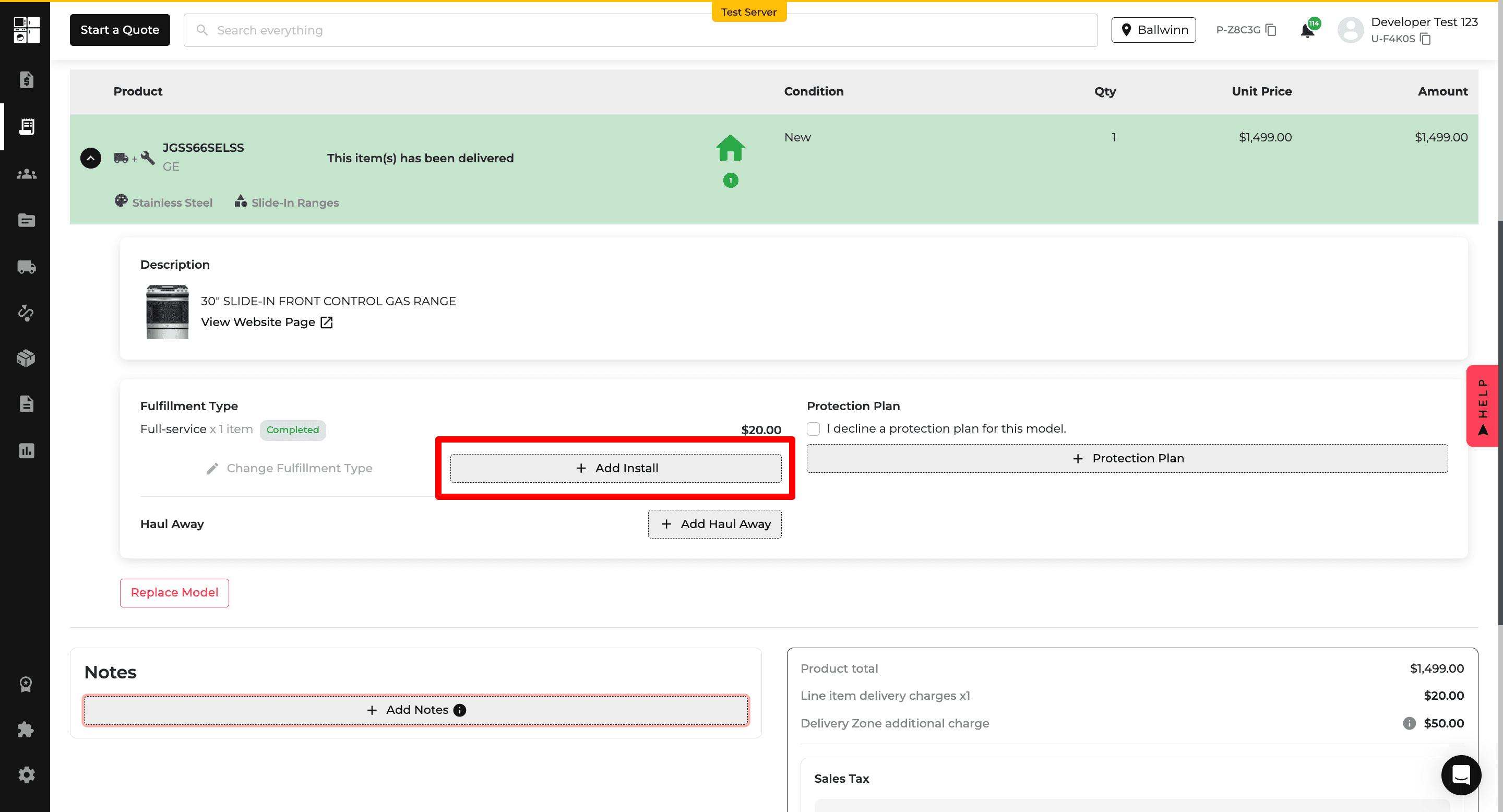
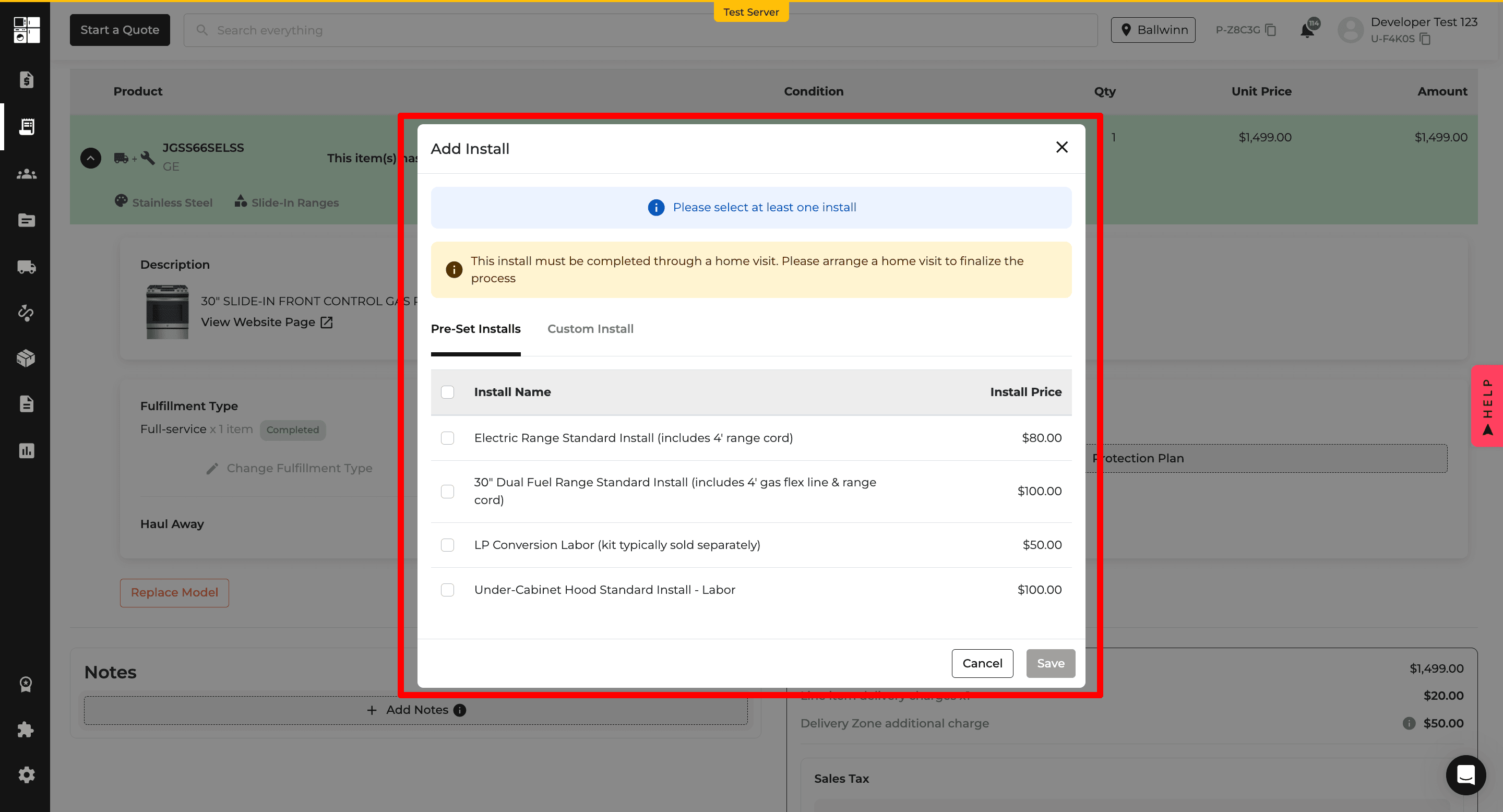
Settings: Auto-Scheduling Controls
New settings give you more control over how auto-scheduling works across orders.
You can choose whether auto-scheduling is enabled by default, lock that behavior across orders, and decide whether customers are notified when any items or all items are ready.
A new Scheduling Link template is also available for Email and SMS notifications.
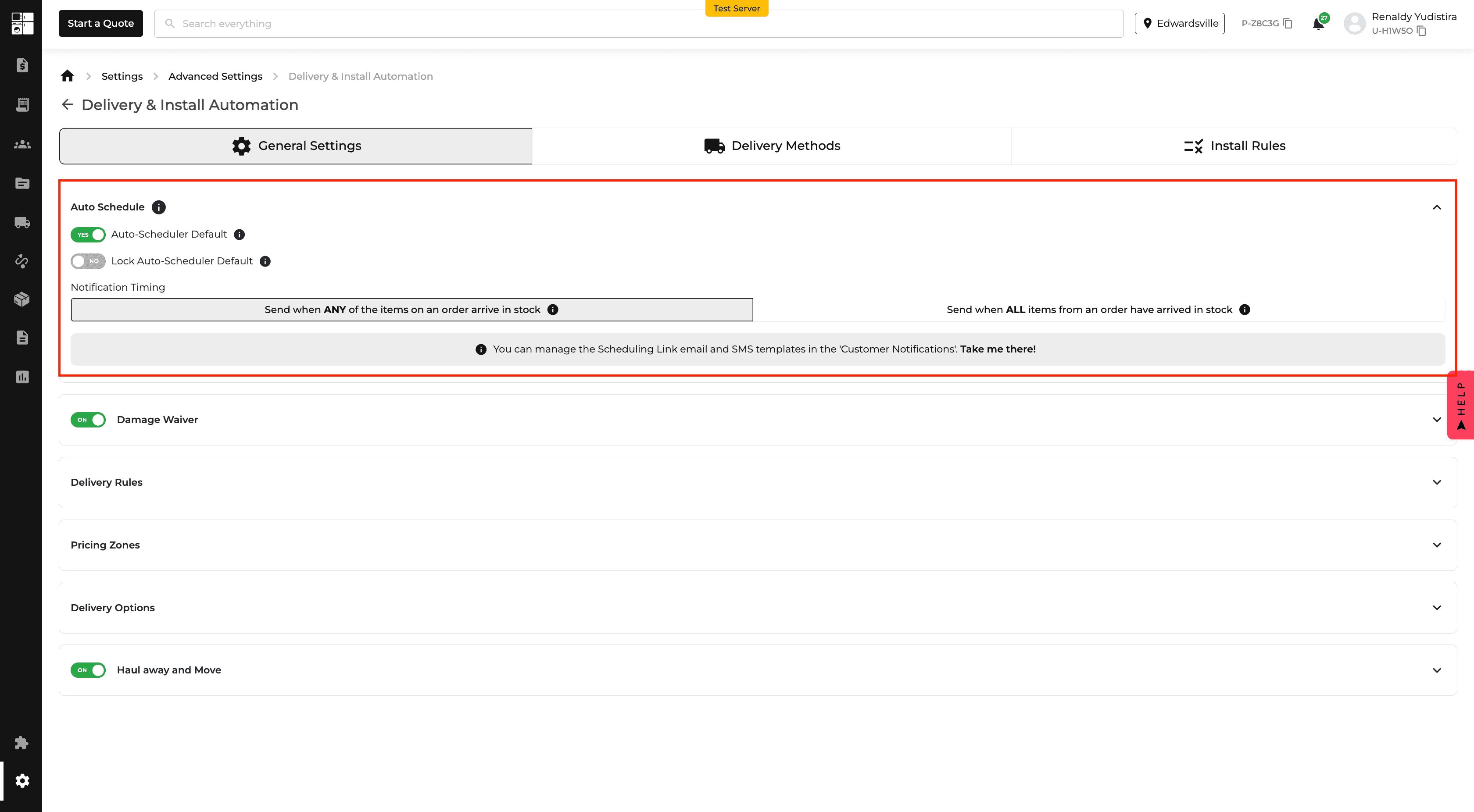
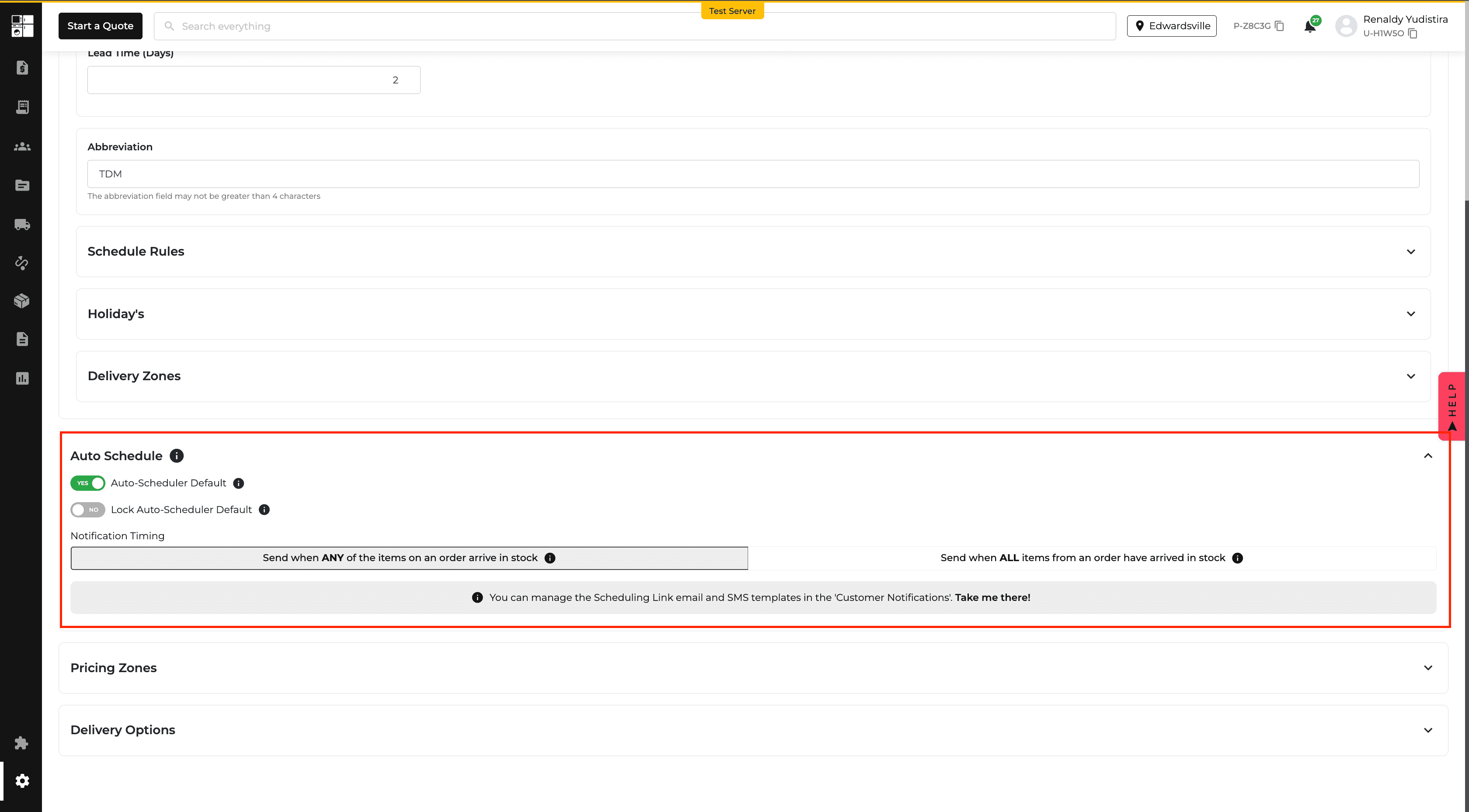
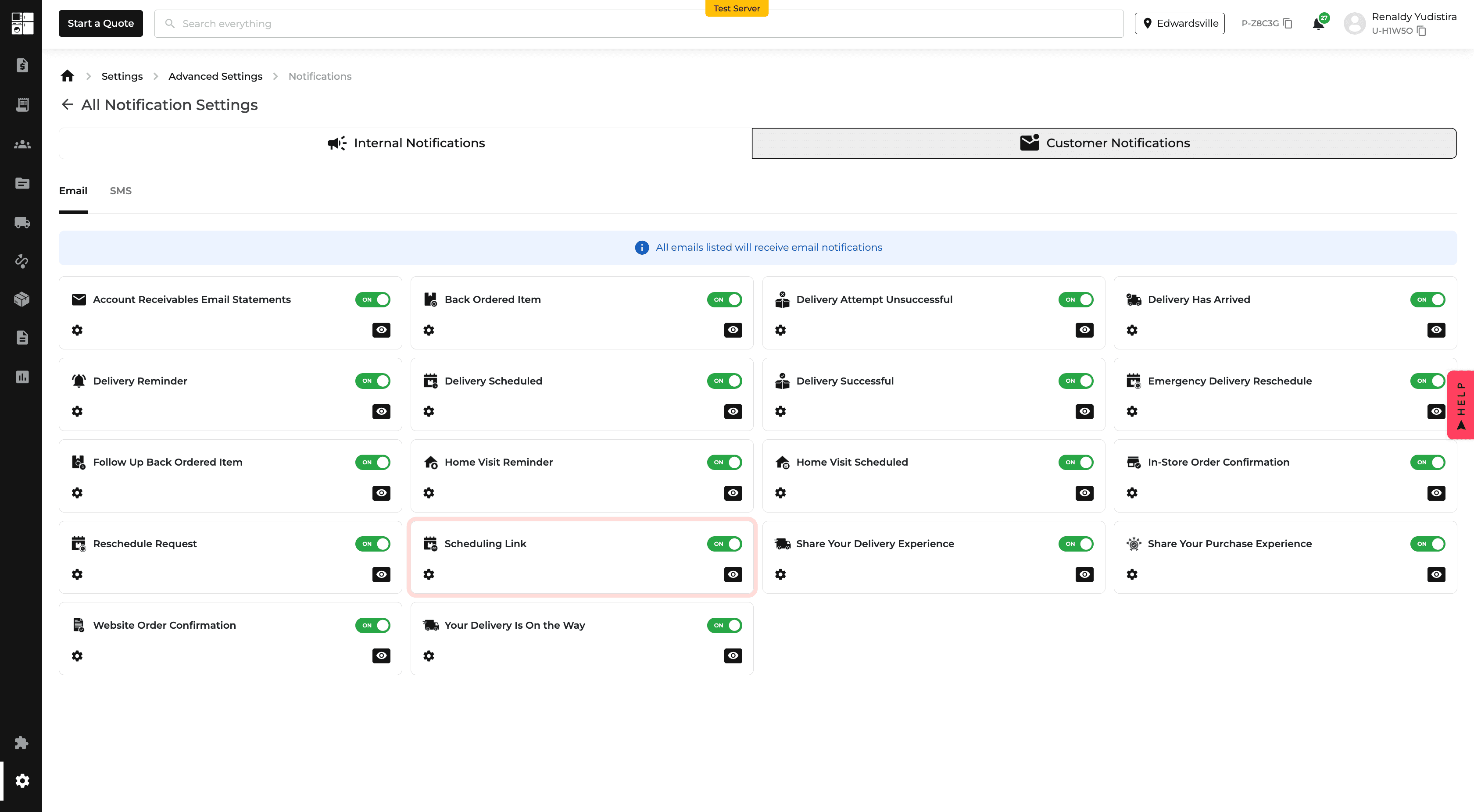
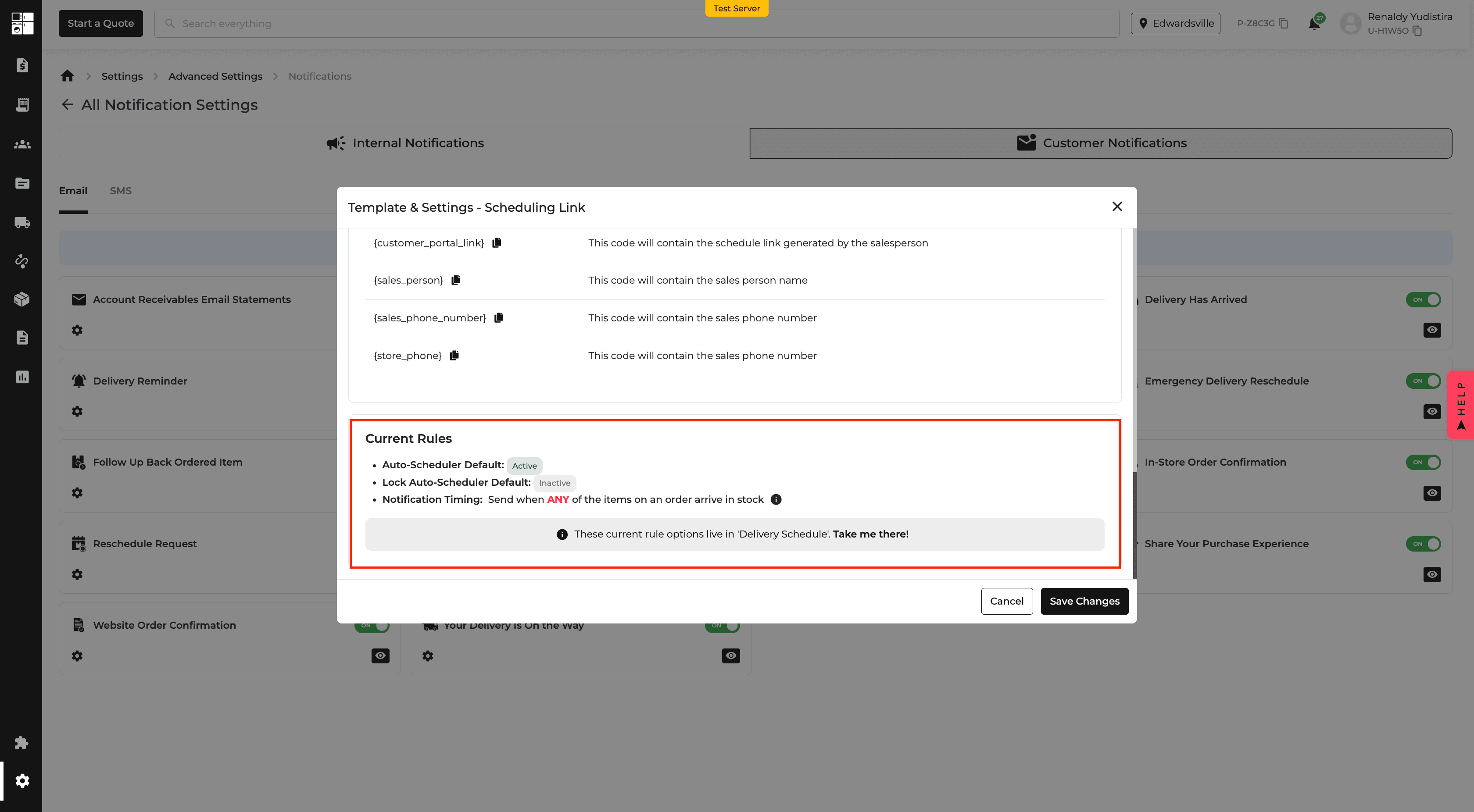
Reports: Returns by Salesperson
The Returns Report now includes a Salesperson filter and Salesperson column.
You can filter returns by salesperson and see who handled the related order directly from the report, making it easier to review return activity and trends.
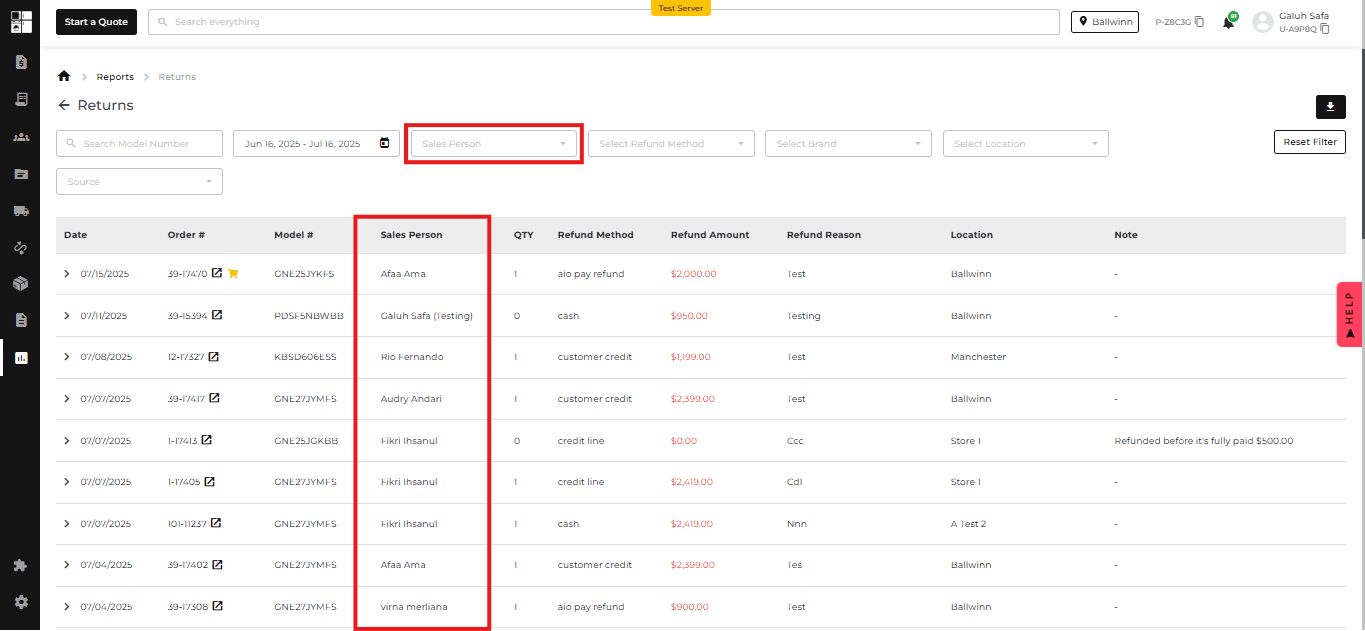
Product Pricing: Expanded MAP Compliance
MAP Compliance now applies to any brand with valid MAP or PMAP pricing data, rather than only selected brands.
The existing pricing indicators and tooltips remain the same, while more brands can now follow MAP Compliance automatically.
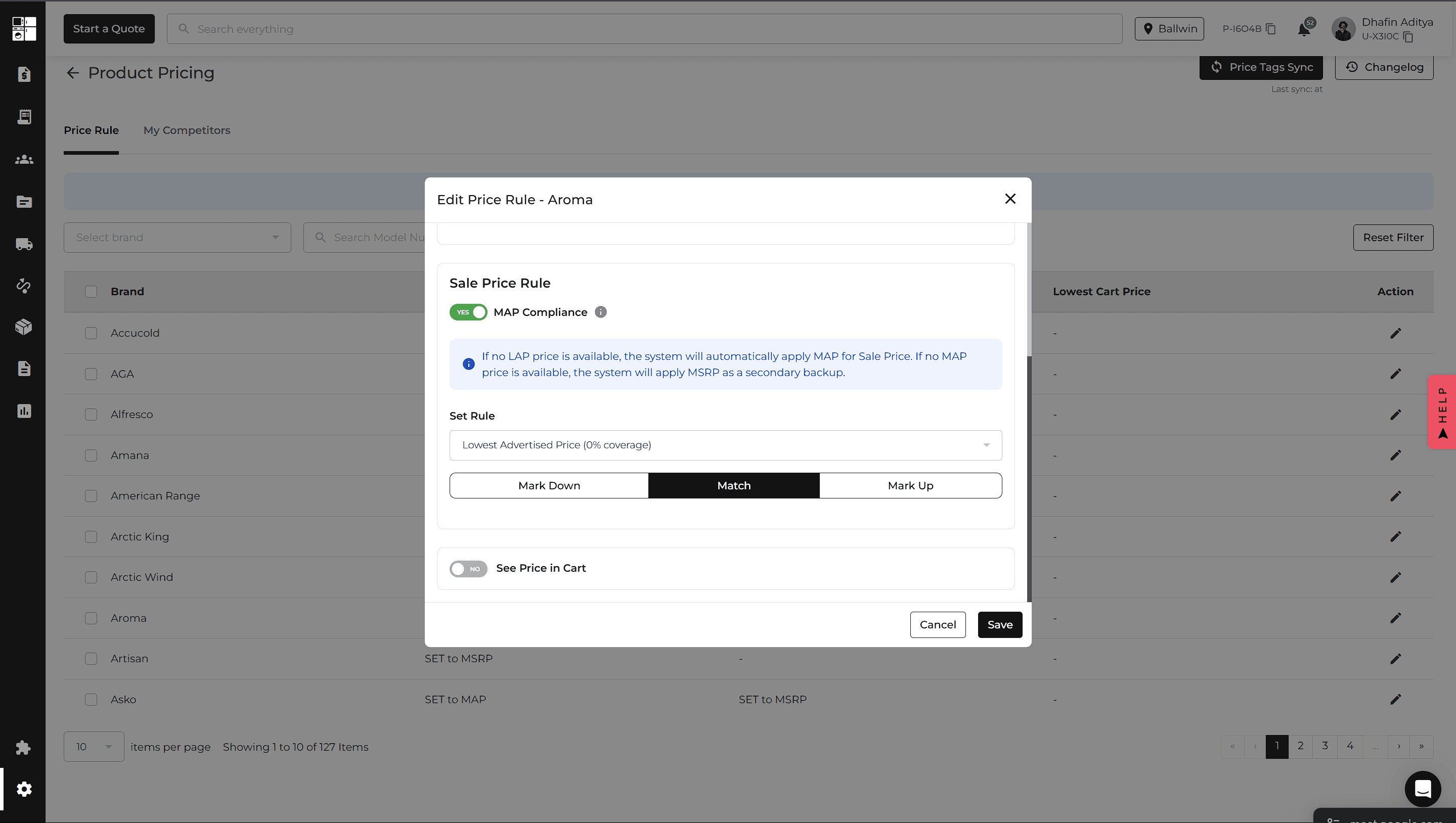
New Feature
Orders
Settings
Website
Integration
Inventory
Quotes & Orders: Email Signatures
Sending Quote and Order emails now includes improved email signature options.
You can select a saved signature directly from the email window, create multiple signatures from Profile Settings, and choose a default signature. Signatures also support formatting such as links, images, colors, and line breaks.
Customer-facing emails have also been updated for better readability.
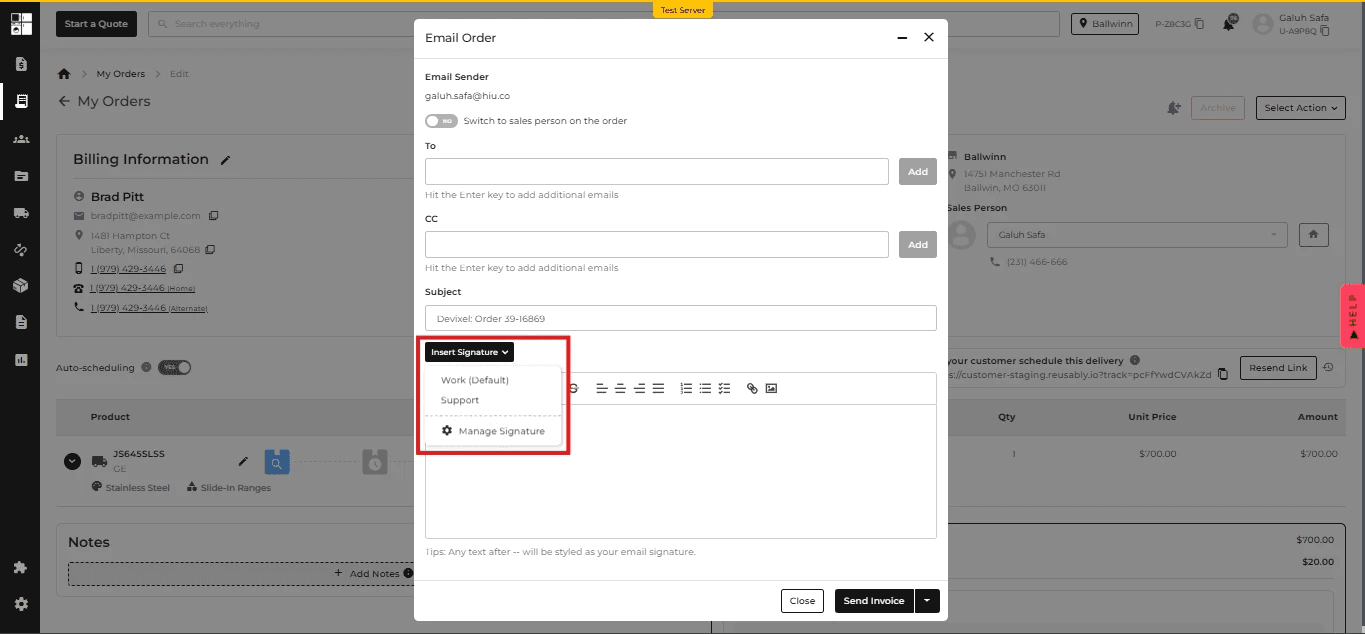
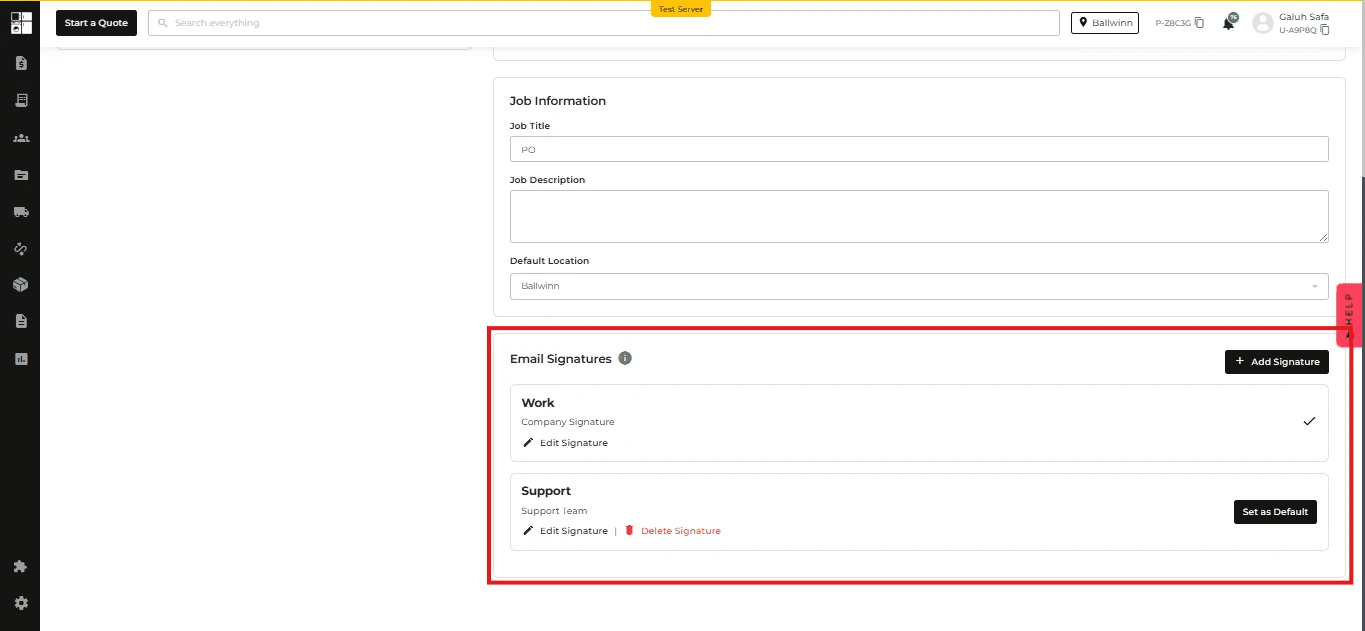
Routing: Add Manual Stops
You can now add a Manual Stop directly from the Unrouted Stops section of the Routing Page.
Once added, the stop can be auto-assigned or moved to a route using drag and drop, just like other unrouted stops.
Manual stops can also be deleted when they are no longer needed.
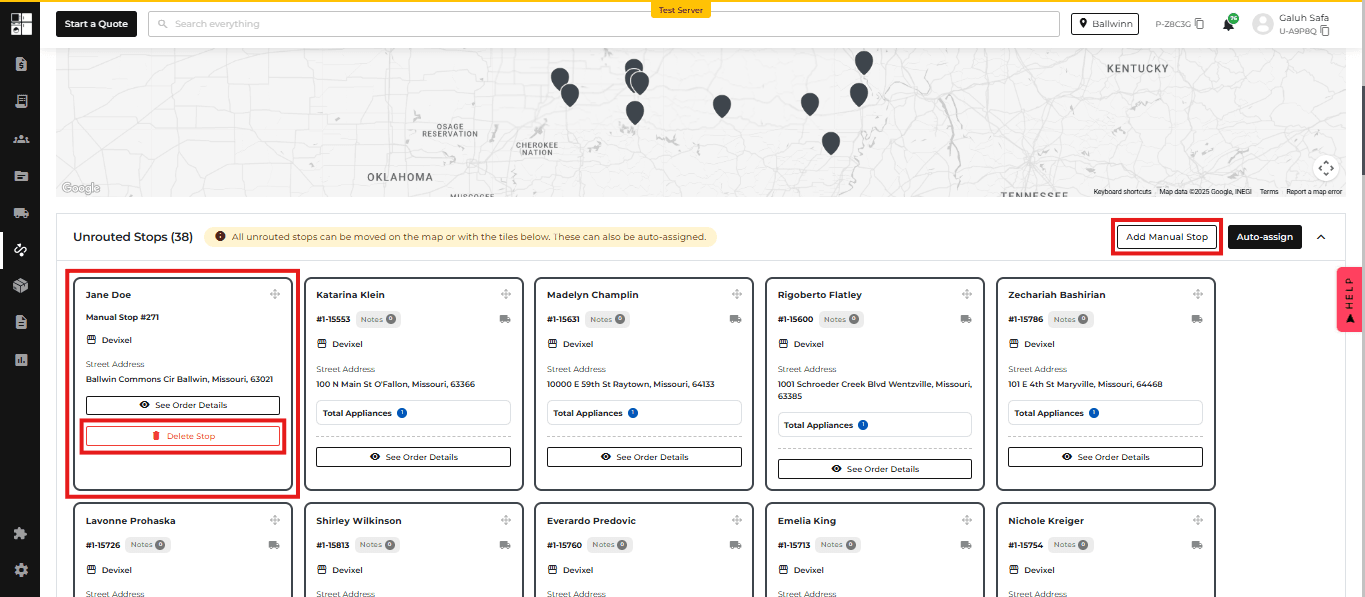
Website: Brand-Based Pricing Visibility
You can now hide website pricing for individual brands from Product Pricing Settings.
When pricing is hidden, you can replace the price with a custom message and choose whether customers can contact you by phone or email.
This gives you more control over how pricing is presented for specific brands.
Integration: ADC Inventory
A new ADC Integration provides access to ADC warehouse inventory directly within Appliance.io.
ADC can be selected during onboarding and enabled from the Integrations page. Once enabled, an ADC Inventory tab becomes available with search, filters, inventory details, export options, and pagination.
This makes it easier for ADC members to review distributor inventory without switching between systems.
Settings: Custom Lead Time
You can now set a Custom Lead Time for delivery scheduling.
Under Delivery Schedule or Delivery & Install settings, select Custom Lead Time and enter the number of days required before an order can be scheduled.
The lead time applies across the POS and website, helping ensure customers only see delivery dates that meet your scheduling requirements.
Feature Improvement
Reports
Inventory
Reports: Money in Transit
The Delivered Sales (Accrual) Balance Sheet Report now includes a Money in Transit line under Assets.
This shows the current AIO Pay account balance for funds that are still in transit.
You can select the line to open the AIO Pay Payout Report for additional details. The new line also works with existing report filters and exports.
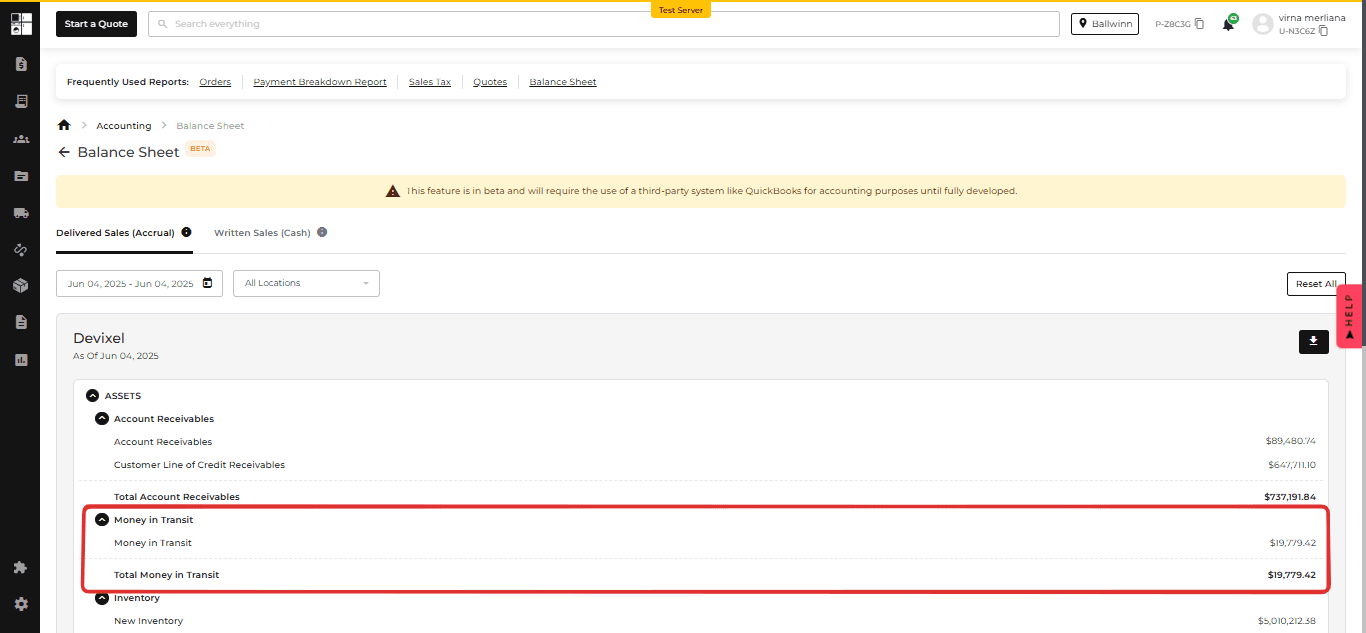
Inventory: Override Locked Items
Super Admins can now override locked used or refurbished items when an item is already associated with another customer's cart or quote.
The override is available when reserving from an Order or assigning from Inventory. A confirmation message explains that proceeding will remove the item from the existing cart or quote.
Once confirmed, the action is recorded for tracking. This override is available only to Super Admins; other roles remain unable to use locked items.
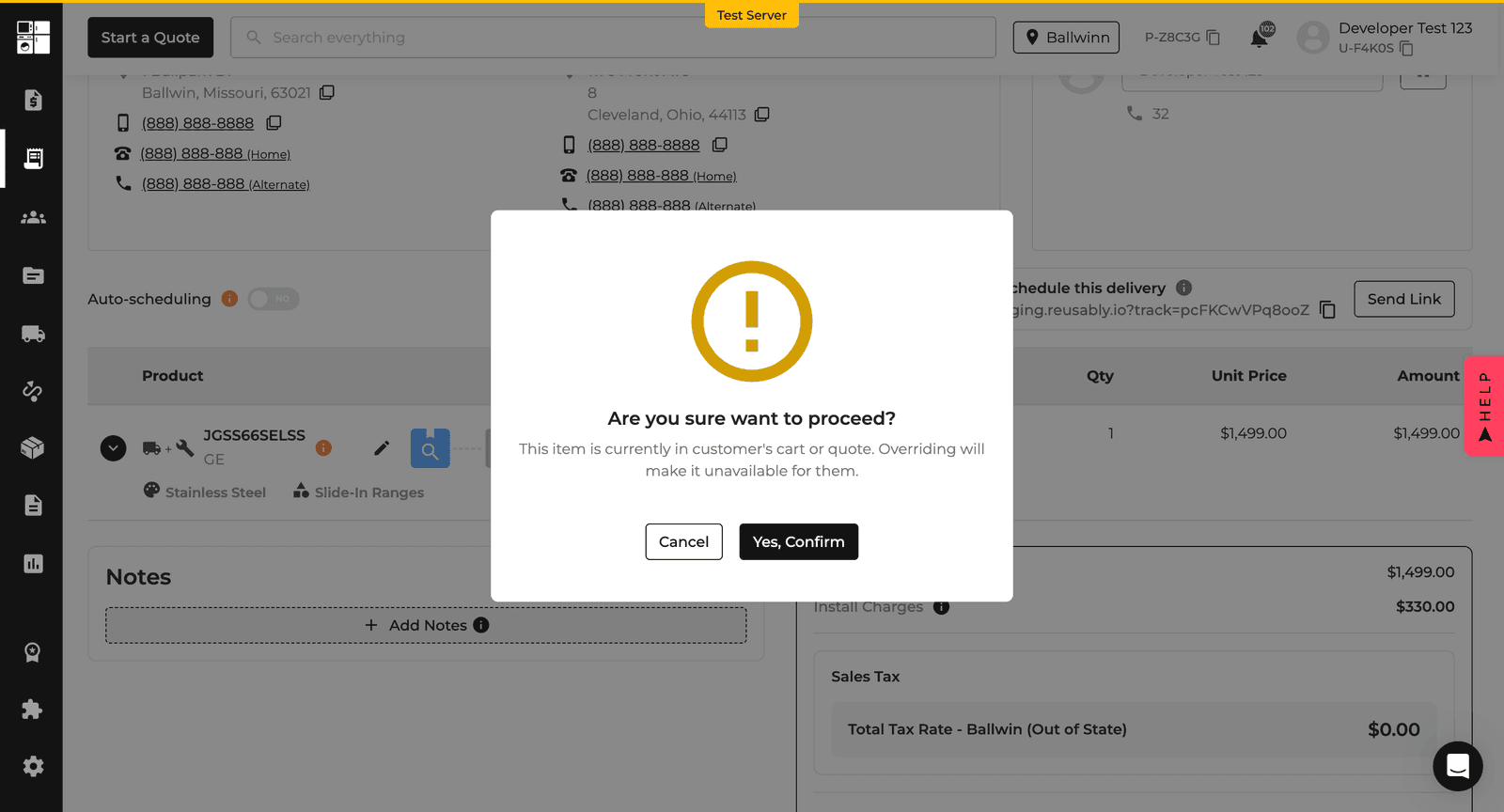
Feature Improvement
Reports
Delivery and Routing
Reports: Delivered Sales Date Filter
The Sales Tax Report now includes an Exclude Written Sales Before filter under the Delivered Sales tab.
Select a date to exclude line items written before that date, helping reduce overlap when comparing Delivered Sales with Written Sales.
Leave the field blank to include all applicable sales. The filter also applies when exporting report data to CSV, Excel, or PDF.
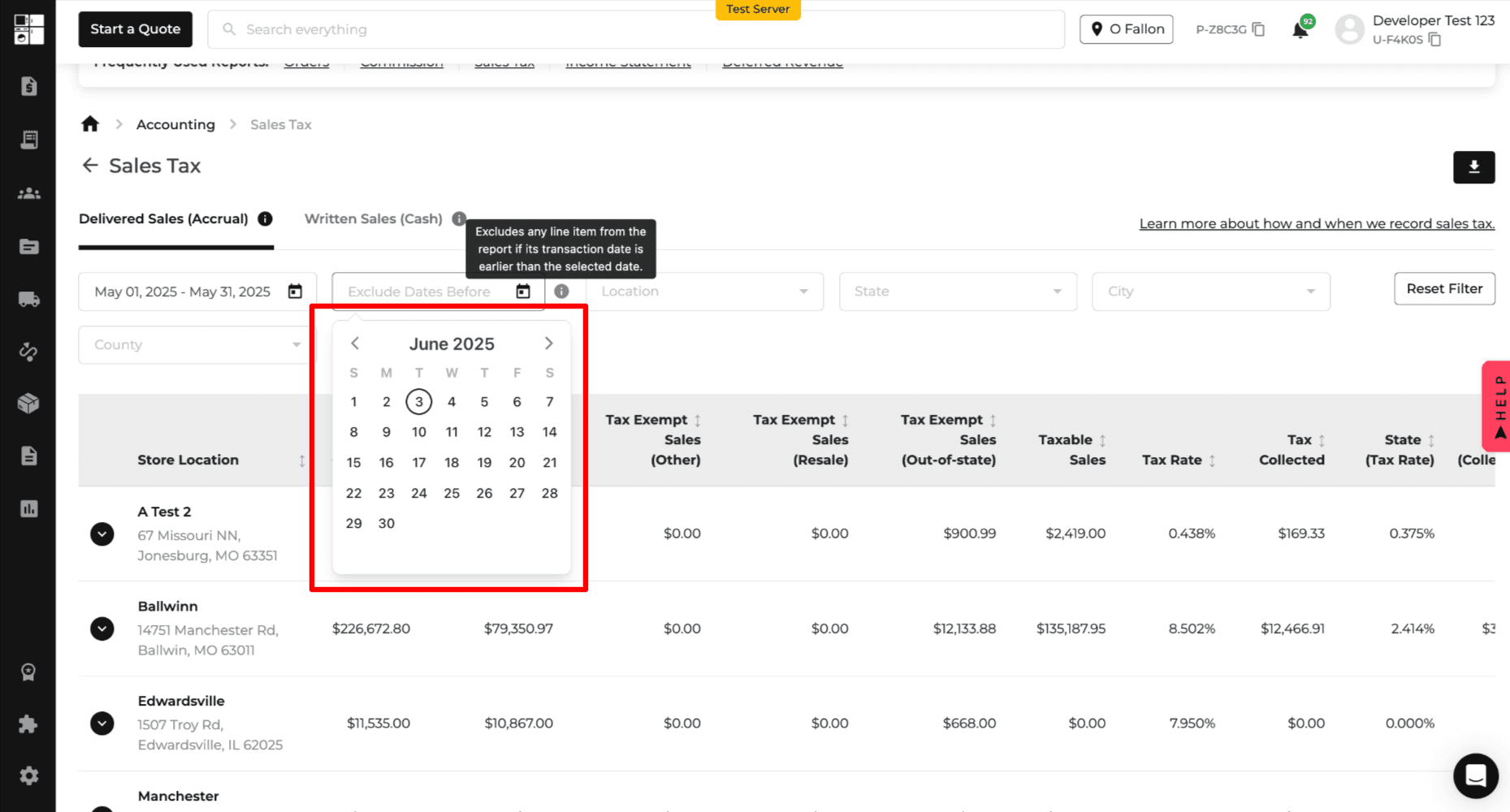
Delivery: Customer Delivery Estimate
Drivers can now see the Customer Delivery Estimate directly in the Driver App.
When the current time passes the customer's delivery window, the stop is highlighted with a Behind Schedule indicator.
This provides drivers with clearer delivery timing information without changing the existing routing or ETA calculations.
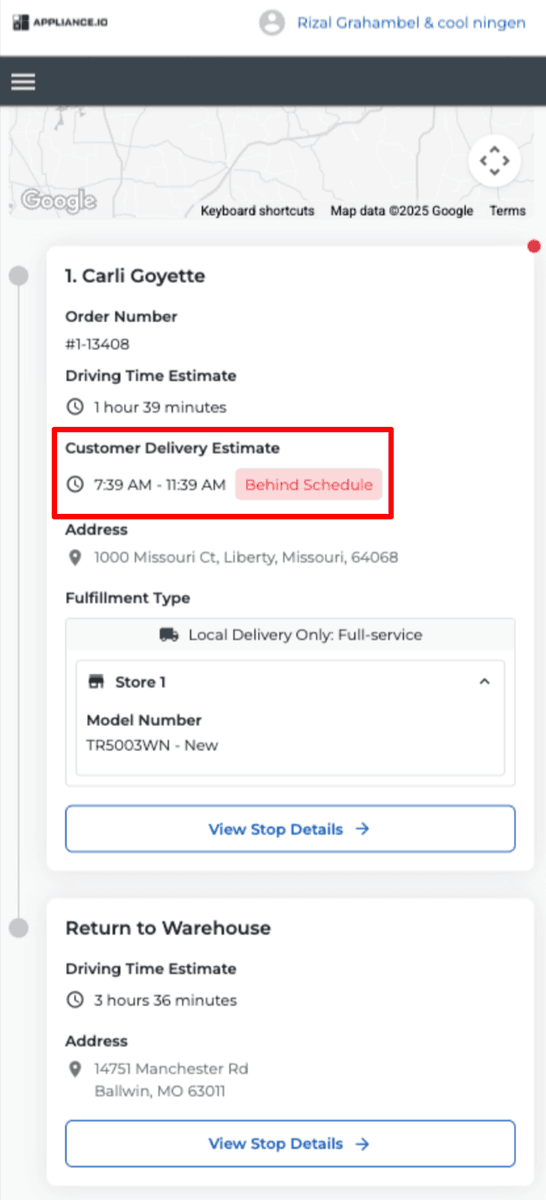
New Feature
Notification
Settings
Payments
Orders
Notifications: Share Your Delivery Experience
The Share Your Feedback notification has been renamed to Share Your Delivery Experience and now provides more control over when customers receive feedback requests.
You can schedule Email or SMS notifications by hours, days, or weeks after delivery. The default is 1 hour after delivery, while setting the delay to 0 sends the notification immediately.
You can also choose whether the notification is sent after every delivery or only after the final delivery for orders with multiple deliveries.
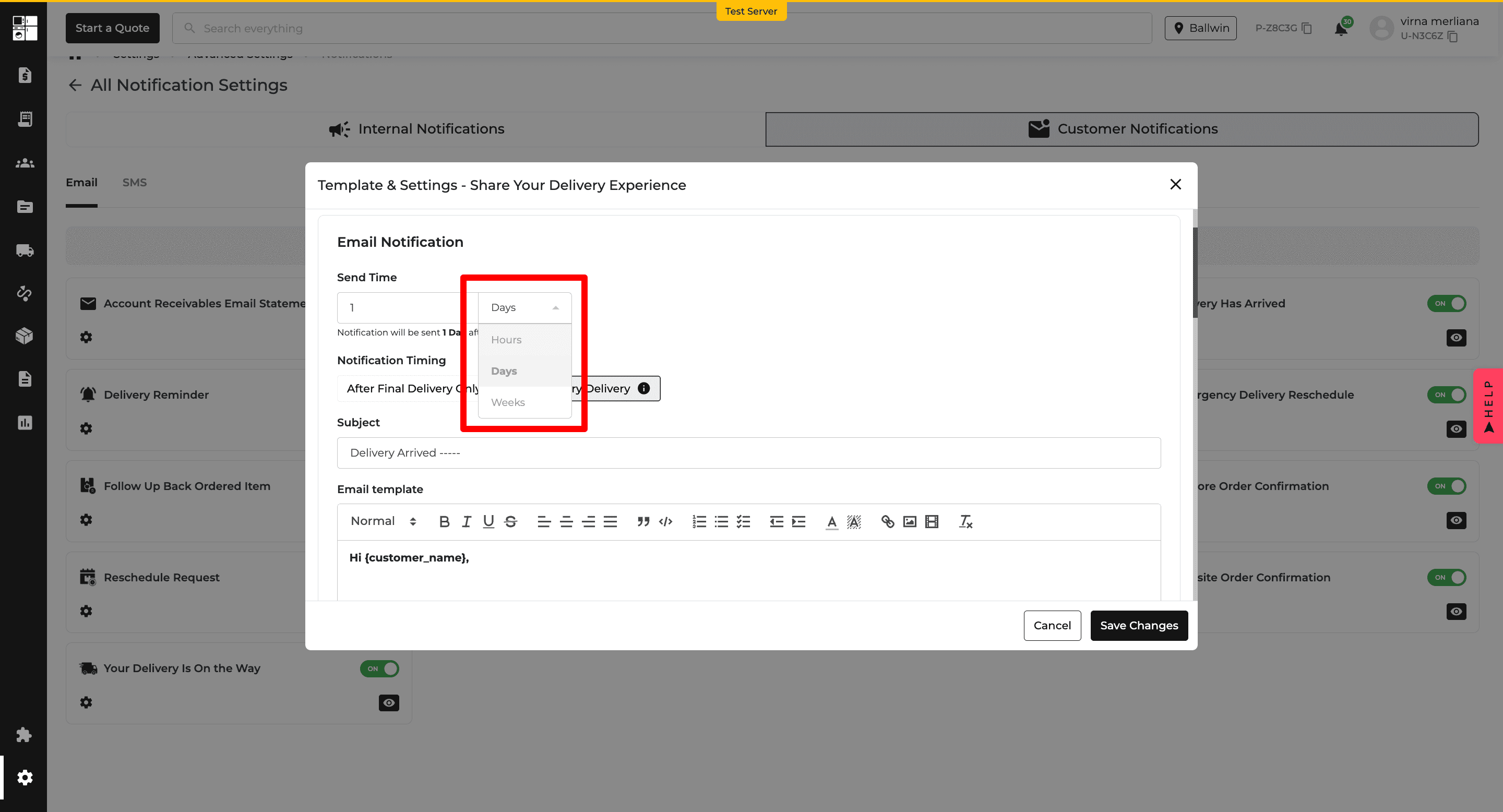
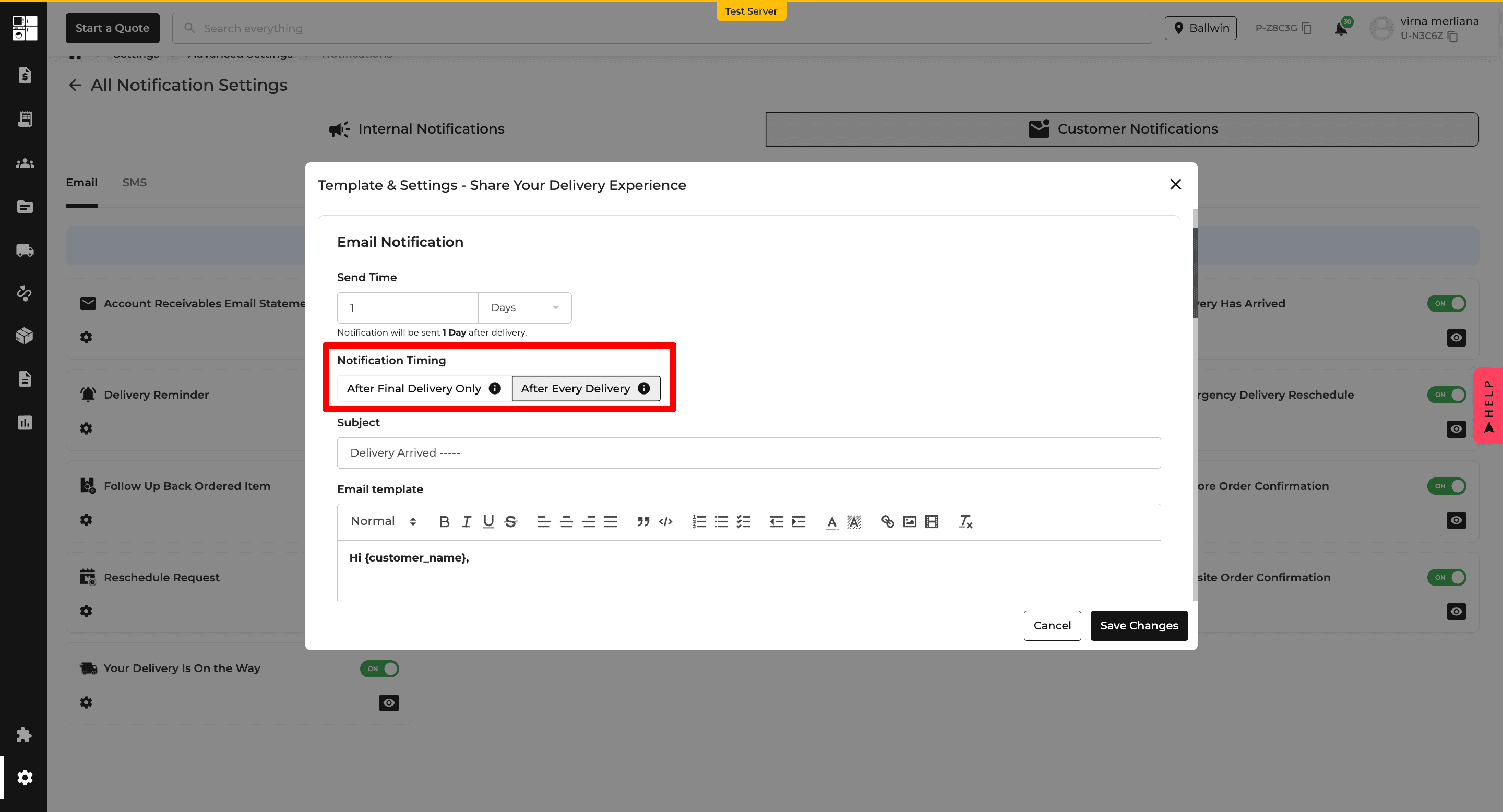
Notifications: Share Your Purchase Experience
A new Share Your Purchase Experience notification lets you automatically request product feedback from customers after delivery.
Email and SMS notifications can be scheduled by hours, days, or weeks, with a default of 30 days after delivery. You can customize the subject and message, use dynamic placeholders, and choose to send the message from the salesperson.
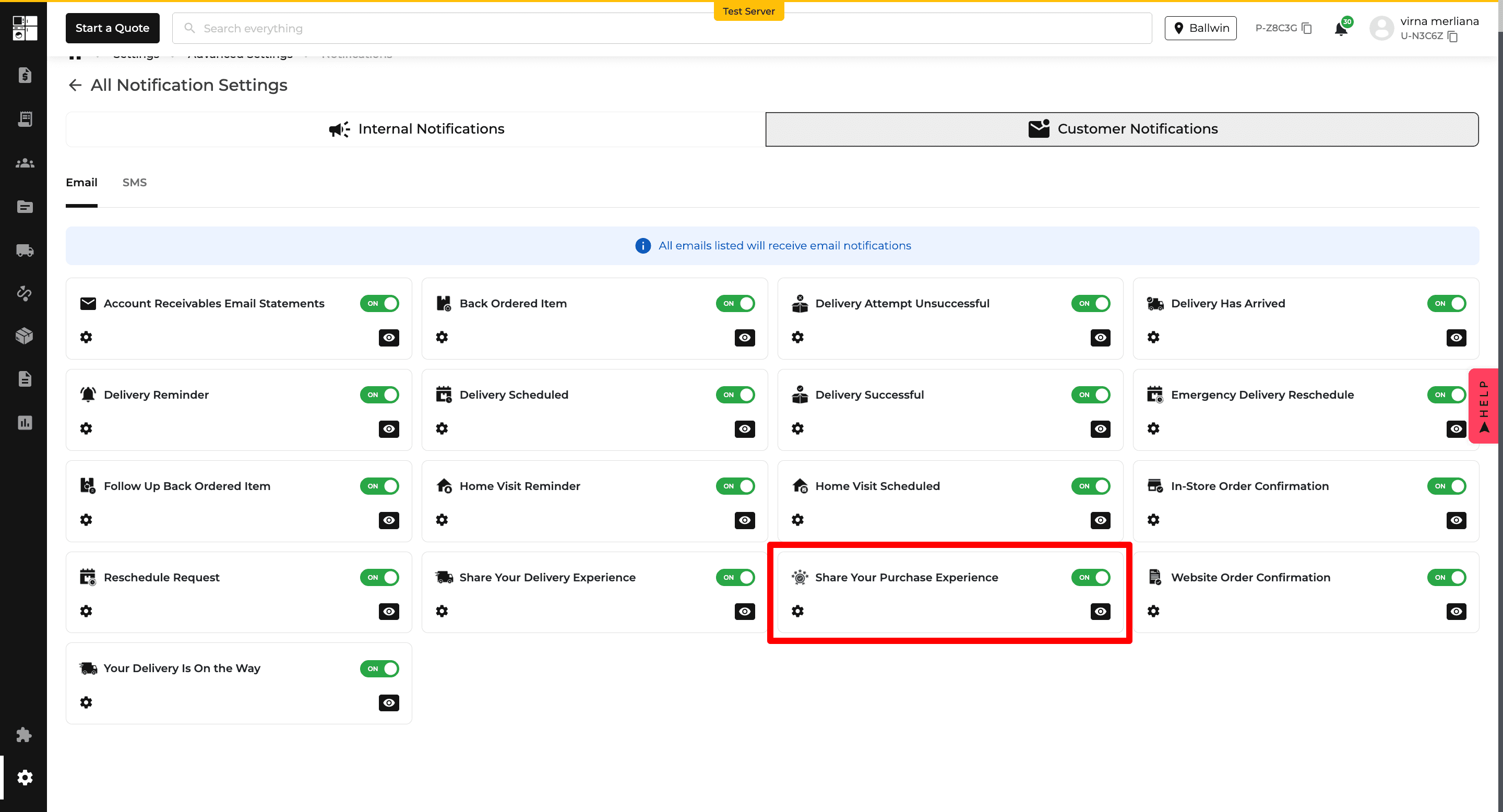
Payments: NET 15 Credit Terms
NET 15 is now available when setting a customer's Credit Line terms.
From the Customer Details page, you can select NET 15 alongside NET 30, NET 60, and NET 90. When selected, applicable due dates automatically follow the new 15-day term.
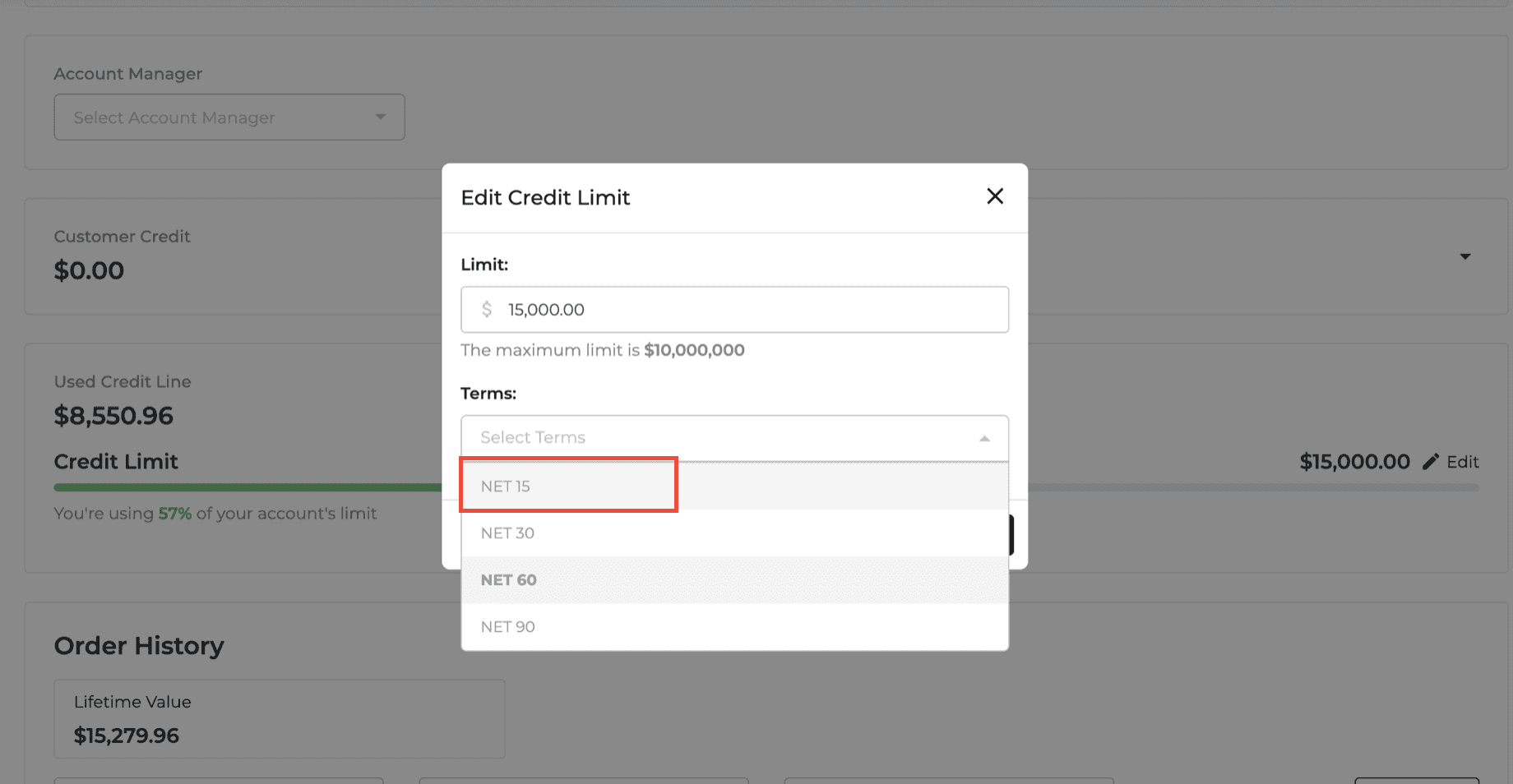
Orders: Customer Order History Filters
The Order History section on the Customer Detail page now includes additional filters to make finding orders easier.
You can filter by Paid Status, Delivery Status, and Job Name. Filters support multiple selections, and a new Reset option clears all active filters at once.
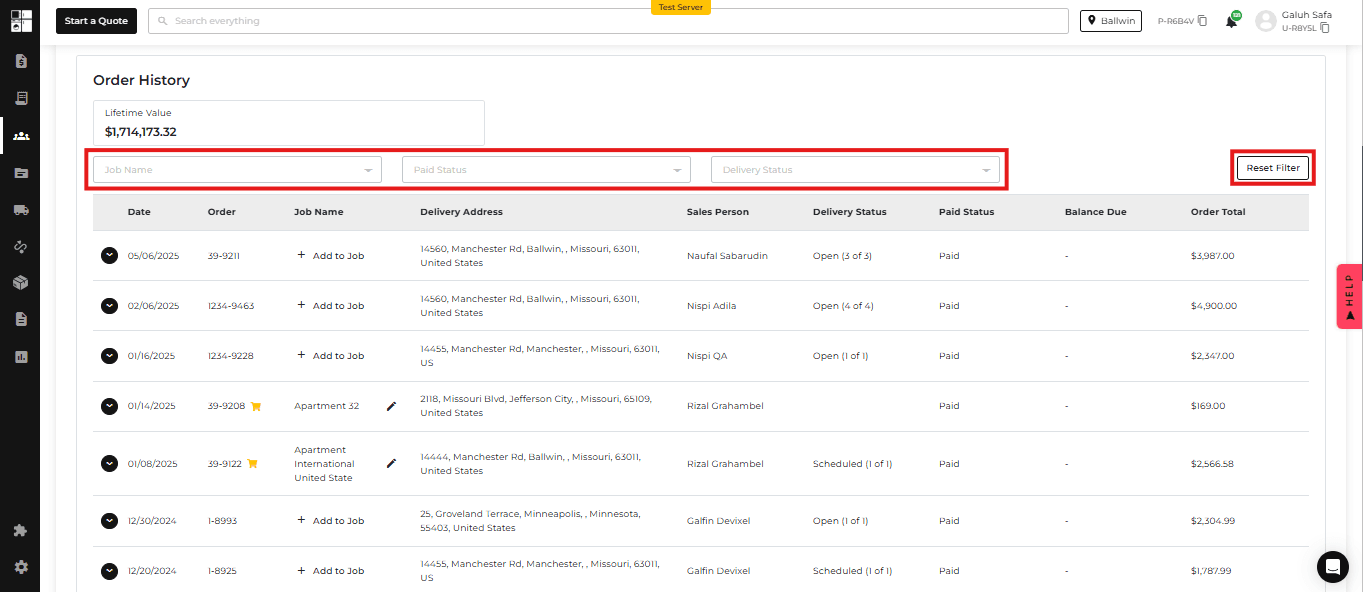
Feature Improvement
Product Catalog
Orders
Protection Plan
Product Catalog: Clearer Pricing Information
Product Details and Pricing Analytics now provide a clearer view of Promotional MAP (PMAP) and regular MAP pricing.
Promotional MAP is displayed separately with its applicable start and end dates, making it easier to distinguish temporary promotional pricing from regular MAP.
LCP and LAP information also now reflects only the competitors selected in your pricing settings, including the information shown in pricing tooltips.
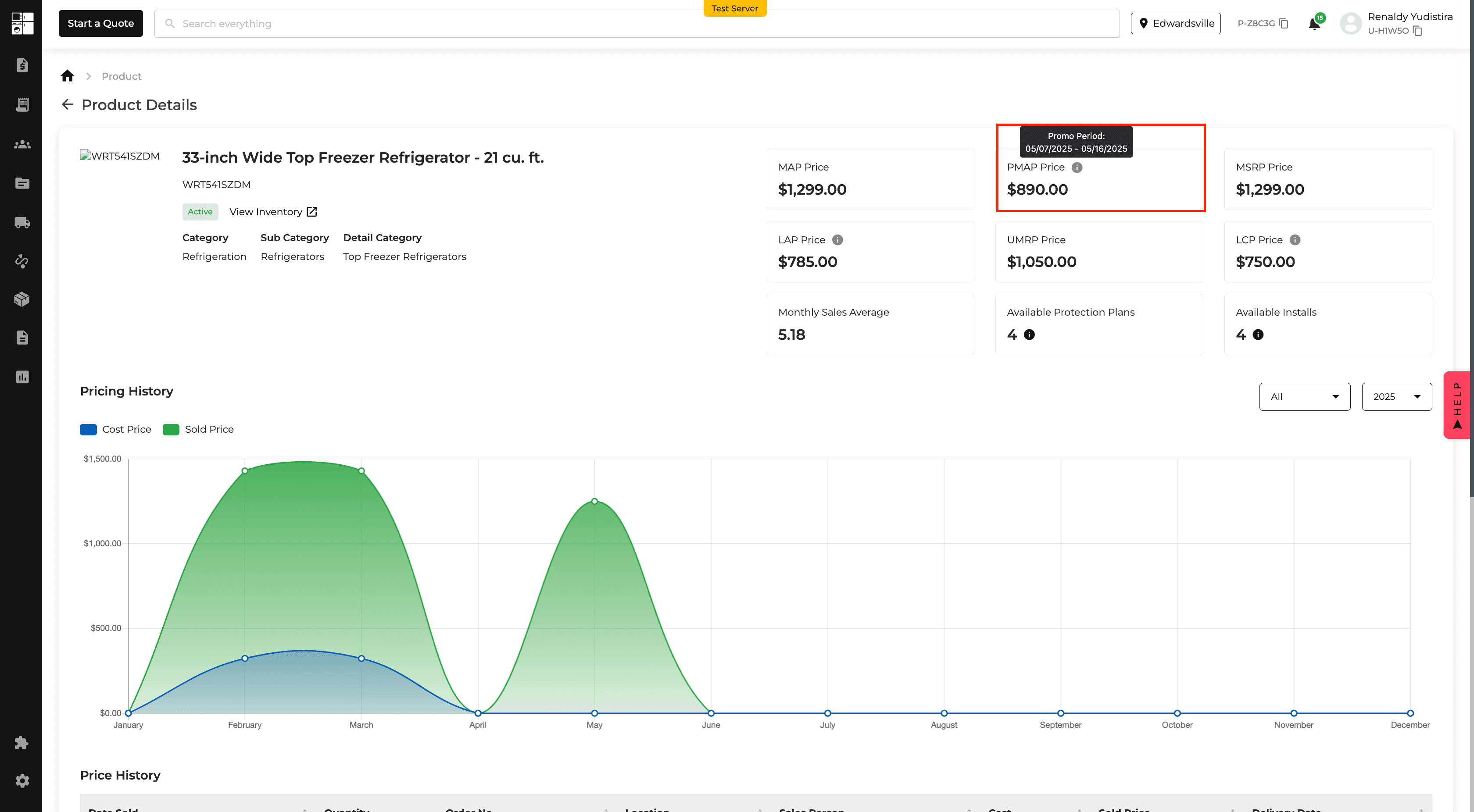
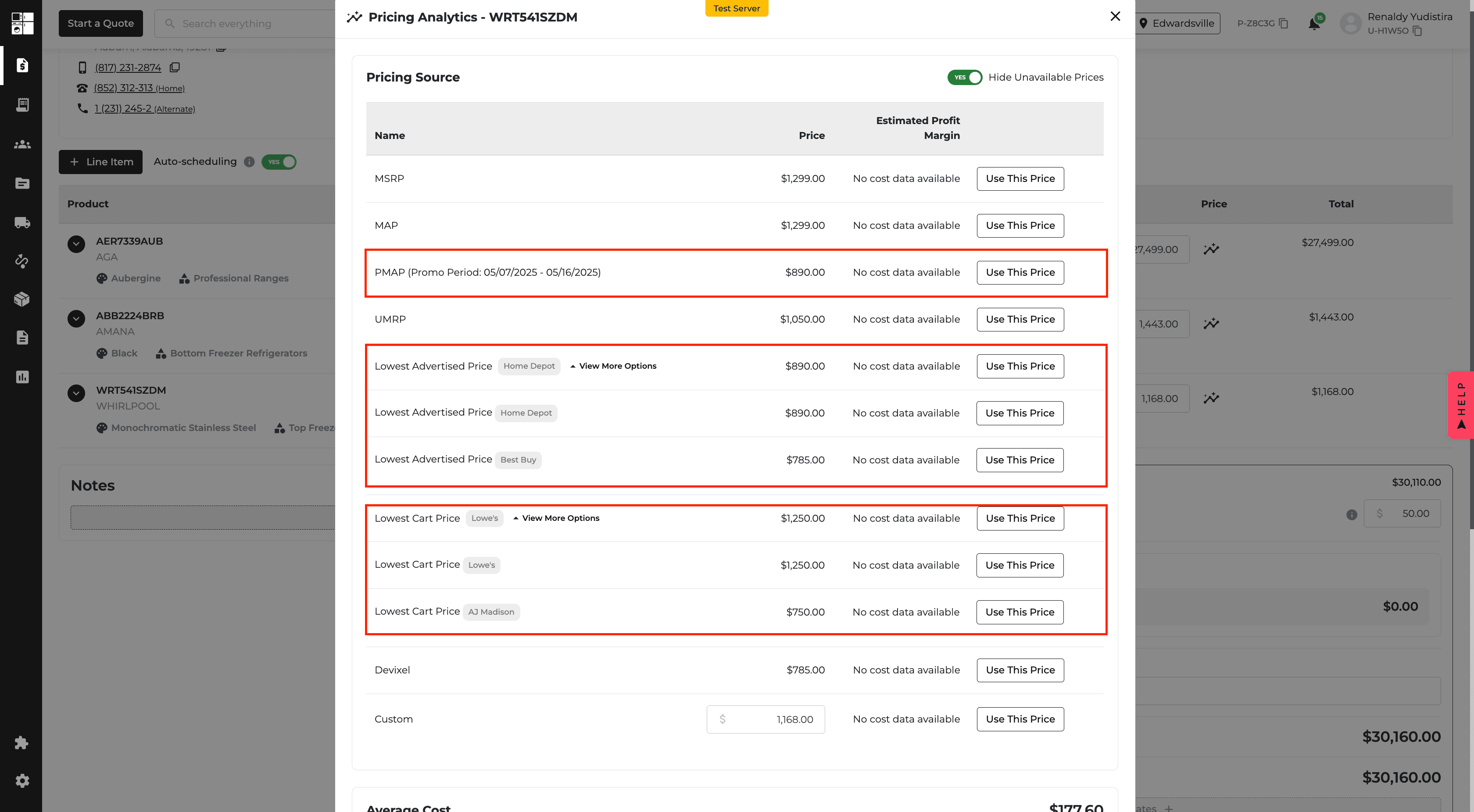
Customer Directory: Targeted Search Filters
The Customer Directory now includes more focused search options to help you find customers faster.
Instead of the previous All search option, you can search by Name, Company Name, Billing Name, Billing Address ZIP Code, or Phone Number. Company Name and Billing Name are available for company customers.


Driver App: Home Visit Descriptions
Drivers can now see the Home Visit description directly in the Driver App.
Descriptions entered for Survey, Service, and Install Home Visits are displayed in the corresponding Home Visit section, helping drivers review important instructions before completing the visit.

Sales Tax: Protection Plans
You can now control whether Protection Plans are subject to sales tax.
A new Sales Tax on Protection Plans setting is available under Accounting → Settings → Sales Tax. Turn the setting on or off based on your applicable tax requirements.
The system also provides guidance when general sales tax settings have not yet been configured.
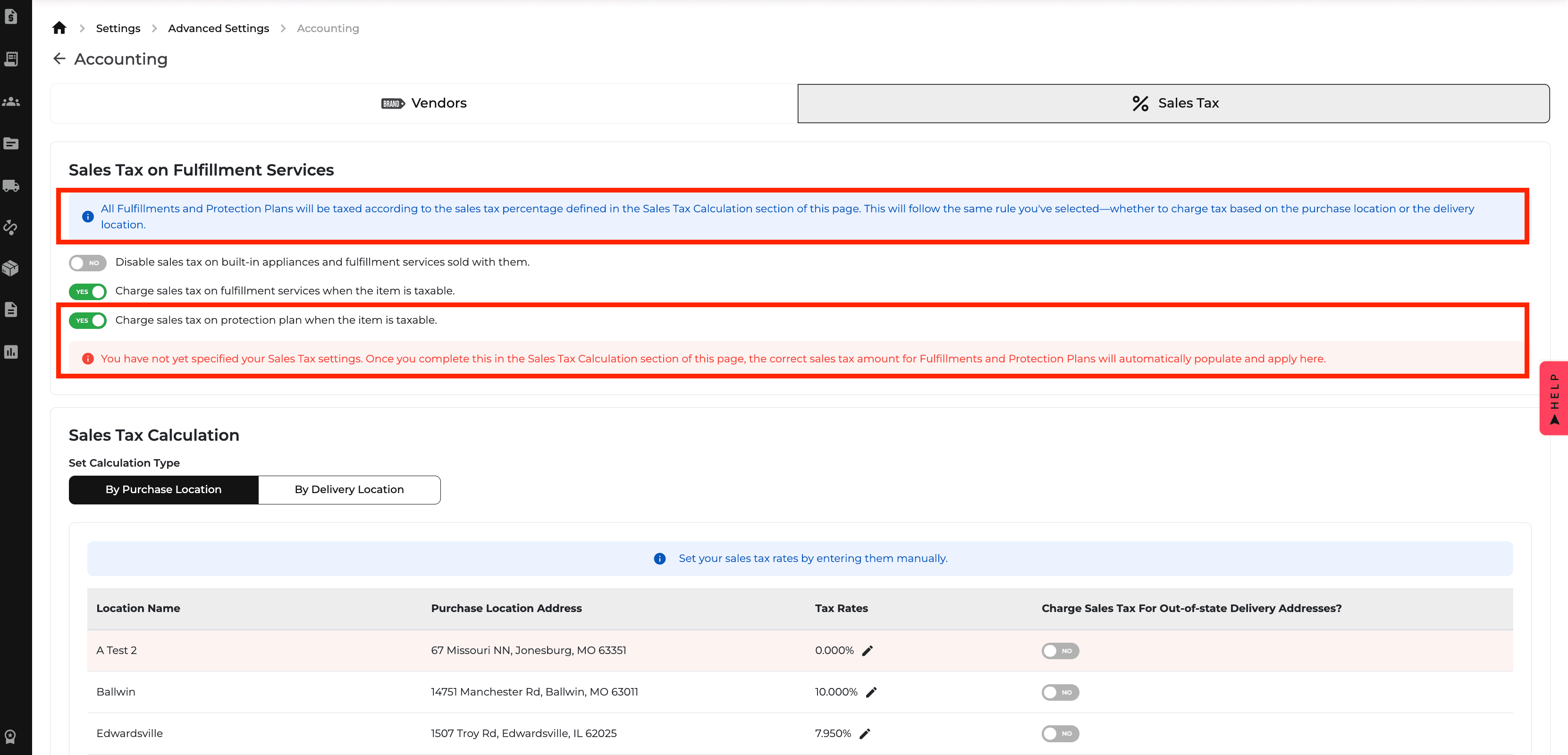
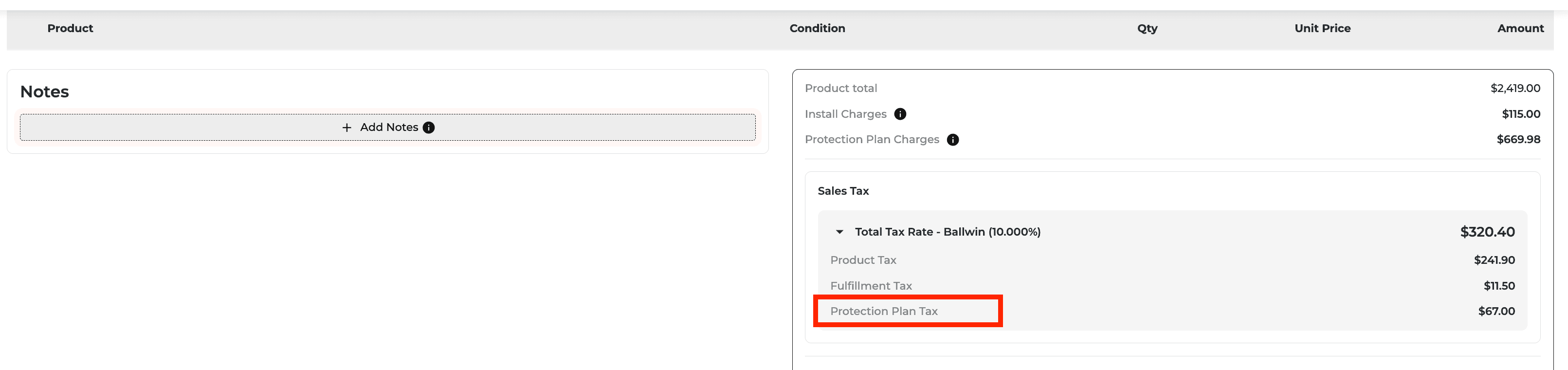
Feature Improvement
Product Catalog
Integration
Inventory
Product Catalog: MAP Compliance for Sale Price Rules
Sale Price Rules now include a MAP Compliance toggle to help keep advertised prices within MAP or Promotional MAP (PMAP) guidelines.
When enabled, the system checks each model's final sale price. If the calculated price falls below the applicable limit, that model is automatically adjusted to PMAP during an active promotion or MAP when no promotion is active.
Other models continue to follow the selected pricing rule, including configured markdowns or markups.
MAP Compliance applies only to Sale Price Rules and is available for supported brands.

Integration: Expanded DMI Product and Pricing Data
The DMI Integration now provides additional product and pricing information within Inventory, including item classification, GoTo Models, product status, manufacturer pricing, DMI pricing, and competitor pricing.
Inventory columns have also been reorganized into categories to make it easier to control which information is displayed.
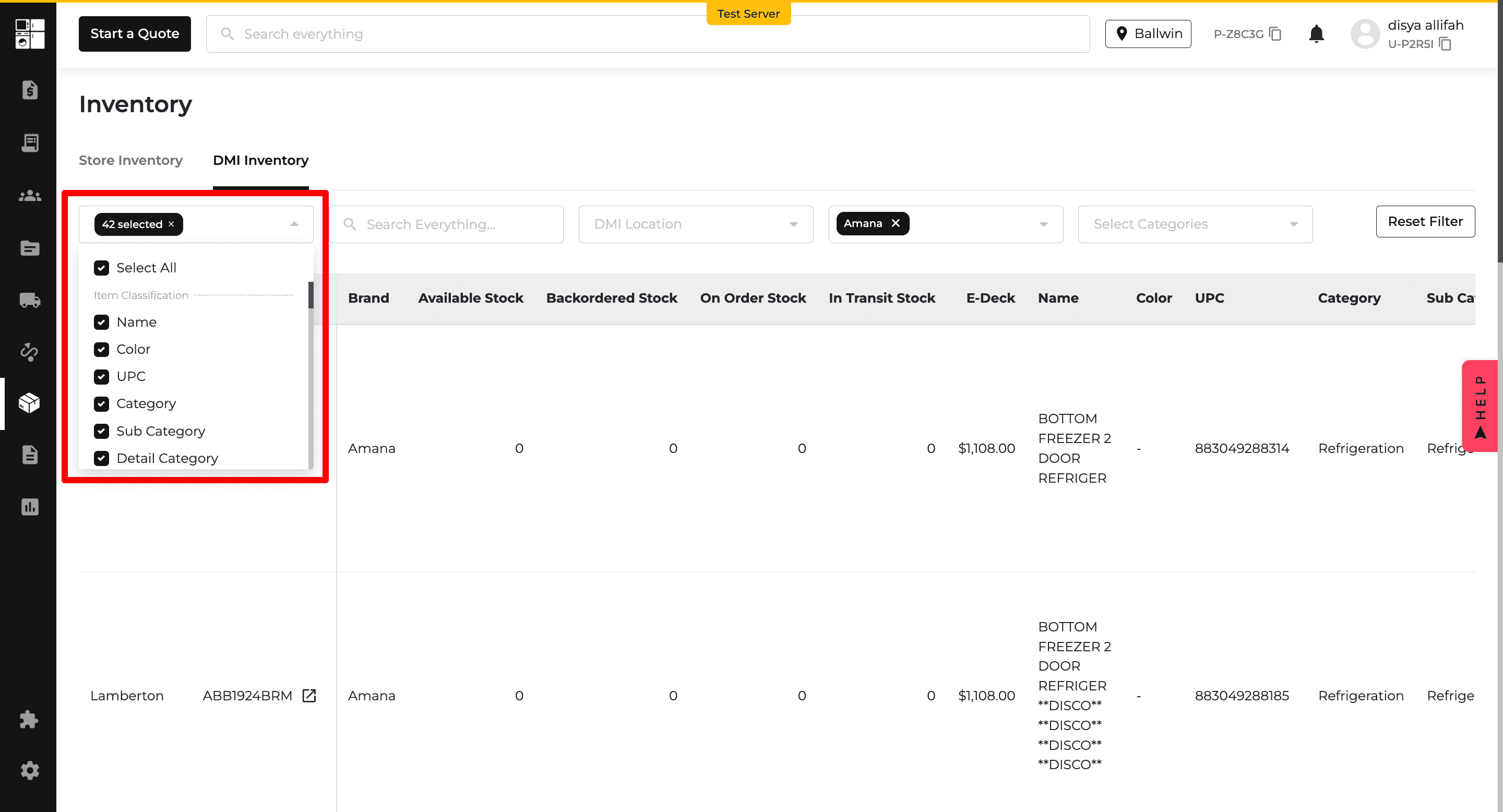
Inventory: Faster Product and Pricing Access
SKUs in DMI Inventory are now clickable when the product exists in Appliance.io, providing direct access to the Product Details page.
A new Pricing Analytics option also provides quick access to detailed pricing information for supported products.
The Location and Model # columns now remain visible while scrolling horizontally, making larger inventory tables easier to review.
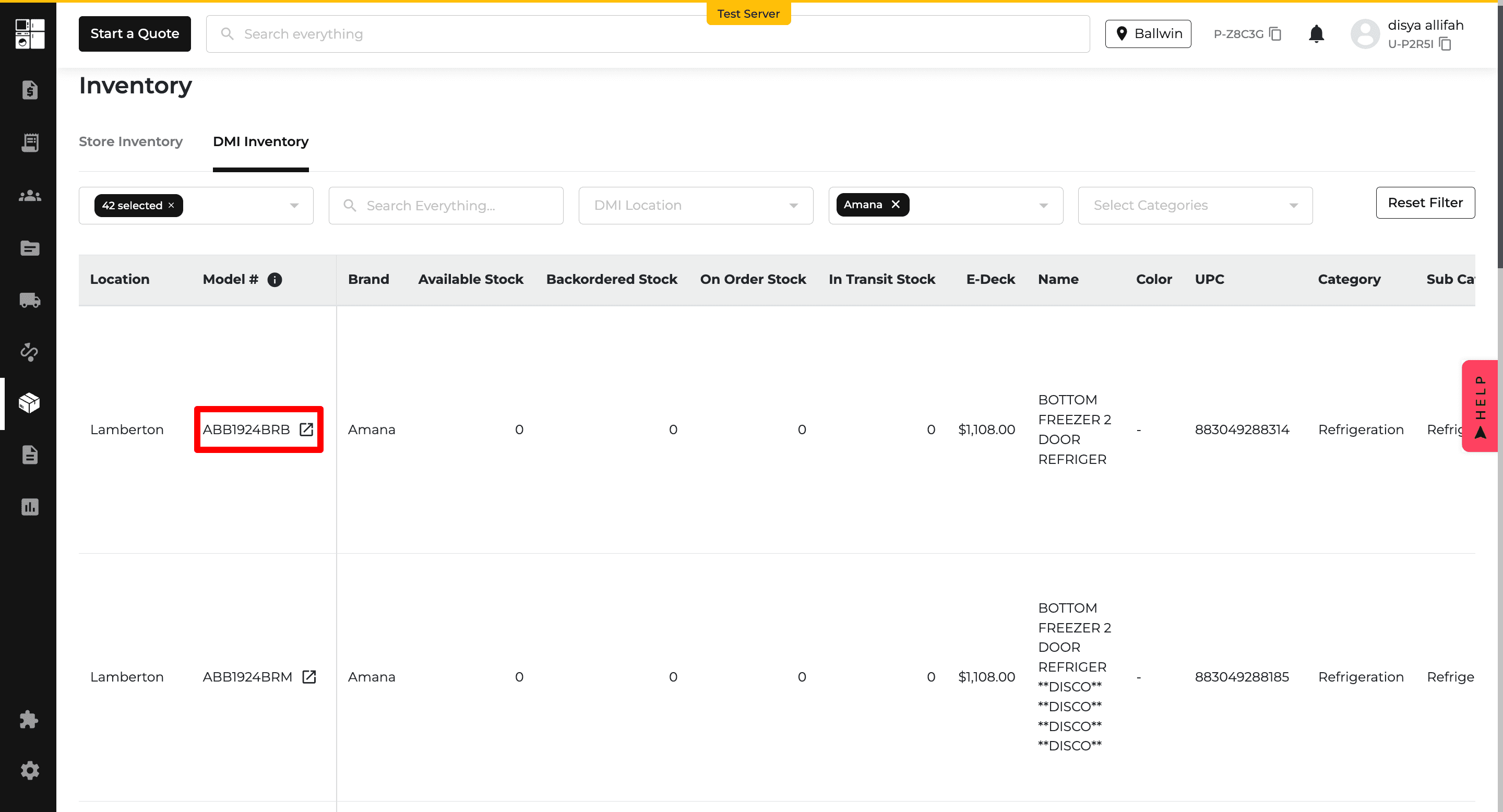
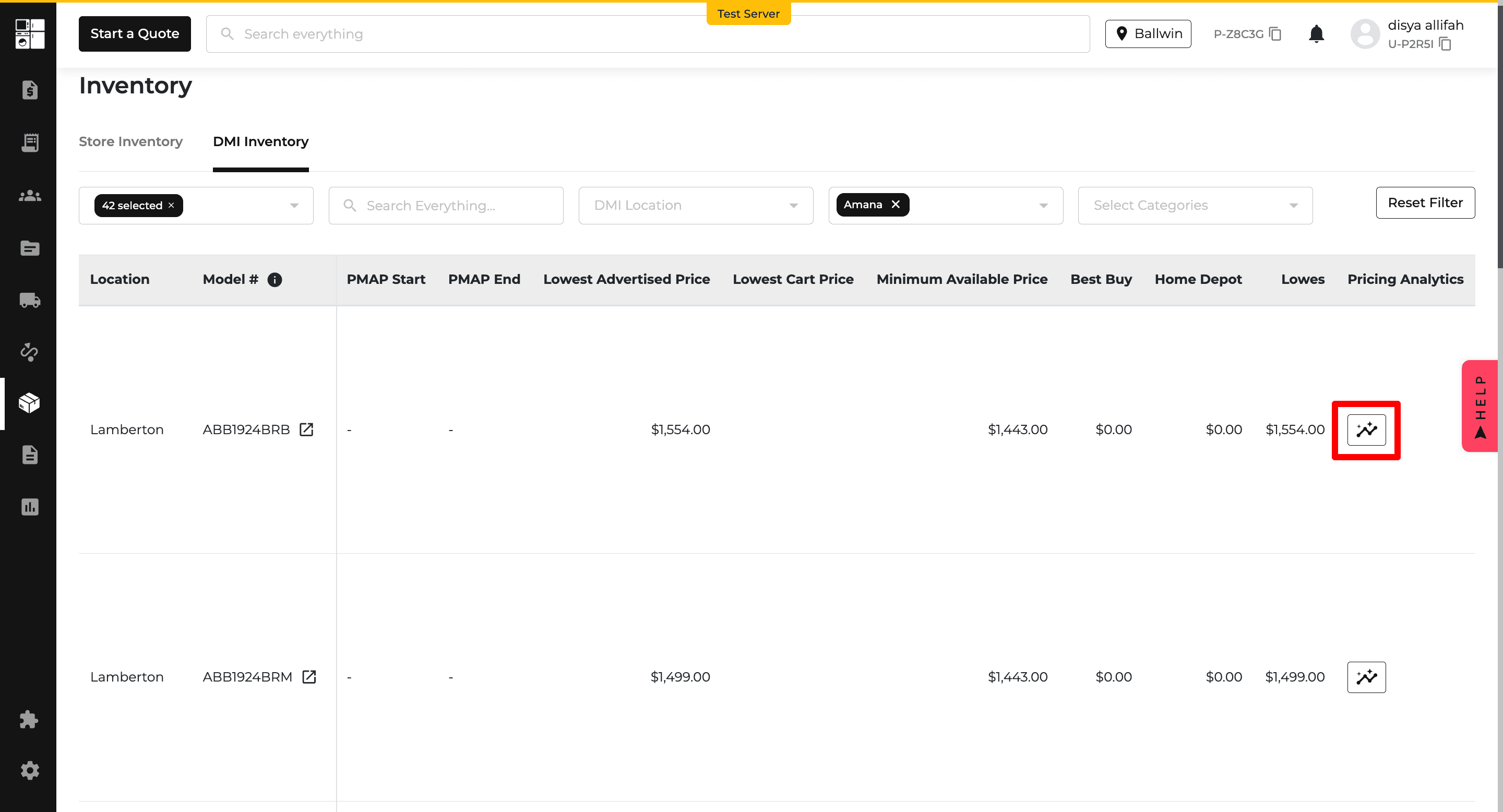
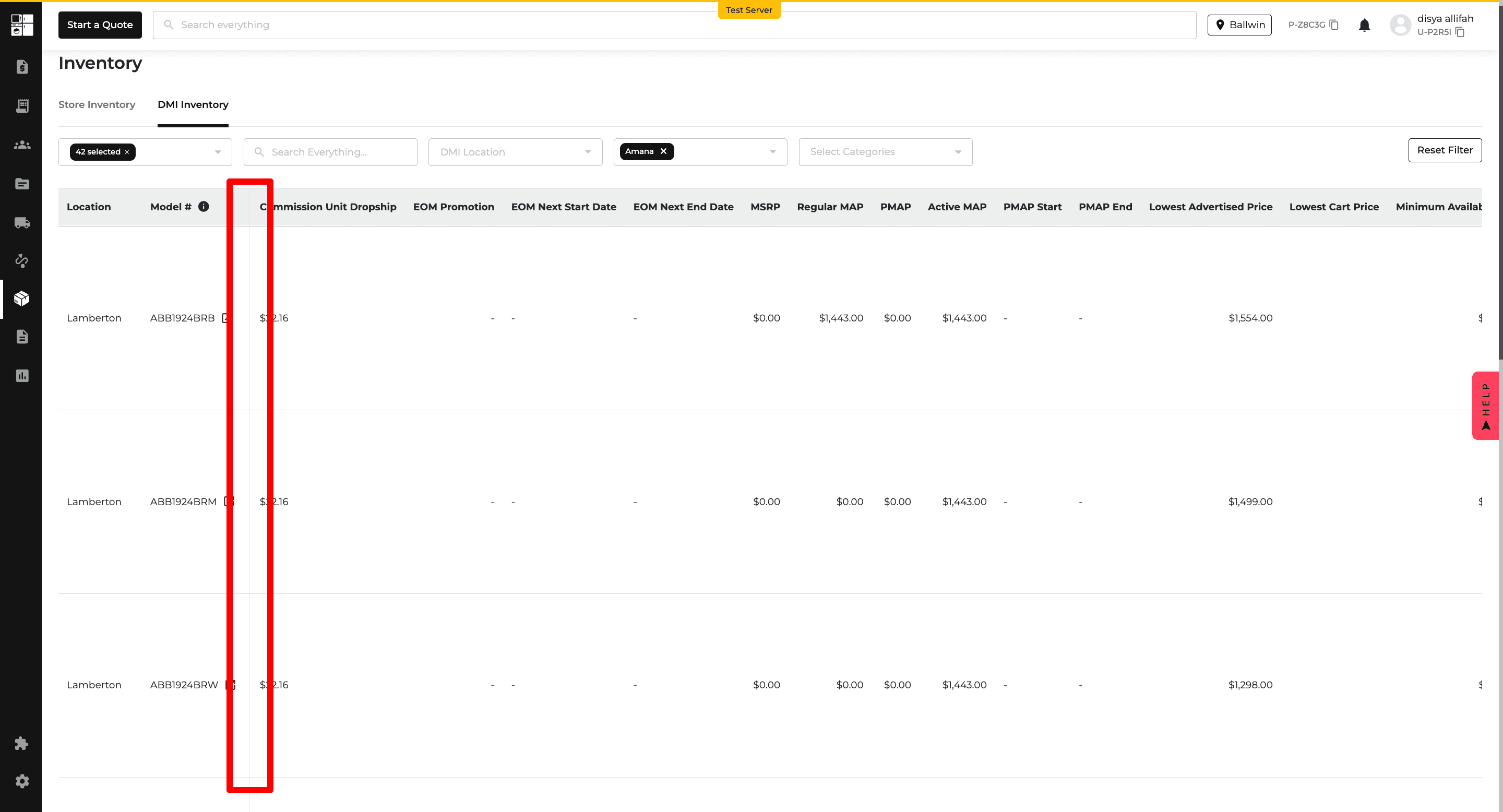
New Feature
Payments
Reports
Reports: AIO Pay Payout Report
A new AIO Pay Payout Report provides a centralized view of payout activity directly in Appliance.io.
The report displays key information including captured funds, adjustments, and net payouts. You can filter results by date range and select the balance account you want to review.
Select any payout to open a detailed breakdown for additional transaction information.
The AIO Pay Payout Report is available exclusively to businesses using AIO Pay and remains hidden when AIO Pay is not enabled.
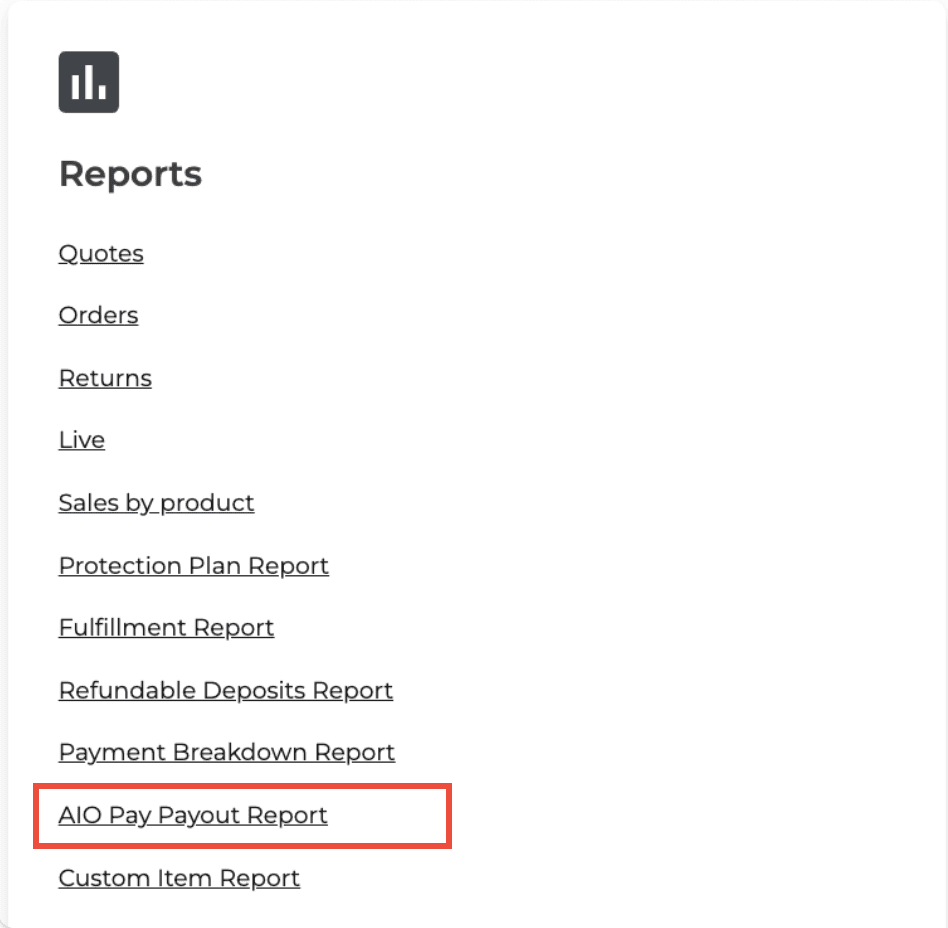
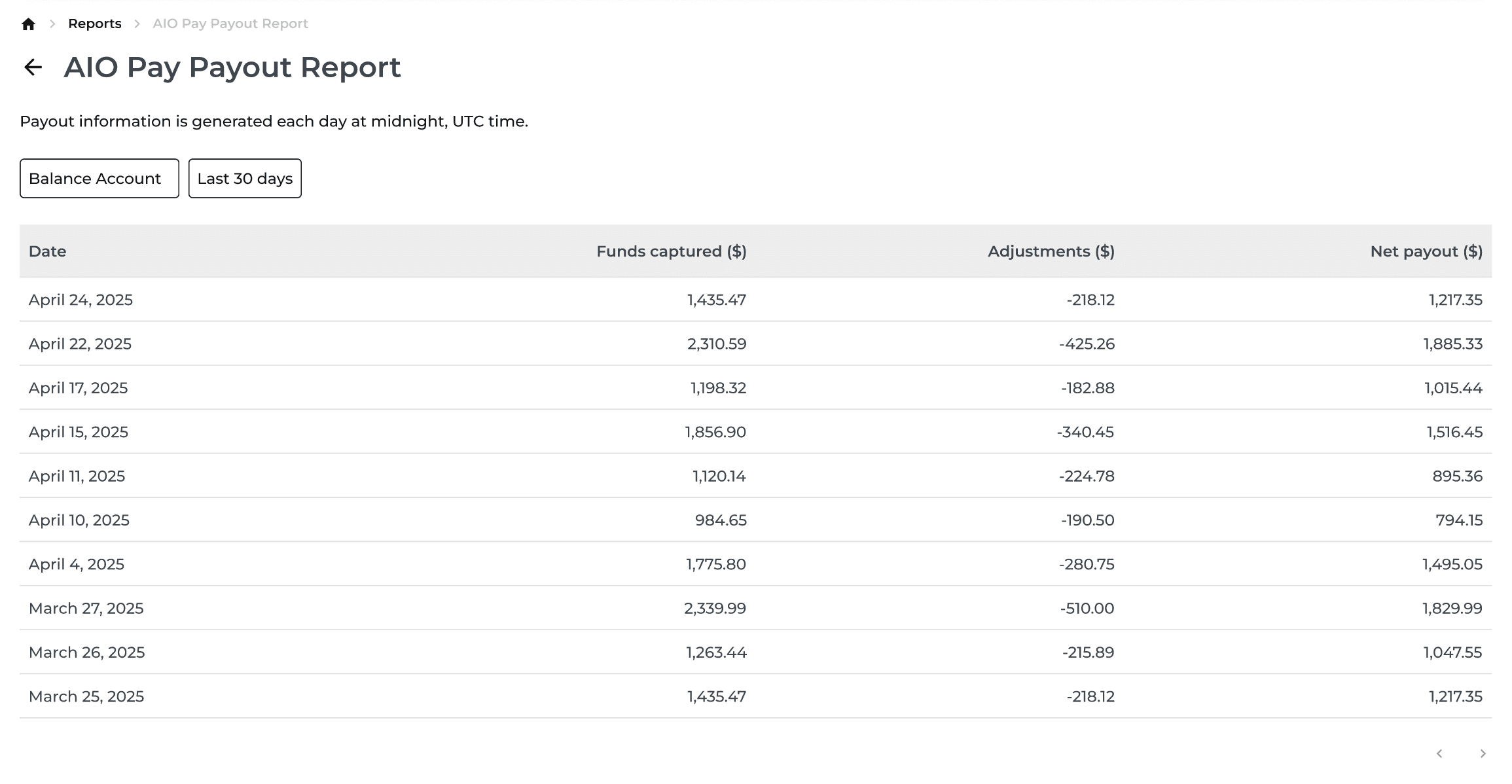
New Feature
Orders
Reports
Inventory
Protection Plan
AIO Pay
E-Commerce
Payments
What’s New
This update adds several ways to manage orders, inventory, reports, protection plans, and payments more efficiently.
Find paid, undelivered orders in the new Active & Open tab.
Search the Damage Allowance Report by order or model number.
Filter inventory by storage location.
See clearer controls for protection plans managed by third-party providers.
Use AIO Pay during online checkout.
Accept ACH payments during checkout or invoice payment with a 0.8% processing fee.
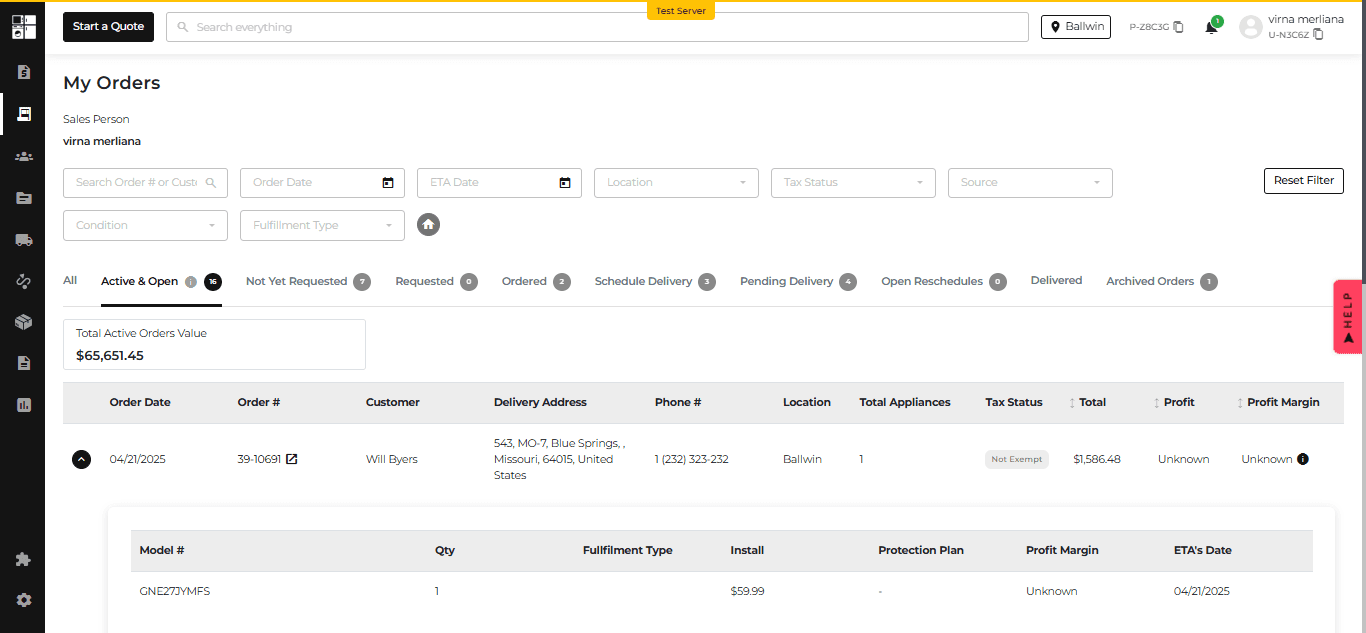
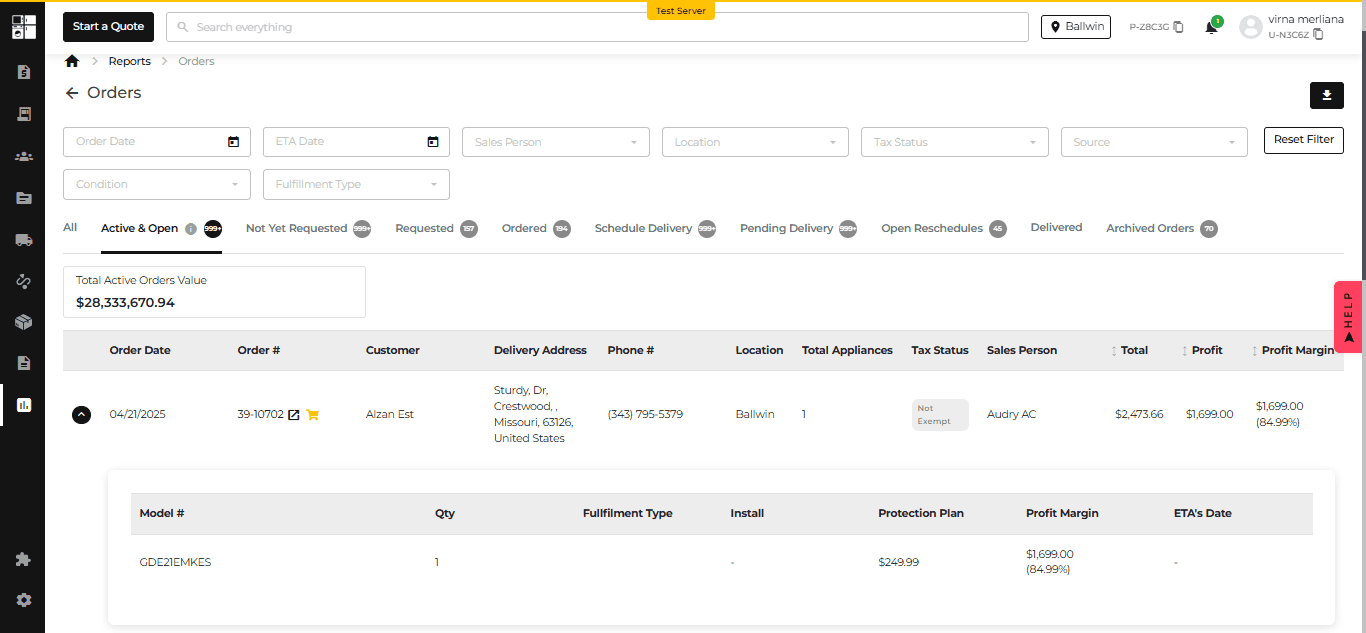
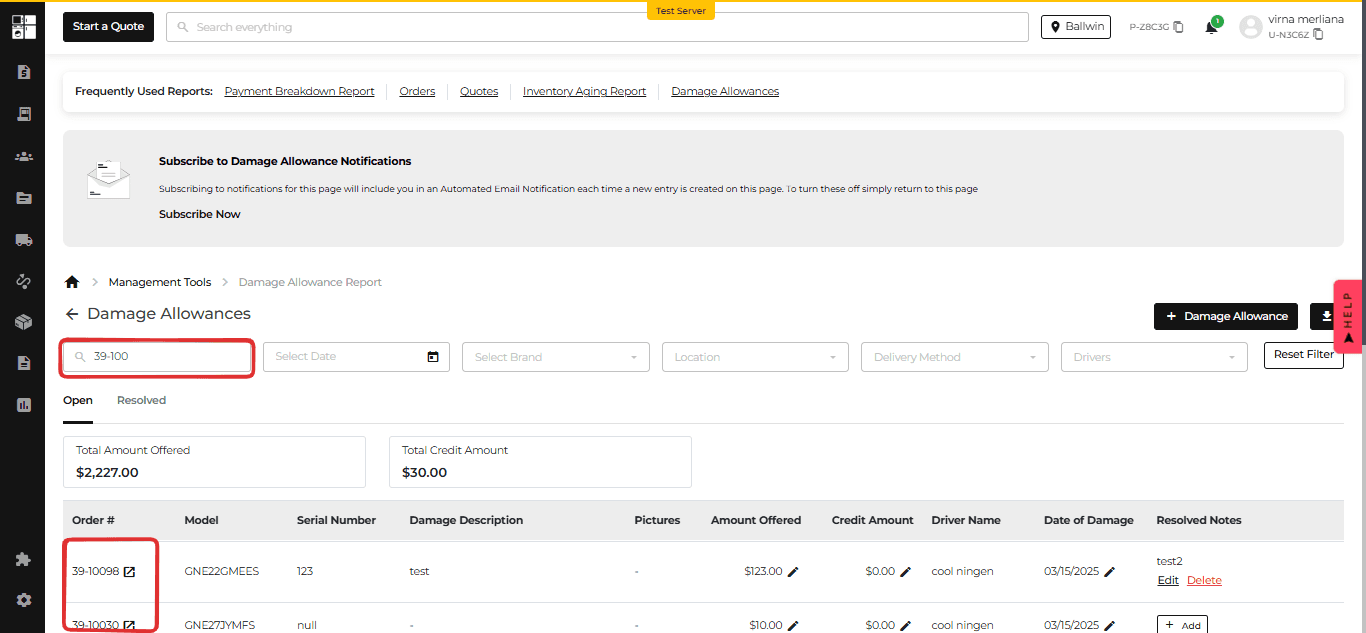
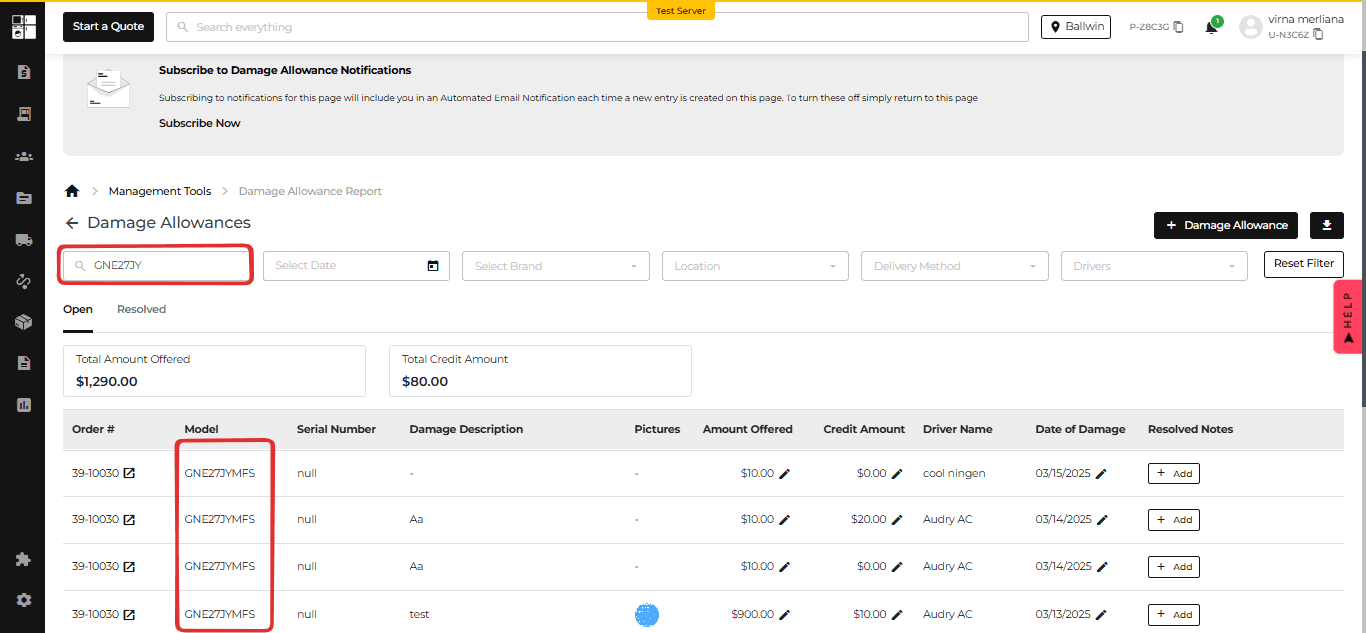
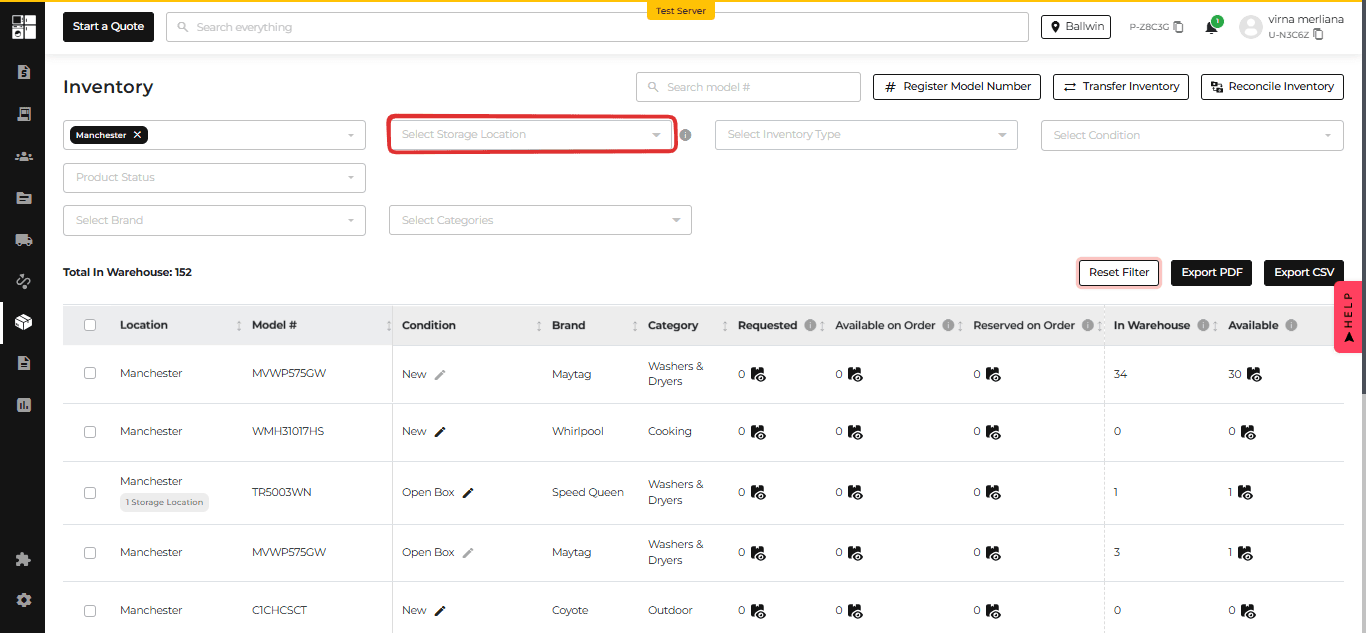
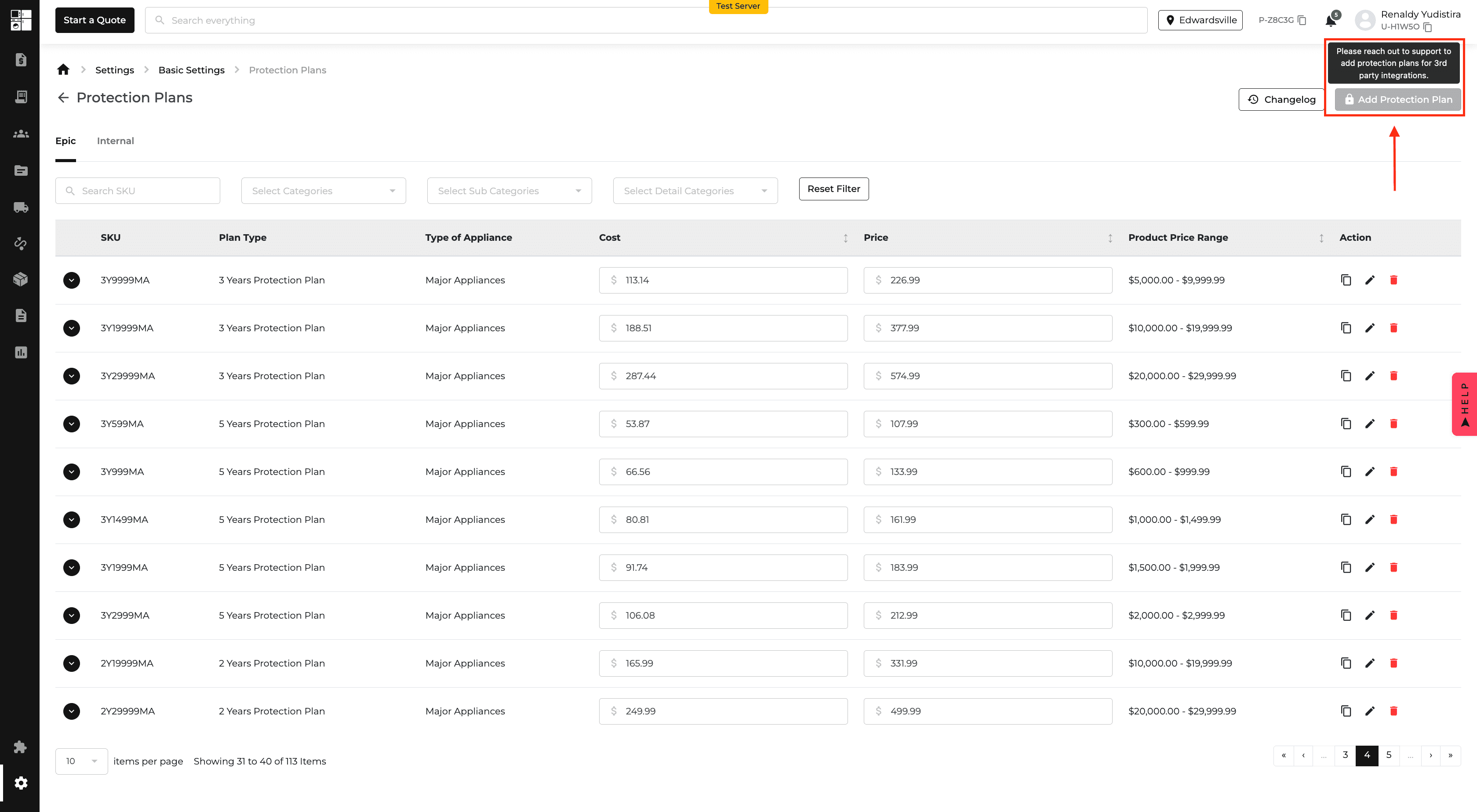
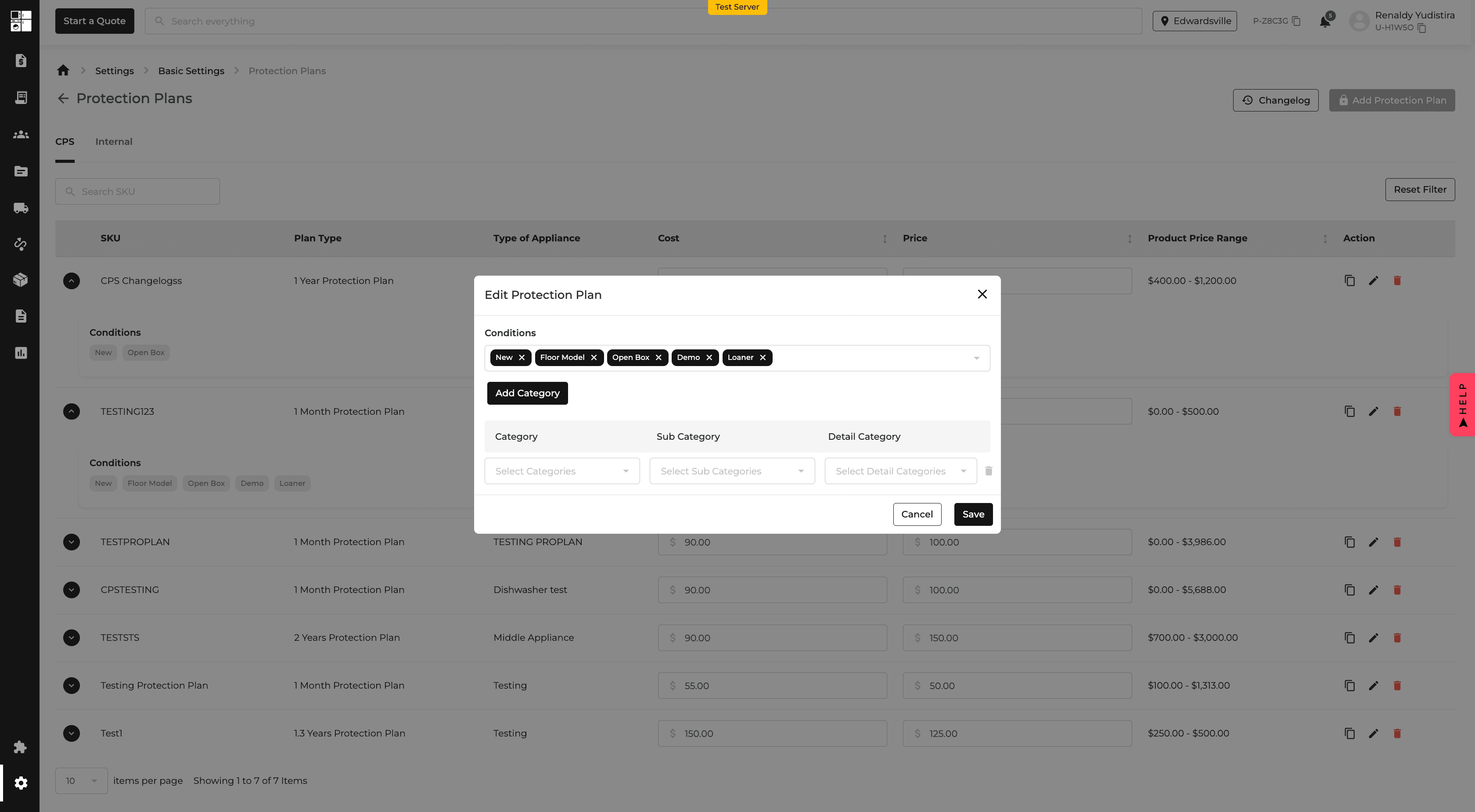
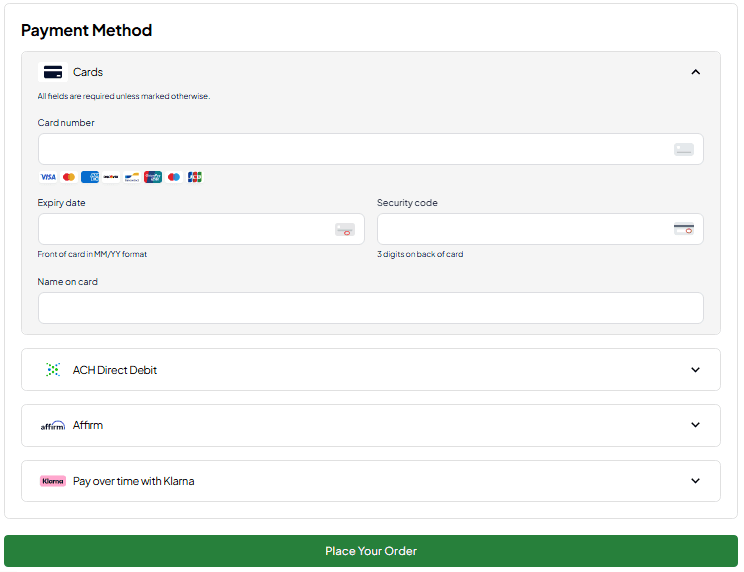
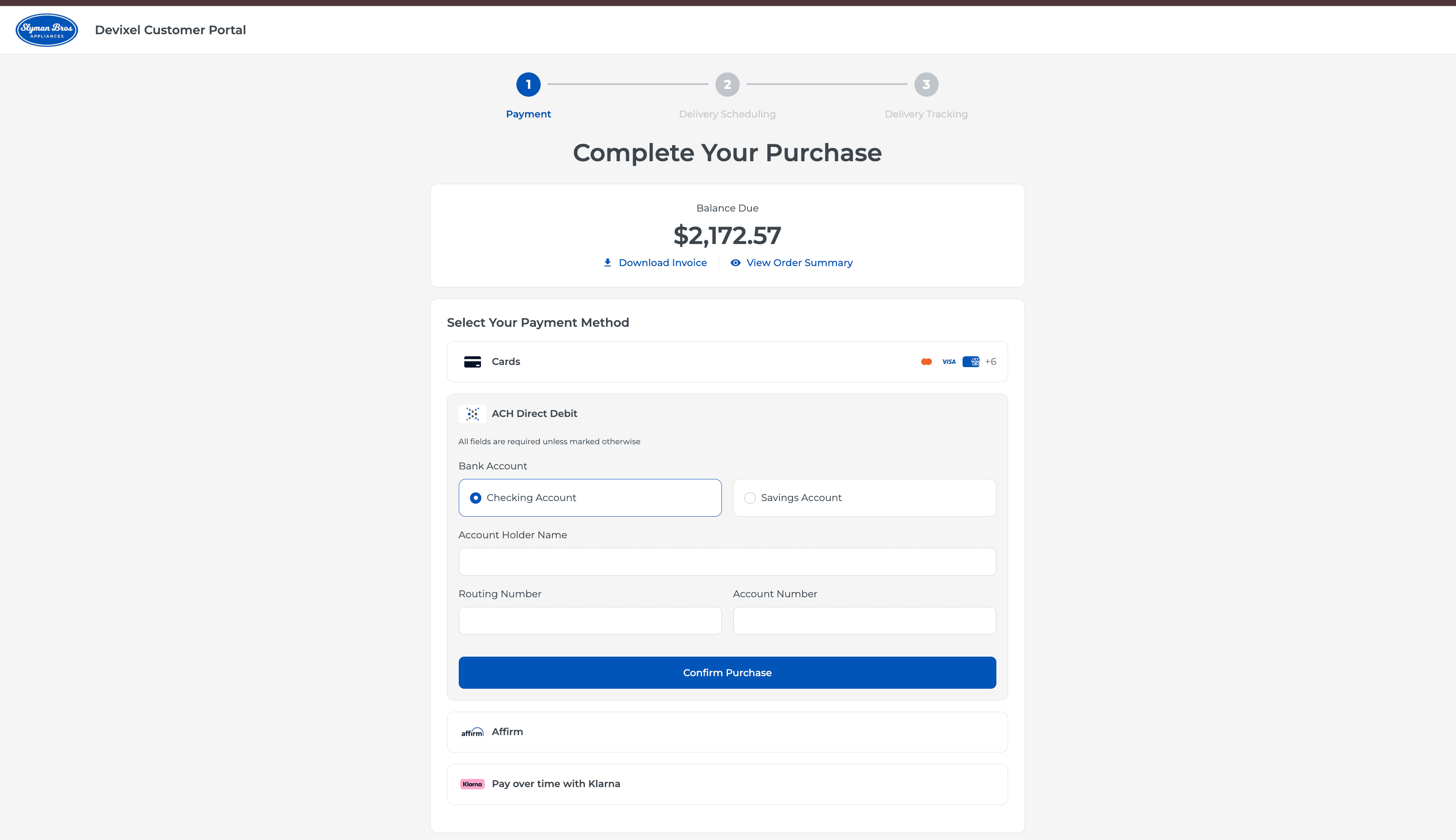
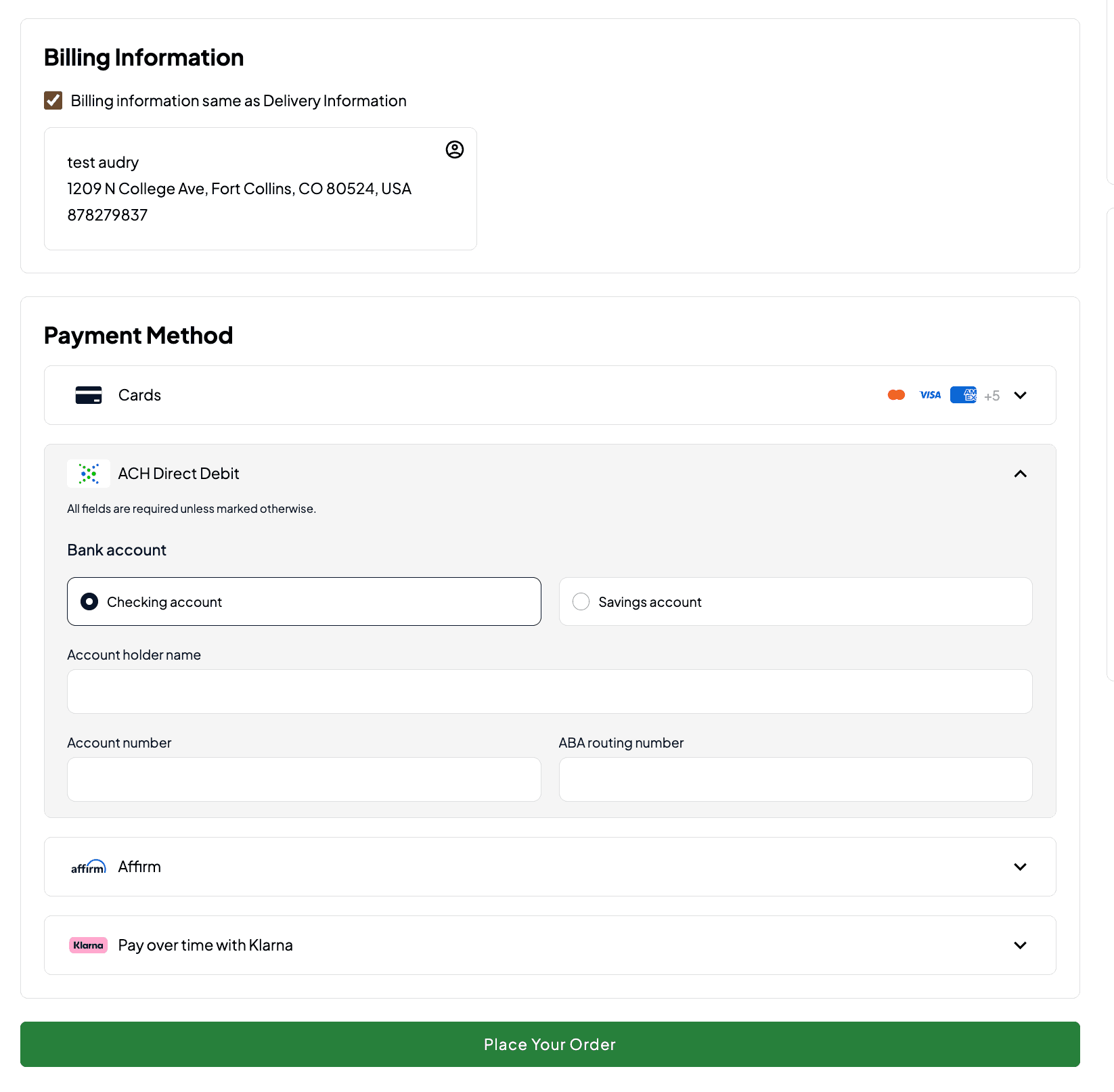
Feature Improvement
Product Catalog
Website
AIO Pay
Reports
What’s New
Package deals and AIO Pay reporting are now easier to manage.
Choose one model image as the main image for a package deal. If none is selected, the first model image is used automatically.
Review Gross, Fee, and Net amounts for AIO Pay transactions.
Search the Payment Breakdown Report by order number.
Include AIO Pay fee details in PDF, CSV, and Excel exports.
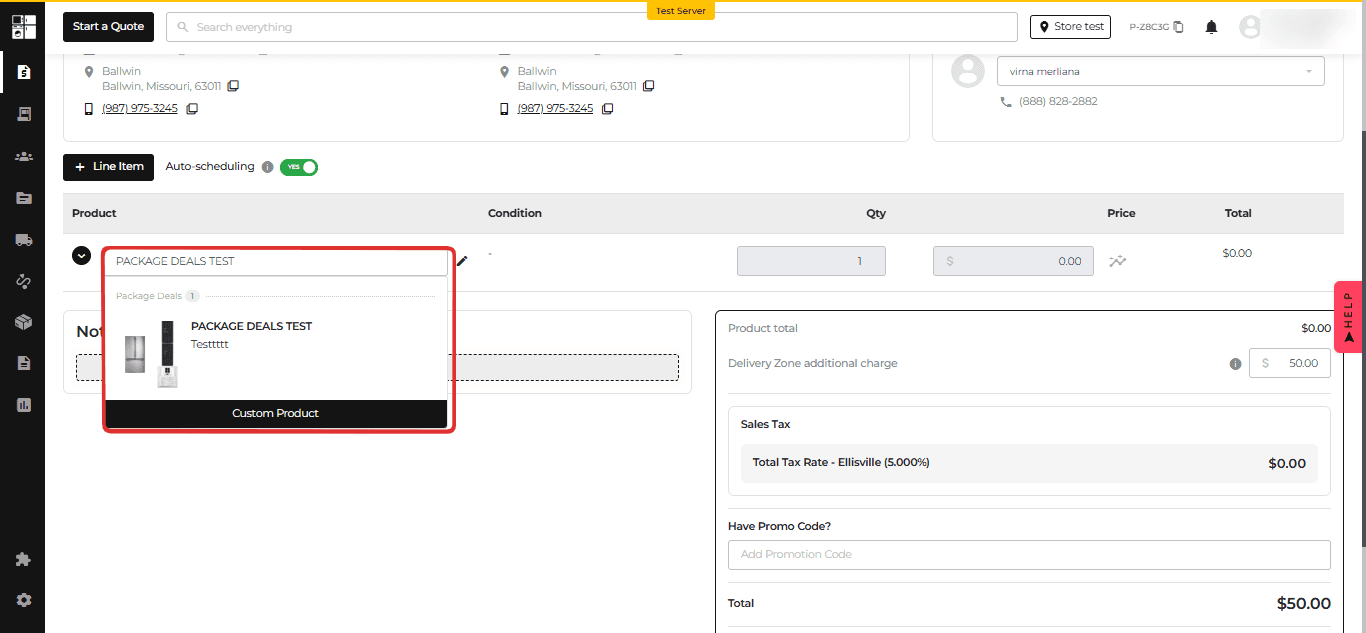
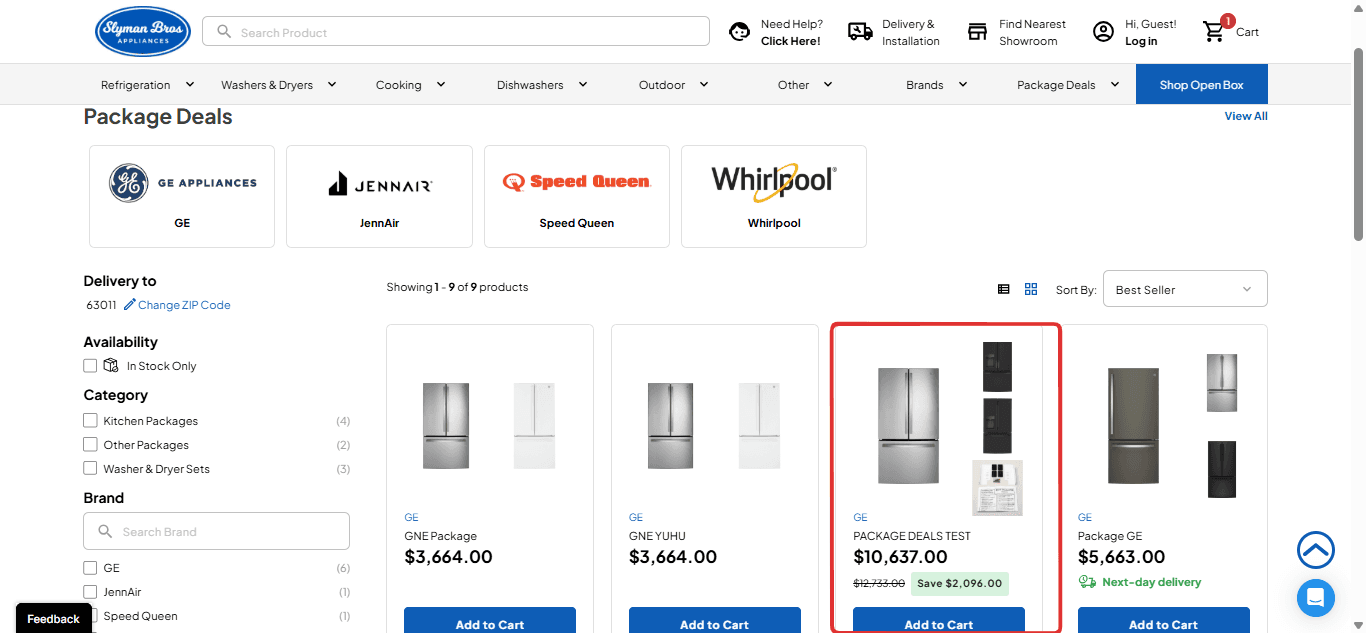
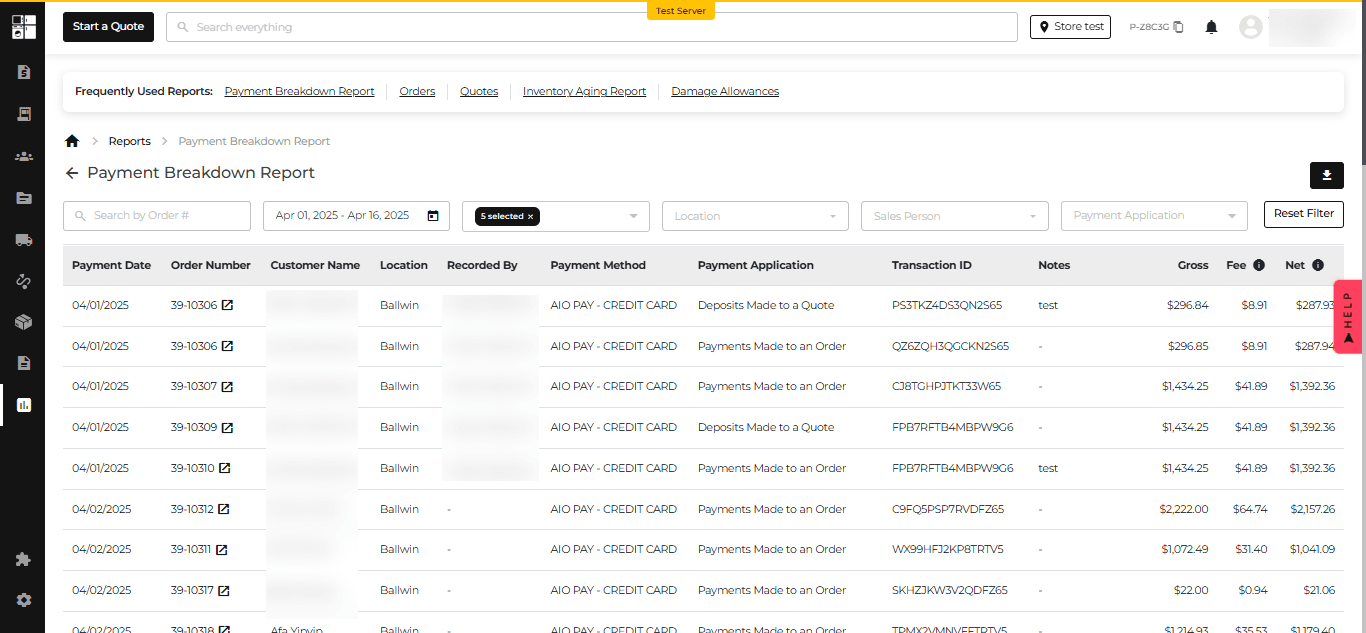
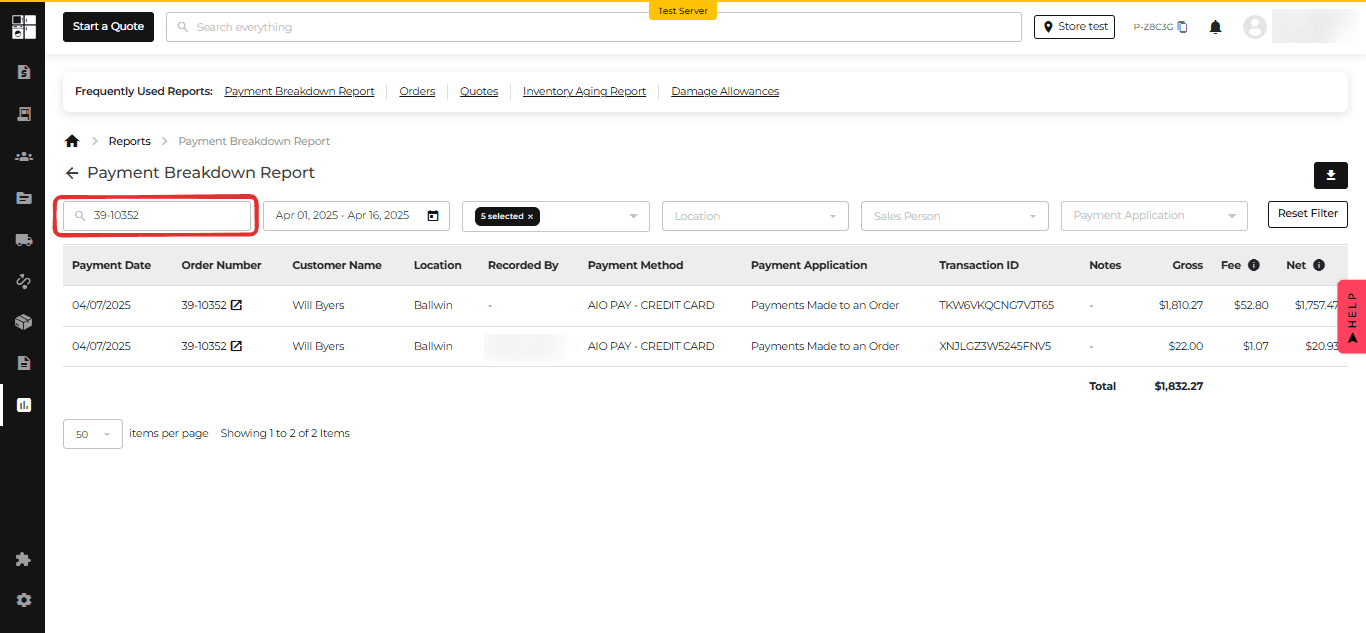
Feature Improvement
Notification
Settings
Quotes
Reports
Inventory
Protection Plan
What’s New
This update improves several everyday workflows across Appliance.io.
Preview notification emails before sending and find placeholder guidance more easily.
View current or last-known average product cost in Pricing Analytics.
Export selected rows from the Accounts Receivable Report.
Keep the Location and Model # columns visible while reviewing inventory.
Assign protection plans to specific brands and filter plans by brand.
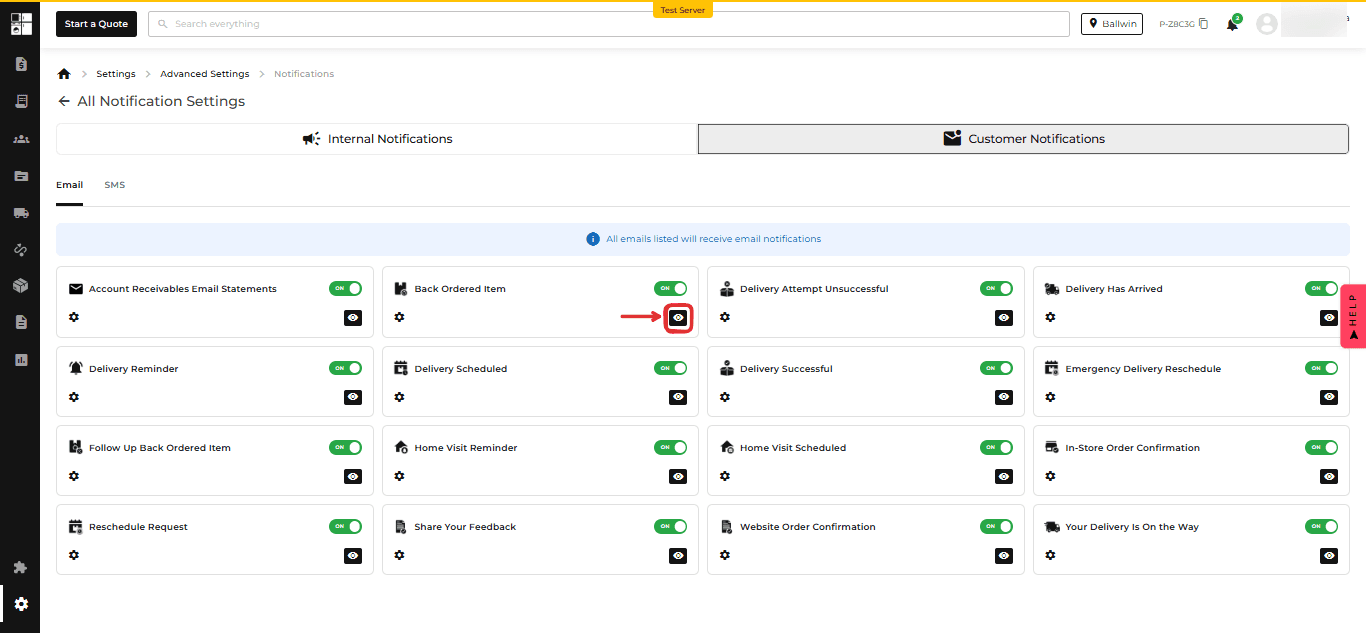
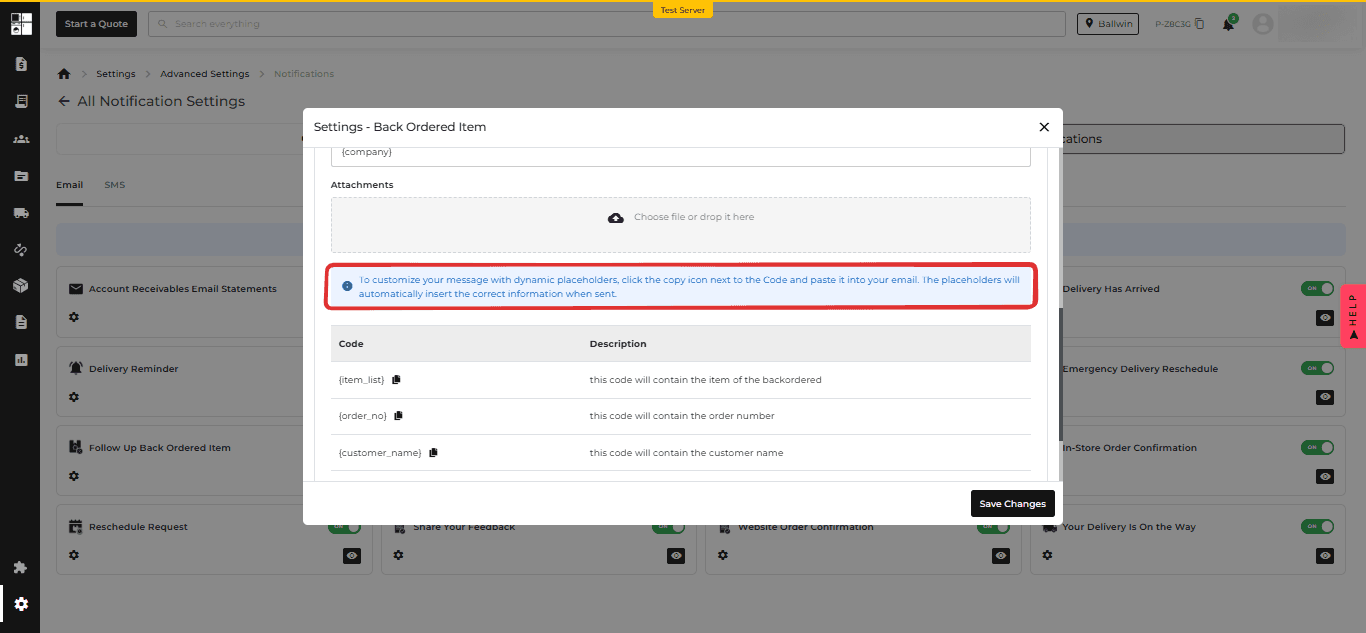


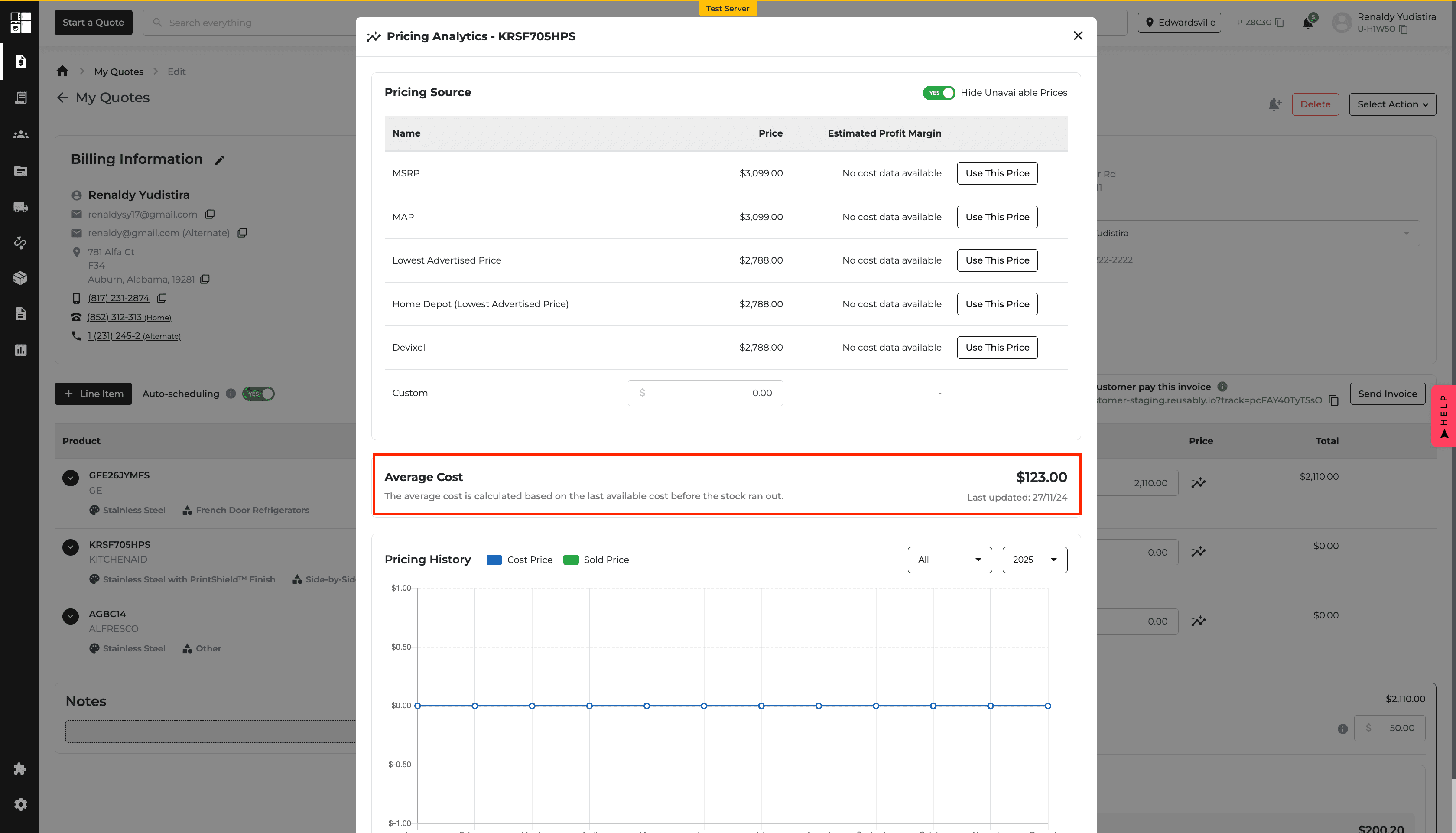
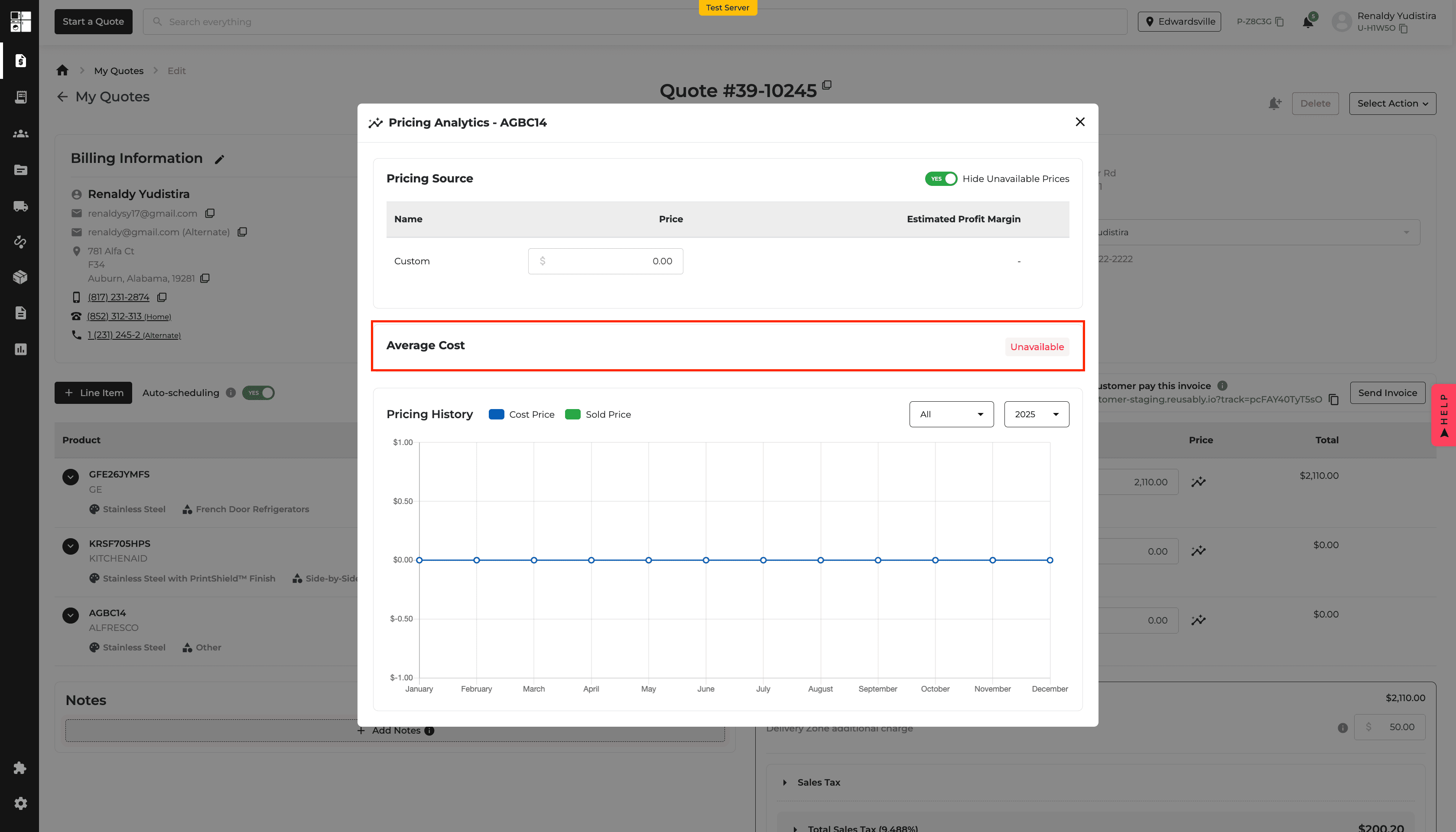
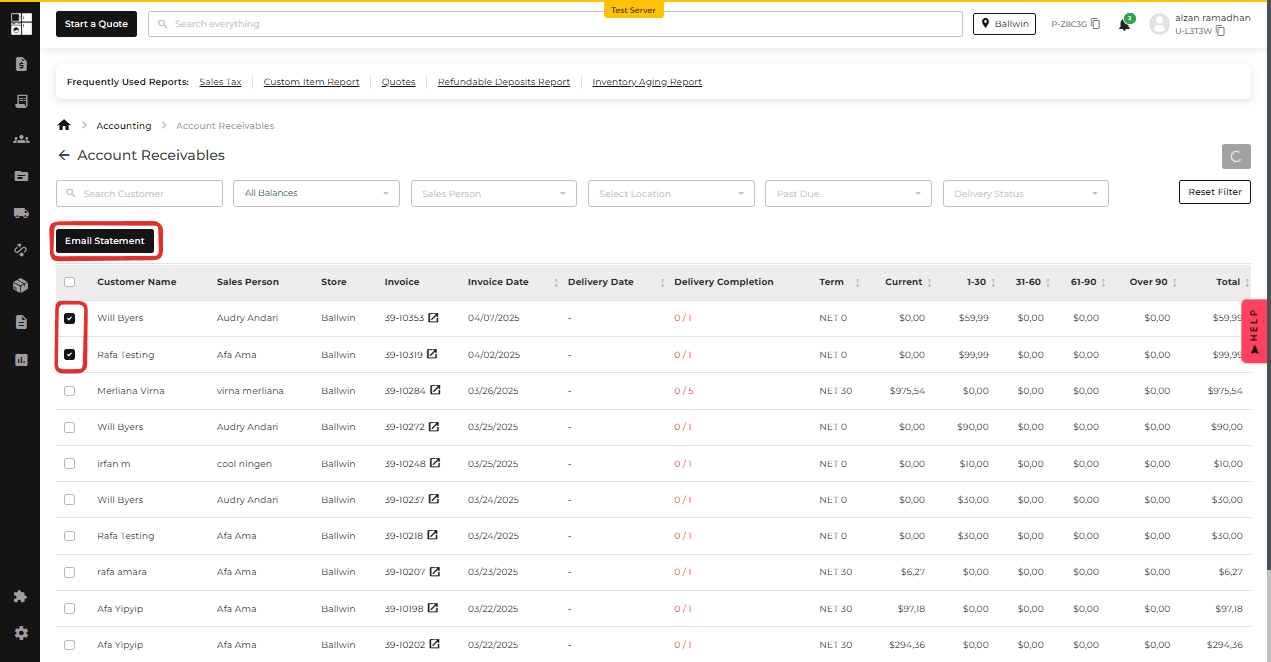
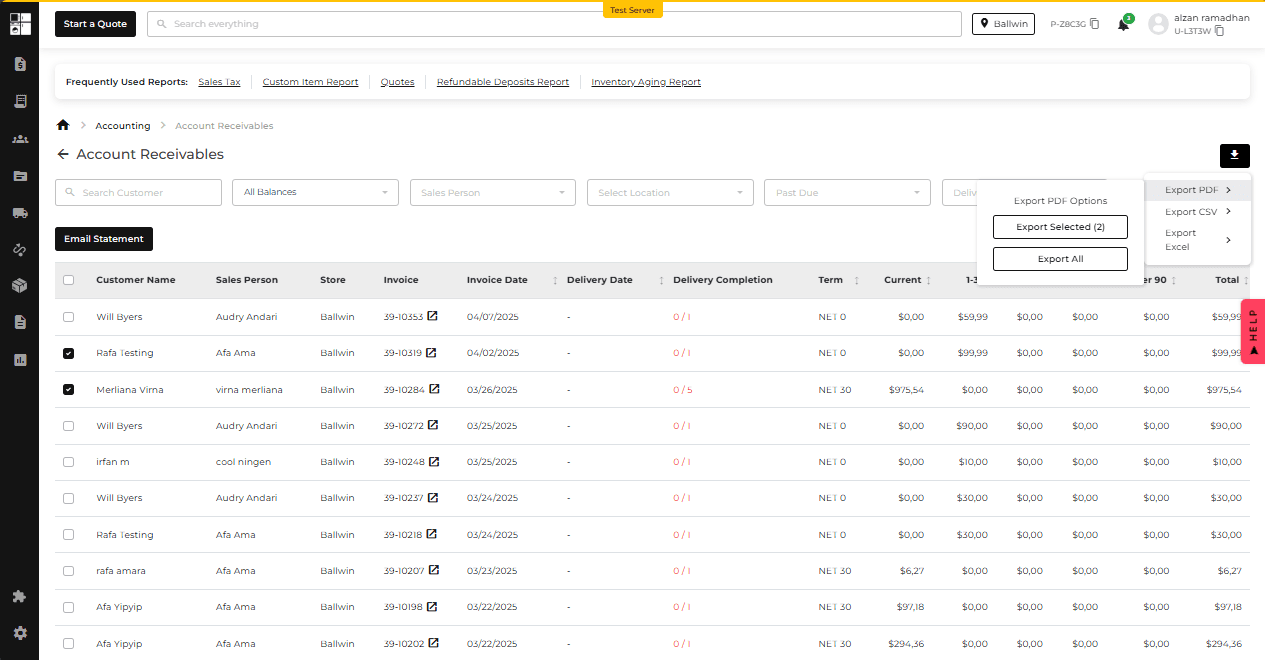
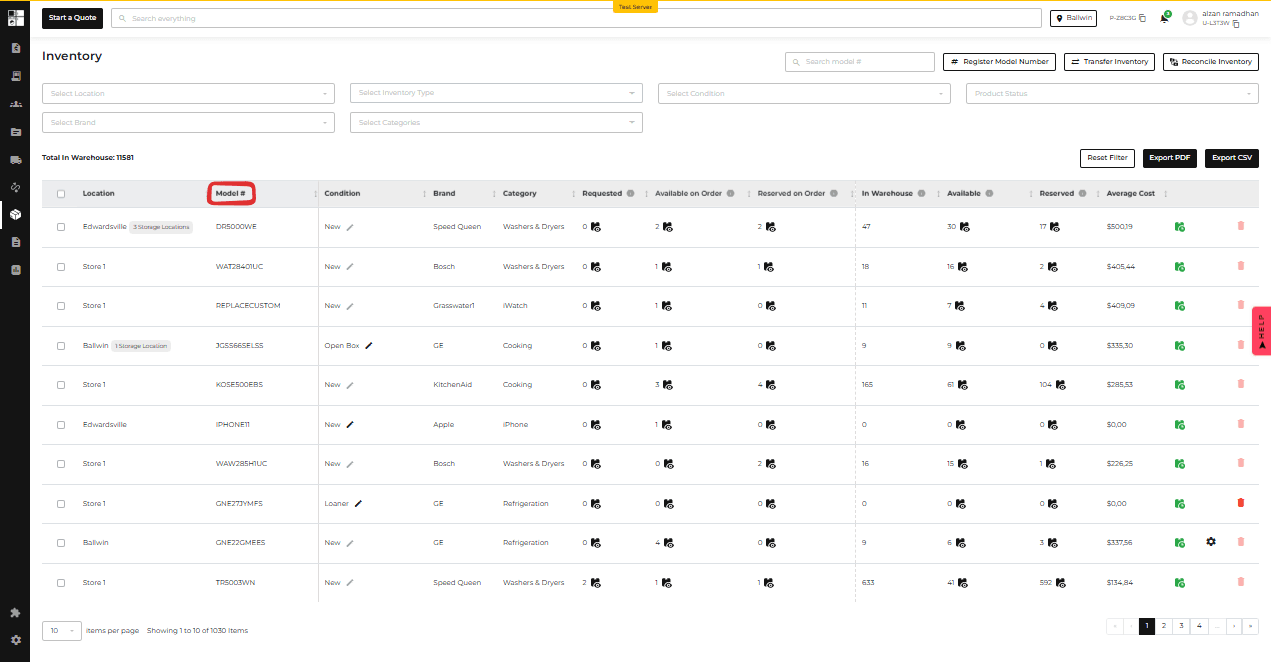
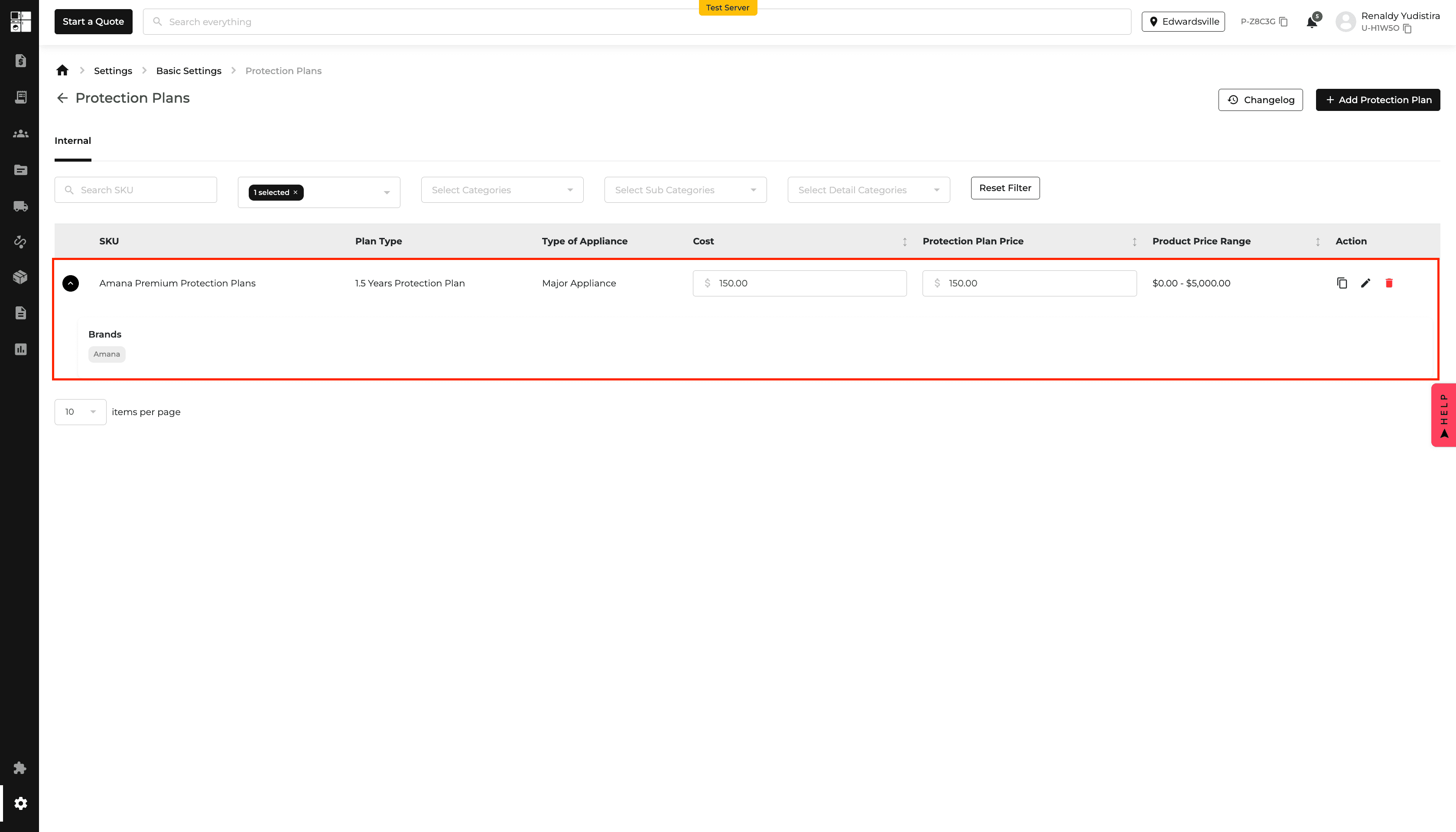
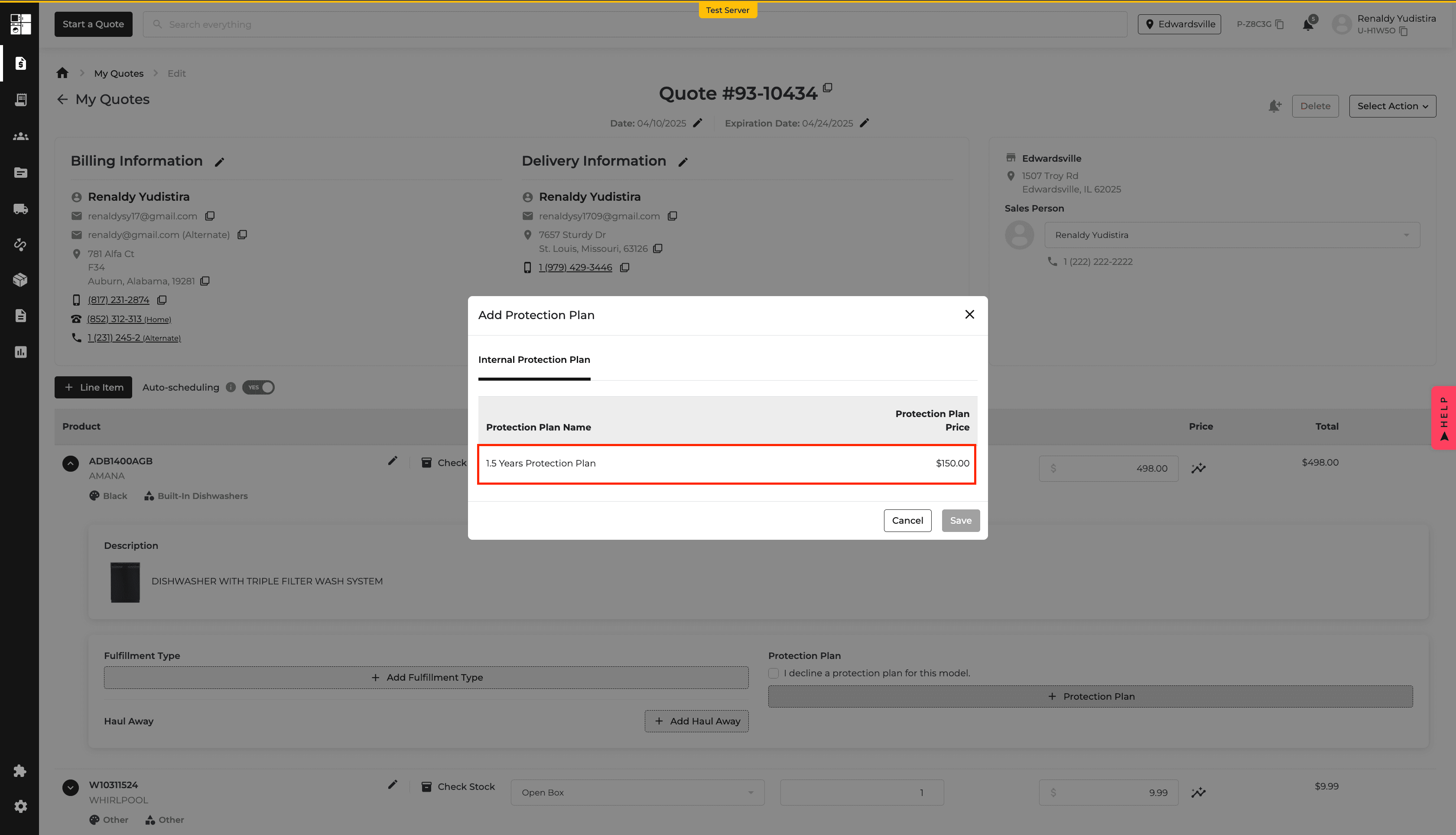
New Feature
Reports
Promos
Dashboard
SKUDeck™
Inventory
What’s New
New reporting and inventory tools provide clearer information with fewer steps.
Review coupon usage in the new Retailer Coupons report, with filters, exports, totals, and order-level details.
Monitor missing, failed, and active digital price tags from the new dashboard widget.
Update the condition of an individual inventory unit or selected units in bulk.
See condition changes reflected in exports, reports, and stock movement logs.
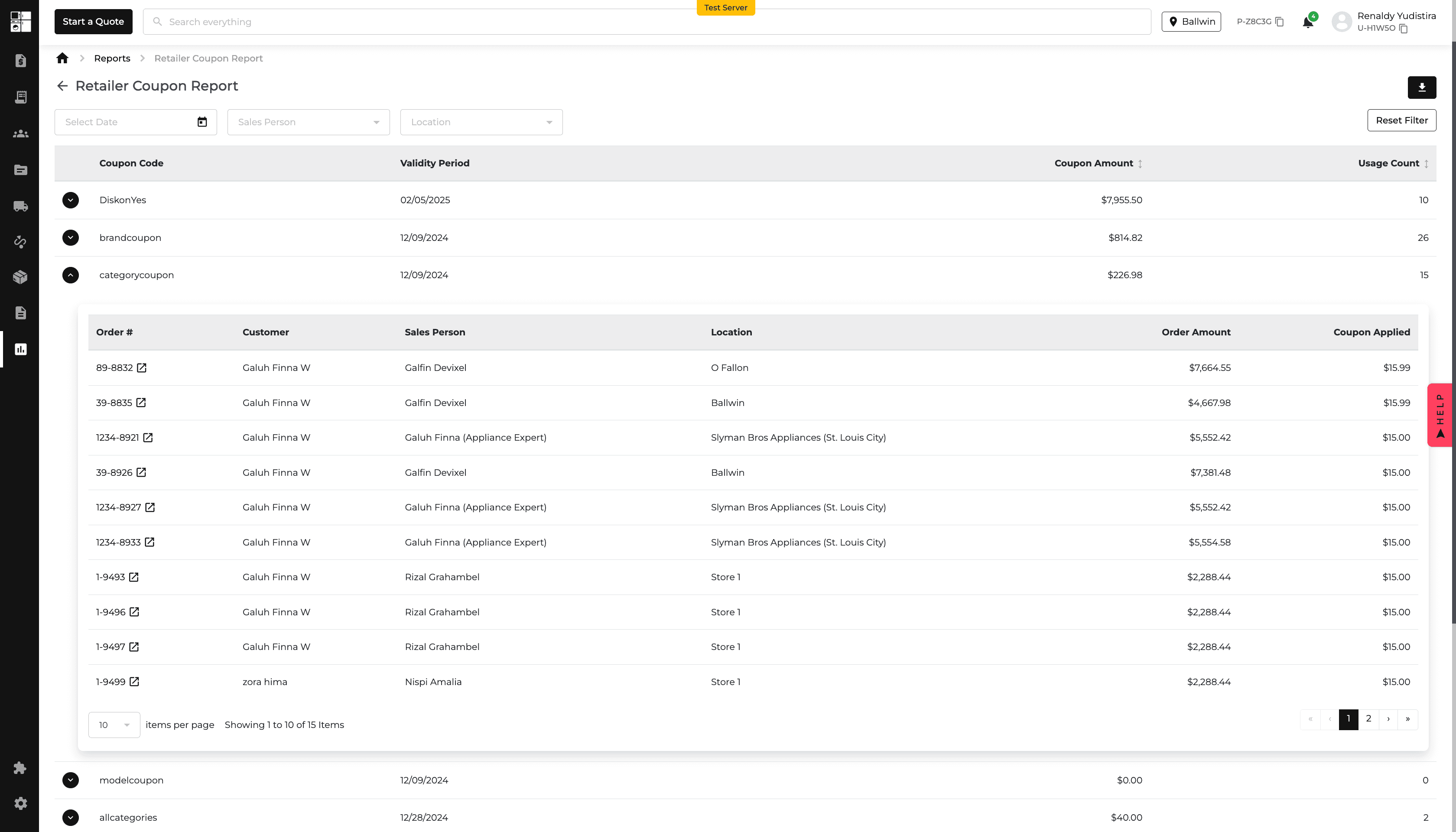
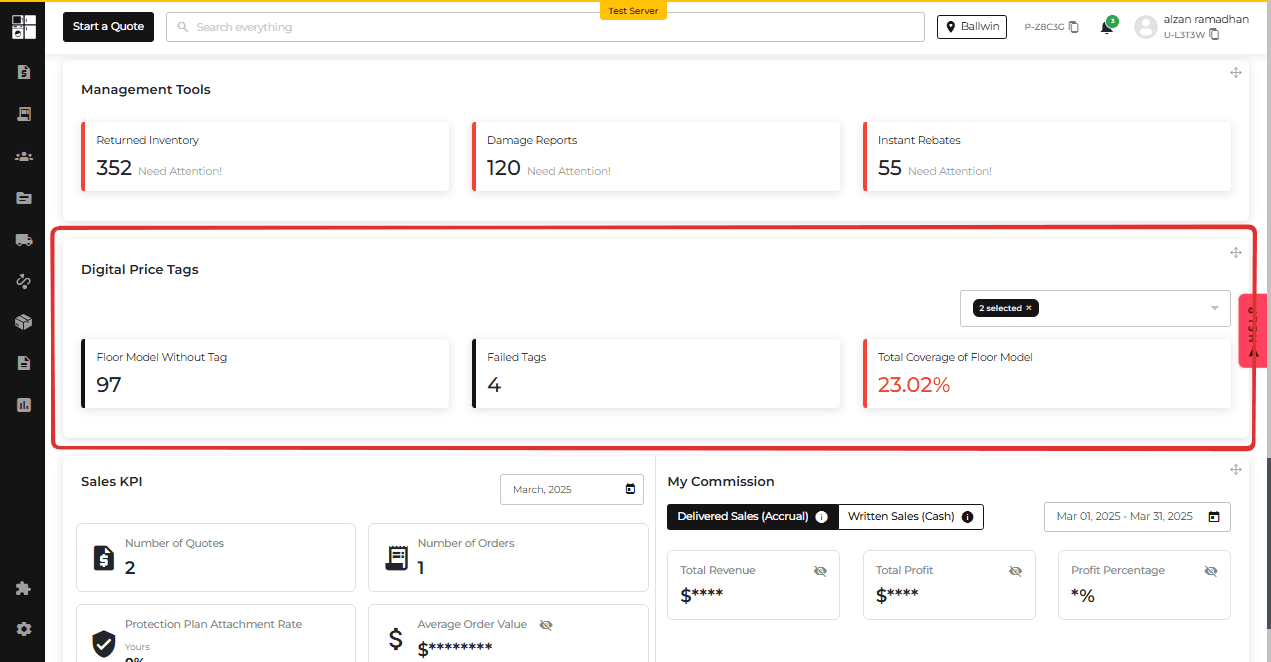
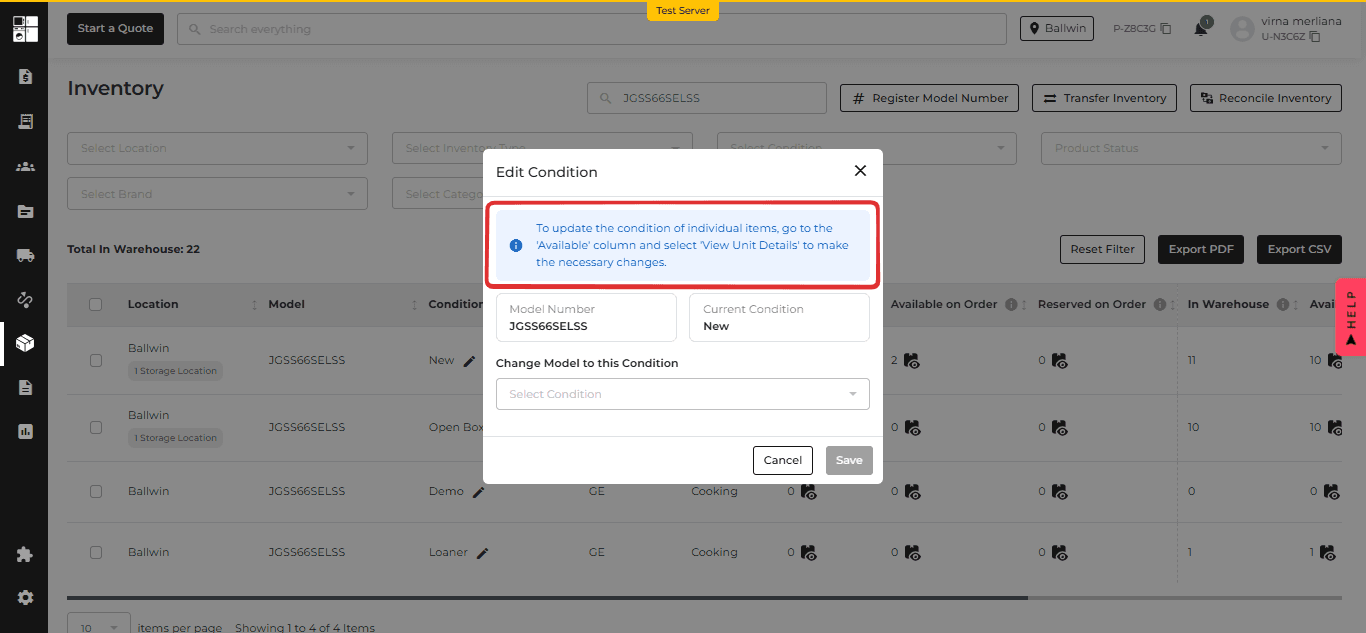
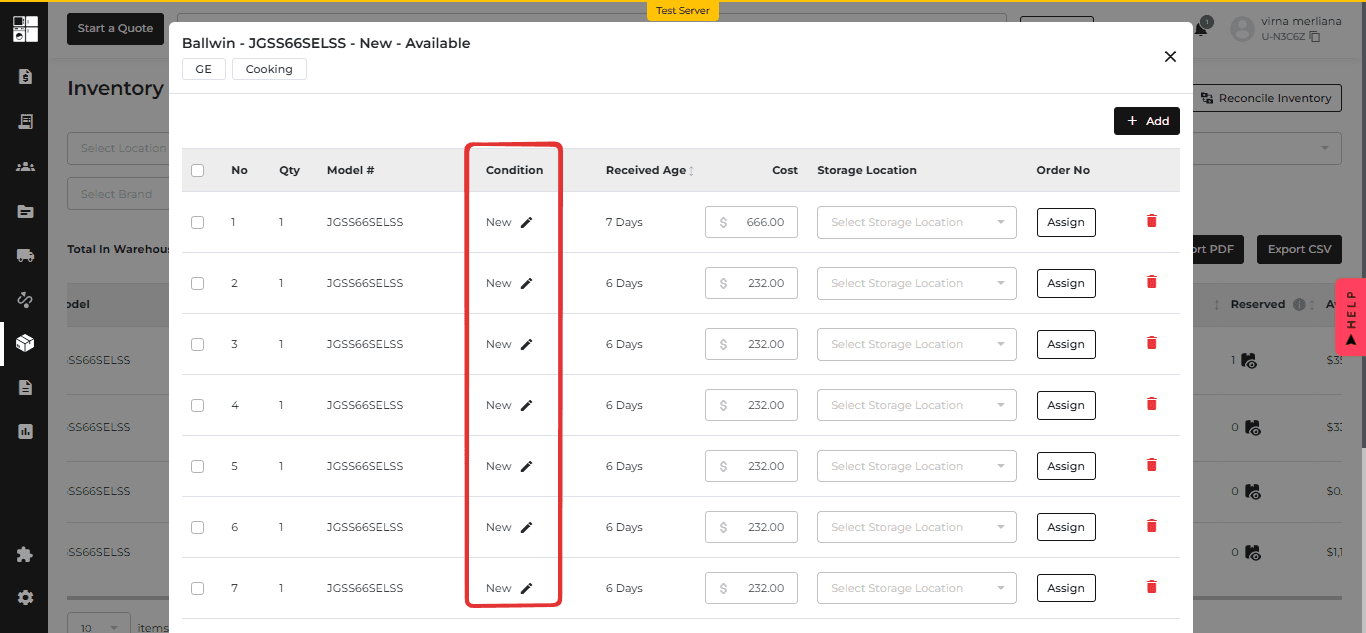
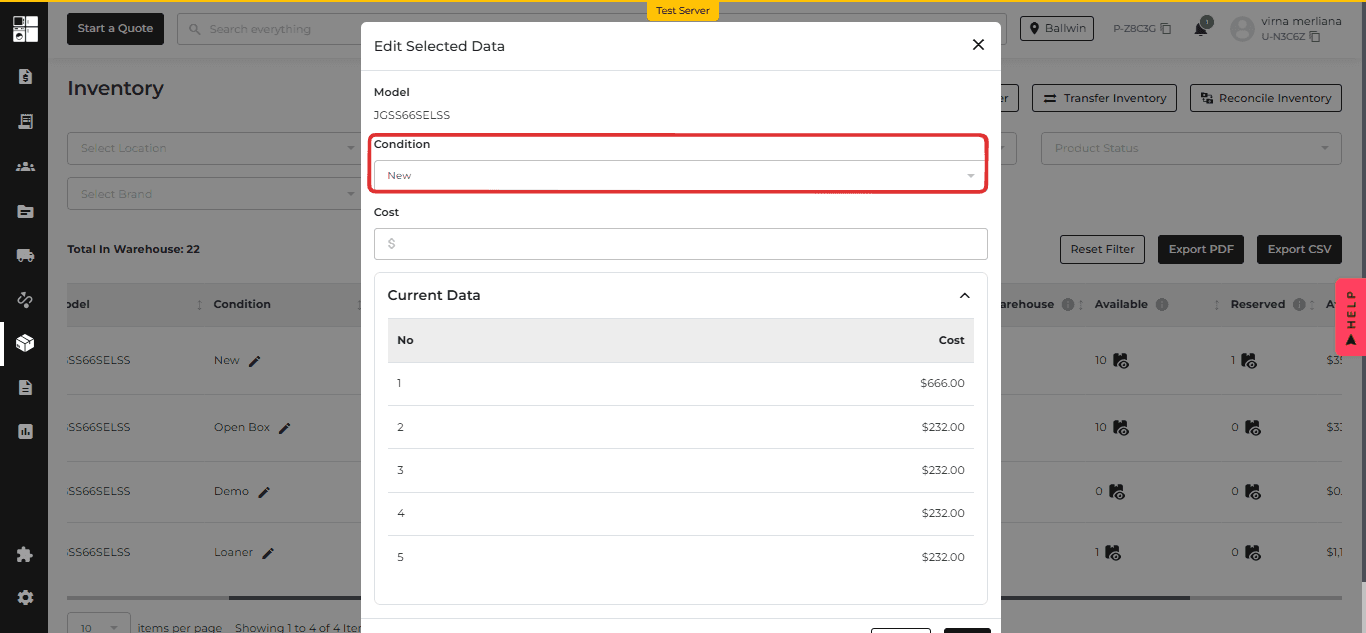
New Feature
Purchase Order
Inventory
Quotes
Orders
AIO Pay
Payments
Customer Portal
What’s New
This update adds new tools for purchase orders, inventory, refunds, and customer payments.
Search, filter, export, edit, and safely delete items from the Purchase Order Open tab.
Import inventory from a CSV file.
Identify stock shared across brands and select the correct brand when adding an item to a quote or order.
Process eligible customer credit refunds through AIO Pay.
Let customers review and pay invoices in the Customer Portal, then continue to delivery scheduling when available.
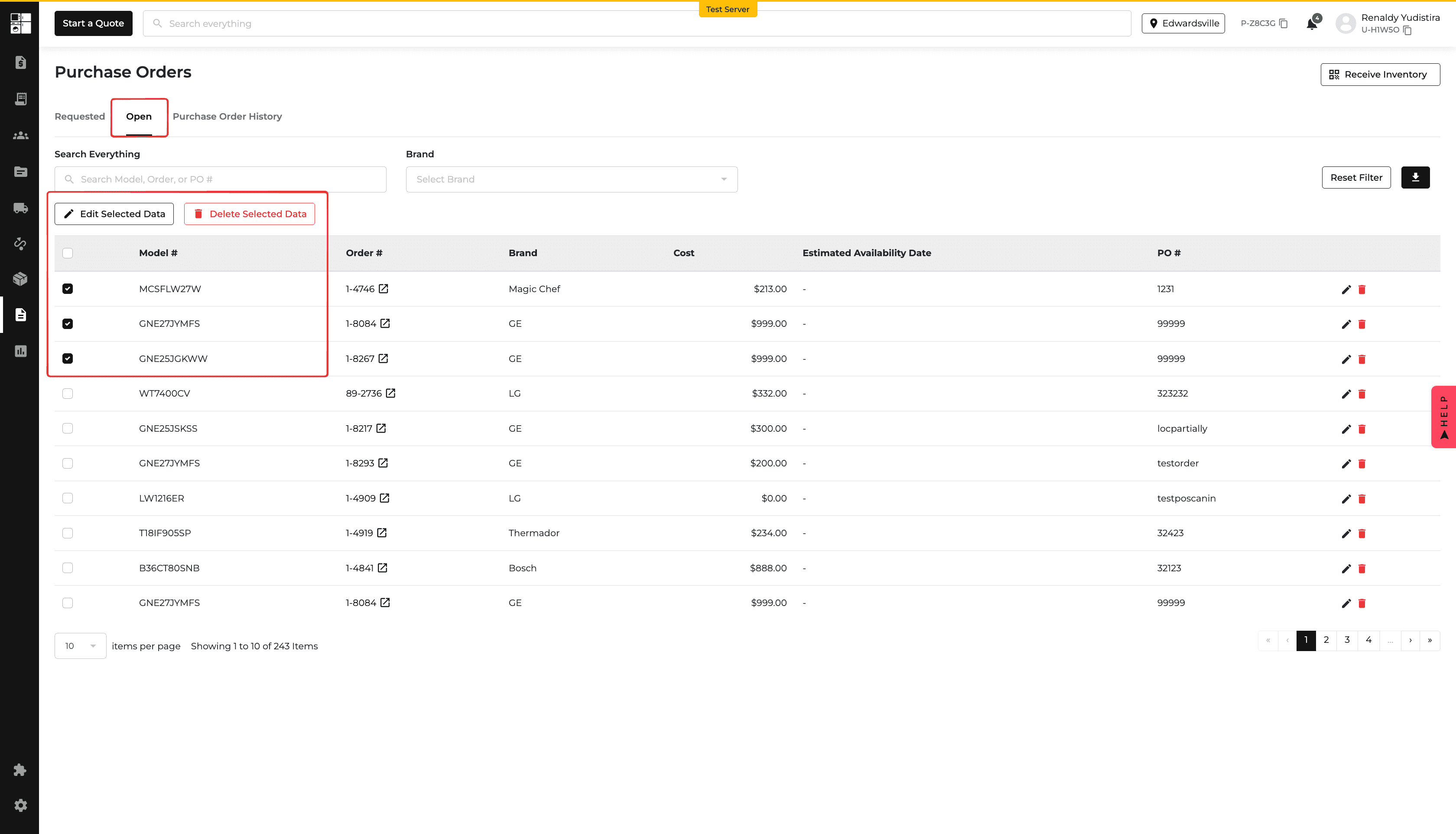
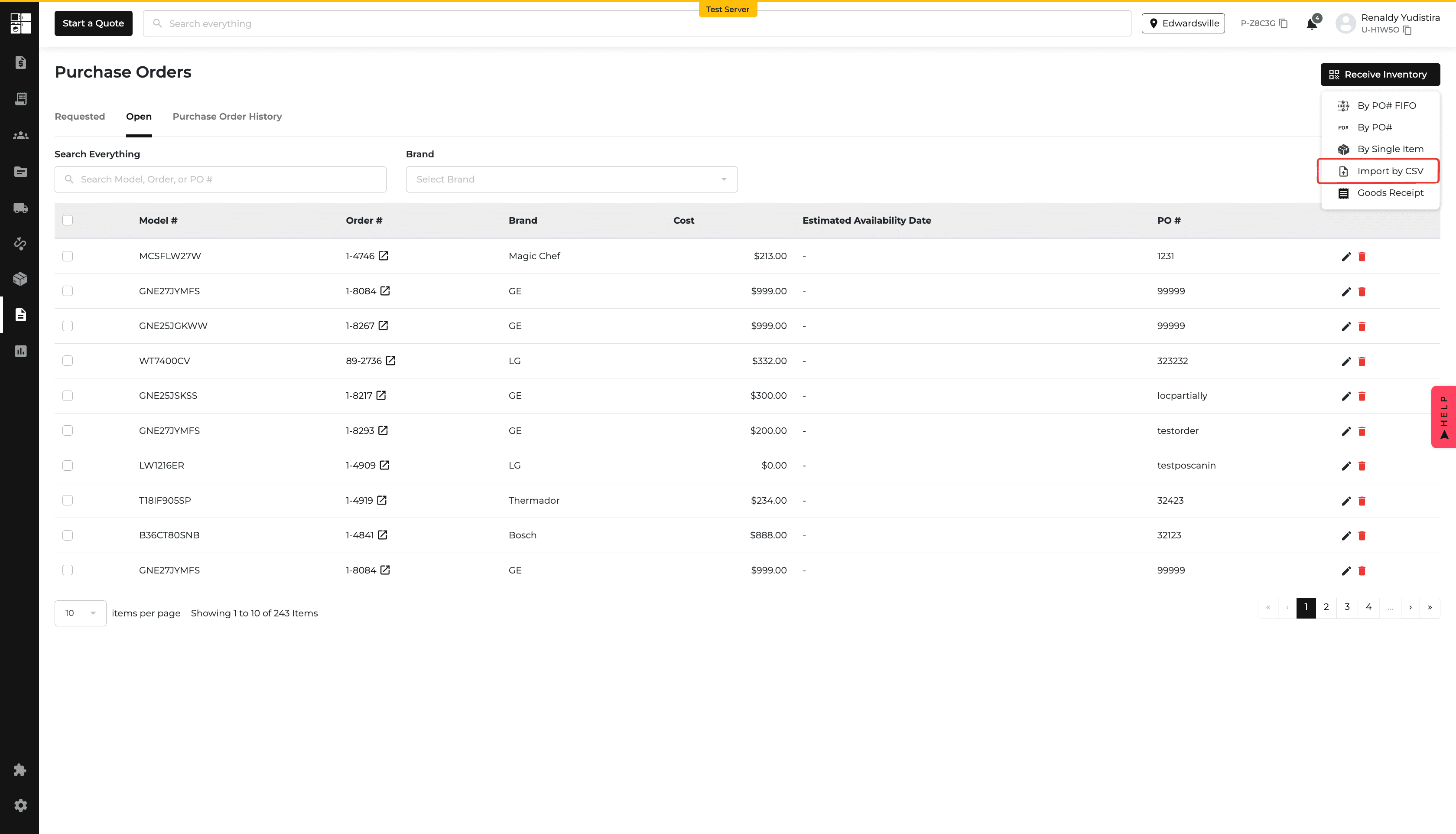
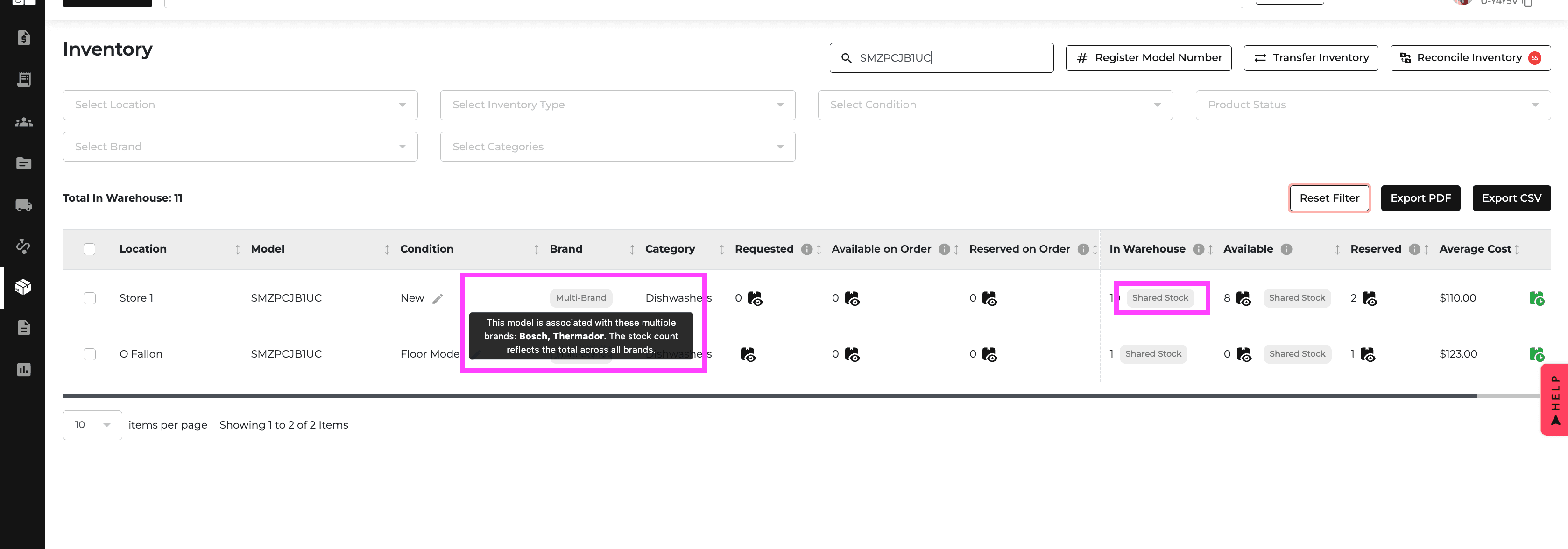
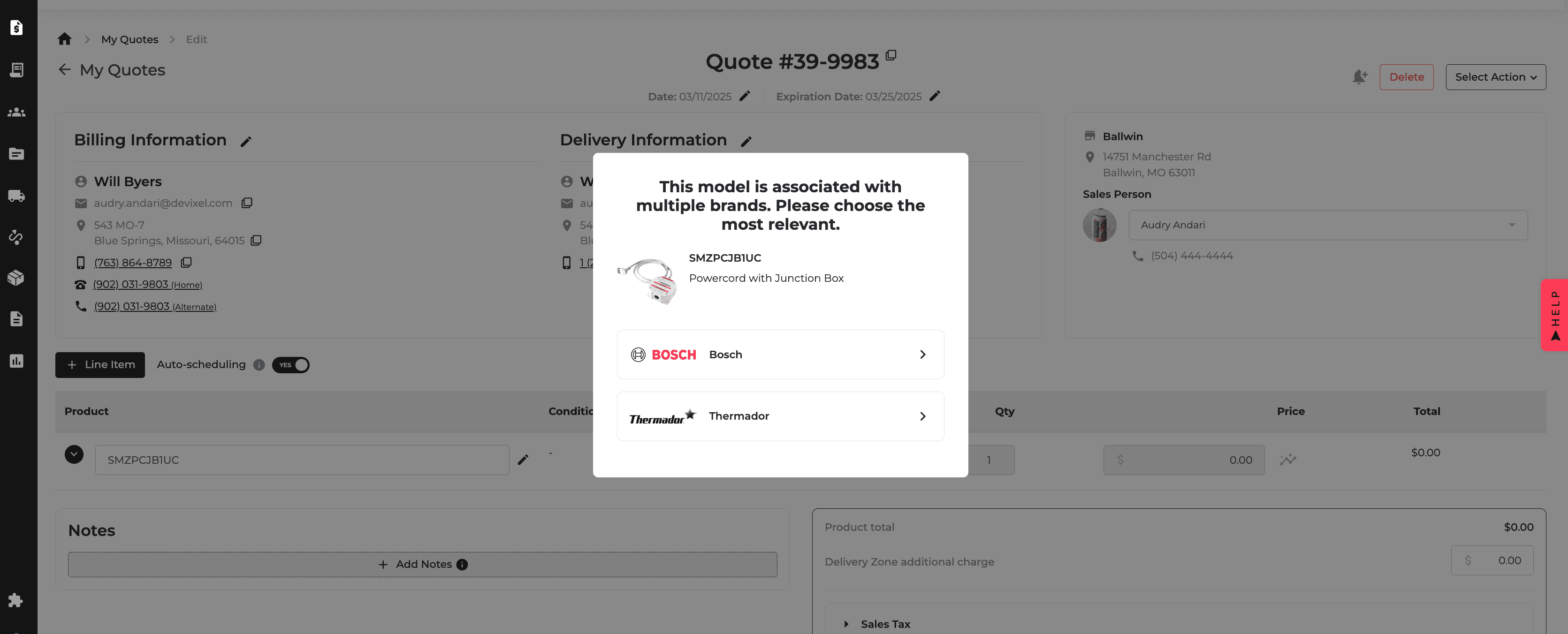
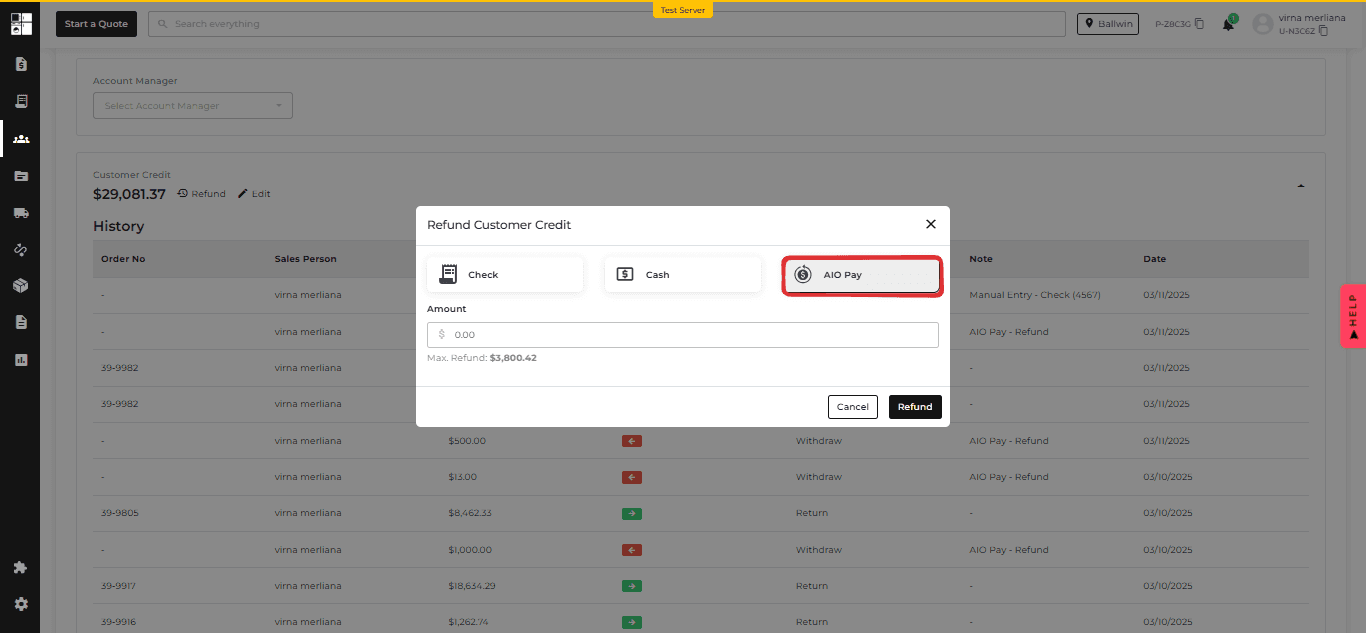
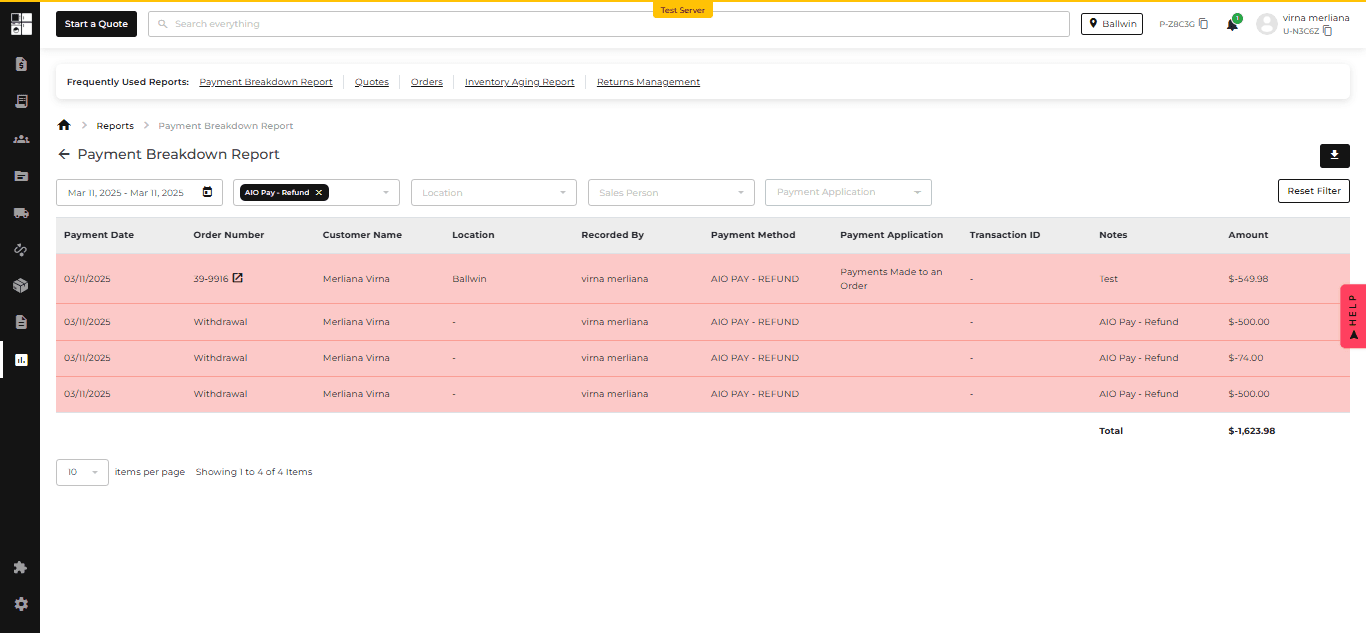
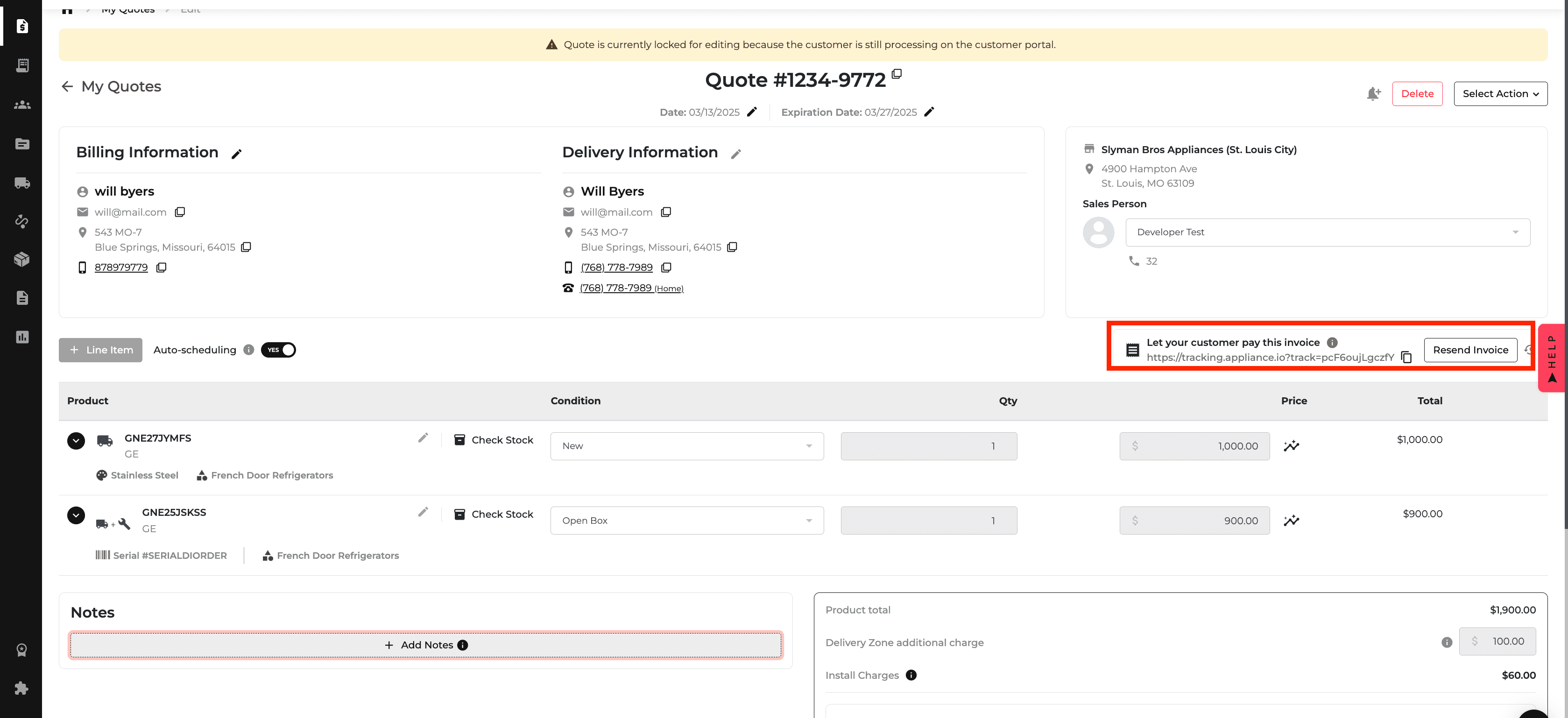
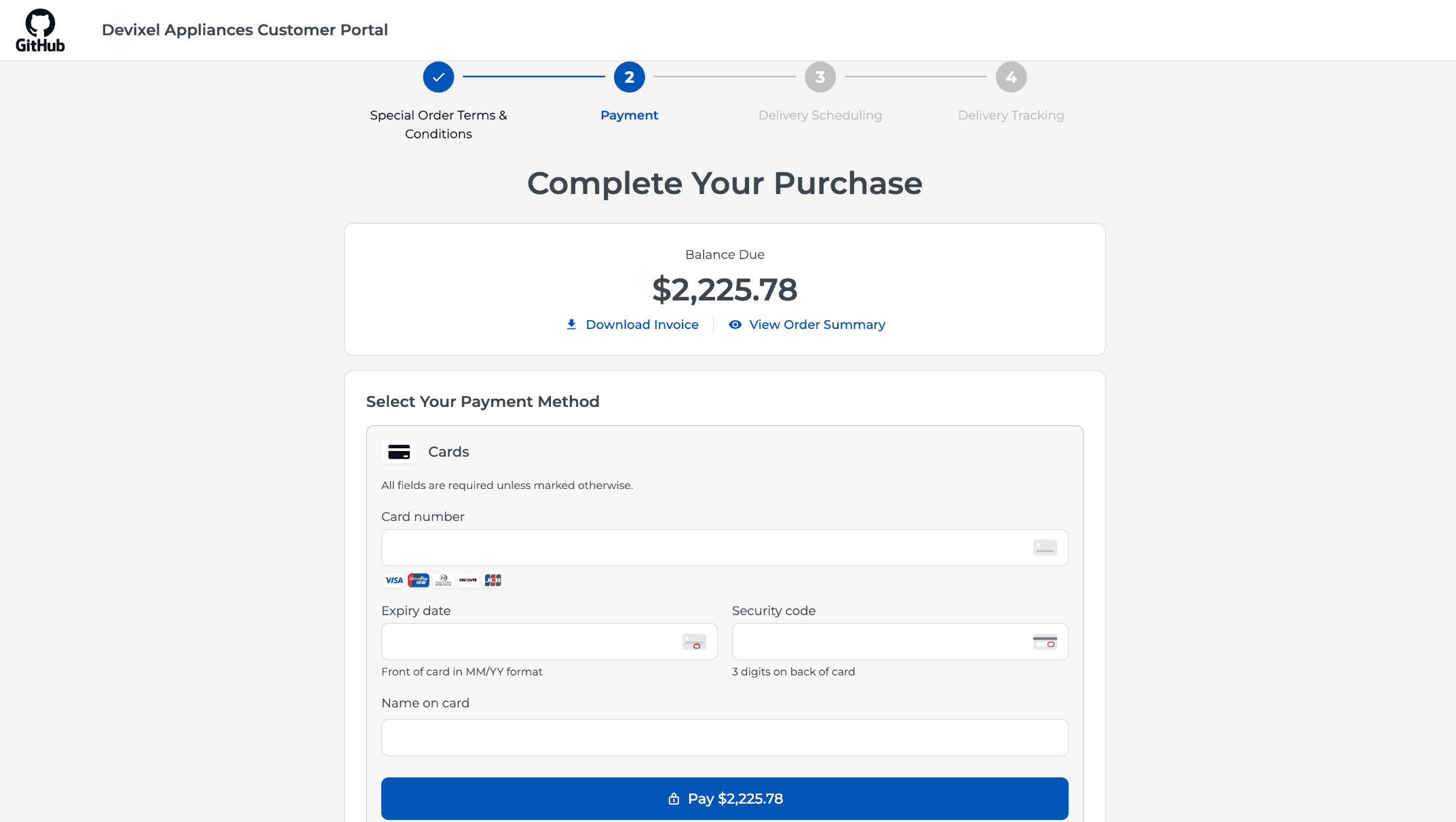
New Feature
Feature Improvement
Inventory
Orders
Purchase Order
Integration
What’s New
This update improves inventory filtering and installation-charge details, and adds a DMI purchase order integration.
Remove individual inventory filters, keep selections when navigating back, and use filters aligned with the website. The Reset Filters button briefly highlights when saved filters are active.
Review installation charges grouped by model quantity, with a separate breakdown for each installation method.
Create a purchase order in Appliance.io to generate the corresponding order in DMI automatically.
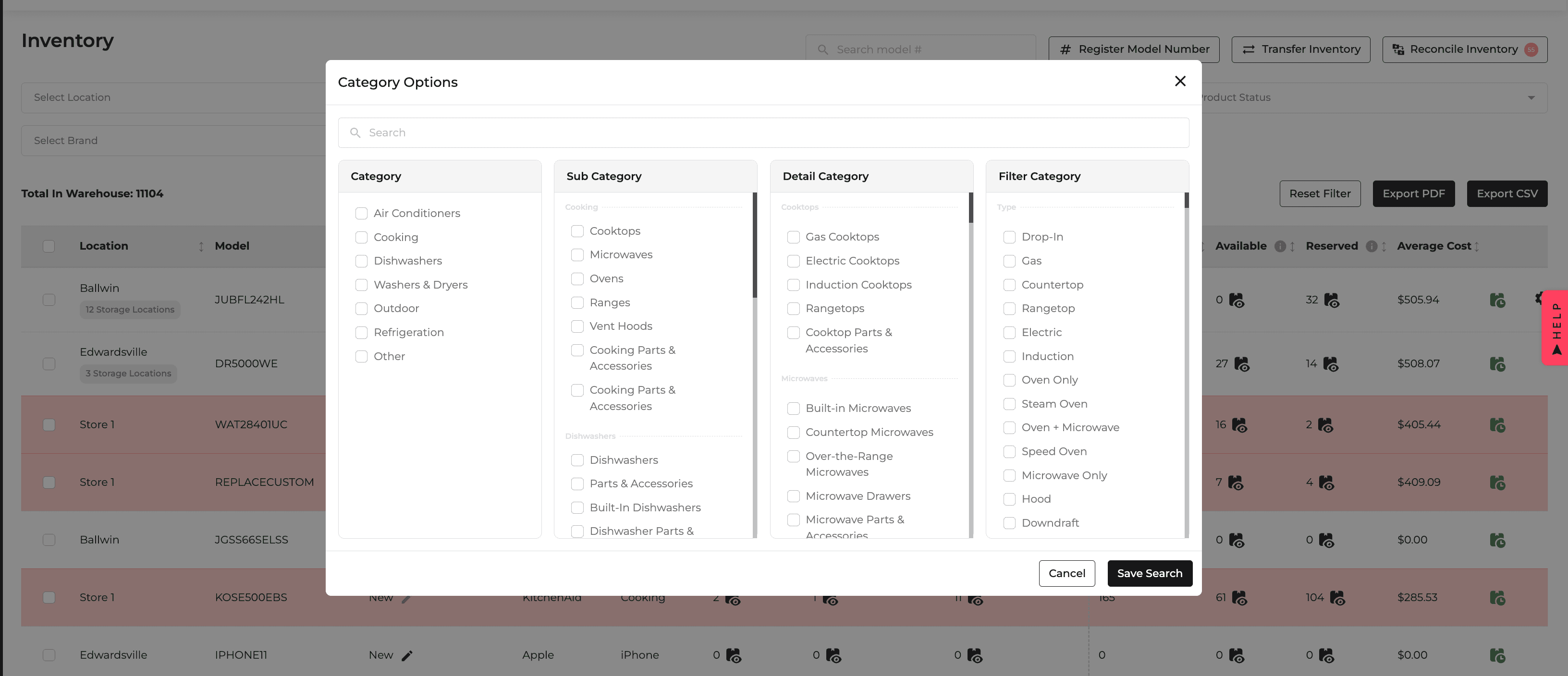
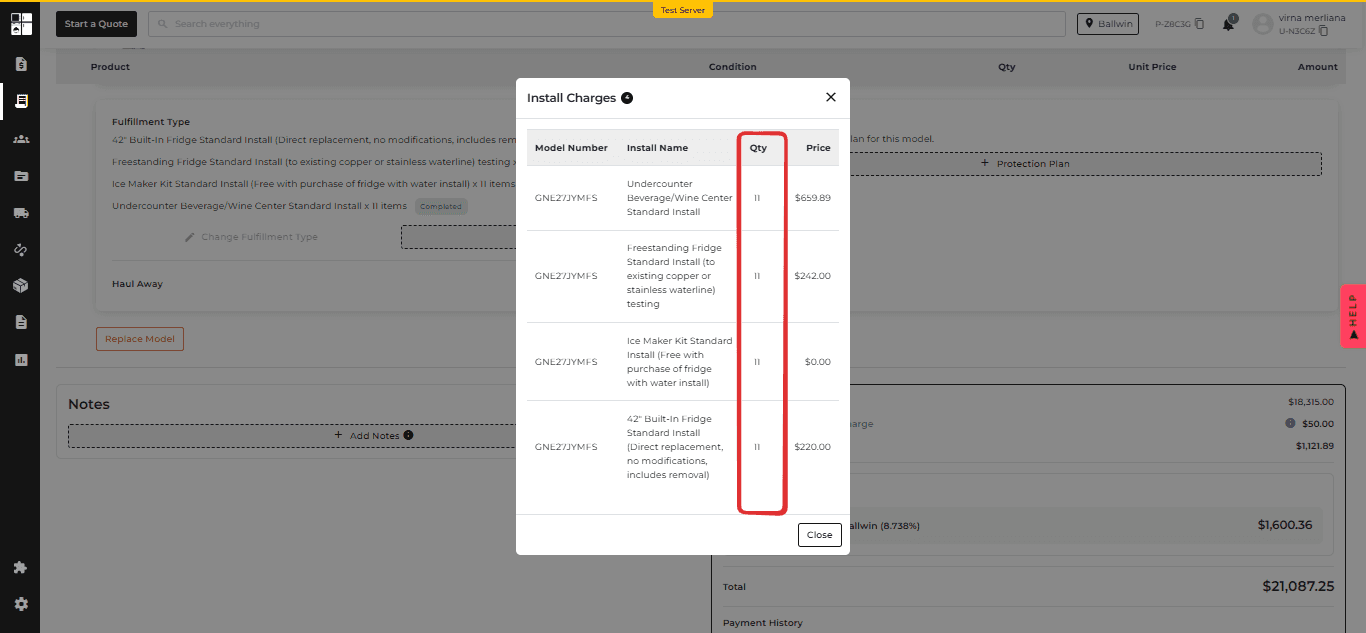
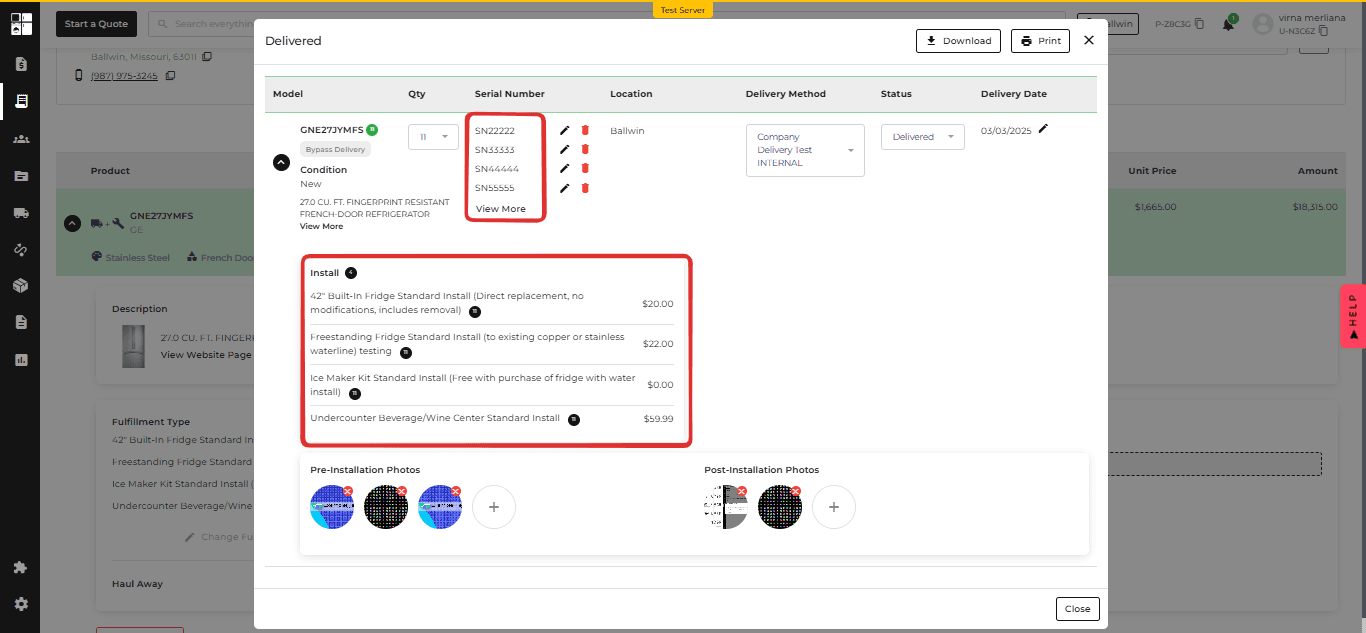
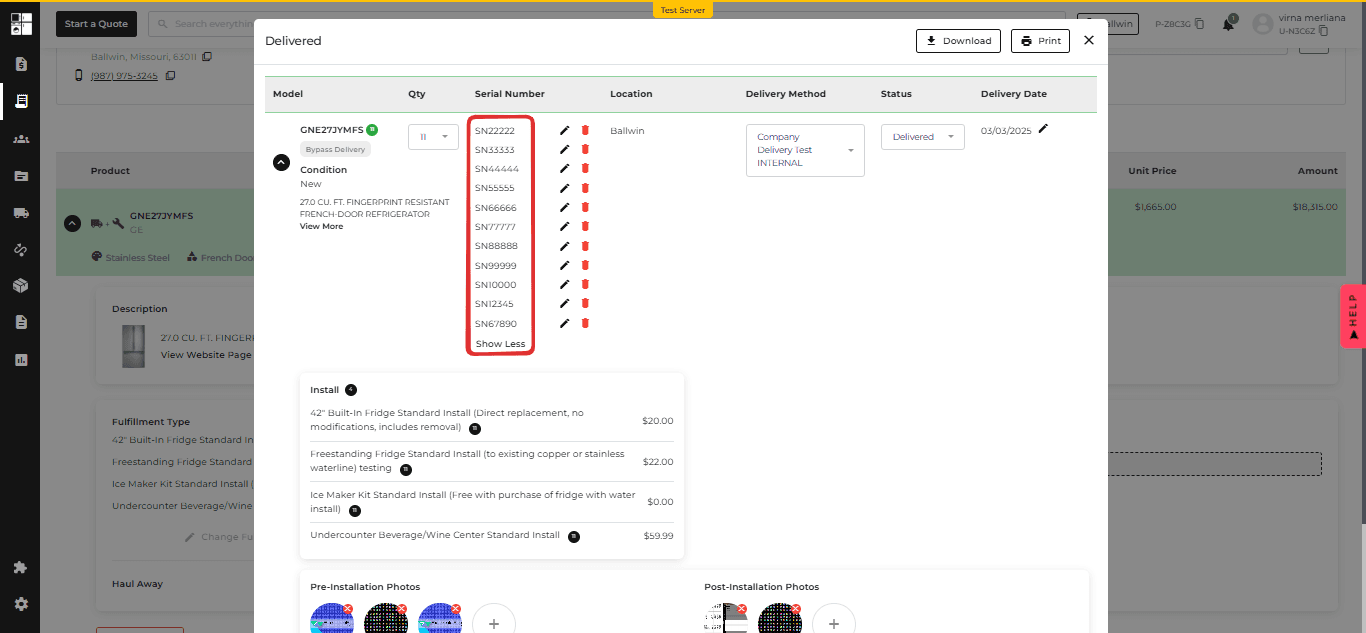

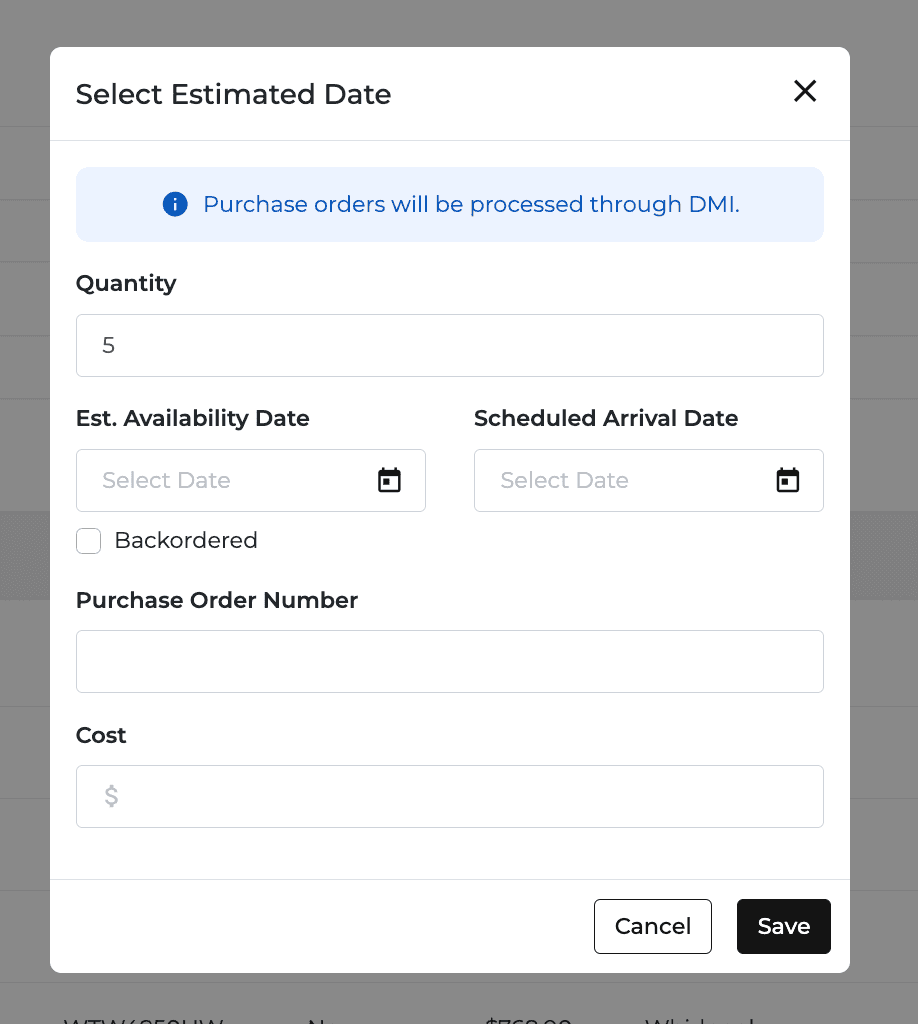
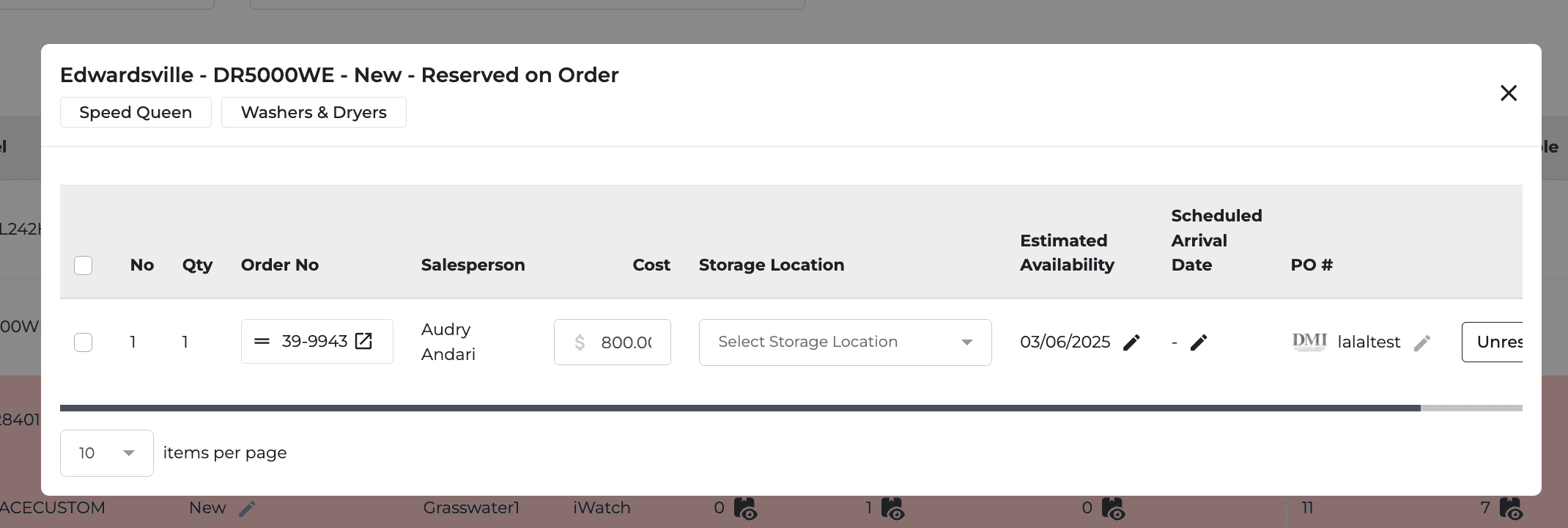
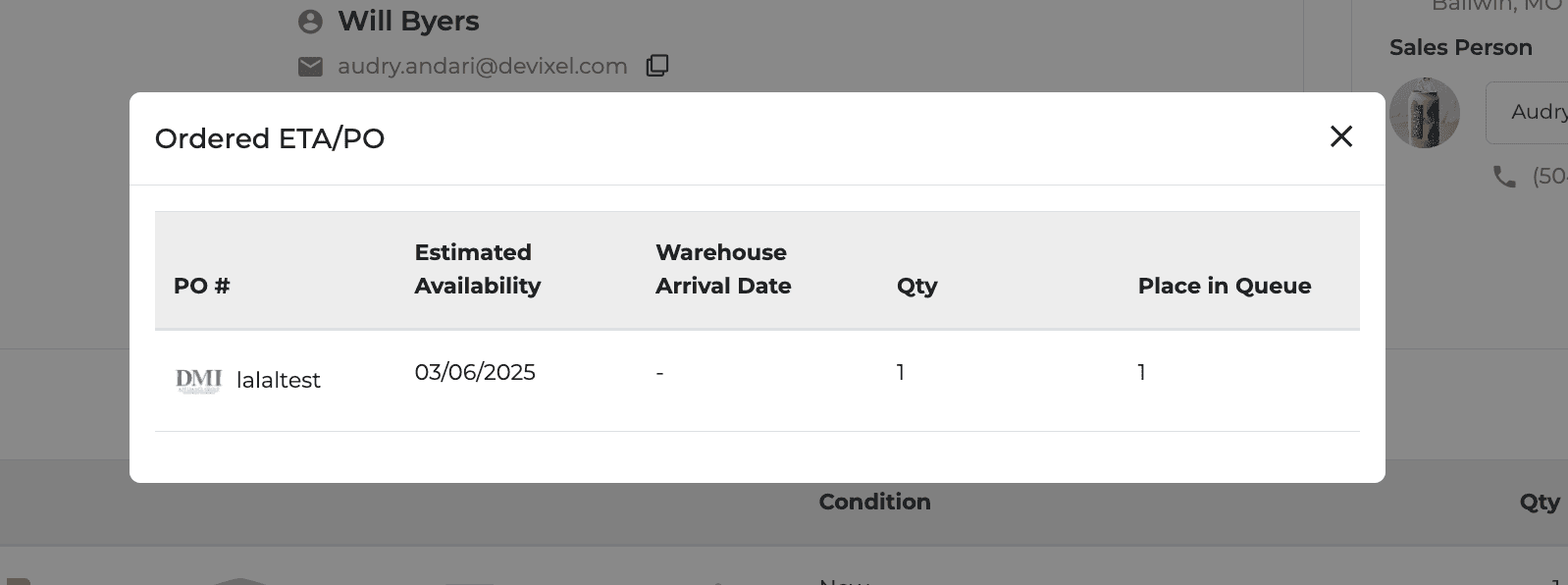
New Feature
Feature Improvement
AIO Pay
Payments
Inventory
Reports
Purchase Order
Quotes
Orders
What’s New
This update adds payment and reporting controls and improves several order and inventory workflows.
Enter card details in AIO Pay Phone Payment without a physical terminal. Card fields appear after an amount is entered, and keyed-in cards carry a 3.5% fee.
Distinguish incoming stock with Available On Order and Reserved On Order inventory filters.
Filter the Income Statement by POS or eCommerce source; All Sources remains the default.
Minimize a Select Action popup and reopen it without starting over.
Sort Purchase Orders by the Needed By date in ascending or descending order. The default view stays unchanged until sorting is selected.
See clearer visibility labels for customer, delivery, internal, and line-item notes. Add a line-item note to a selected model and include it on invoice PDFs.
Keep Sales Tax Report headers visible while scrolling and sort report columns.
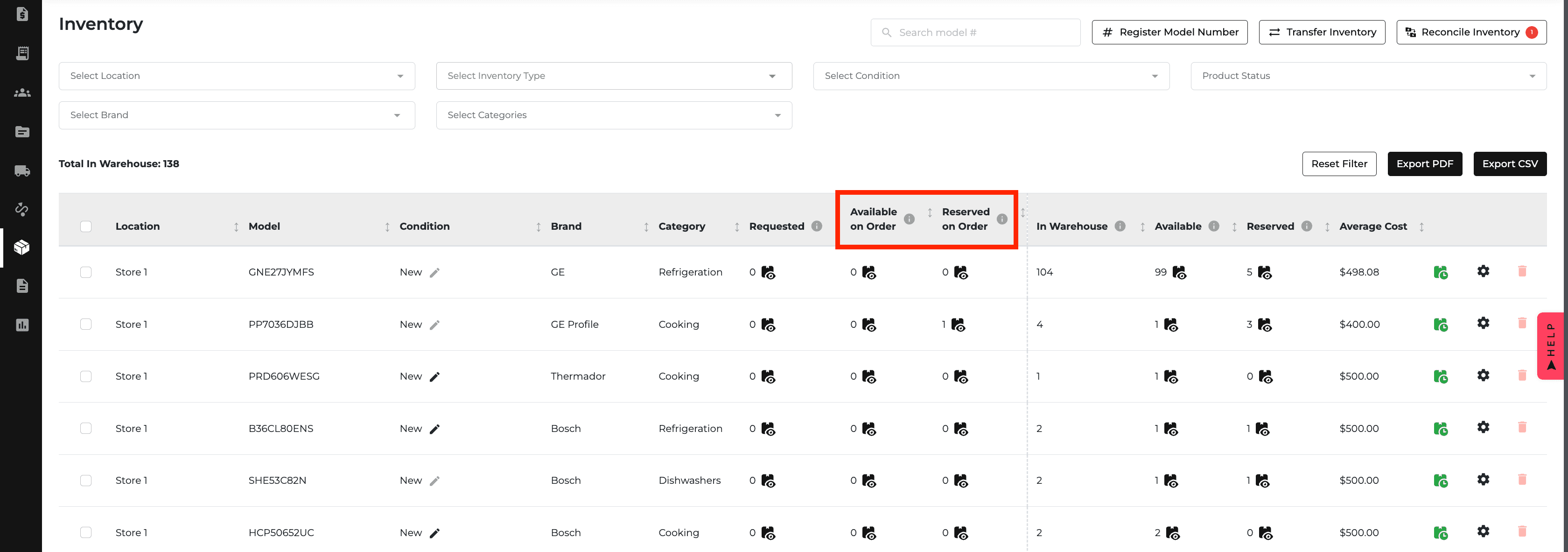
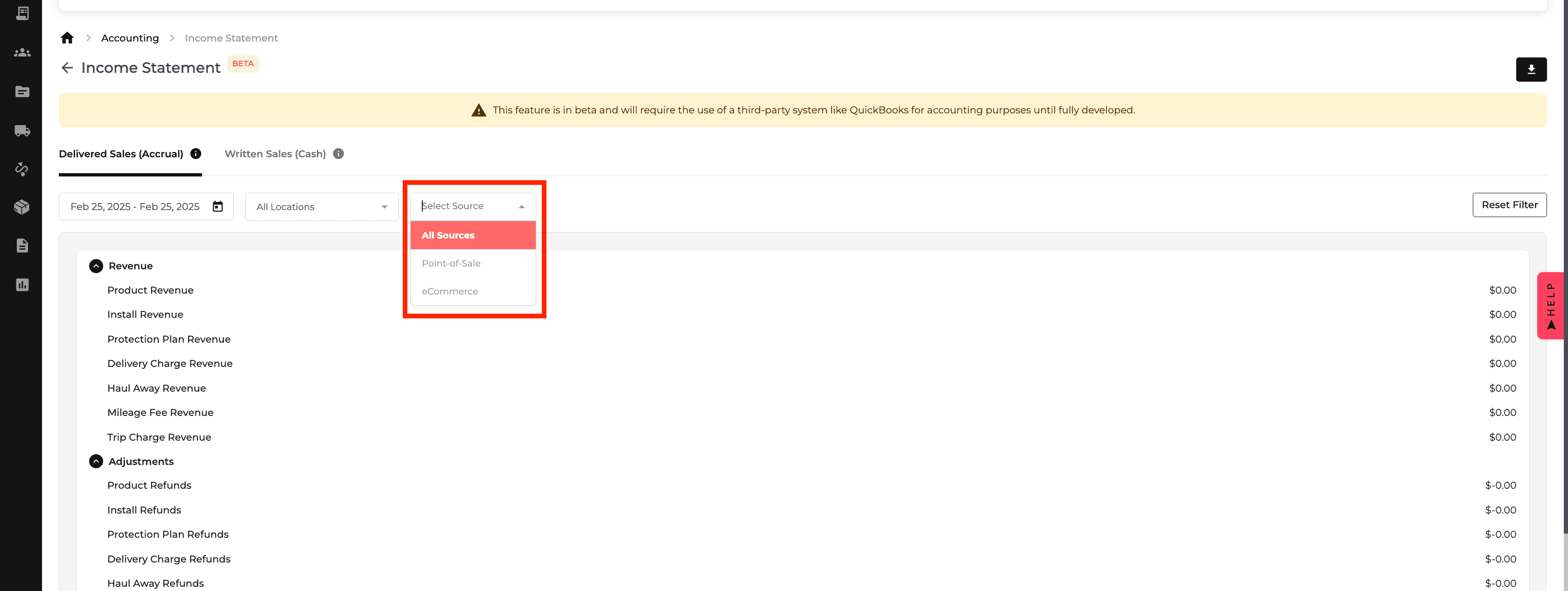
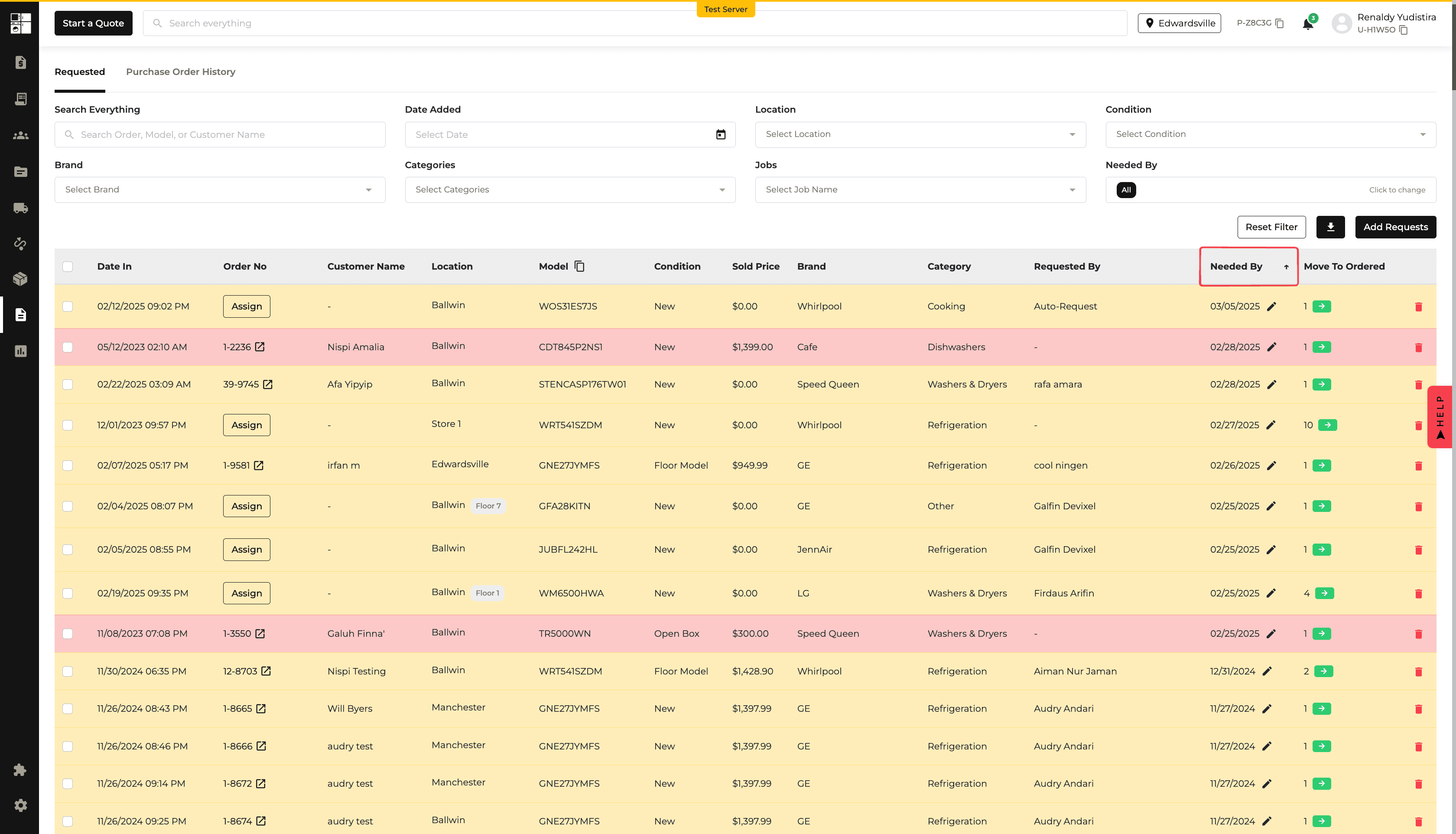
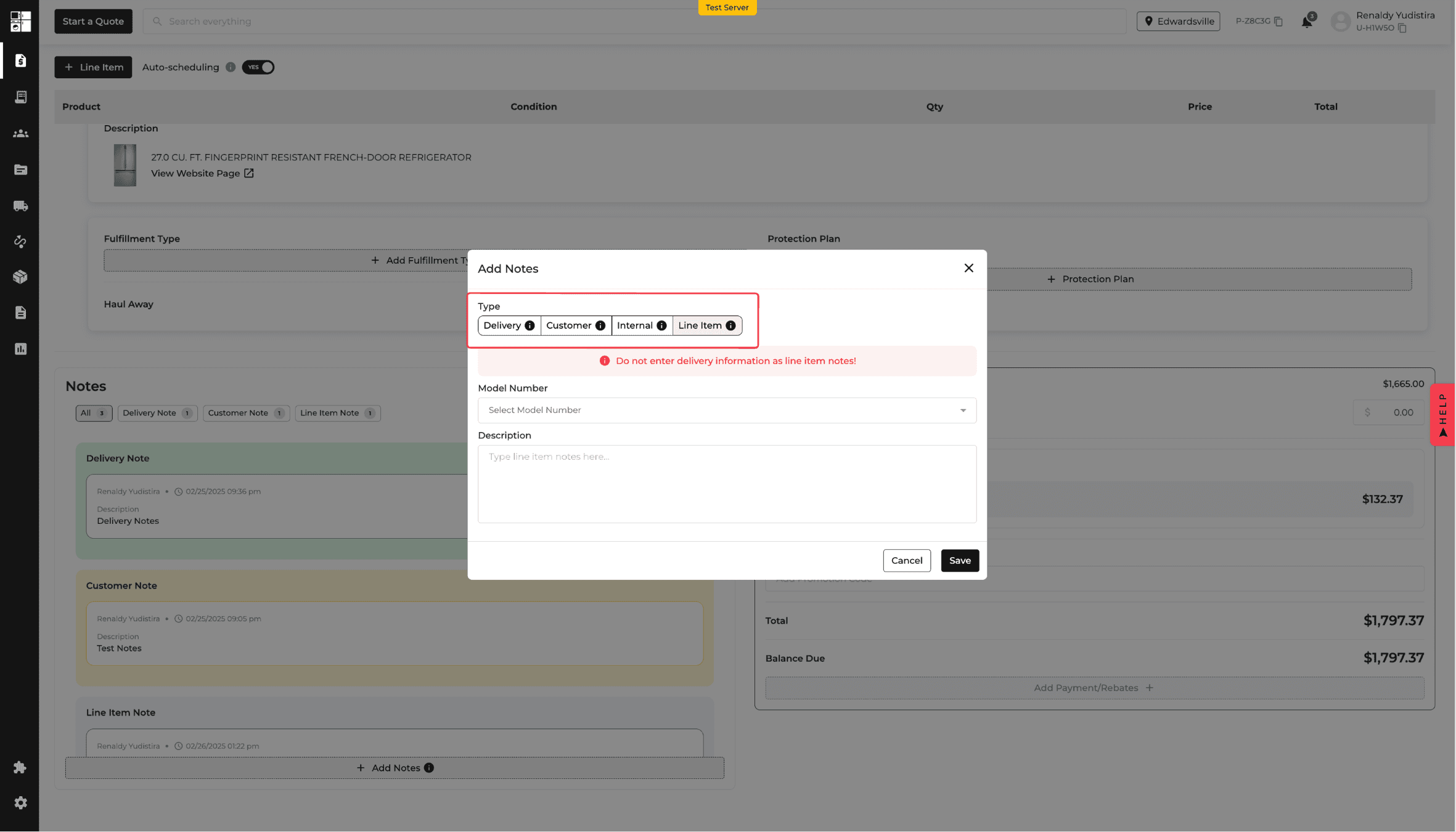
Feature Improvement
Reports
Settings
Driver Apps
Delivery and Routing
What’s New
Historical location data remains available in reports, and the driver app explains a model-detail safety cue.
Include historical data from archived or deleted locations in reports when it falls within the selected period. Exclude those locations when the period has no relevant data.
Remove archived or deleted locations from other active settings, including Terminal Settings.
Show an information icon over blurred model details when a driver carries the same model in different colors. The explanation directs the driver to confirm the item by serial number.
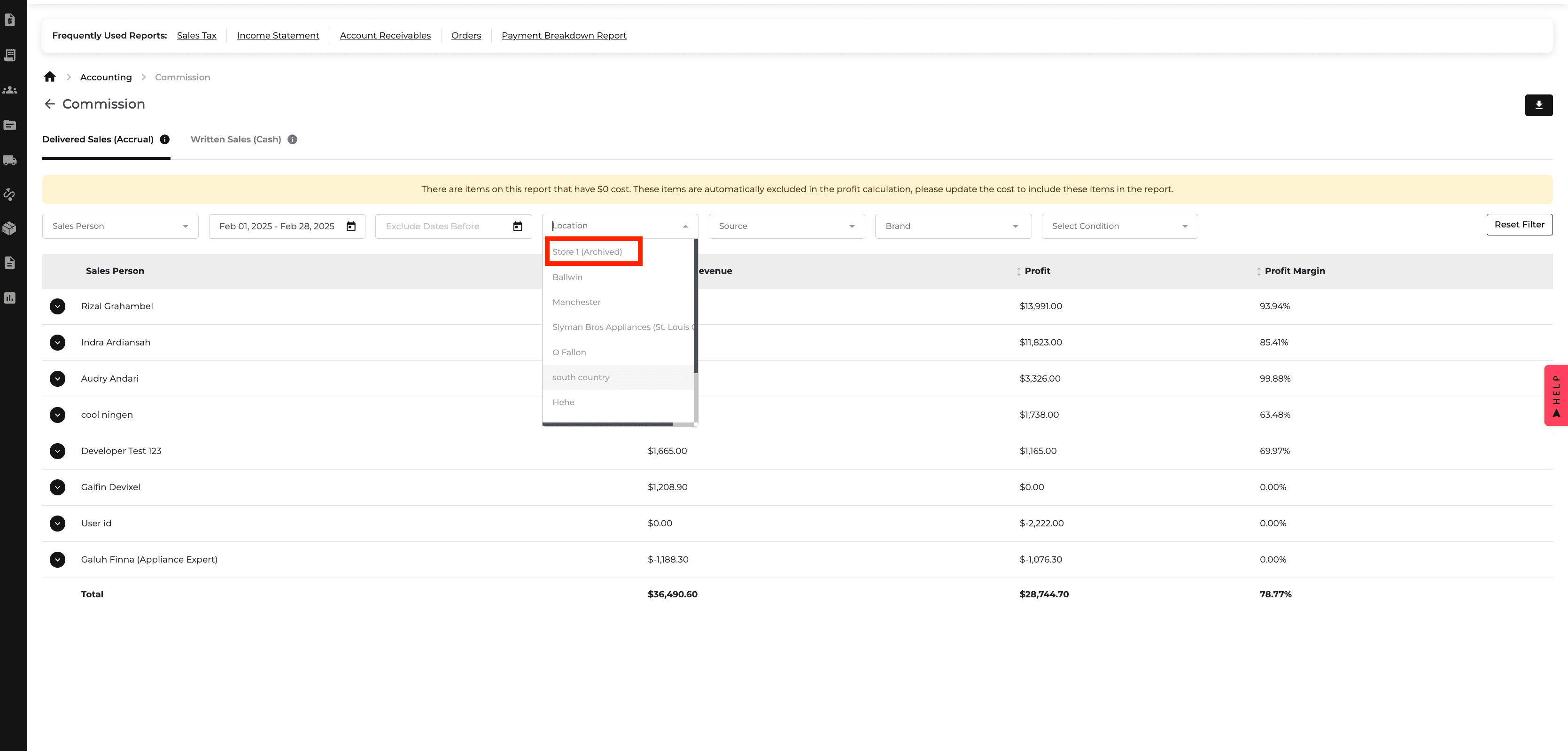
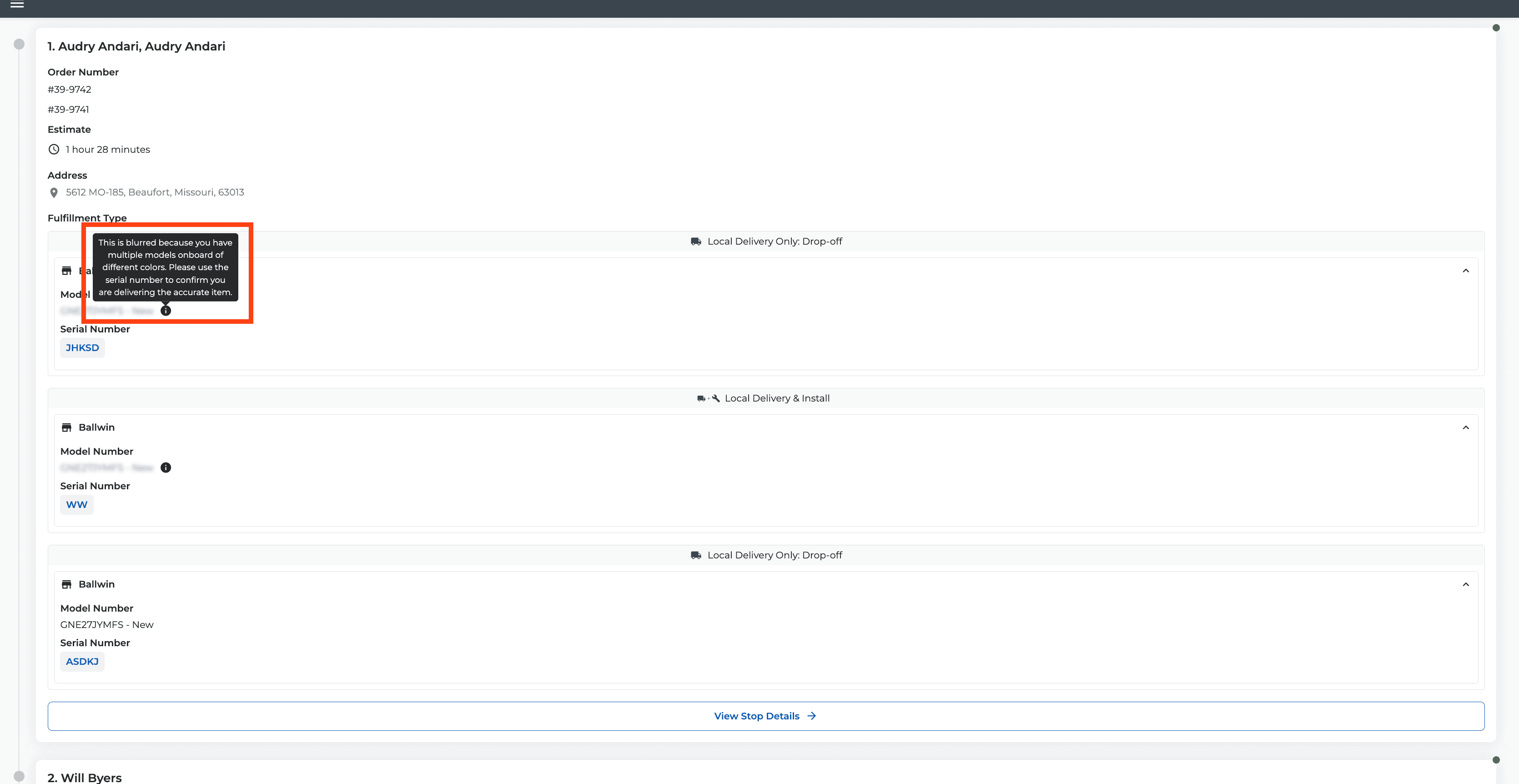
Feature Improvement
Inventory
What’s New
Eligible inventory item conditions can now be updated from the Inventory page.
Use the edit control beside Condition to review the model number and current condition, then select a new condition.
Edit in-stock, available items, including floor models. Items that are requested, on order, or reserved for an order cannot be edited this way.
When another item has the same model and updated condition, the records are merged automatically.
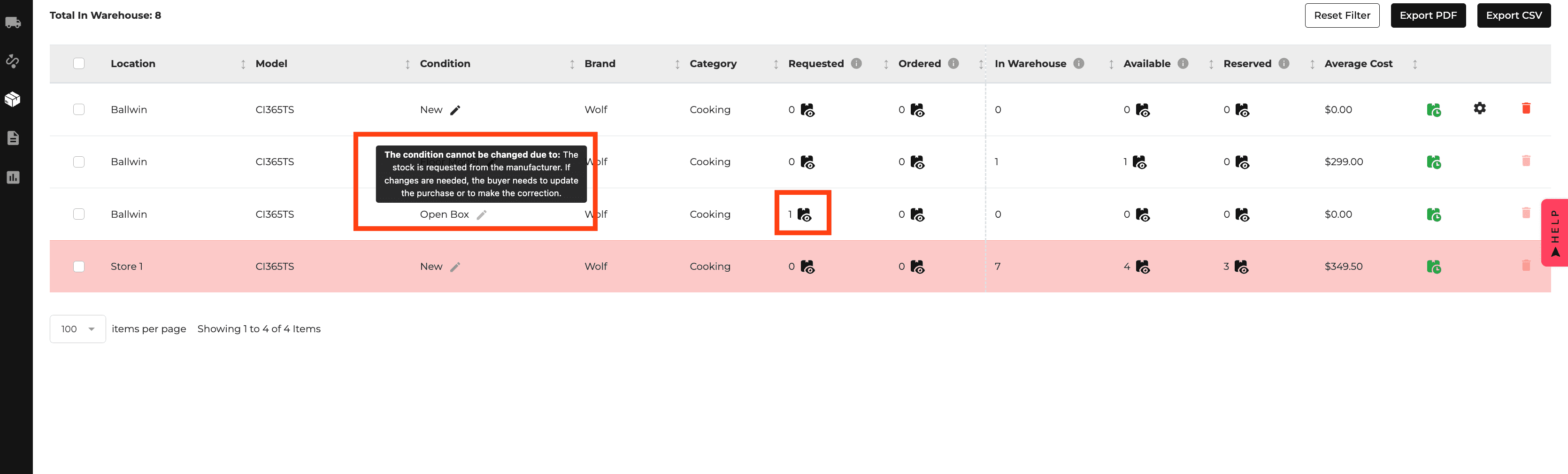
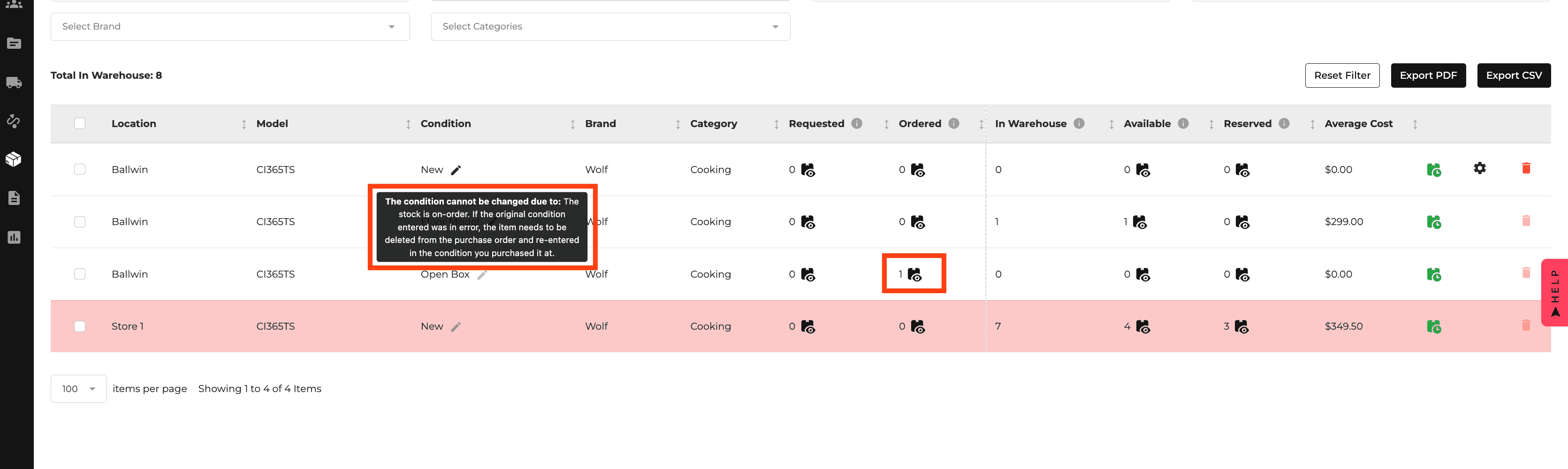
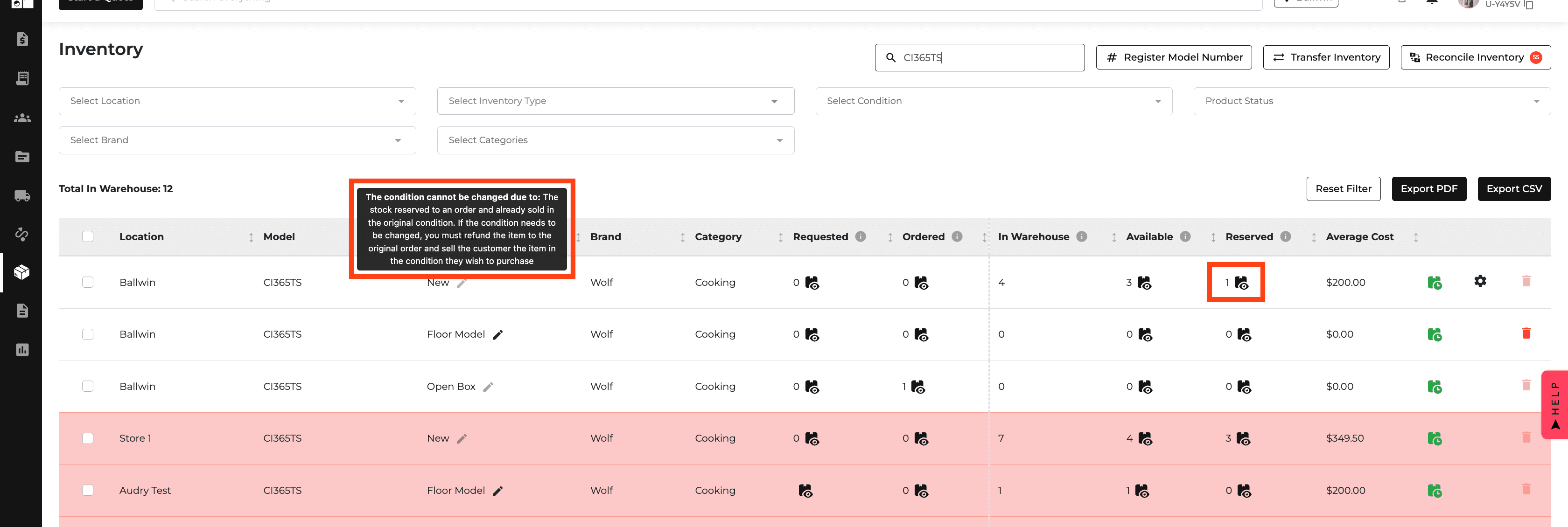
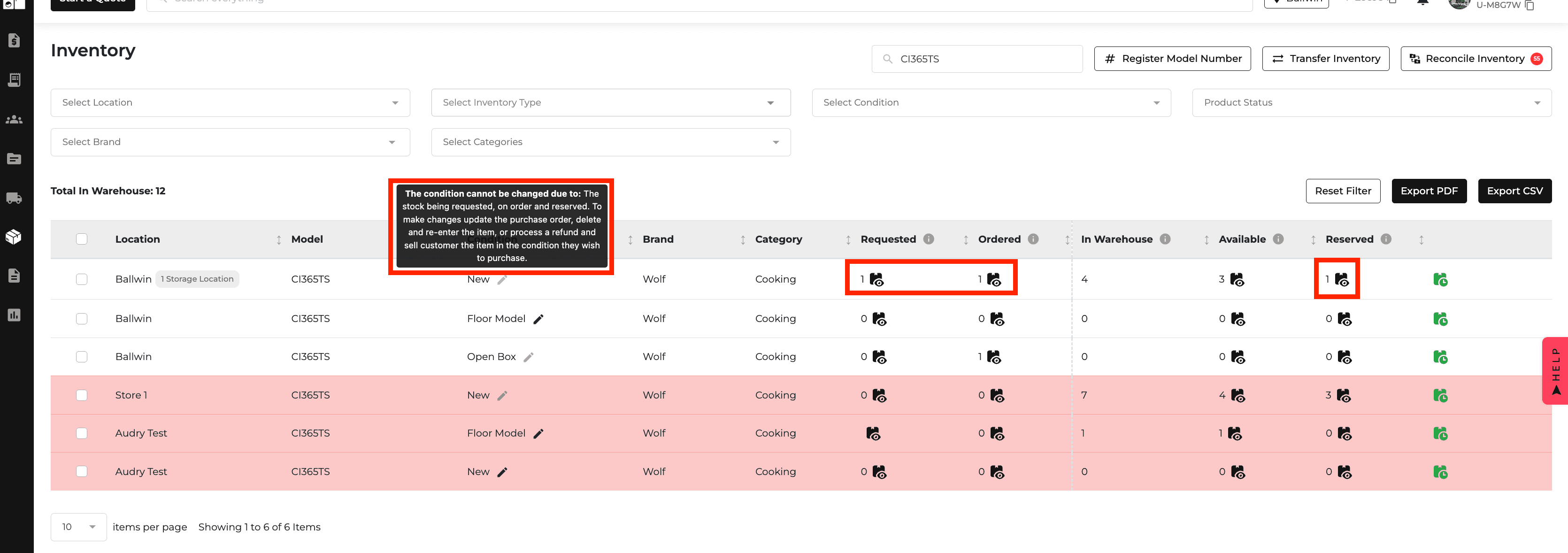
New Feature
Feature Improvement
Promos
Inventory
Settings
Orders
Warehouse
What’s New
This update adds promotion scheduling, storage locations, and safer location management.
Set Start Date and End Date for rebates and coupons. Configure rebate rules for one or more SKUs, brand spending minimums, and qualifying category combinations.
Assign inventory to storage locations within a company location. Manage storage locations in Location Settings and see them in inventory dialogs.
Show a dash where no storage location is configured instead of an empty selector.
Archive a location instead of deleting it. Active and Archived tabs separate the two states; existing orders stay linked, while archived locations cannot receive new reservations.
Warehouse locations cannot be archived.
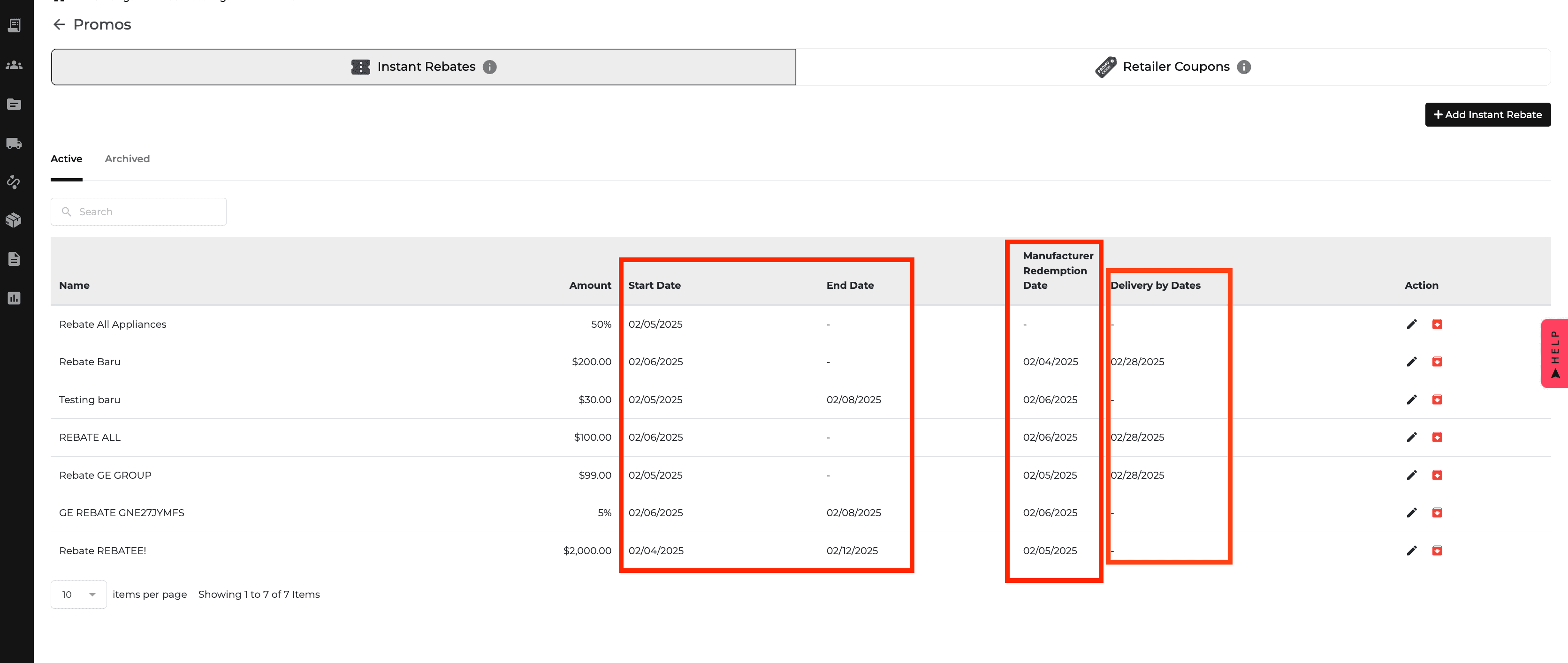
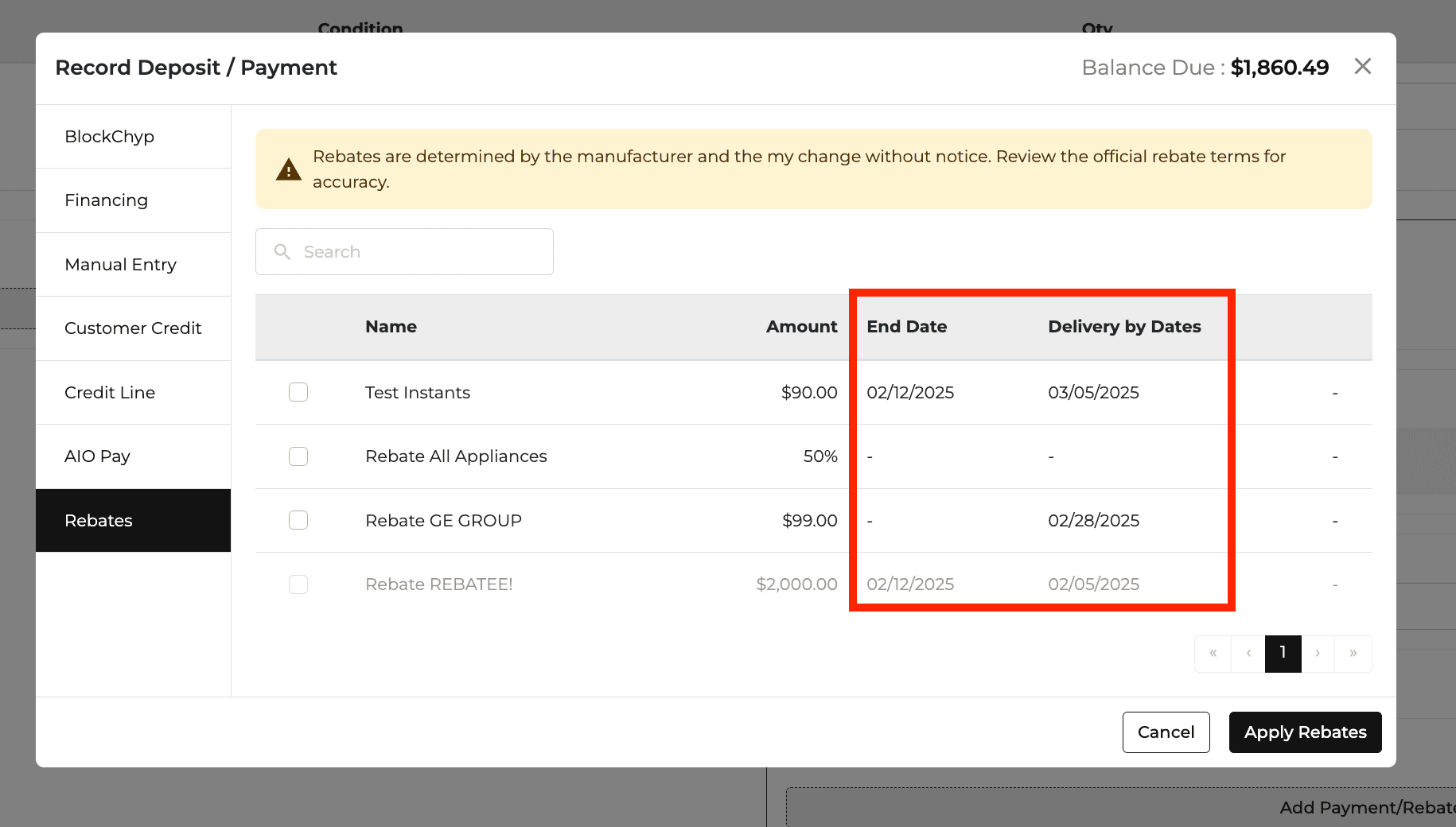

New Feature
Website
E-Commerce
Product Catalog
What’s New
See Price in Cart is now available across the website shopping flow.
Display the See Price in Cart label alongside a crossed-out previous price on product pages and in catalogs.
Show the Lowest Cart Price when the product is added to the cart.
New Feature
Feature Improvement
E-Commerce
Settings
Delivery and Routing
What’s New
Pricing, scheduling, and user management now have more direct controls.
Turn on See Price in Cart for an individual brand in Pricing Rules. The Lowest Cart Price column shows each model's cart price and is read-only.
Resend a scheduling link after its first send. Resends are logged, and the button is disabled once the item reaches the Scheduled tab.
Filter users by their default store location and see that location in a new Users-page column.
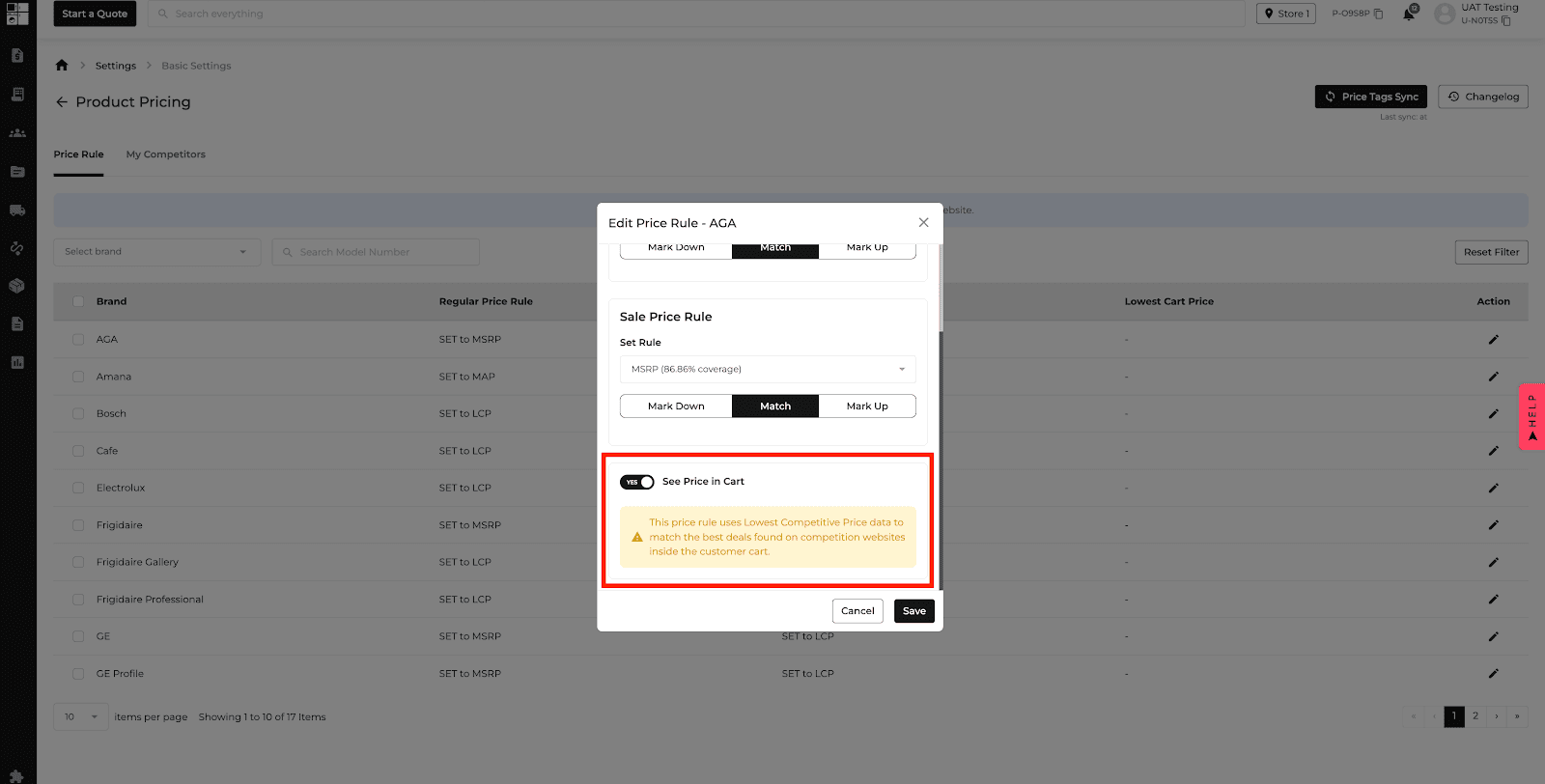
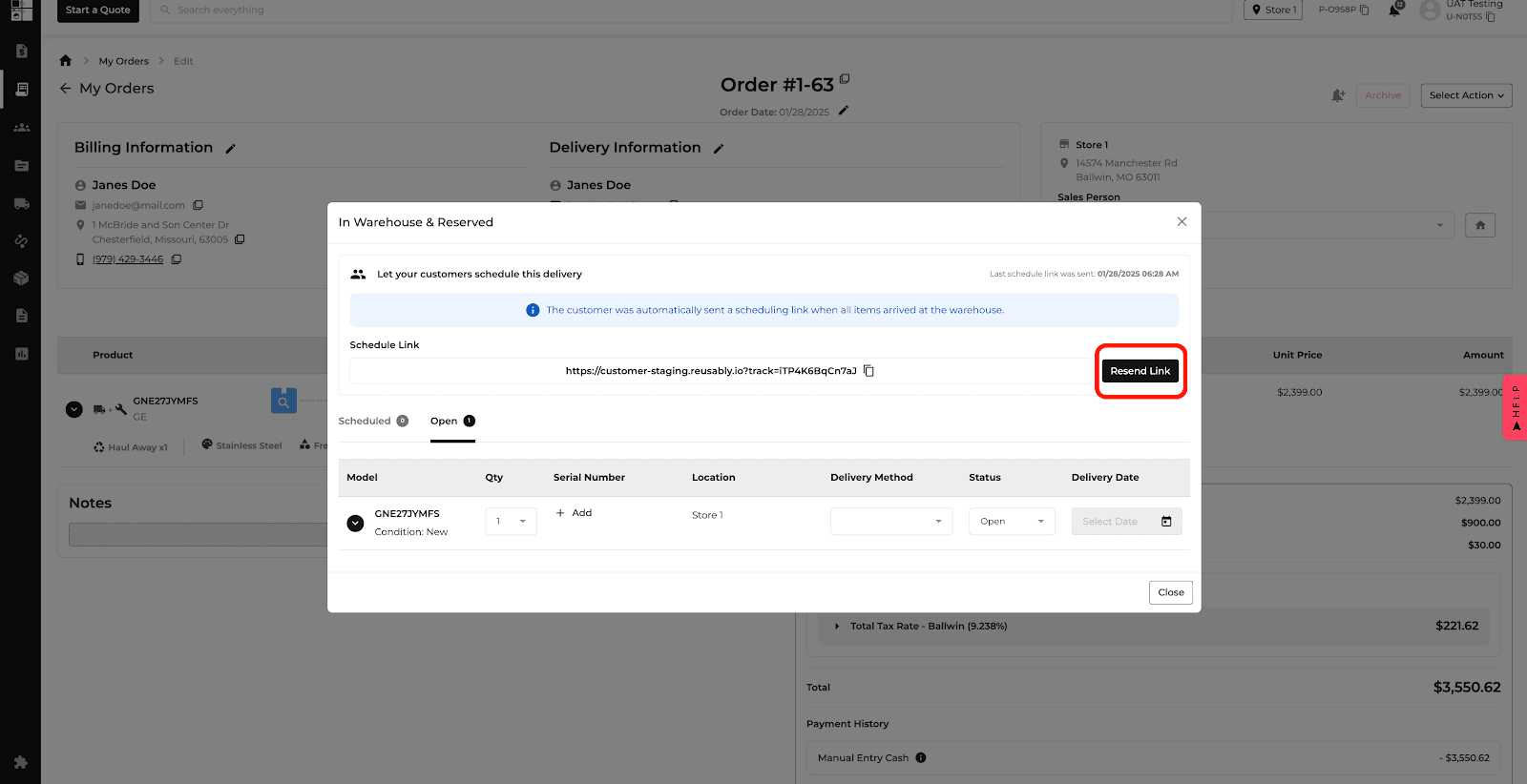
Related website update: January 29th, 2025
New Feature
Feature Improvement
Inventory
Warehouse
Delivery and Routing
Protection Plan
Settings
Orders
What’s New
This update improves scanning, delivery, and inventory workflows and adds clearer change tracking.
Select multiple subcategories and brands when scanning models.
Keep entered delivery information when viewing saved addresses and returning to the form.
Open protection plan settings from the renamed View Settings & Edit control and review who changed a setting, what changed, and when.
Review changes to user roles and user details in the user-role changelog, available to super admins.
Find archived orders, see who archived them and when, and cross-reference new orders linked within three days of archiving.
When receiving inventory, the Send Now button is removed; the background timer and status messaging remain available.
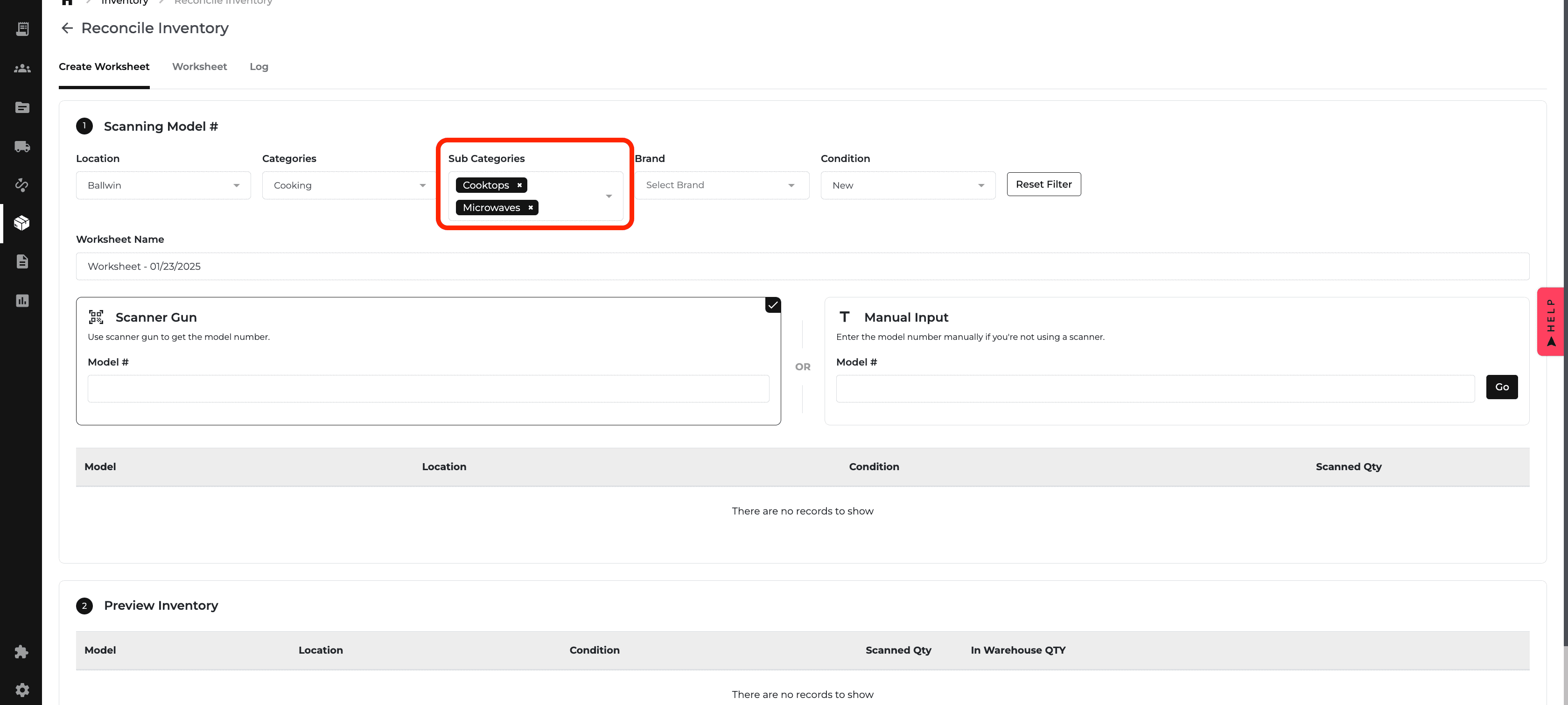
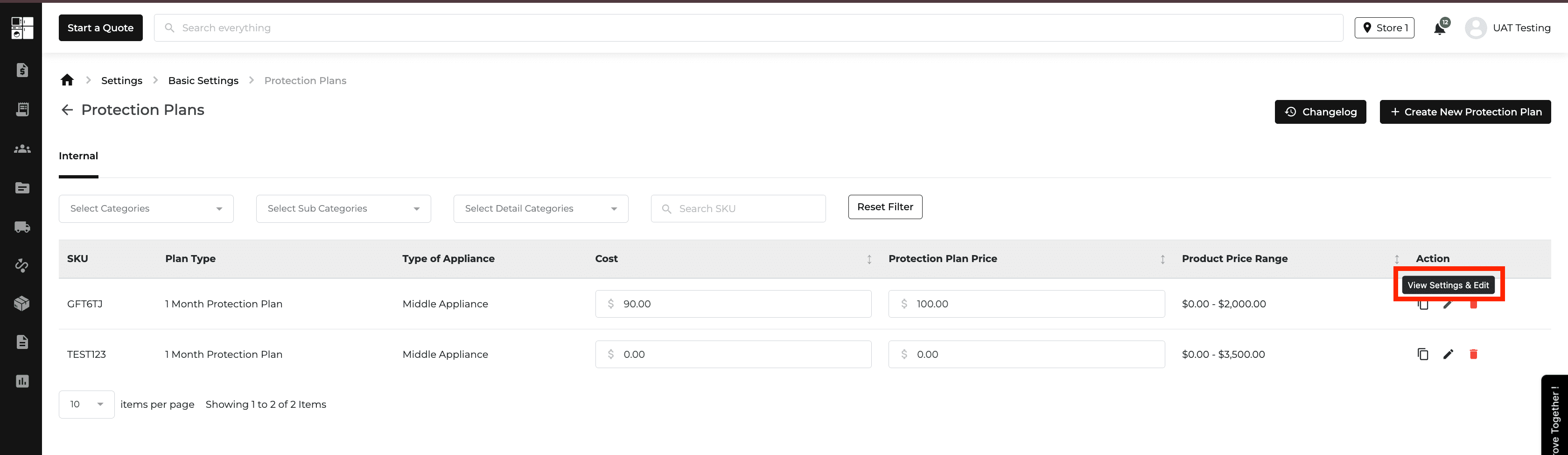
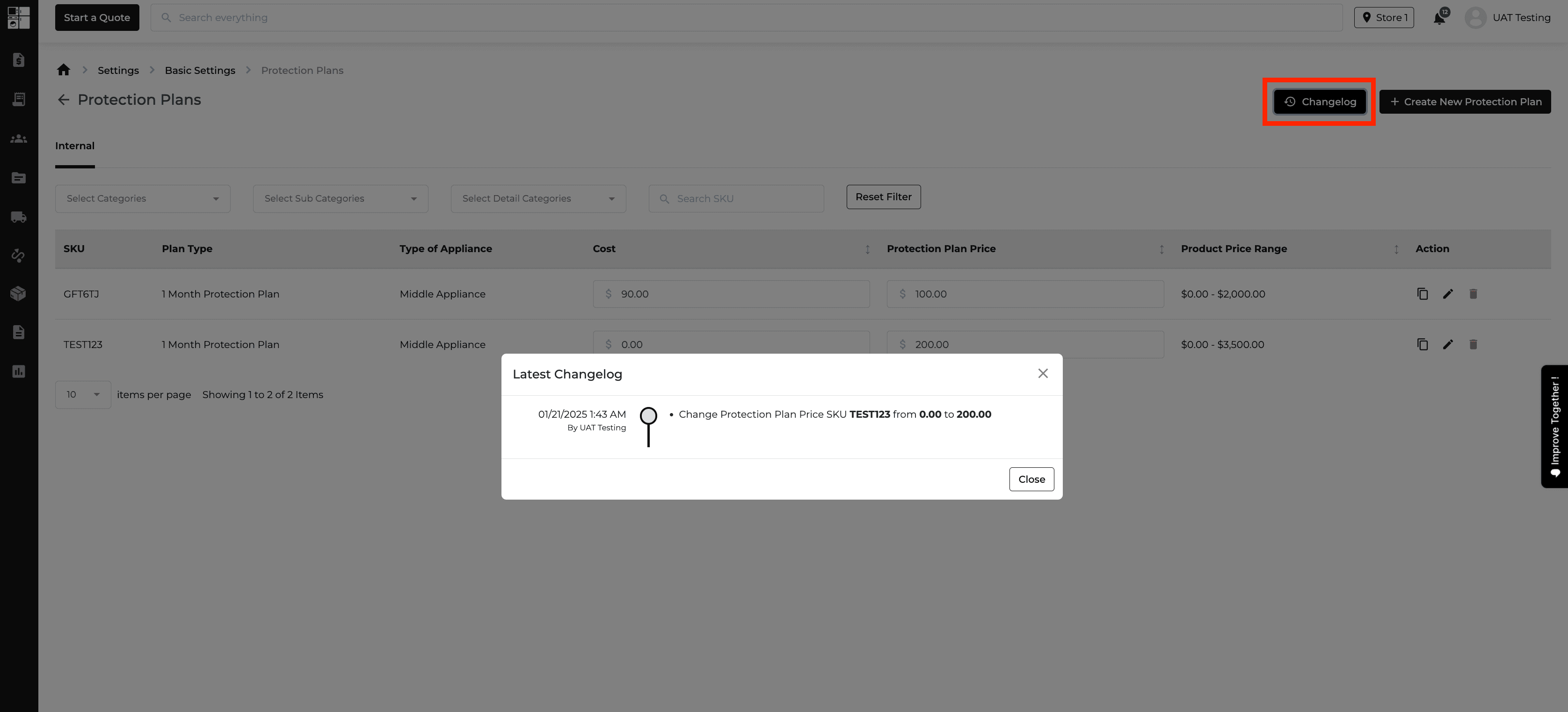
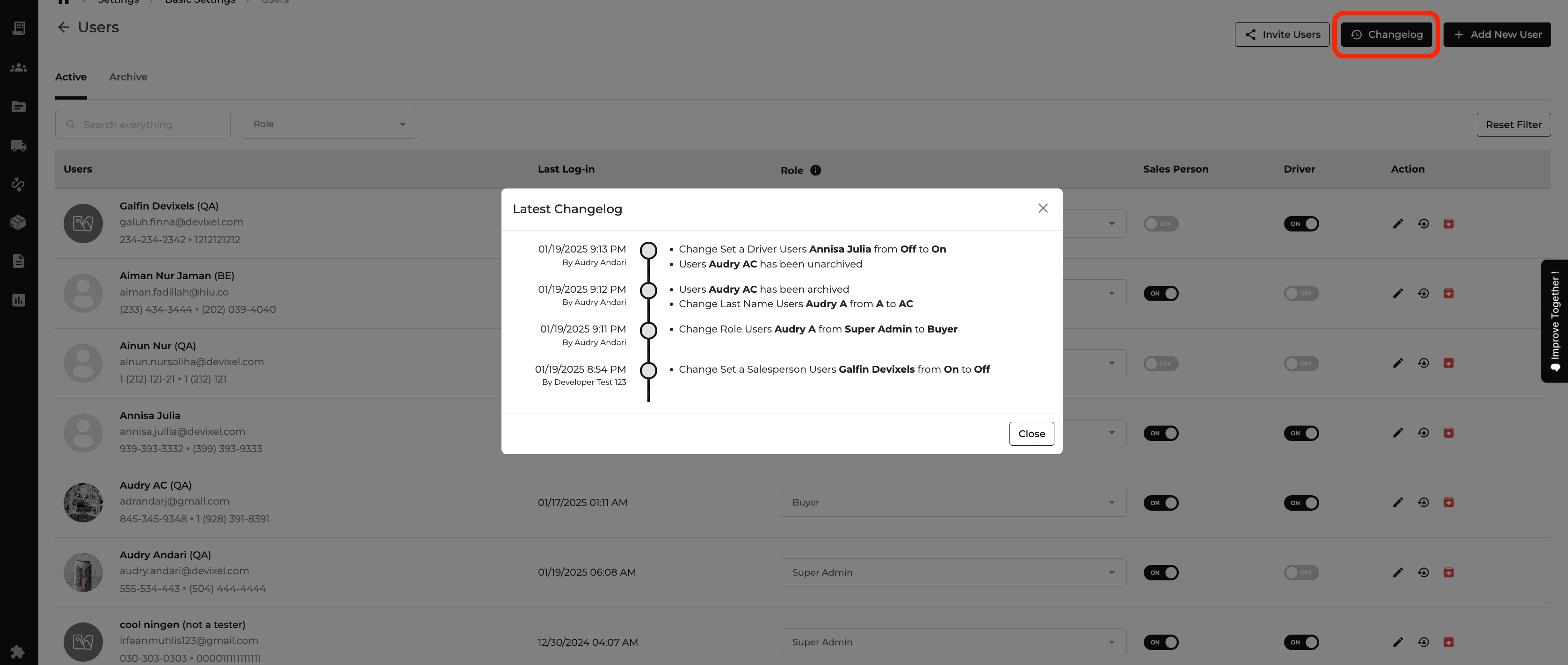
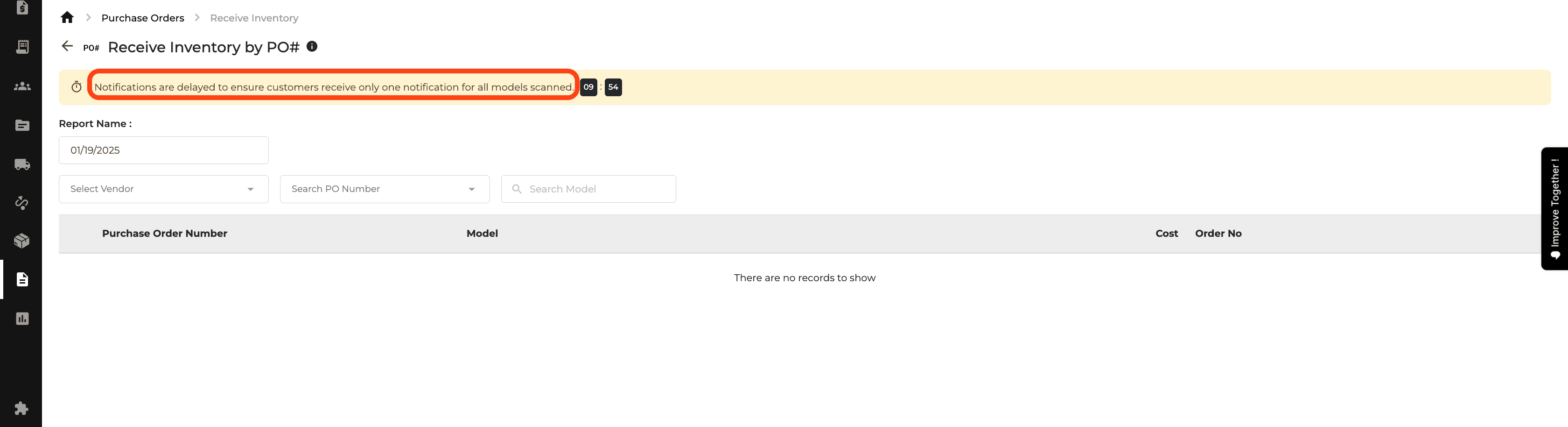
New Feature
Feature Improvement
Website
E-Commerce
Product Catalog
Inventory
What’s New
Website settings and shopping filters now give customers more relevant product and pickup information.
Turn appliance categories on or off in eCommerce Settings, with more detailed visibility controls on brand pages. Hidden categories do not appear in navigation, search, or product listings.
When a product is in stock for pickup, show the closest eligible location based on the customer's ZIP code or configured ZIP code. If no pickup location has stock, show the nearest location.
Use the On Display Locally filter to show products displayed at a store or products not displayed at any store.
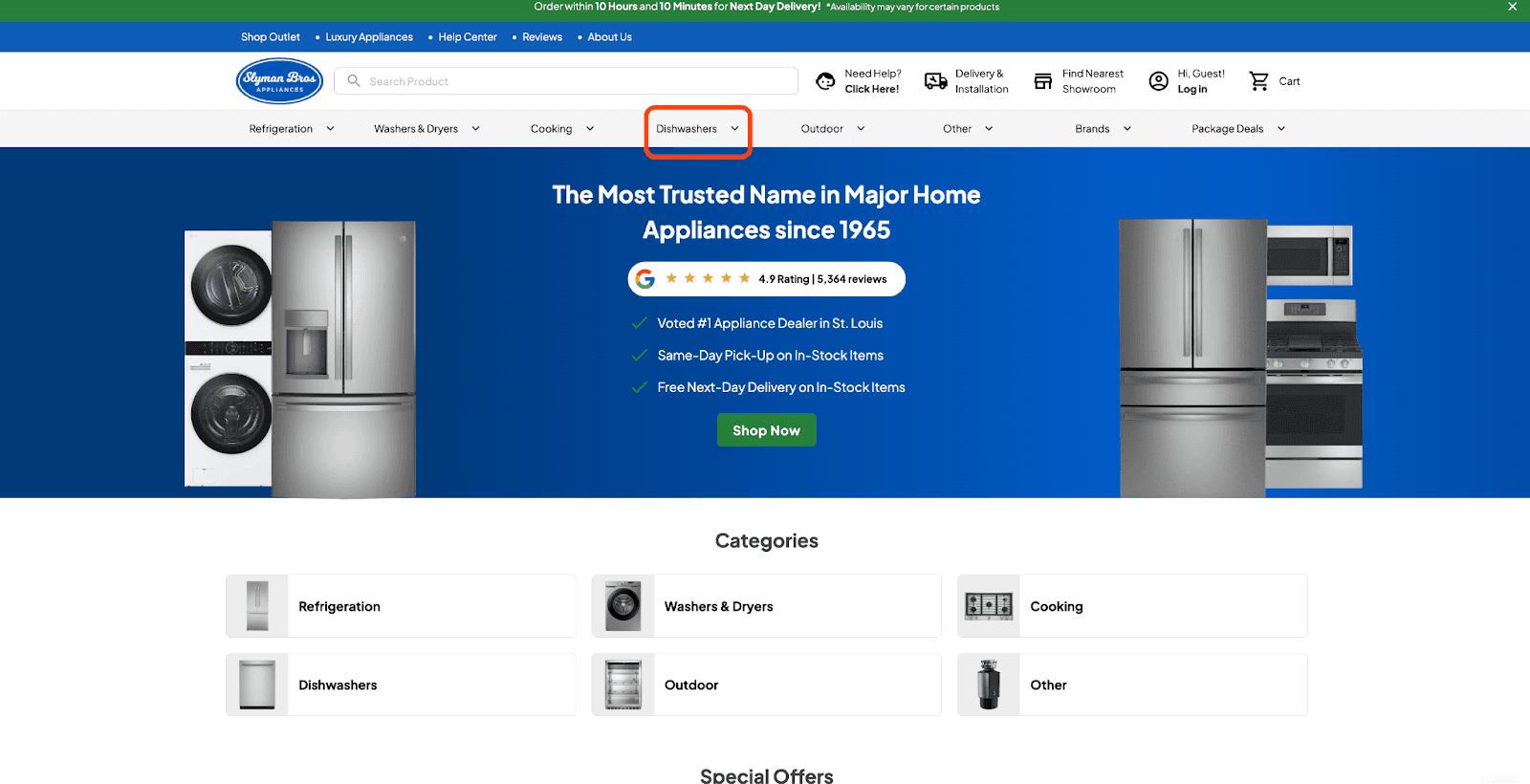
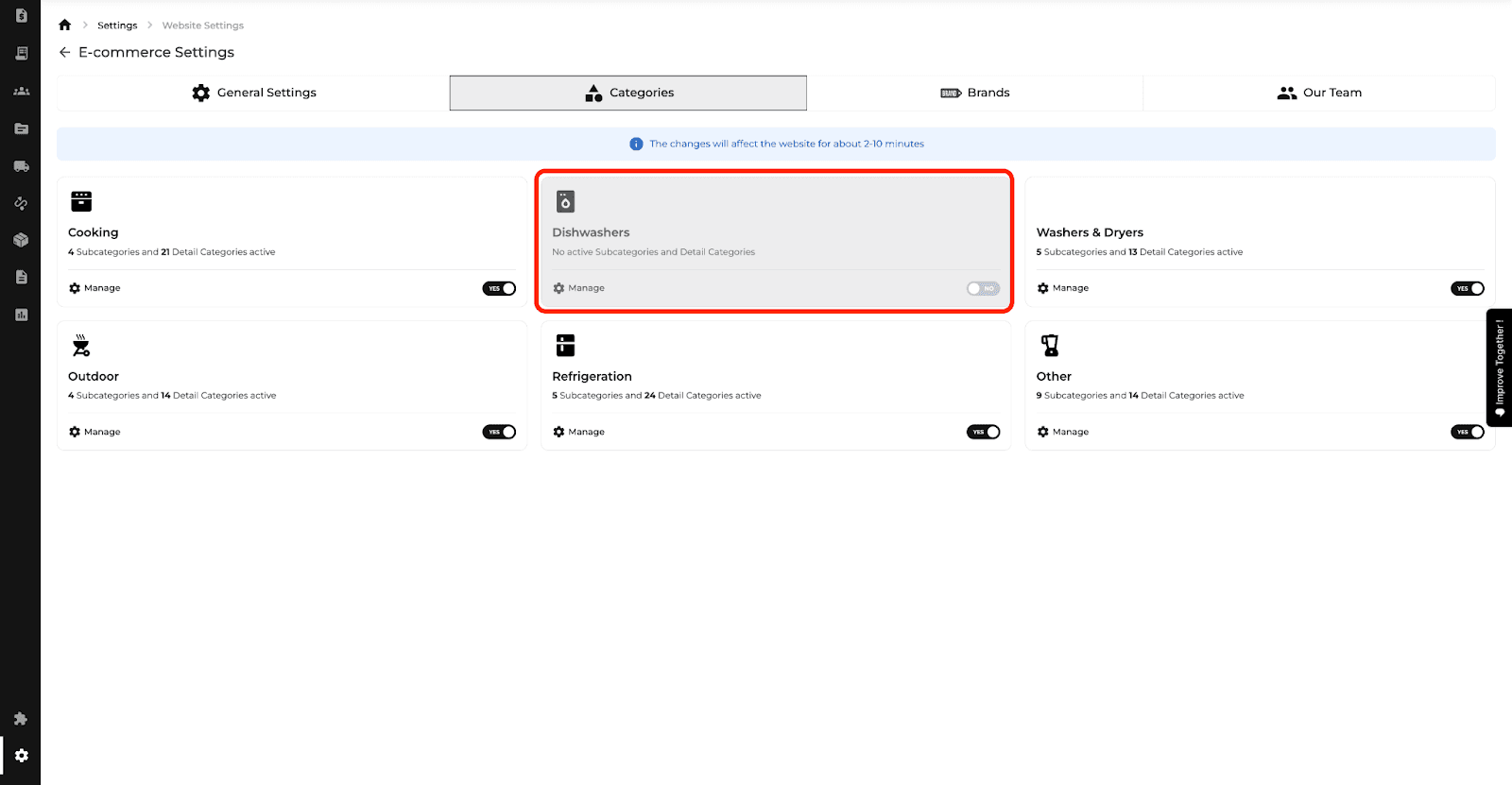
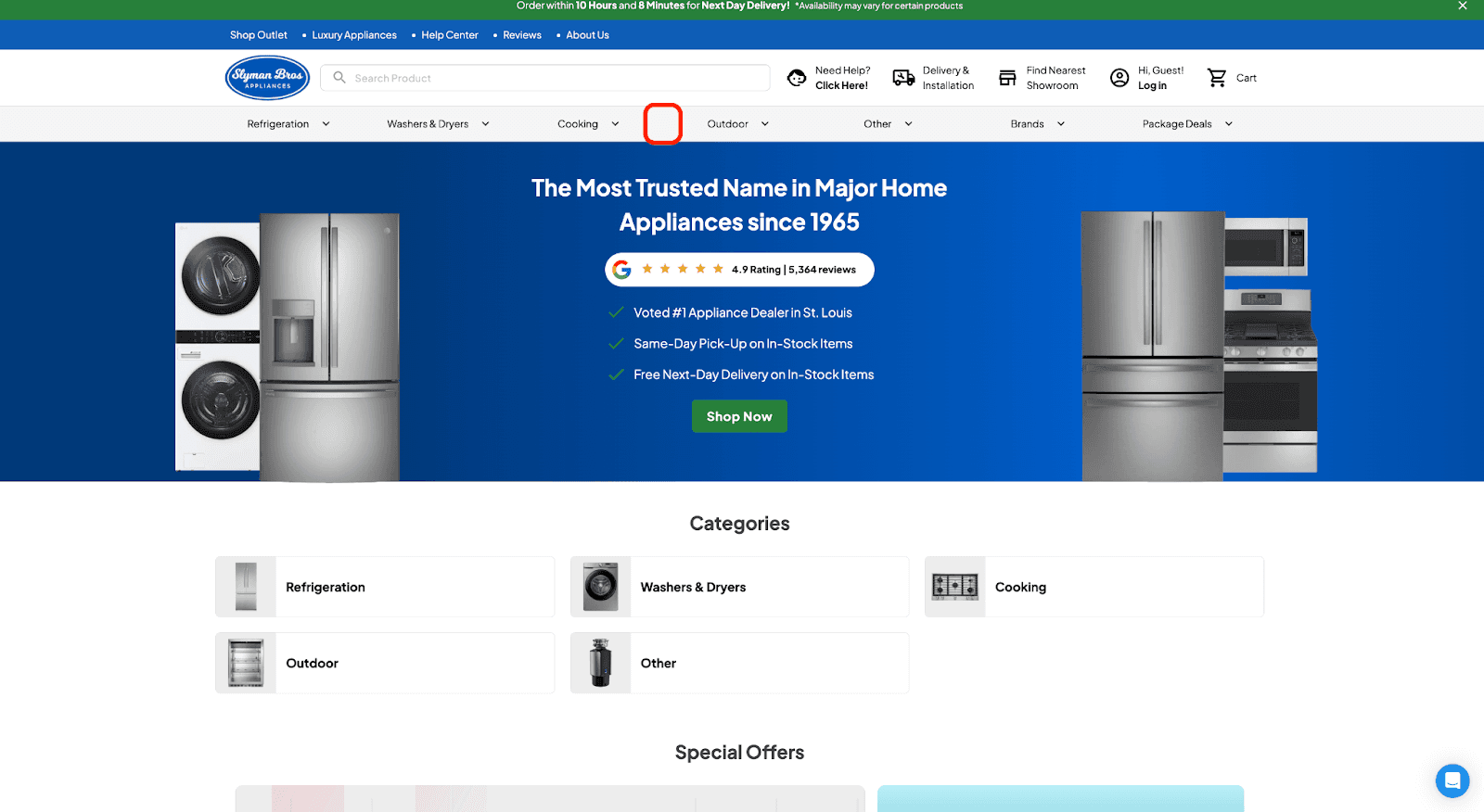

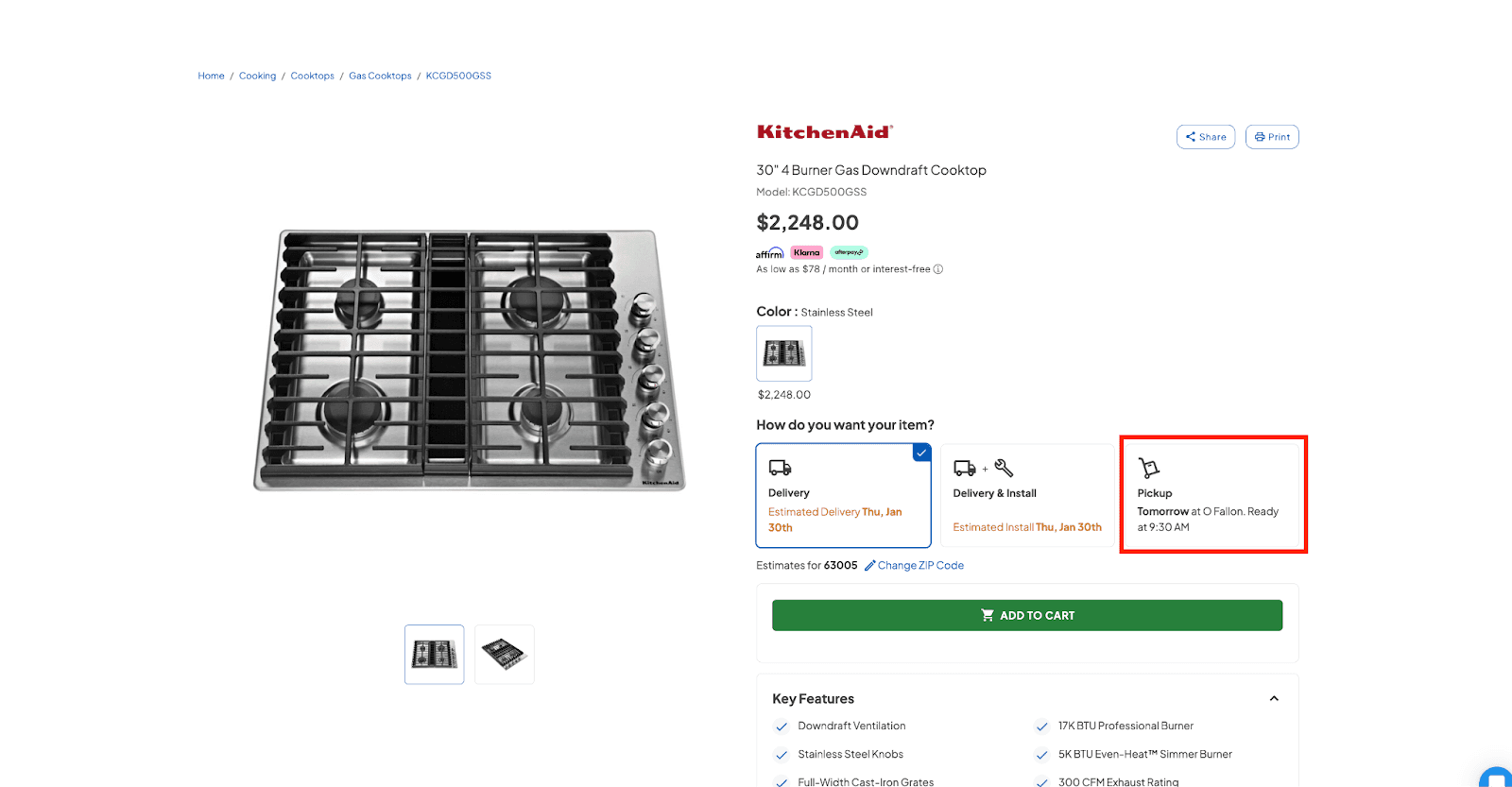
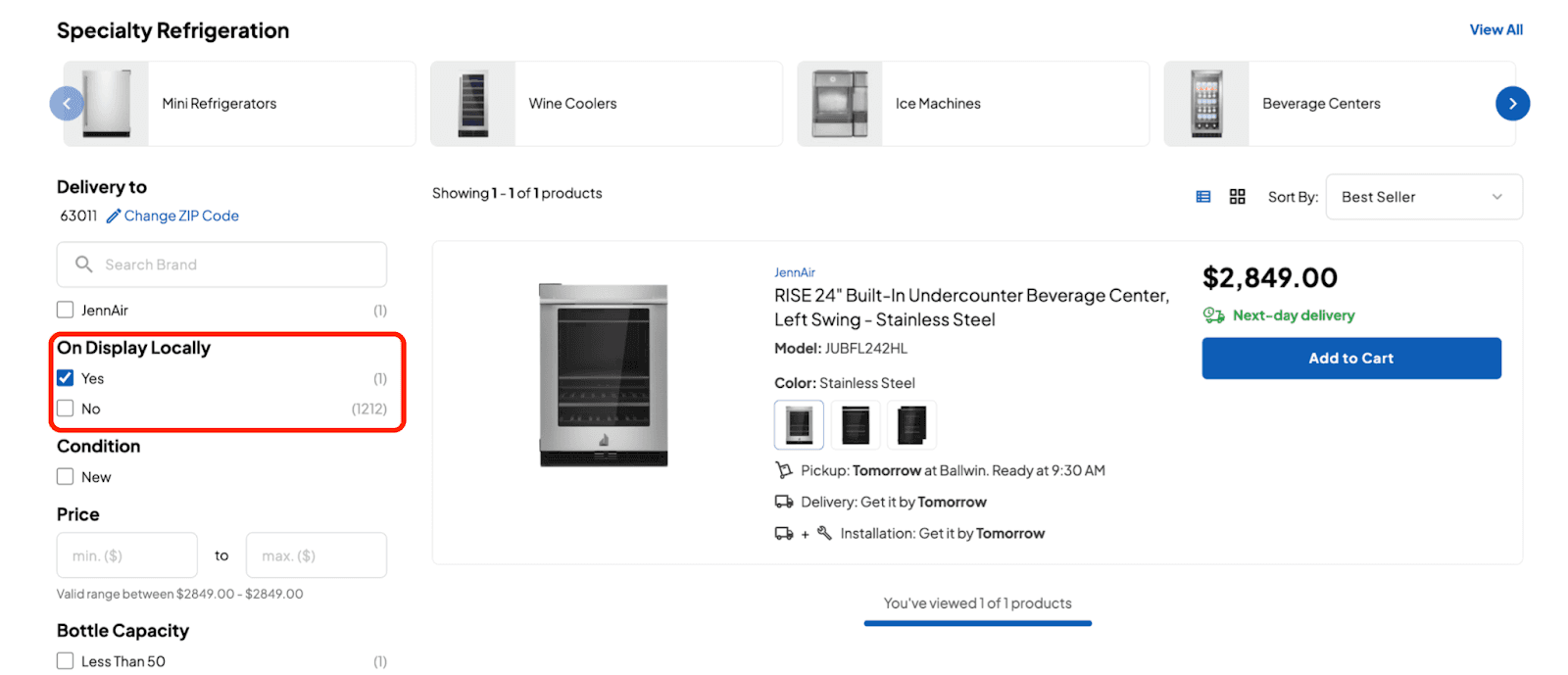
New Feature
Feature Improvement
Orders
E-Commerce
Settings
Reports
Promos
Inventory
Delivery and Routing
Website
What’s New
This update adds controls across orders, e-commerce, inventory, and customer workflows.
Set a locked or minimum locked restocking-fee percentage, enter a fee manually, or skip it. A confirmation warning appears before a return is processed.
Toggle appliance category visibility in eCommerce Settings and adjust visibility by brand; a category hidden globally stays hidden for every brand.
Assign an account manager to a customer profile. New orders can use that manager as the salesperson, and changes trigger email notifications. Archived profiles retain the assignment.
Select individual or all orders in the Instant Rebates Report for bulk actions.
Choose the Featured Image for non-new inventory to control its website thumbnail.
Print Home Visit details from the Customer Detail page.
Keep Order Report filters when returning from an order detail page.
Submit ideas or bugs through Improve Together with a category and supporting media; each submission keeps its own conversation.
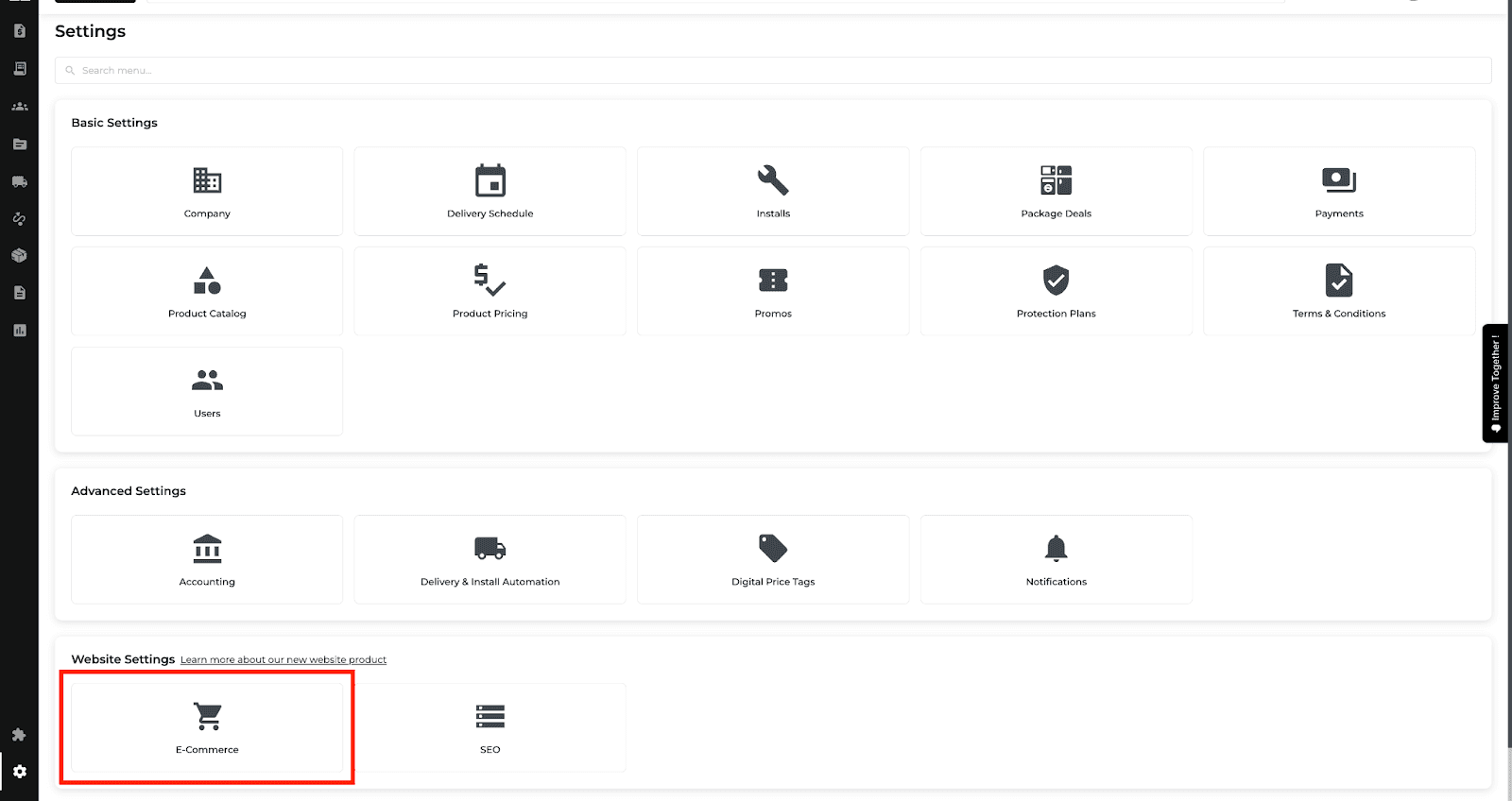
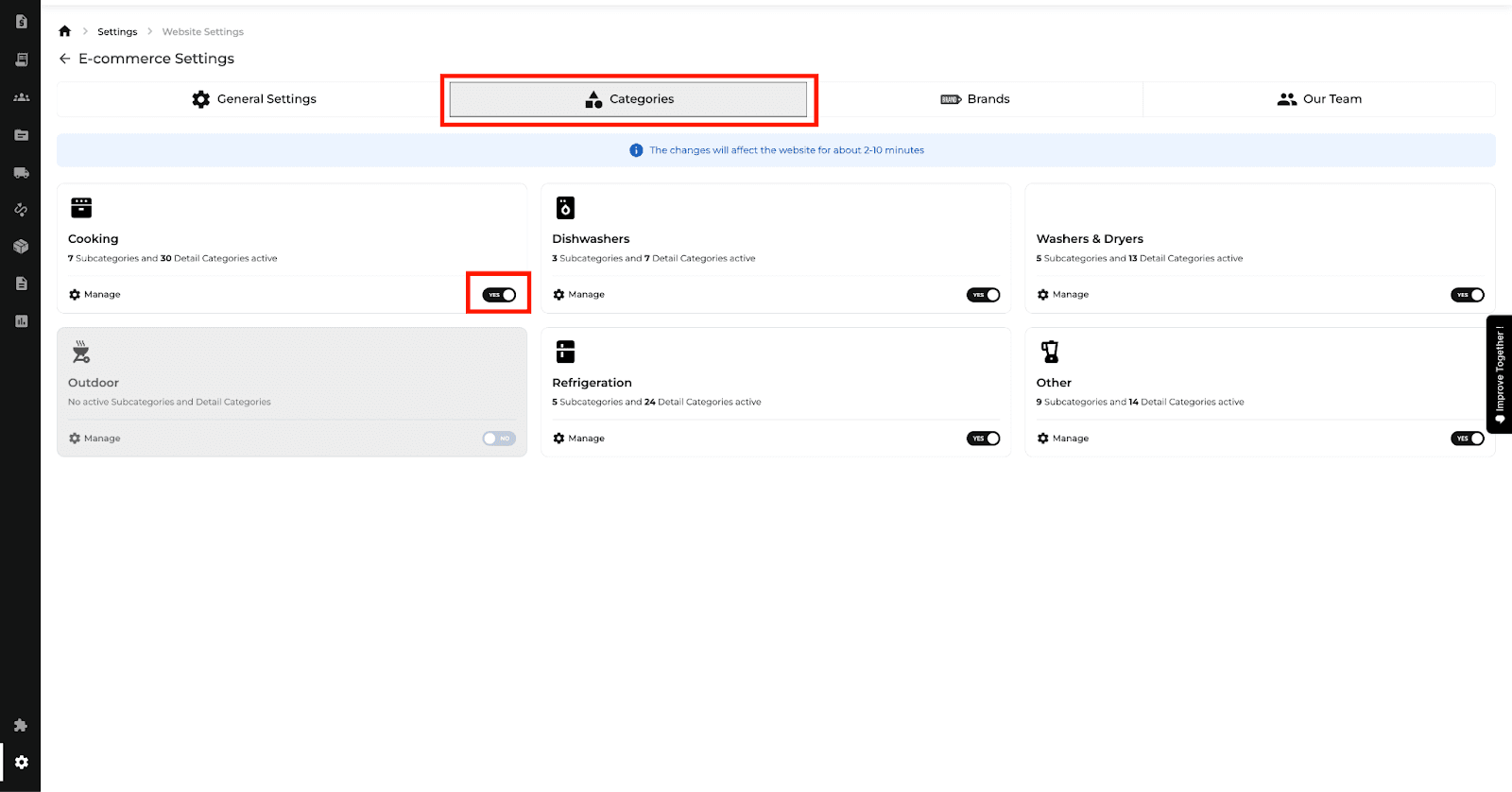
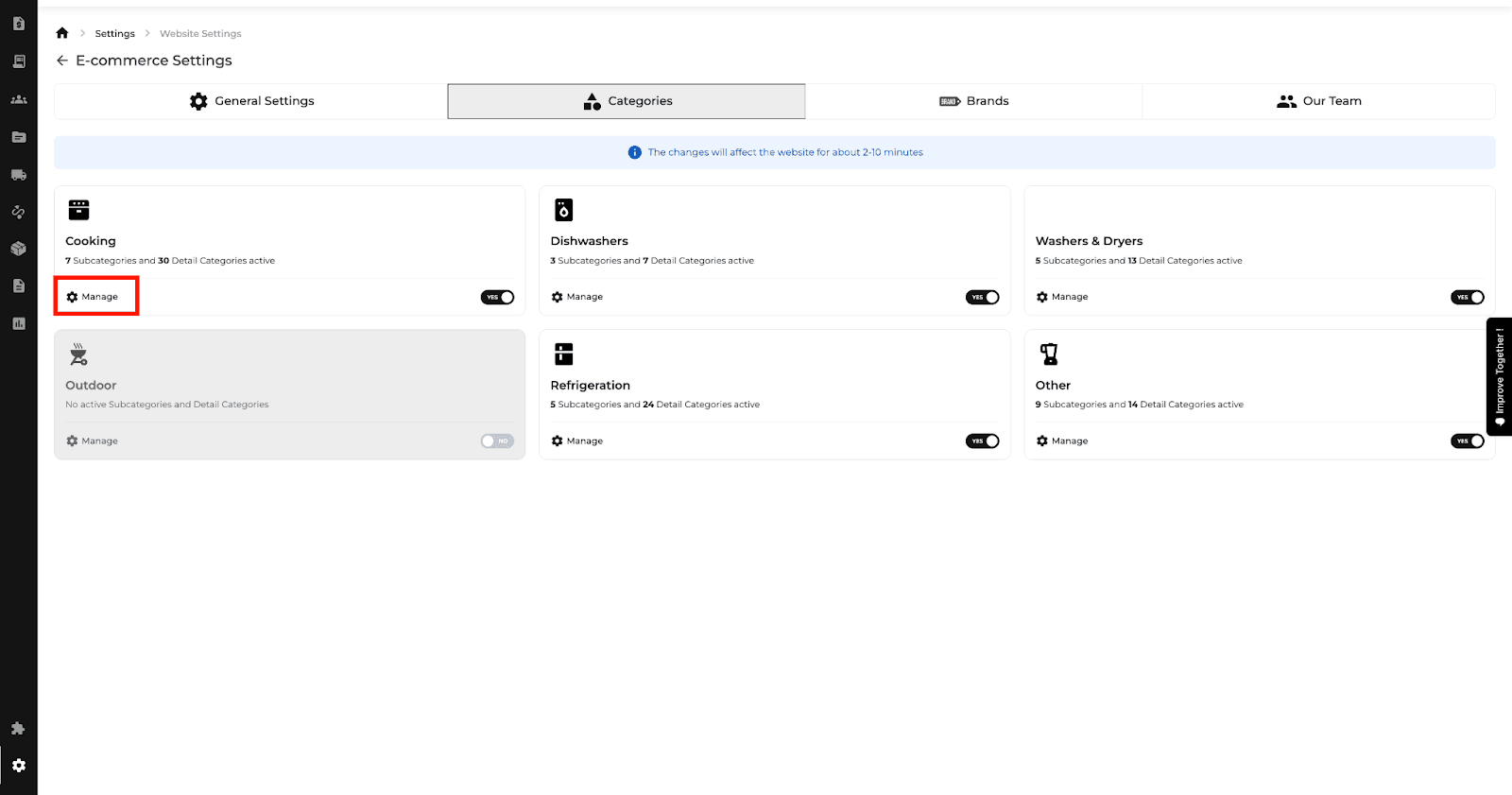
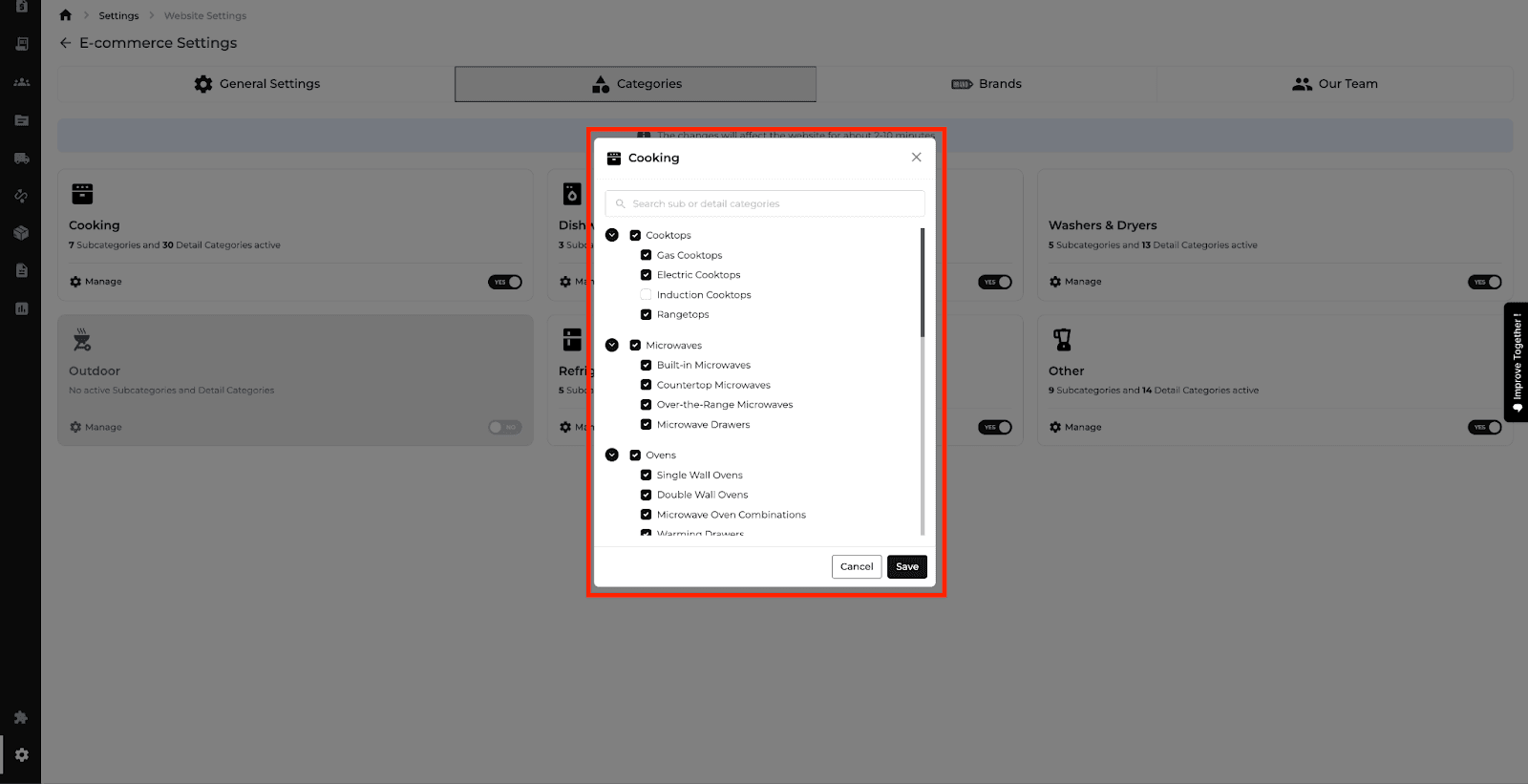
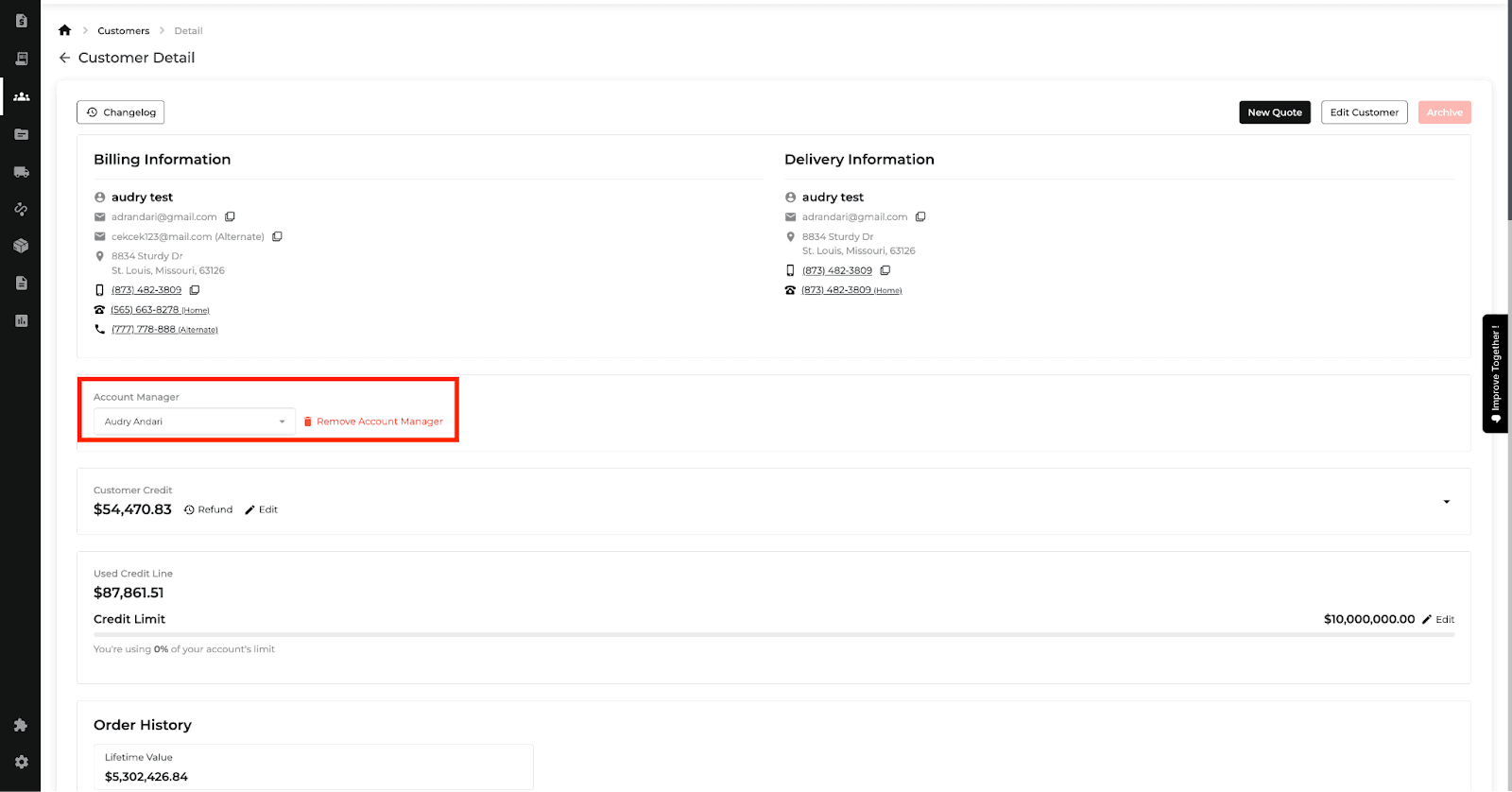
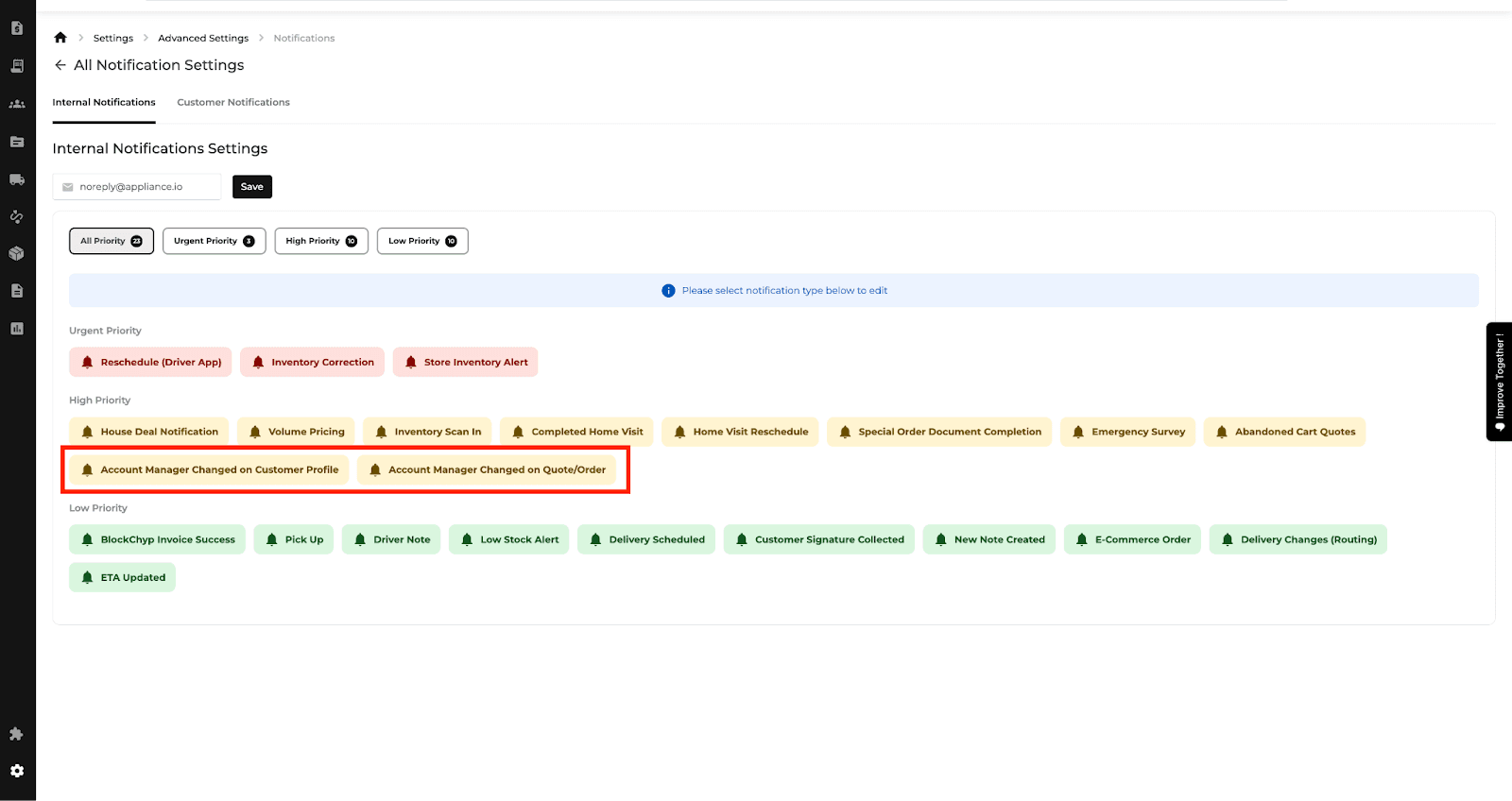
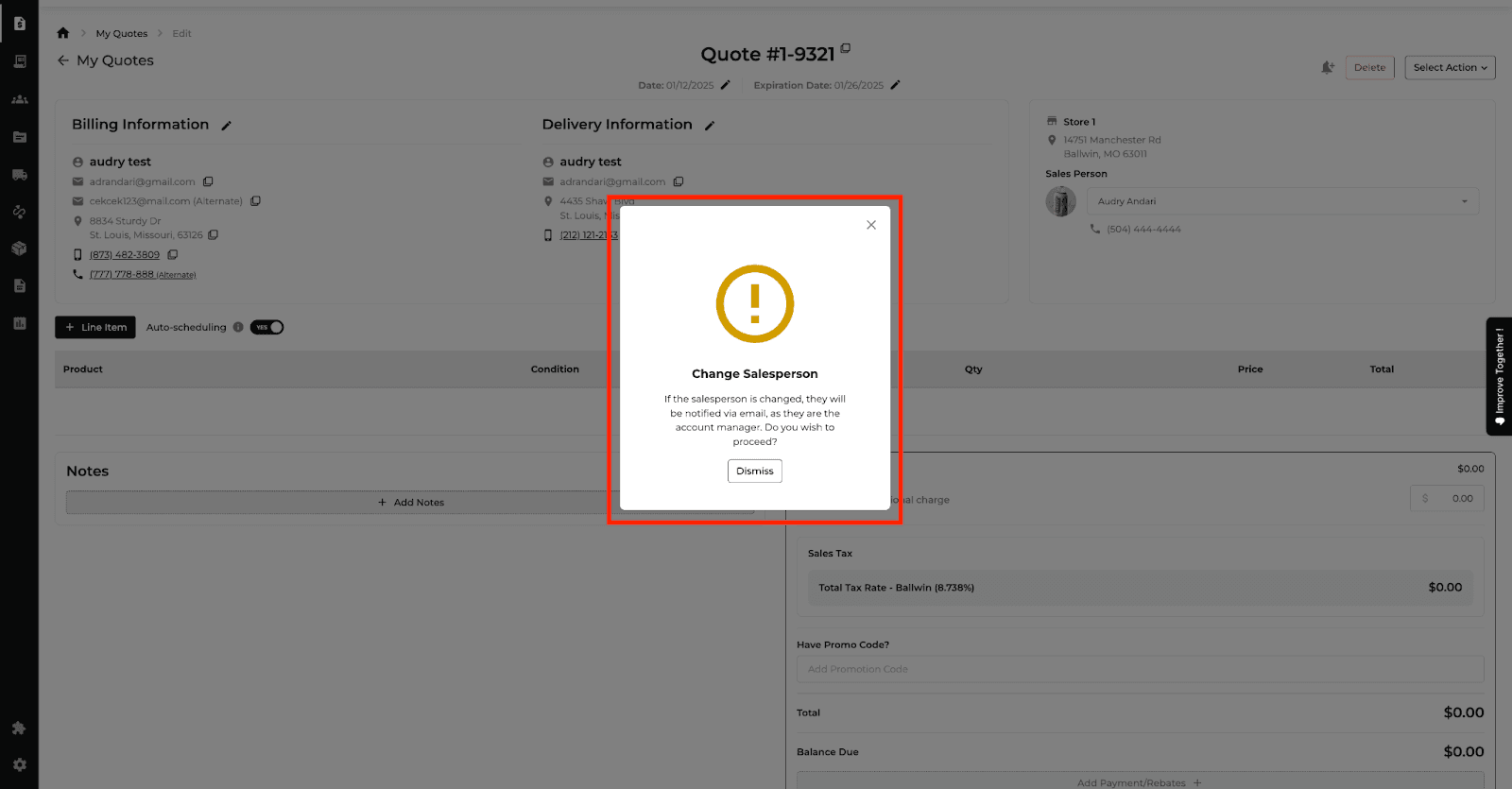

Related website update: January 16th 2025
New Feature
Website
E-Commerce
Product Catalog
What’s New
Customers can see a cart-only price through the website shopping flow.
Show the original price crossed out and a See Price in Cart message in the product catalog and on product pages.
Display the discounted price and a savings badge after the product is added to the cart.

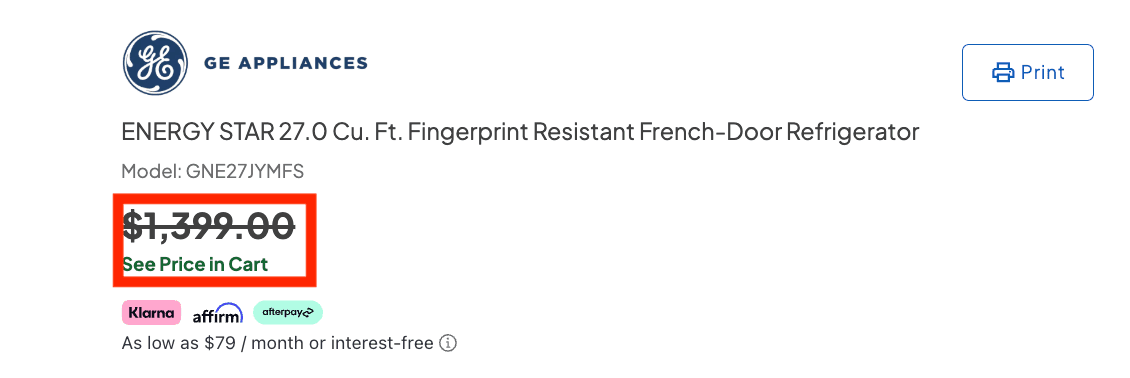
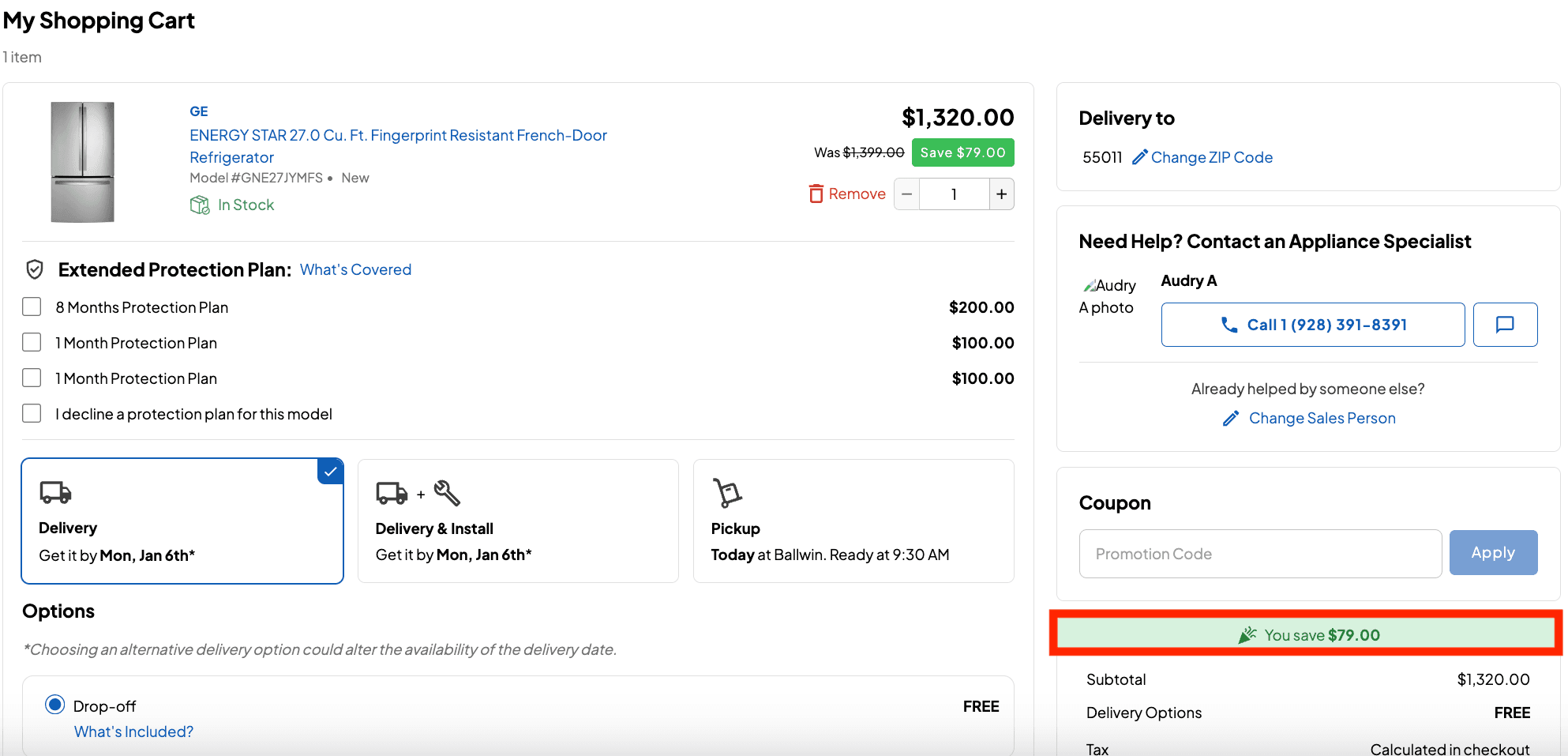
New Feature
Feature Improvement
Orders
Quotes
Reports
Delivery and Routing
What’s New
This update improves order notes, package selection, vendor reports, and delivery workflows.
Attach PDF, JPEG, PNG, TXT, CSV, or BMP files to order notes. Each file can be up to 50 MB, with up to 10 attachments per note.
Find package deals by title or model number from + Line Item, then add a package alongside existing items or replace them. Replacements are recorded in the order changelog.
Apply multiple condition filters to Vendor Ranking and Vendor Purchase reports and export the filtered results.
Keep Delivery and Install Automation dialogs open until Save or Close is selected.
Show the customer company name on routing stops and the retailer company name in the truck view.
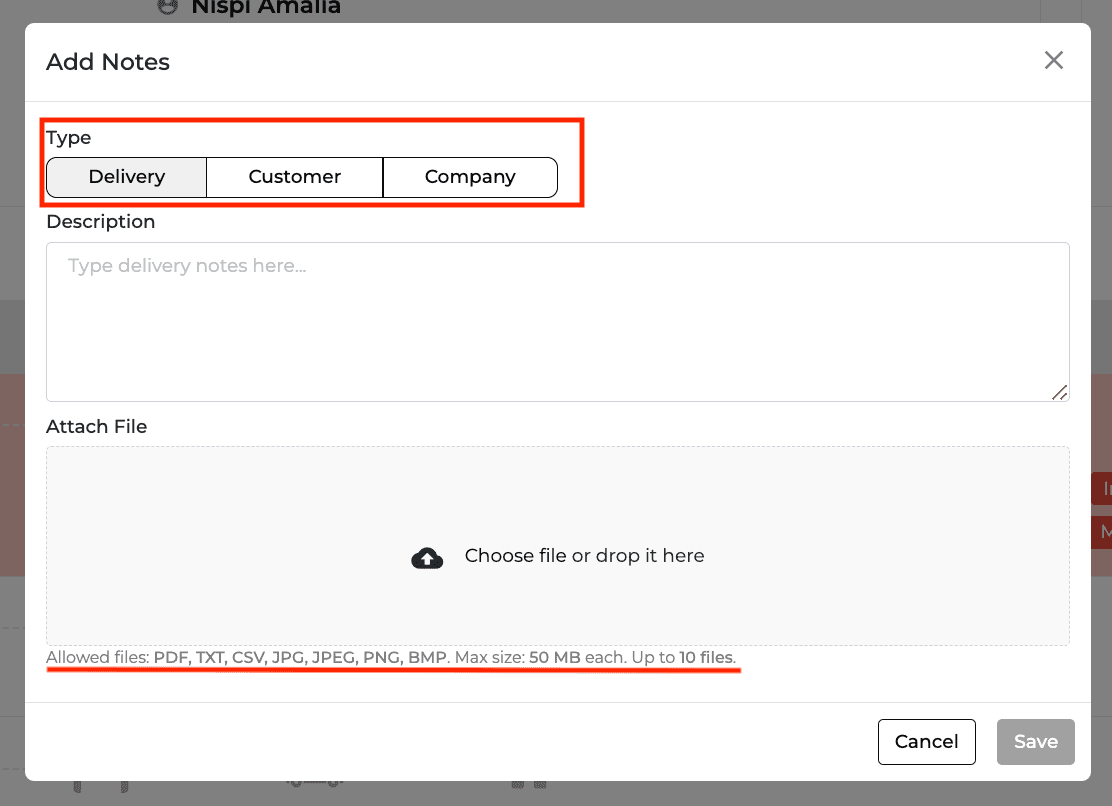
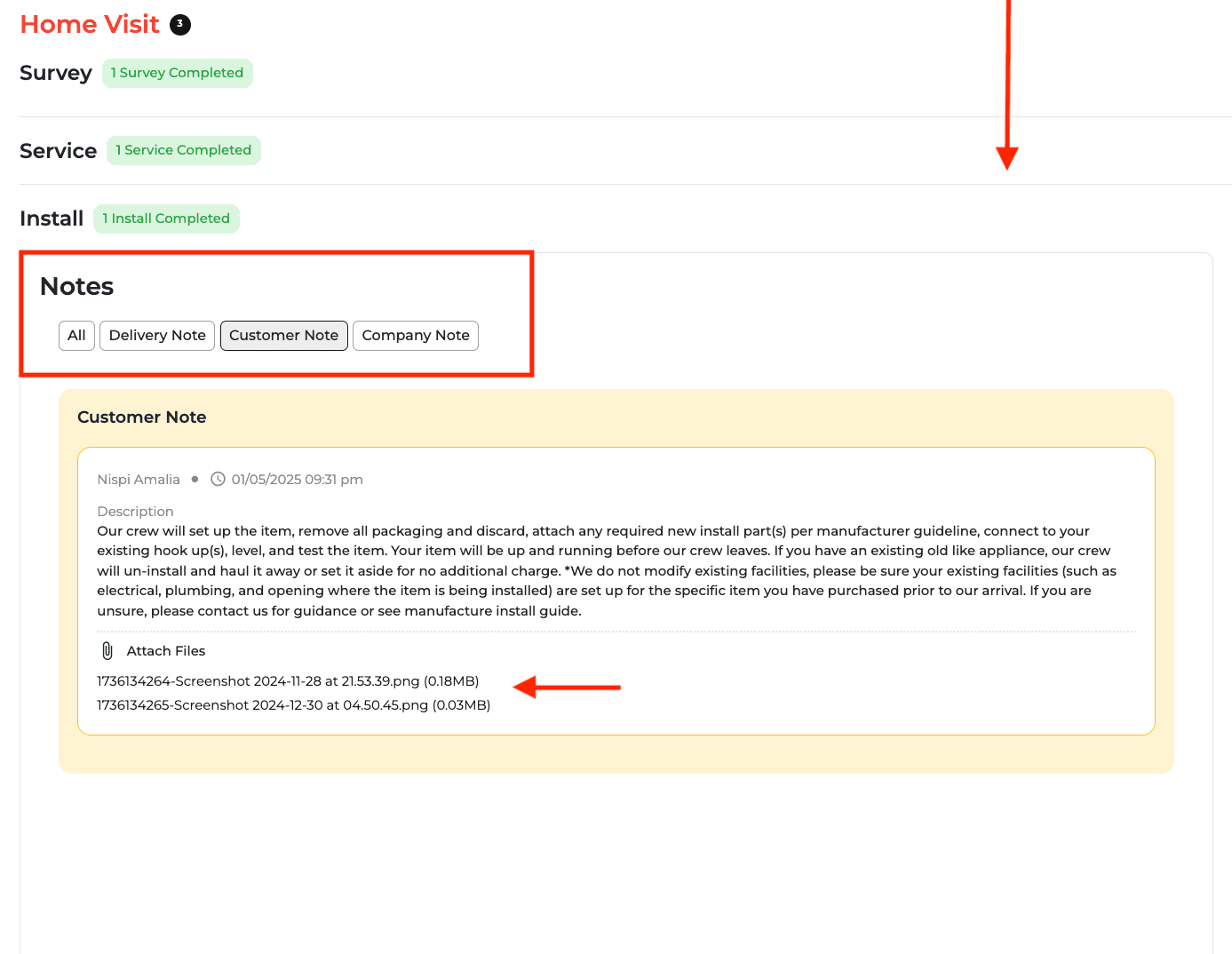
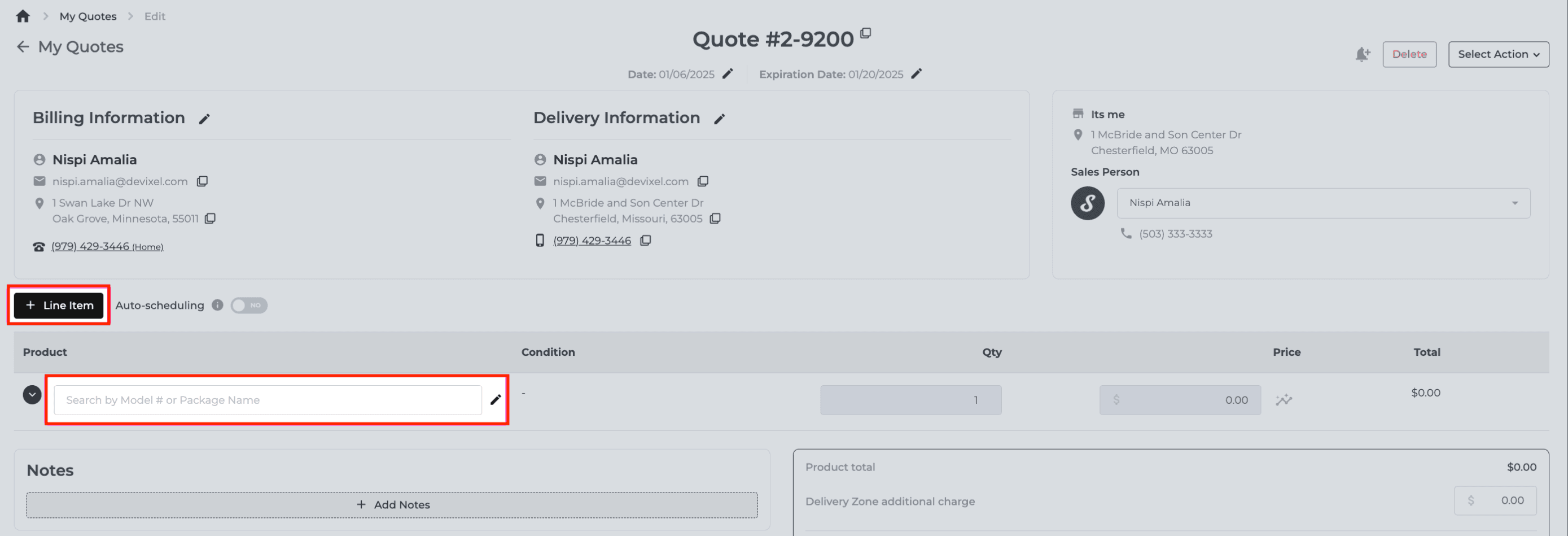

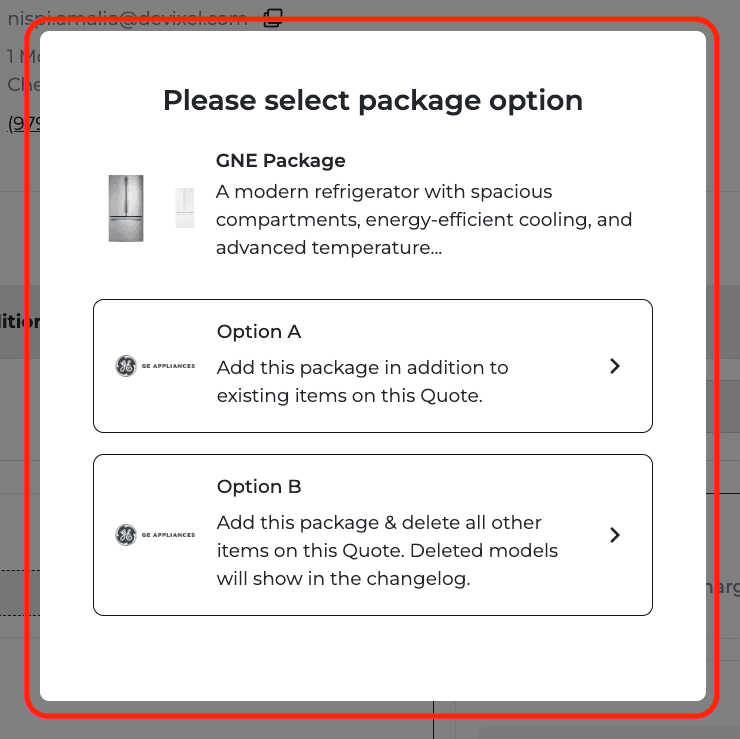

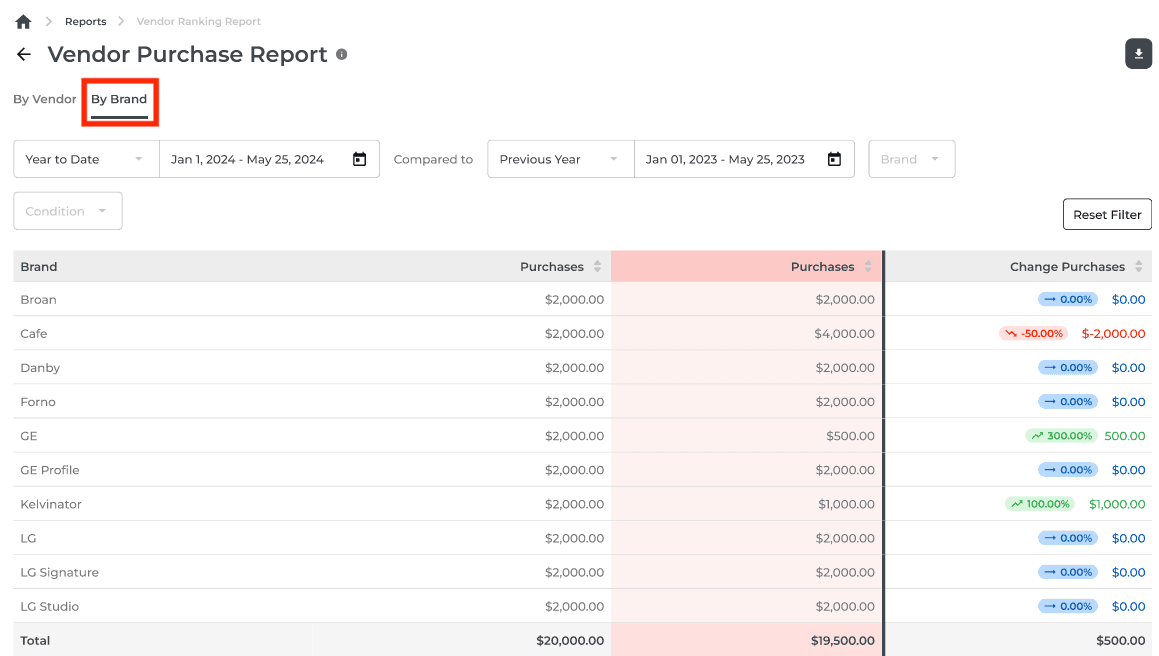
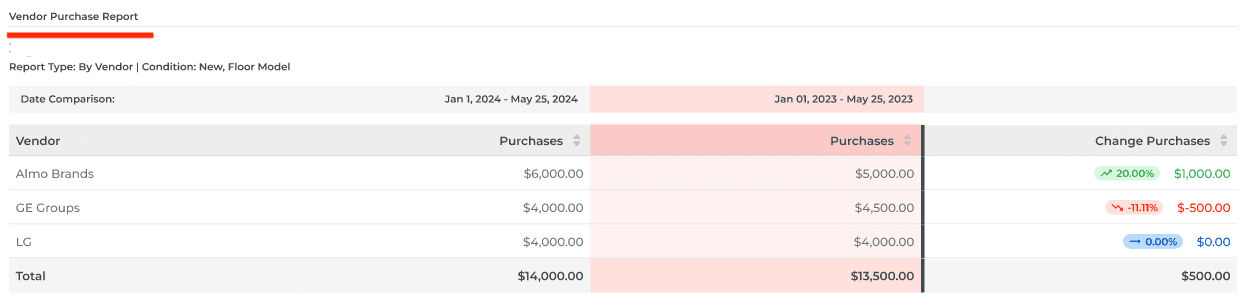
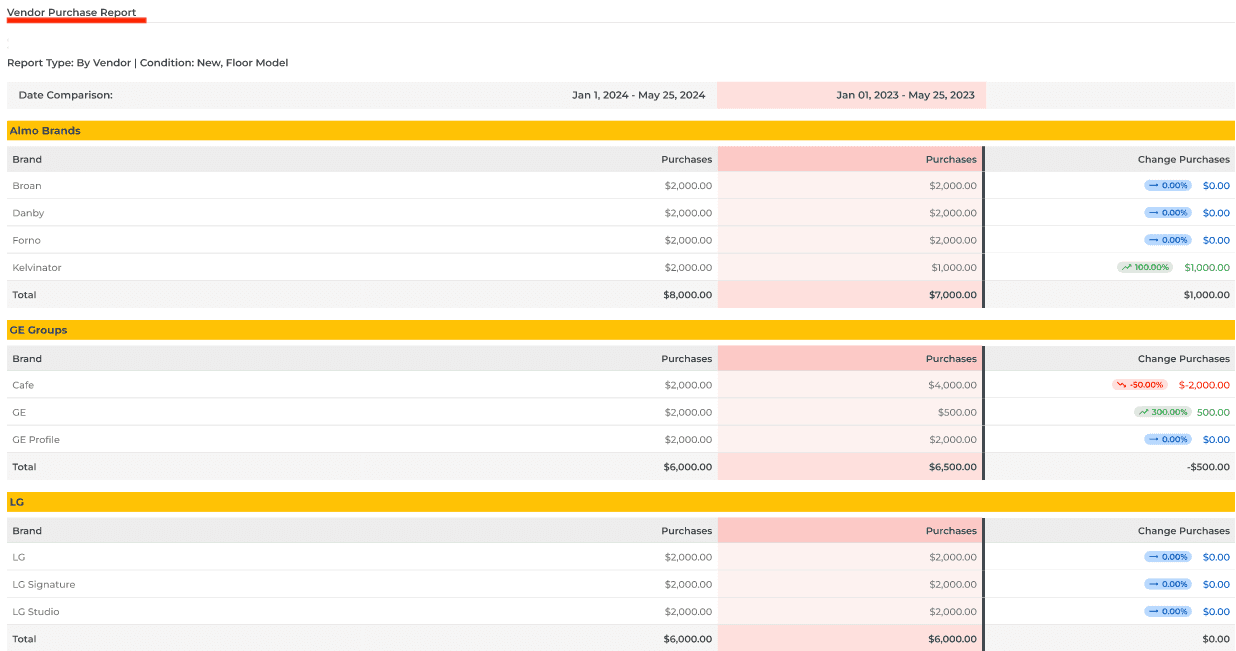
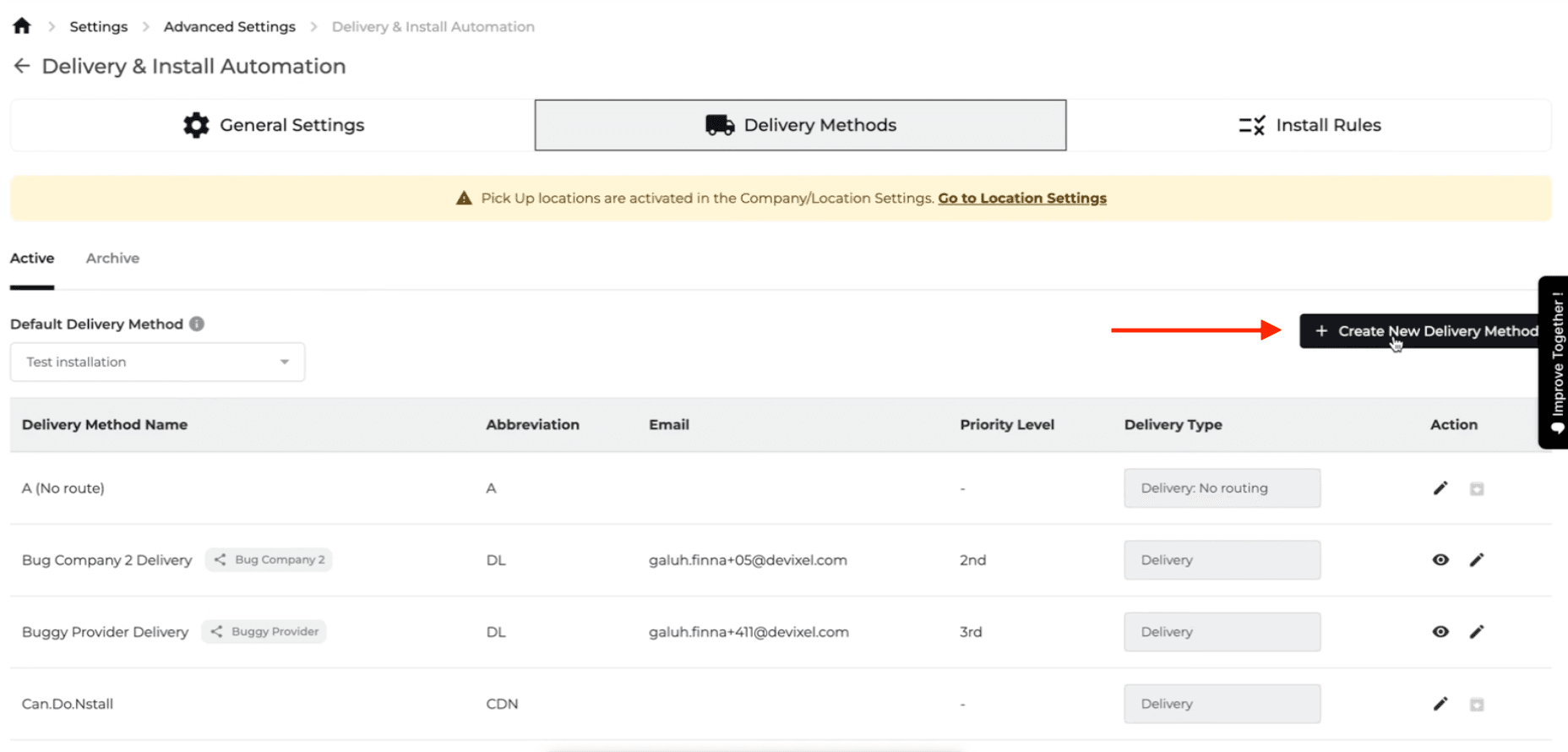
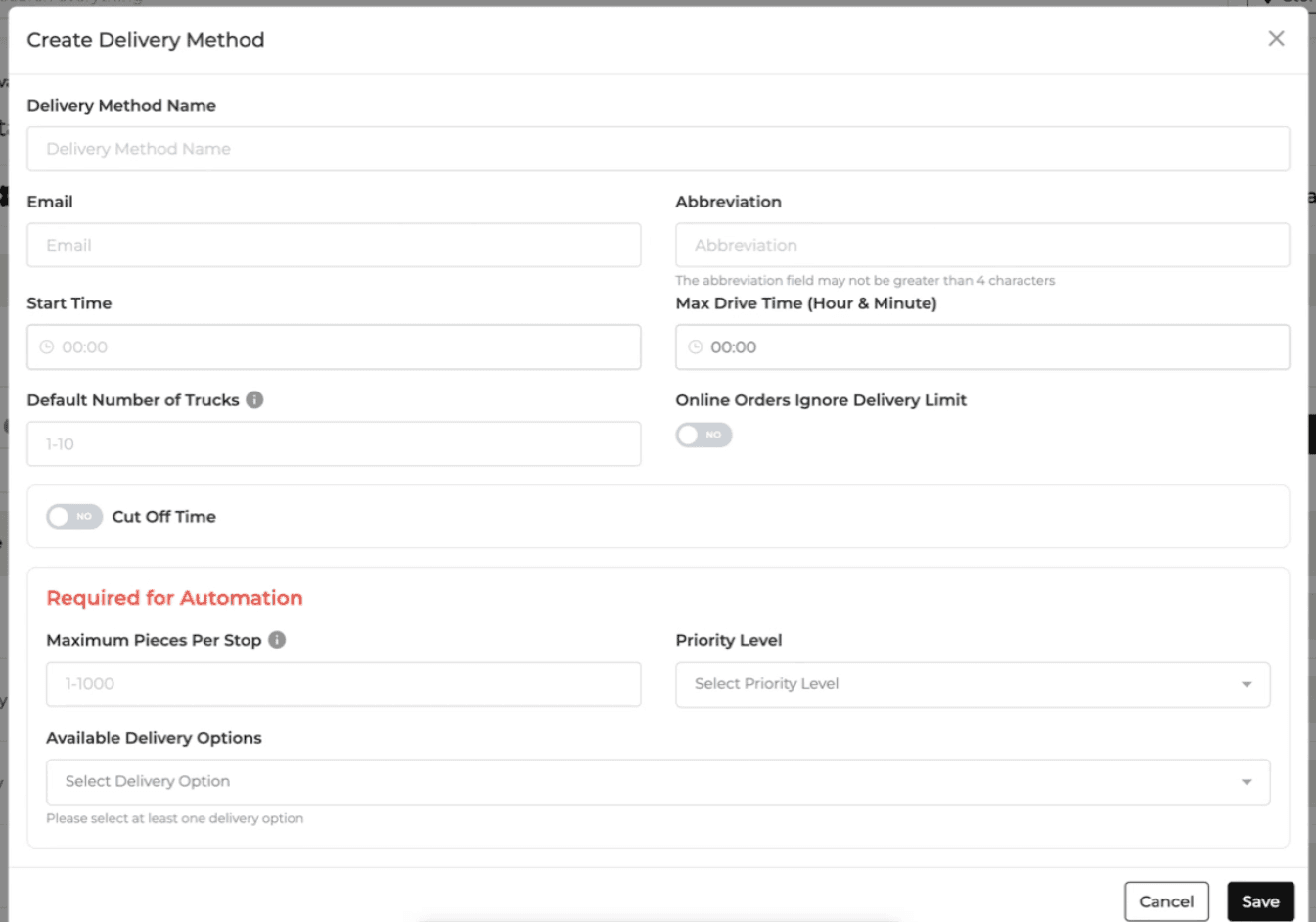
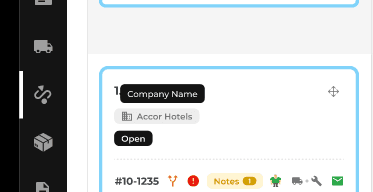
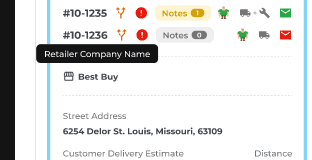
New Feature
Feature Improvement
Inventory
Reports
Delivery and Routing
Settings
What’s New
New reporting and delivery controls provide more detail for inventory planning and scheduling.
Use the Inventory Aging Report to filter by location, condition, brand, category, manufacture status, and inventory status. Review model-level quantities, average cost and age, drill into item details, and export either view.
Add delivery locations using latitude and longitude, either by entering coordinates or selecting a point on a map.
Restrict specific delivery providers or drivers from custom installations. Provider settings carry through to retailer delivery options.
When manually completing a delivery, use the reschedule checkbox to reveal Move to Delivered. The change is logged.
Set overall daily delivery capacity or separate limits for up to three delivery types. Using type-specific limits disables overall capacity.
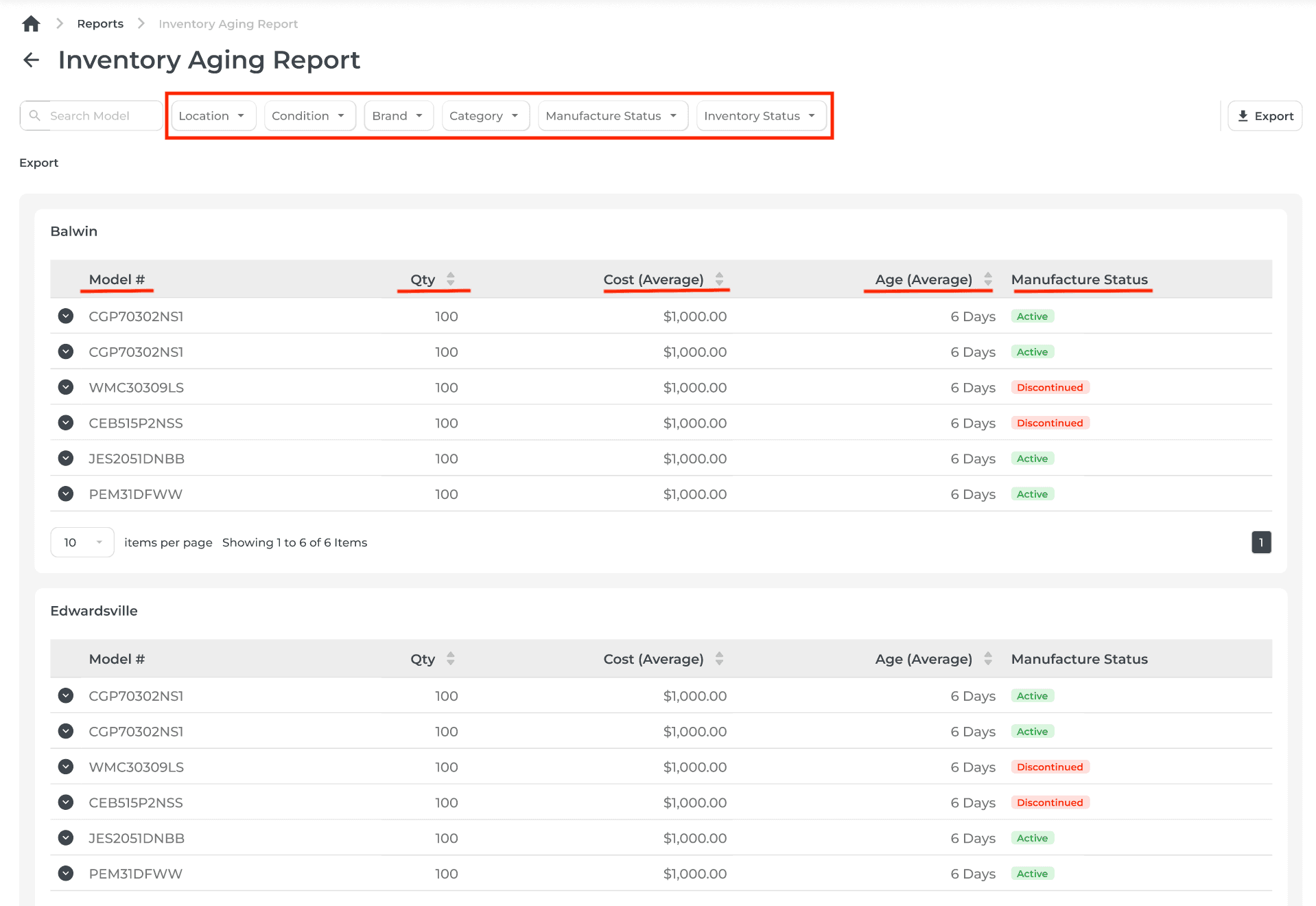
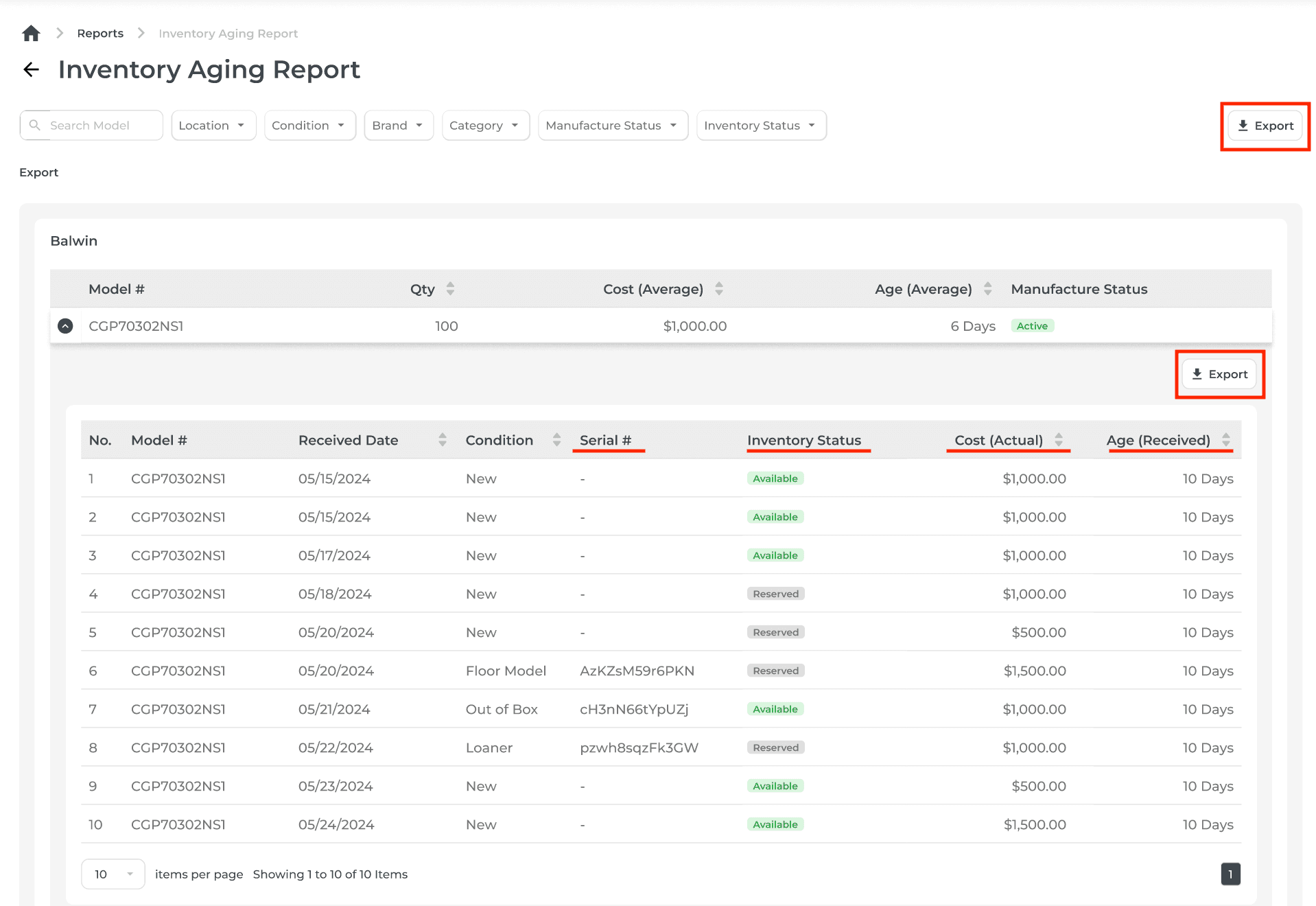

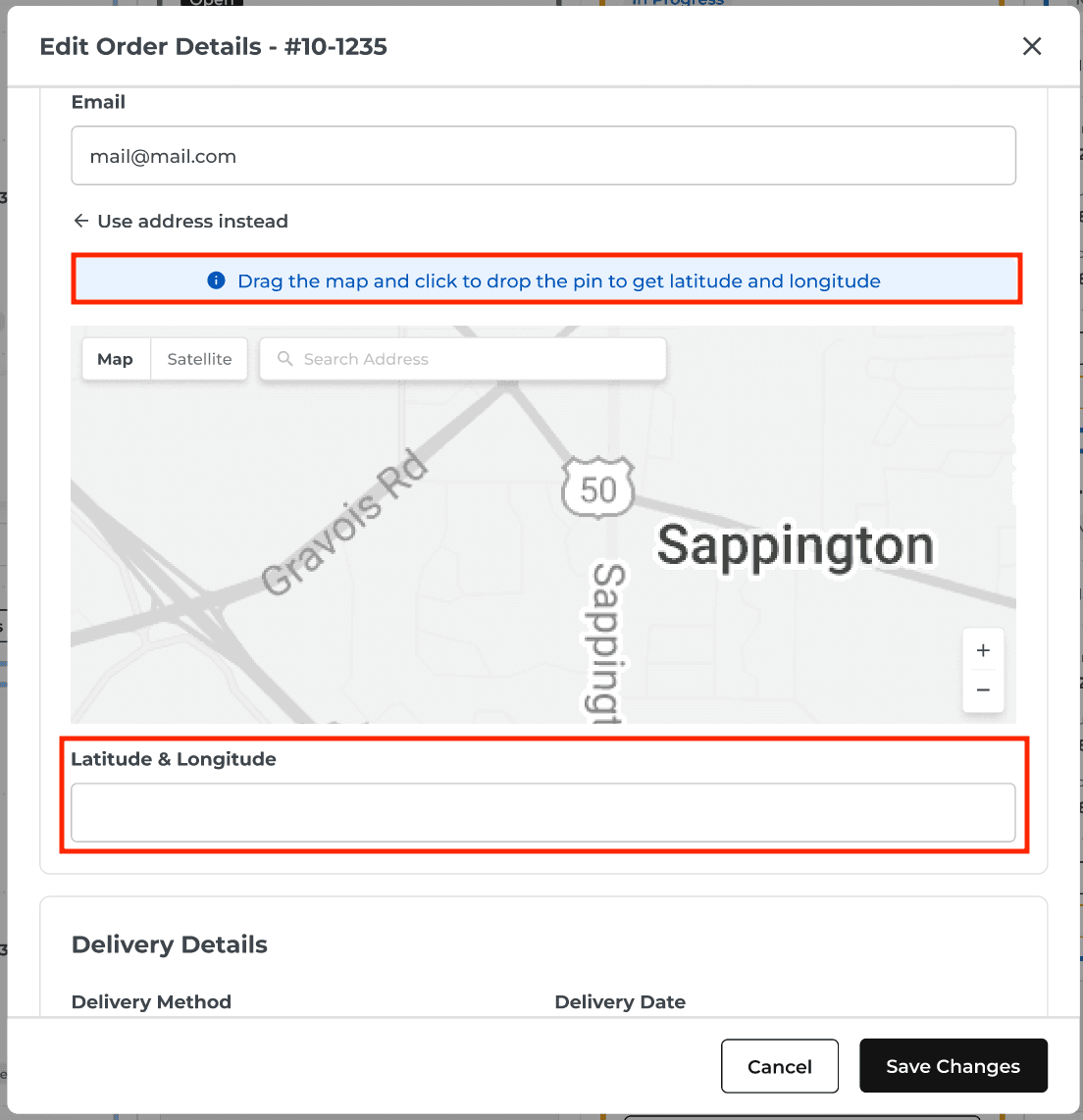
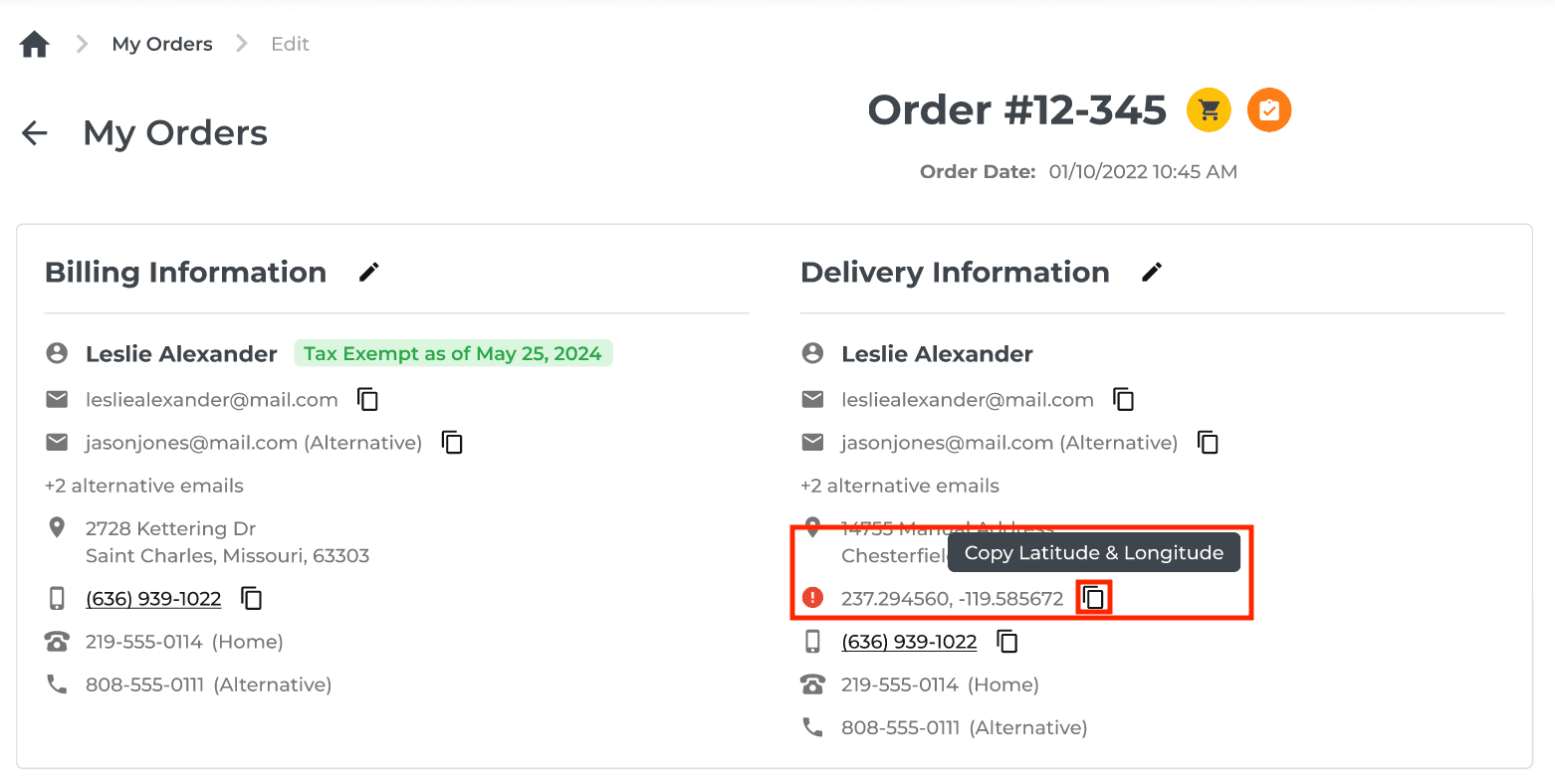
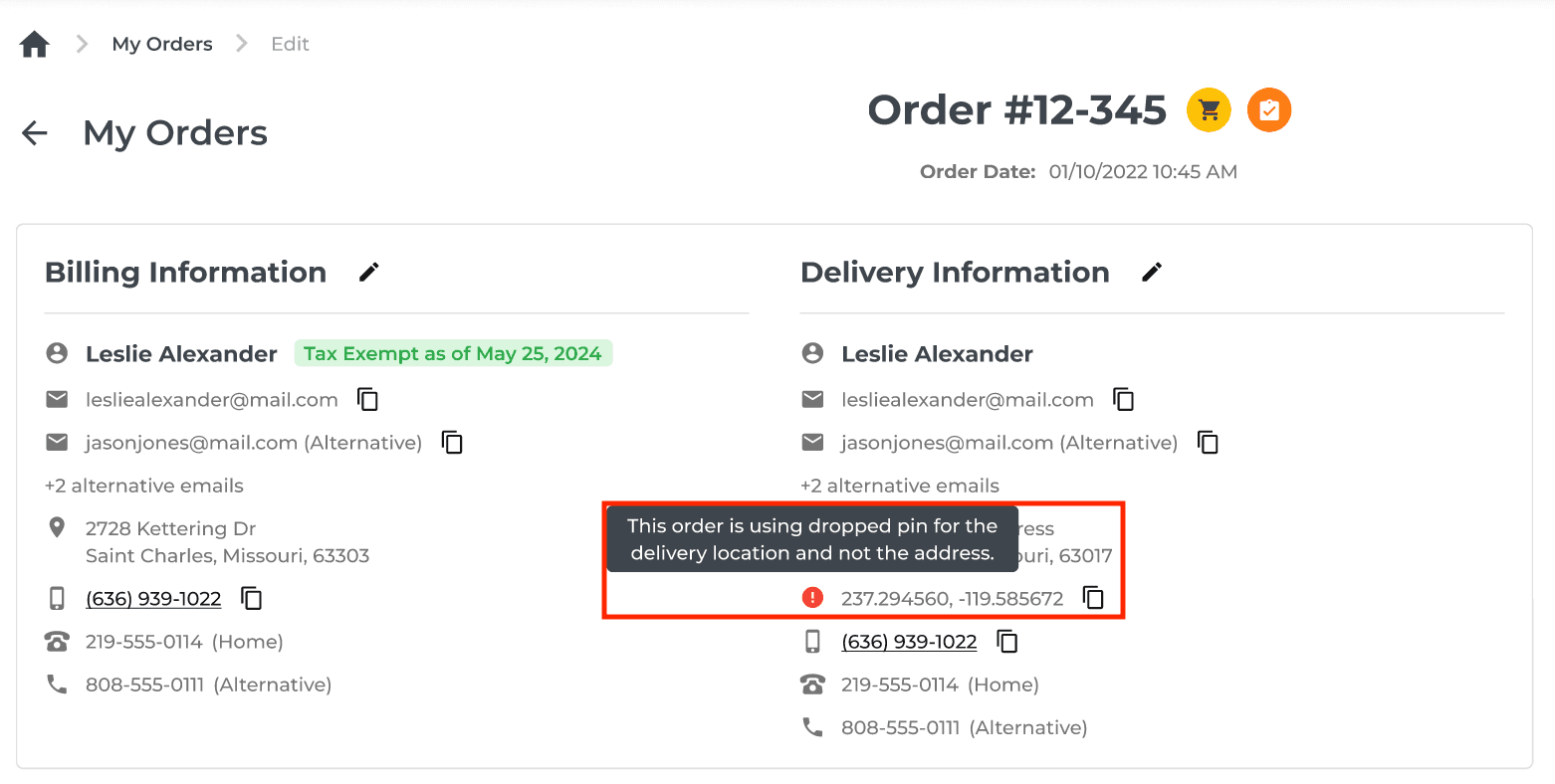
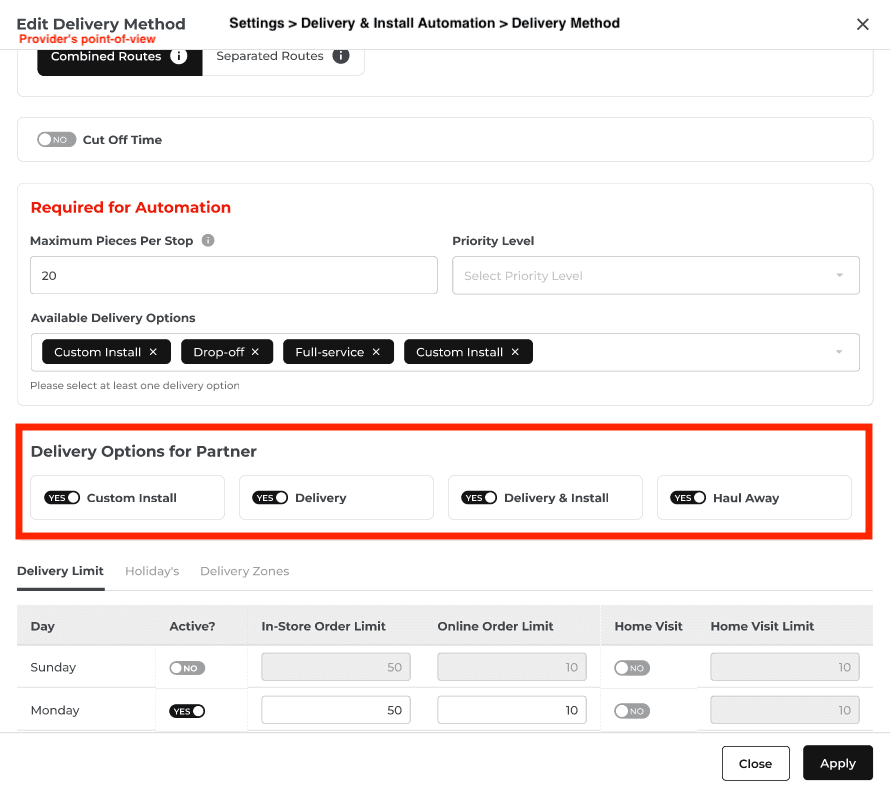
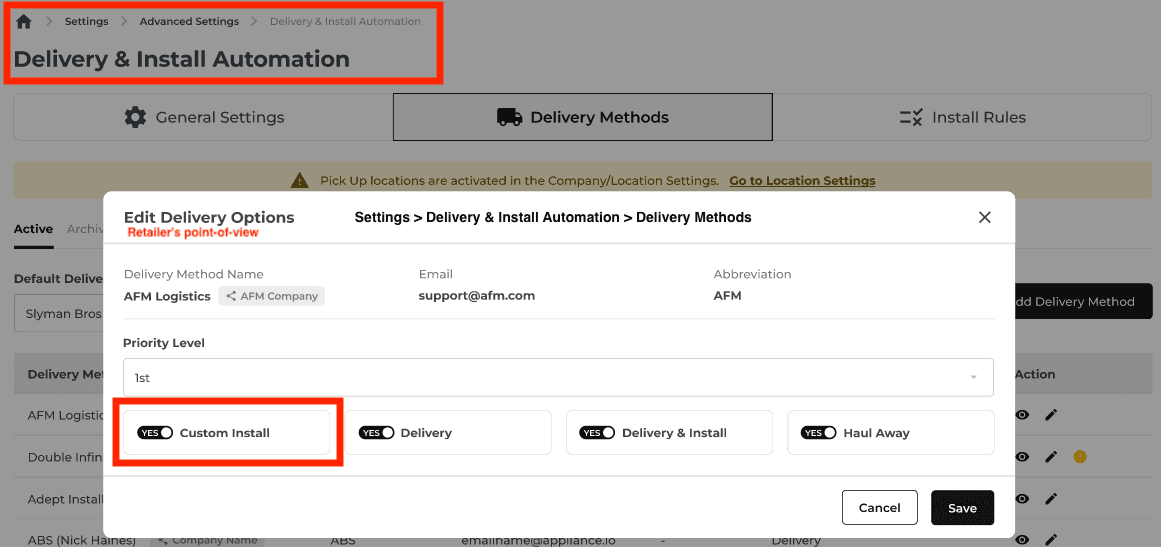
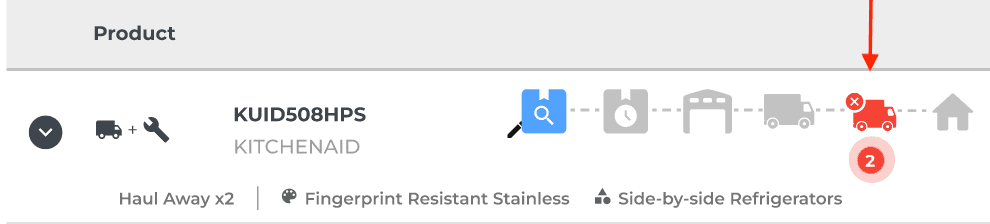
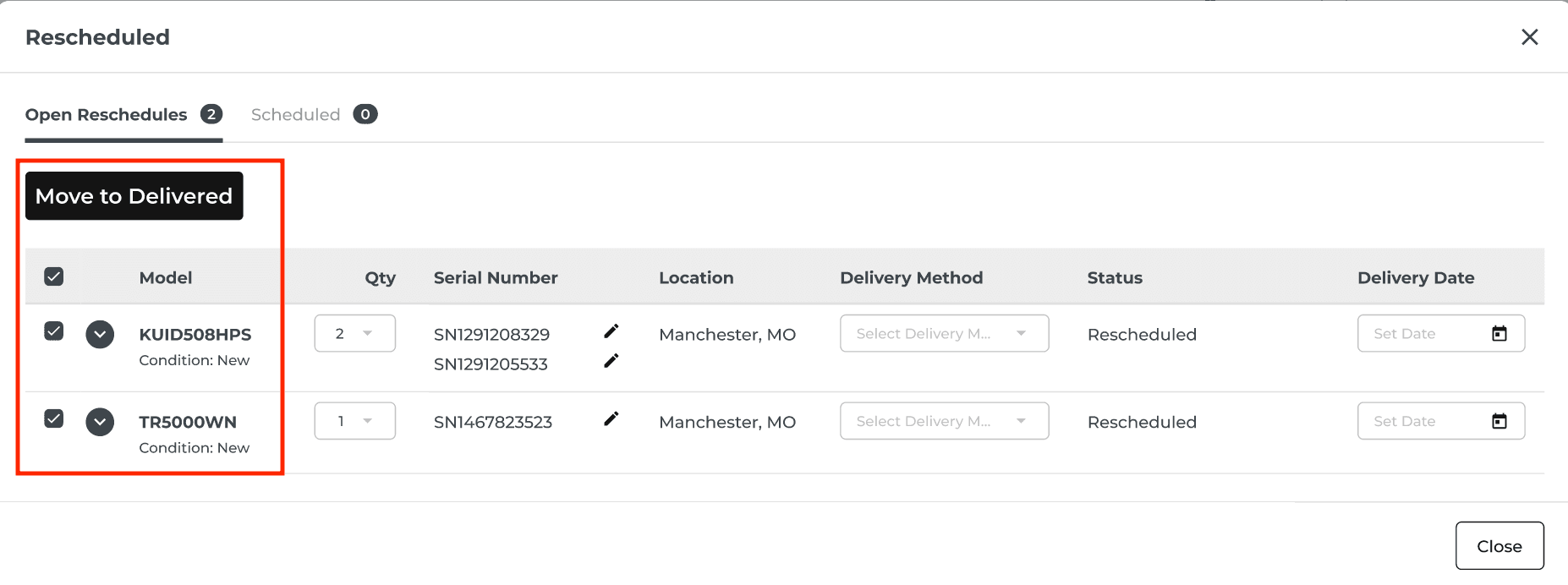
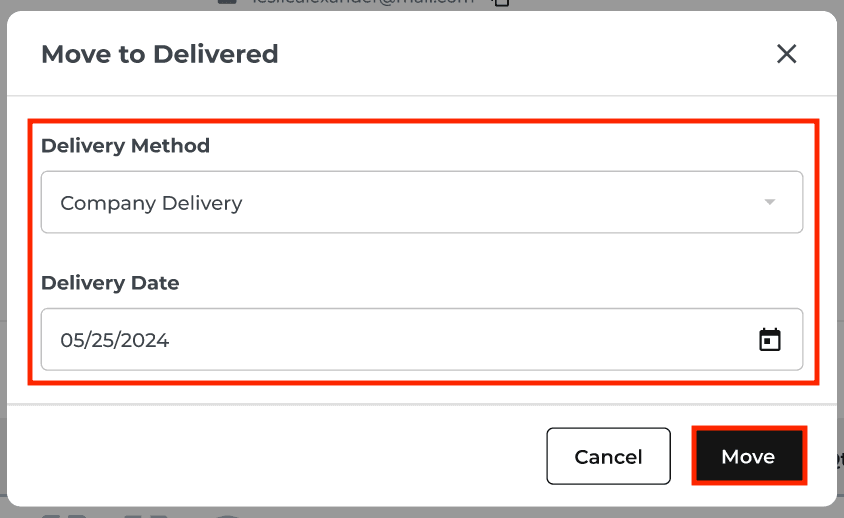
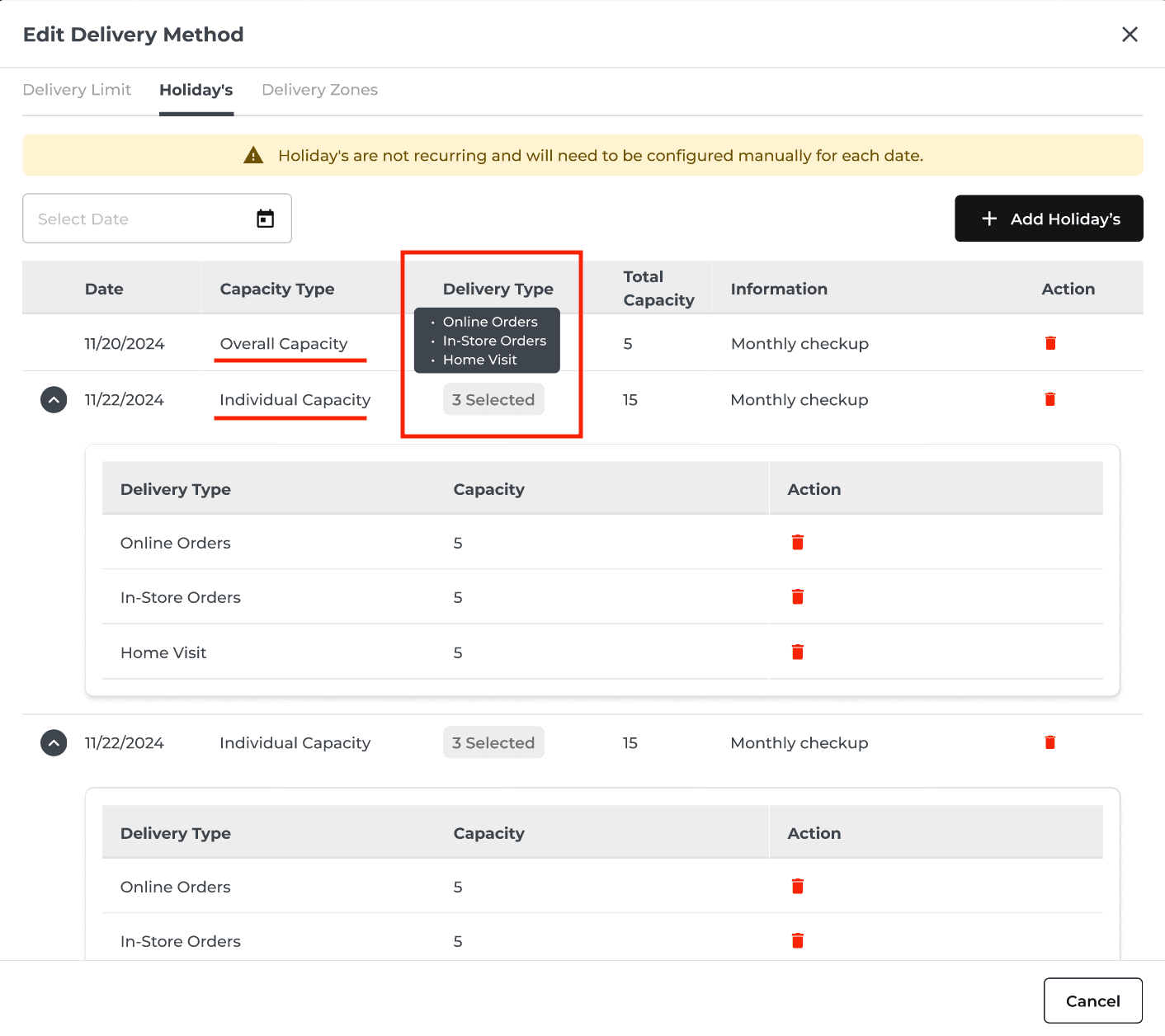
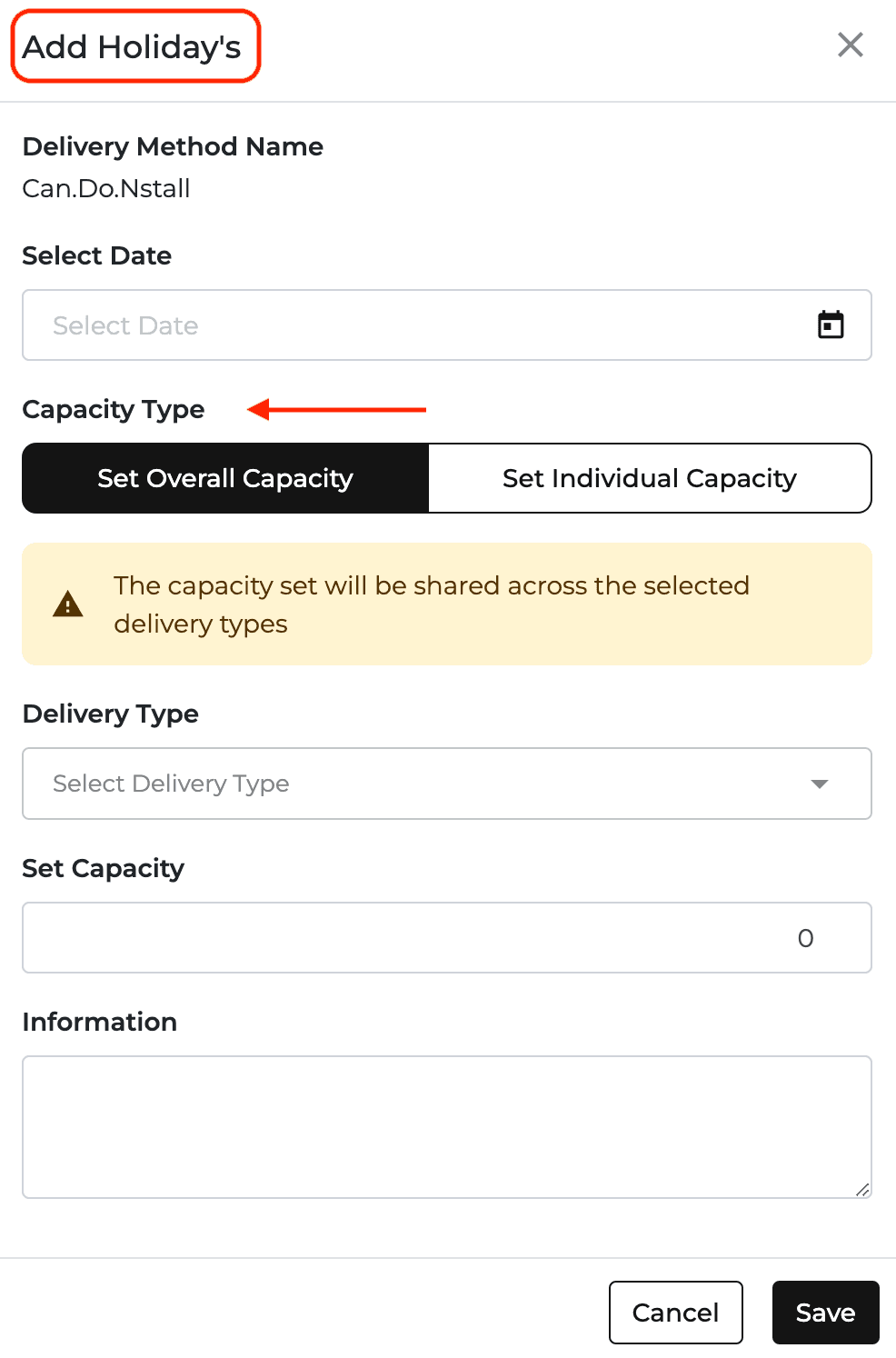
New Feature
Feature Improvement
Inventory
Orders
Reports
What’s New
This update adds faster inventory actions and clearer order and financial records.
Assign multiple items to one order from the On-Order popup. A 10-second Undo control can reverse a bulk assignment or deletion before the action is finalized.
Choose scanner input or manual entry when scanning out serial-numbered items. Manual entry waits for the Scan confirmation.
Record serial numbers in the order changelog when serialized items are moved or returned.
Show Discounts as a separate line under Sales on the Income Statement, with date, order, discount name, and negative amount in the detail view. Discounts reduce gross sales to net sales.
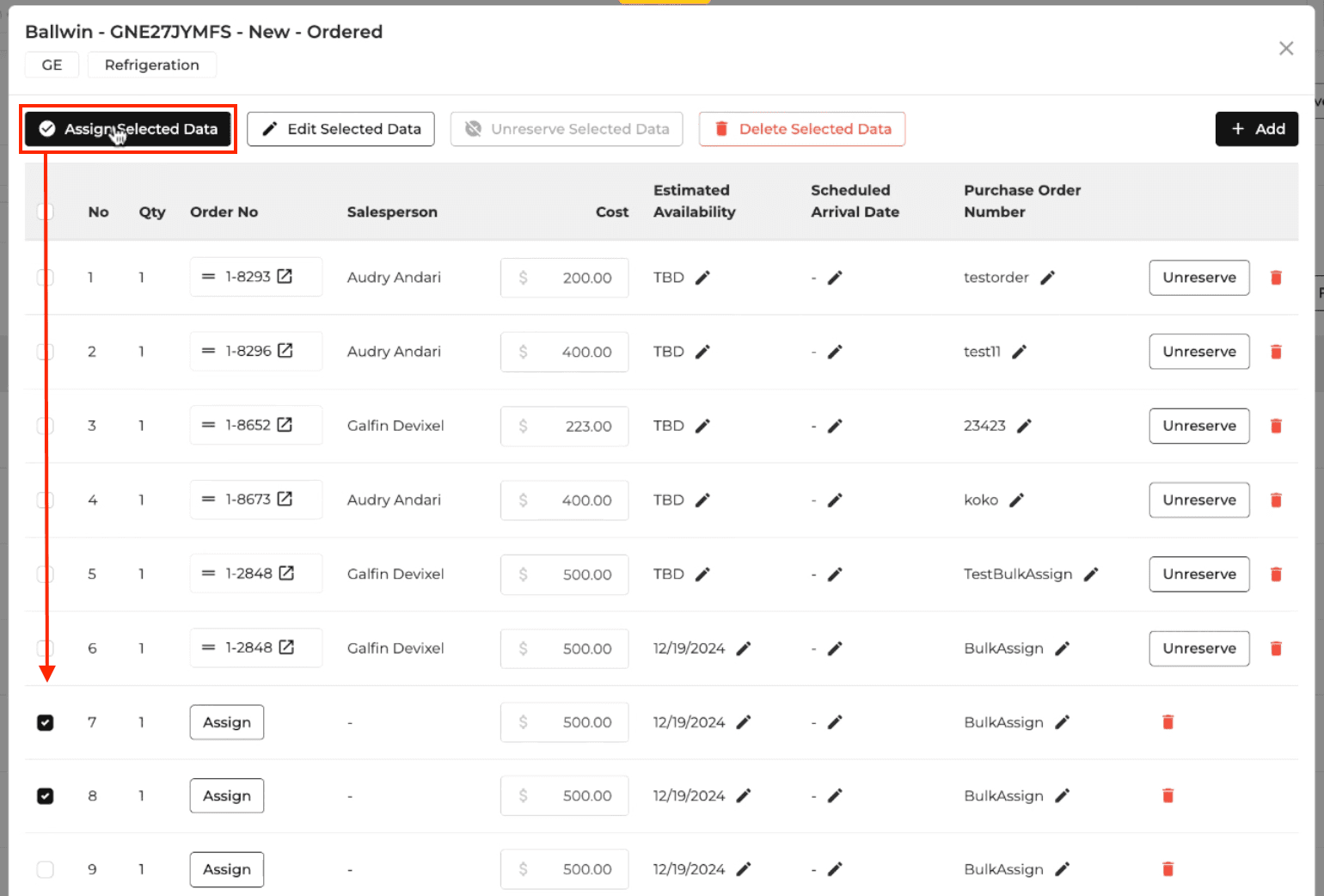
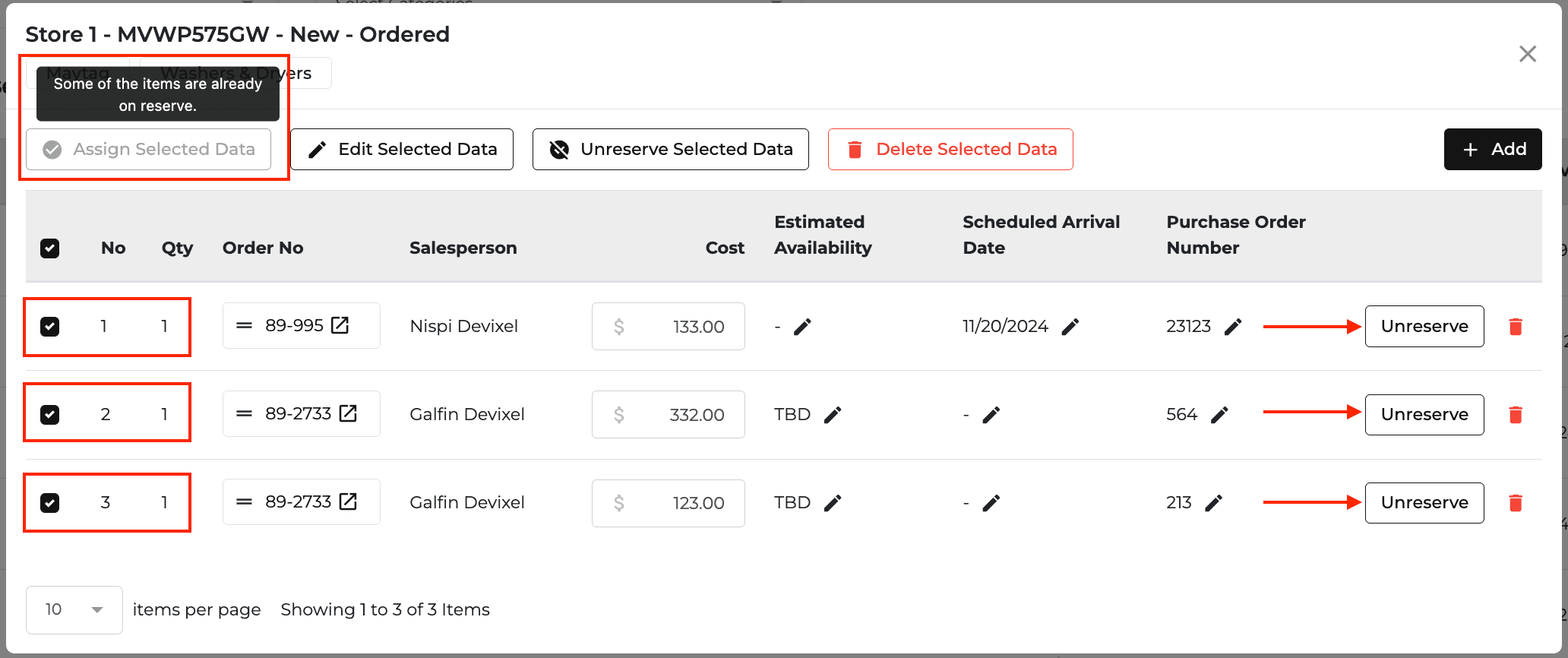

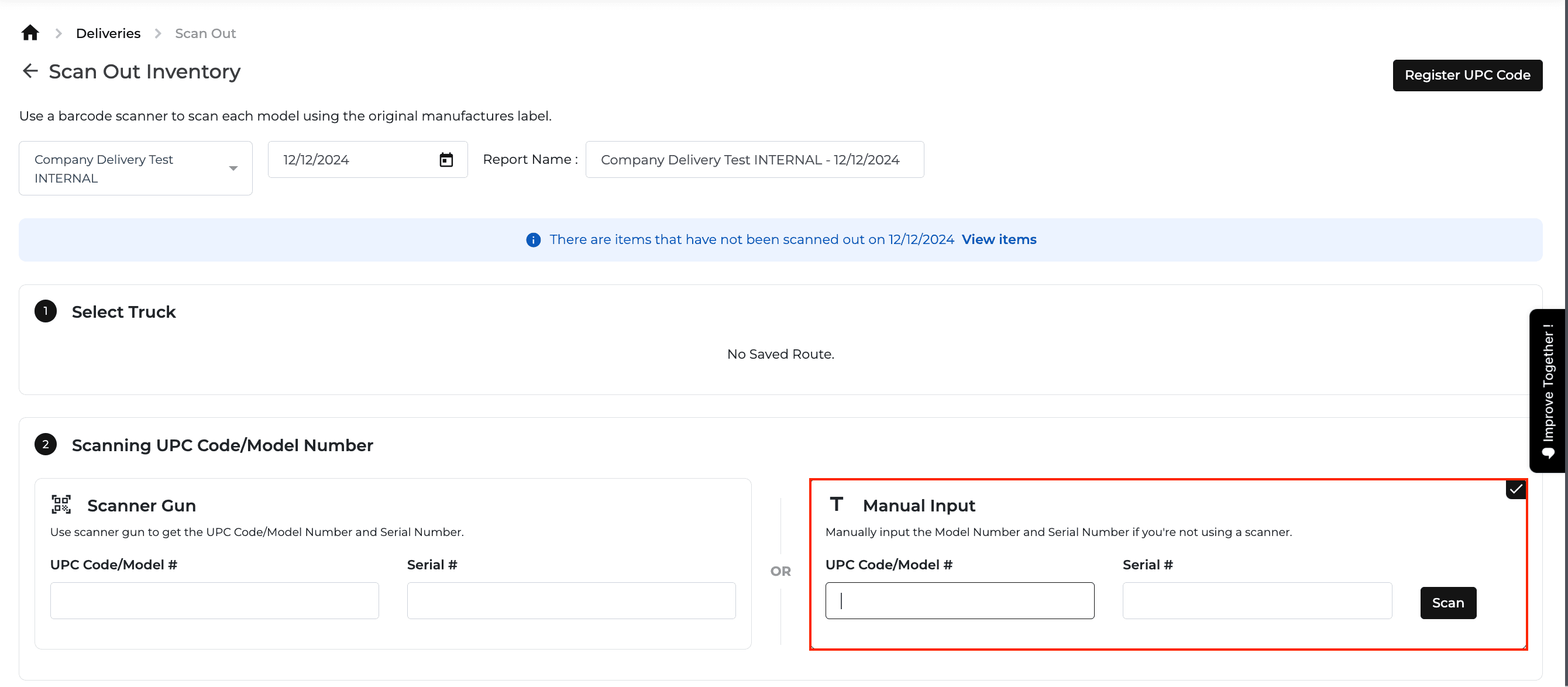

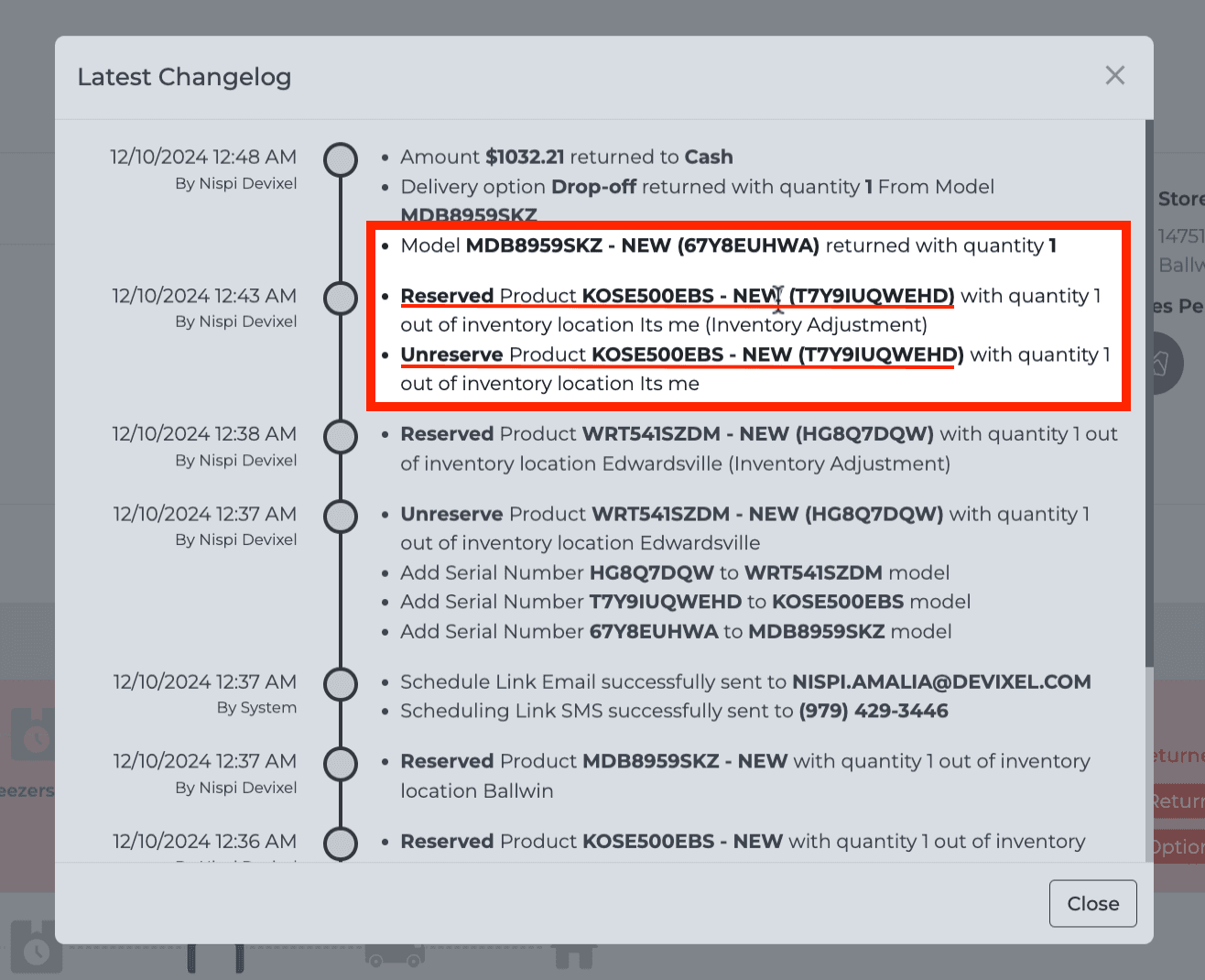
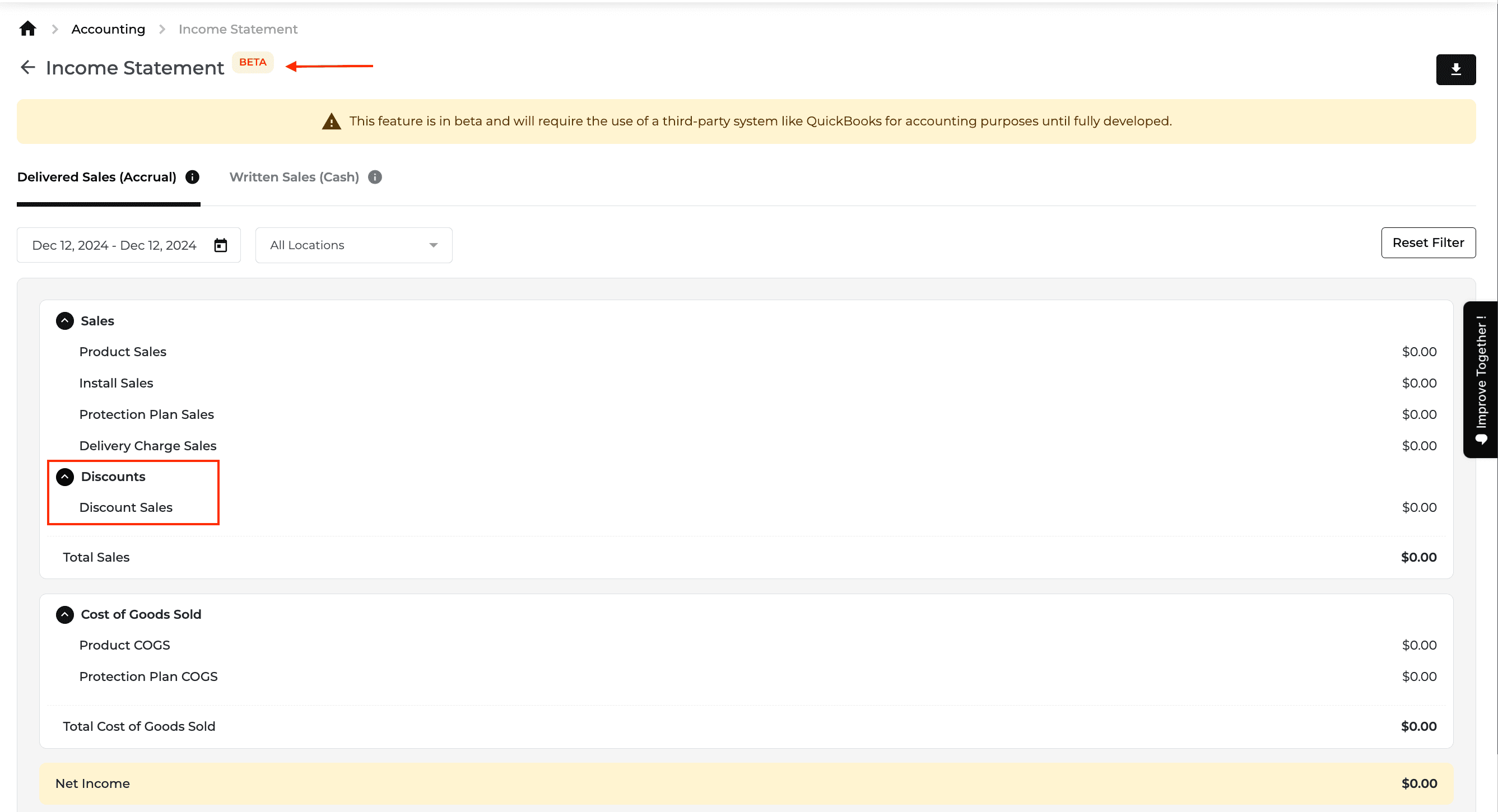
Feature Improvement
Reports
Payments
Inventory
What’s New
Financial reports now provide clearer deferred-revenue detail and product-condition analysis.
Open the Deferred Revenue Report from the Balance Sheet and filter its detail by date, location, and category.
Defer and recognize revenue according to delivery status and line items such as installation, protection plans, and haul away. Delivery fees and trip charges remain deferred until the final item is delivered.
Use Customer Line of Credit, Refundable Deposits, and Customer Credit in place of the previous financial labels.
Filter Sales by Product by item condition. Returns and replacement models are excluded from this report view.
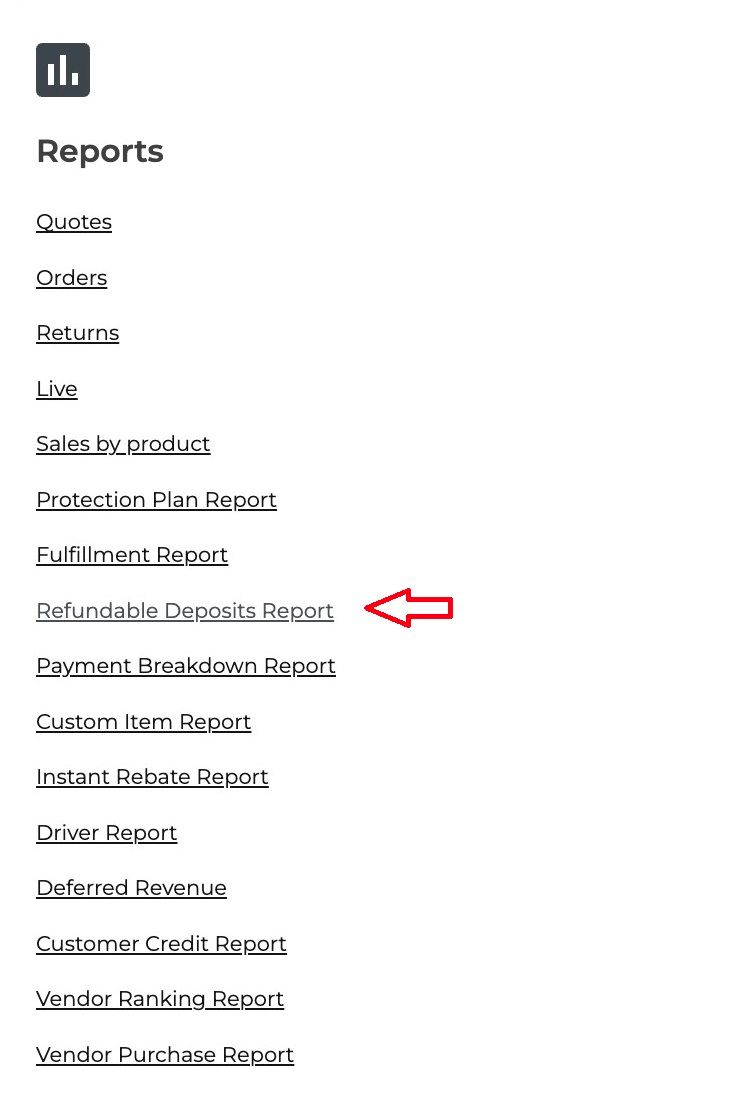

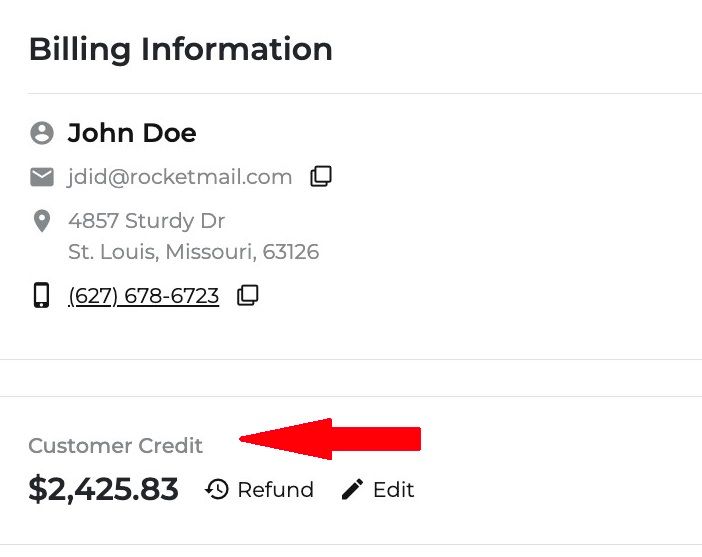
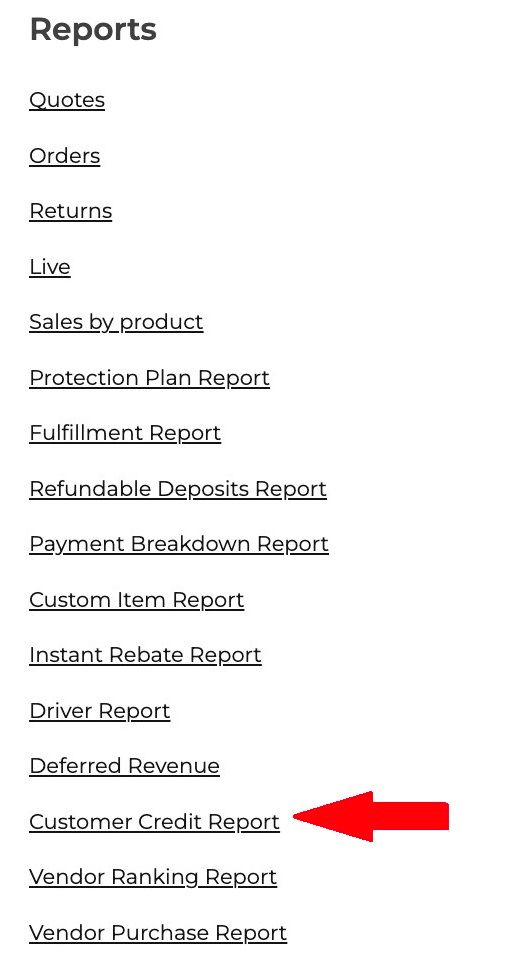

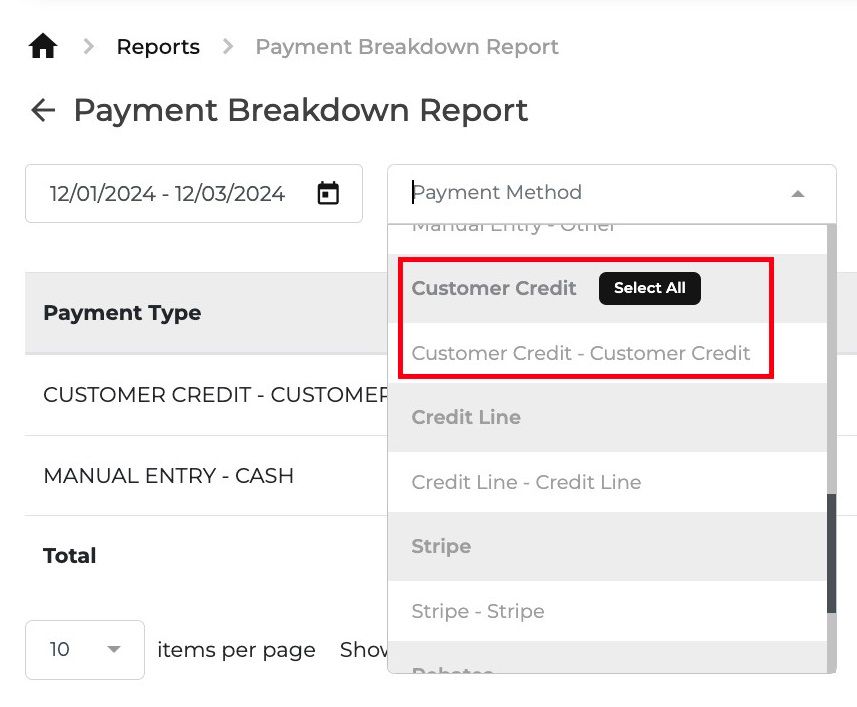
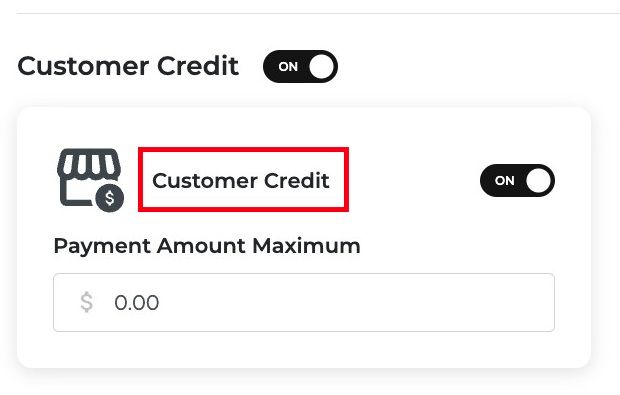

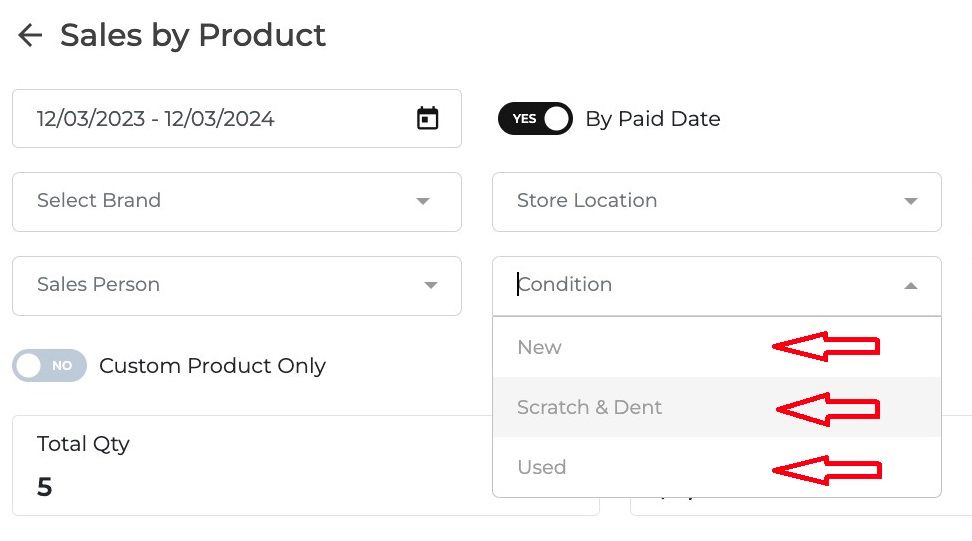
Related resource: READ THE FULL HELP GUIDE ARTICLE HERE!
Feature Improvement
Purchase Order
Inventory
Reports
Orders
What’s New
Purchase ordering and inventory navigation are clearer, with more useful receivables and stock-request information.
Open the dedicated Purchase Orders page from the side menu. Needed By defaults to Immediate Requests, and the page shows the maximum number of orders by default.
Find Register Model and Reconcile Inventory at the top of the Inventory page. Cost Check remains available through a link.
Let salespeople view Accounts Receivable reports for accounts assigned to them.
Show the reason for a denied stock request and point users to the appropriate next action or location.
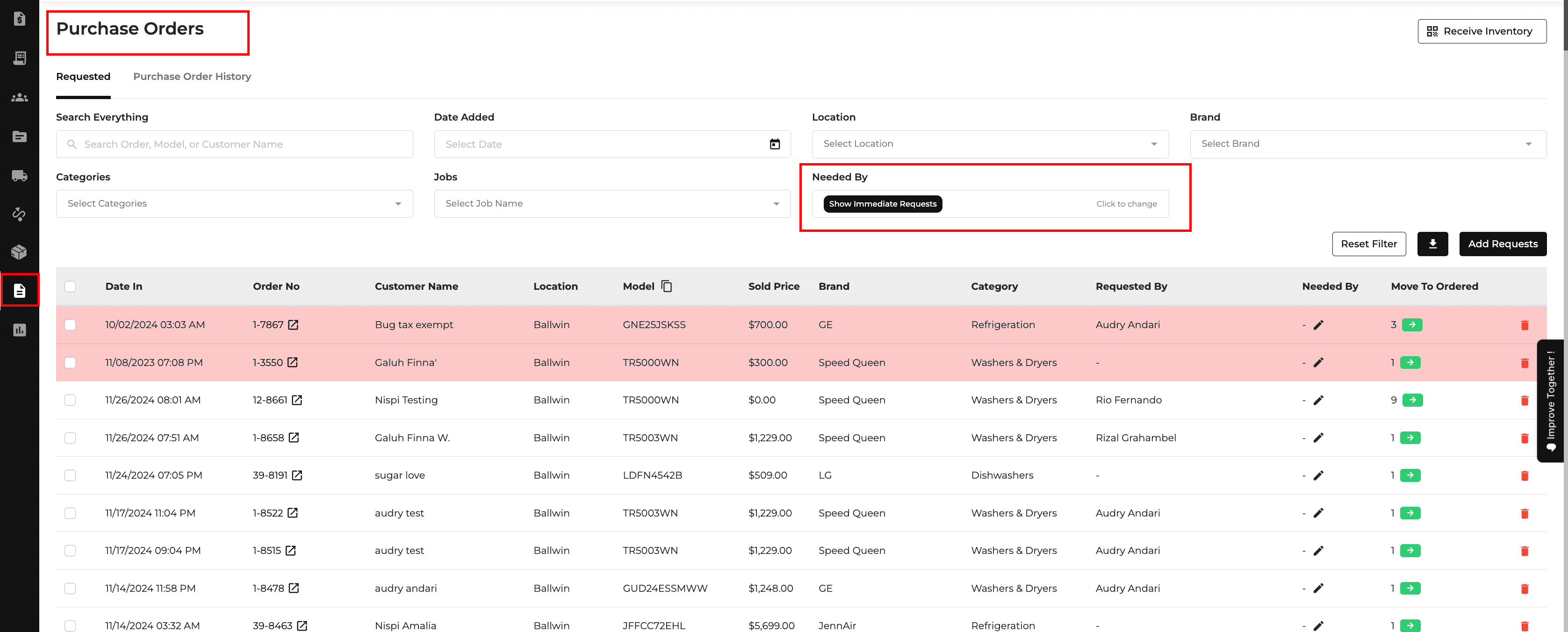

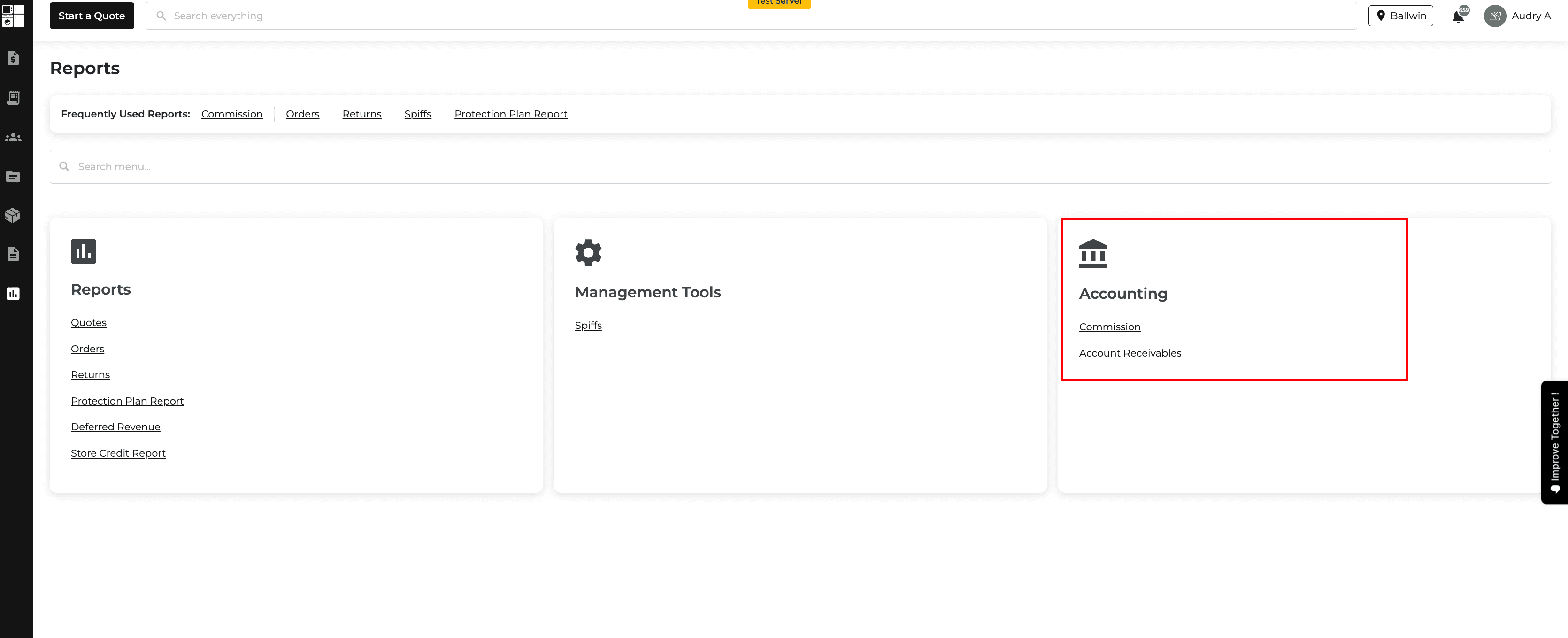
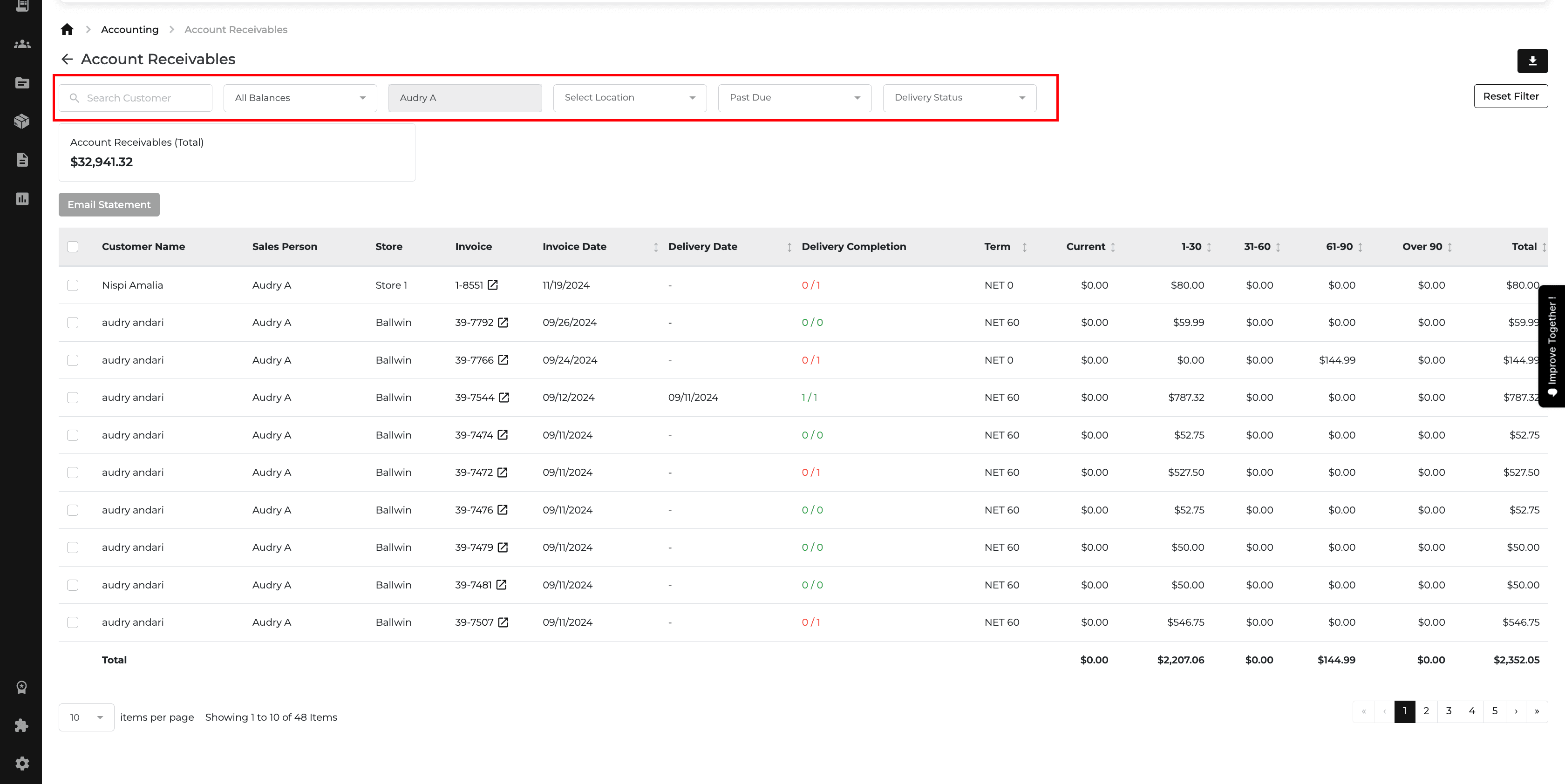
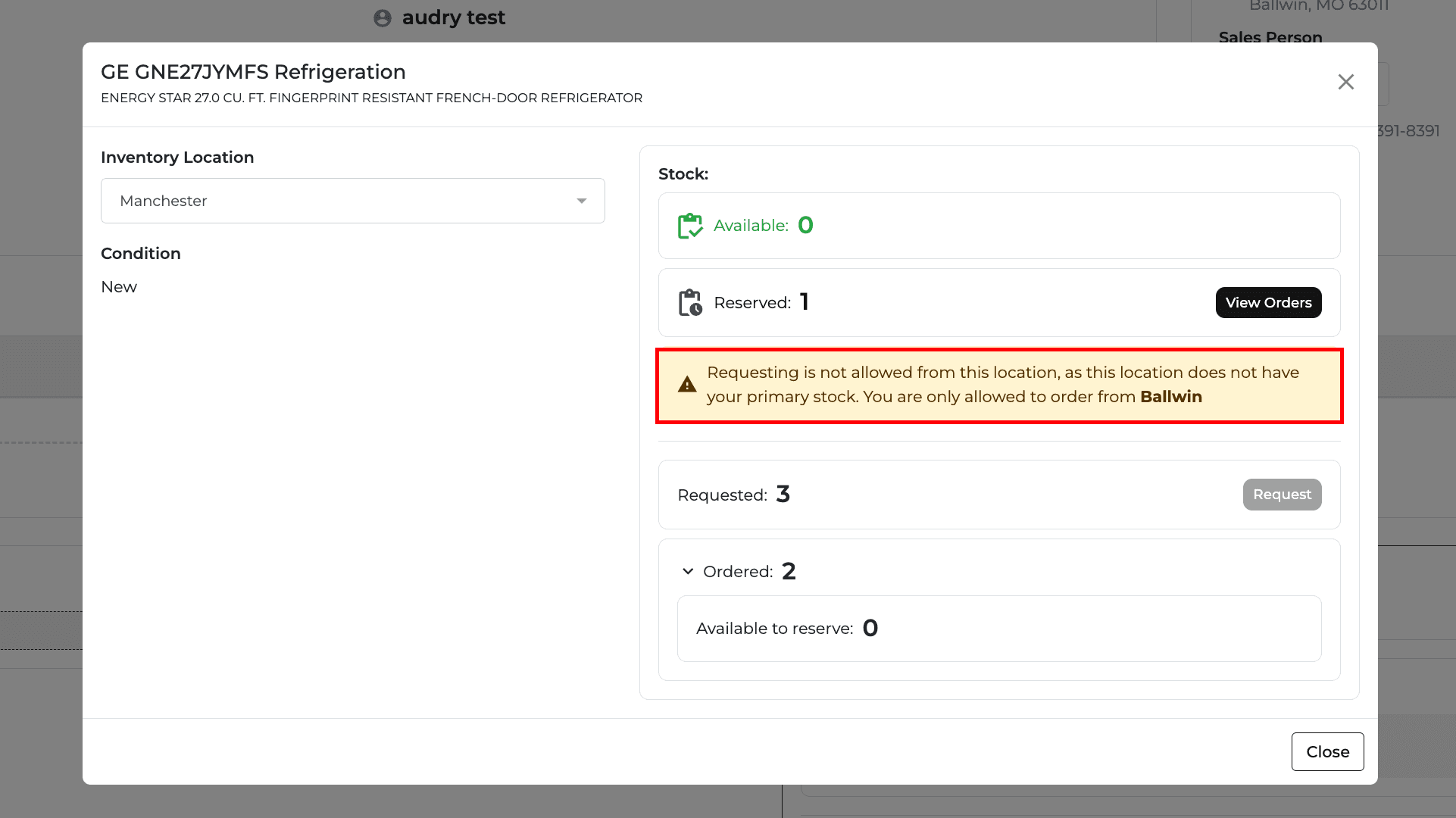
Related resource: READ THE FULL HELP GUIDE ARTICLE HERE!
Feature Improvement
Inventory
Quotes
What’s New
The item selector gives more detail when adding non-new inventory to a quote.
View each non-new item's serial number, condition, and price in the selection dropdown before choosing it.

New Feature
Reports
Payments
Notification
What’s New
Accounts Receivable can now create and email statements for selected unpaid orders.
Enable the email-statement feature in Settings, then select report rows for a single customer.
Review the customer's billing email, selected orders, outstanding balances, and statement total before sending. Current PDF copies of the selected orders are included.
Use the From Salesperson option to send under the salesperson's name and group order details by salesperson.
Review column totals at the bottom of the report.


Related resource: Cut right to the video , https://appliance.io/updates/platform-feature-update-november-25-2024
New Feature
Website
E-Commerce
Product Catalog
What’s New
Washer listings now support a wash-type choice.
Select agitator or non-agitator as a washer's wash type, similar to the existing gas or electric choice for dryers.
New Feature
Feature Improvement
Delivery and Routing
Notification
Inventory
Orders
Promos
What’s New
This update improves delivery communication, stock planning, reconciliation, and order pricing.
Send delivery updates to all associated phone numbers and email addresses, with banners that show whether SMS or email notifications are configured.
Request inventory for a future date. Available stock is reserved for that date; if stock is unavailable, the flow falls back to Immediate.
Filter Inventory Reconciliation by subcategory and brand, see models with matching location, category, and condition, and adjust quantities manually.
Open the pricing wizard while adding a single non-new inventory item.
Add rebates through Add Payment/Rebates and show them below the order total as a post-tax reduction.
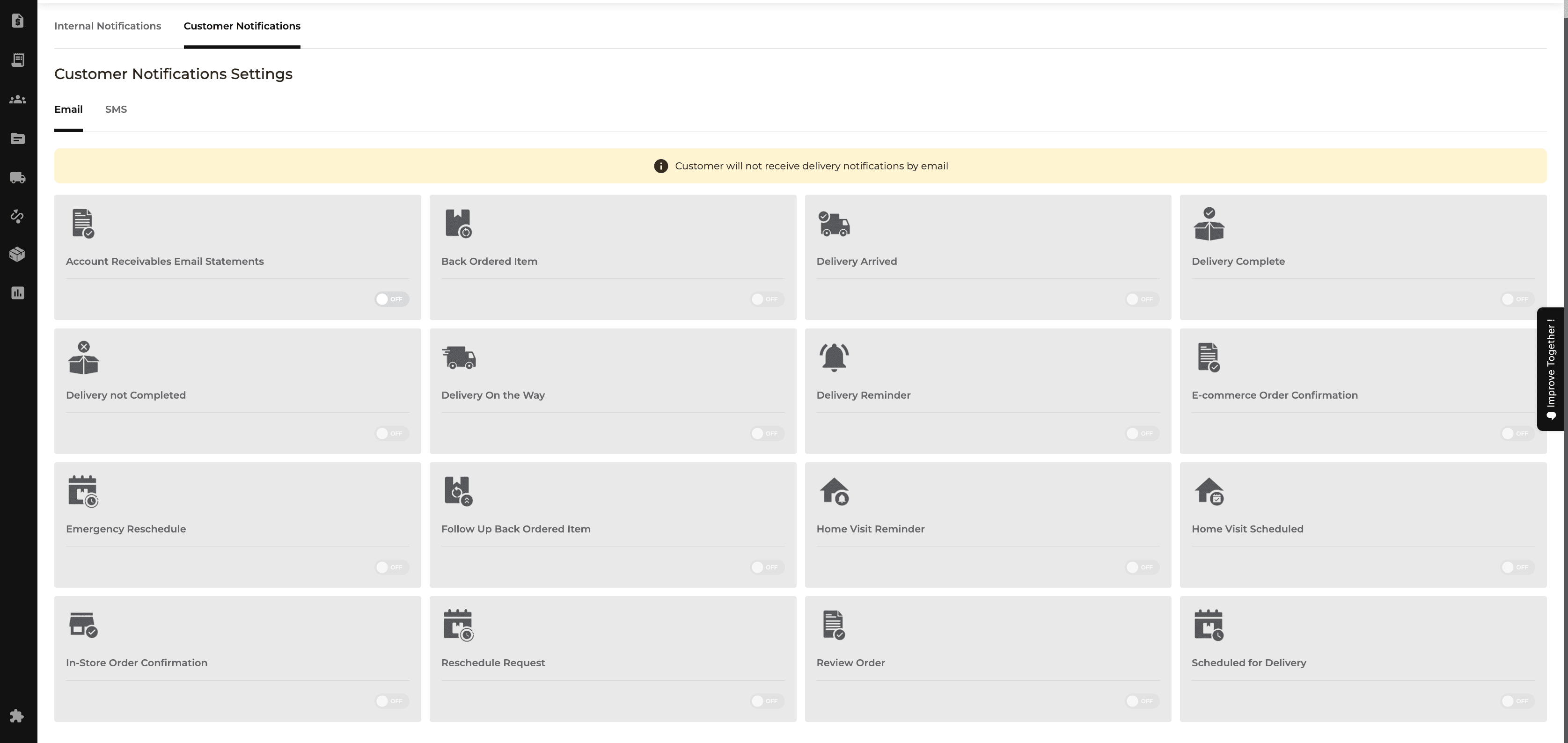
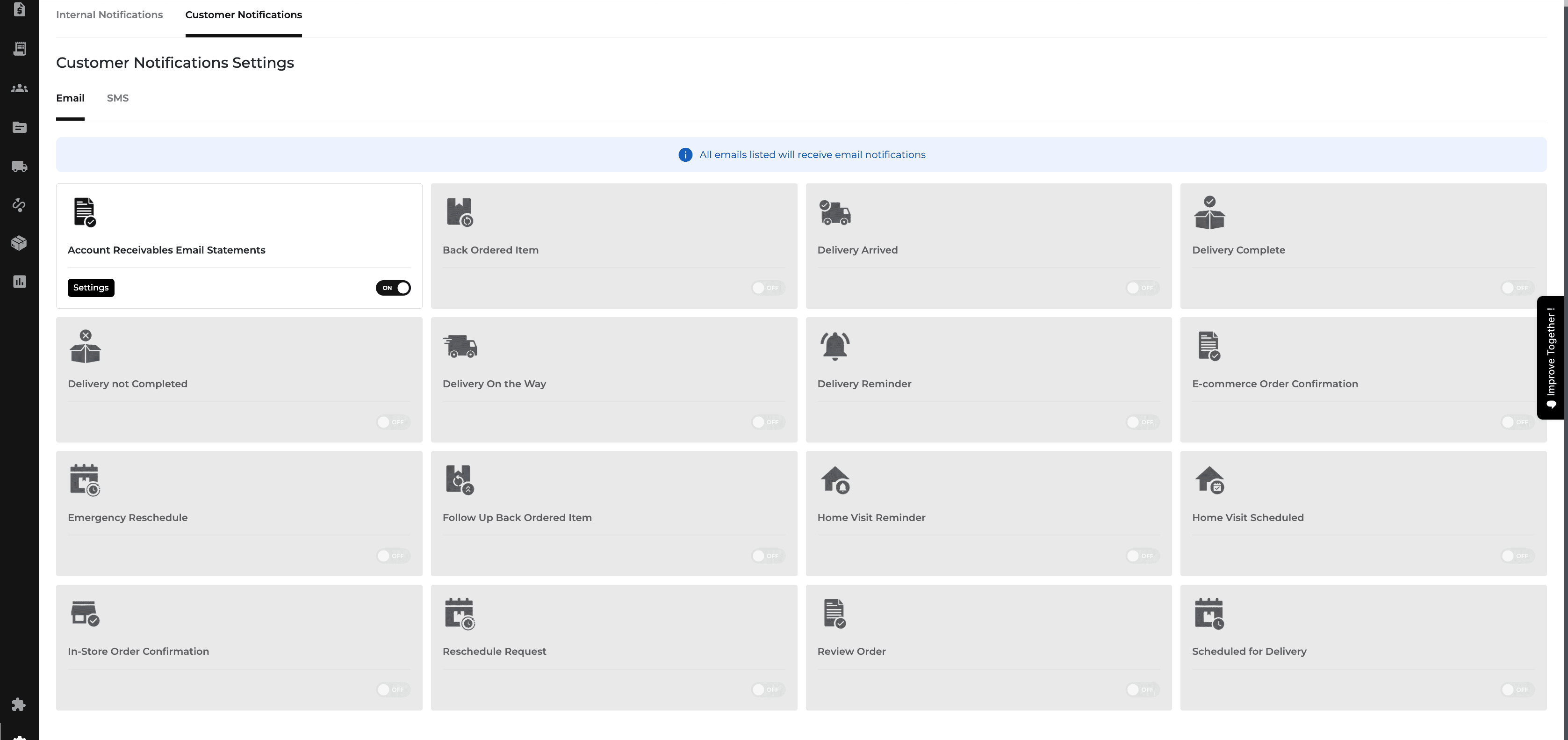
Related resource: November 14th, 2024
New Feature
Notification
Orders
Quotes
Reports
Dashboard
Onboarding
ETA Update Notifications
Sales team members now receive an email whenever the inventory manager updates an ETA on an order.
The email links directly to the order and lists the items with new ETAs, so you always know when items will arrive.
Tax Exempt Filter on Quotes and Orders Report
You can now filter quotes and orders by Tax Status (Exempt or Not Exempt), and tax-exempt records show an icon. This saves you from checking each one manually.
Dashboard Comparison Sales Widget
The widget now shows Written Sales (Cash) and Delivered Sales (Accrual) views and lets you compare any date range. By default it compares the current month with the same month last year.
More Onboarding Options
New users can now choose DMI and N.E.A.G as buying groups, and Centricity and AllState as protection plans, so setup starts with the right options.
Improve Together Feedback Tab
Feedback now goes through the new Improve Together tab in the sidebar. Share why your request matters, pick a category, and keep one issue per conversation.
When reporting a bug, you can attach up to 3 pictures or a 3-minute video.
New Feature
Inventory
Reports
Super Admins Can Request Stock From Any Location
Super admins are no longer limited to requesting stock from the warehouse, which speeds up order processing. Permissions for other users stay the same.
Vendor Ranking Report
Compare vendor and brand performance by sales, quantity, profit, and profit margin. Group by vendor or by brand, and compare any date range with the previous period.
By default, the current month is compared with the previous month, sorted by profit margin.
Feature Improvement
Purchase Order
Inventory
Notification
Purchase Order Filters and Search
Find purchase orders faster by filtering by Job Name, Customer Name, or Order Number, or by searching directly by job or customer name.
Store Manager Inventory Controls
Store managers can add units but can no longer delete units, deactivate Reserve for Display, or edit existing unit costs. They can submit edit requests with a reason instead.
Super Admins and Buyers now get alerts for missing costs and edit requests, which keeps inventory data accurate.
Register Custom Models From Inventory
You can now register custom model numbers directly from the Inventory page, without going through the delivery scan-out page.
Also Released This Period
Feature Improvement
Quotes
Orders
Payments
Reports
Clearer Tax Exemption Reminder
When applying a tax exemption, sales reps now see a reminder that it applies only to future transactions, not retroactively.
Accurate Customer Deposit Tracking
Customer deposits now flow correctly from the balance sheet to the income statement, and are labeled “Customer Deposit Account” on the income statement and Payment Breakdown report.
New Feature
Website
E-Commerce
Promos
Product Catalog
Deals and Offers Tab
A new Deals and Offers tab sits before the Refrigeration tab. It brings together Shop Outlet (shown only when outlet items exist), Open-Box Appliances, Rebate Offers and the Appliance Rebate Hub, and Package Deals.
The separate Package Deals tab is retired, so everything for finding a deal is in one place.
Open-Box Appliances Page
Customers can now browse open-box products on a dedicated page with a category filter. Listings show “As low as” pricing and savings compared with the new price, and link to the Open-Box product details page.
Open-Box Product Details
Product pages show a New-Price badge, an Open-Box badge, and a slide-out sidebar with each open-box option’s condition, price, description, and pictures.
To activate this on your website, contact customer support.
New Feature
Reports
Settings
Orders
Delivery and Routing
Gross Margin Tiles in Sales By Product Report
Total Gross Margin and Average Gross Margin tiles now appear at the top of the report, so you can see profitability at a glance.
Archive for Install Settings
You can now archive unused installs instead of deleting them. Archived installs are in the new Archived Installs tab.
Redesigned Income Statement
The Income Statement now follows a traditional accounting format, based on feedback from accountants and bookkeepers.
New Sales Tax Rules for Fulfillment Services and Built-in Appliances
Two new rules at the top of Sales Tax settings let you turn off sales tax on built-in appliances and their fulfillment services, or charge tax on fulfillment services when the item is taxable. Before, fulfillment services were always tax-exempt.
OTR Microwaves Are Now Built-In Appliances
Over-the-range microwaves now show the built-in icon on the routing page and are excluded from sales tax, like other built-in appliances.
Total Active Orders Value
A new tile on My Orders and the Orders Report shows the total value of your open orders.
Clearer Sales Tax Reports
The Cash Basis report now shows a Transaction Date, and the Accrual Basis report shows a Delivered Date, which is when revenue was recognized.
Also Released This Period
New Feature
Dashboard
Customer Account Change Log
The Customer Account Detail page now has a change log that shows who made updates, what changed, and when, plus the account creation date.
It follows the same layout as the order change log and helps you find errors and track activity.
Cleaner Dashboard
The Sales KPI and Commission widgets now hide when there is no data to show.
Email Tab Key Fix
In emails, the Tab key now moves only between the main fields instead of jumping through text editors.
Feature Improvement
Quotes
Payments
Reports
Edit Quotes With Partial Payments
You can now edit a quote even after a partial payment is made, which means fewer refunds. To convert the quote into an order, the balance must be exactly zero.
Bulk Spiff Export by Brand
You can export bulk spiff files with a brand filter. Bulk export works only when no salesperson filter is applied.
Also Released This Period
Feature Improvement
Website
E-Commerce
Product Catalog
Package Deals Category Filters
Filter Package Deals by Kitchen Packages, Washer and Dryer Sets, or Other Packages to find the right bundle faster.
Improved Compatible Parts and Accessories
Compatible products are now sorted from most to least popular, and the section moved below Complete Your Appliance Purchase/Packages.
Product availability is hidden here, so shoppers can focus on choosing accessories.
Feature Improvement
Customer Portal
Website
Orders
Clearer Order Status Tags
Orders now show a status tag: Open, On Order, Needs to be Scheduled, Scheduled for a date, In-Transit, Ready for Pickup, Delivered, or Returned.
Needs to be Scheduled links to the scheduling page, and In-Transit has a Track My Order link.

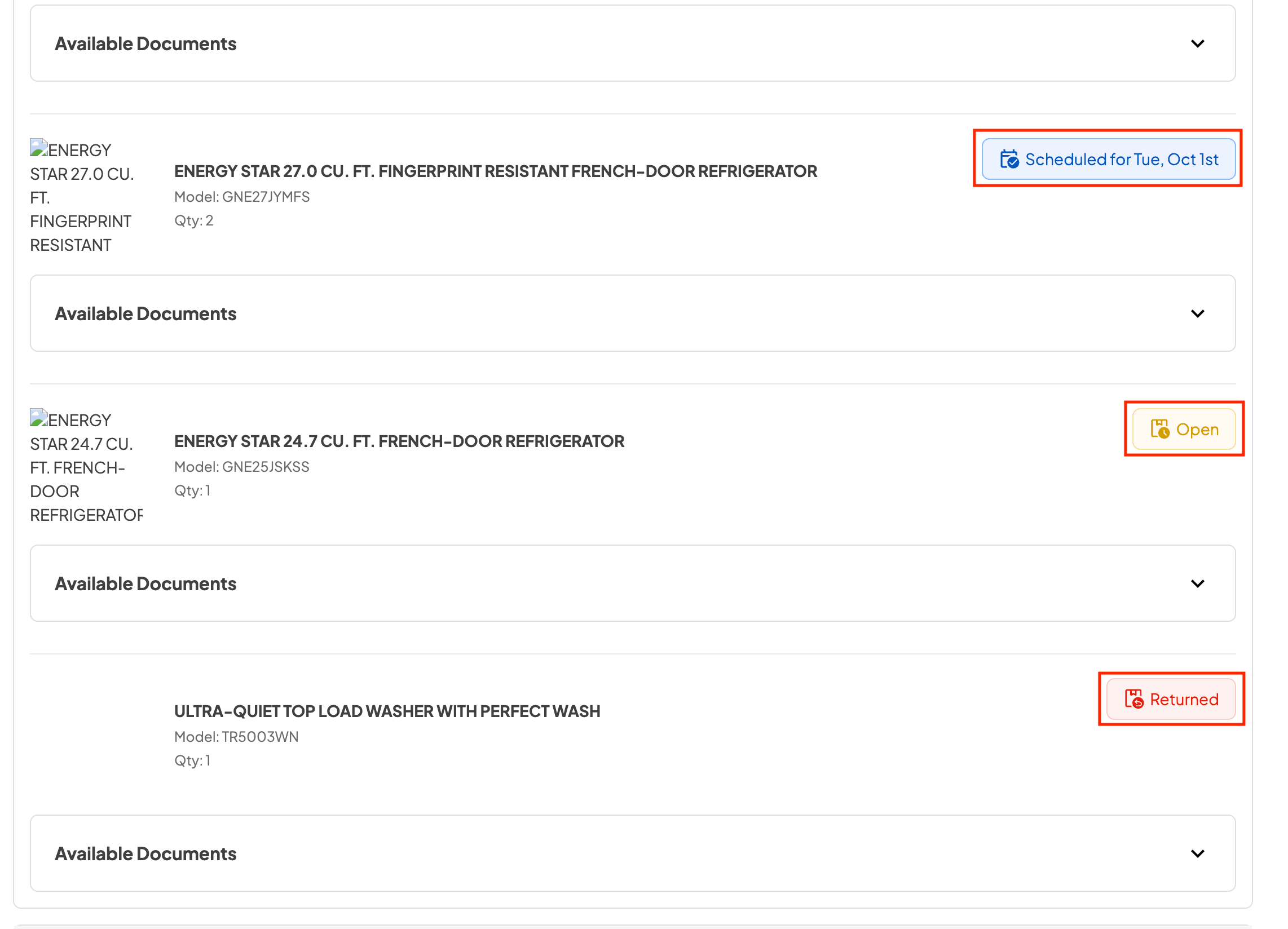
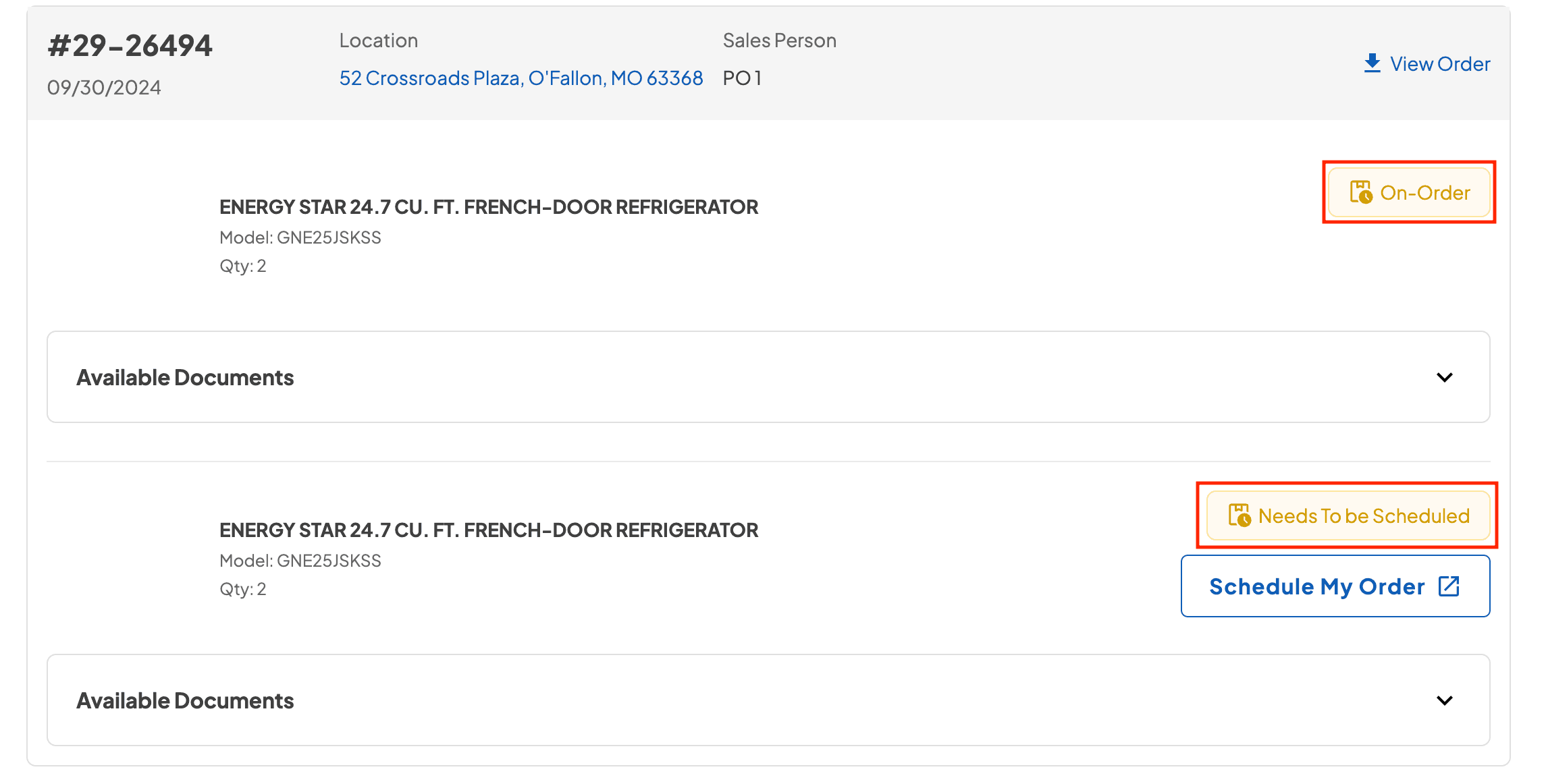
Easier Order Browsing
Account names now show on the left of each order box, the left sidebar stays visible while you scroll, and the Logout and Reset Filter buttons have updated styles.
New Feature
Reports
Payments
Protection Plan
Settings
Quotes
Credit Line Payment Reporting
Each credit line repayment is now tracked as a separate entry in the Sales Tax Report and Income Statement, with its own payment date.
The “Show Only Credit Lines Paid in Full” toggle was removed, and add-ons now appear as separate entries for more accurate reporting.
Standardized Cash and Accrual Tabs
Tabs are now named Written Sales (Cash), for sales recognized on payment, and Delivered Sales (Accrual), for sales recognized on delivery.
Account Receivables Report
Internal Credit Line reports are merged into Account Receivables. A new Balance Type filter shows all balances, only Accounts Receivables, or only Internal Credit Lines.
Instant Rebates in Payment Breakdown Report
A new filter shows payments that involve instant rebates, and the Amount column now displays rebate values.

Protection Plans by Product Condition
Protection Plan settings have a new Condition field (New by default), so plans can also be offered for Used or Open-Box products. Plans show only for matching conditions.
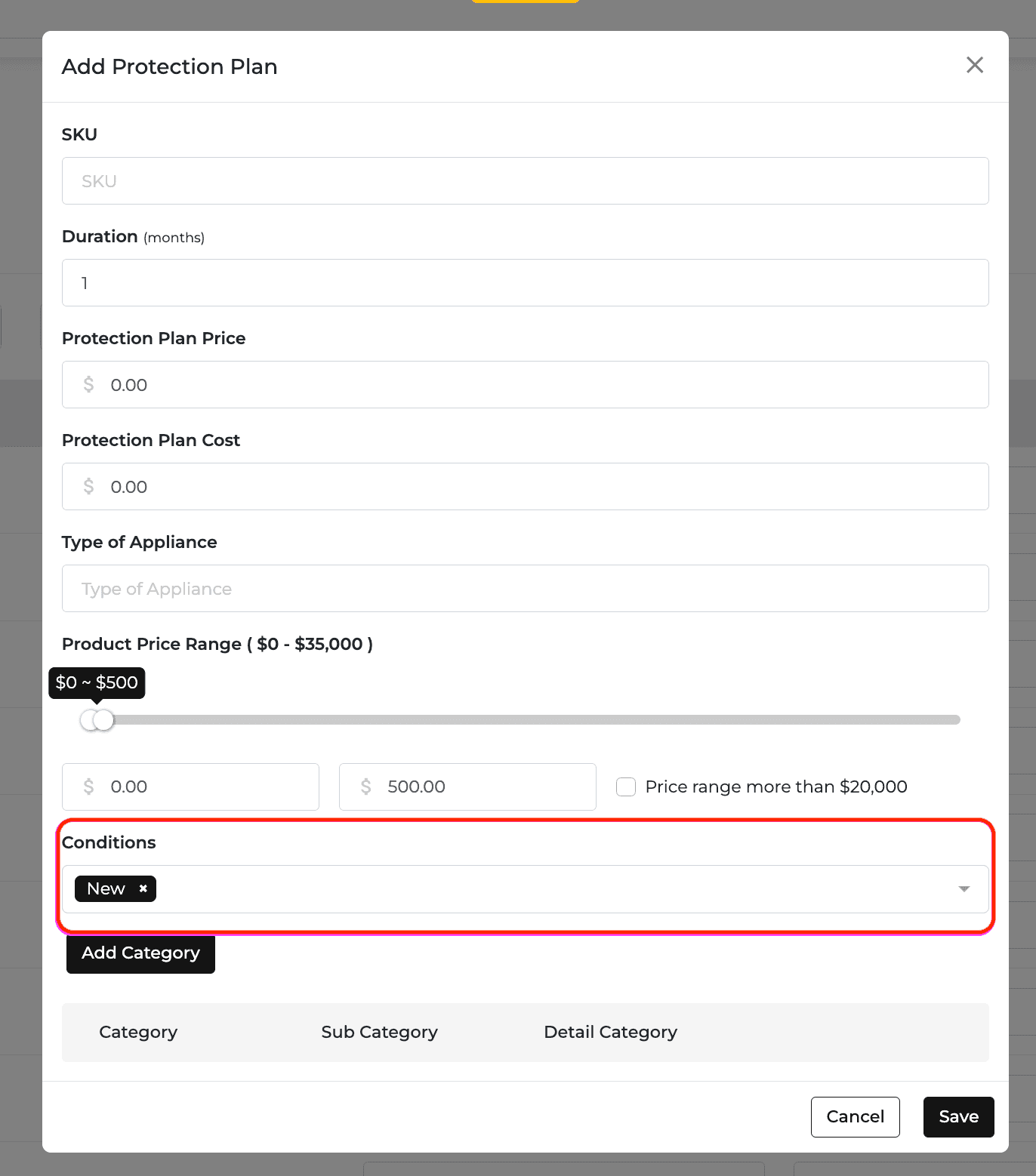
New Website Administrator Role
The new role gives access to E-Commerce and SEO settings only, without Pricing Zone or Delivery Zone settings.
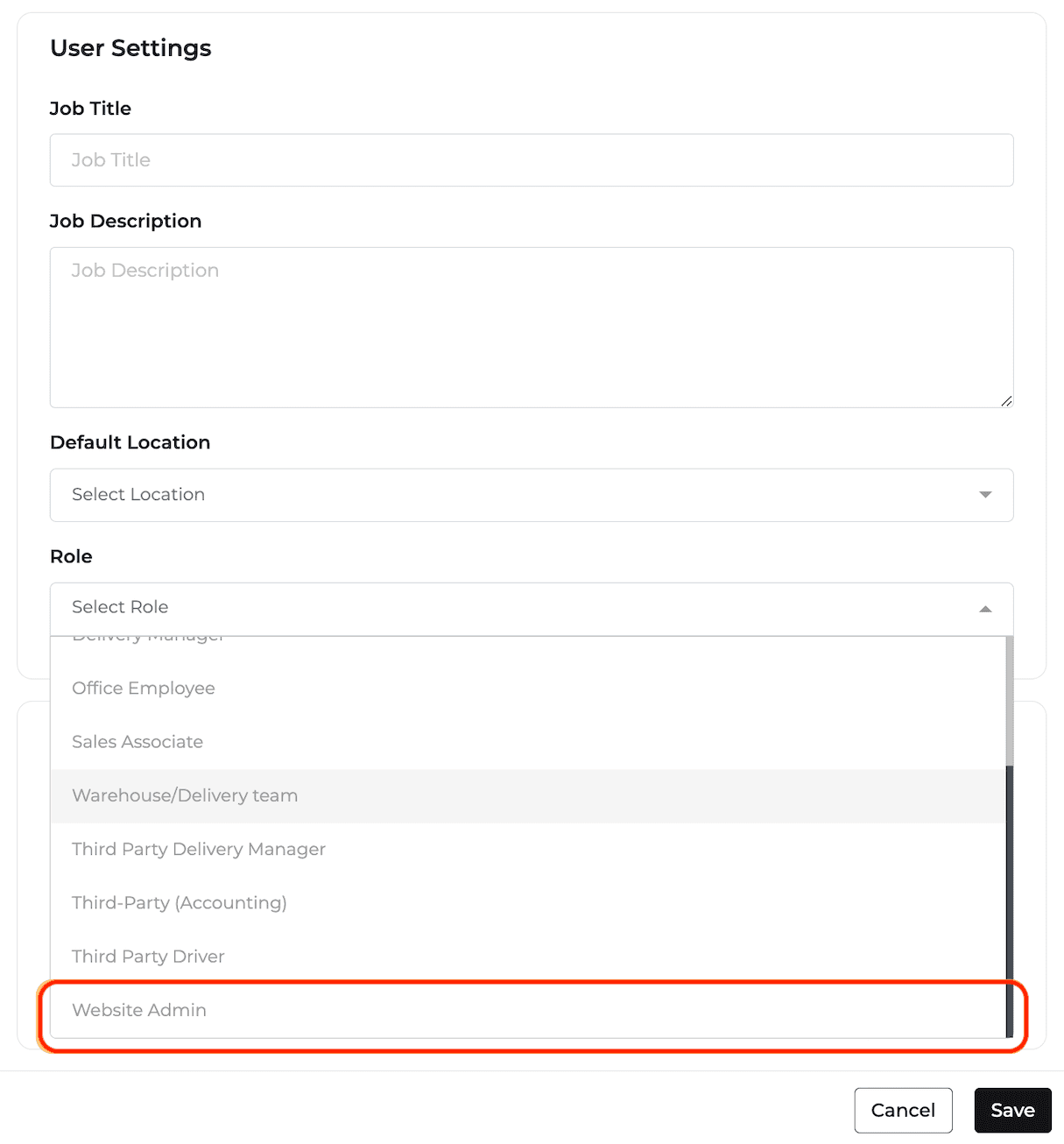
Digital Tags: Untagged Models Tile
A new tile on Digital Tags Settings shows how many model numbers have no digital tag.
My Quotes Totals
New tiles at the top of My Quotes show Total Estimated Profit Margin, Total Revenue, Total Deposits, and Total Active Quotes.
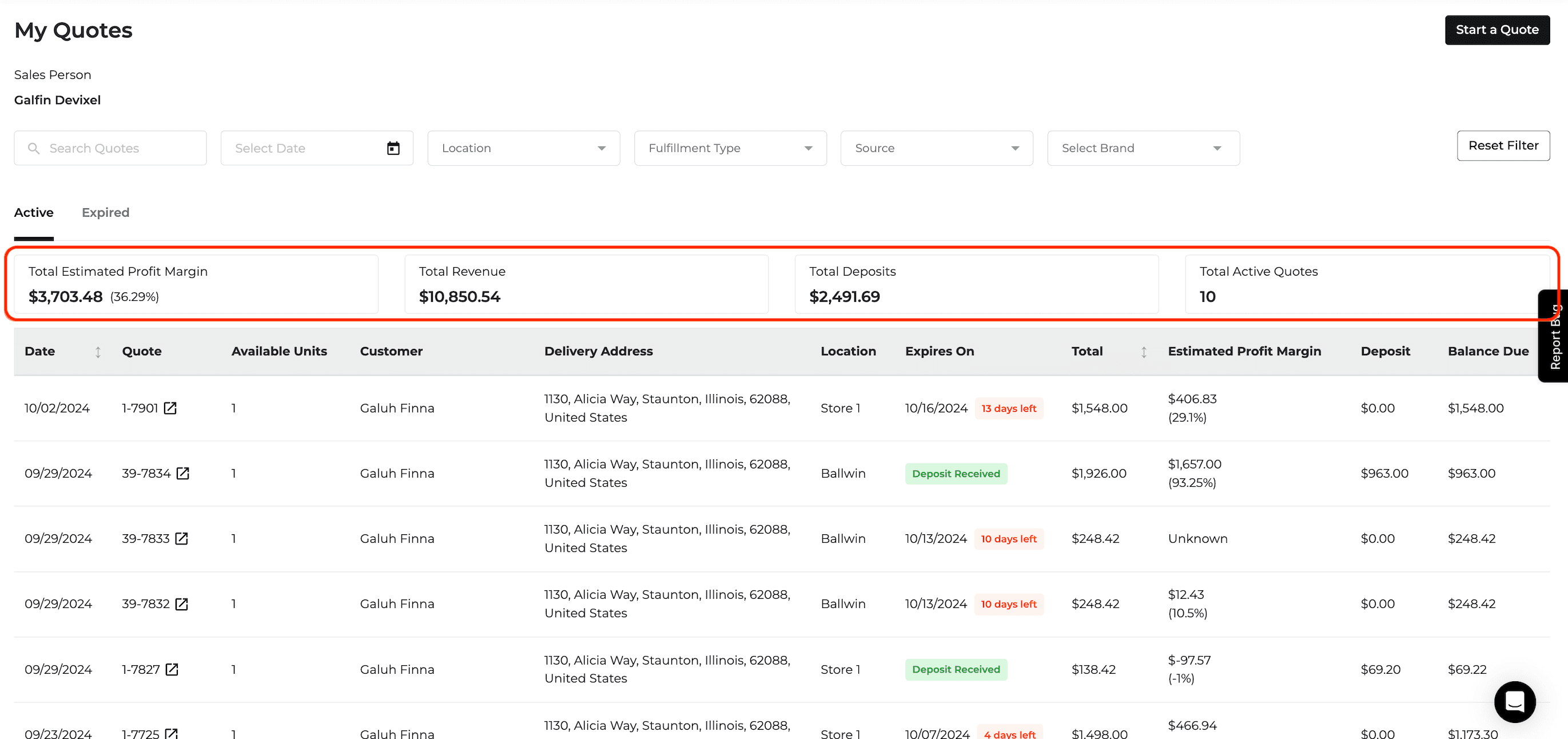
Also Released This Period
Feature Improvement
Protection Plan
Reports
Protection Plan Accrual Matches Income Statement
The Protection Plan Report’s accrual basis now follows each order’s delivery status instead of the paid date, so it matches the Income Statement and handles returned plans accurately.
This applies only to orders created after September 30th.
More Accurate Attachment Rate
SpeedQueen products are now excluded from the Protection Plan Attachment Rate, which has been recalculated for all clients.
Feature Improvement
Delivery and Routing
Reports
Payments
Zip Code Insights Table
The Frequently Inputted Zip Codes Outside of Delivery Area table now shows how often each zip code was entered and the last date, and can be sorted by any column.
You can add a zip code to Pricing or Delivery Zones in one click.
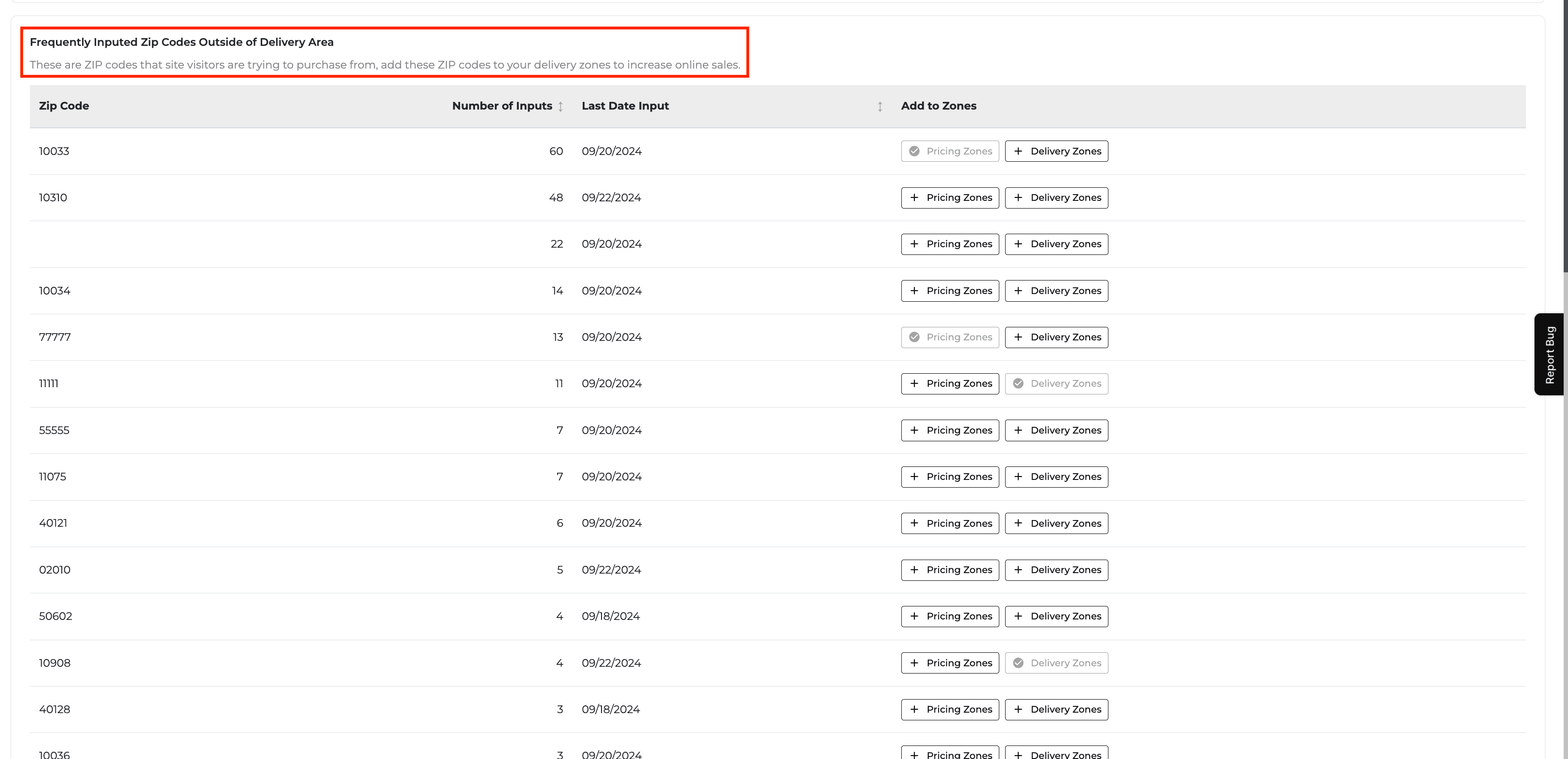
Balance Sheet Inventory by Condition
The Balance Sheet shows total inventory value, with an option to break it down into New and Open Box inventory.
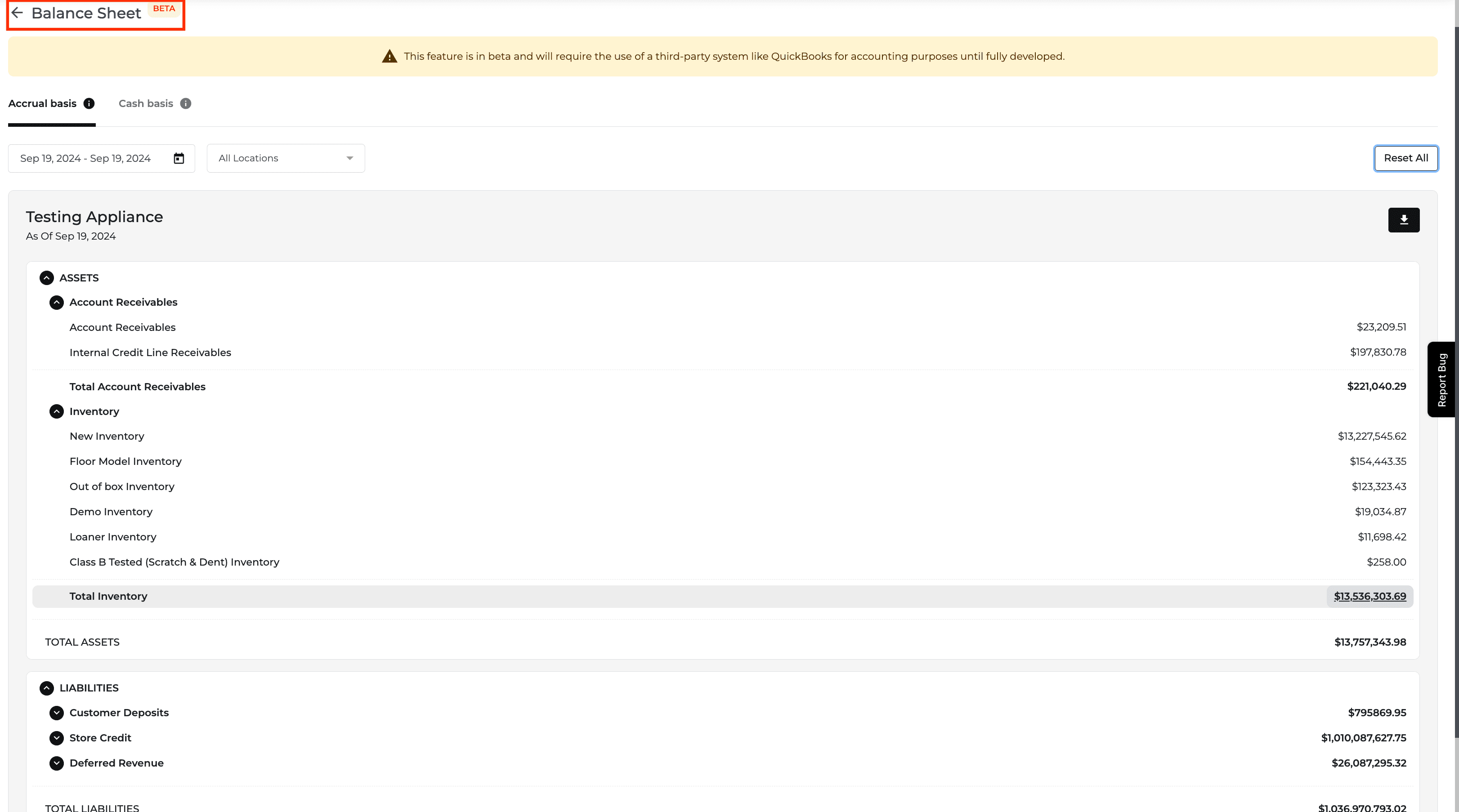

Payment Application Filter
The Payment Breakdown Report has a new Payment Application filter (deposits to a quote, payments to a credit line, or payments to an order) and a matching column.
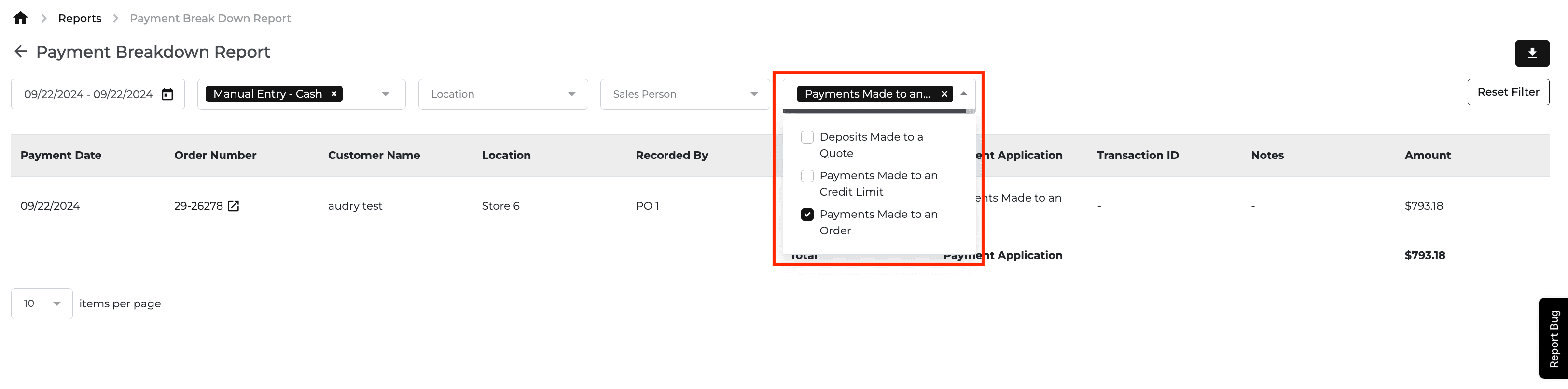
New Feature
Website
E-Commerce
Promos
Rebate Home Page
Customers can browse and search products and brands with rebates from one dedicated page. This is the first phase of the Rebates feature.


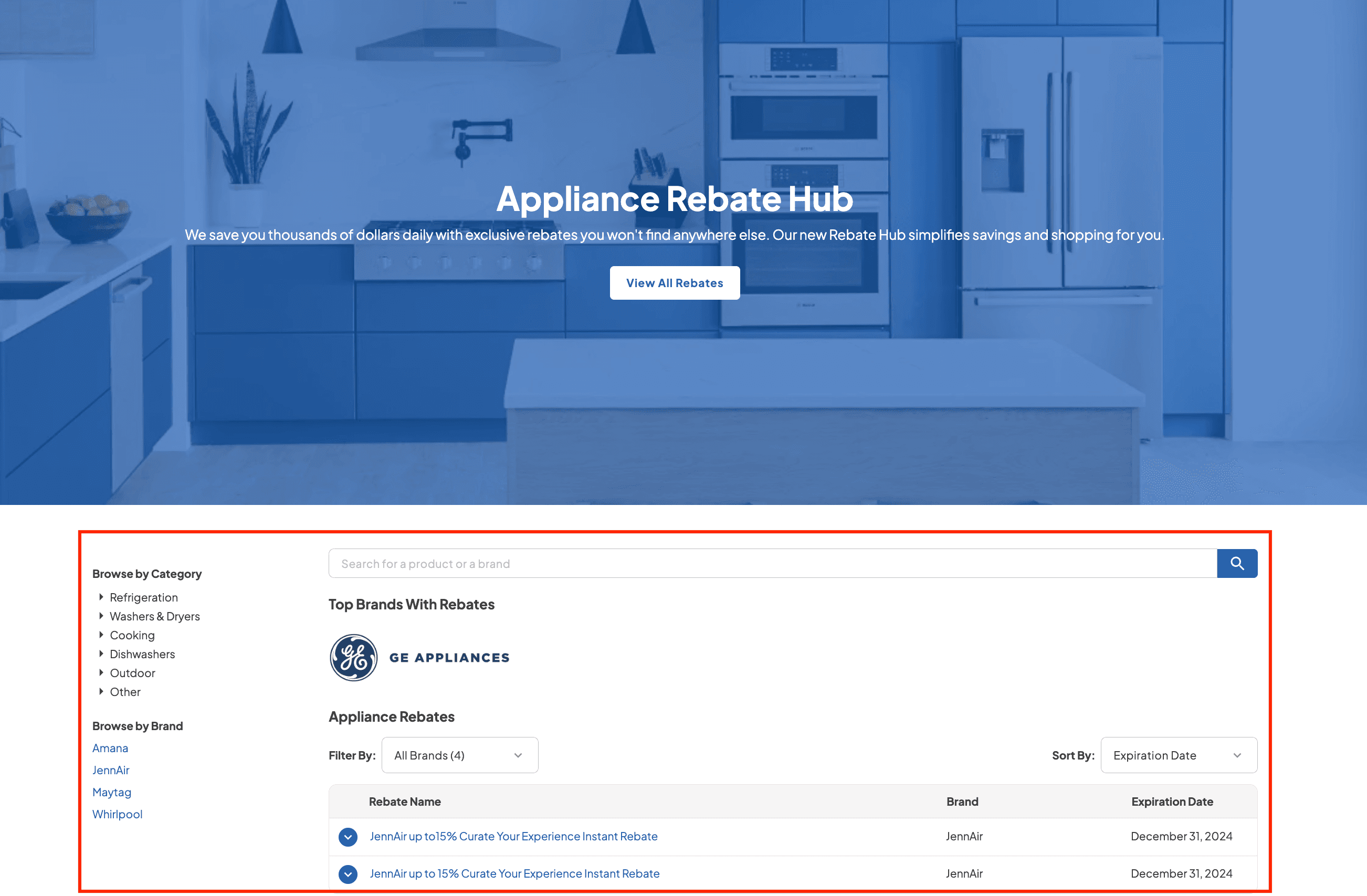
Rebate Package Builder
Customers can build a package from SKUs that meet rebate requirements and add it to the cart. Open it from the Rebate Homepage or from Current Rebates on a product page.
Starting a new package replaces the previous one that was not added to the cart, and switching categories resets filters.
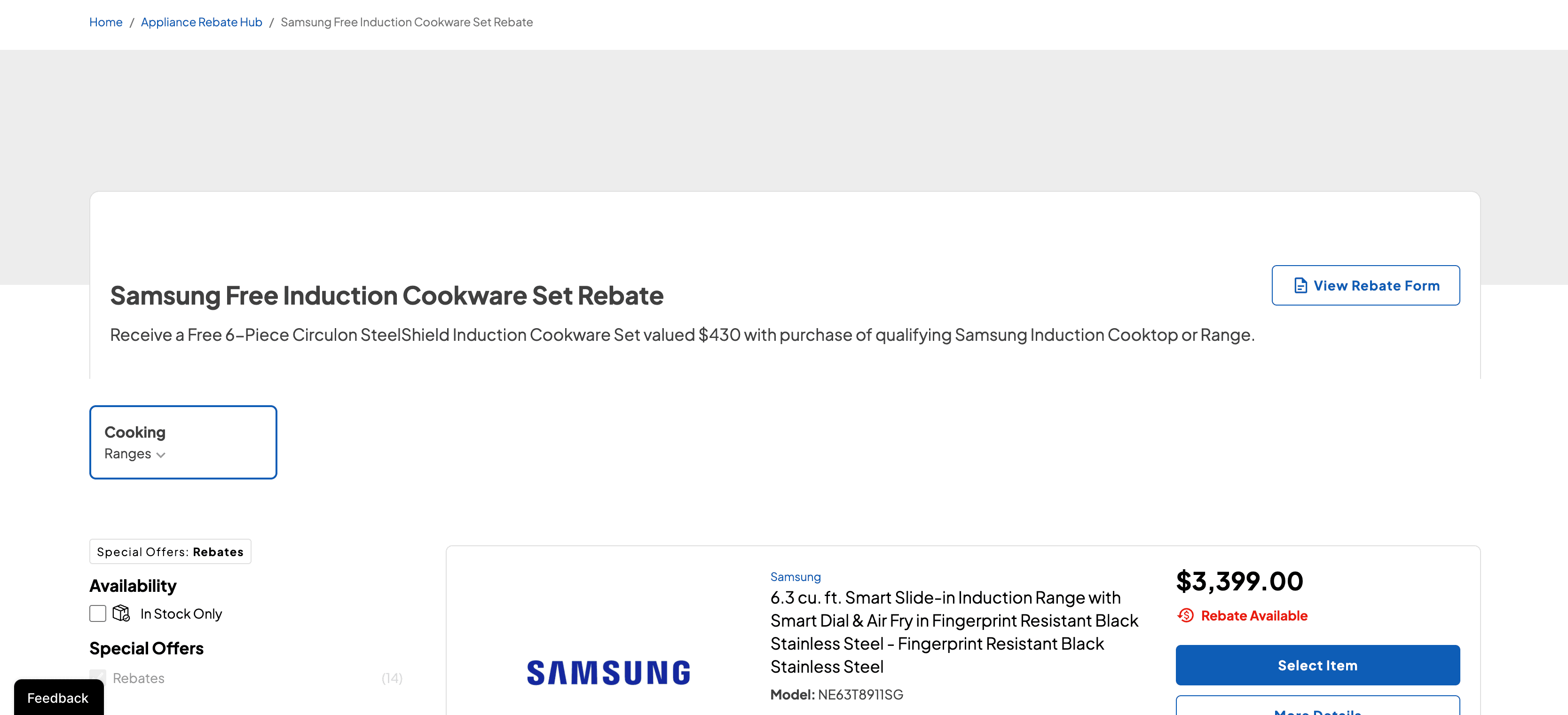
Rebates on the Product List
Products with active rebates show a clickable Rebates Available badge that opens the rebate details. A new Special Offers filter shows only products with active rebates.
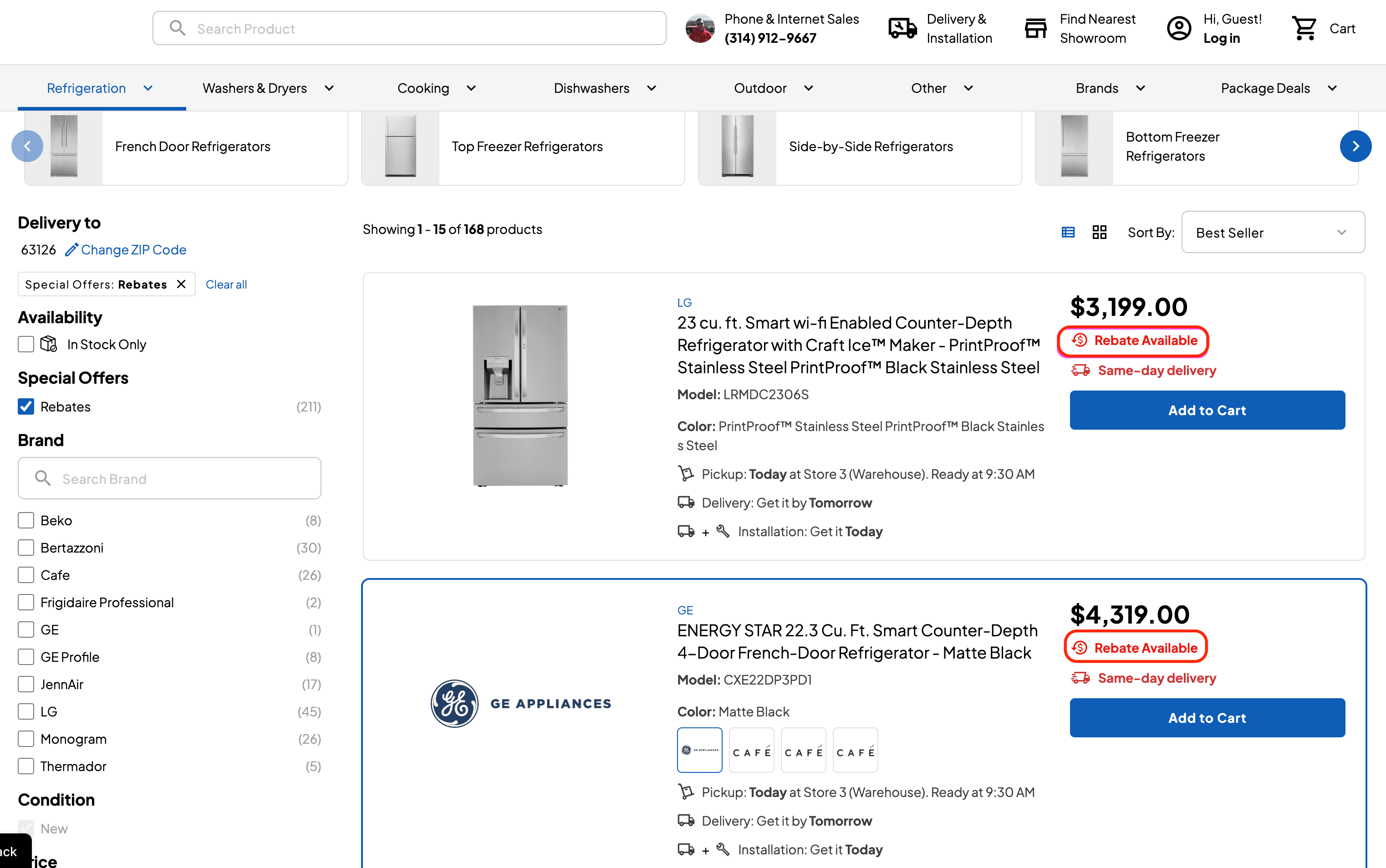
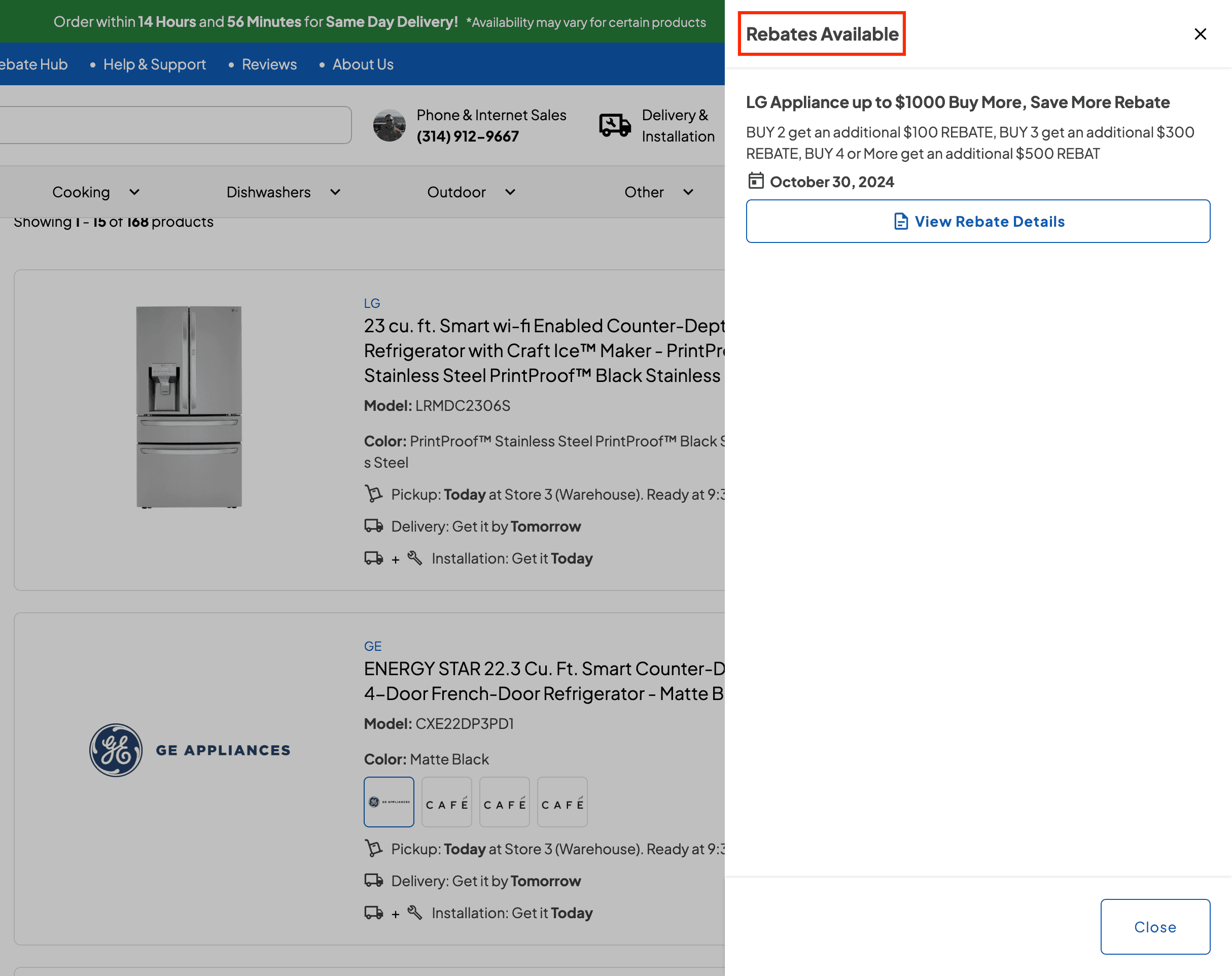
Rebates on the Product Page
Product pages show the Rebates Available badge and a Current Rebates section with each rebate’s expiry date. Customers can view the rebate details PDF or start building a rebate package.
Expired rebates are removed automatically.
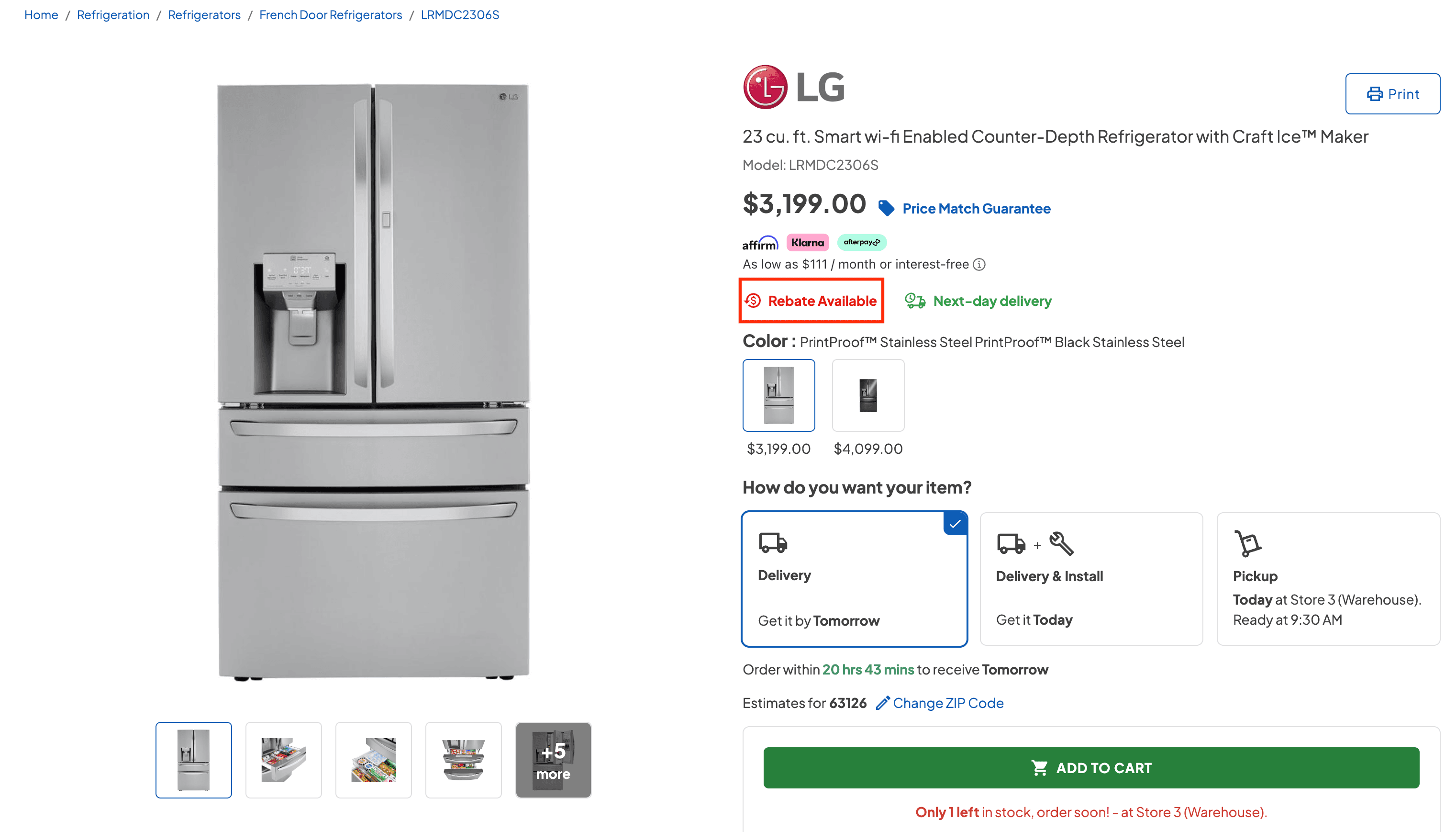

Feature Improvement
Reports
Delivery and Routing
Driver Report
The report is now a single page, and row colors show the stop type and status. New filters include Truck #, product category, and reschedule type.
Truck tiles summarize each truck’s day (drivers, mileage, completed stops, and reschedules) and filter the report when clicked.
New columns include Truck #, Damage Report, Stop Type, Fulfillment Type, Missing Parts, Replacement, and Reschedule Reason, and each row has a View Details button.
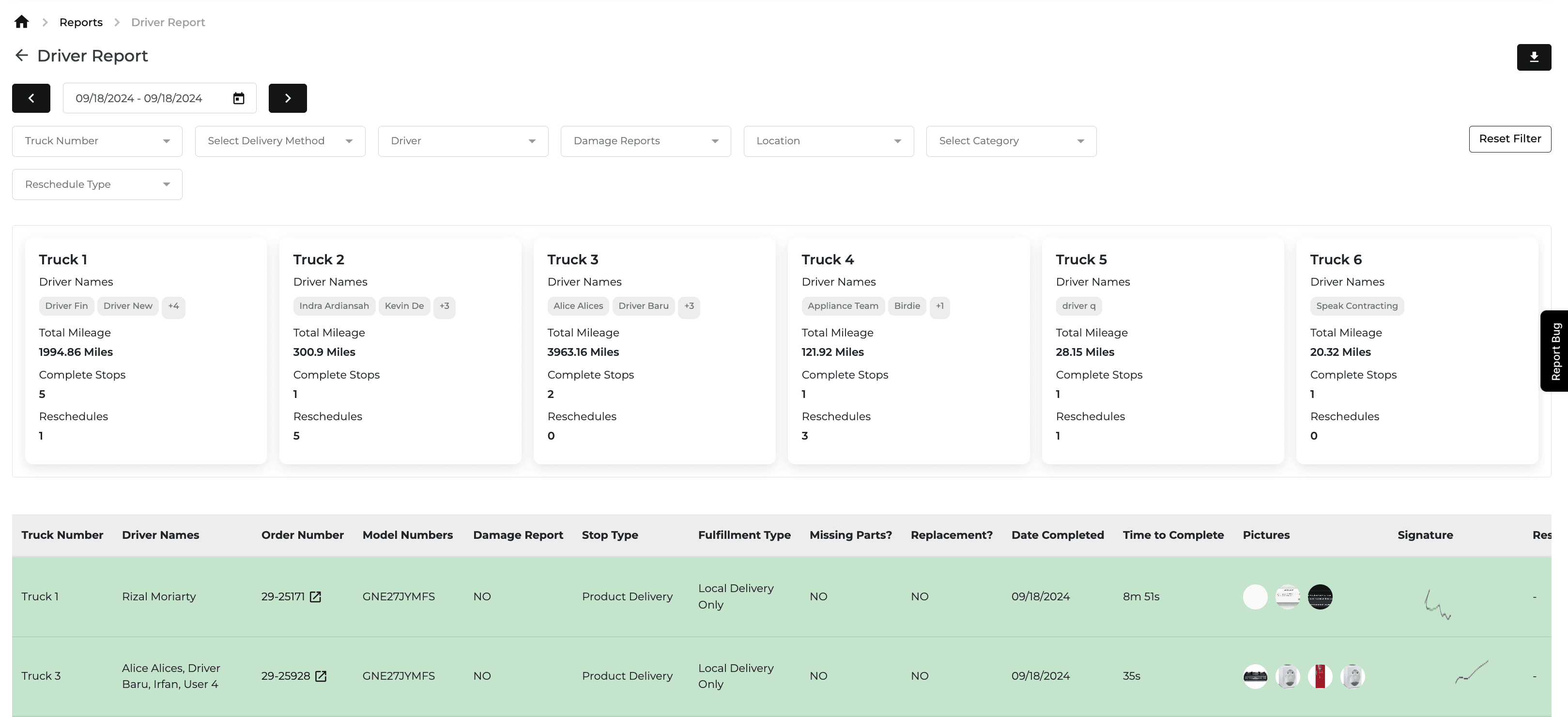
Also Released This Period
Feature Improvement
Inventory
Driver Apps
Delivery and Routing
Transfer Inventory Search
You can now search Available Stock by model number, Reserved Stock by order number, and Reserved for Display stock by model number.
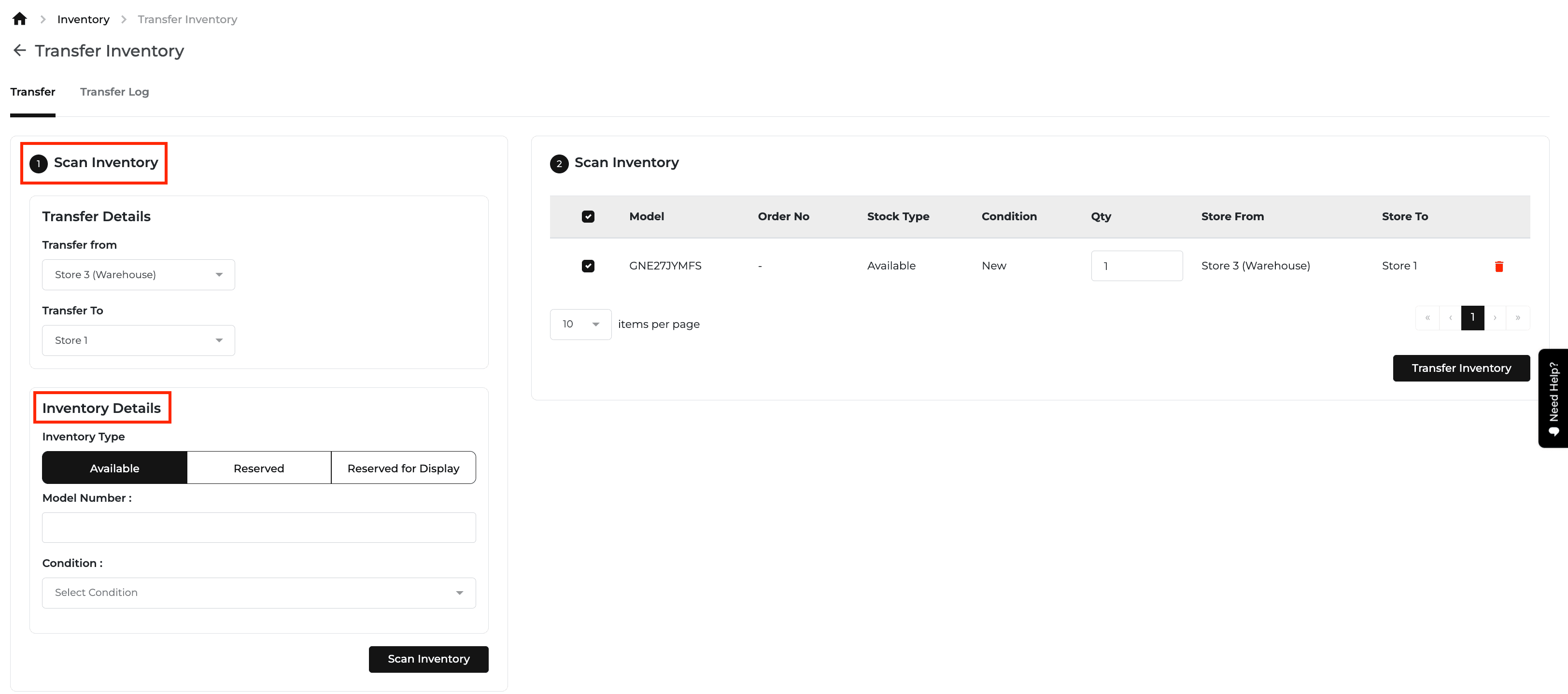
Driver App Reschedule Improvements
New reschedule reasons: Site Not Ready, Refused Due To Damage, Rescheduled Due To Size Issue, Customer Not Home, and Customer Requested Reschedule.
Pictures are now required for every reschedule, and a YES/NO toggle shows whether the customer should be notified.
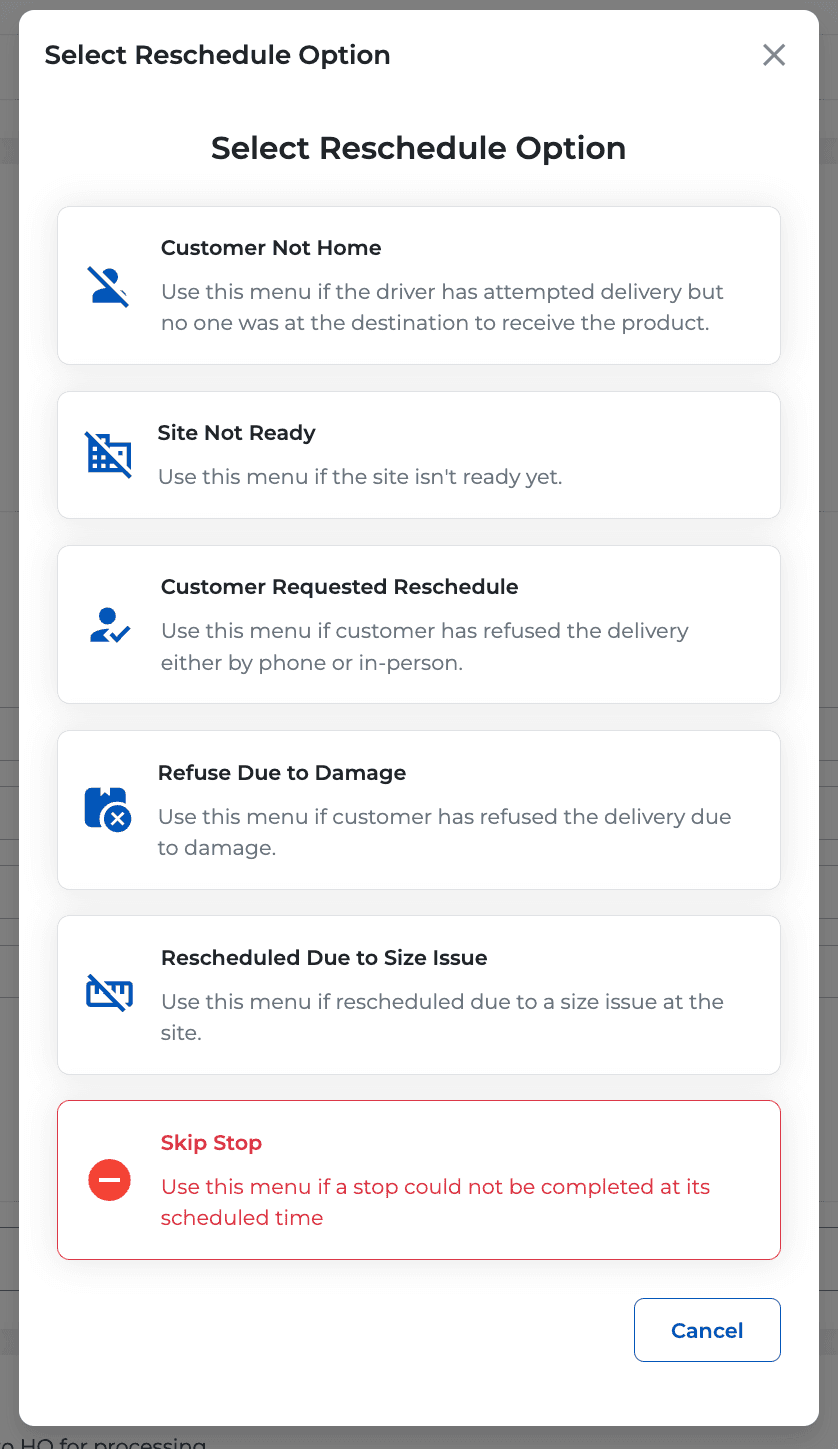
Holidays Capacity Settings
Product is now split into In-Store Orders and Online Orders. You can select multiple order types and set their capacities together.
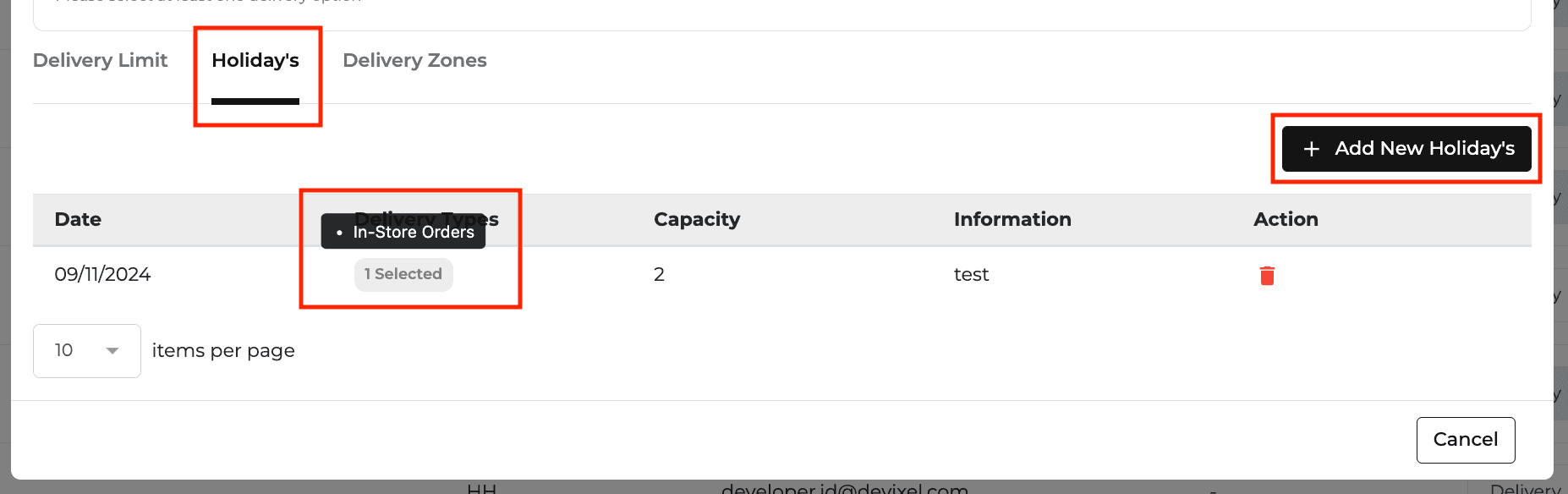
New Feature
Orders
Quotes
Payments
Reports
Delivery and Routing
Home Visit History on Customer Profiles
Customer profiles now list all home visits tied to the customer’s orders, with type, completion date, model, serial, and service description.
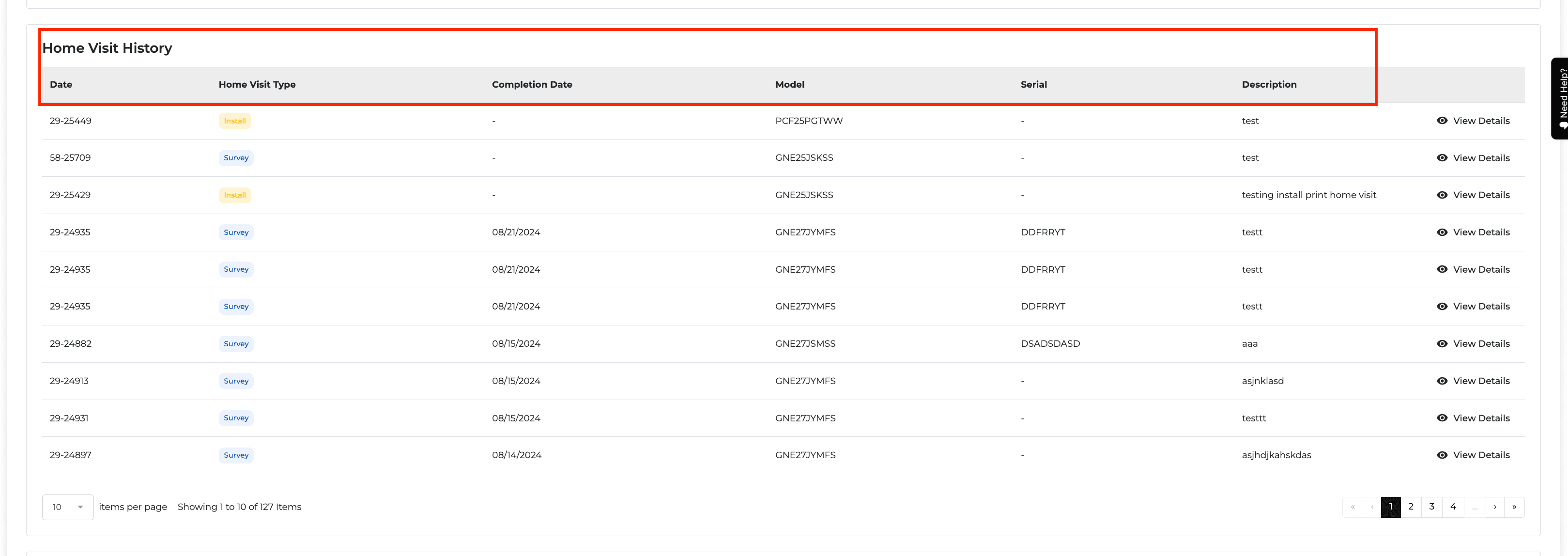
Credit Line Toggle on Cash Basis Income Statement
A new “Show Only Credit Lines Paid in Full” toggle (off by default) on the Cash Basis tab shows only credit line orders fully paid during the selected dates.
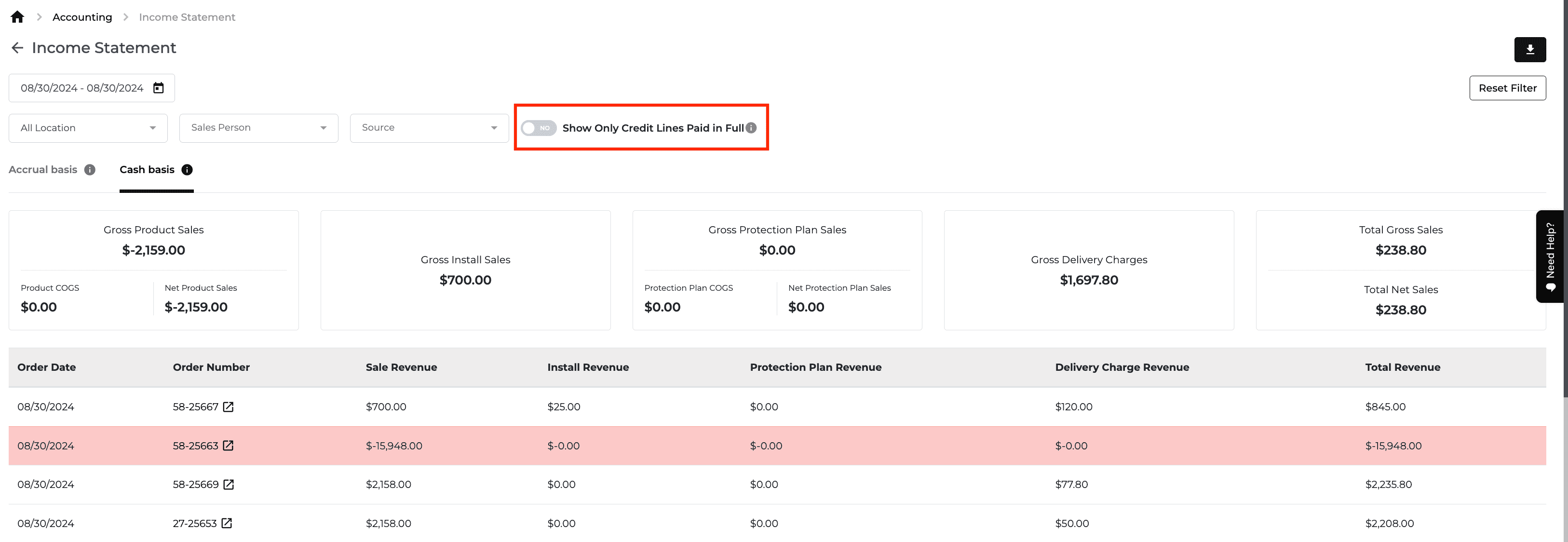
Switch Customer on Quotes and Orders
If a quote or order was created for the wrong customer or company, you can now edit the billing information and switch to a different existing customer or company without canceling and rewriting it.
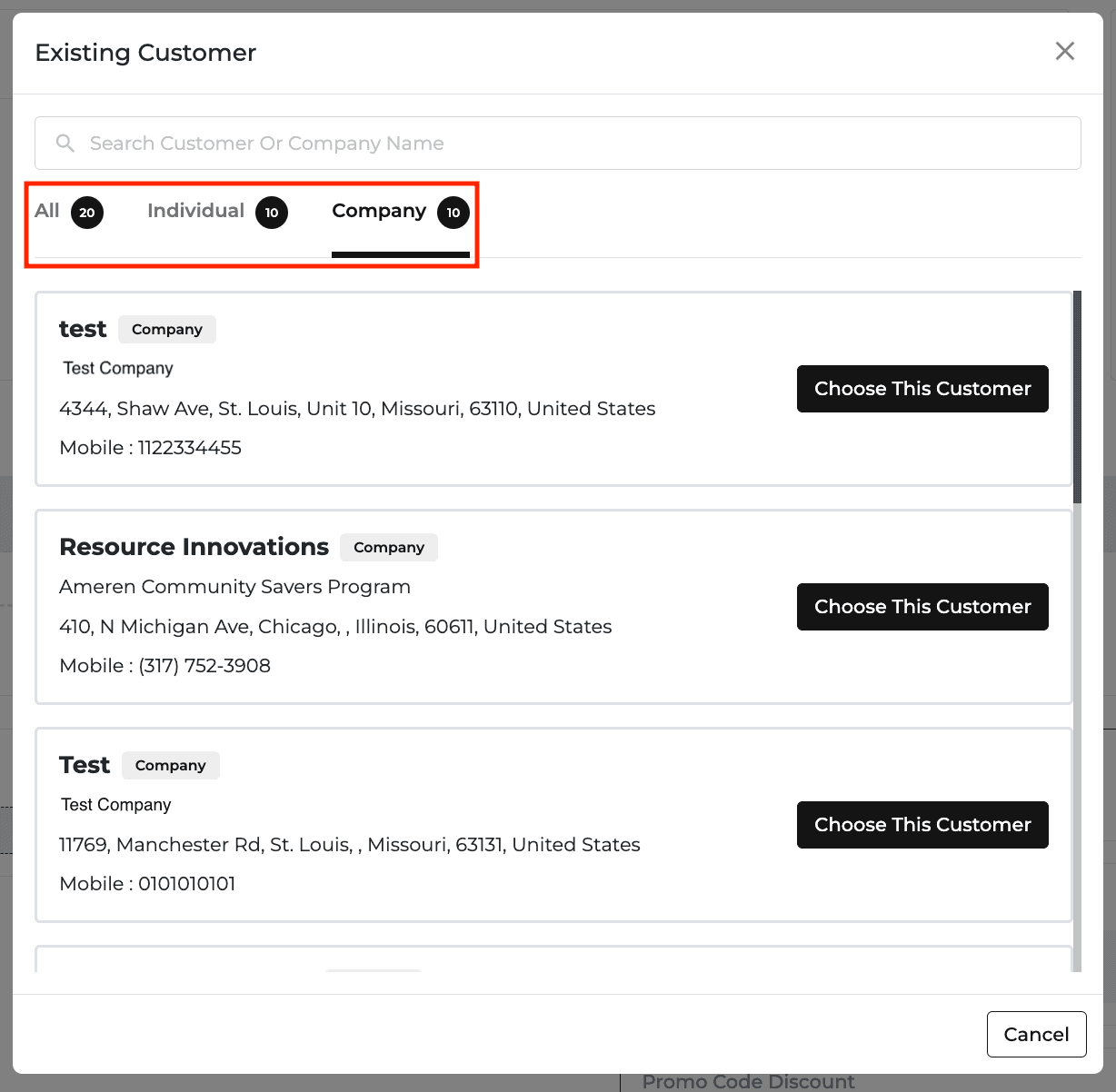
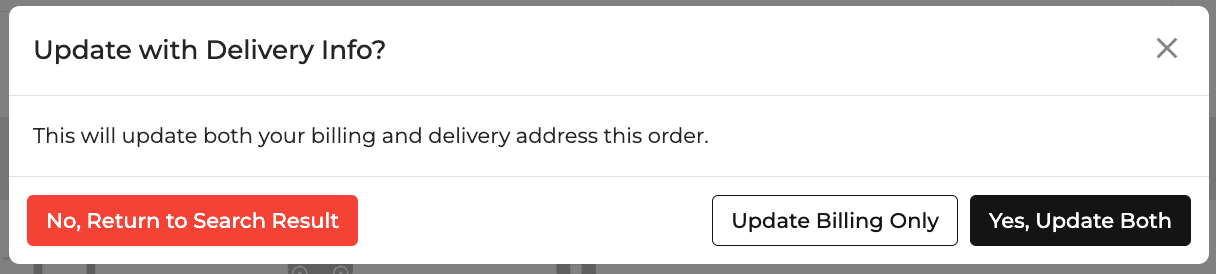
Emergency Reschedule by Truck or All Routes
In Route Options, an emergency reschedule can now apply to individual trucks or to all routes.
Easier Returns
A new Select All button selects every item for a full return, and Unschedule All removes scheduled items in one click.
Items already scheduled for delivery can’t be returned until they are removed from the delivery schedule.
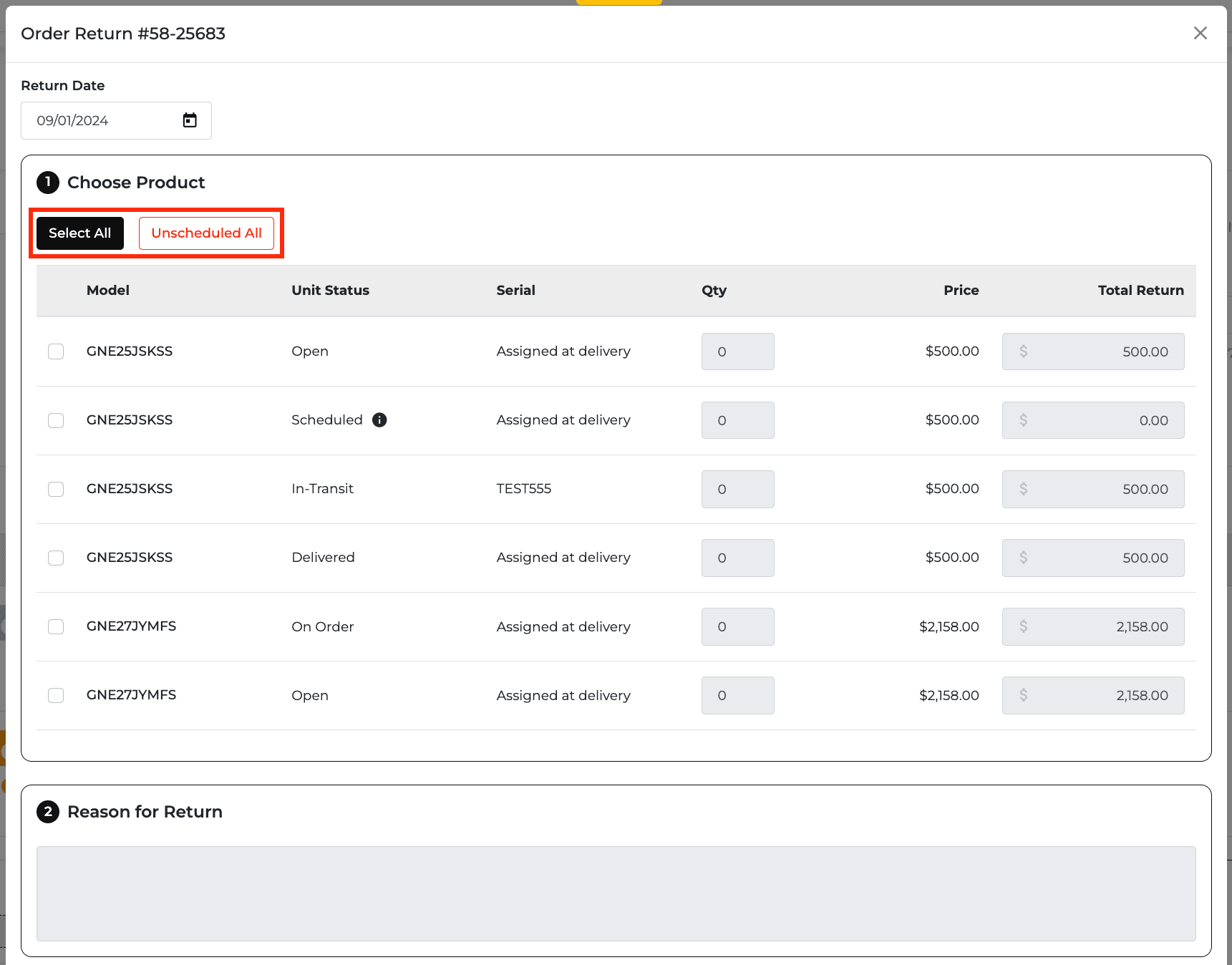
Write-Off Payment Method
A new Write-Off payment method appears under Manual Payment in settings, quotes, and orders. The Payment Breakdown Report has a matching filter.
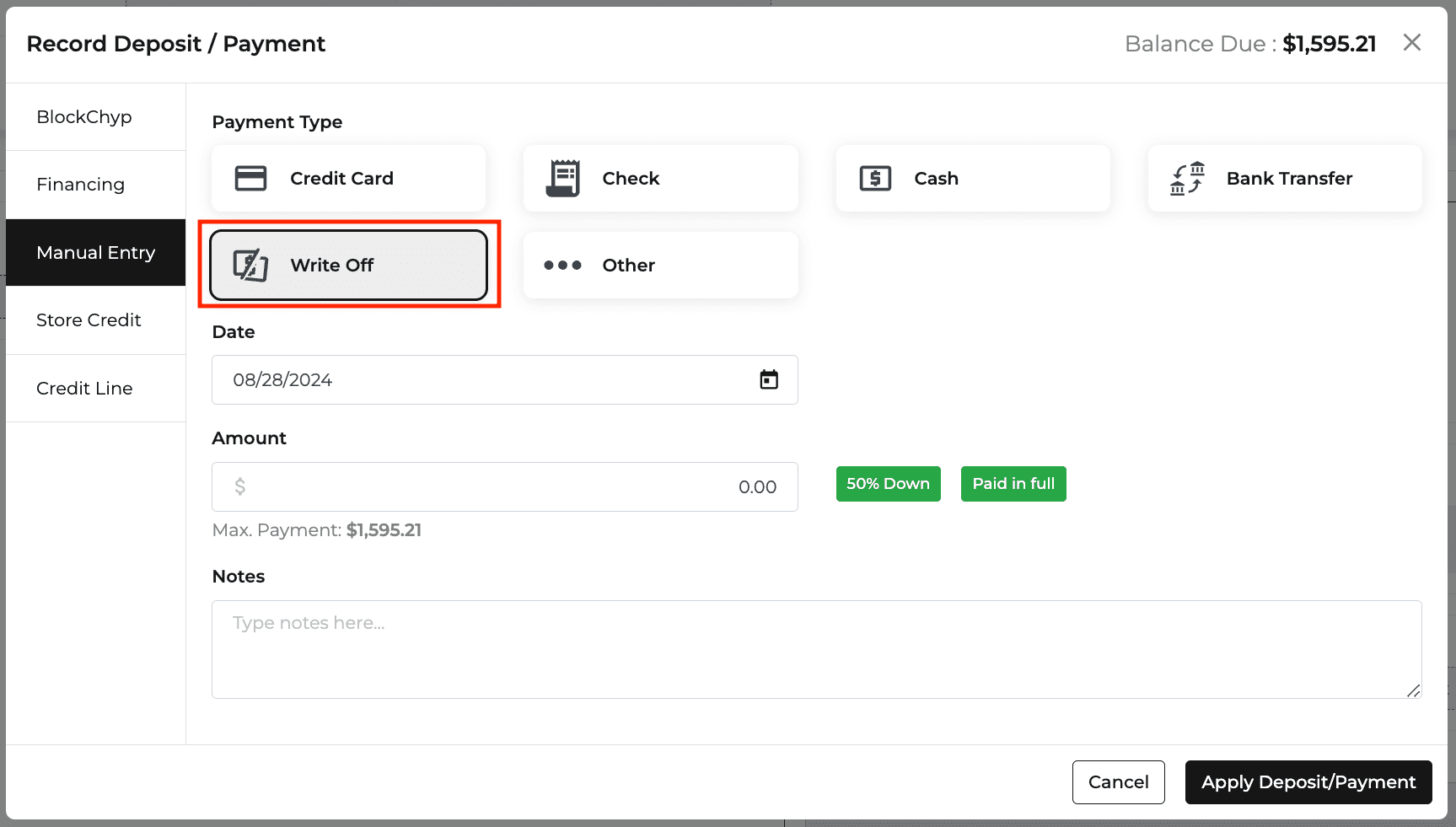
New Feature
Orders
Quotes
Notification
Reports
Delivery and Routing
Website
Clearer Damage Allowances
Report columns are renamed for clarity (for example, Amount Offered, Credit Amount, Date of Damage, and Resolved Notes), and a new Credit Amount tile shows on the Open and Resolved tabs.
You can add a damage allowance from the report with the new + Damage Allowance button, and the Order page now has a dedicated notes section for damage allowances.
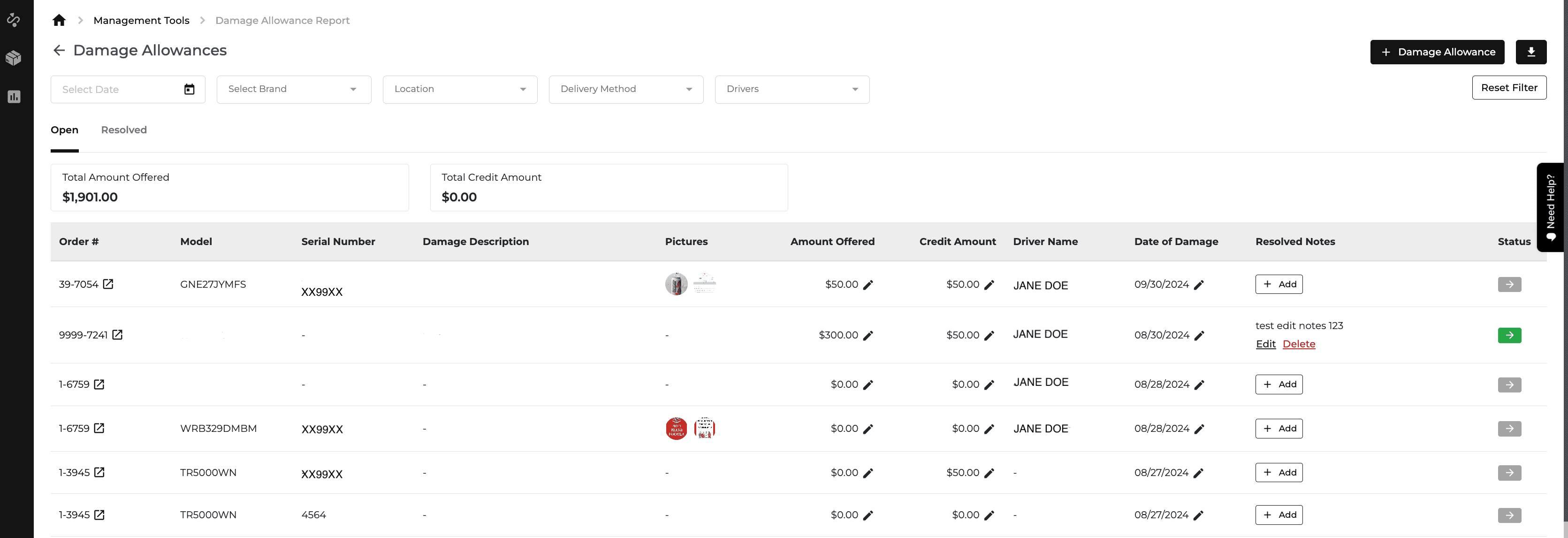
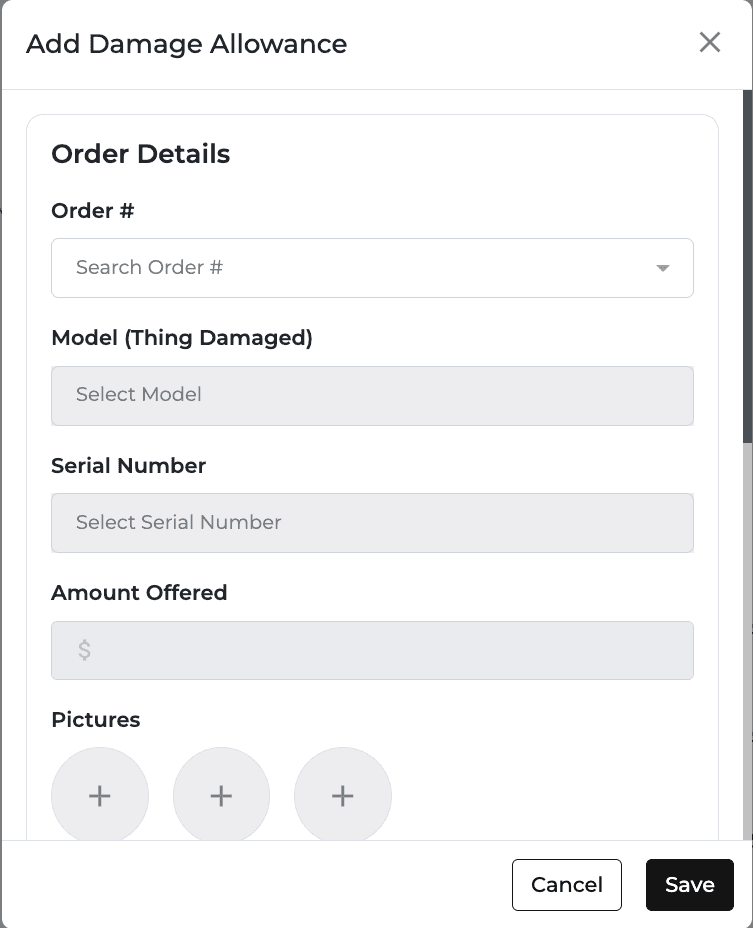
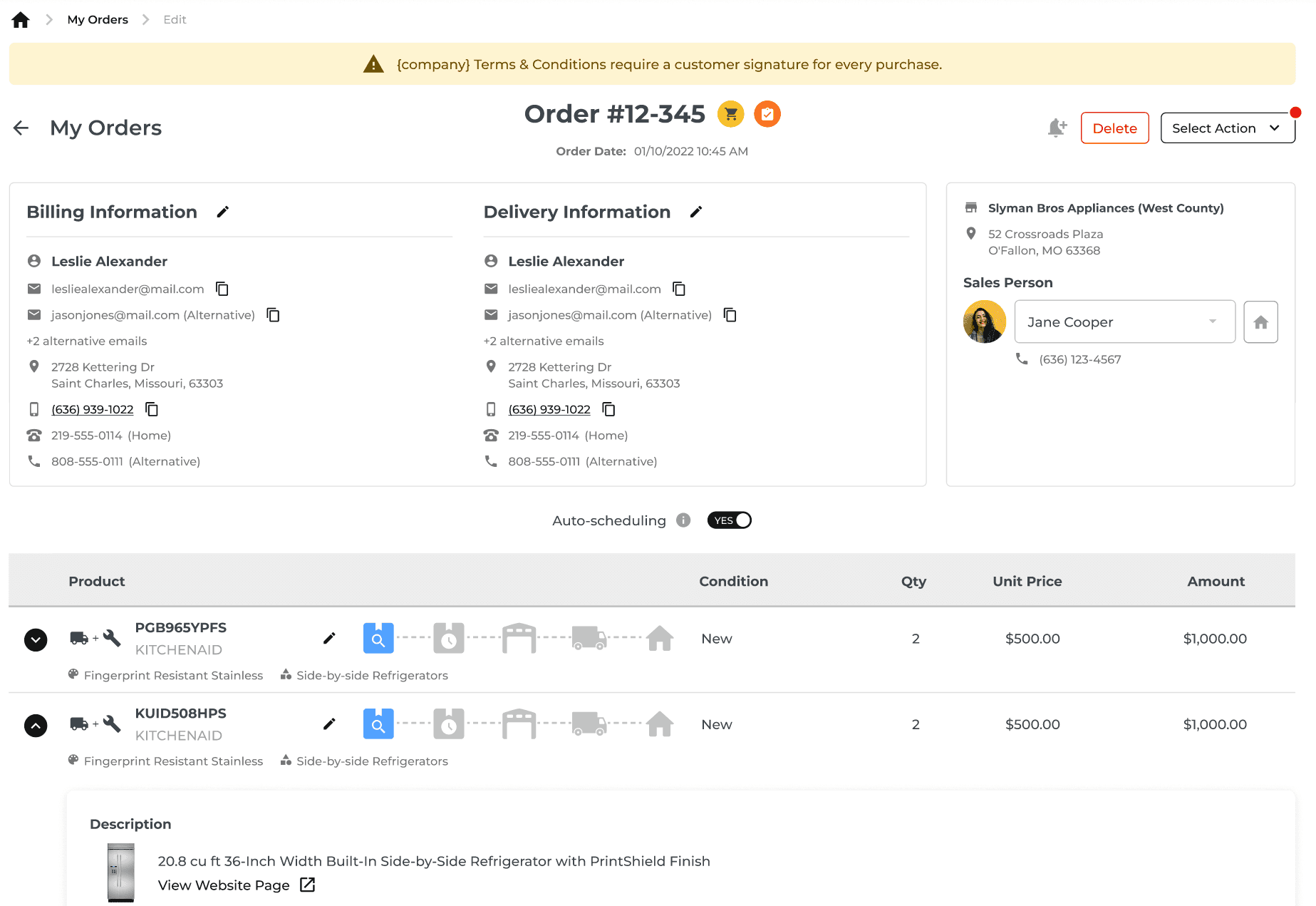
Abandoned Cart Quotes in POS
When a customer starts checkout on your website and continues to scheduling, a quote is created automatically and appears in the salesperson’s My Quotes with an eCommerce icon.
The quote is locked for 10 minutes and updates automatically if the customer changes the cart before the salesperson edits it. If it is still not active after 60 minutes, the salesperson gets an email and a notification.
This applies to products only, not Instant Only services.
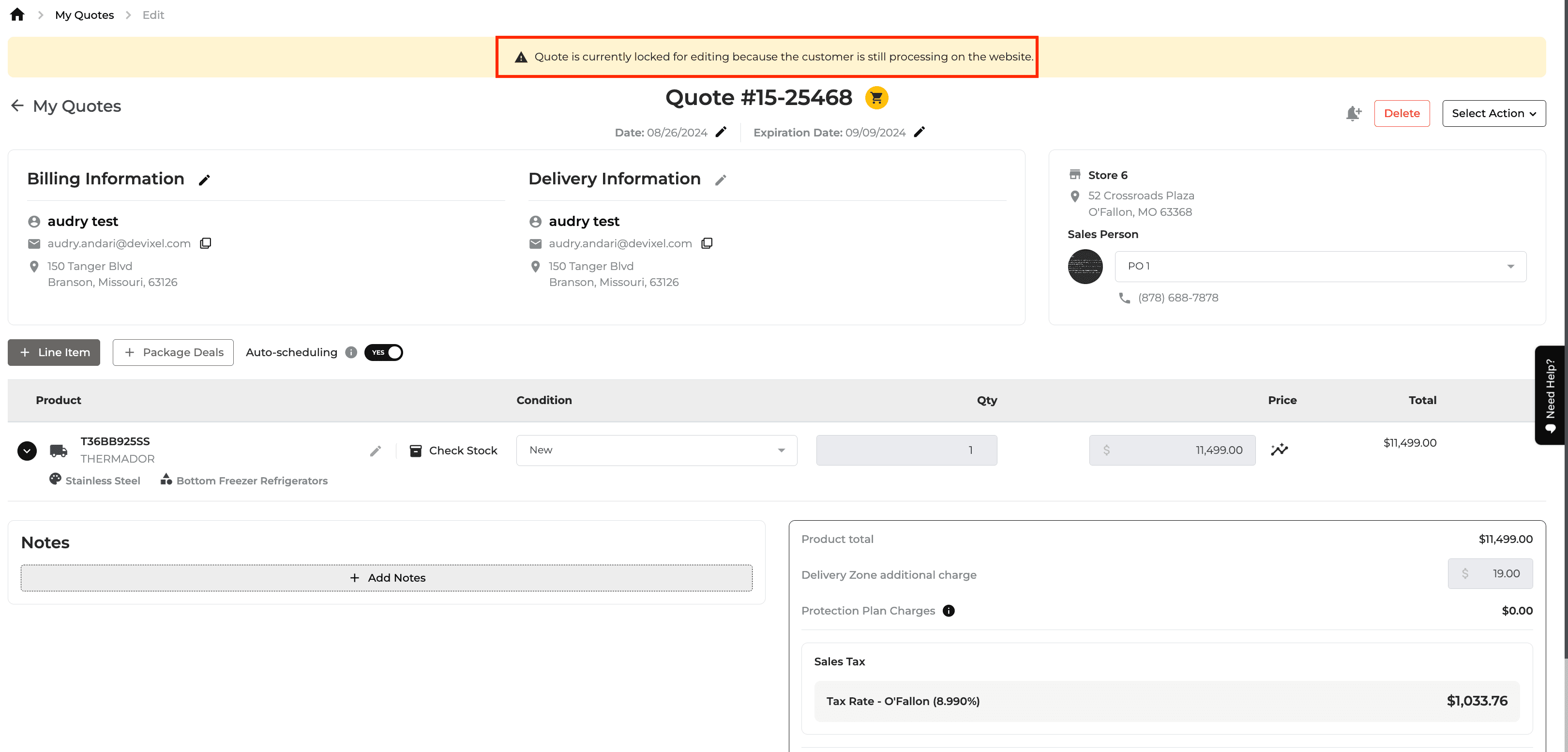
Install Only Print on the Routing Page
A new Install Only option in Print All prints installation tasks (Order #, Install, and QTY), including home visit installations, in the existing truck-by-truck or stops-in-order formats.
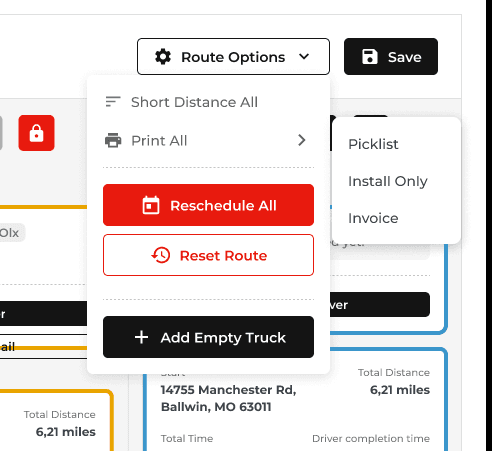

New Feature
Reports
Settings
Protection Plan
Delivery and Routing
Orders
Website
Fulfillment Report (Formerly Installs Report)
The report is renamed and redesigned, with new columns for Fulfillment Type, Delivery Type/Install Name, Haul Away QTY, and price breakdowns, plus filters for Fulfillment Type, Delivery Type/Install Name, and Source.
New tiles on the Delivery Price page show totals for fulfillment, install, delivery, delivery zone, haul away, and trip charges.
Pickup Location Settings
A new toggle lets you set pickup locations and methods per location, which affects the stock levels shown on your website.
When it is on, pickup locations can be selected and pickup methods are created automatically in delivery settings.
Restocking Fee Rules
You can now apply restocking fees to All Returns or to Delivered Only.
Average Attachment Rate in Protection Plan Report
The report now shows the average protection plan attachment rate at the top, and it updates when you filter by location or salesperson.
Reschedules Management
A new Reschedules tool in Management Tools has two tabs: Open Reschedules from the Driver App, and Inventory Affected, where you can swap the unit on an order.
Rescheduled orders show a new icon, and My Orders and the Orders Report have a Reschedule tab after Pending.
Feature Improvement
Orders
Driver Apps
Settings
Pictures in Changelogs
Order changelogs now show pictures that were added or removed, so you can view and download them.
Pictures can come from the Driver App (pre and post installation, reschedule, damage allowance, home visit, and manual stop) and from the Order page (delivered items and completed home visits).
Alert for Multiple Active Routes
A new toggle in Delivery Settings > Delivery Rules alerts drivers who try to start a new route while another is active. When it is on, drivers with more than one open route can’t access the Driver App.
Scan Out Page on Mobile
The serial column is wider and now shows the full serial number.
Feature Improvement
Reports
Settings
Quotes
Sales Tax Report: Credit Lines
The Cash Basis tab has a new “Show Only Credit Lines Paid in Full” toggle (off by default), and the Accrual Basis tab no longer has the “Paid in Full & Delivered Only” toggle.
Both tabs add Paid Date, ZIP Code, Country, City, and State columns.
Company Settings: Custom Models and How You Found Us
Admins can now turn Custom Models on or off for quotes. They can also turn on a required “How did you hear about {company}?” question, which appears when starting a quote with a new customer or creating a customer.
Feature Improvement
Settings
Quotes
Delivery and Routing
New Price Data Points: LAP and LCP
LAP (Lowest Advertised Price) replaces the previous LCP (Lowest Competitive Price), and a new LCP (Lowest Cart Price) is added.
Both appear in Pricing settings, the Product page, Quote pricing analysis, and the Package settings regular price rule.
Delivery Schedule Update
Delivery Schedule features are now open to all users, and Delivery OS is renamed Delivery & Install Automation.
Pro and Enterprise clients can use both and manage delivery methods on the Delivery Schedule page. No-routing companies see no change.
New Feature
Settings
Website
Quotes
Orders
Promos
Package Deals
A new settings page lets you create package deals with a name, description, start and expiry dates, and a custom price rule. A package needs more than one model from a single brand.
Choose whether each package shows on the website, the homepage, and POS. Salespeople can add active packages to quotes and orders with one button, and purchased packages show on the order summary.
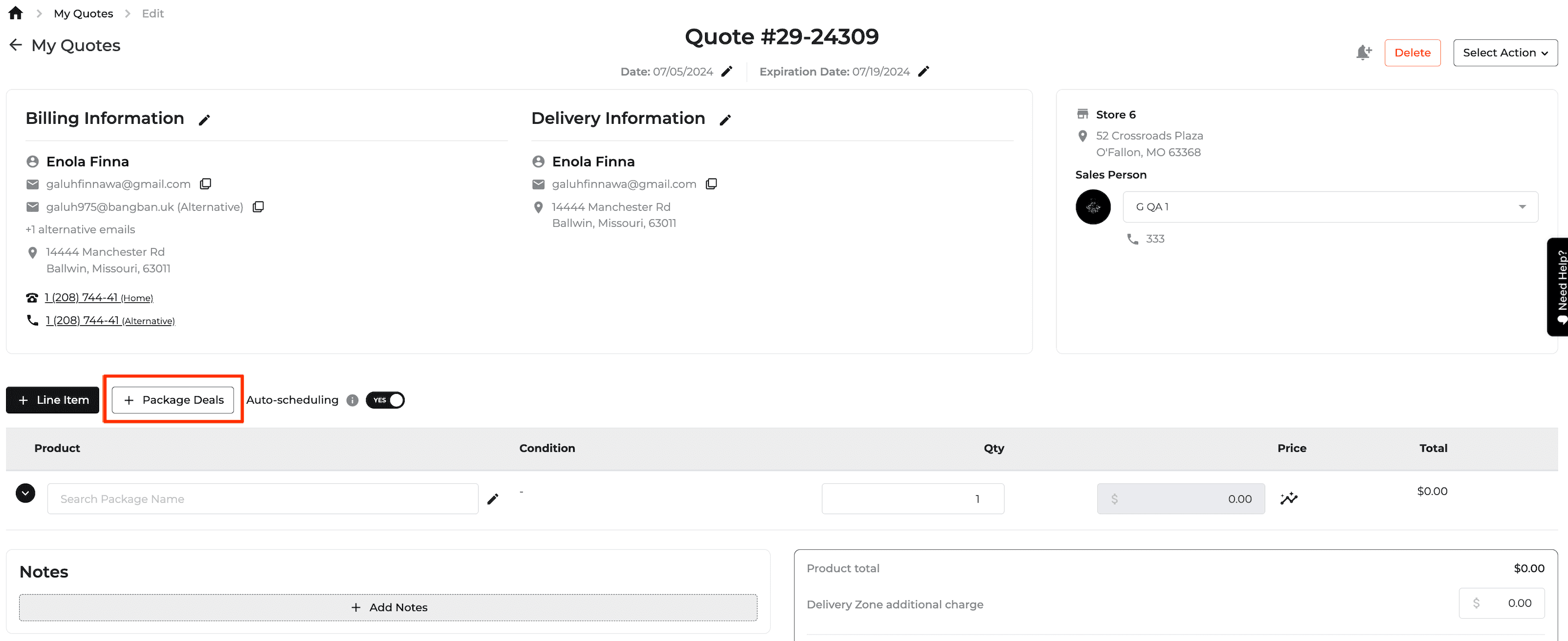
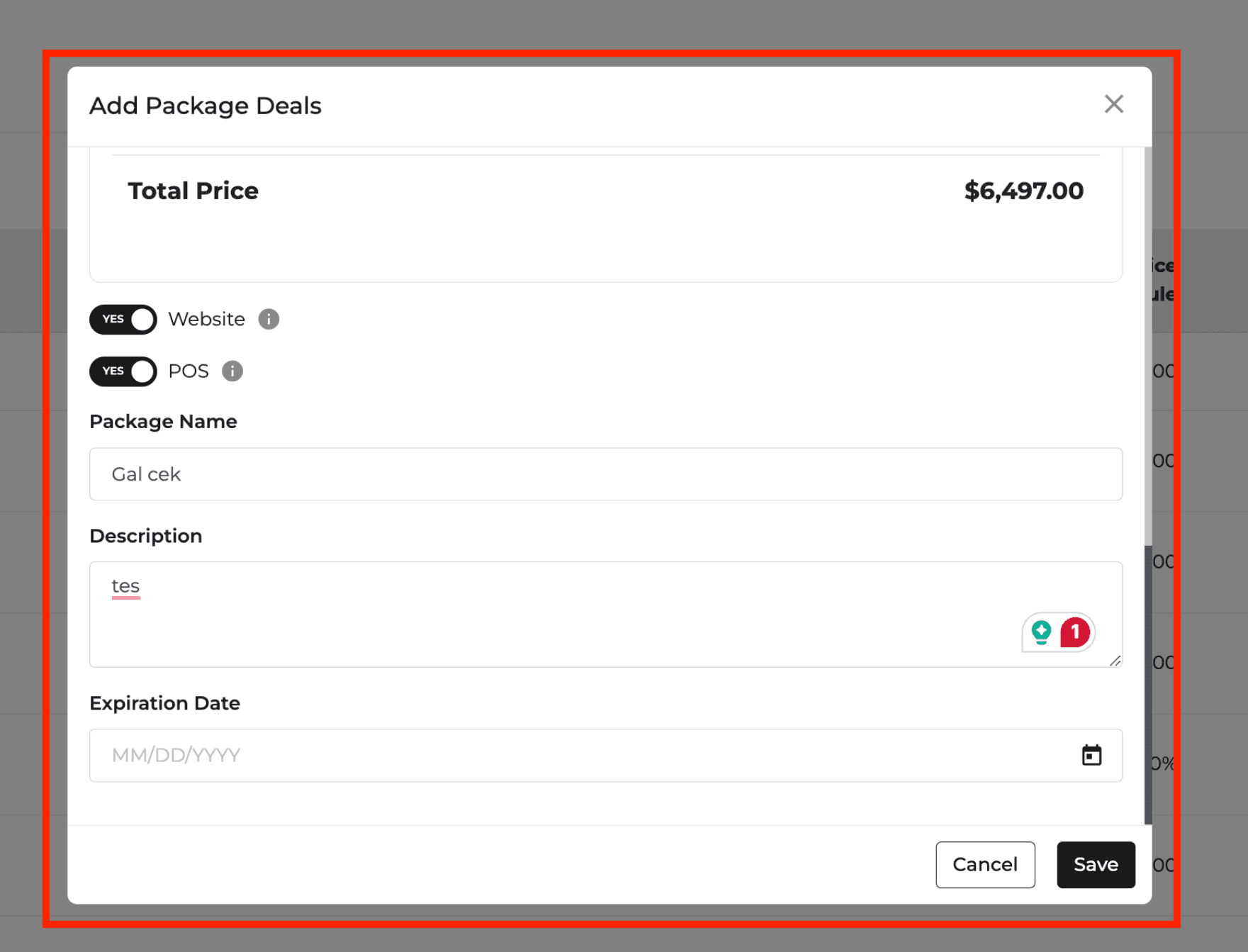
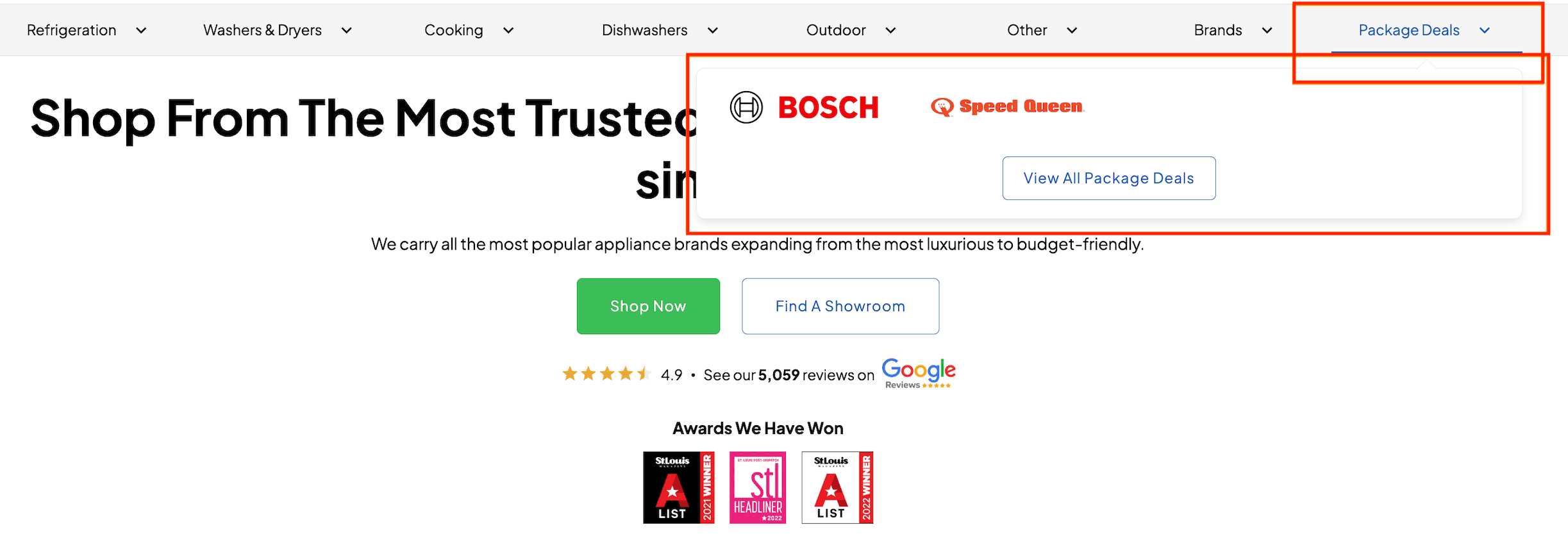
New Feature
Quotes
Orders
Notification
Settings
Page Numbers on Printouts
Every printed page now shows the order number, customer name, and “Page X of Y” in the footer.
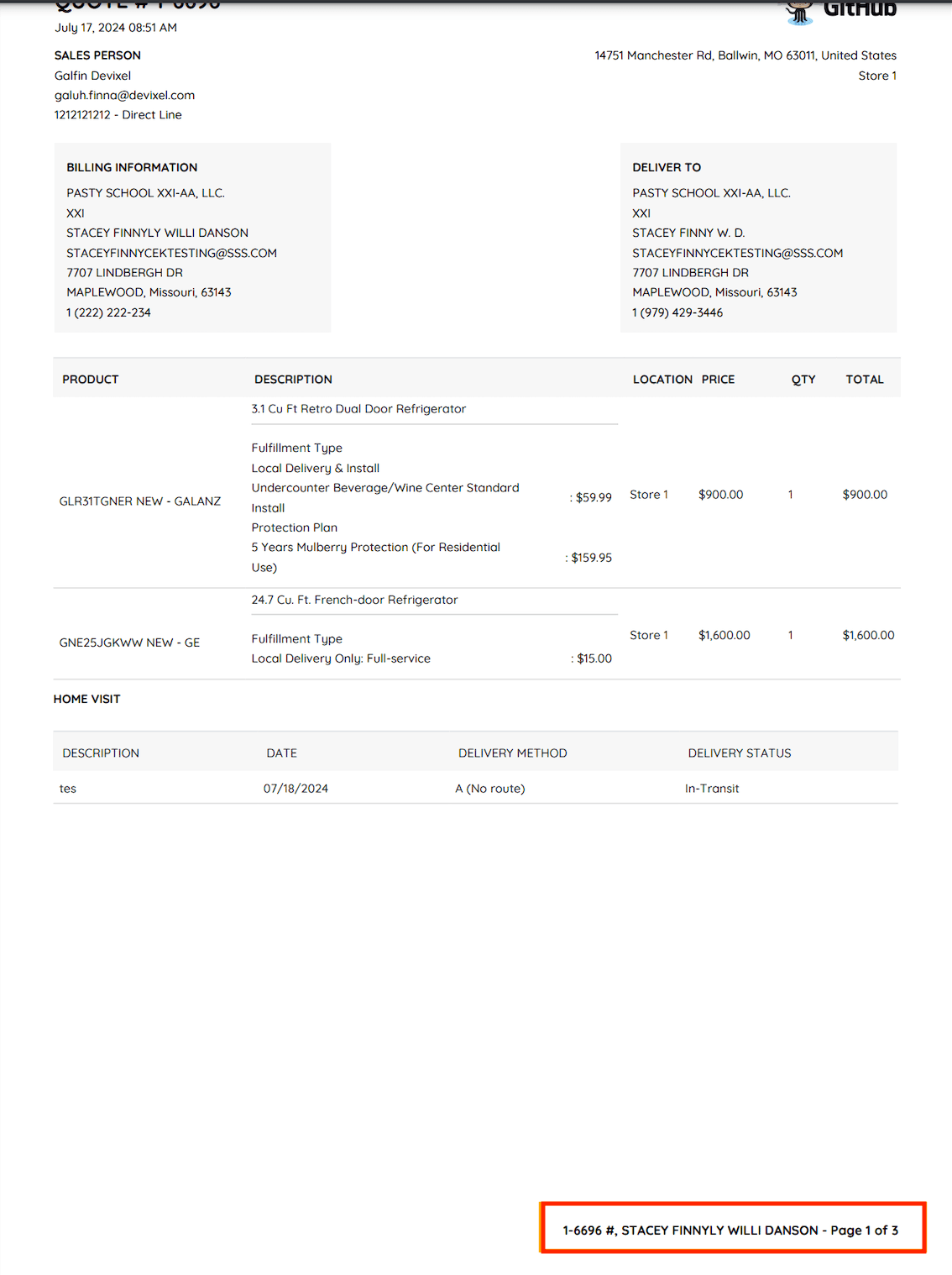
Auto-Fill Price on Quotes
When you add a model to a quote, the price now fills in automatically from your price settings. Custom models still need a manual price.
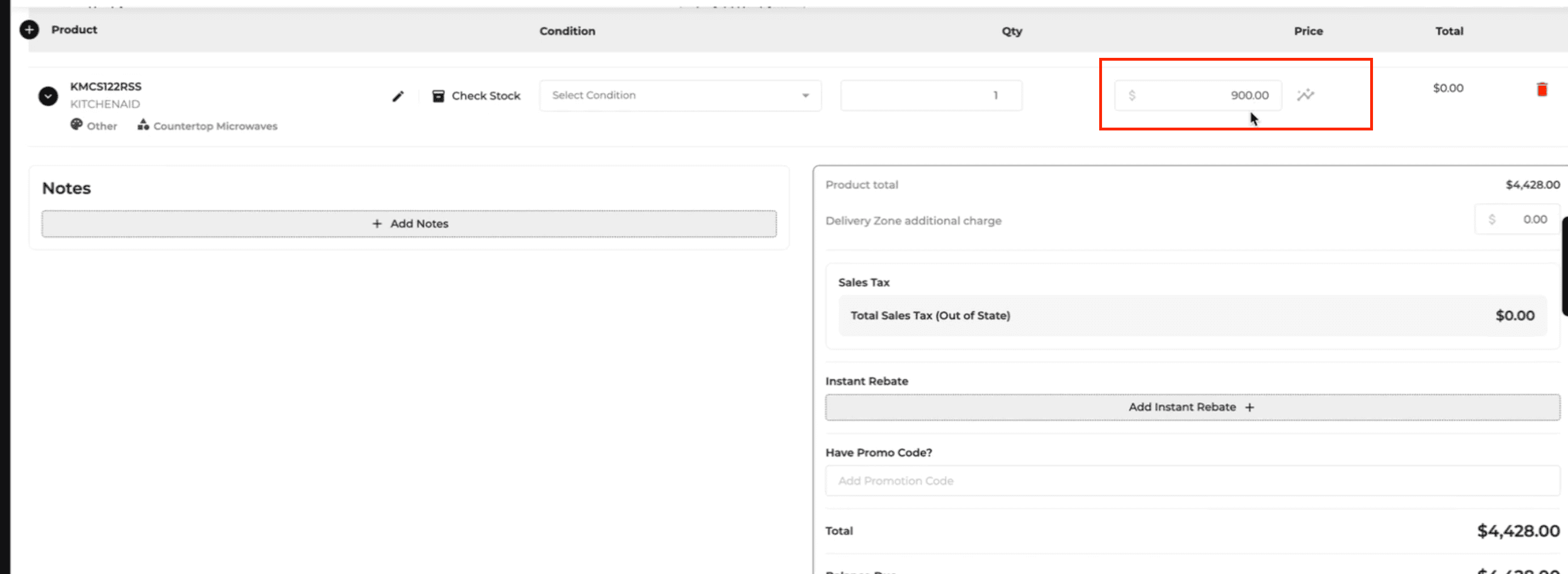
New Note Notification
The salesperson in charge, or other designated team members, are now notified whenever a new note is created, with the note’s creator, type, and text.
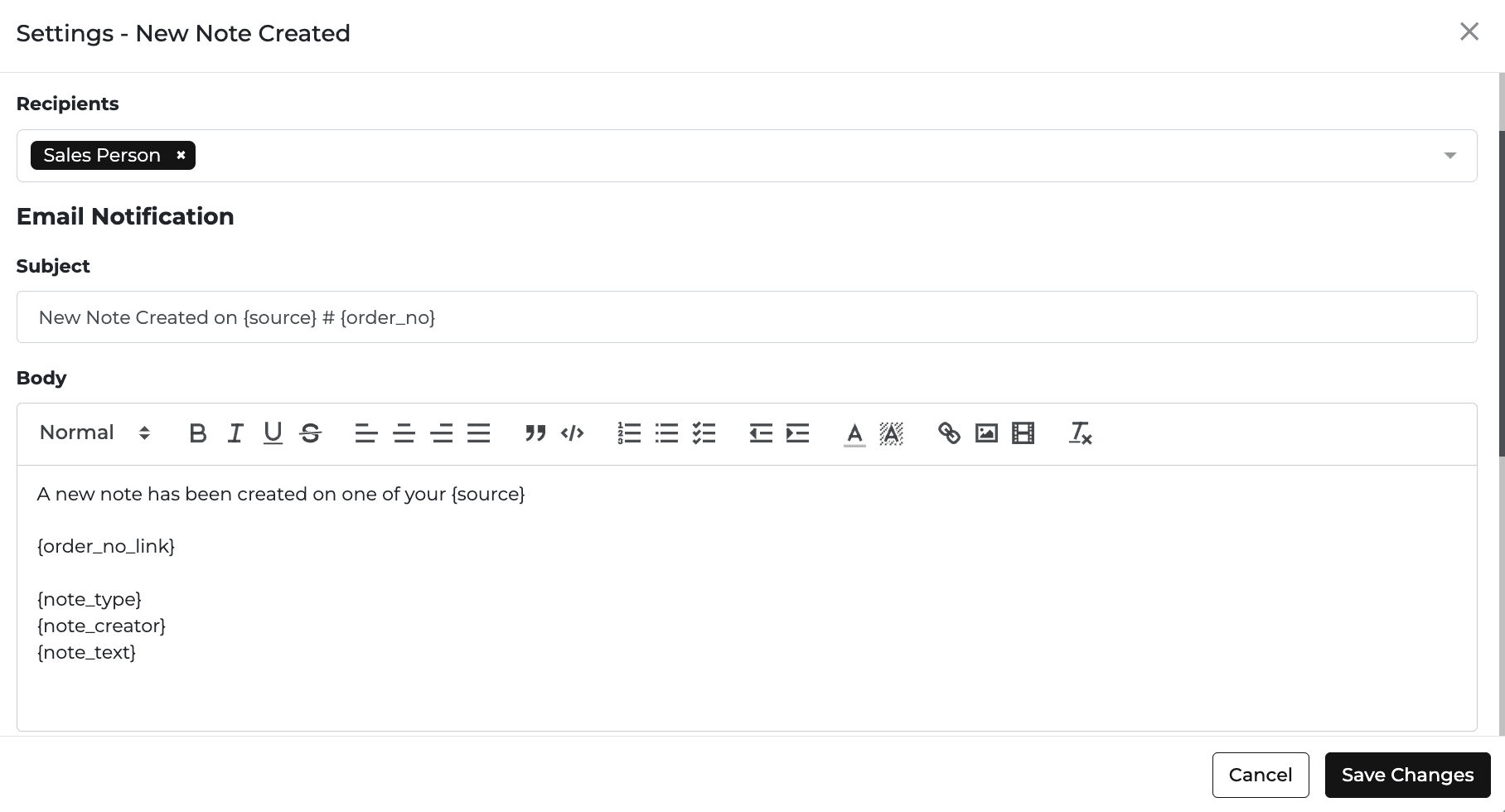
Last Login in User Settings
A new Last Log-In column shows each user’s last activity, which helps you spot inactive accounts.
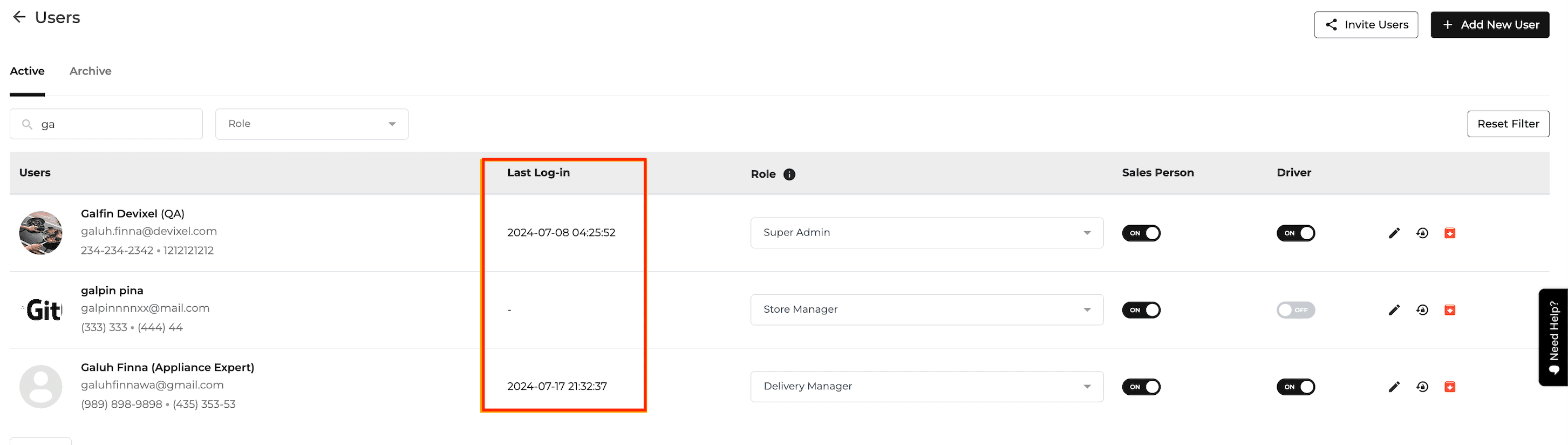
New Feature
Settings
Inventory
Quotes
Orders
Notification
Delivery and Routing
Digital Tags: Low Battery Status
Digital tag settings now show battery status, which is useful for tags that are 3 to 4 years old.
Model Search in Pricing Settings
A model search box on the Pricing Settings homepage lets you find models without opening each brand.
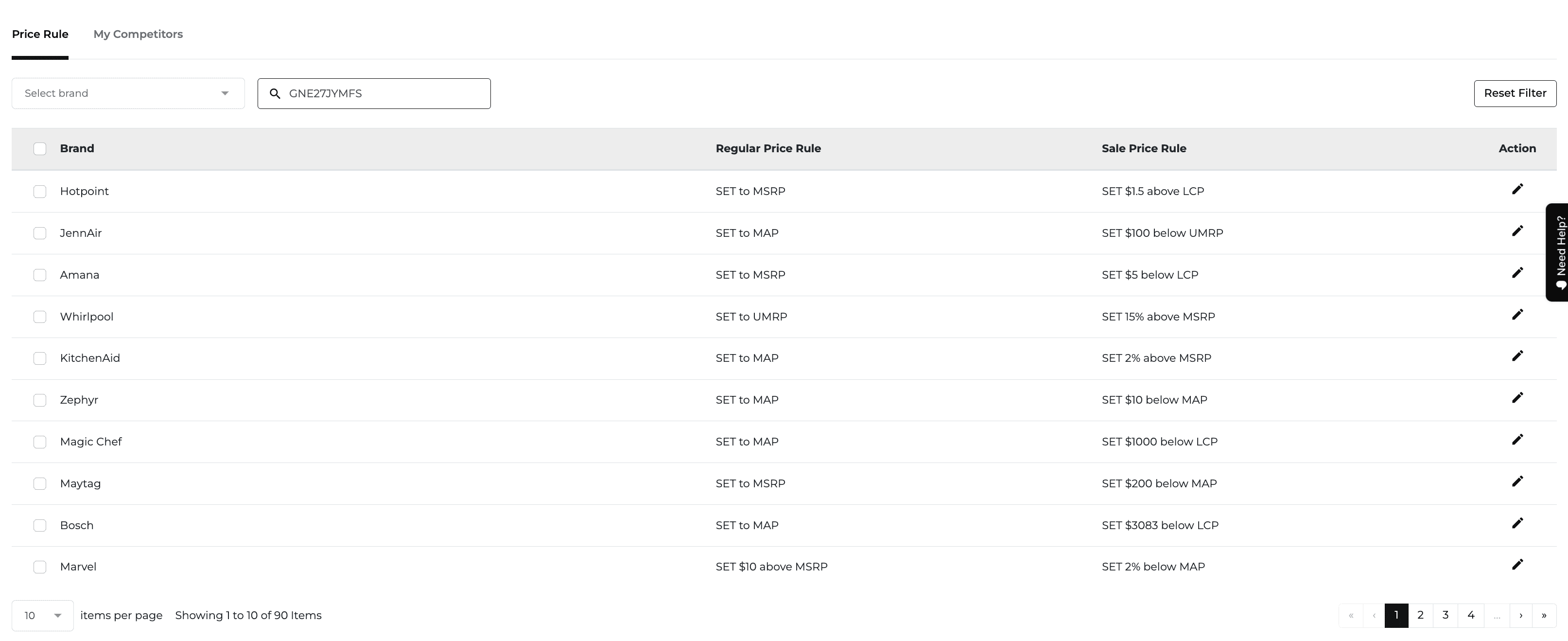
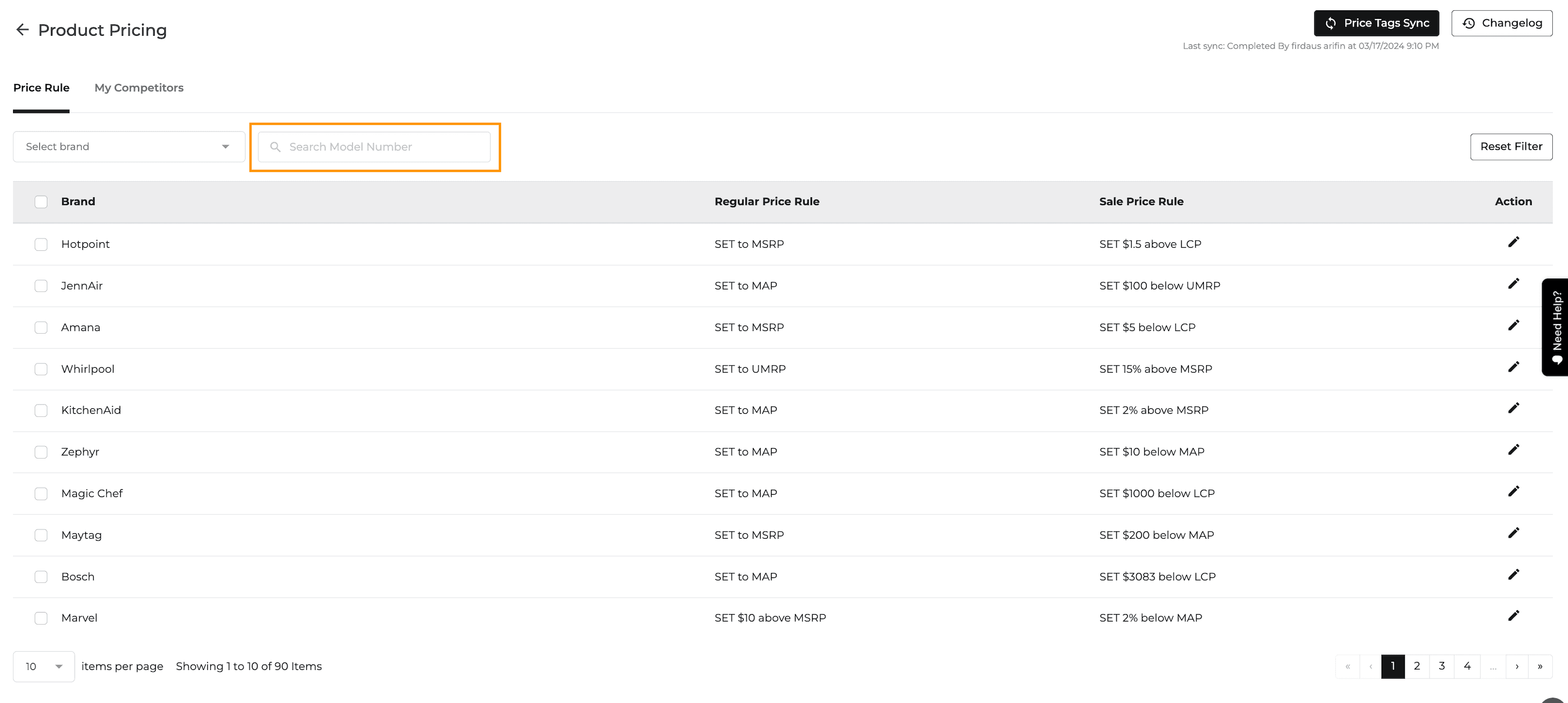
Website Link on Quotes and Orders
Each line item has a link to its product page on your website. The link is hidden if your website is not active.
Active Worksheets in Inventory Reconcile
The inventory options menu shows how many reconciliation worksheets are open, with a color change or flashing icon when some are active.
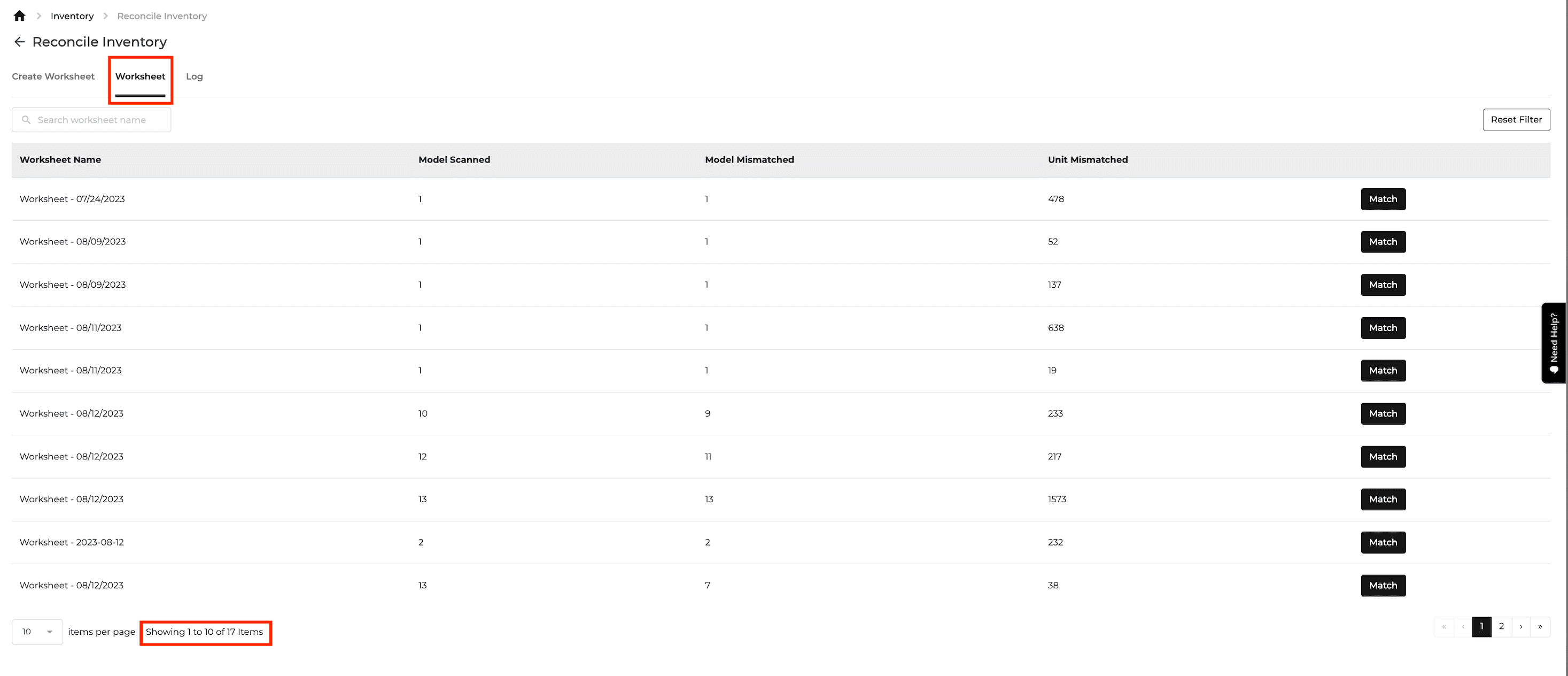
Fulfillment Icons in Inventory
Reserved items in the inventory popup now show a fulfillment icon, with the delivery date next to it when available.




Shared Delivery Method Reactivation Email
When a revoked shared delivery method is reactivated, the retailer now gets an email letting them know their access is restored.

Digital Tags Auto-Rebind
Tags that disconnect because of low battery, distance from the gateway, or other failures are now rebound automatically in the background.

How You Found Us on the Customer Page
The Customer page has a new “How You Found Us” column and filter.
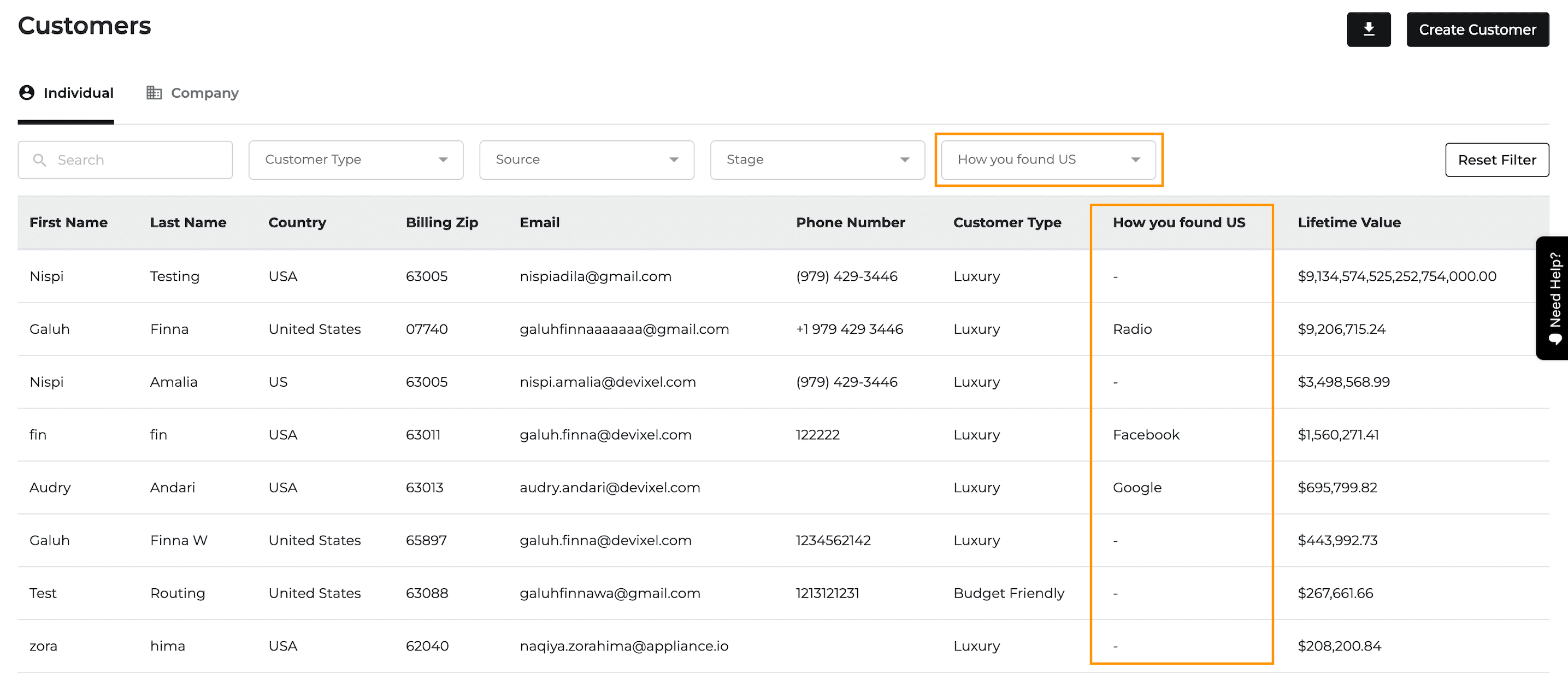
New Feature
Delivery and Routing
Settings
Protection Plan
Integration
What’s New
The Basic Plan gains simplified delivery scheduling, and EPIC protection plans are available through an integration.
Set active delivery days and daily slot counts with Delivery Schedule – Tear Out. Basic Plan scheduling hides full Delivery OS configuration and home-visit controls.
Scan Out shows all scheduled delivery items without assigning them to trucks. Routing-page access and unavailable delivery-method filters are hidden for this setup.
Offer Centricity EPIC protection plan options through the EPIC API integration.
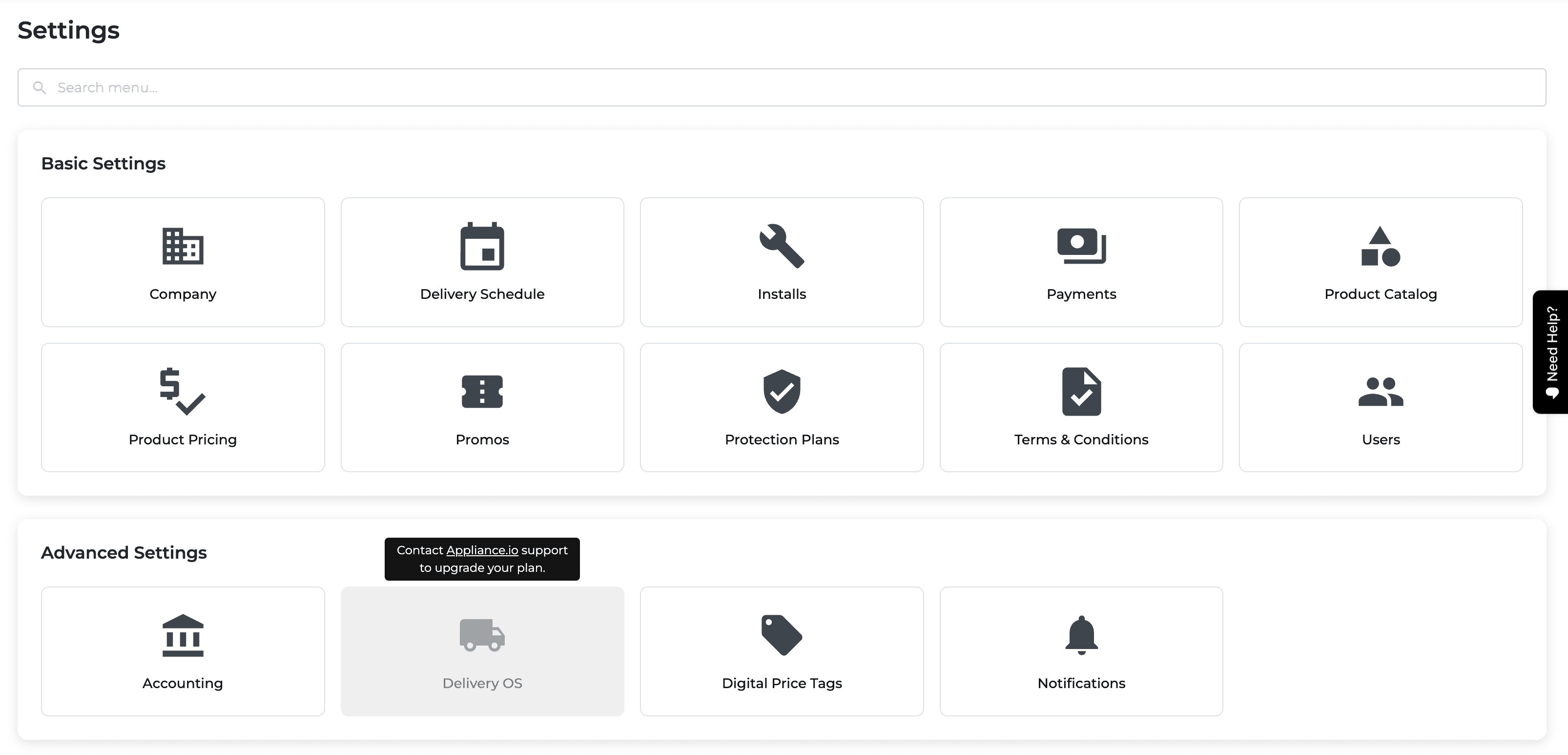
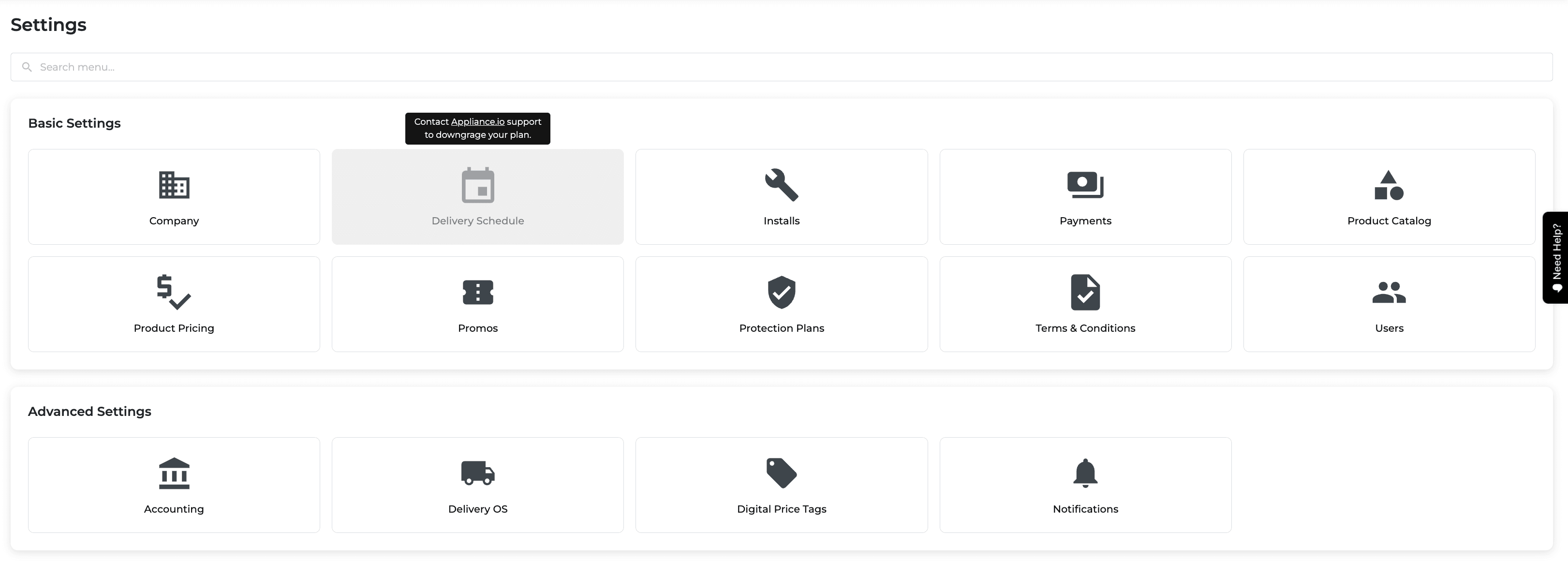
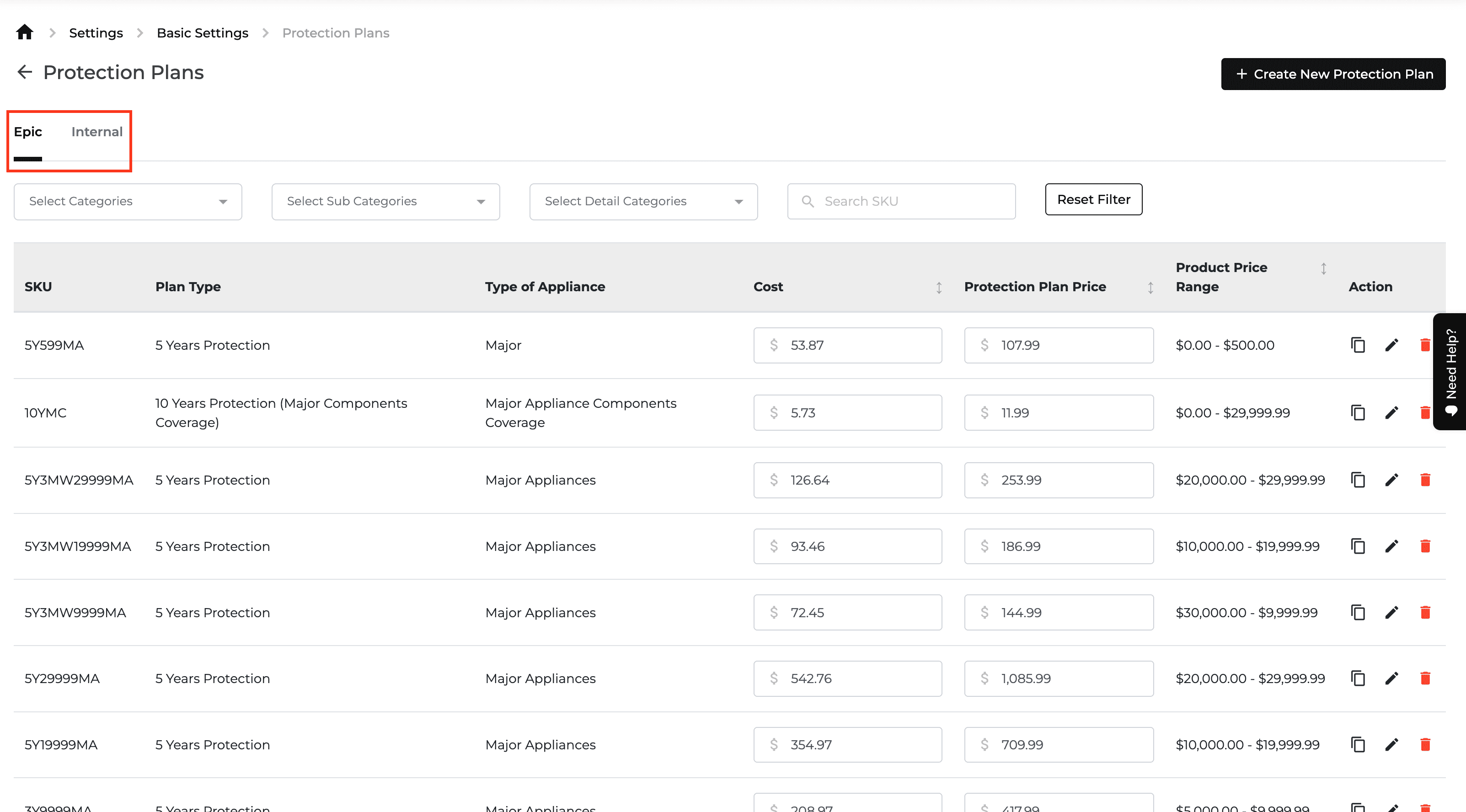
New Feature
Delivery and Routing
Onboarding
Settings
Integration
What’s New
Delivery settings now distinguish retailer and provider accounts and support linked delivery services.
Choose Appliance Retailer or Appliance Delivery Provider during onboarding to receive the appropriate delivery settings.
Review Partner IDs and linked-company information in Company Settings. Both companies must confirm a partner link.
Invite retailers to use a provider's delivery methods. Retailers choose the services they need, such as installation, delivery, or haul away, and can view but not edit linked method settings.
Use shared delivery methods for scheduling and routing while restricting each retailer's view to its own orders; other companies' orders are blurred.
Complete a method's automation settings before sharing it.

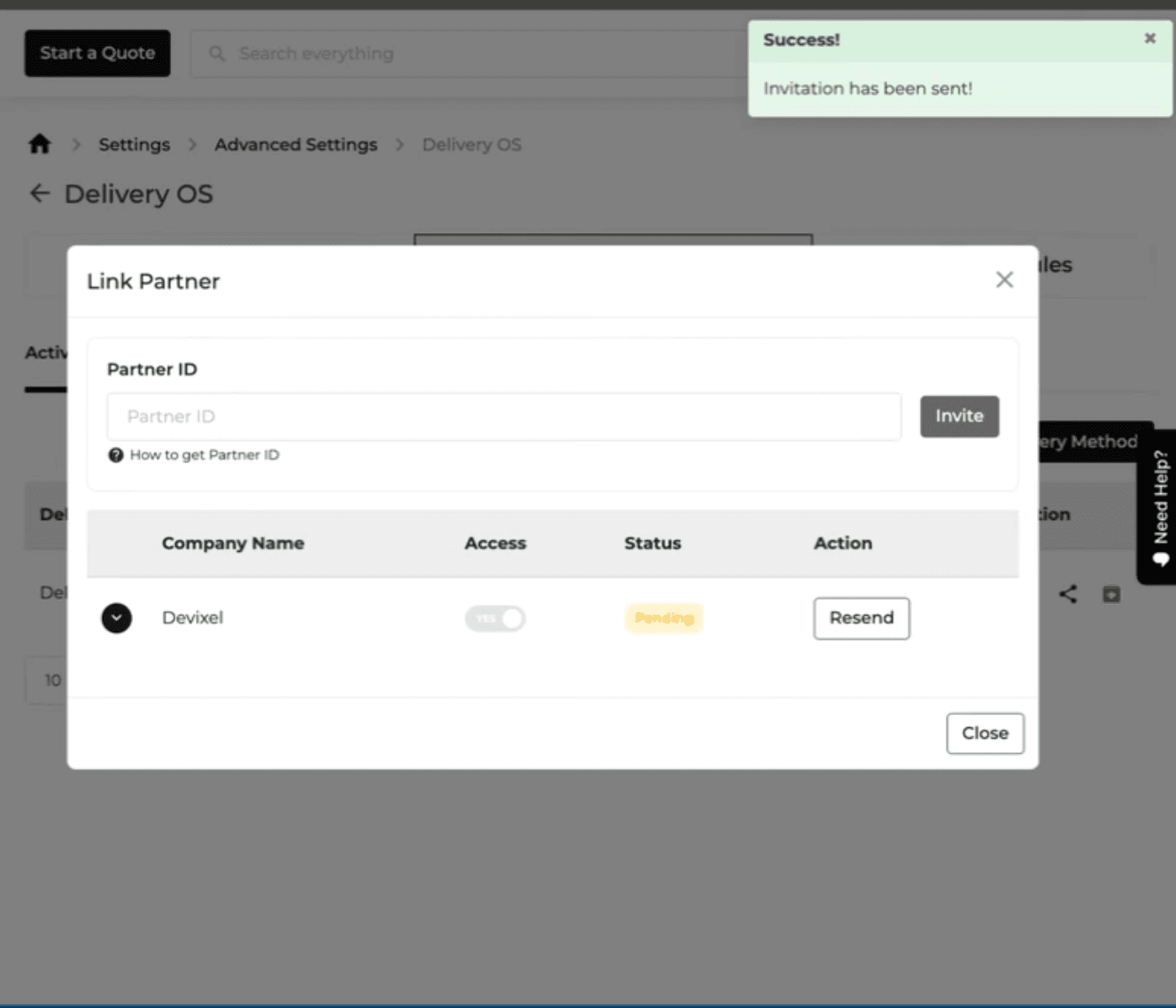
Feature Improvement
Inventory
SKUDeck™
Product Catalog
What’s New
Serialized price tags have been redesigned for clearer product information and scanning.
Choose from 3.2-, 4.2-, 5.8-, and 7.5-inch tag templates.
Show the product condition and inventory description, with a larger QR code and Scan me to purchase guidance.
Remove price-match and protection-plan details from the tag, and add an as-is final-sale notice.
Use regular price as the reference price and highlight the recommended price as the sale price.
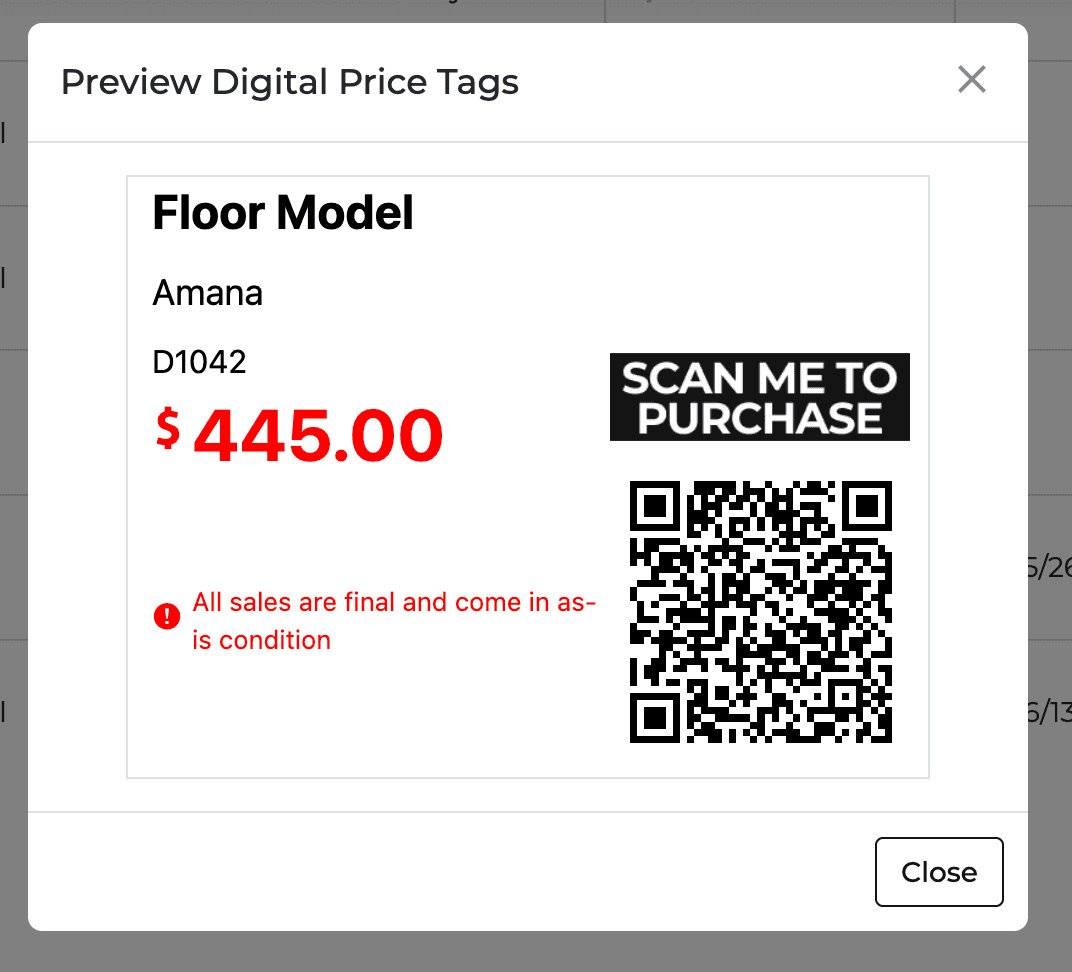
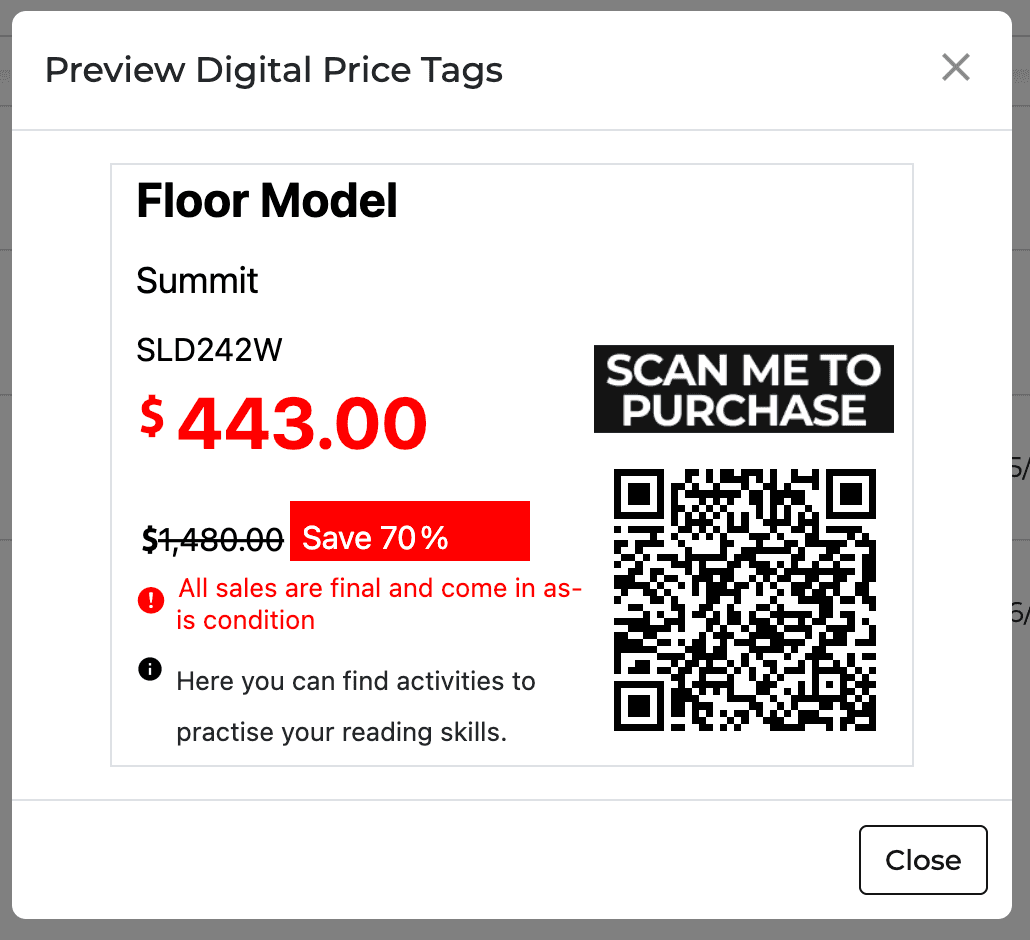
New Feature
Feature Improvement
SKUDeck™
E-Commerce
Website
Delivery and Routing
Settings
Reports
Inventory
What’s New
This update improves digital-tag shopping, routing navigation, pricing history, and product reports.
Send shoppers who scan a digital price tag for a non-new item to a cart page. Self-checkout is available only when the item's serial number is recorded.
Open Routing from its own Home Bar page, separate from Deliveries, under the existing routing permissions.
Review brand, model, price, price-rule, and price-type changes in the Pricing Changelog within Product Pricing settings.
Open a product page from Sales by Product or Floor Model Planner using the model link.
Use Monthly Usage and Current Supply columns in Floor Model Planner to assess sales and stock coverage using the selected sales-history period.

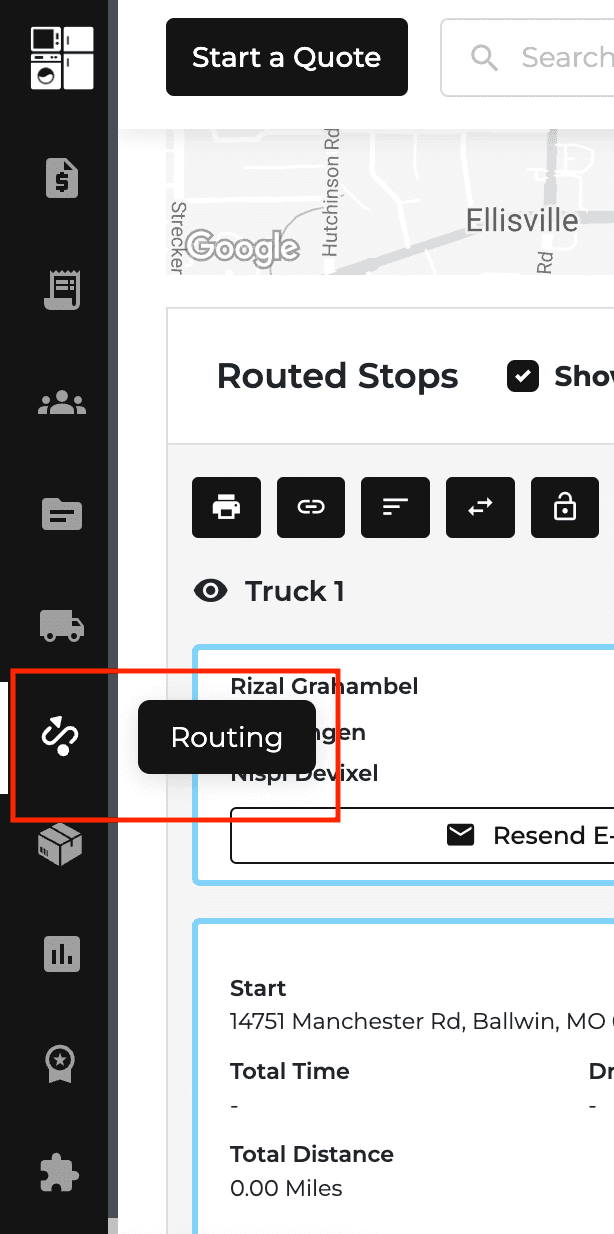
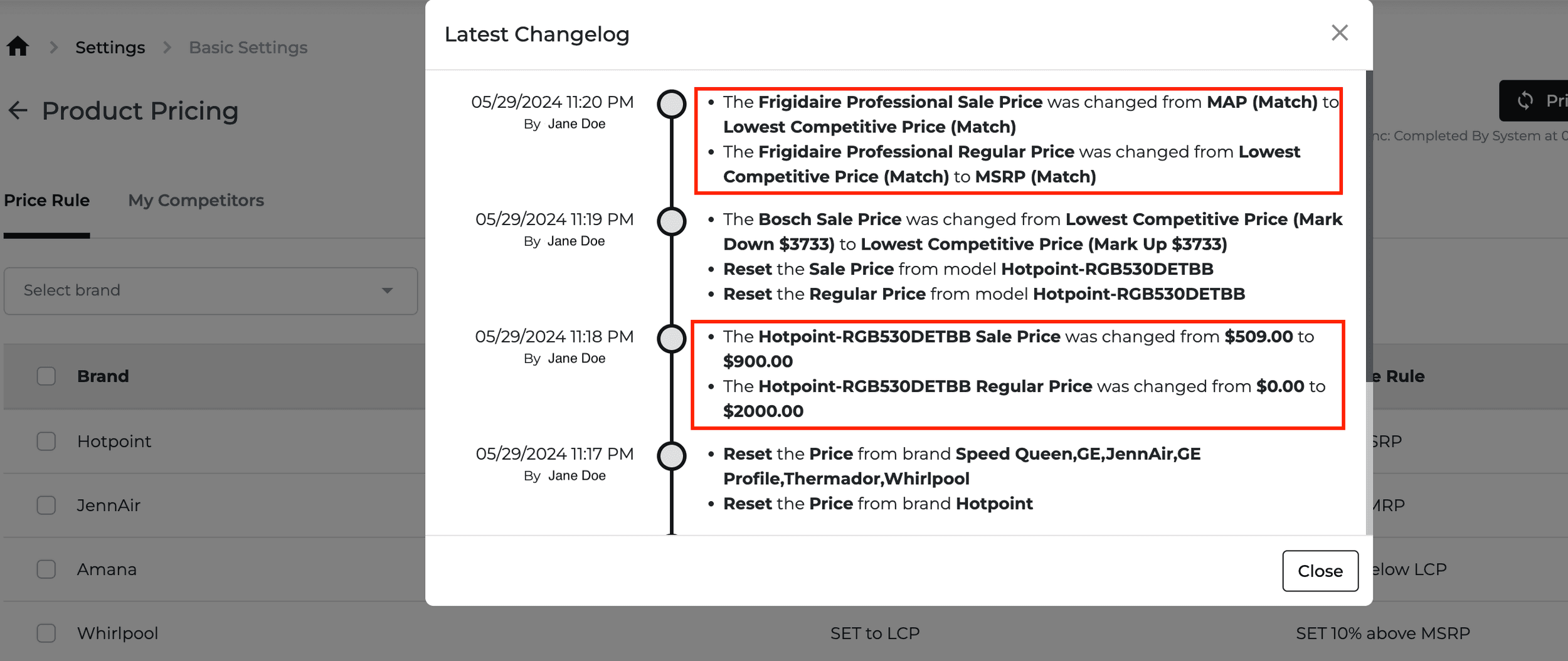
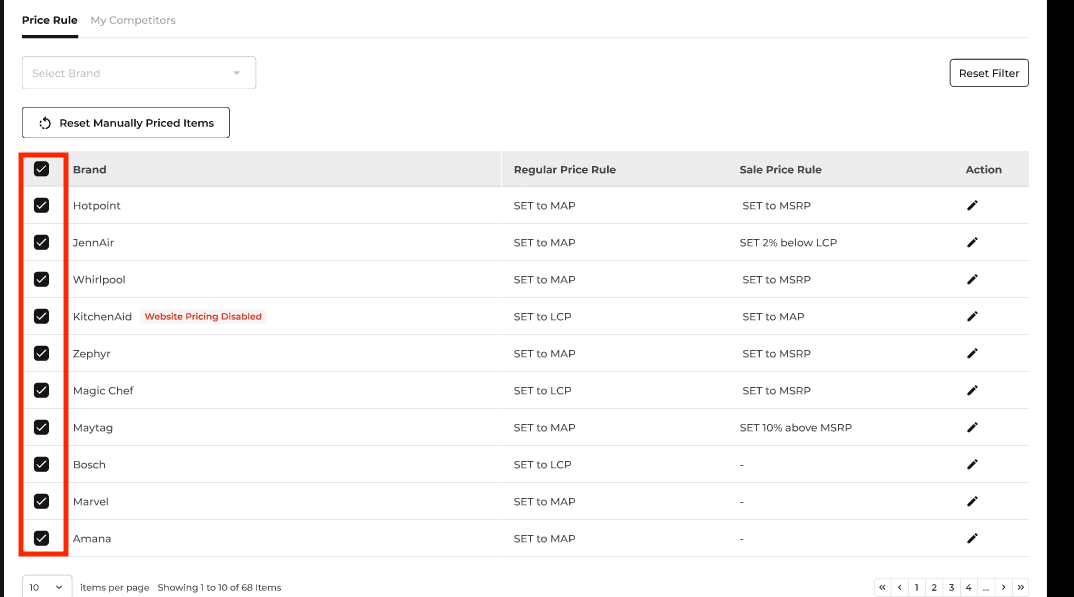
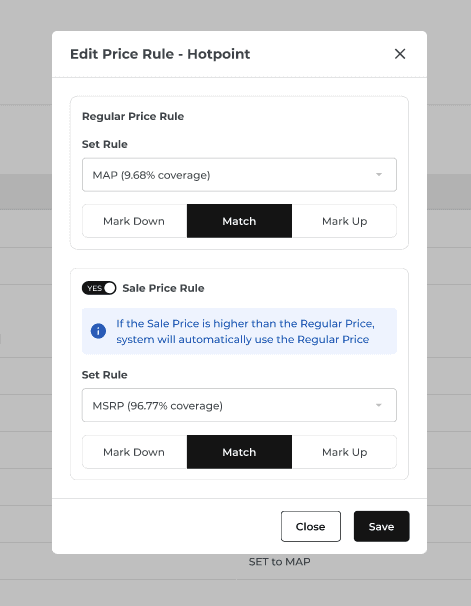
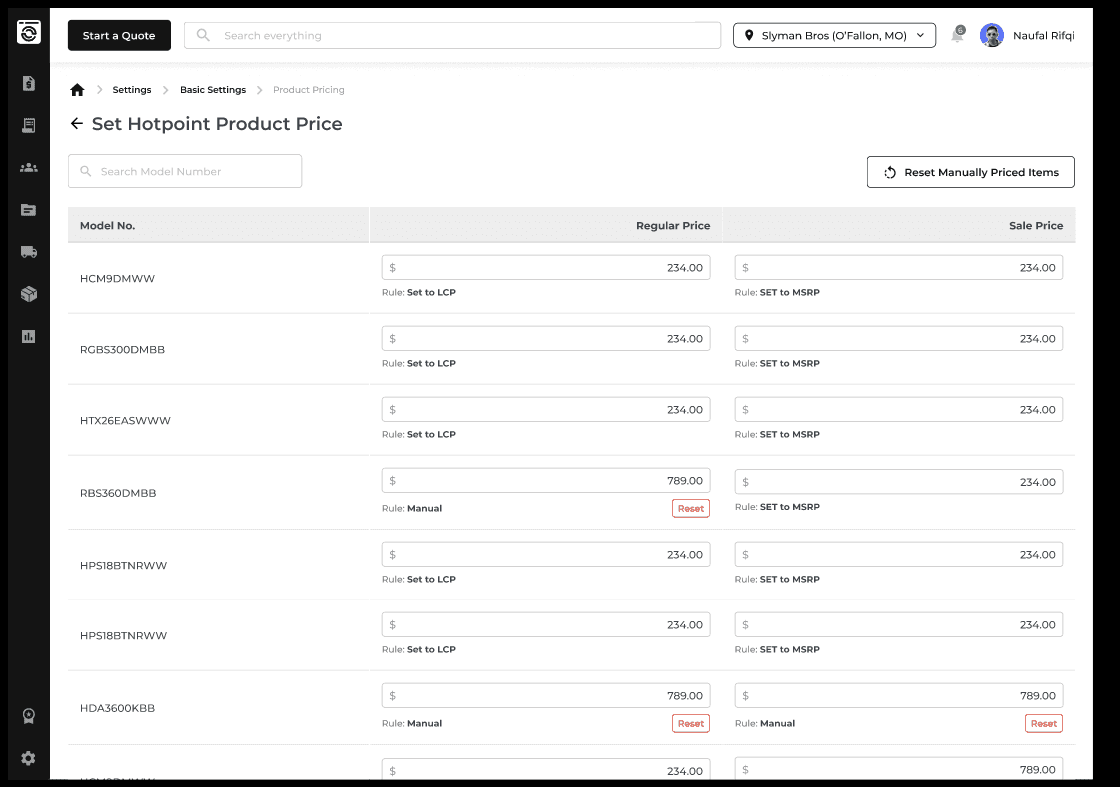

New Feature
Feature Improvement
Customer Hub
Orders
Reports
Protection Plan
Inventory
SKUDeck™
What’s New
Customer, protection-plan, inventory, and digital-tag views now surface more useful details.
See a customer's Lifetime Value as the cumulative amount of their orders in Customer Details.
Search the Protection Plan Report by SKU or protection-plan type.
Register old models through PO FIFO or Single Item Inventory. They stay off the website but remain available in POS quotes and orders for reservation and delivery.
Sort digital tags with missing tag numbers first, followed by offline tags, other failures, and online tags.